20

设计一张具有高级商业审美的极简海报,核心视觉语言是“真实物象穿越几何情绪窗口”。画面中设置一个窄长的低饱和色块,作为视觉锚点和空间容器,色块颜色根据主题选择柔和
Click to enlarge

Example images

Posters & TypographyPromptsref图片posters-typography海报与排版

设计一张具有高级商业审美的极简海报,核心视觉语言是“真实物象穿越几何情绪窗口”。画面中设置一个窄长的低饱和色块,作为视觉锚点和空间容器,色块颜色根据主题选择柔和

Prompt
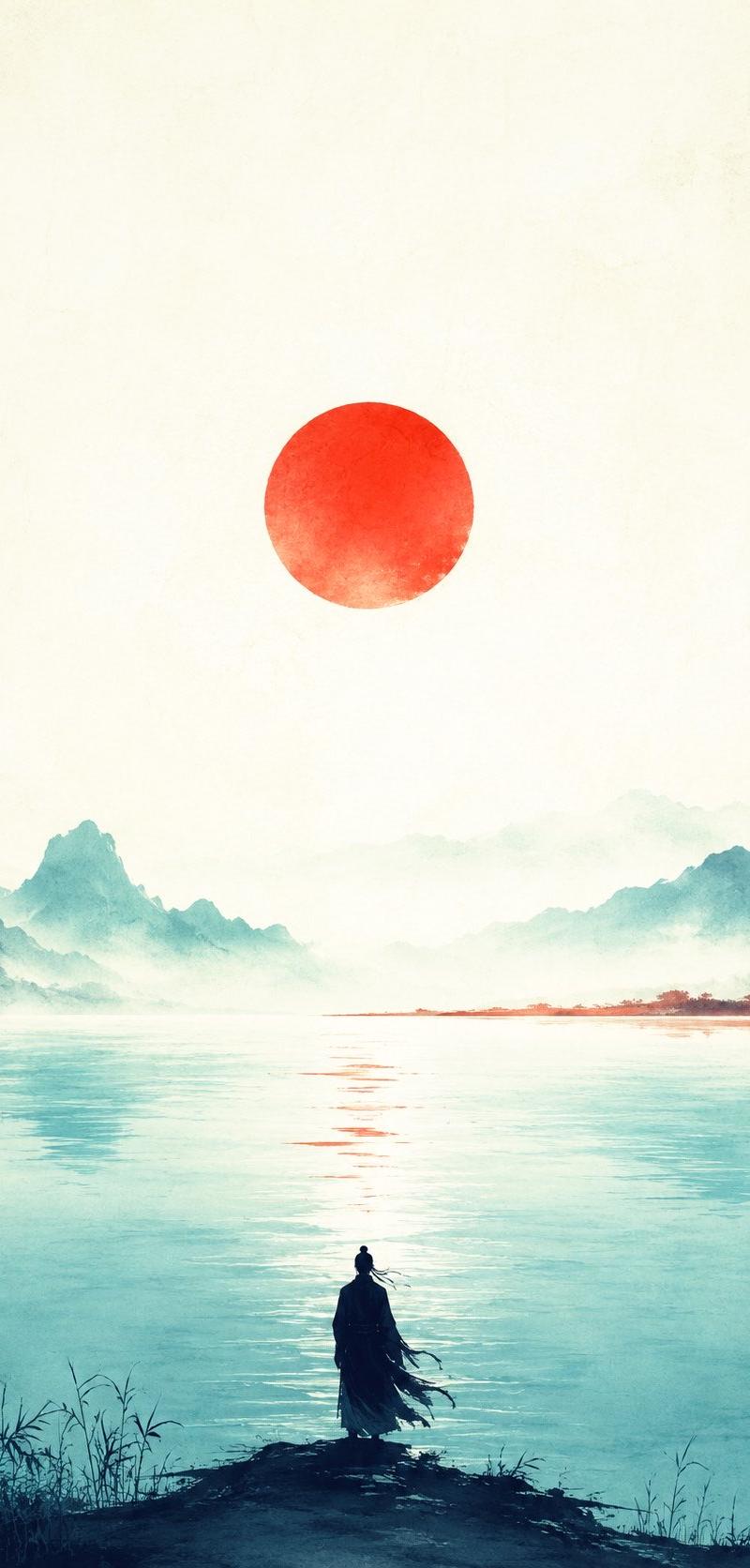
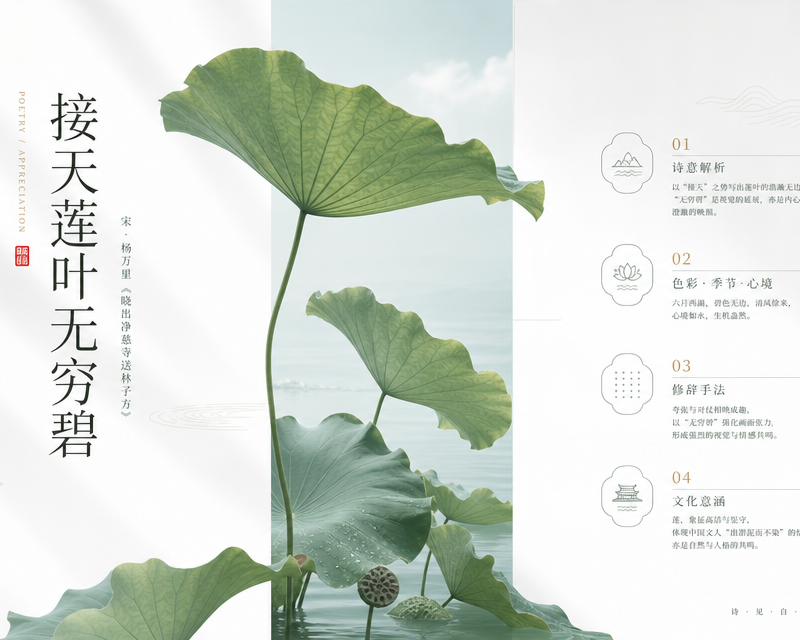
设计一张具有高级商业审美的极简海报,核心视觉语言是“真实物象穿越几何情绪窗口”。画面中设置一个窄长的低饱和色块,作为视觉锚点和空间容器,色块颜色根据主题选择柔和浅色,如雾蓝、浅青、米白、淡粉、暖灰或浅金。将【核心物象】以真实摄影质感或精细写实方式置入色块之中,但不要完全困在色块内,要让主体局部越界、破框、延伸到留白区域,形成自然生长感和空间穿透感。背景保持极简,使用大面积白色或浅灰留白,加入几乎透明的文化纹样、线性图形、地形线、水波线、光影轮廓或抽象符号,作为若隐若现的视觉细节。整体排版要像高端地产、奢侈品、美学杂志或节气海报,文字细长、克制、字距舒展,标题可竖排,辅助信息用小字号规整排列。画面需要有东方留白、现代秩序、自然生命力、轻奢品质感。避免杂乱、避免高饱和、避免厚重阴影、避免廉价模板感。

本次主题:接天莲叶无穷碧
主视觉元素:顶级日系摄影风格,ins滤镜质感,电影级光影、明亮通透
其他要求:画面至少4个不同层级 不同逻辑和不同呈现方案的知识点

用途:[诗词鉴赏]
背景:[白色]

比例 [16:9]
Category
Posters & Typography
Model
GPT Image 2
Creator
xie underwood
Source language
zh-CN
Views58
Source ID
10181
Published
May 25, 2026
Studio

Guide

About "设计一张具有高级商业审美的极简海报,核心视觉语言是“真实物象穿越几何情绪窗口”。画面中设置一个窄长的低饱和色块,作为视觉锚点和空间容器,色块颜色根据主题选择柔和"

What is this prompt for?

"设计一张具有高级商业审美的极简海报,核心视觉语言是“真实物象穿越几何情绪窗口”。画面中设置一个窄长的低饱和色块,作为视觉锚点和空间容器,色块颜色根据主题选择柔和" AI image prompt for GPT Image 2 (Posters & Typography). 设计一张具有高级商业审美的极简海报,核心…

The full copyable prompt and example visuals above are ready for AI image generation or one-click recreate in Picva.

How to use this prompt

  1. Step 1

    Open the prompt detail

    Review the example visuals, category, and full prompt text for "设计一张具有高级商业审美的极简海报,核心视觉语言是“真实物象穿越几何情绪窗口”。画面中设置一个窄长的低饱和色块,作为视觉锚点和空间容器,色块颜色根据主题选择柔和".

  2. Step 2

    Copy the prompt

    Copy the prompt body from this page, or load it directly in Studio.

  3. Step 3

    Pick a model (GPT Image 2)

    Prefer GPT Image 2. If you switch models, keep subject and composition and tweak style terms.

  4. Step 4

    Generate and export

    Recreate the look in Picva, or export into your workflow for editing and publishing.

FAQ

What is the "设计一张具有高级商业审美的极简海报,核心视觉语言是“真实物象穿越几何情绪窗口”。画面中设置一个窄长的低饱和色块,作为视觉锚点和空间容器,色块颜色根据主题选择柔和" prompt?
It is an AI image-generation prompt for GPT Image 2 in the Posters & Typography category. This page includes the full prompt text, example visuals, and a one-click recreate path in Picva.
How do I use this prompt to generate an image?
Copy the prompt from this page, or use Generate / Studio. Paste it into a compatible image model, or recreate the look in Picva with optional reference images.
Which model is this prompt for?
This page lists GPT Image 2. Most descriptive prompts also transfer to nearby image models such as GPT Image, Flux, or Midjourney with light style tweaks.
Can I use the result commercially?
You can usually copy the prompt for creation, but commercial use of the final image depends on the model terms, reference-image rights, and the generated content. Follow the source author and platform rules.