20

Top view
Enlarge

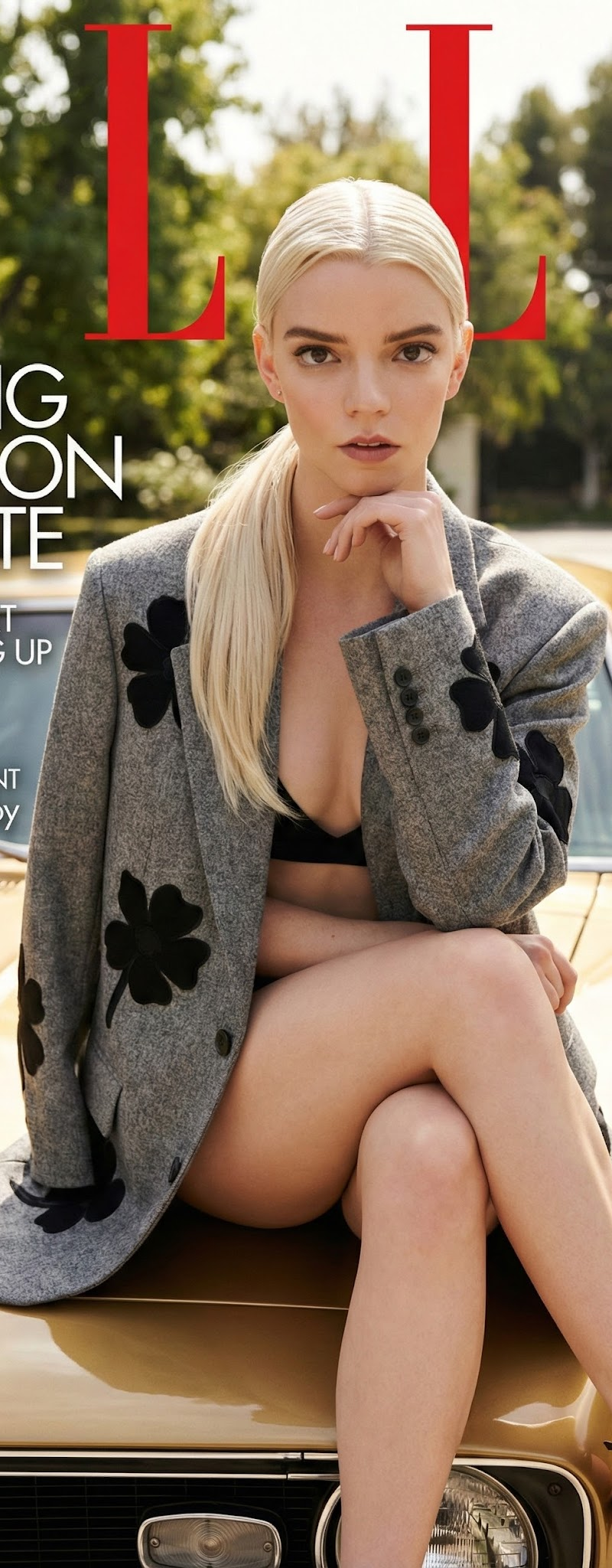
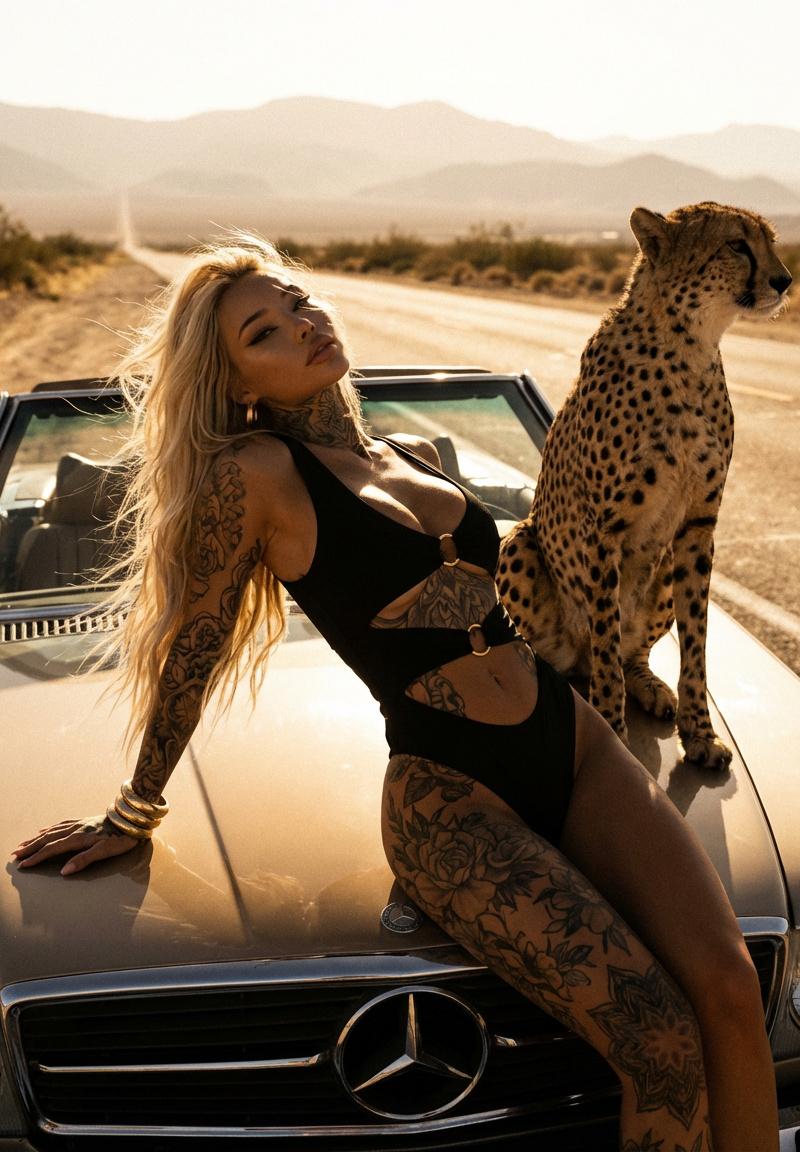
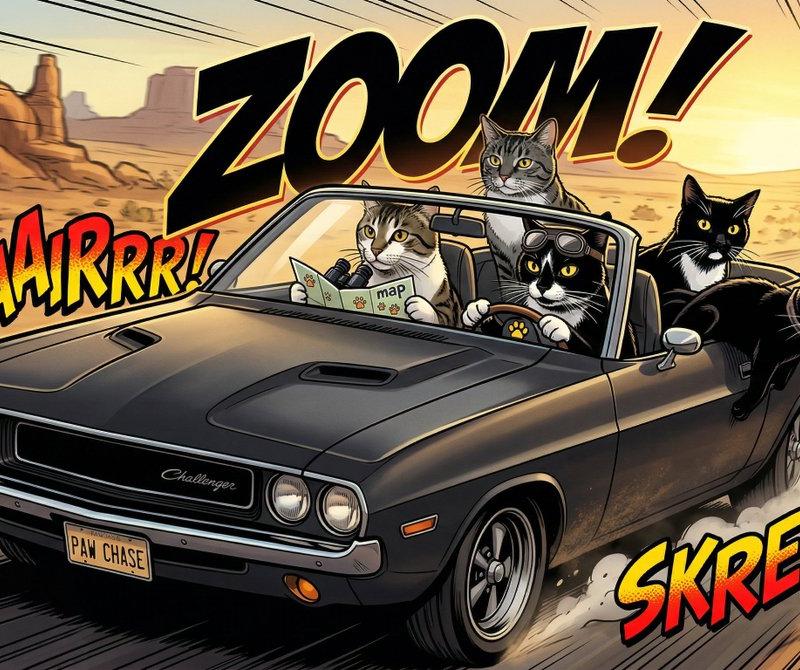
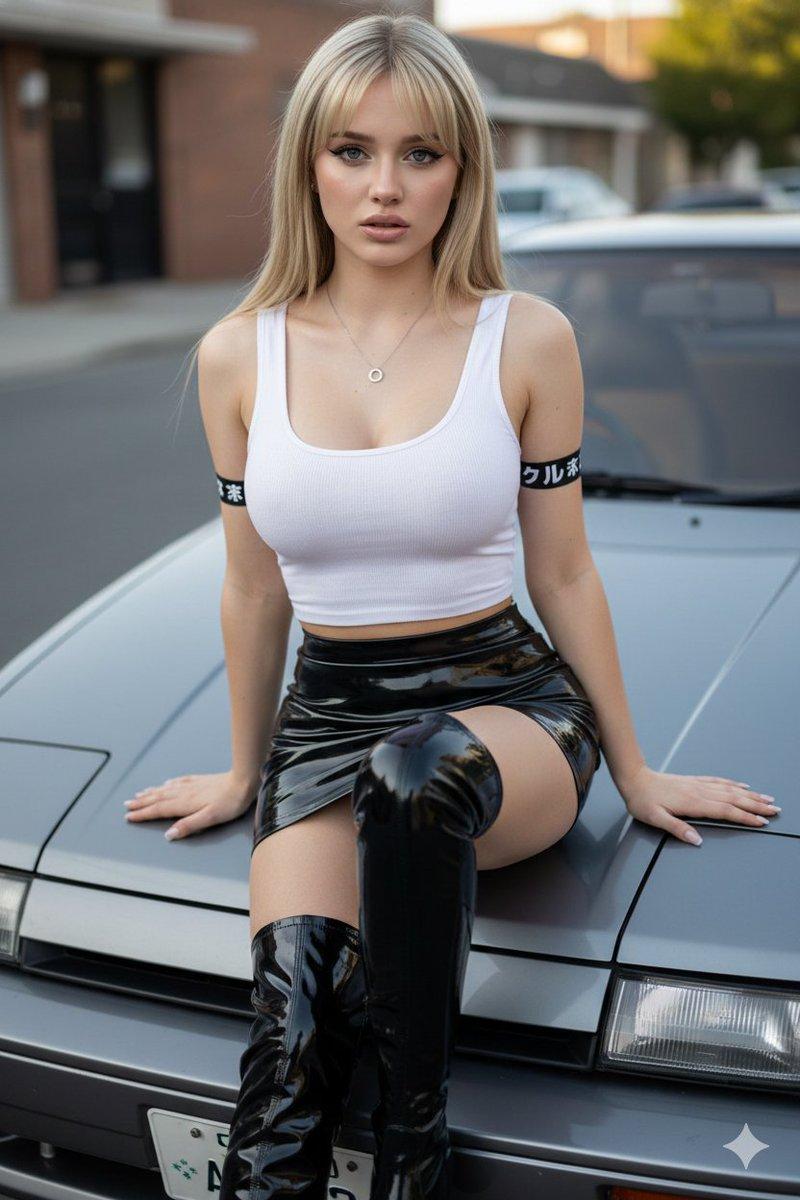
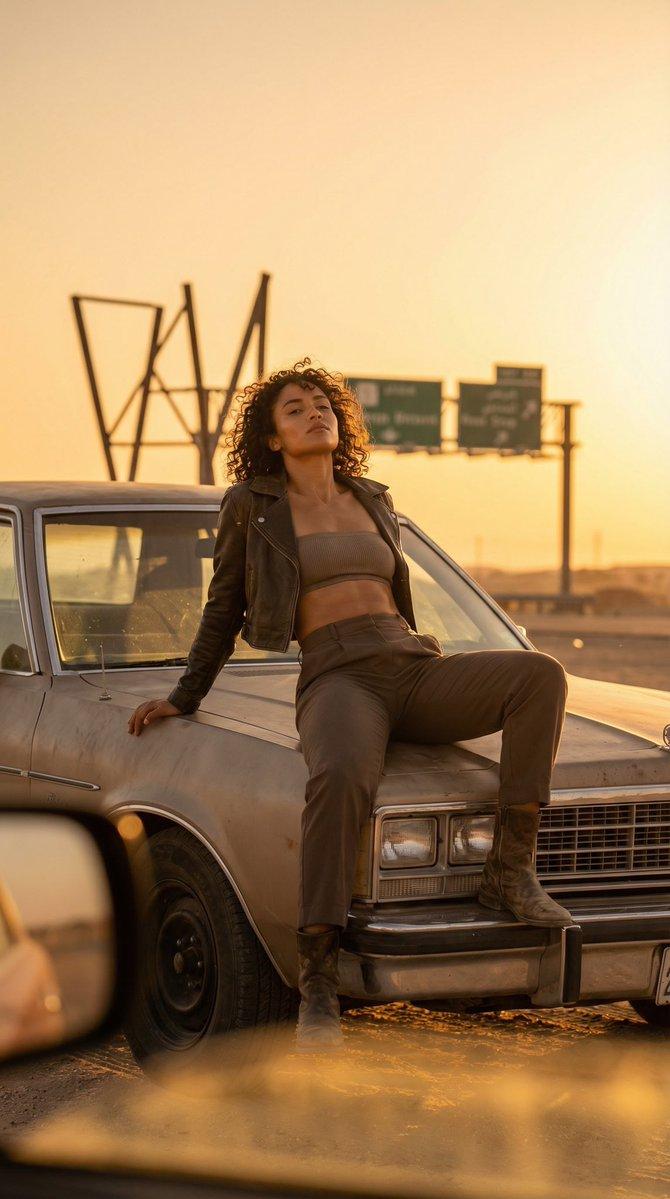
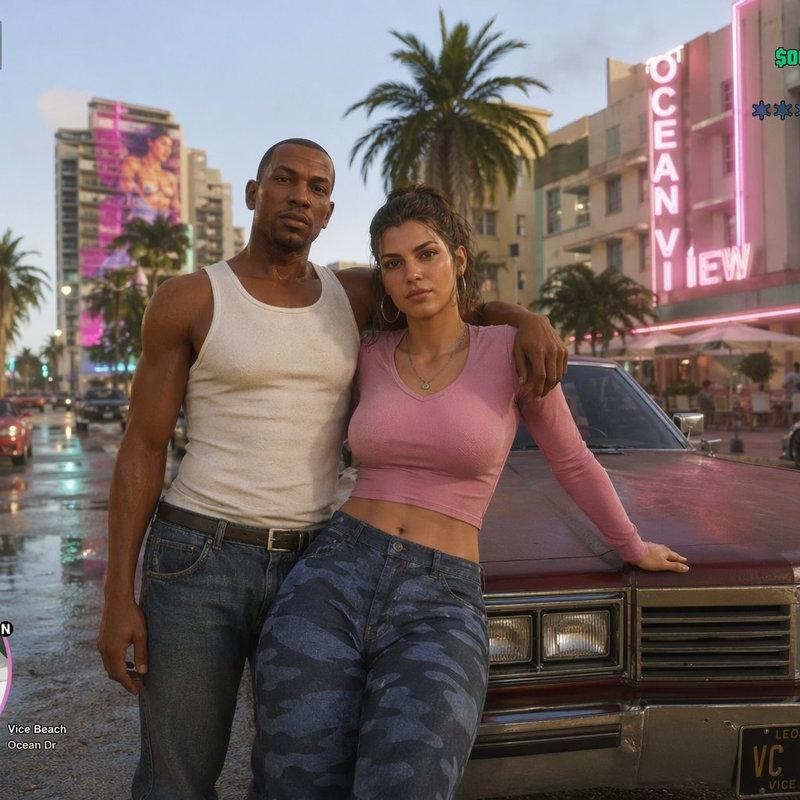
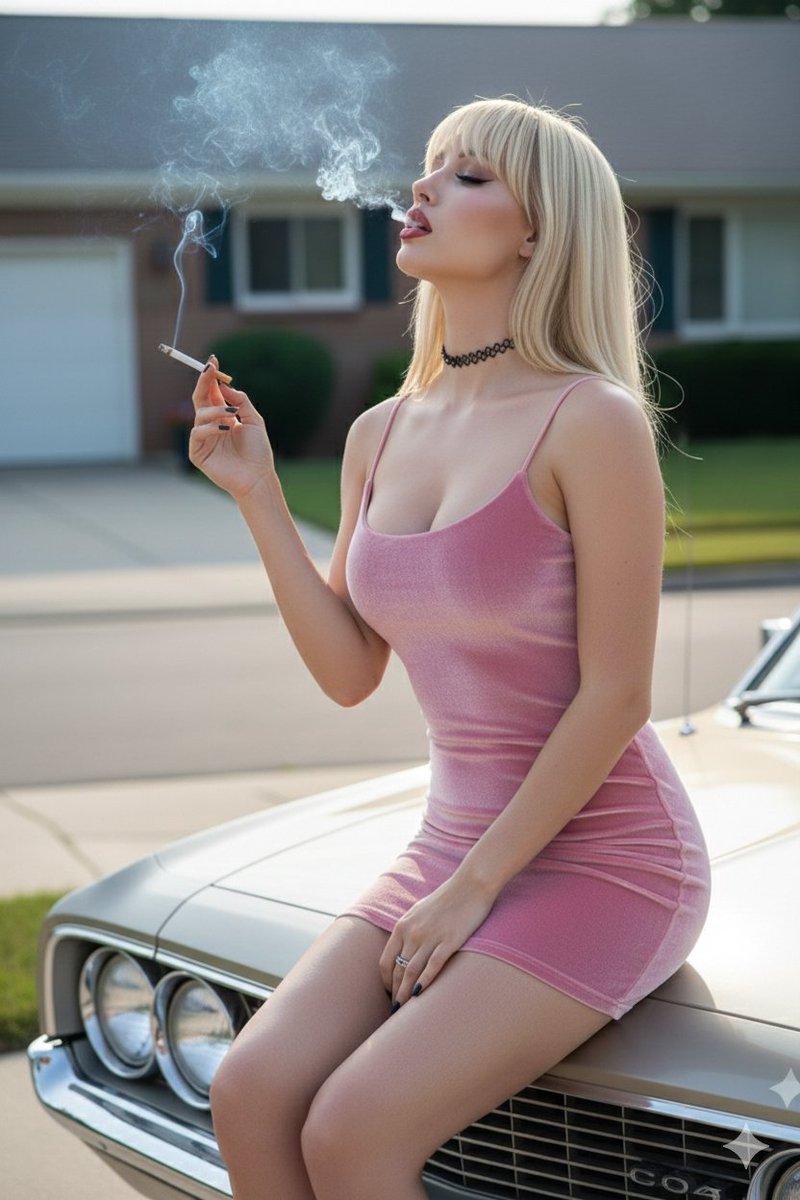
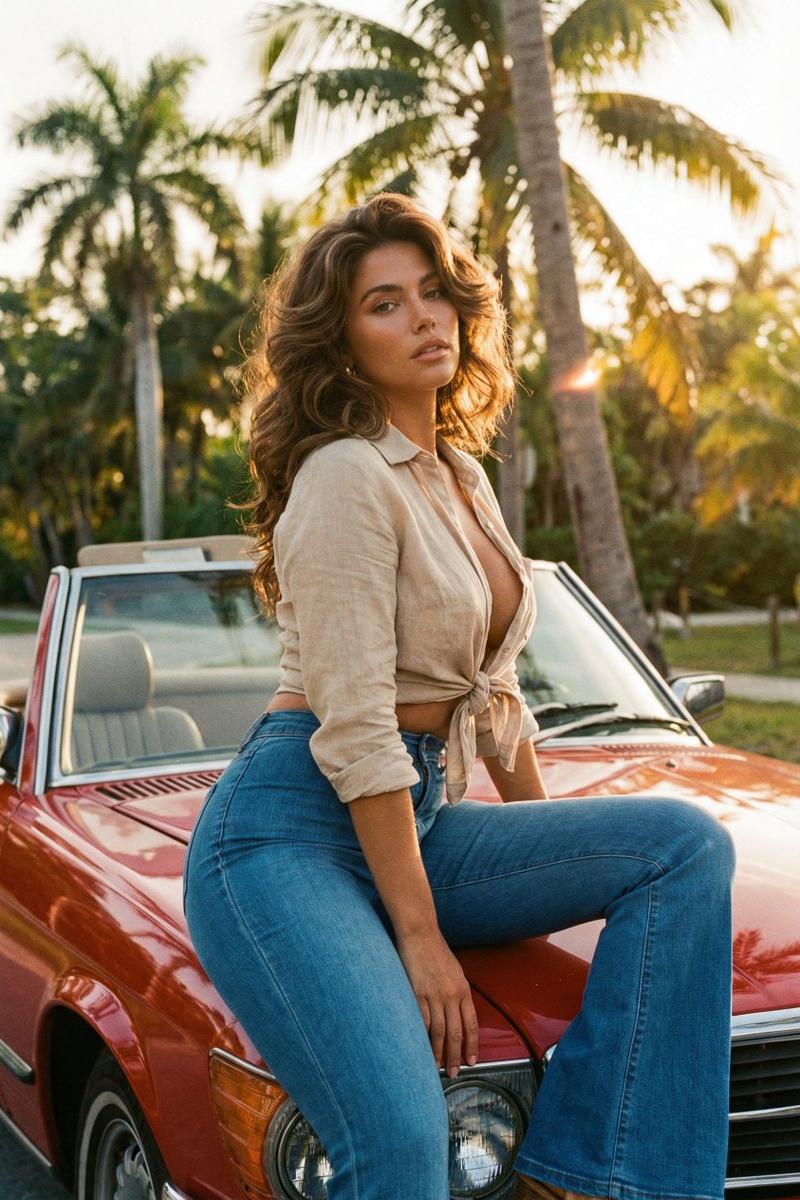
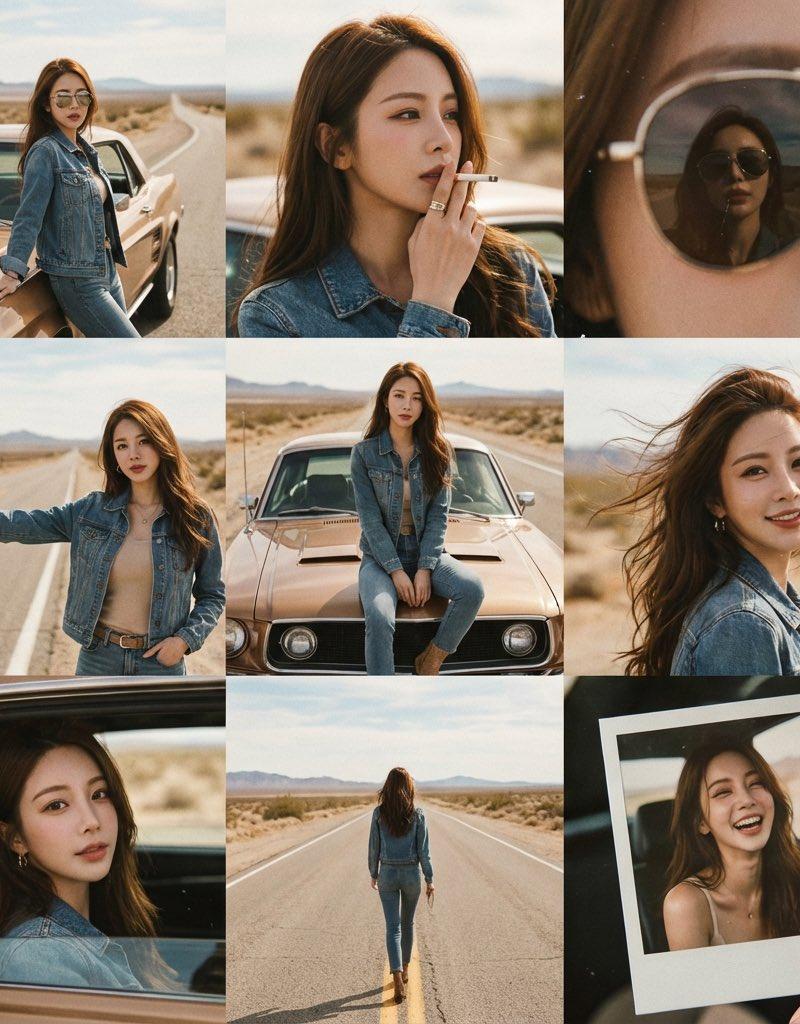
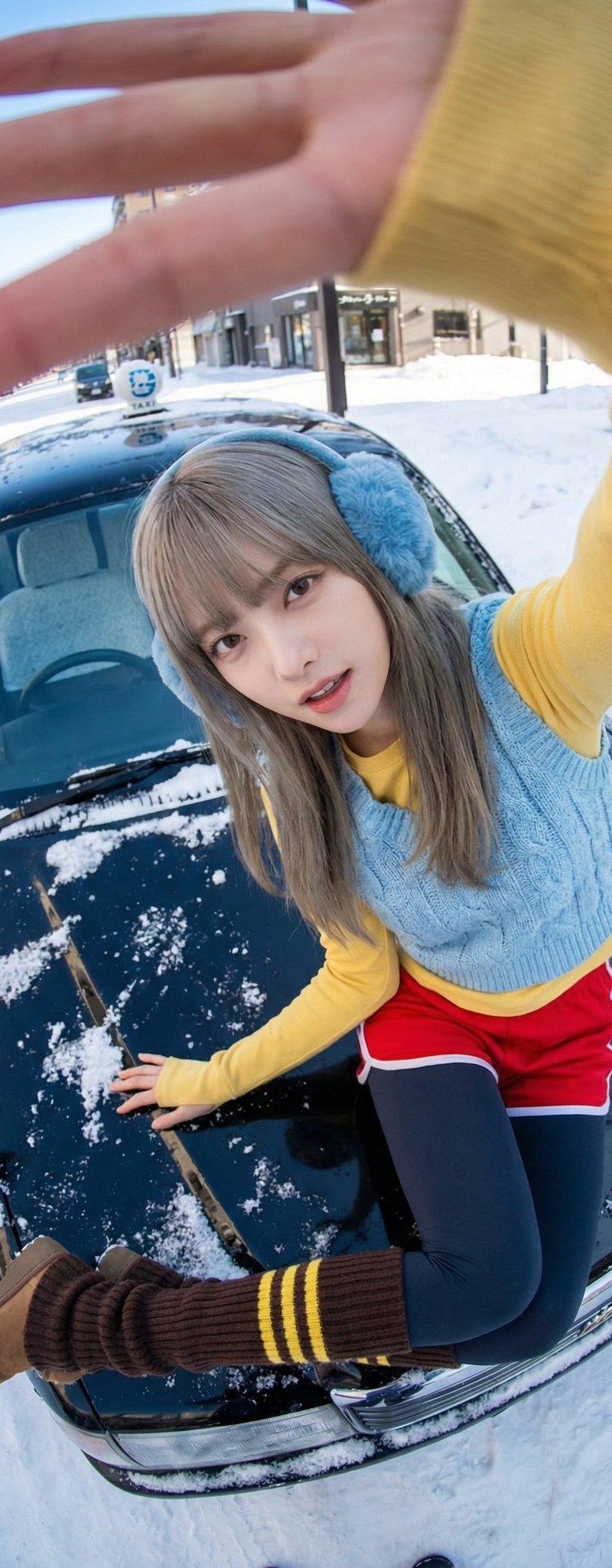
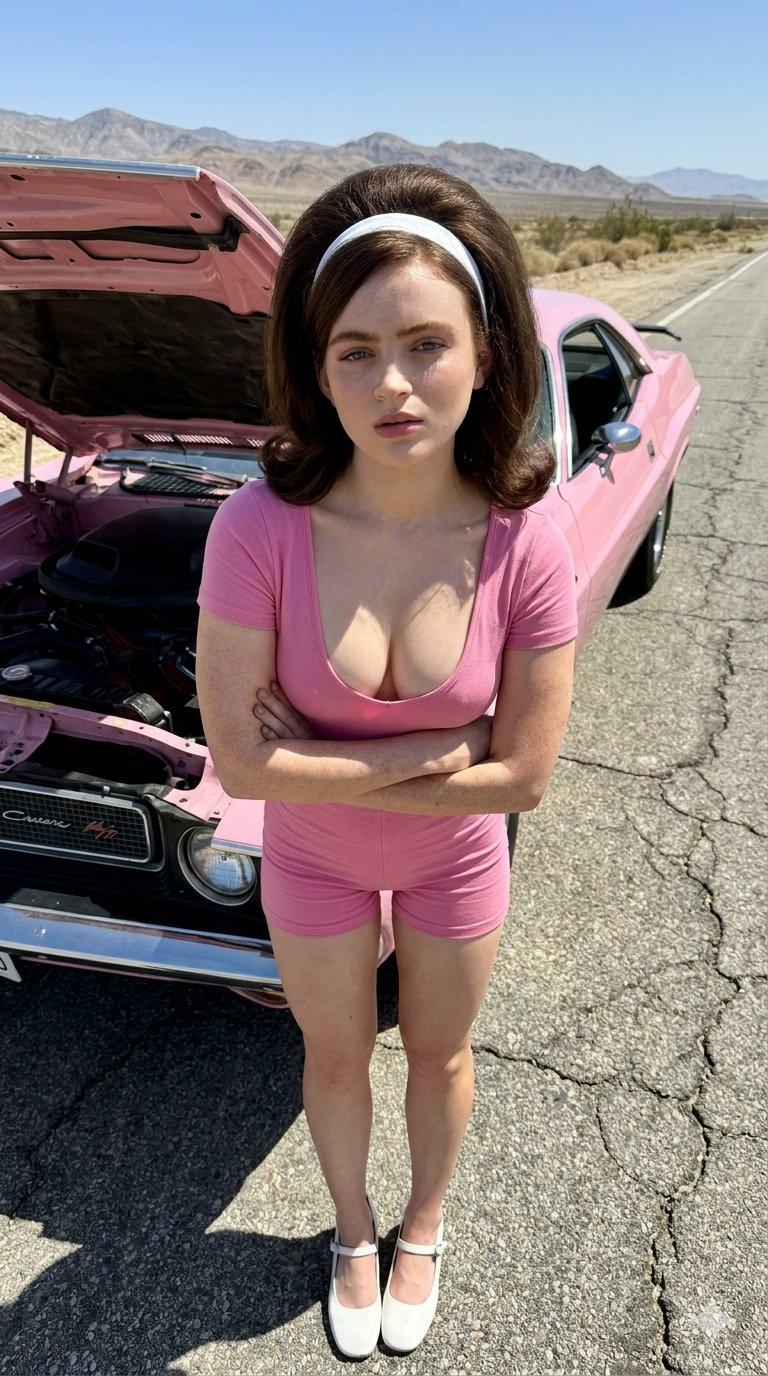
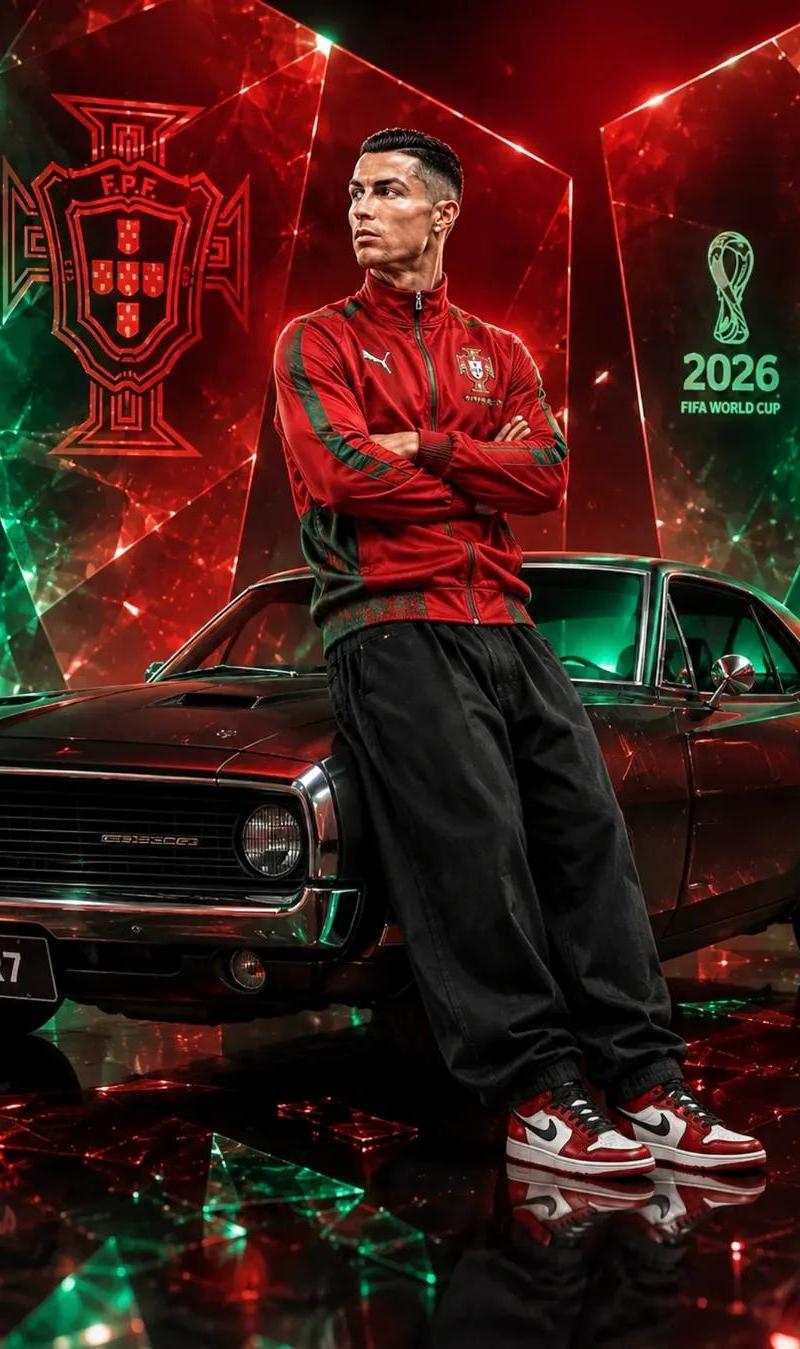
Example images

Top view

Prompt
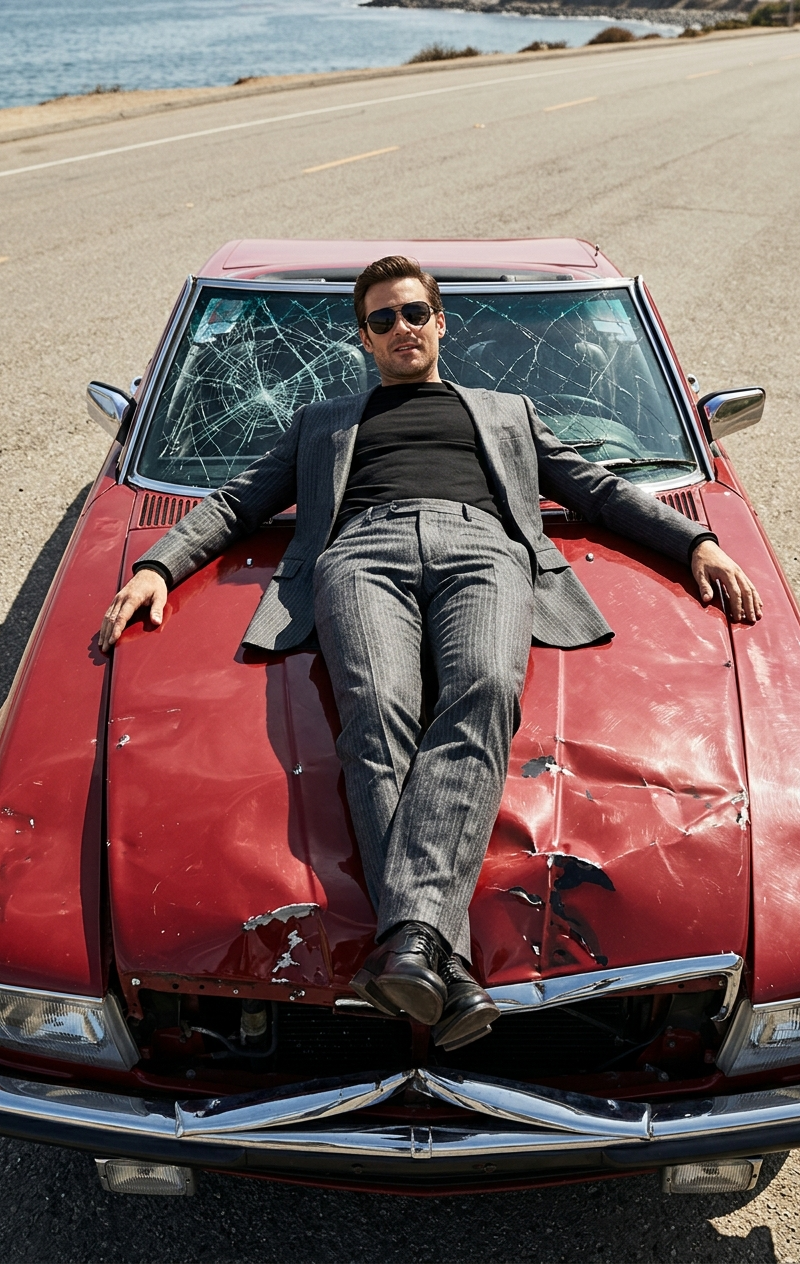
Top view. Close-up. High-end fashion editorial photography, a charismatic man in a tailored graphite suit with a thin line and sunglasses relaxes on the long hood of a damaged red convertible, dented hood, dented front bumper, twisted metal as if he drove into a pole, shattered windshield, luxurious but ruined aesthetics, confident, casual pose, crossed legs, man lies with his legs crossed, arms spread out on the car, man's condition - I don't care. High detail of man and car. Bright midday sunlight, harsh shadows, clear skies, empty road by water, bold perspective from the front of the car, symmetrical cropping, glossy red paint with dents and scratches, highly detailed textures of metal, glass, and fabric, powerful masculine energy, calm dominance in chaos, fashion magazine cover quality, ultra-realistic, no haze, no film grain, no filters, crisp clean image
Category
Posters & Typography
Model
grok-imagine/text-to-image
Creator
xie underwood
Source language
en
Views83
Source ID
1167
Published
Mar 22, 2026
Studio

Guide

About "Top view"

What is this prompt for?

"Top view" AI image prompt for grok-imagine/text-to-image (Posters & Typography). Top view. Close-up. High-end fashion editorial photography, a charismatic man…

The full copyable prompt and example visuals above are ready for AI image generation or one-click recreate in Picva.

How to use this prompt

  1. Step 1

    Open the prompt detail

    Review the example visuals, category, and full prompt text for "Top view".

  2. Step 2

    Copy the prompt

    Copy the prompt body from this page, or load it directly in Studio.

  3. Step 3

    Pick a model (grok-imagine/text-to-image)

    Prefer grok-imagine/text-to-image. If you switch models, keep subject and composition and tweak style terms.

  4. Step 4

    Generate and export

    Recreate the look in Picva, or export into your workflow for editing and publishing.

FAQ

What is the "Top view" prompt?
It is an AI image-generation prompt for grok-imagine/text-to-image in the Posters & Typography category. This page includes the full prompt text, example visuals, and a one-click recreate path in Picva.
How do I use this prompt to generate an image?
Copy the prompt from this page, or use Generate / Studio. Paste it into a compatible image model, or recreate the look in Picva with optional reference images.
Which model is this prompt for?
This page lists grok-imagine/text-to-image. Most descriptive prompts also transfer to nearby image models such as GPT Image, Flux, or Midjourney with light style tweaks.
Can I use the result commercially?
You can usually copy the prompt for creation, but commercial use of the final image depends on the model terms, reference-image rights, and the generated content. Follow the source author and platform rules.