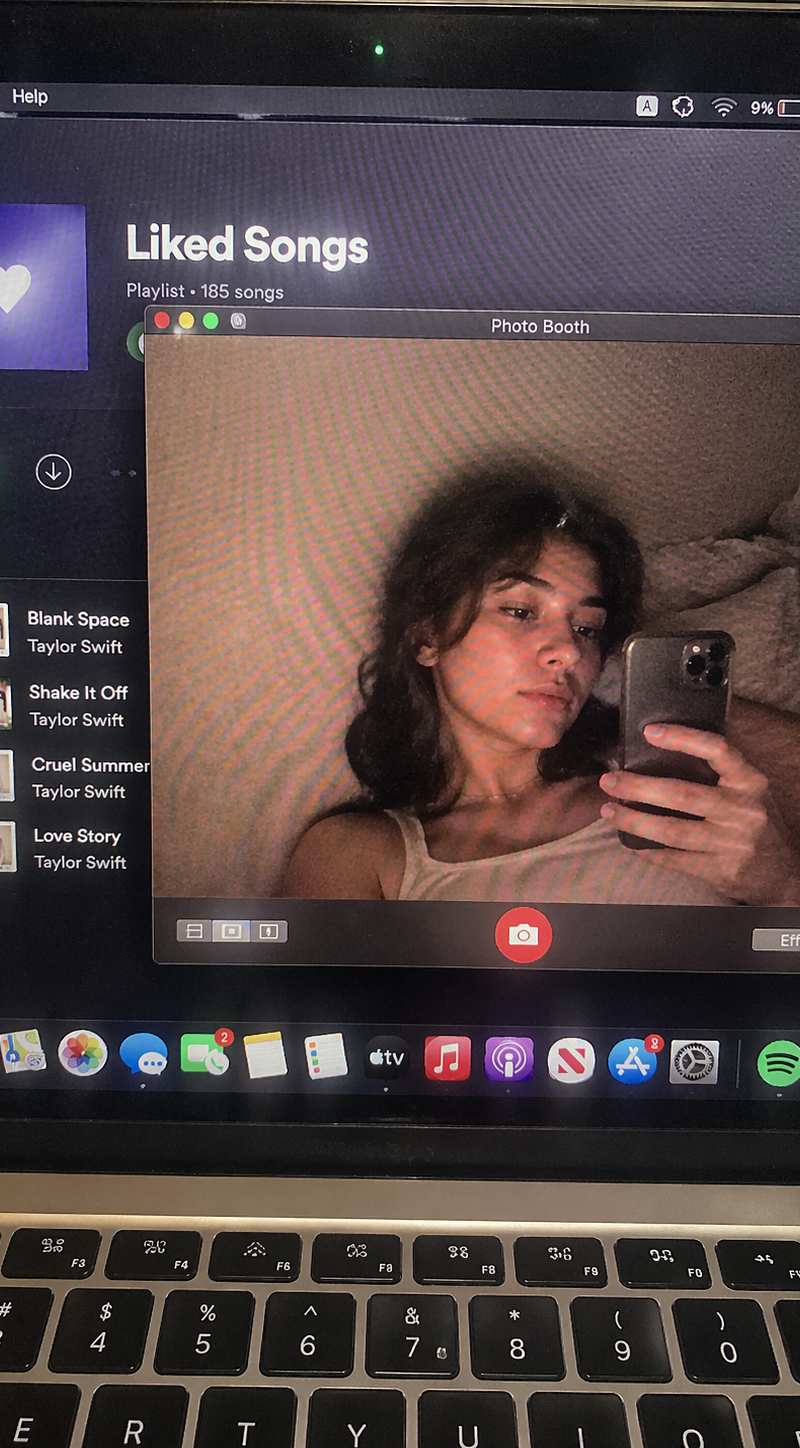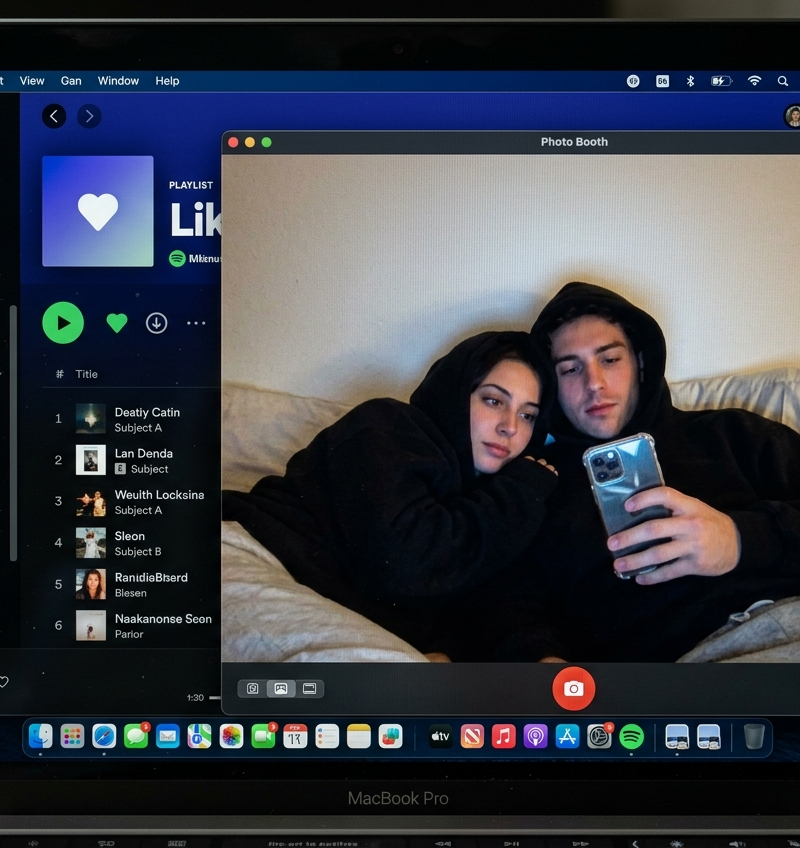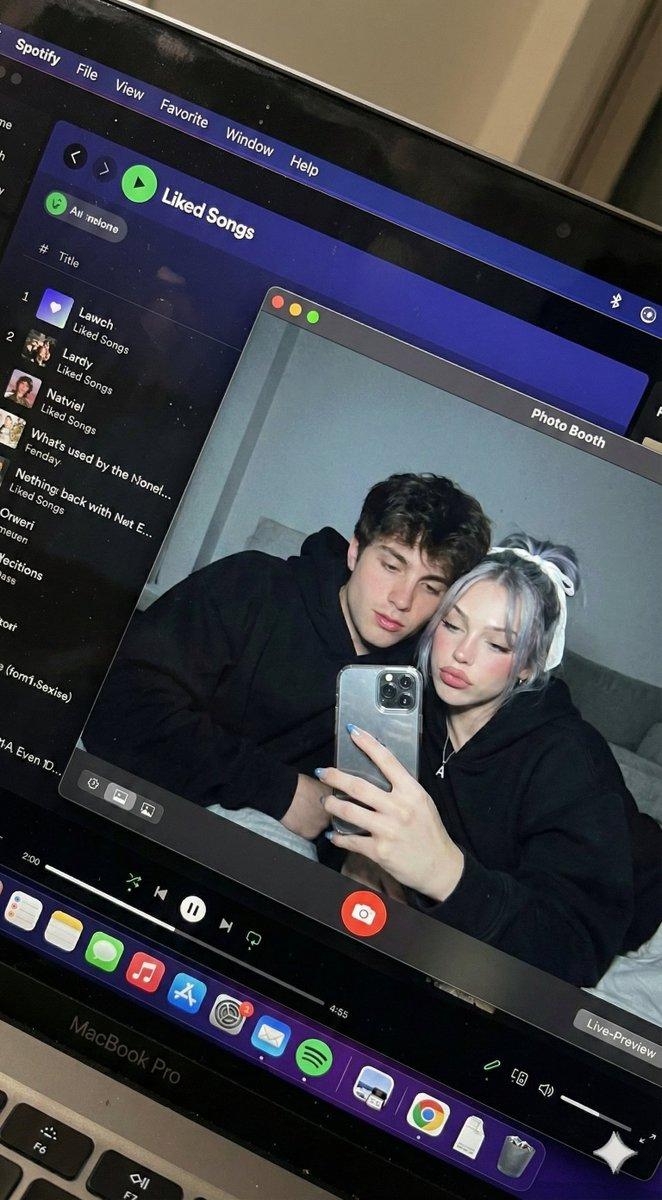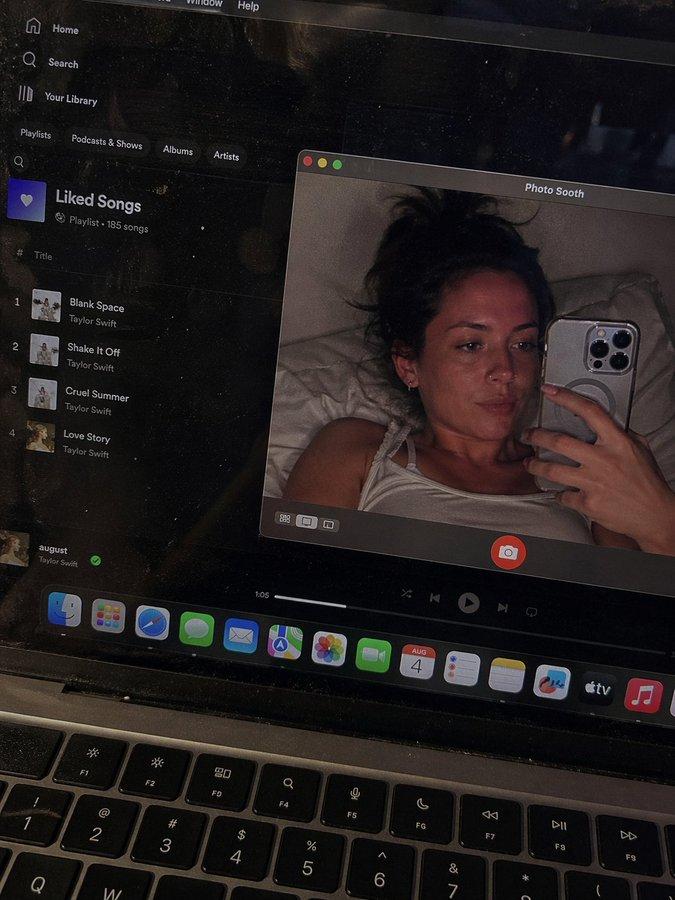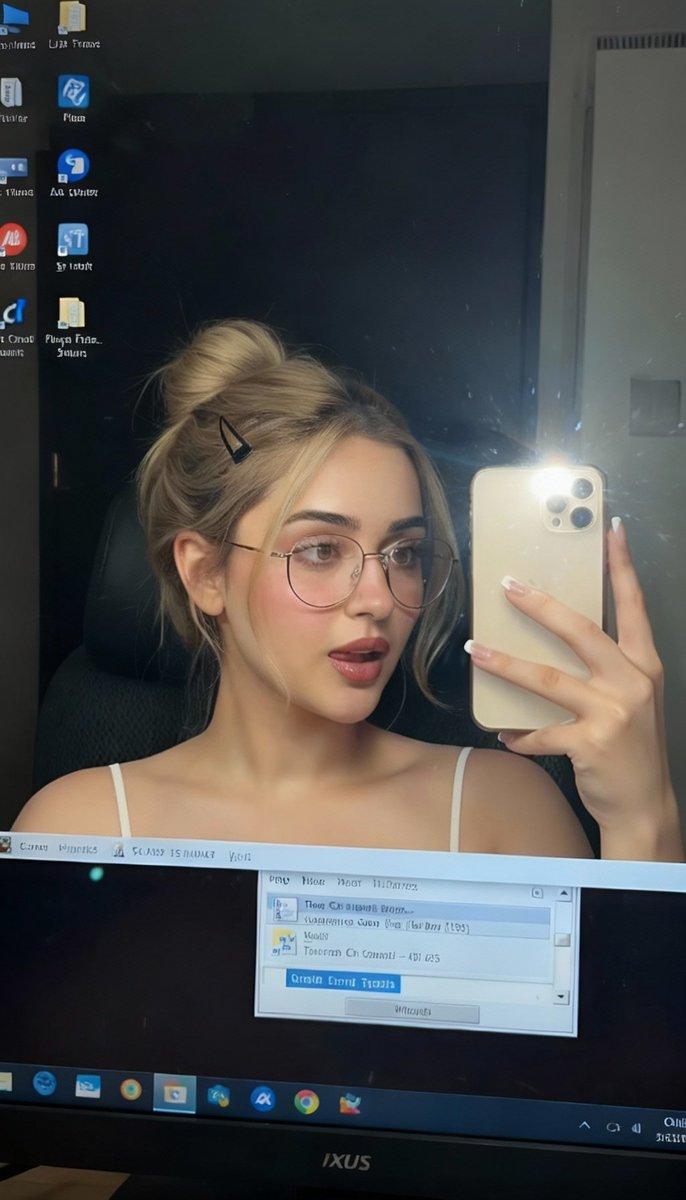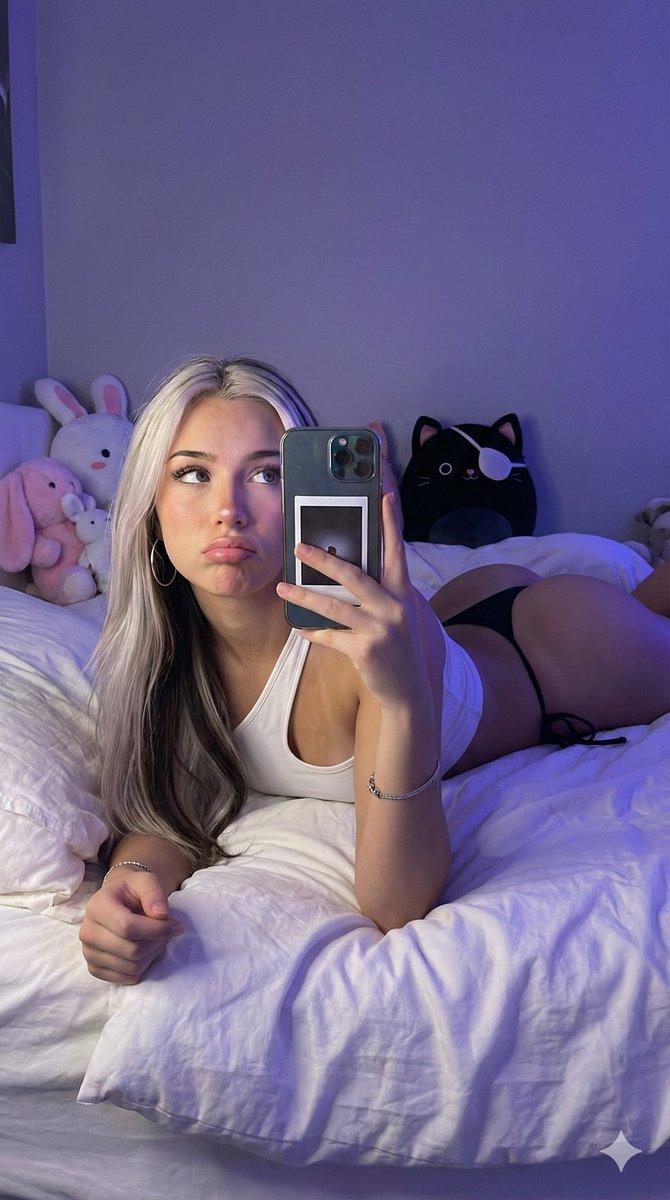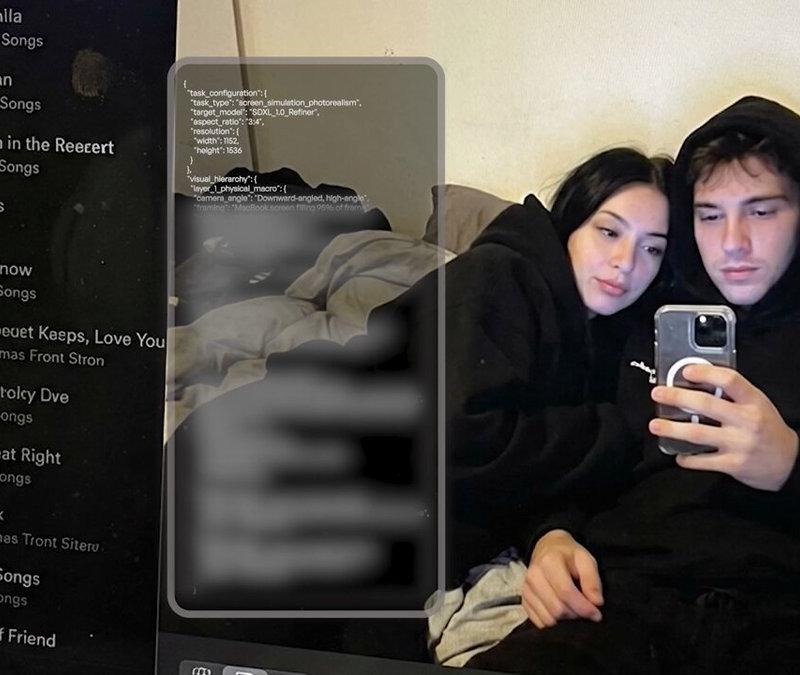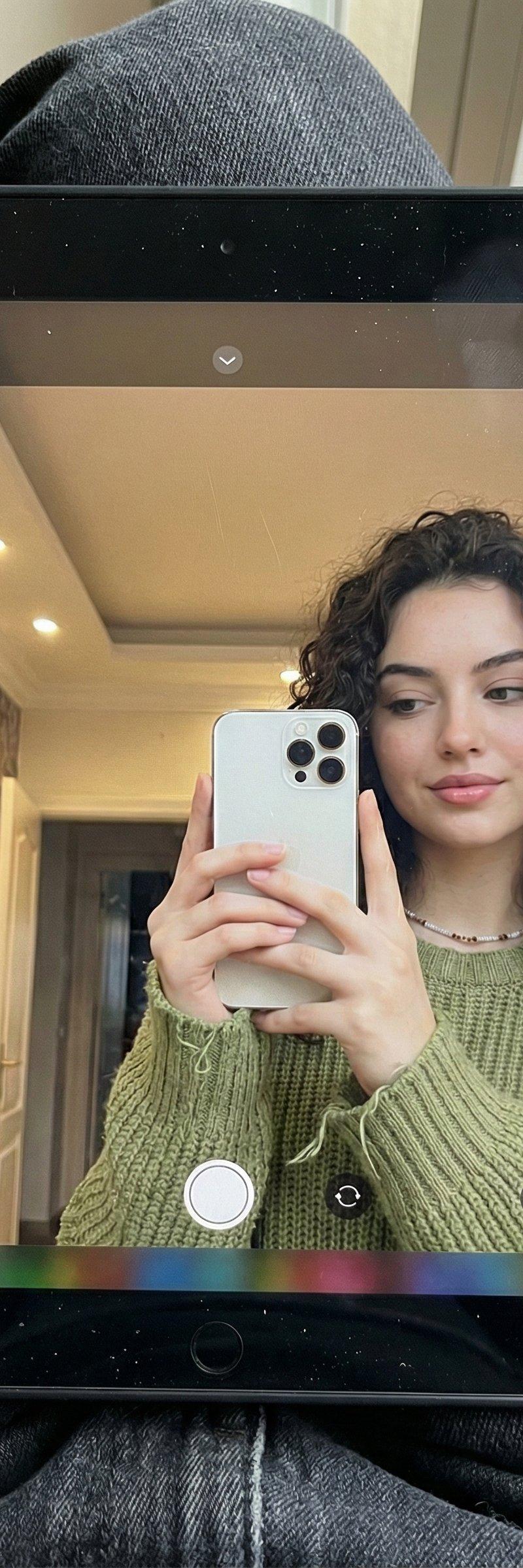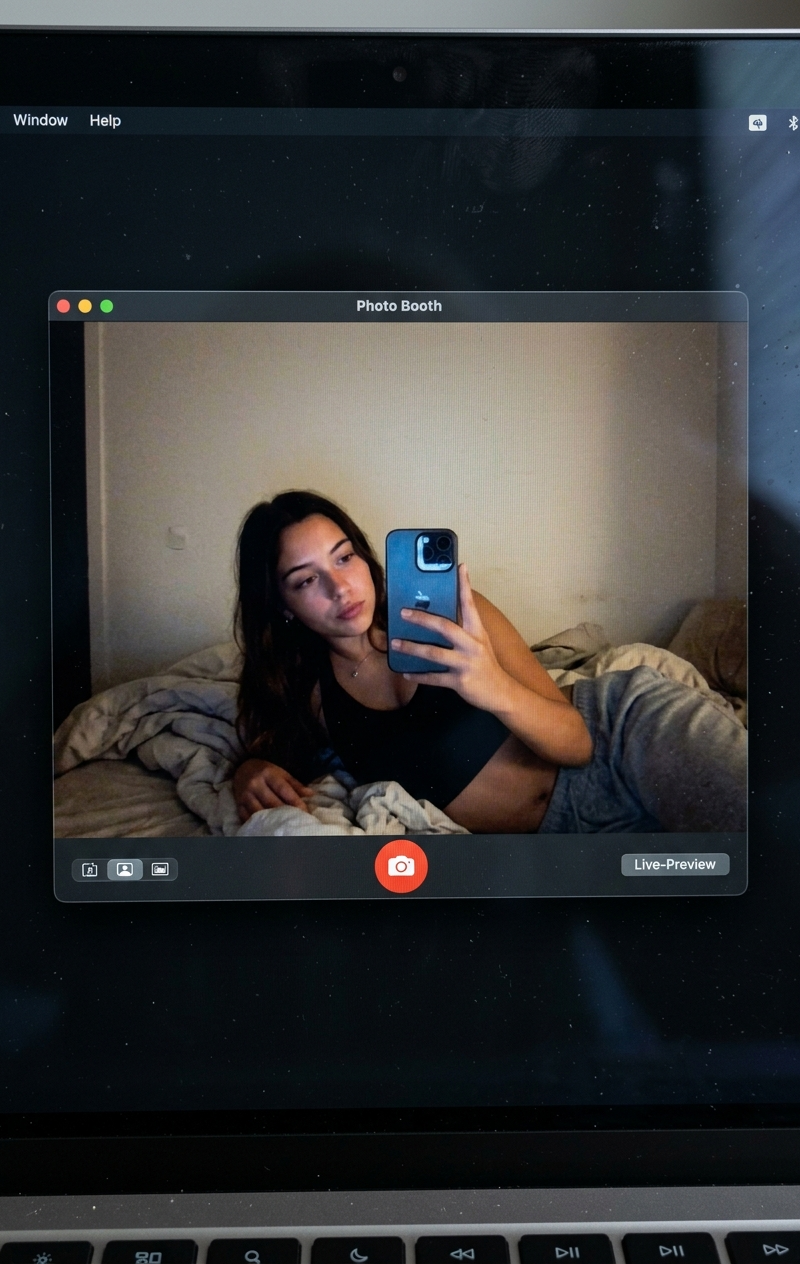
{ "project_meta": { "task_name": "Hyper-realistic Screen Simulation", "target_mo
Prompt
{
 "project_meta": {
 "task_name": "Hyper-realistic Screen Simulation",
 "target_model": "SDXL_1.0_Refiner",
 "aspect_ratio": "3:4",
 "resolution": {
 "width": 1152,
 "height": 1536
 }
 },
 "scene_composition": {
 "layer_1_physical_environment": {
 "camera_angle": "High-angle, downward shot (POV)",
 "subject_anchor": "MacBook Screen (95% fill)",
 "foreground_element": "Thin strip of physical keyboard visible at bottom edge",
 "surface_imperfections": [
 "Visible RGB pixel-grid texture (Moiré effect)",
 "Micro-dust particles on glass surface",
 "Faint ambient light reflections (glossy finish)",
 "Subtle fingerprint smudges"
 ]
 },
 "layer_2_digital_interface": {
 "os_theme": "macOS Dark Mode",
 "active_window": {
 "app_name": "Photo Booth",
 "status": "Live Preview Mode",
 "position": "Dominant/Center-Left"
 }
 },
 "layer_3_nested_content": {
 "location": "Inside the Photo Booth window",
 "setting": {
 "room": "Dim bedroom",
 "background": "Off-white wall, rumpled bedding",
 "lighting": "Mixed lighting (Cool blue screen glow + Warm skin tones), deep nocturnal shadows"
 },
 "subject_details": {
 "identity_source": "uploaded_female_reference_image",
 "demographics": "Young adult female",
 "appearance": {
 "hair": "Blonde, shoulder-length, slightly textured",
 "apparel": "Black top, grey bottoms",
 "expression": "Relaxed, candid, slight smile",
 "pose": "Reclining/Lying down, looking at screen"
 },
 "props": {
 "item": "iPhone 15 Pro",
 "hand_position": "Held in right hand"
 }
 }
 }
 },
 "generation_parameters": {
 "prompts": {
 "positive": "Hyper-realistic downward shot of a MacBook screen. The screen surface has visible dust, pixel grid, and reflection. The screen displays a macOS desktop in dark mode with a dominant Photo Booth live-preview window. Inside the window: A girl in a dark bedroom with an off-white wall and rumpled bedding. The girl is lying down, wearing a black top and grey bottoms, holding an iPhone 15 Pro in her right hand. Her face is fully visible (reference matched). Lighting is low-key, candid, nocturnal, with bluish screen glow mixed with warm skin tones. High fidelity, raw photo, unedited, natural noise.",
 "negative": "vector art, screenshot, flat digital image, clean glass, perfect screen, daylight, bright studio lights, cartoon, 3d render, painting, watermark, deformed hands, blurry face"
 },
 "sampling_settings": {
 "sampler": "DPM++ 3M SDE Exponential",
 "steps": 40,
 "cfg_scale": 5.5,
 "denoising_strength": 0.35
 }
 },
 "control_net_configuration": {
 "identity_strictness": "CRITICAL",
 "stack": [
 {
 "unit": "ControlNet_Tile",
 "weight": 0.4,
 "purpose": "Maintain text/interface sharpness and screen texture"
 },
 {
 "unit": "IP-Adapter_FaceID_Plus",
 "weight": 0.95,
 "region_mask": "Photo Booth Window Area Only",
 "source_image": "uploaded_female_reference_image"
 }
 ]
 }
}- Category
- UI & Interfaces
- Model
- Nano Banana 2
- Creator
- xie underwood
- Source language
- en
- Source ID
- 1251
- Published
- Mar 25, 2026
Views346