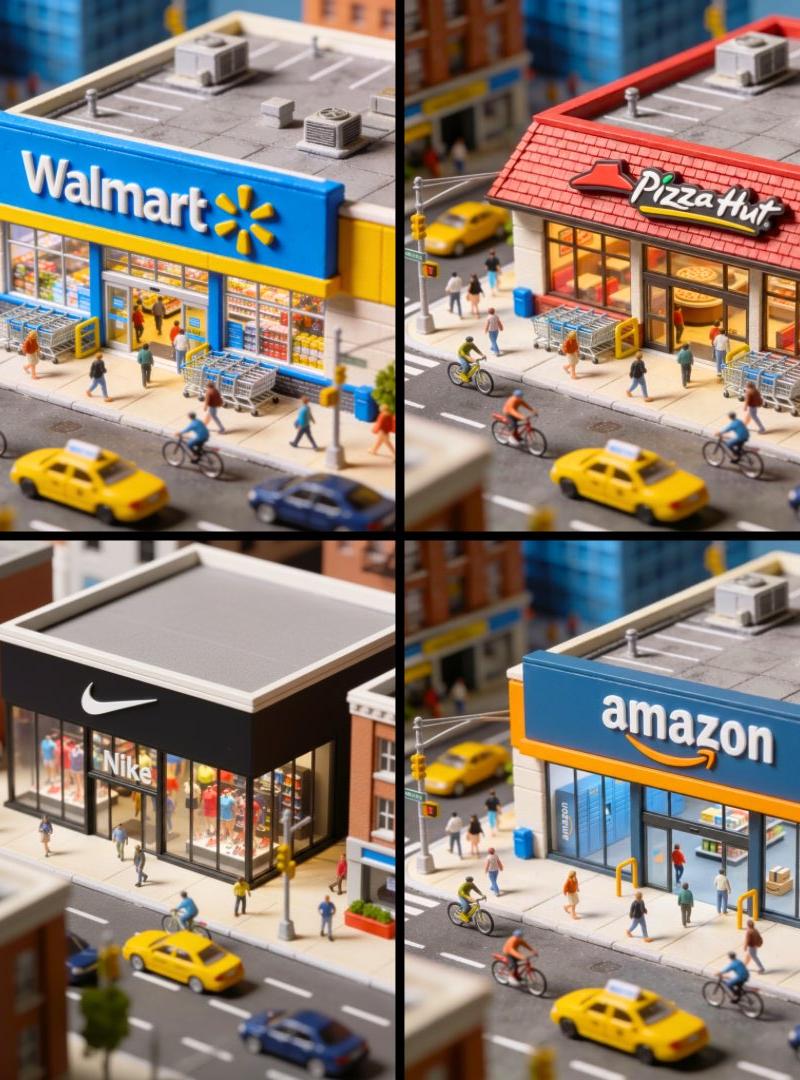
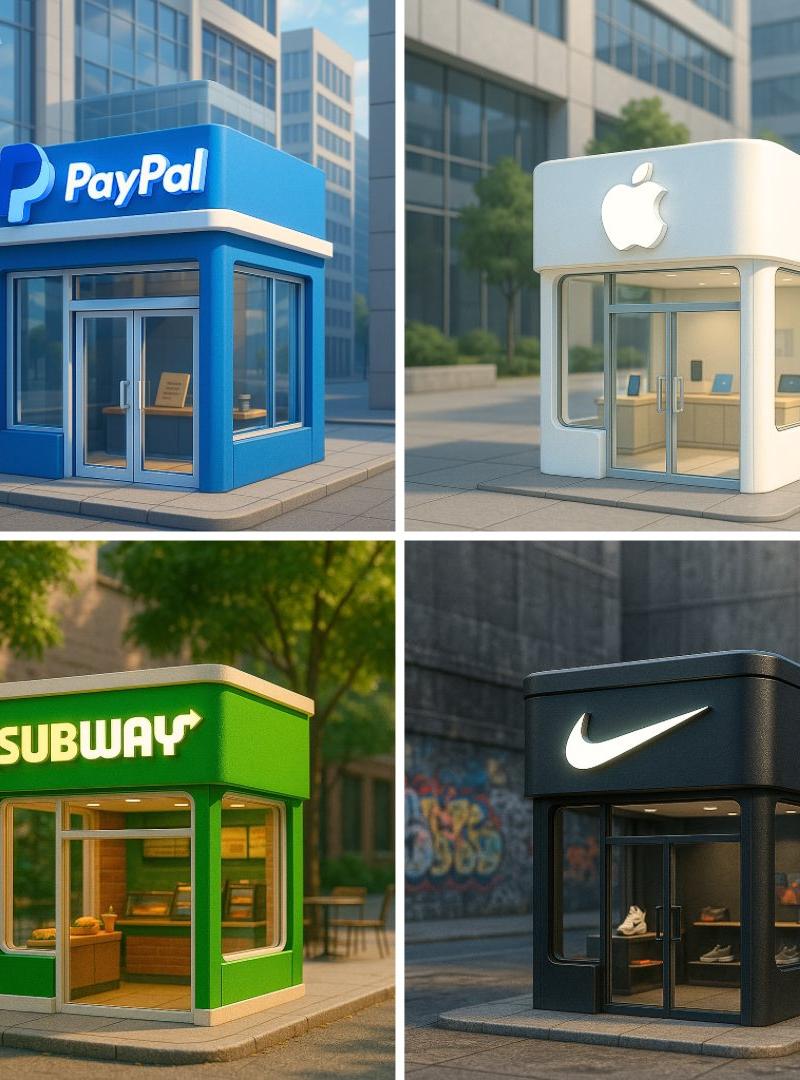
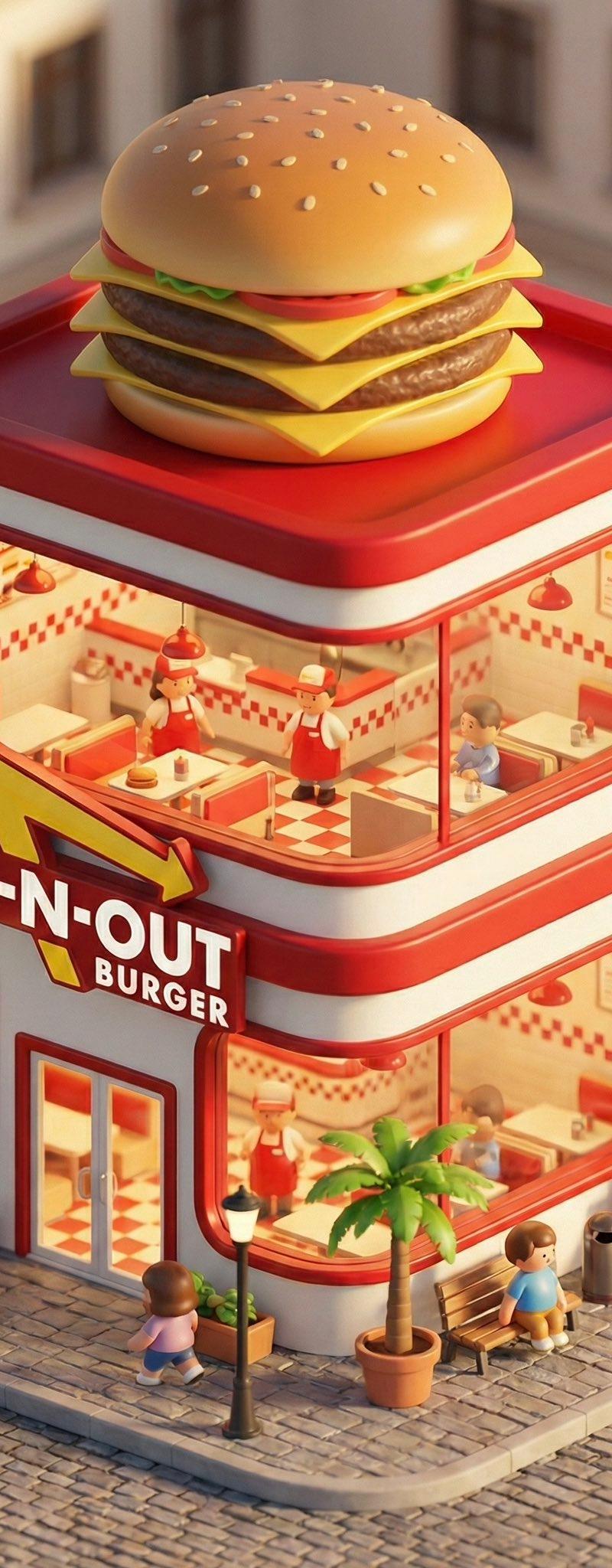
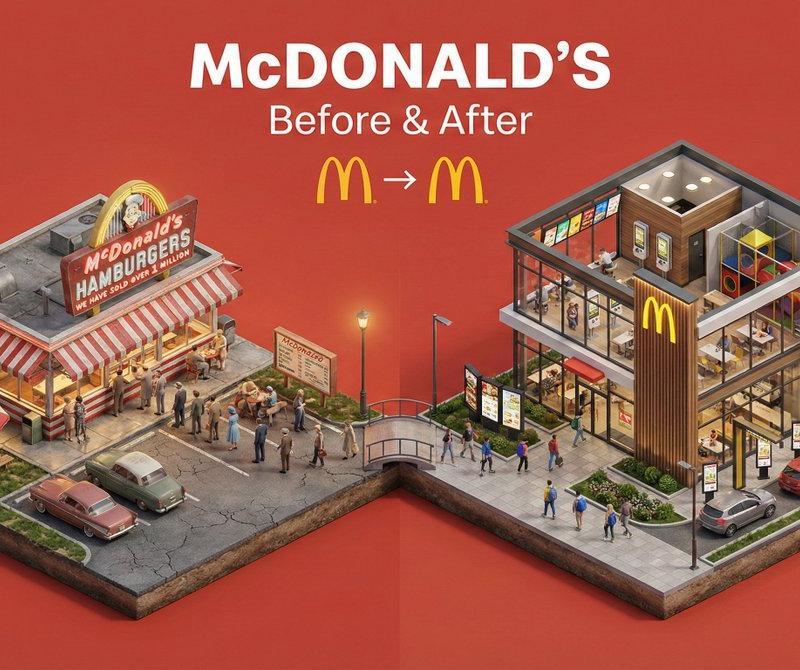
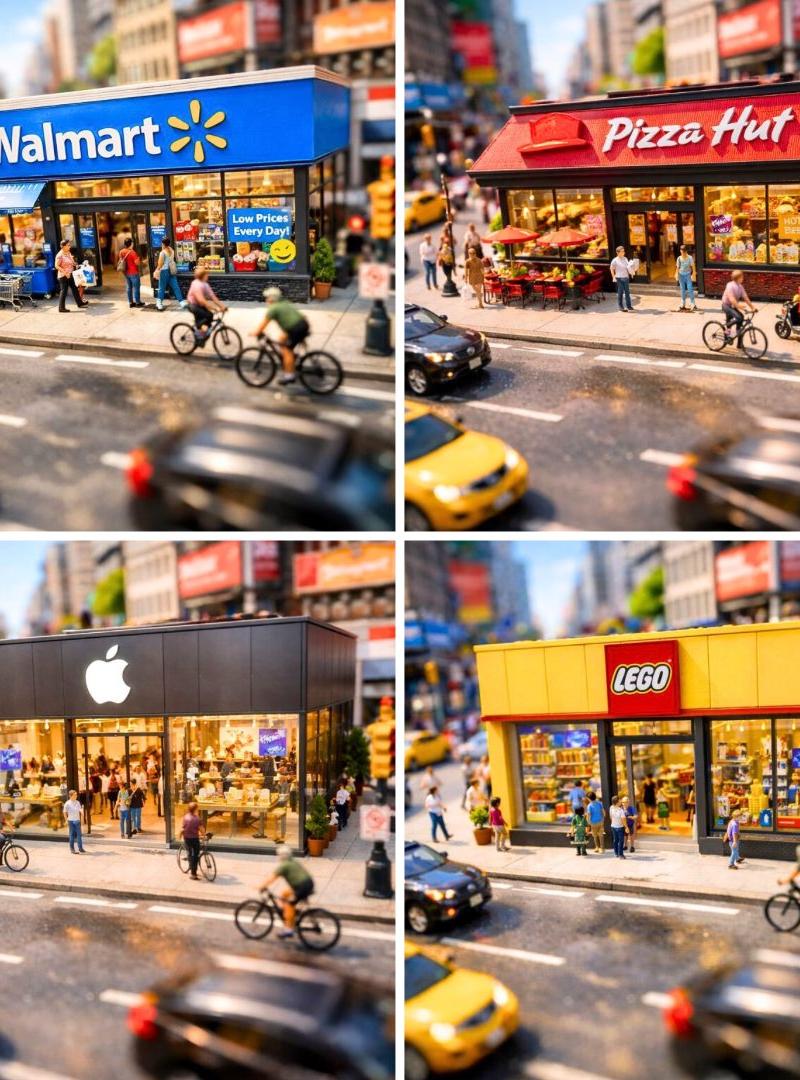
![Hyper-realistic miniature diorama of a [BRAND NAME] outlet, placed on a premium](https://whqgdndlpxjbwosvipip.supabase.co/storage/v1/render/image/public/prompt-source-media/promptsref/work-1293/image-1-6d23a68d38e731ca.png?width=800&quality=75)
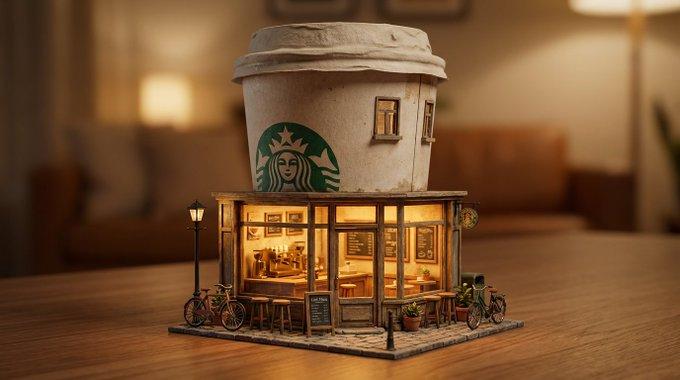
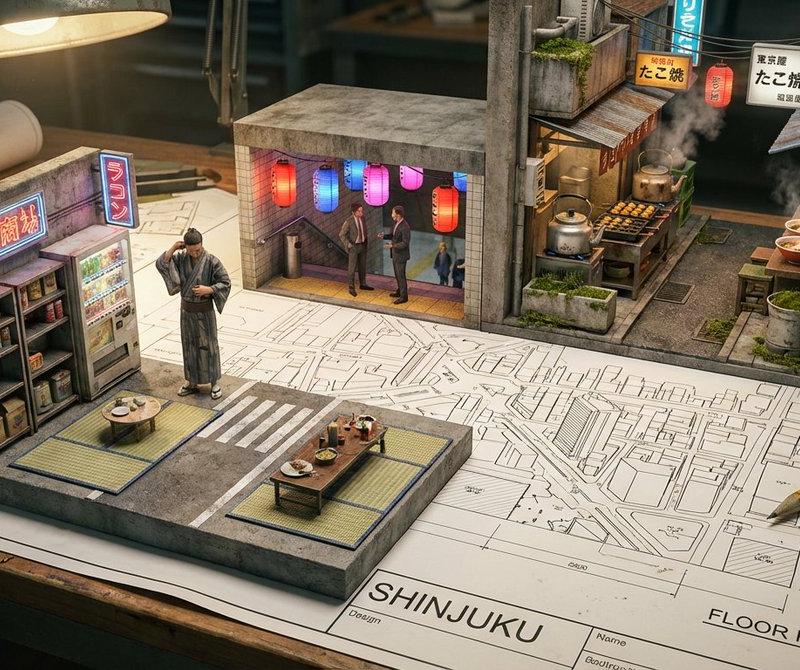
Hyper-realistic miniature diorama of a [BRAND NAME] outlet, placed on a premium
Prompt
Hyper-realistic miniature diorama of a [BRAND NAME] outlet, placed on a premium display base, ultra-detailed 3D render, 1:1 aspect ratio, cinematic composition.

The store accurately reflects real-world [BRAND NAME] architecture, branding, and color palette, with glowing signage and subtle reflections.

Environment: [DAY / NIGHT / RAINY / GOLDEN HOUR], wet asphalt surface with realistic reflections, soft fog or atmosphere, depth of field with creamy bokeh background.

Scene includes tiny human figures interacting naturally (walking, ordering, sitting), parked cars, street lights, small trees, urban elements.

Lighting: cinematic lighting, volumetric light rays, warm highlights, realistic shadows, global illumination, HDR.

Materials: ultra-real textures (glass reflections, metal, plastic, pavement imperfections), physically accurate rendering.

Shot style: macro photography look, shallow depth of field, tilt-shift effect, highly detailed foreground, blurred city background.

Base: sleek black platform with subtle engraved label “[BRAND NAME] Miniature Series”.

Rendered in Unreal Engine / Octane / Redshift style, 4K resolution, ultra-sharp, photorealistic, highly detailed
- Category
- Brand & Logos
- Model
- Nano Banana 2
- Creator
- xie underwood
- Source language
- en
- Source ID
- 1293
- Published
- Mar 26, 2026
Views138
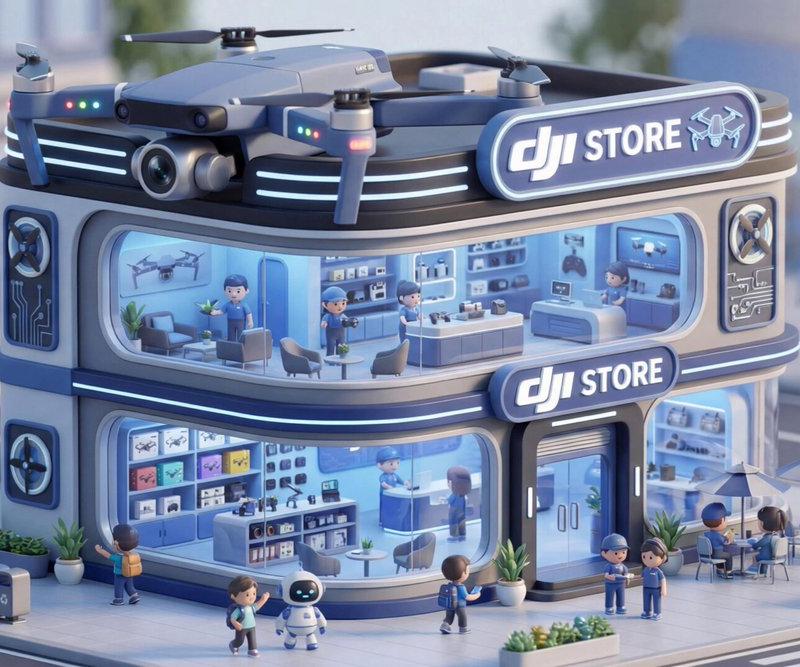
![An ultra-realistic miniature [YOUR BRAND] showroom balanced on a human palm, des](https://whqgdndlpxjbwosvipip.supabase.co/storage/v1/render/image/public/prompt-source-media/promptsref/work-45189/image-1-41b4ebb588aef34c.png?width=800&quality=75)