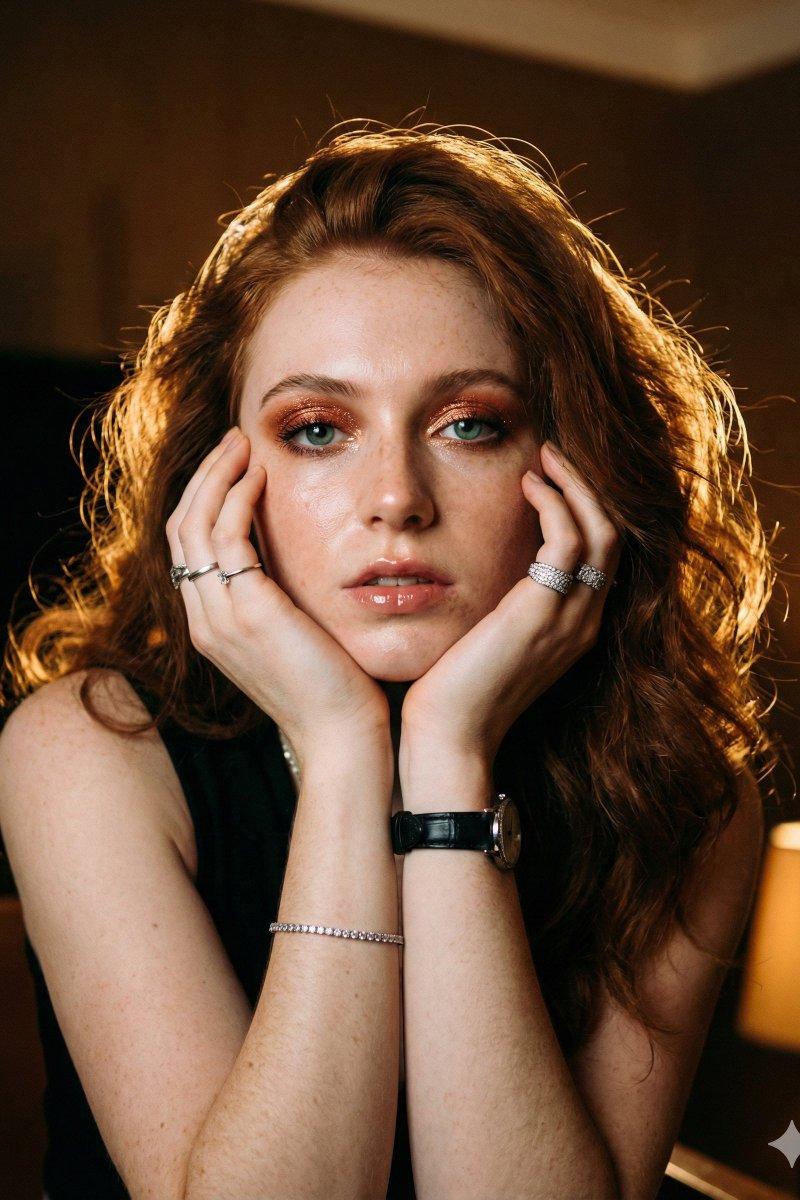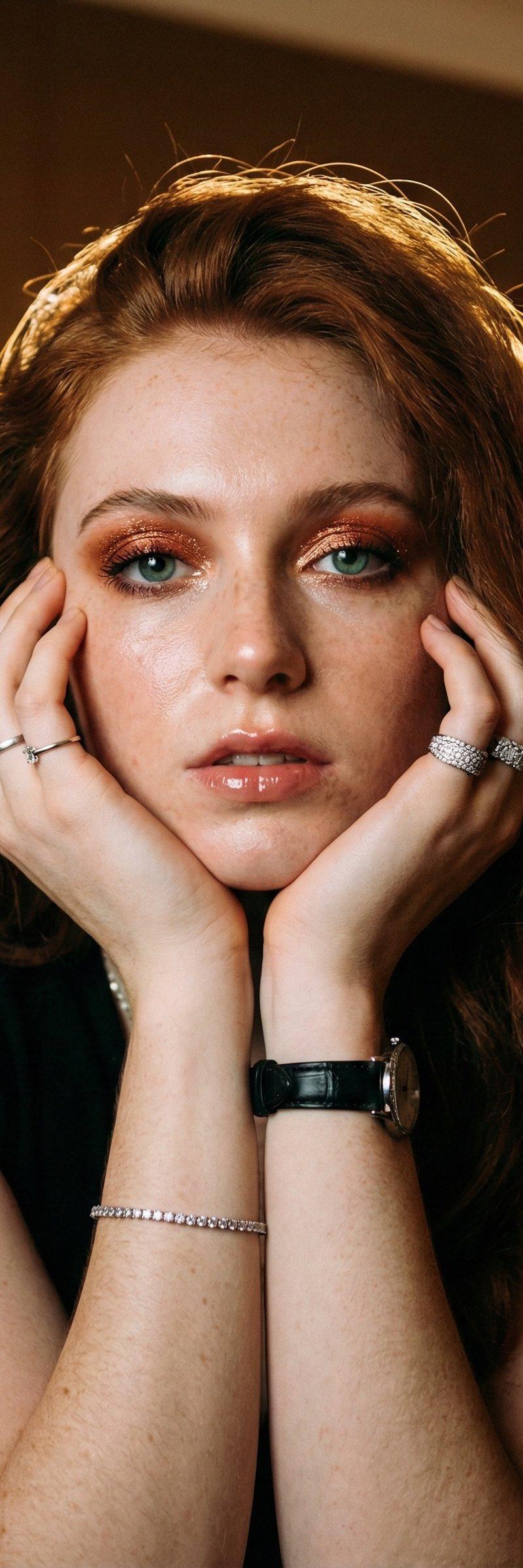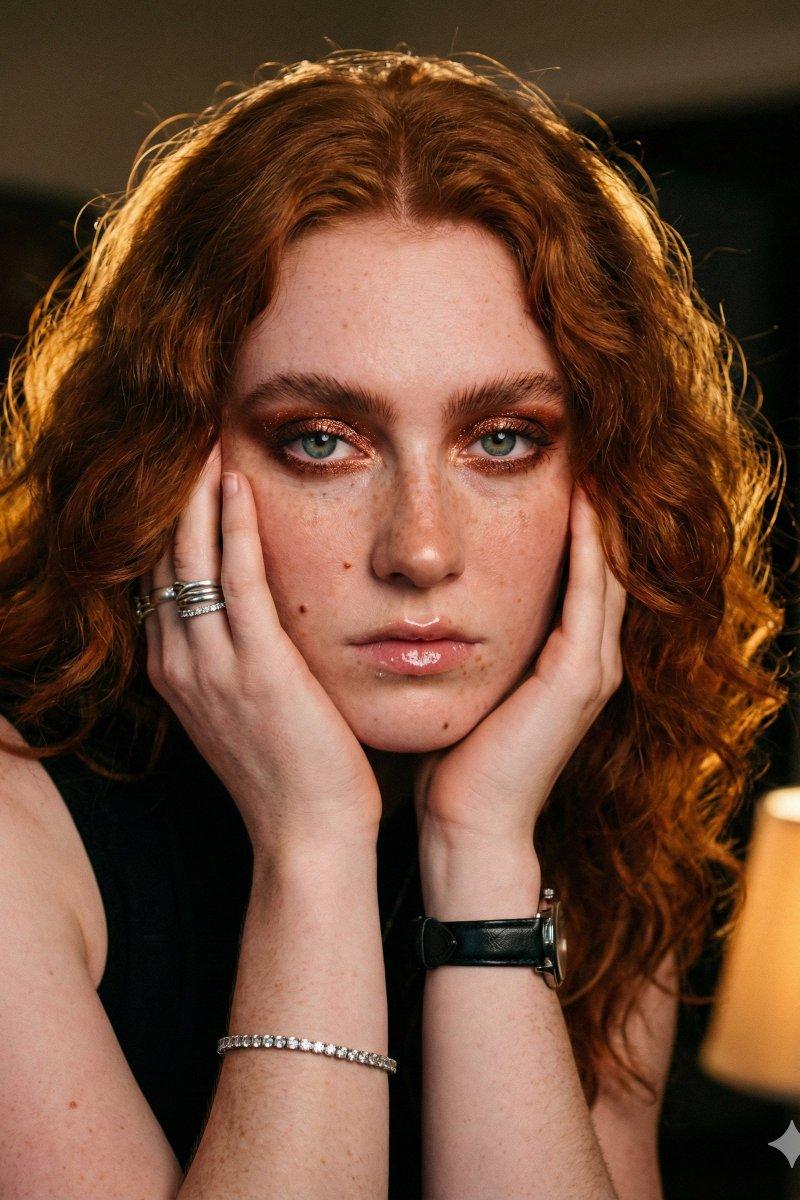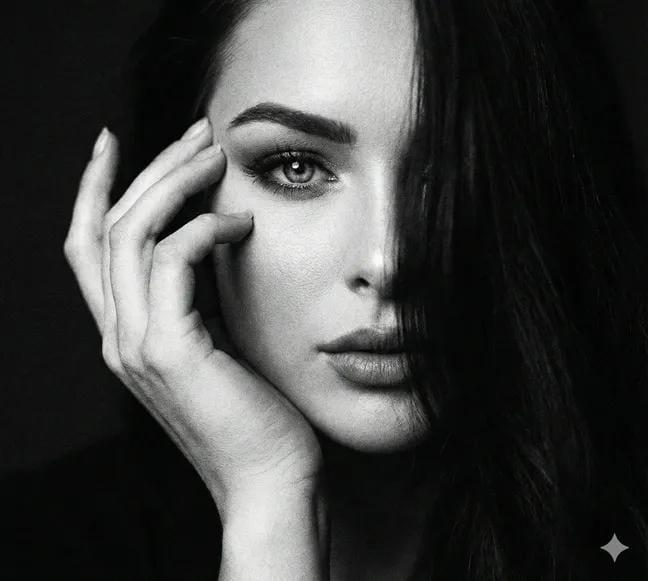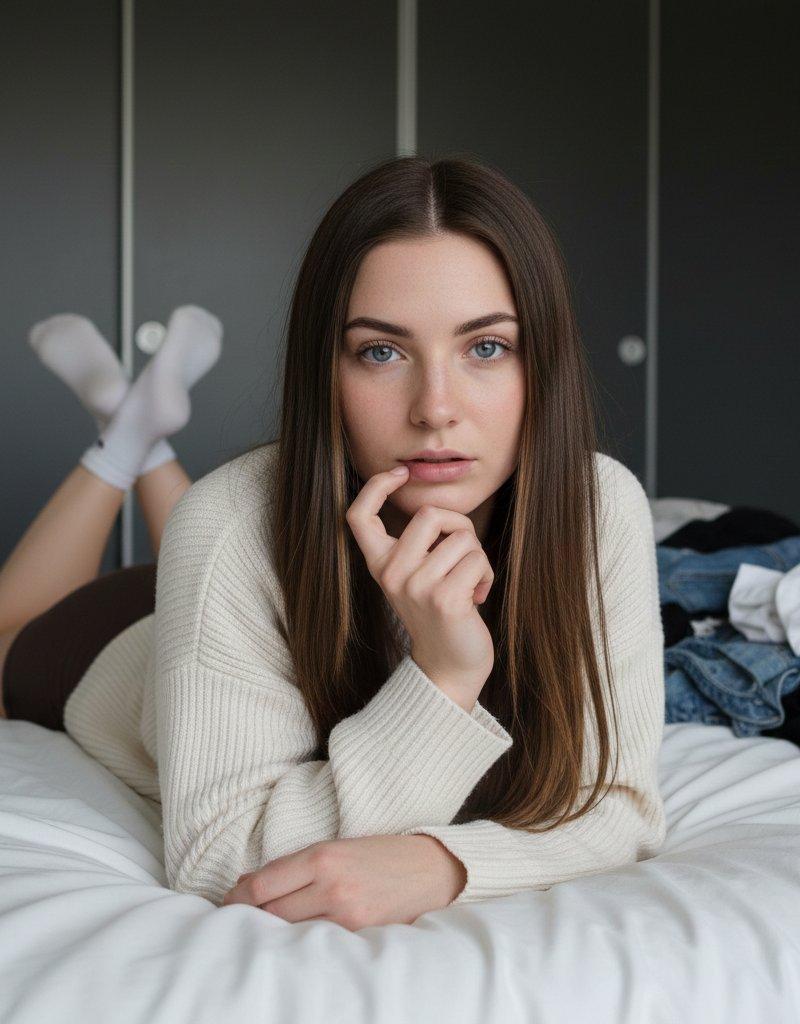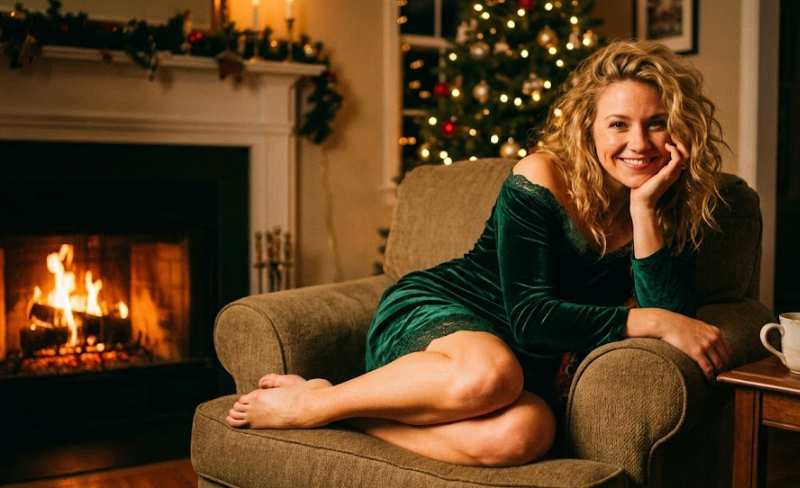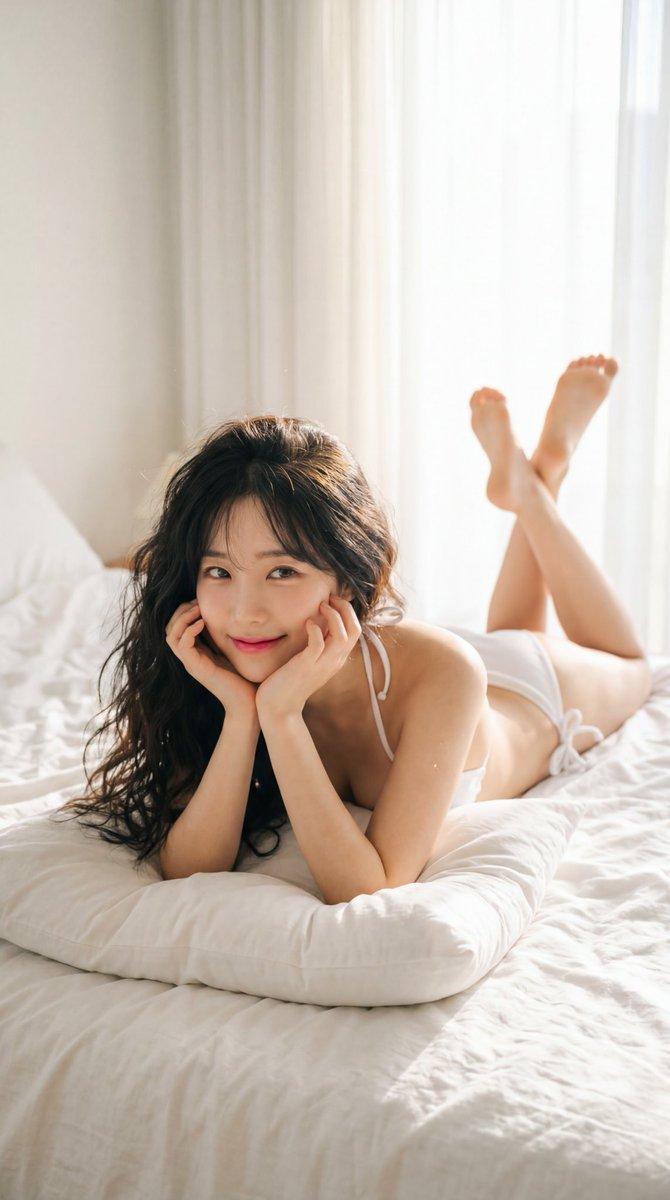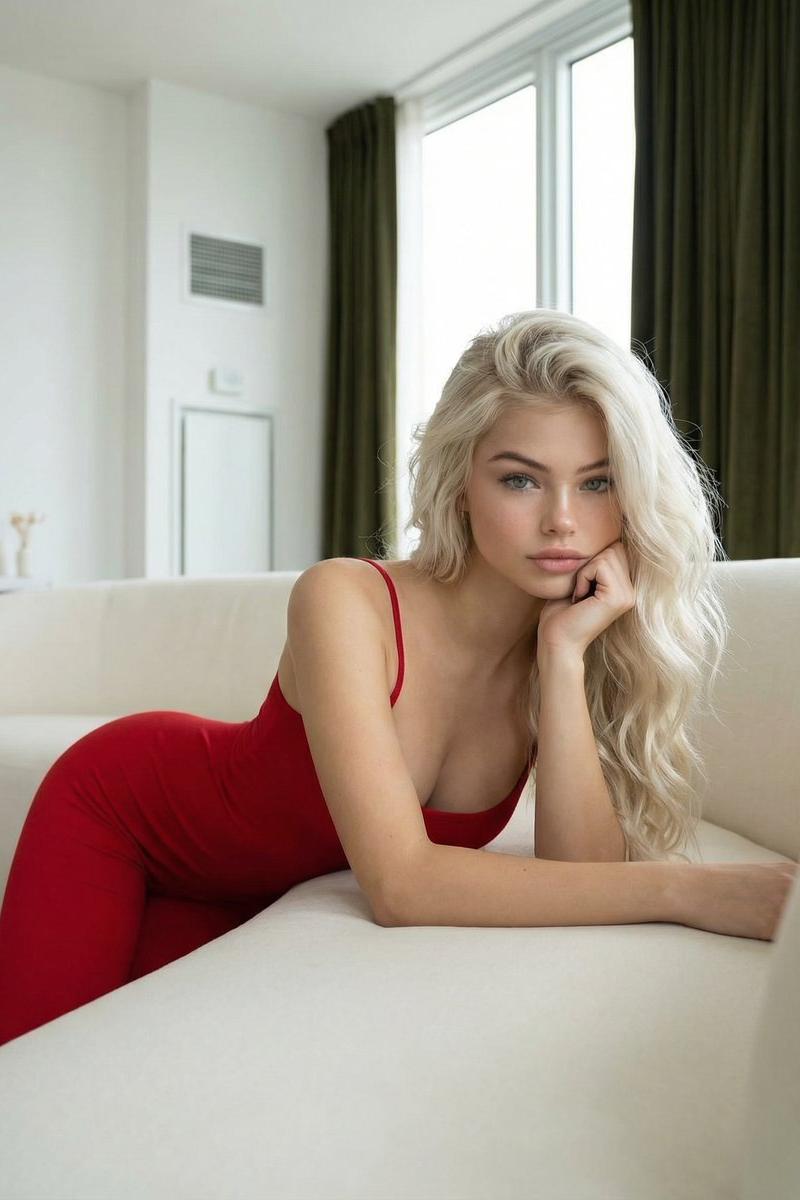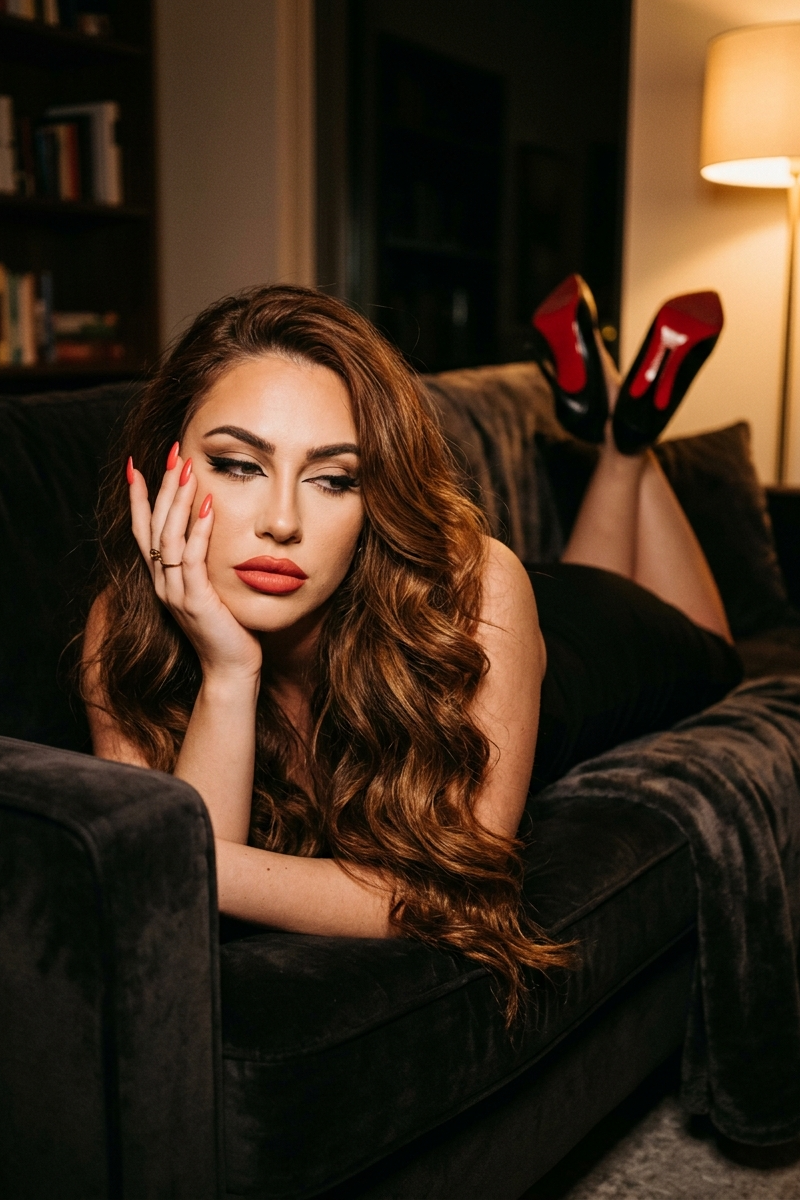
{ "portrait_prompt": { "subject": { "description": "Based on , lying PRONE (face
Prompt
{ "portrait_prompt": { "subject": { "description": "Based on <User Portrait>, lying PRONE (face down) on a dark sofa, upper body propped up on elbows, face resting on left hand, legs bent upward behind her with heels kicked up toward the ceiling. Full dramatic evening makeup still intact. The body forms a strong DIAGONAL LINE from lower-left (face) to upper-right (heels)", "features": { "hair": "Long, VOLUMINOUS loose waves/curls — rich chestnut brown with warm highlights, cascading DOWN from the sofa edge", "makeup": "DRAMATIC FULL EVENING MAKEUP — HEAVY CAT-EYE EYELINER with extended wing, RED/CORAL LIPSTICK full coverage matte-satin finish, RED/CORAL NAIL POLISH on long almond-shaped nails, PORCELAIN SKIN luminous, DEFINED BROWS groomed slightly arched, GOLD RING on left hand", "expression": "LANGUID DOWNWARD GAZE — eyes looking DOWN and slightly LEFT, NOT at camera. Half-lowered lids, zero tension in face, mouth naturally slightly open. Post-event decompression energy" }, "pose": "PRONE POSITION on sofa — lying FACE DOWN, upper body raised on ELBOWS. LEFT HAND cradles LEFT SIDE OF FACE with five red-nailed fingers fanned out against porcelain skin. LEGS bent at knees, KICKED UP behind at approximately 90 degrees, feet near top of frame. BLACK STILETTOS with RED SOLES (Louboutin-style), soles facing camera/ceiling. Overall body line: STRONG DIAGONAL from lower-left (face) to upper-right (heels)" }, "attire": { "type": "Black evening outfit + Louboutin-style red-sole heels + gold ring", "details": ["BLACK DRESS or strapless top — dark, body-hugging, matte black fabric absorbing light", "BLACK STILETTO HEELS with SIGNATURE RED SOLES — the red soles face upward creating the image's warm-color bookend", "GOLD RING — small warm metallic accent near the nails"] }, "composition": { "shot_type": "Full body — diagonal composition across the entire frame", "focal_length": "35-40mm", "aperture": "f/2.0-2.8", "camera_angle": "Slightly above eye level, from a standing position looking down at someone lying on a sofa", "aspect_ratio": "4:5" }, "lighting": { "type": "Single warm lamp — possibly a floor lamp or table lamp on the RIGHT side of the frame, creating directional warm light", "mood": "Late-night intimate amber glow — the specific quality of one warm lamp in a dark room after midnight" }, "color_palette": { "film_simulation": "Nostalgic Negative", "style": "Fujifilm Nostalgic Negative — signature amber-gold warmth in highlights, warm shadow rendering, rich chestnut-brown tones in hair, skin rendered with warm golden undertone" }, "environment": { "setting": "Dark apartment living room, late at night — the kind of living room that looks different at 1 AM than at 1 PM" }, "mood": "Post-event decompression — she was somewhere important (the makeup and heels prove it), now she's home, face-planted on the sofa without changing, and someone captured this exact moment" } }- Category
- Charts & Infographics
- Model
- Nano Banana 2
- Creator
- xie underwood
- Source language
- en
- Source ID
- 1391
- Published
- Mar 30, 2026
Views138