{ "Objective": "Create a cinematic fashion advertisement layout for a leather ja
Prompt
{
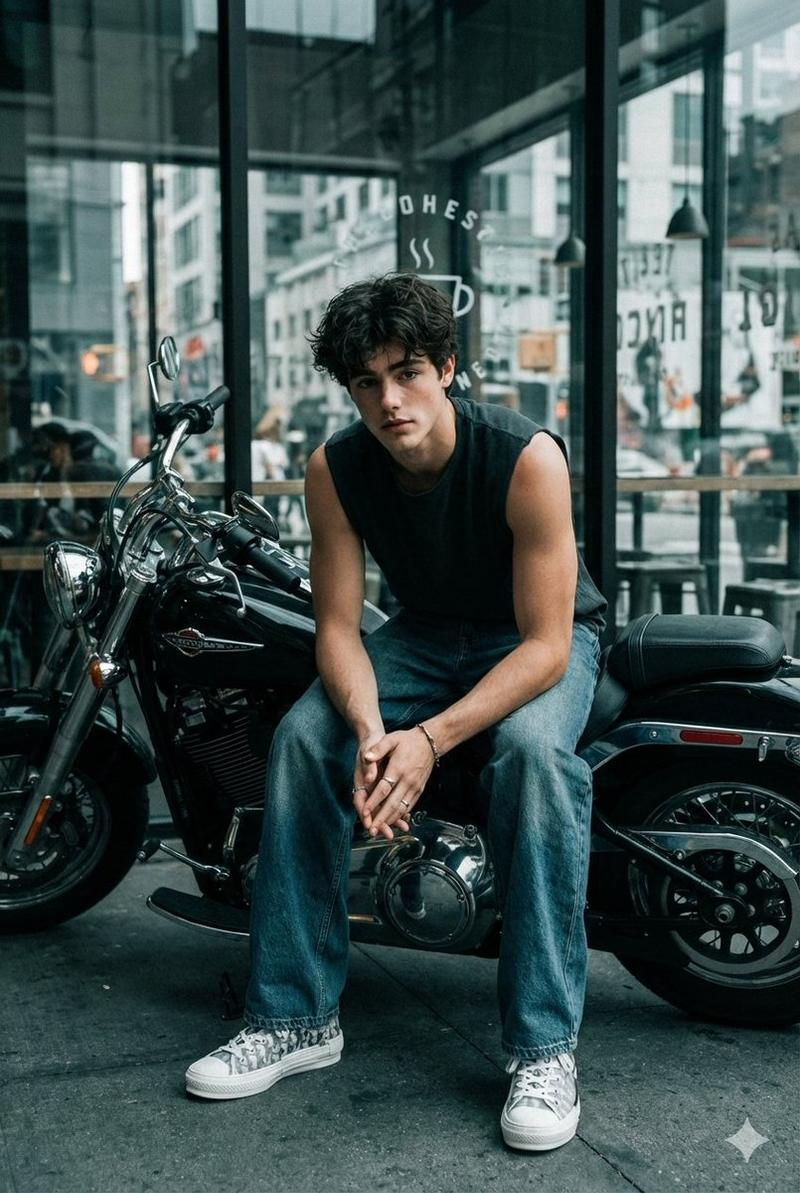
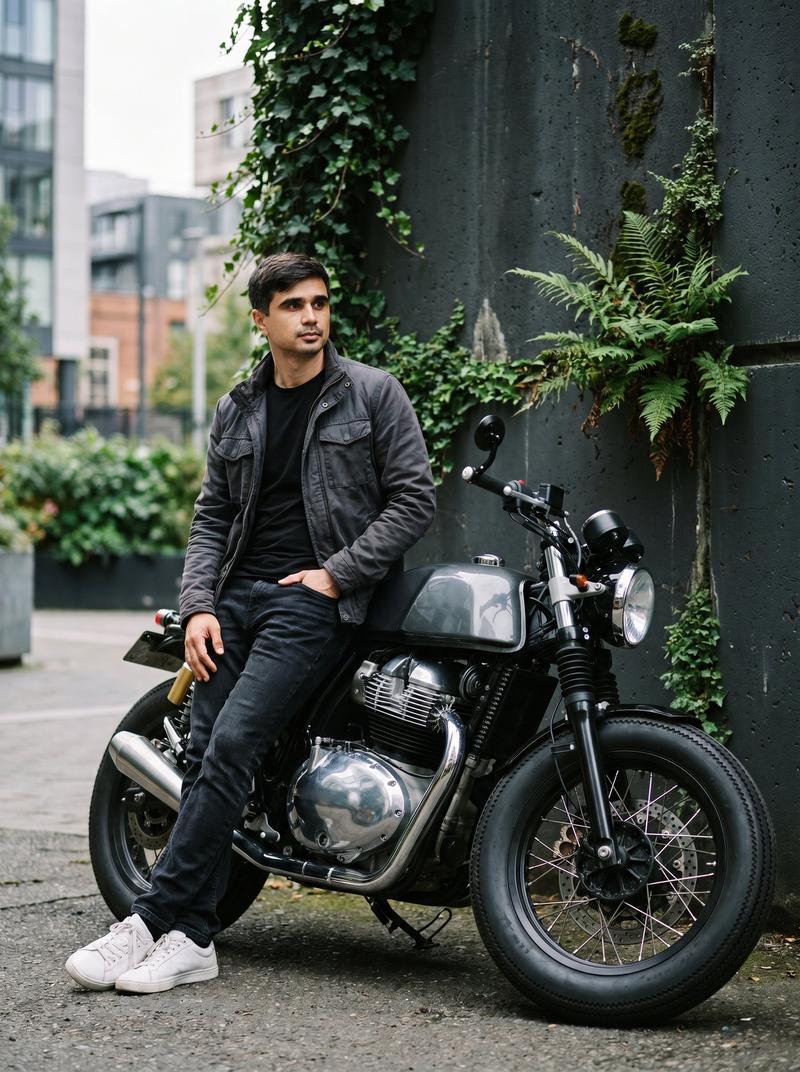
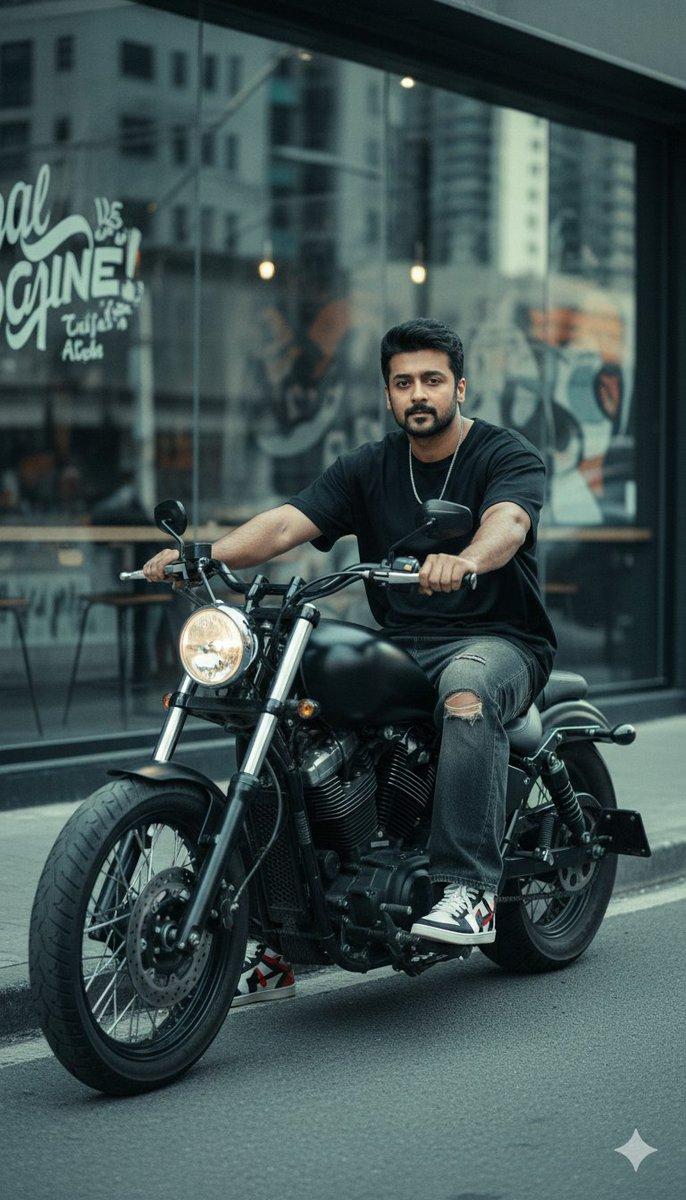
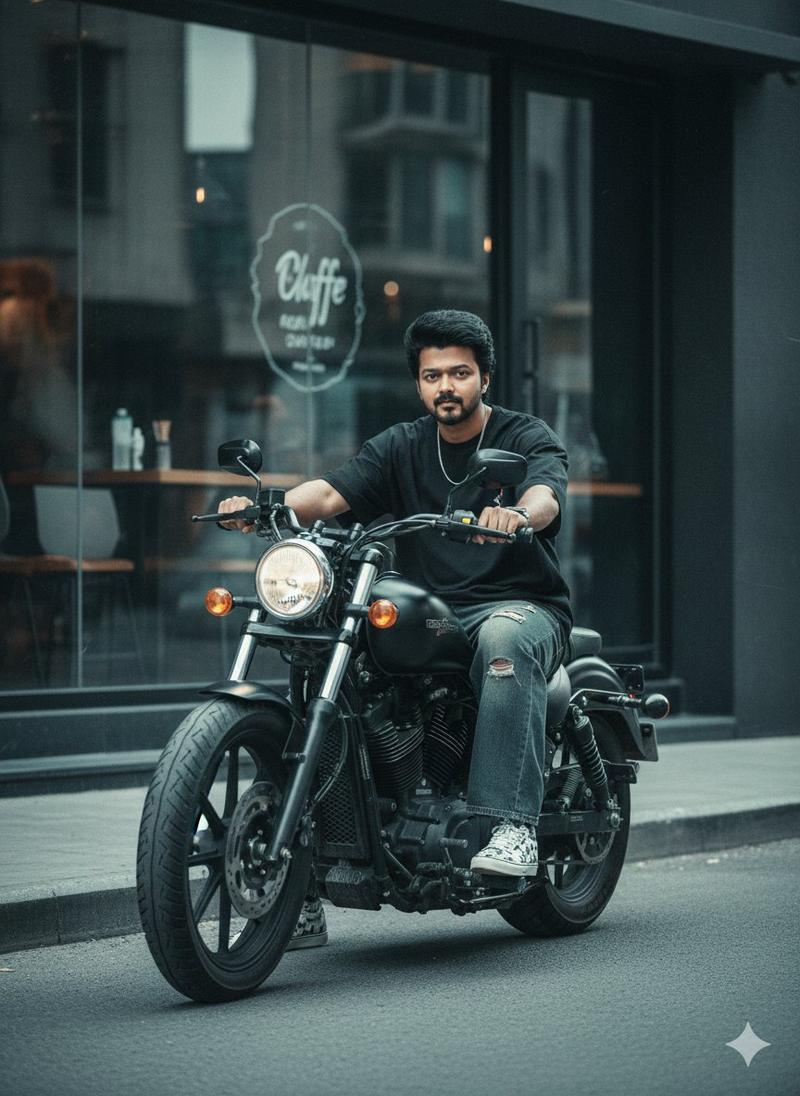
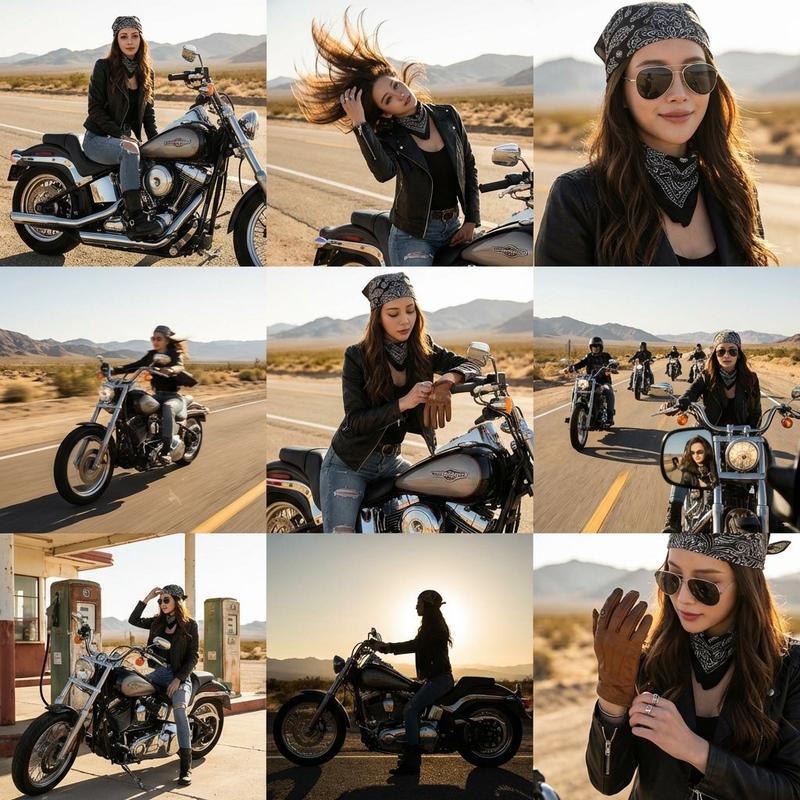
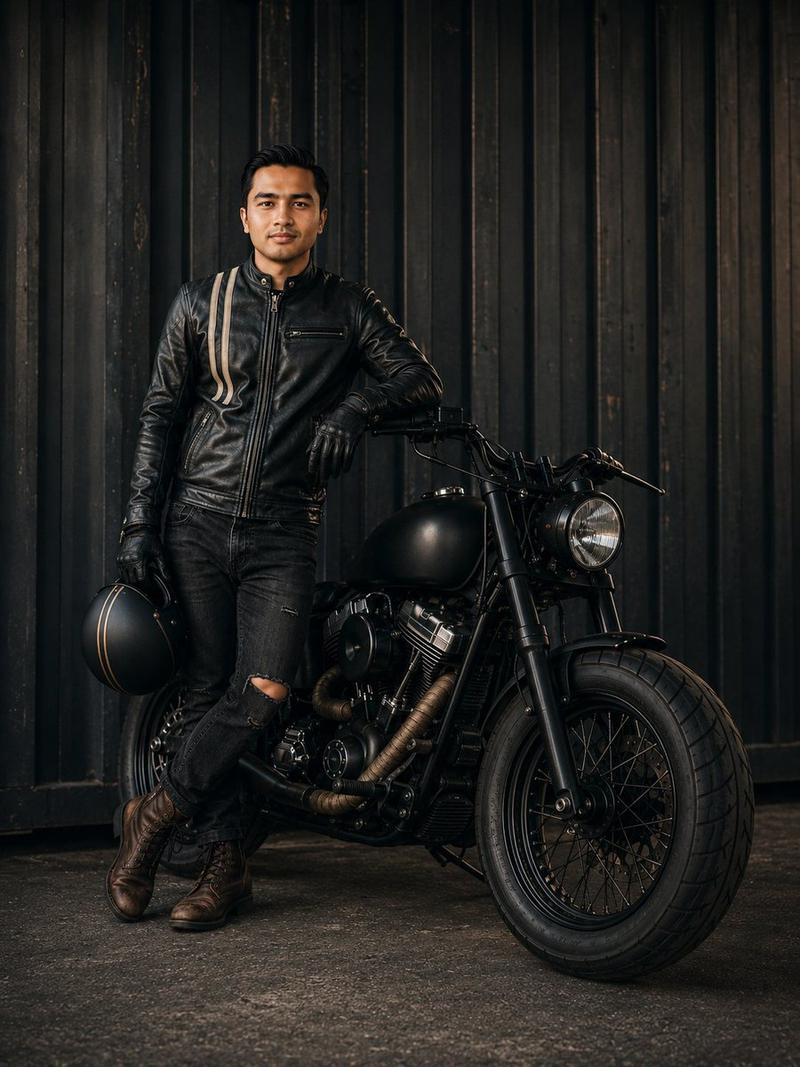
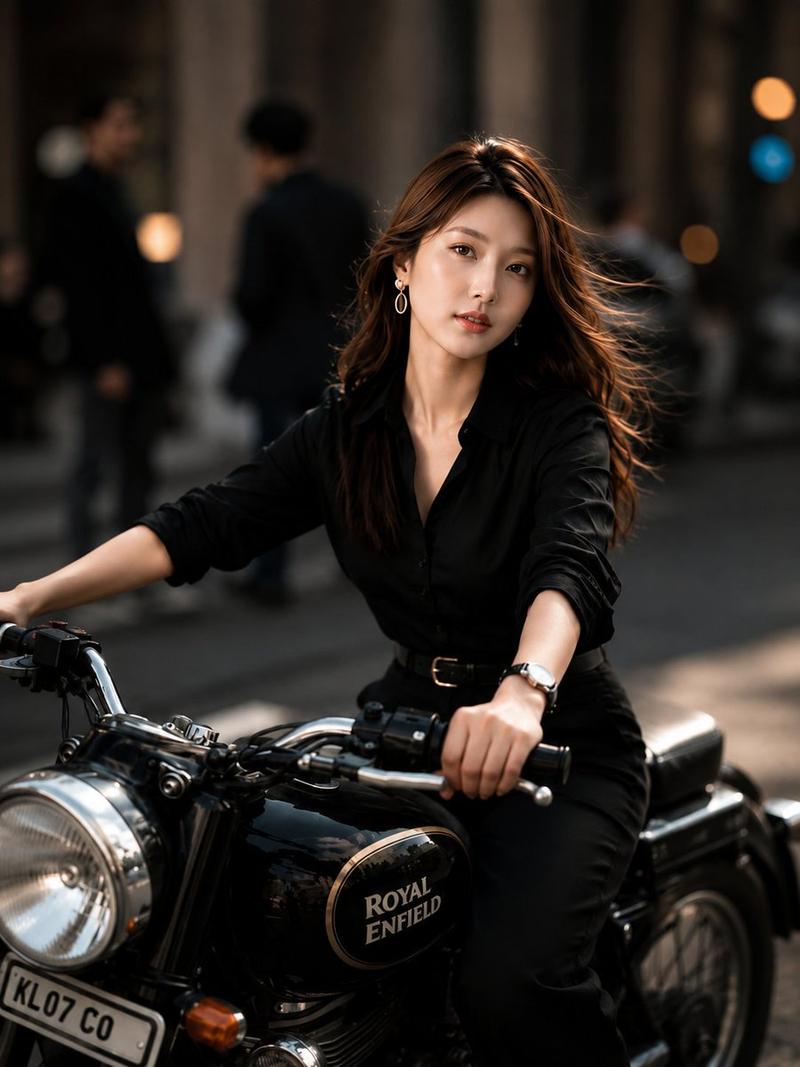
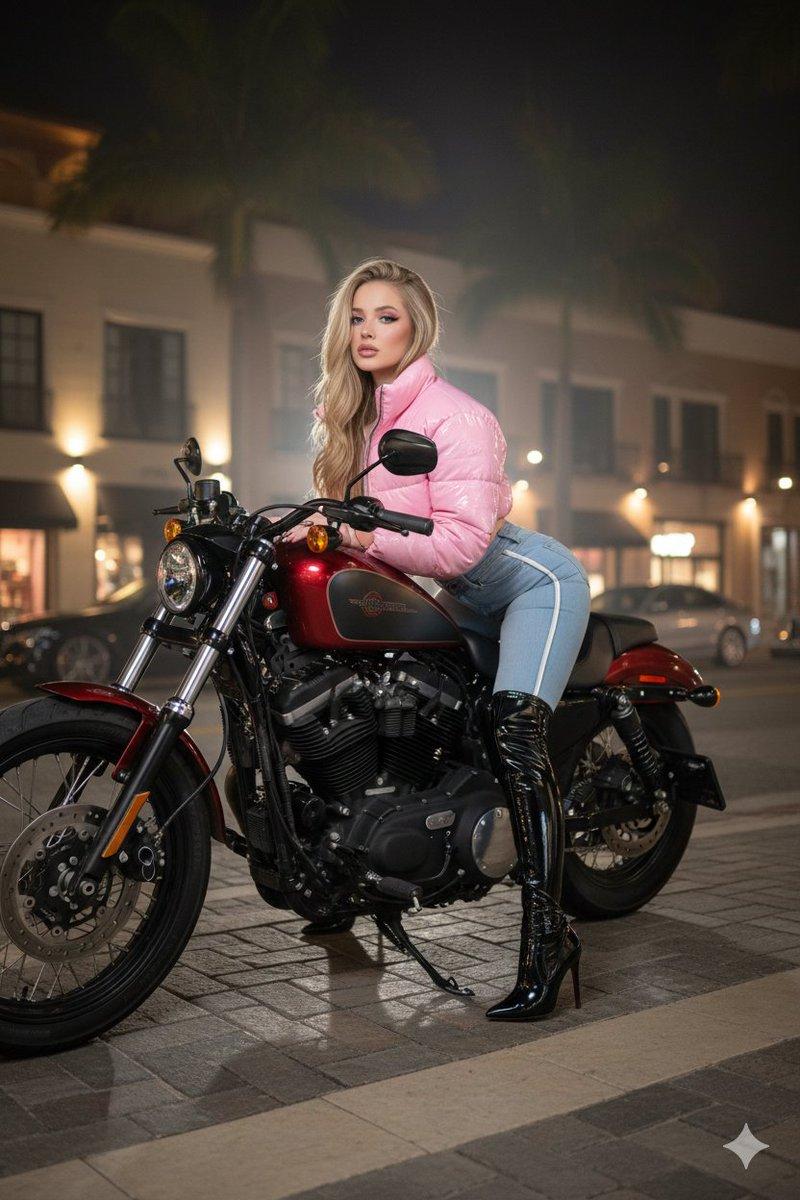
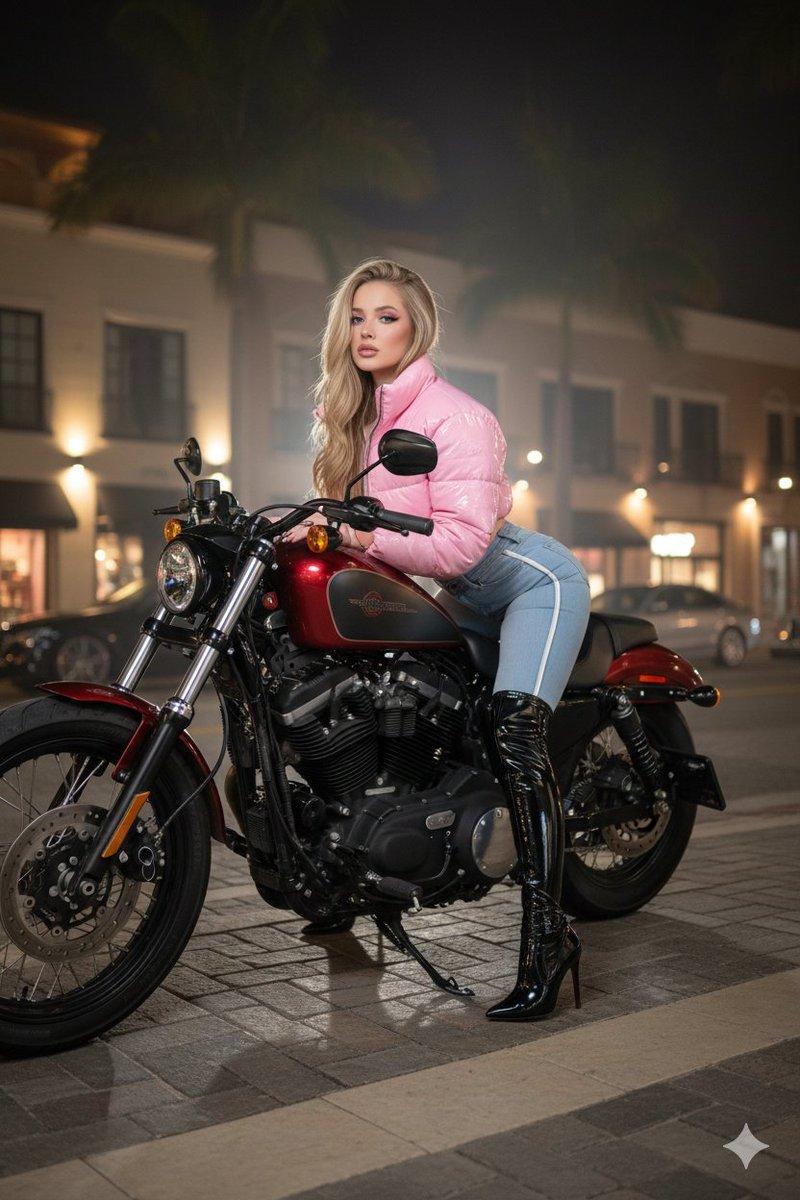
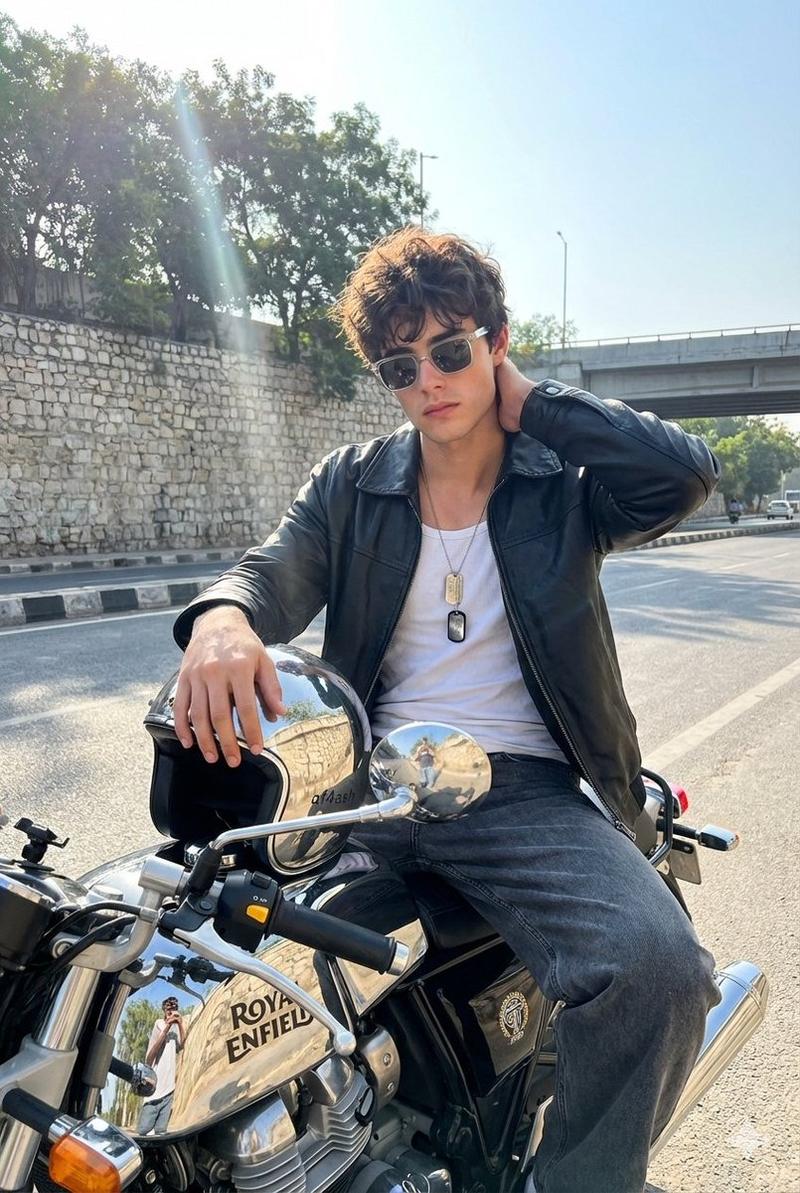
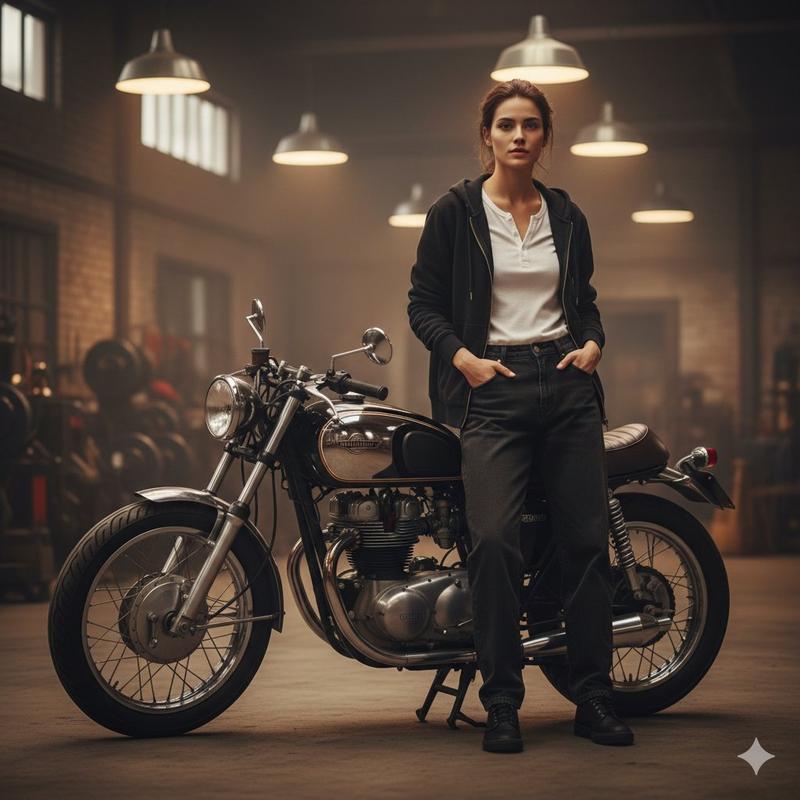
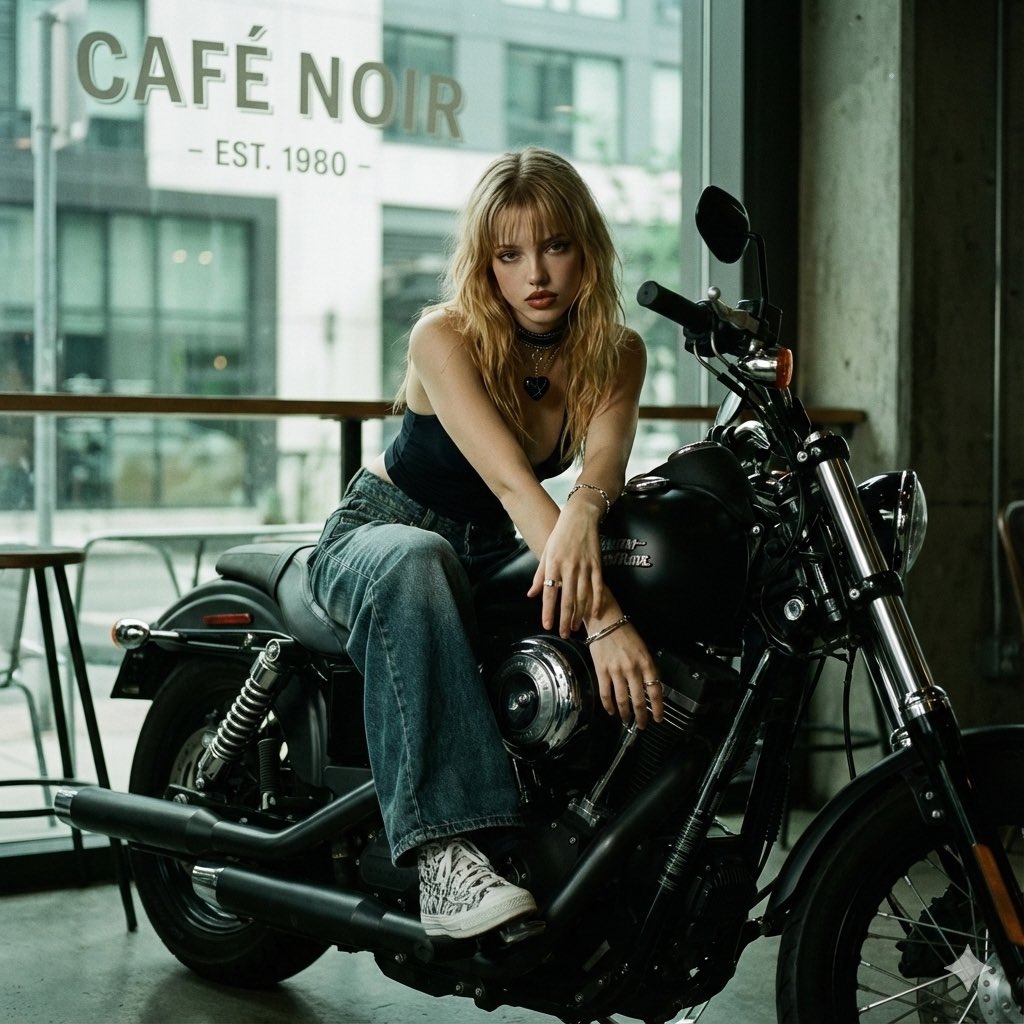
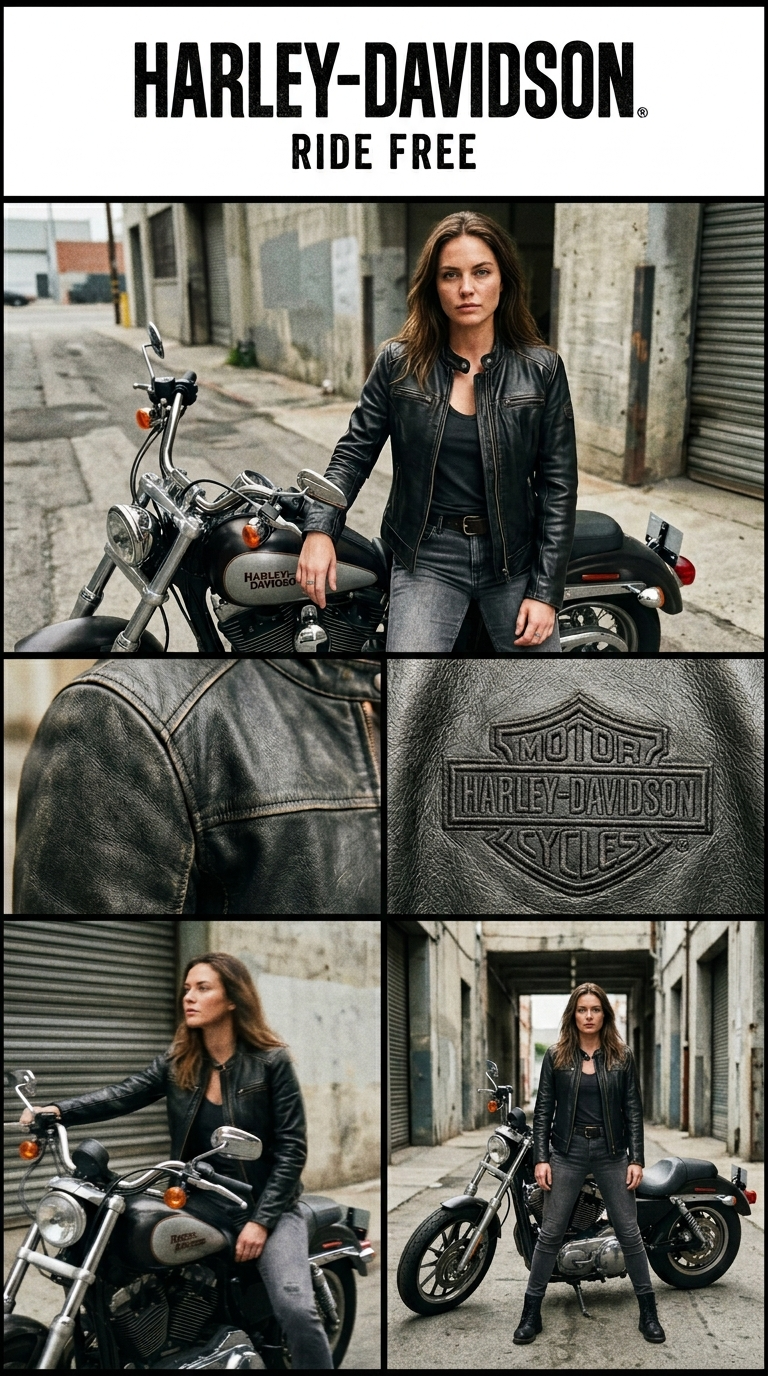
 "Objective": "Create a cinematic fashion advertisement layout for a leather jacket brand inspired by premium sports ads, featuring a woman with a motorcycle in natural, low-quality smartphone-style photography.",
 "Composition": {
 "layout": "multi-panel grid",
 "aspect_ratio": "3:4",
 "structure": {
 "top_banner": "brand name + slogan",
 "main_image": "hero shot (woman + motorcycle)",
 "middle_row": "2 close-up detail shots",
 "bottom_row": "2 lifestyle/action shots"
 }
 },
 "Branding": {
 "brand_name": "HARLEY-DAVIDSON",
 "tagline": "RIDE FREE",
 "logo_style": "bold, rugged typography",
 "placement": "top center"
 },
 "Main_Image": {
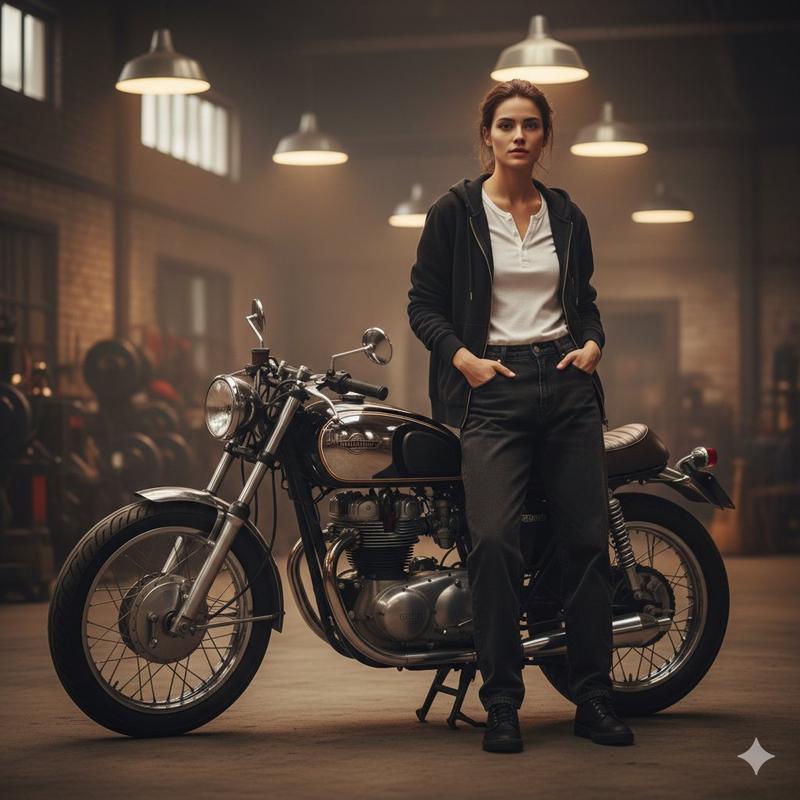
 "scene": "woman standing next to a motorcycle",
 "subject": {
 "appearance": {
 "beauty": "naturally attractive",
 "skin": "no glossy skin, natural texture",
 "expression": "serious, confident"
 },
 "outfit": "black leather jacket, casual biker outfit"
 },
 "pose": "standing beside motorcycle, one hand resting on bike",
 "camera_style": "slightly imperfect smartphone shot",
 "framing": "mid shot with shallow depth"
 },
 "Detail_Shorts": [
 {
 "position": "middle left",
 "content": "close-up of leather jacket texture",
 "details": "stitching, worn leather grain, matte finish"
 },
 {
 "position": "middle right",
 "content": "close-up of Harley-Davidson logo",
 "details": "embroidered or embossed logo, very tight crop"
 }
 ],
 "Lifestyle_Shorts": [
 {
 "position": "bottom left",
 "content": "woman sitting on motorcycle",
 "pose": "casual riding pose, looking away",
 "style": "candid, slightly blurred motion"
 },
 {
 "position": "bottom right",
 "content": "full body shot next to motorcycle",
 "pose": "standing confidently, wide stance",
 "style": "natural framing, slightly imperfect"
 }
 ],
 "Environment": {
 "setting": "urban street or industrial area",
 "details": [
 "concrete textures",
 "garage or alleyway",
 "muted tones",
 "gritty atmosphere"
 ]
 },
 "Photography": {
 "camera": "smartphone",
 "quality": "intentionally low quality",
 "lighting": "natural light, slightly uneven",
 "imperfections": [
 "grain",
 "slight blur",
 "imperfect framing",
 "lens distortion"
 ],
 "effects": [
 "no beauty filter",
 "no skin smoothing",
 "realistic shadows"
 ]
 },
 "Mood": "rugged, rebellious, raw, authentic biker lifestyle",
 "Rendering": {
 "style_keywords": [
 "fashion advertisement",
 "leather jacket ad",
 "harley davidson aesthetic",
 "motorcycle lifestyle",
 "raw photography",
 "gritty urban"
 ],
 "realism": "photorealistic with natural imperfections",
 "detail_level": "medium-high, not overly polished",
 "aspect_ratio": "--ar 3:4"
 },
 "Response_Format": {
 "type": "image_generation_prompt_json",
 "editable_fields": [
 "branding",
 "environment",
 "poses",
 "lighting"
 ]
 }
}- Category
- Charts & Infographics
- Model
- Nano Banana 2
- Creator
- xie underwood
- Source ID
- 1410
- Published
- Mar 30, 2026
Views74