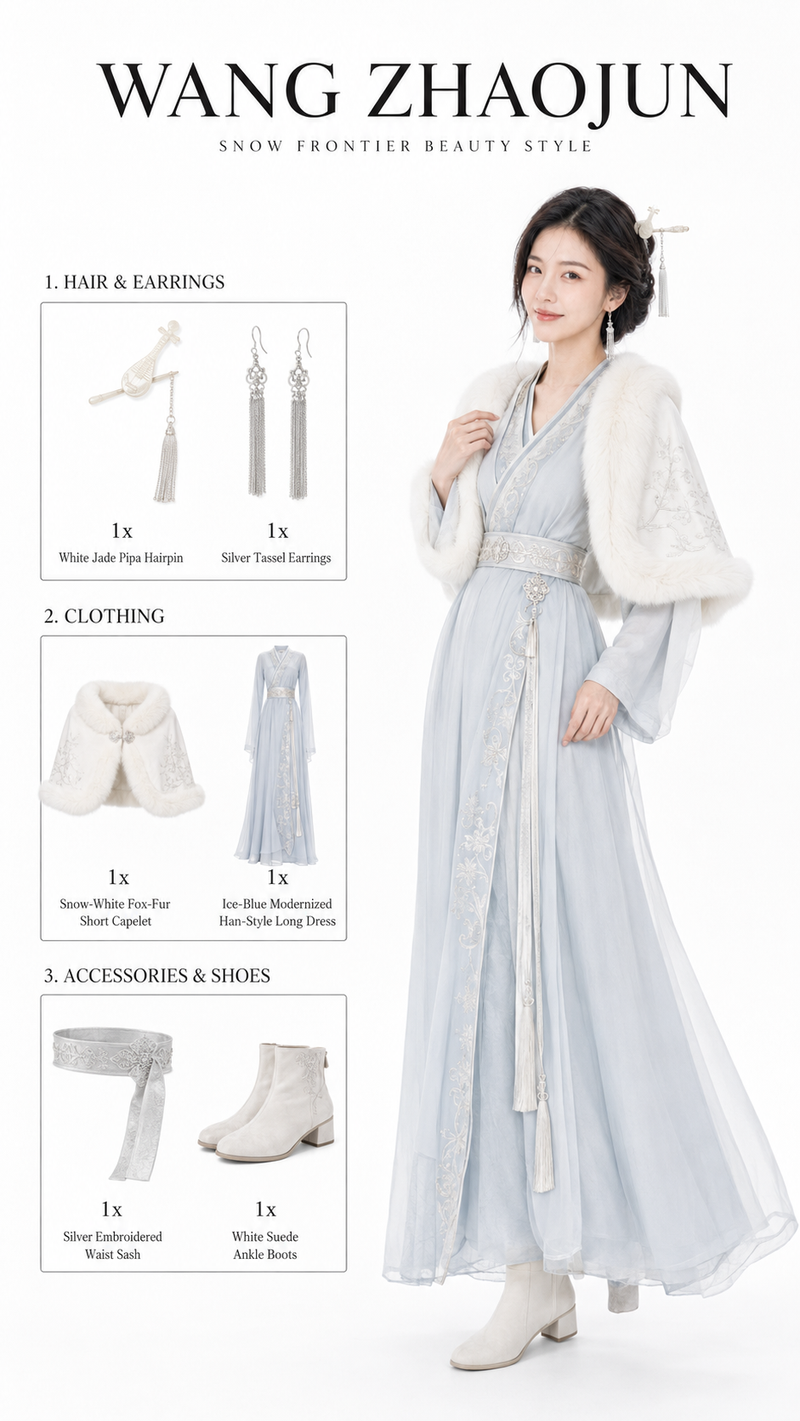
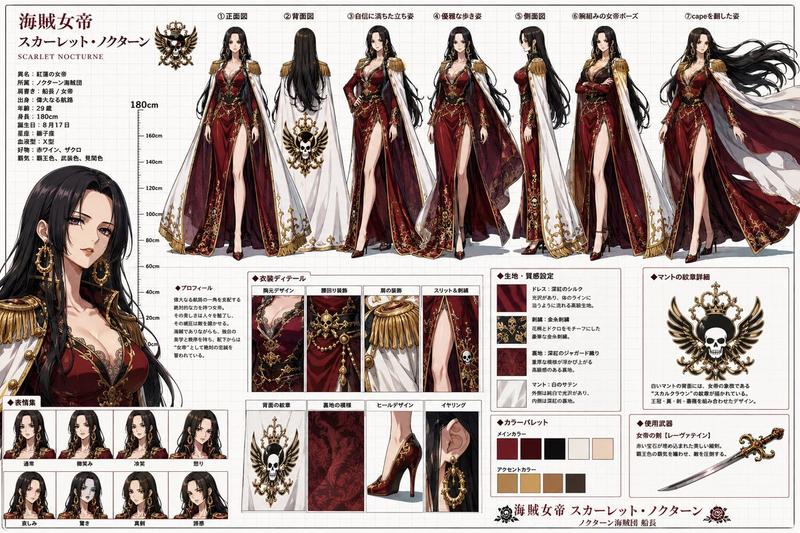
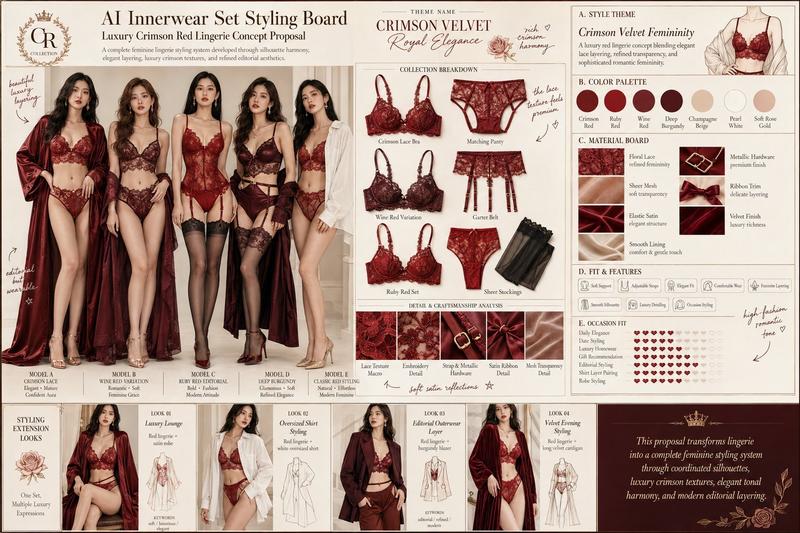
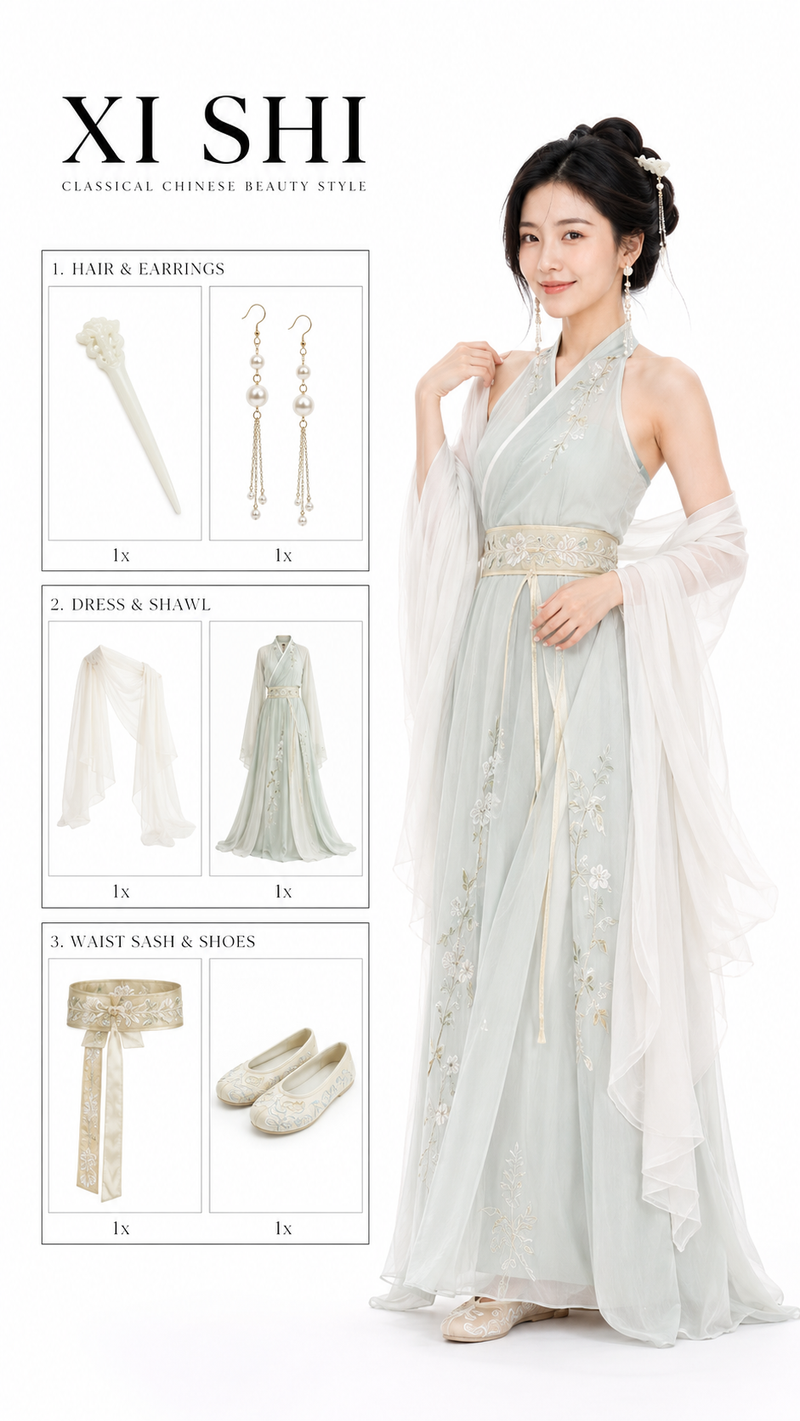
The character first performs a 2-second short action that matches the current ch
Prompt
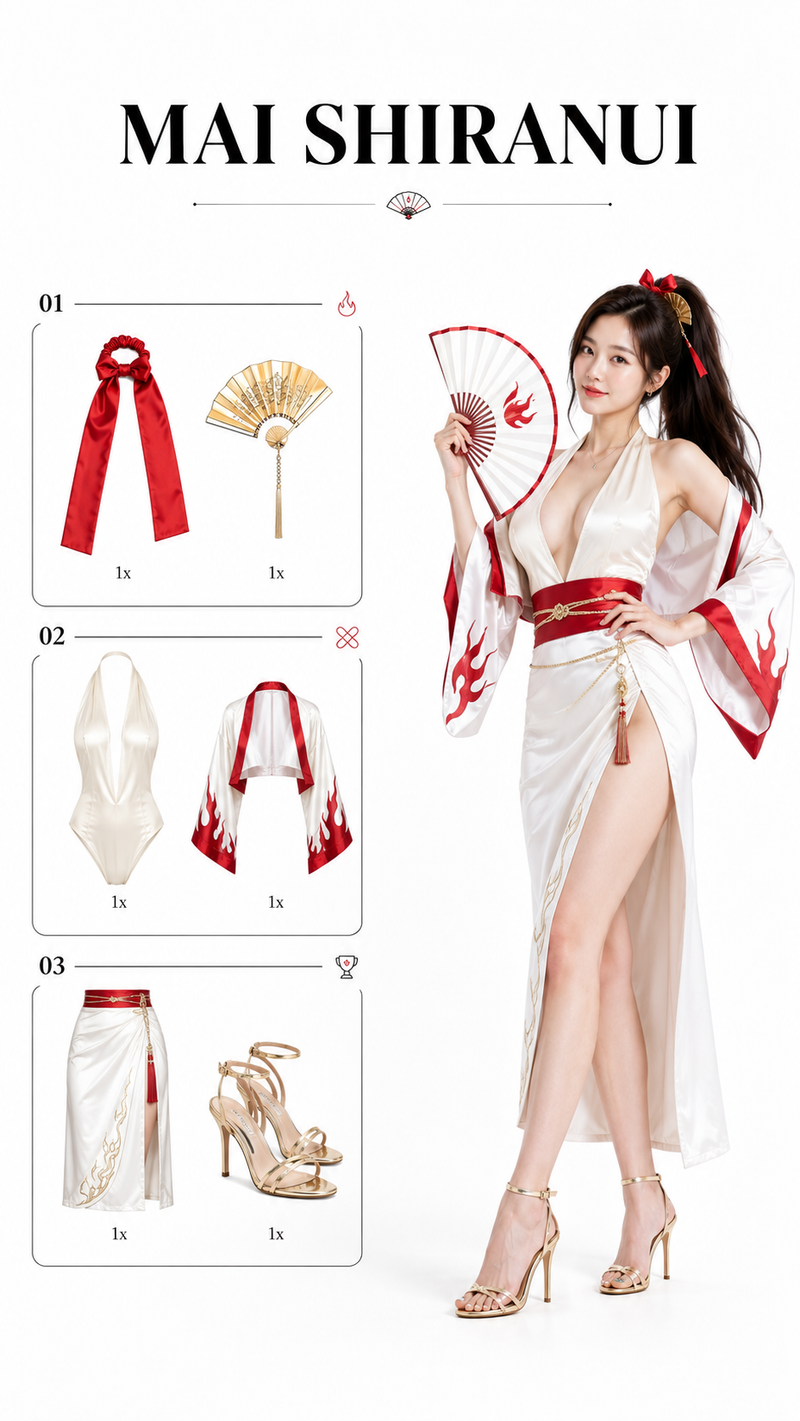
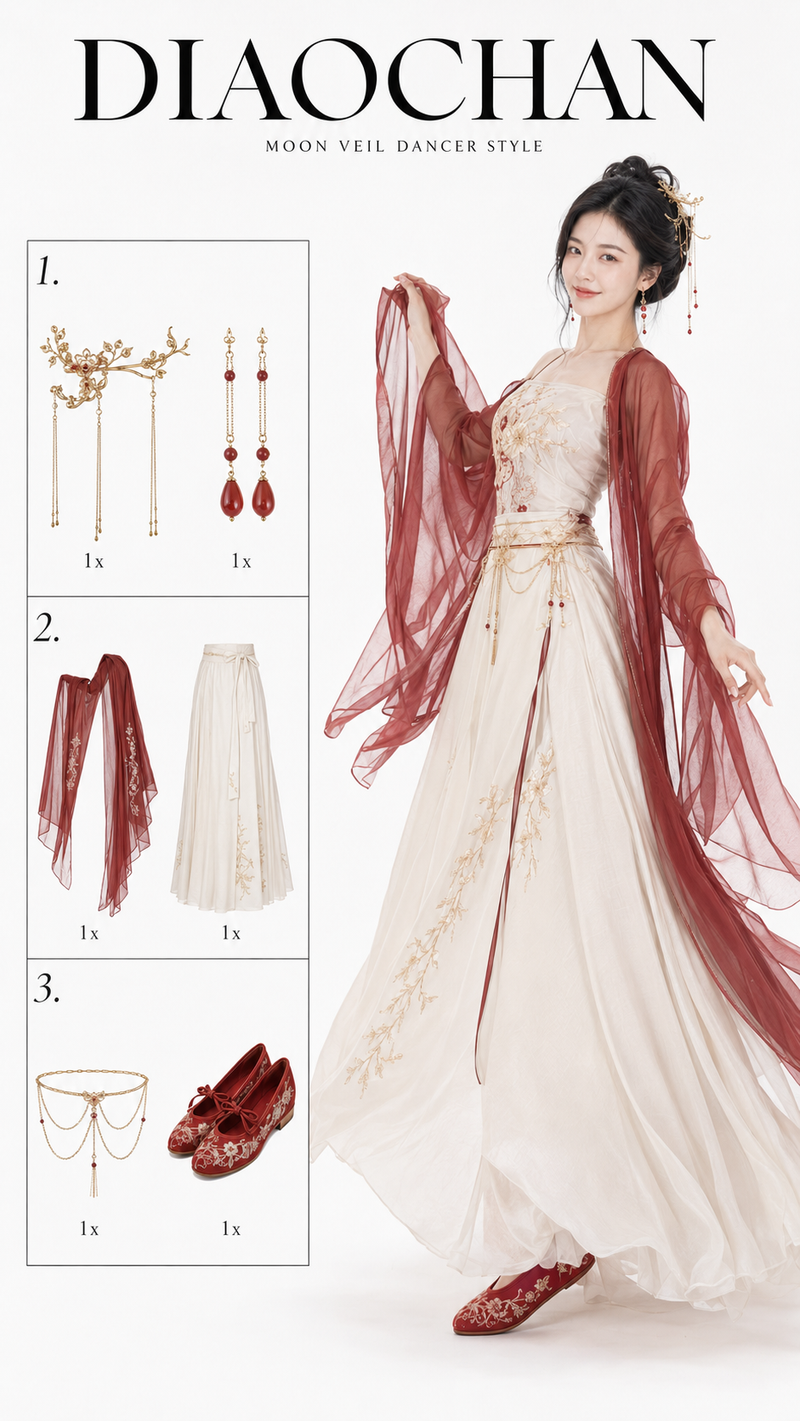
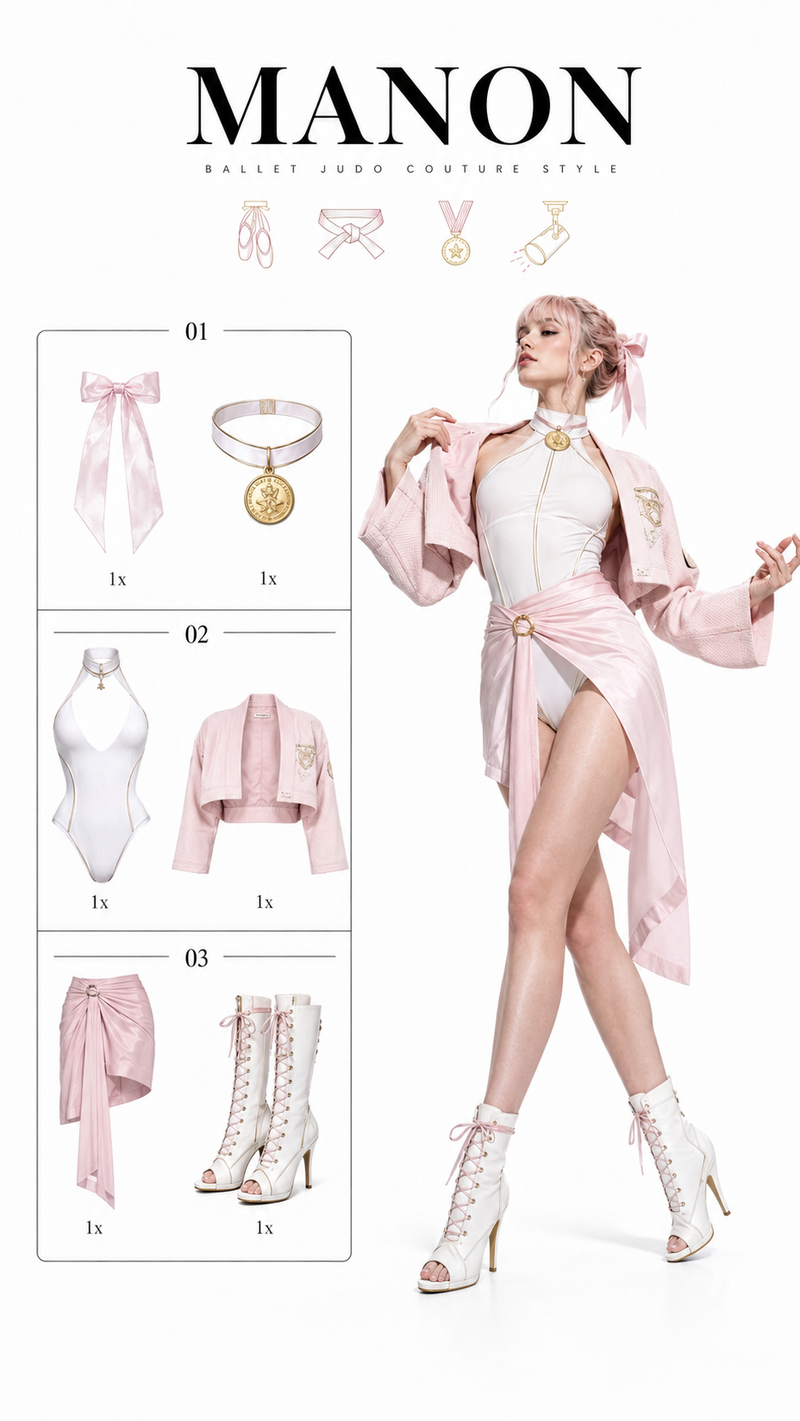
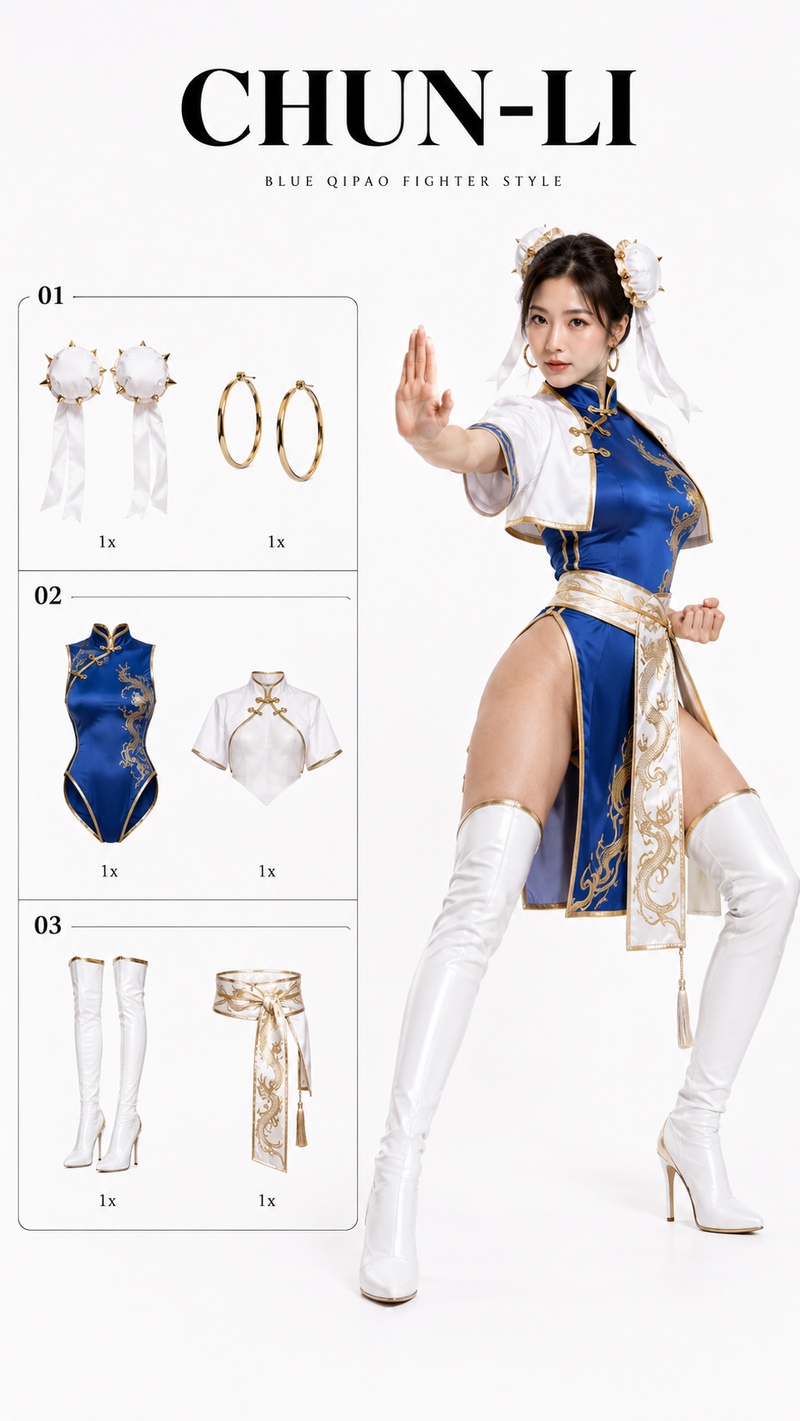
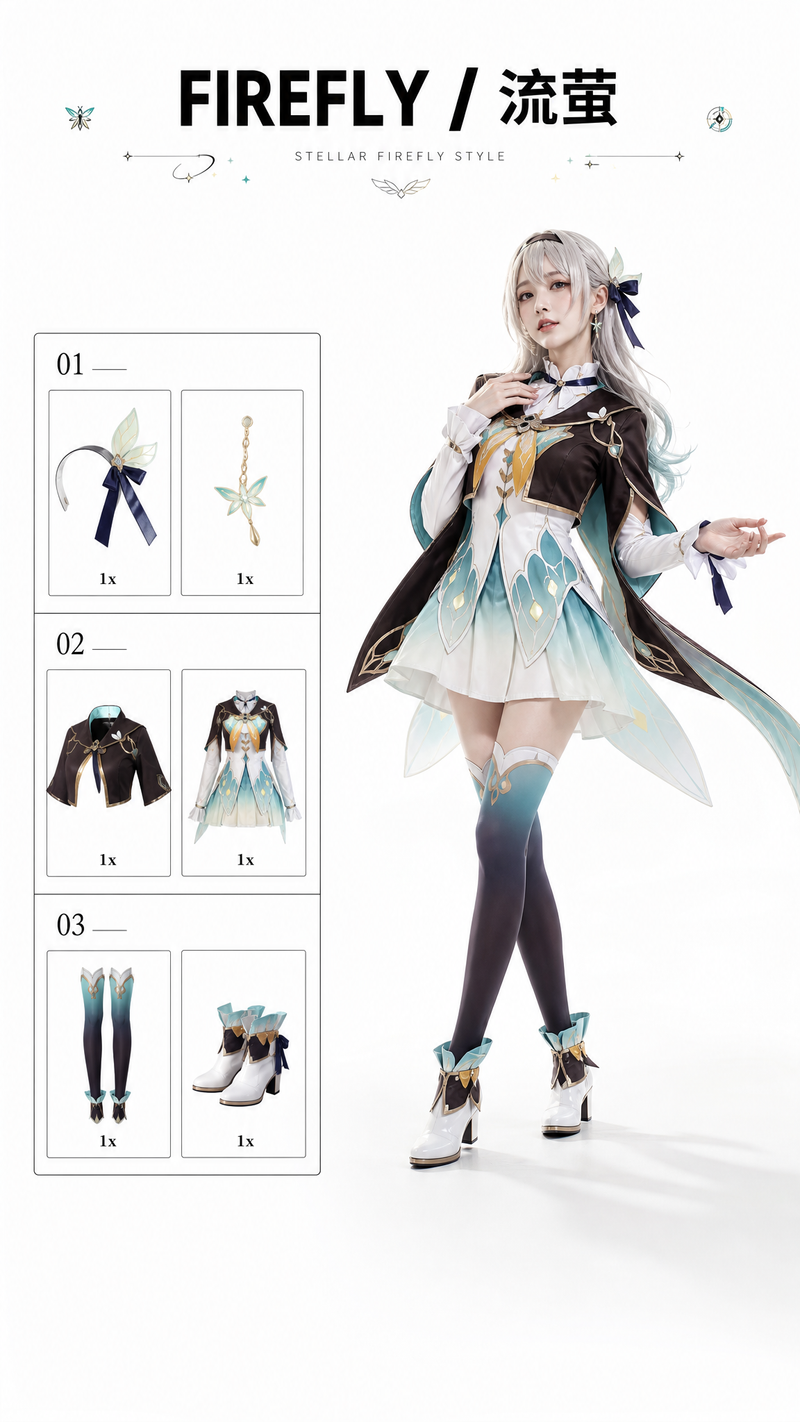
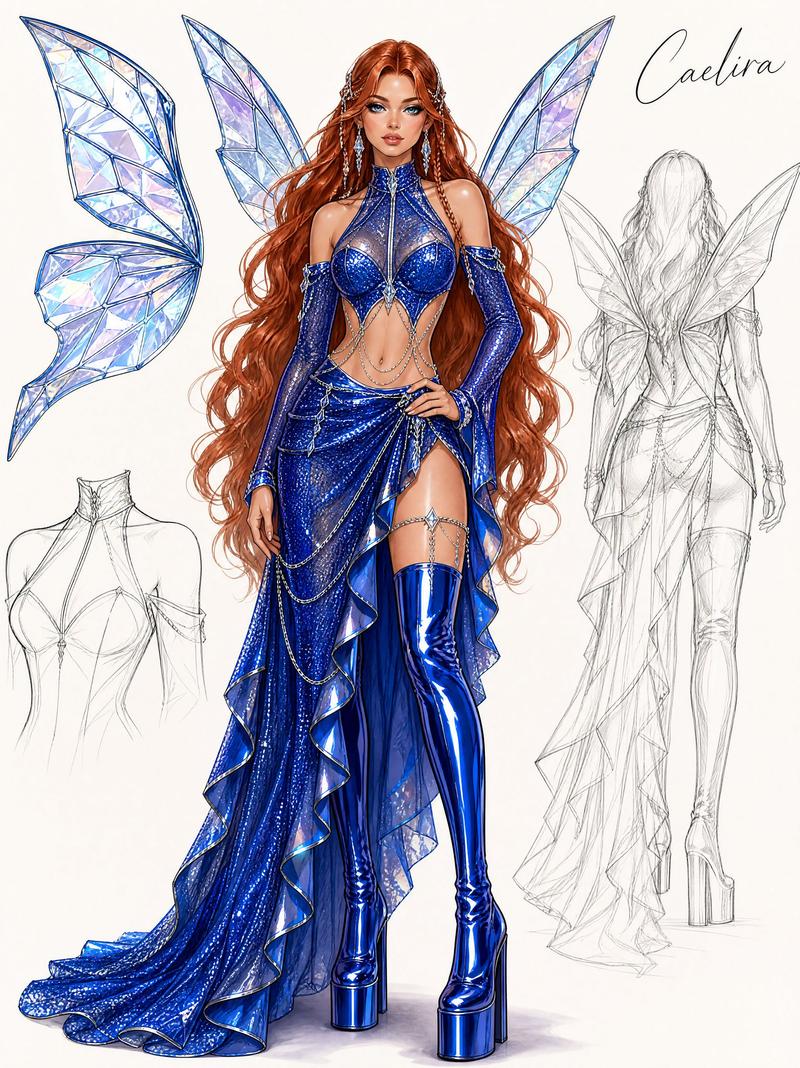
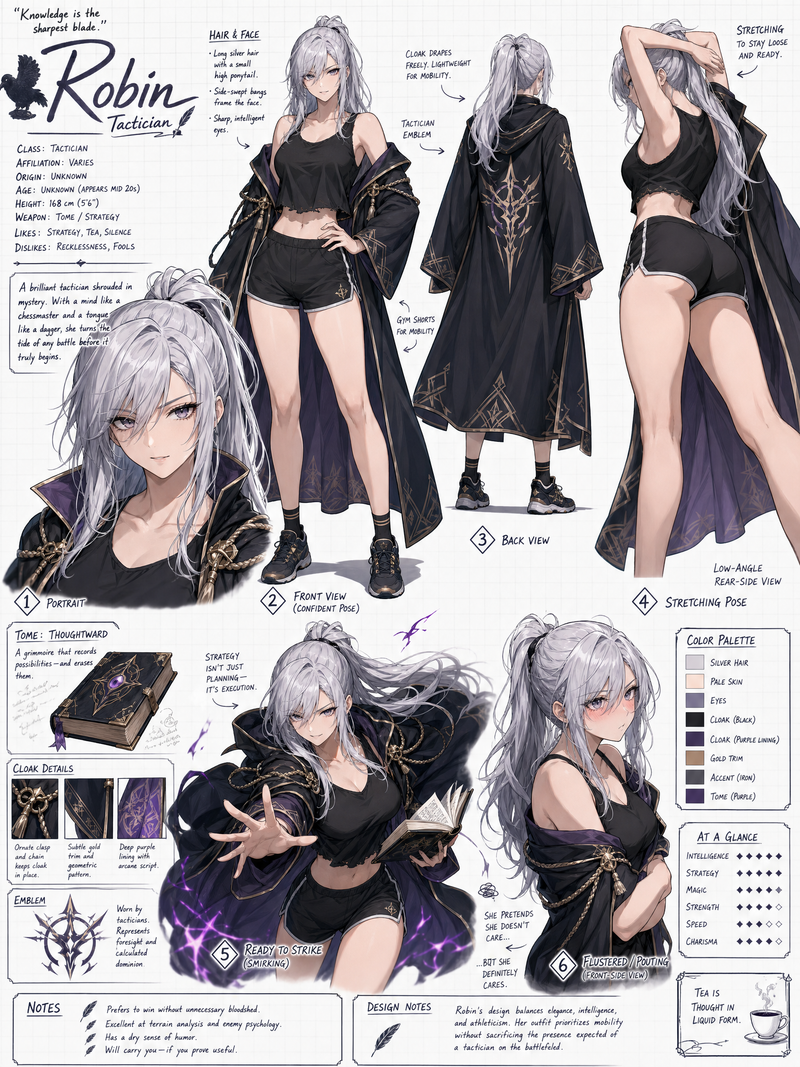
The character first performs a 2-second short action that matches the current character’s personality and aura. After the action ends, it naturally leads into a body rotation. The character rotates around her vertical axis as if standing on a white photography studio turntable, turning from a front-facing view to a side view, and naturally transitions into the next character.

The black border on the left side, the numbered boxes, the divider lines, the product positions, and the “1x” quantity text all remain front-facing, flat, and stable. They do not rotate, tilt, or flip pages. Only the product cutout image inside each product grid performs a small independent in-place 3D rotation, rotating around the product’s own central axis, and during the rotation it changes into the corresponding product for the next character.

Do not zoom in, do not zoom out, do not push the camera in, do not pull the camera back, do not move the camera, do not rotate the camera, do not scale the entire frame, do not create perspective distortion, do not create fisheye distortion, do not create wide-angle stretching, do not make the character suddenly become larger or smaller, do not make the left checklist become larger or smaller, do not let the title drift, do not change the frame crop, do not let the layout jump, do not flip the entire left-side card, do not rotate the border, do not rotate the text, do not shake the camera, do not use dynamic camera movement, do not use a zoom transition.
- Category
- Charts & Infographics
- Model
- kling-3.0/video
- Creator
- xie underwood
- Source ID
- 14155
- Published
- Jun 2, 2026
Views376


![[CHARACTER] rendered as a 3D vinyl collectible figurine, [STYLE] character desig](https://whqgdndlpxjbwosvipip.supabase.co/storage/v1/render/image/public/prompt-source-media/promptsref/work-9564/image-1-9a54ce4cc1165b03.png?width=800&quality=75&resize=contain)