18

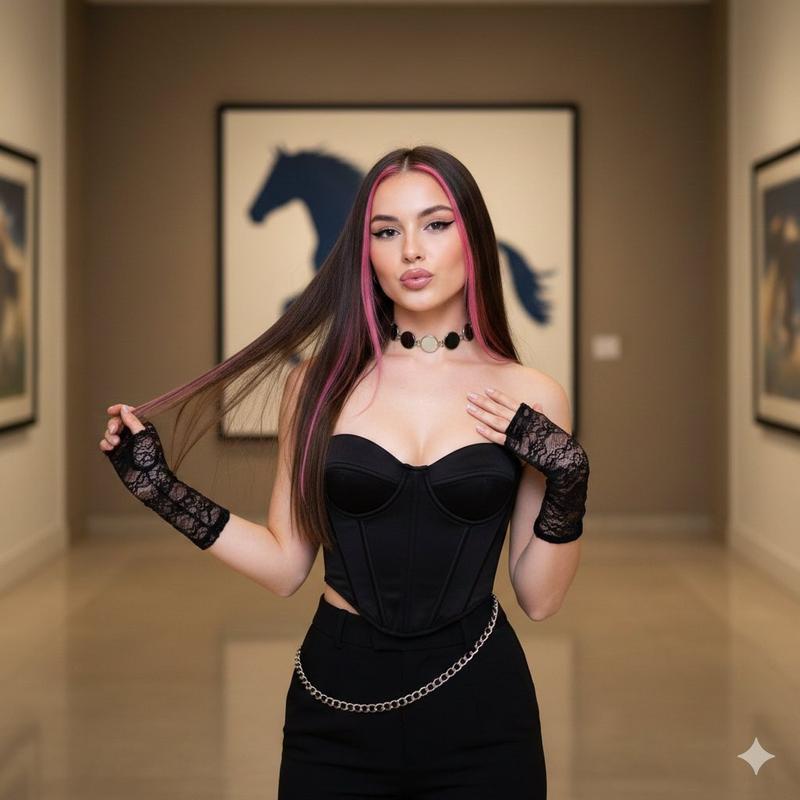
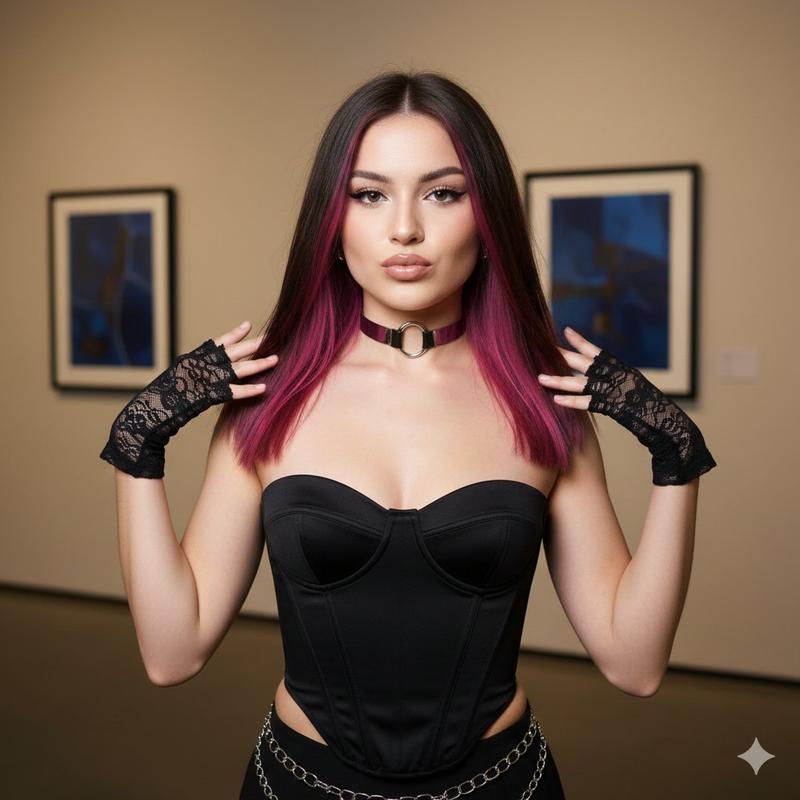
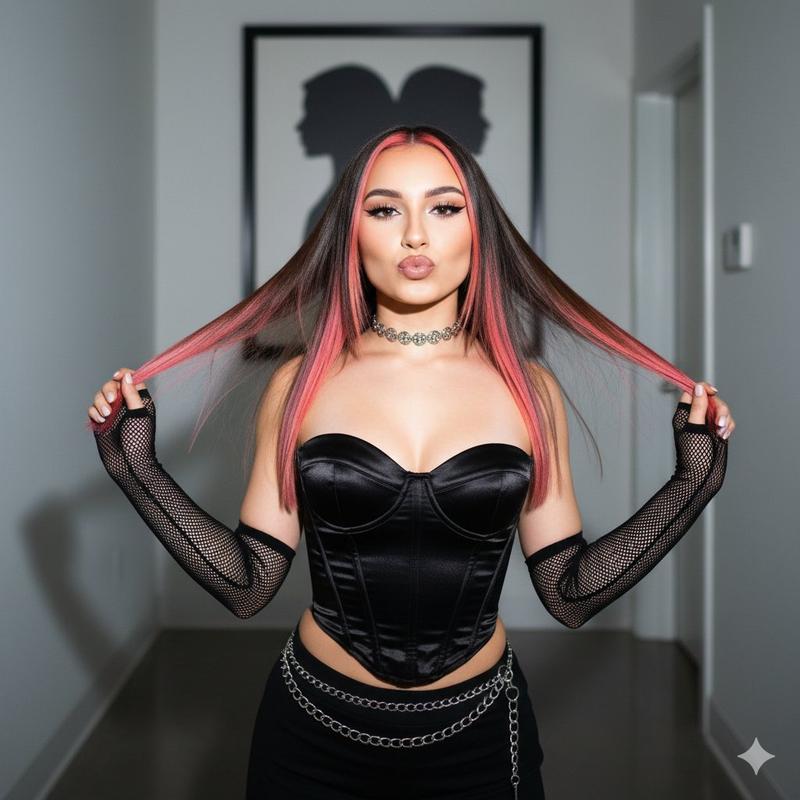
Ultra-realistic 9:16 portrait in a vintage, high-contrast editorial style
Enlarge

Ultra-realistic 9:16 portrait in a vintage, high-contrast editorial style

Prompt
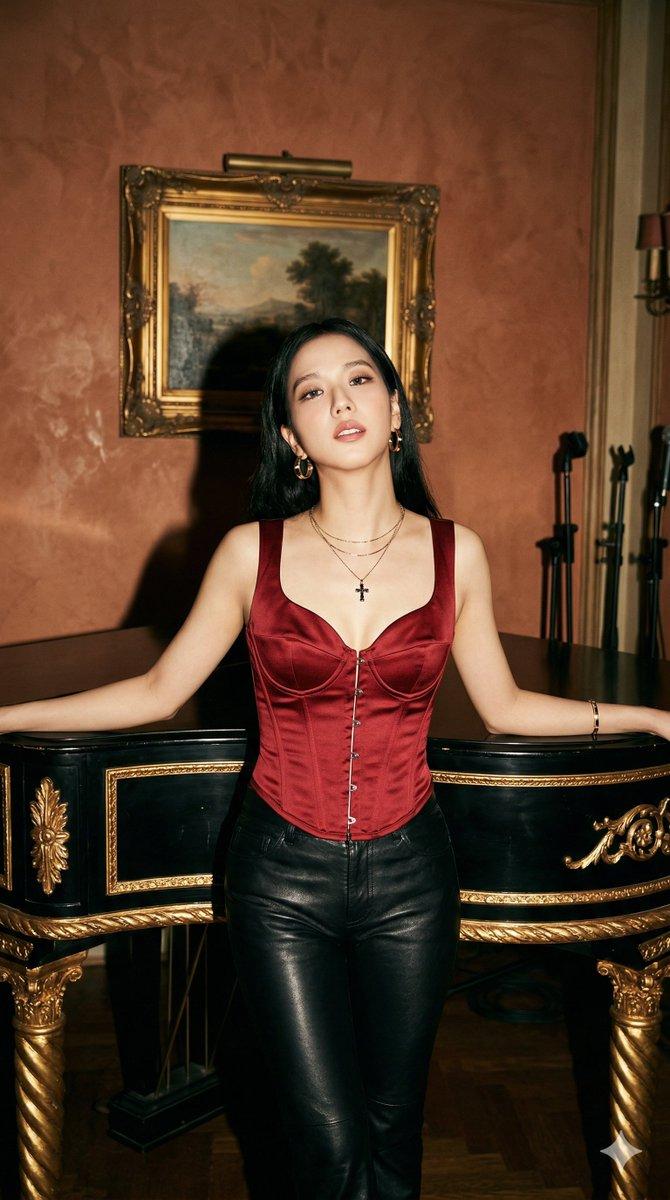
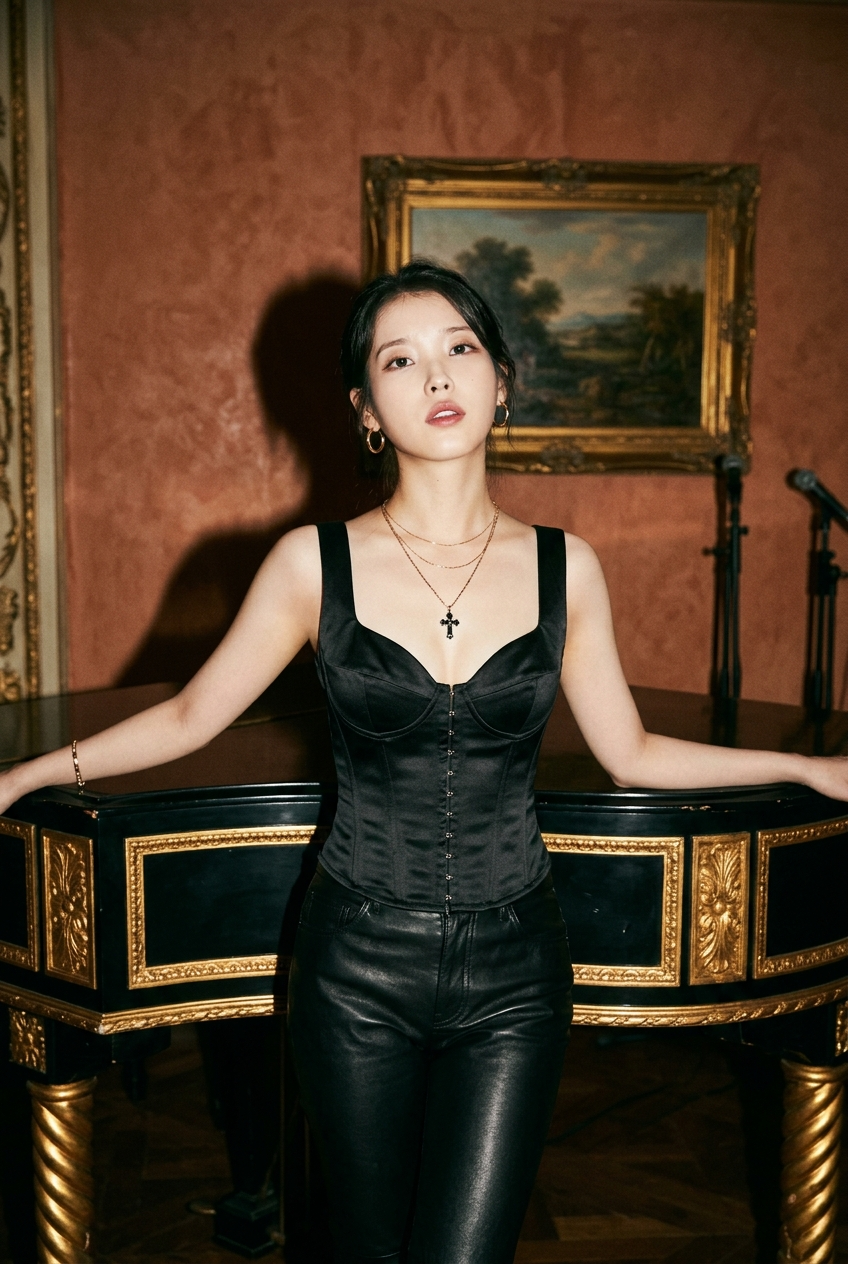
Ultra-realistic 9:16 portrait in a vintage, high-contrast editorial style. Use the reference image for the subject’s identity, face, and hair — preserve exact facial features, proportions, and likeness.

The subject is IU, featuring her soft, youthful facial features, porcelain skin tone, and dark expressive eyes. She is standing and leaning back against an ornate grand piano, with both arms spread and resting along the piano edge. Her head is slightly tilted back, with a relaxed, sultry pose and parted lips.

She is wearing a black satin corset top with a low sweetheart neckline and front hook-and-eye closures, paired with black leather pants.

Accessories include gold hoop earrings, layered thin gold necklaces with a dark cross pendant, and a thin gold bracelet.

The setting is an ornate vintage-style room with a warm, dim ambiance. The piano is black with twisted gold-leaf legs and gold panel detailing. The background features a textured terracotta wall, a framed landscape painting in a heavy gold frame, and faint microphone stands visible on the right.

Lighting is direct front flash, creating high contrast with strong shadows cast onto the back wall.

High detail, sharp textures, cinematic editorial photography style, shallow depth of field, crisp focus on the subject.
Category
Brand & Logos
Model
Nano Banana 2
Views293
Source ID
1437
Published
Apr 1, 2026

Guide

About "Ultra-realistic 9:16 portrait in a vintage, high-contrast editorial style"

What is this prompt for?

"Ultra-realistic 9:16 portrait in a vintage, high-contrast editorial style" AI image prompt for Nano Banana 2 (Brand & Logos). Ultra-realistic 9:16 portrait in…

The full copyable prompt and example visuals above are ready for AI image generation or one-click recreate in Picva.

How to use this prompt

  1. Step 1

    Open the prompt detail

    Review the example visuals, category, and full prompt text for "Ultra-realistic 9:16 portrait in a vintage, high-contrast editorial style".

  2. Step 2

    Copy the prompt

    Copy the prompt body from this page, or load it directly in Studio.

  3. Step 3

    Pick a model (Nano Banana 2)

    Prefer Nano Banana 2. If you switch models, keep subject and composition and tweak style terms.

  4. Step 4

    Generate and export

    Recreate the look in Picva, or export into your workflow for editing and publishing.

FAQ

What is the "Ultra-realistic 9:16 portrait in a vintage, high-contrast editorial style" prompt?
It is an AI image-generation prompt for Nano Banana 2 in the Brand & Logos category. This page includes the full prompt text, example visuals, and a one-click recreate path in Picva.
How do I use this prompt to generate an image?
Copy the prompt from this page, or use Generate / Studio. Paste it into a compatible image model, or recreate the look in Picva with optional reference images.
Which model is this prompt for?
This page lists Nano Banana 2. Most descriptive prompts also transfer to nearby image models such as GPT Image, Flux, or Midjourney with light style tweaks.
Can I use the result commercially?
You can usually copy the prompt for creation, but commercial use of the final image depends on the model terms, reference-image rights, and the generated content. Follow the source author and platform rules.