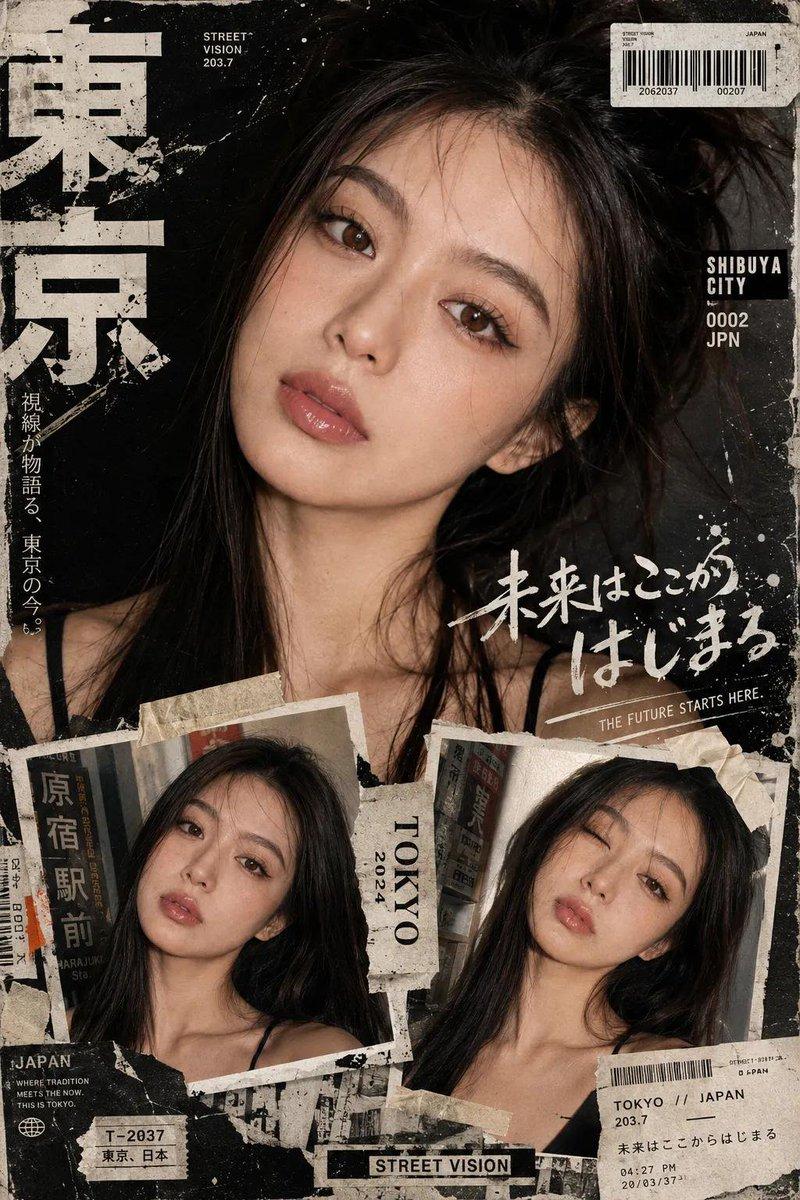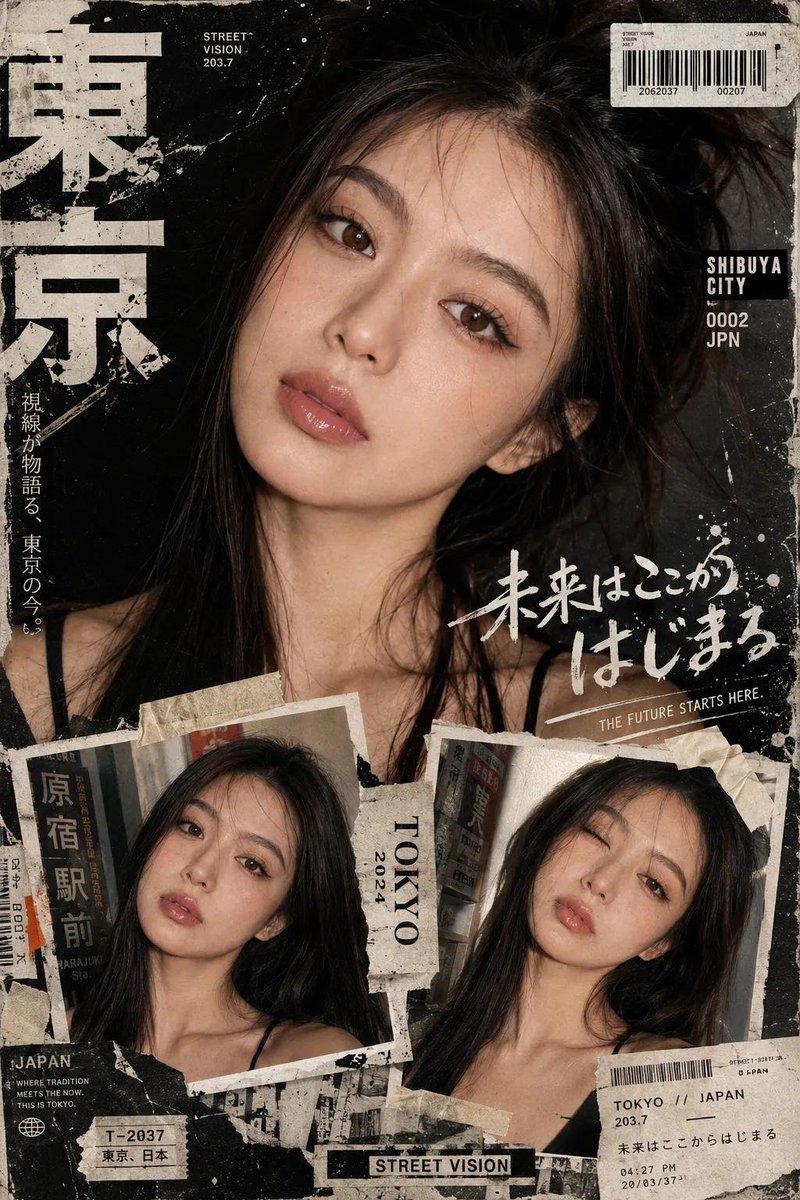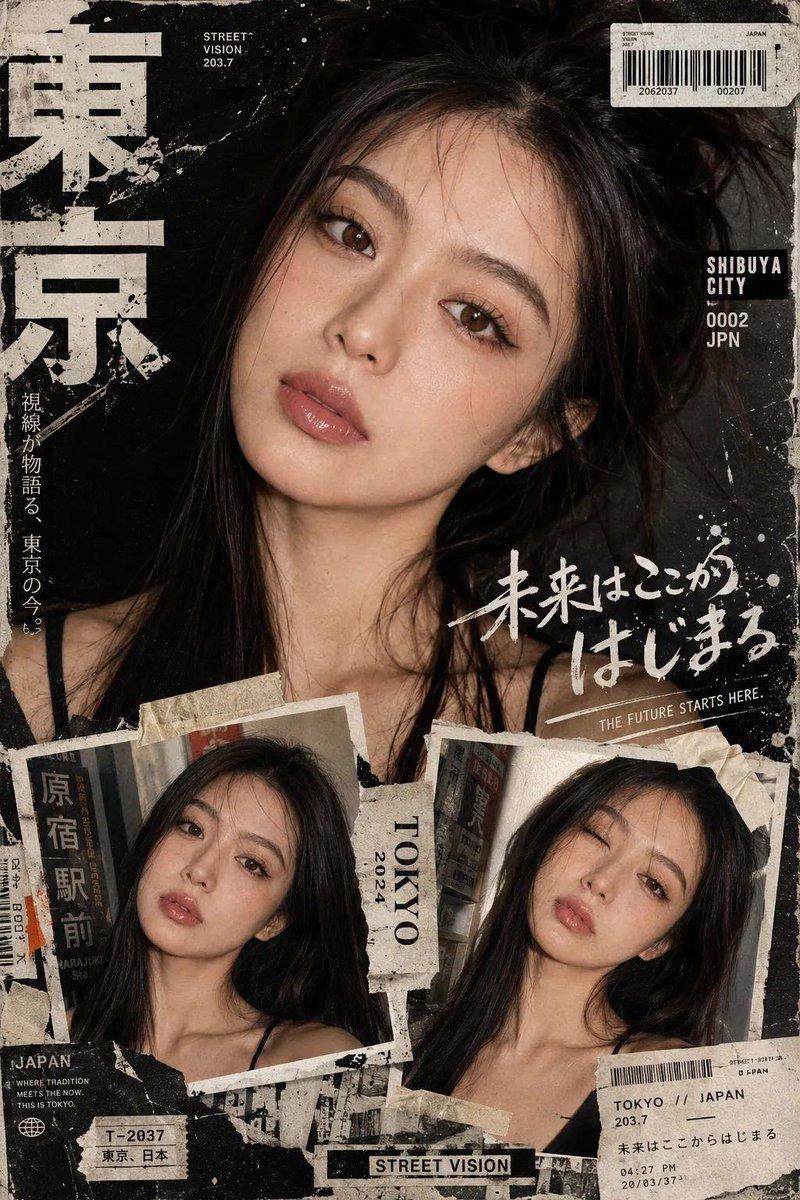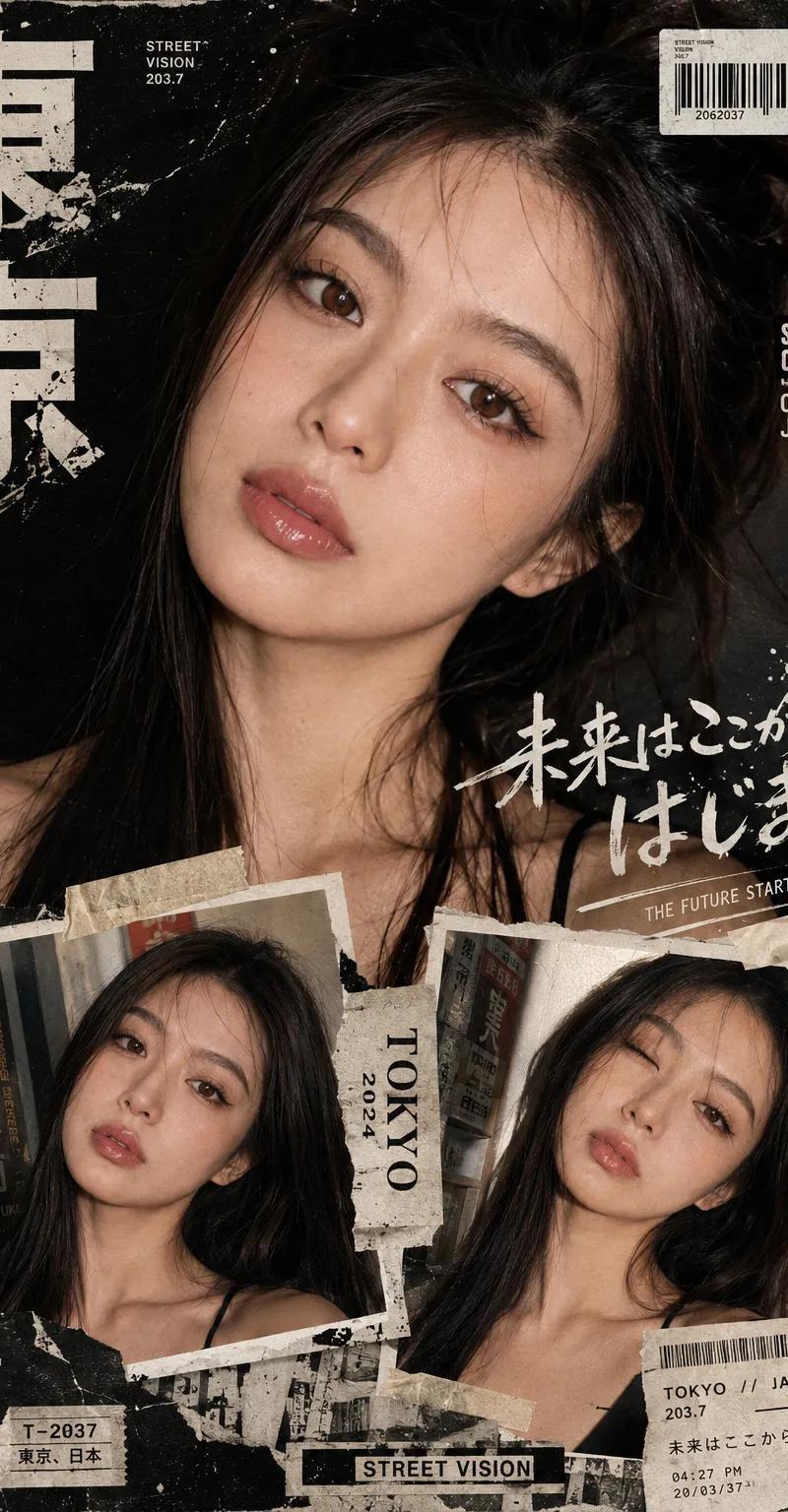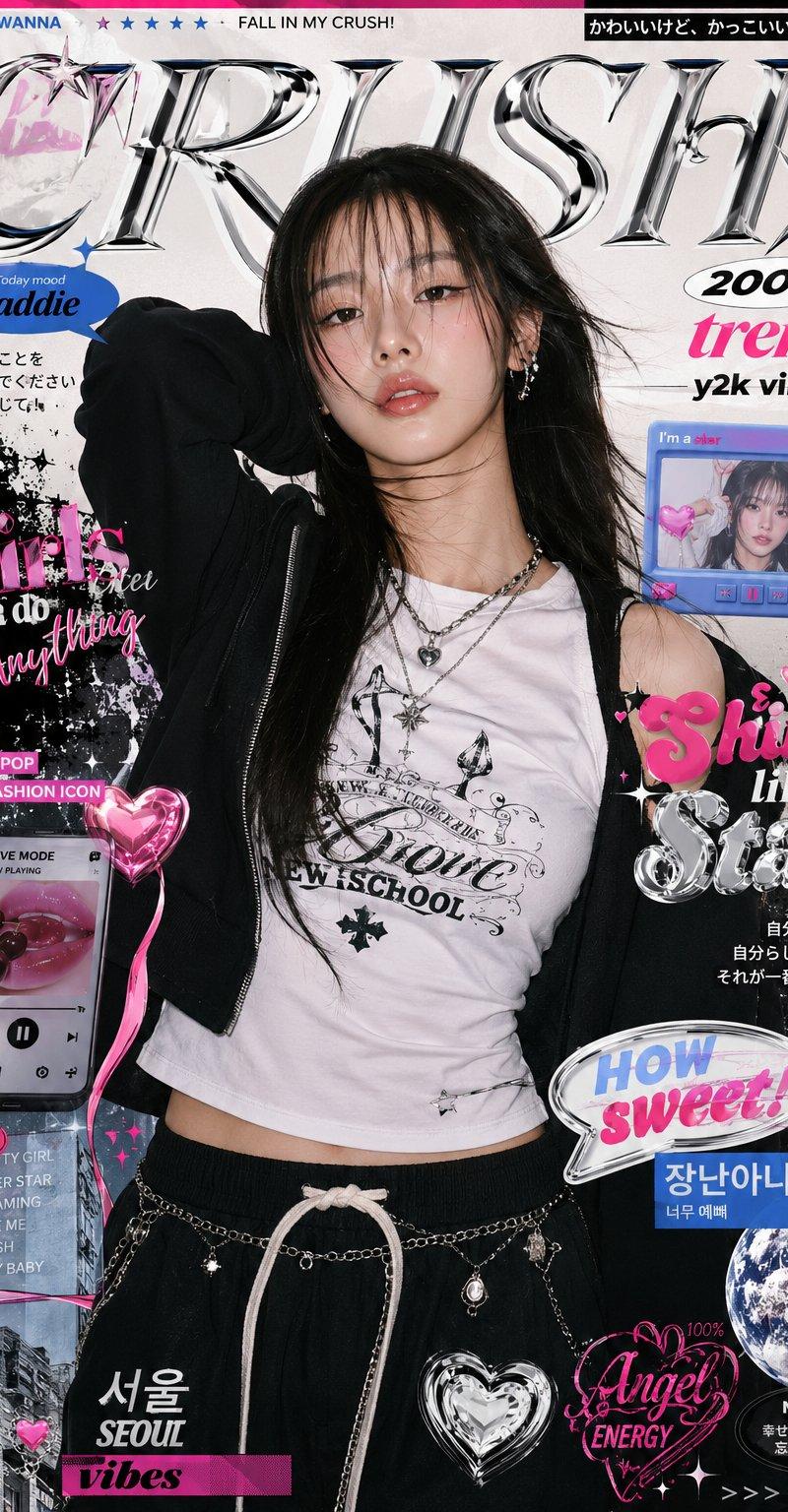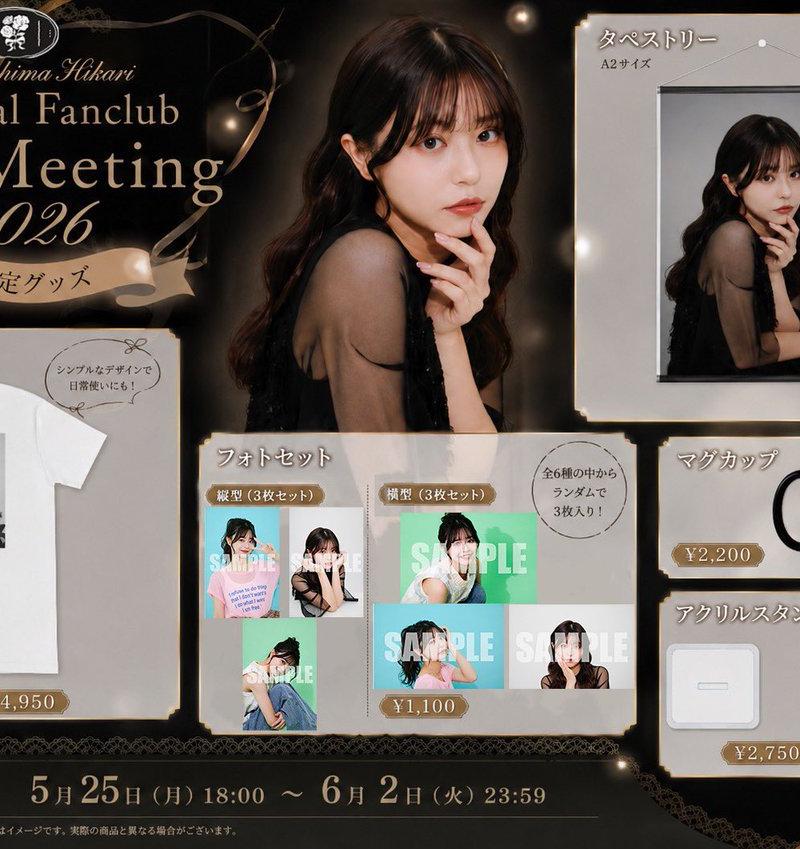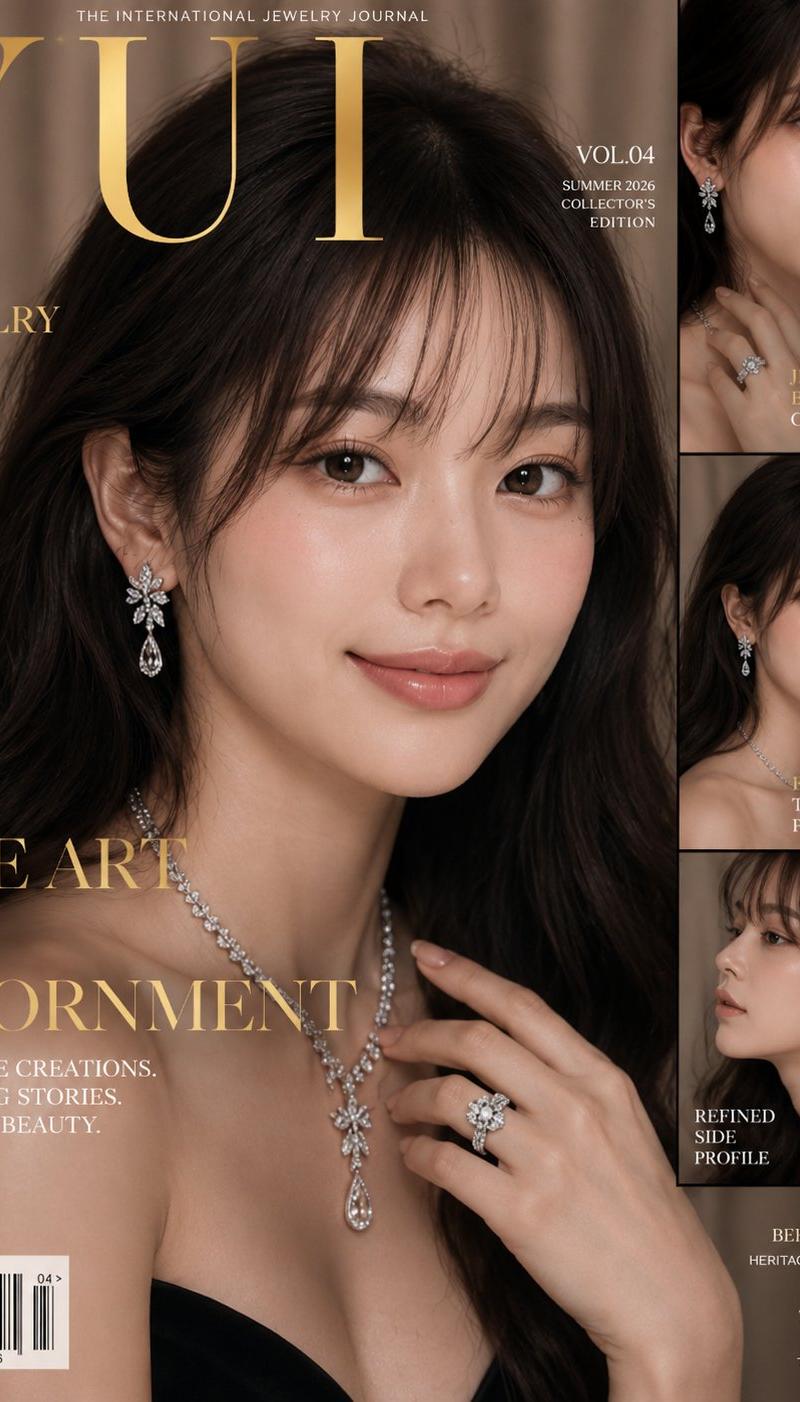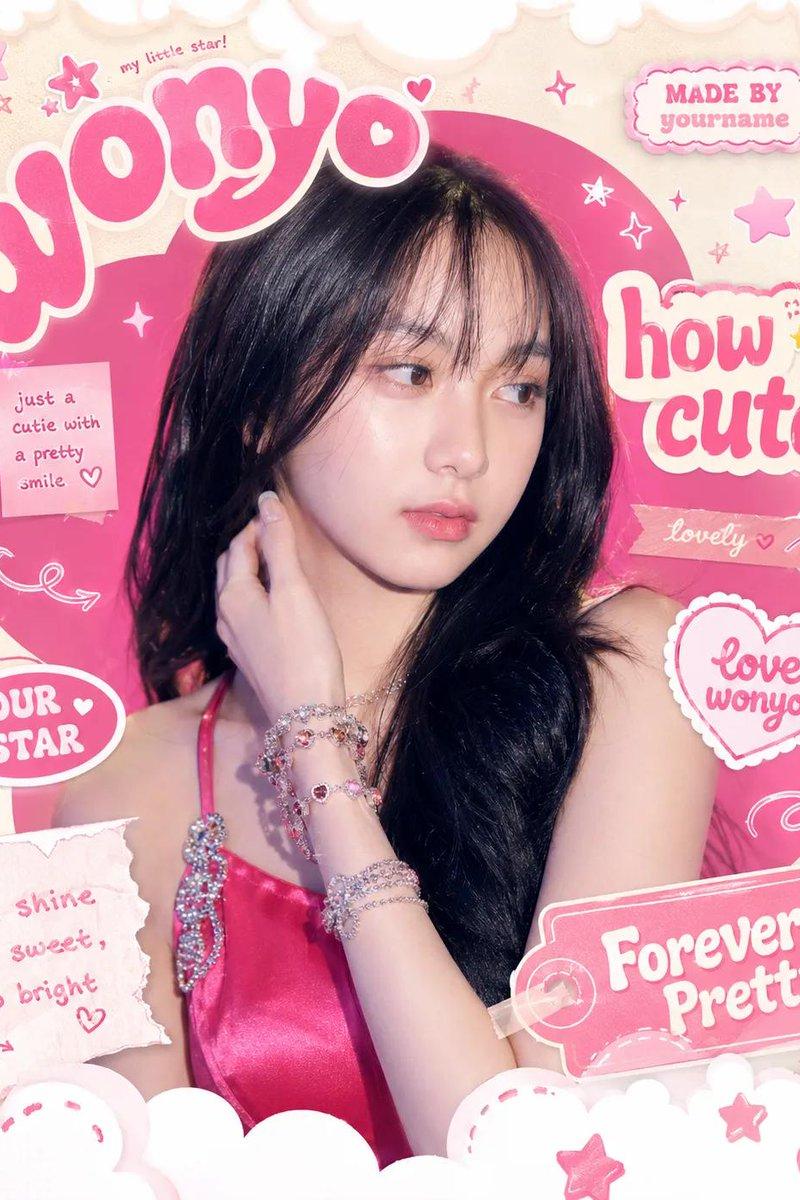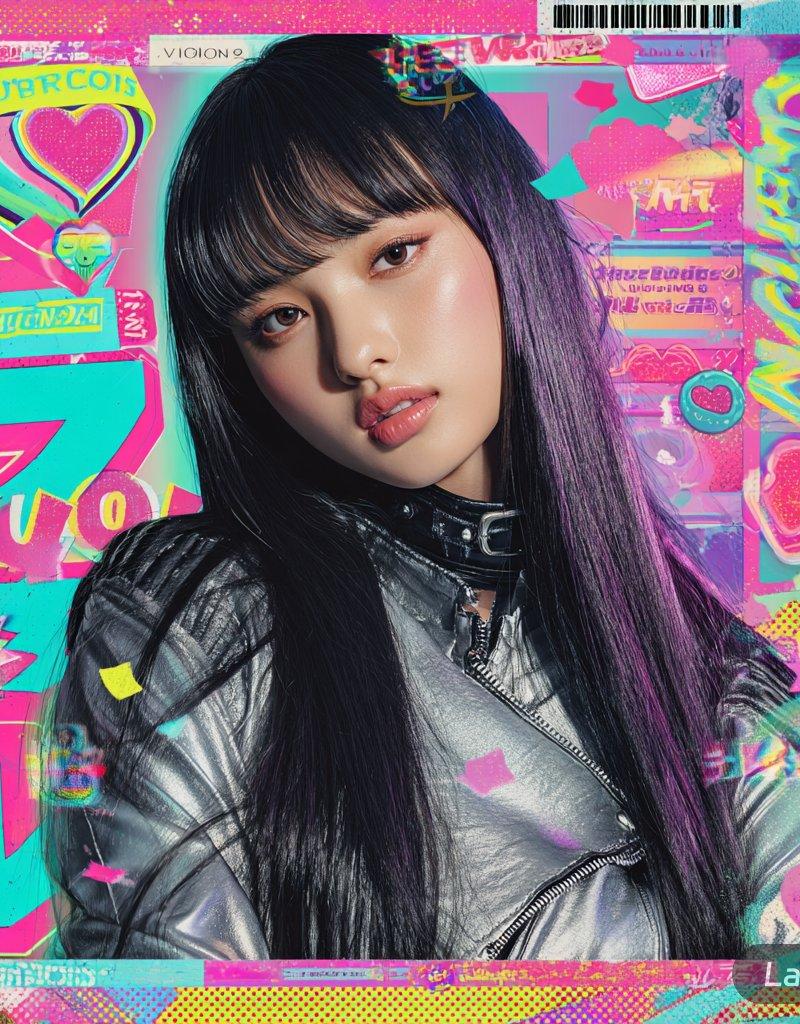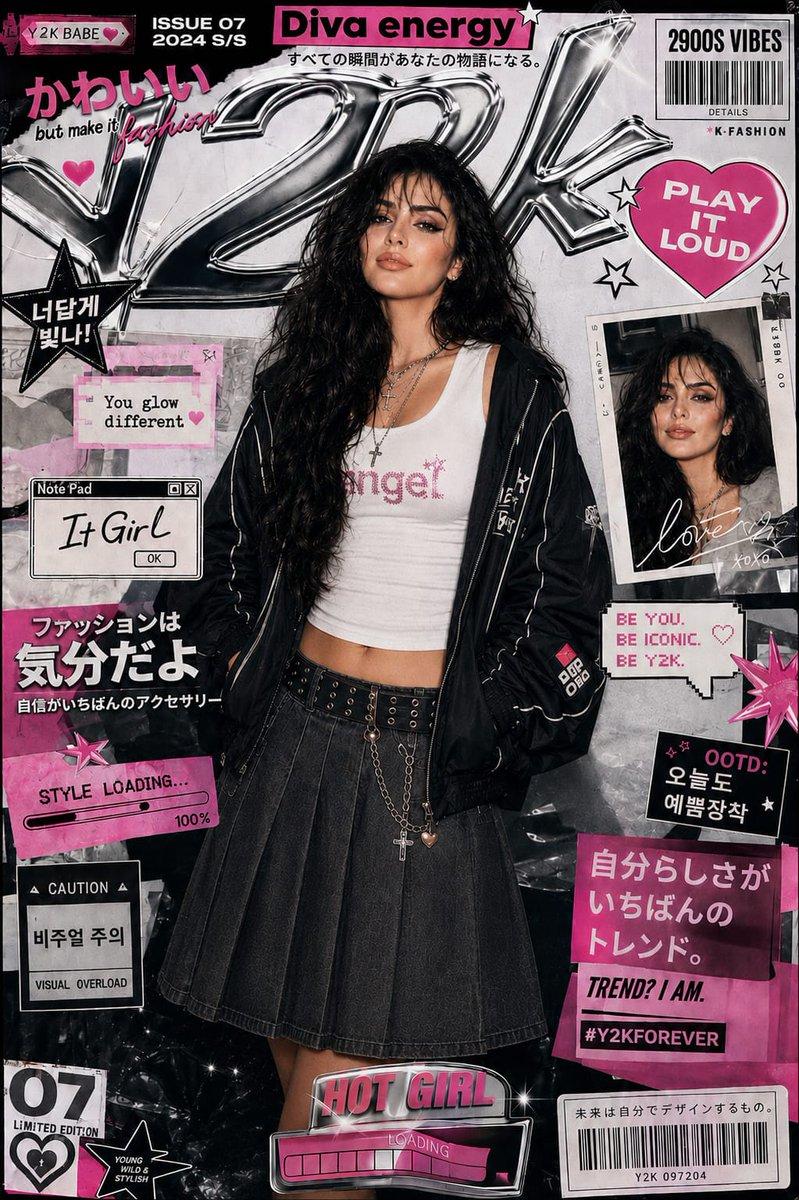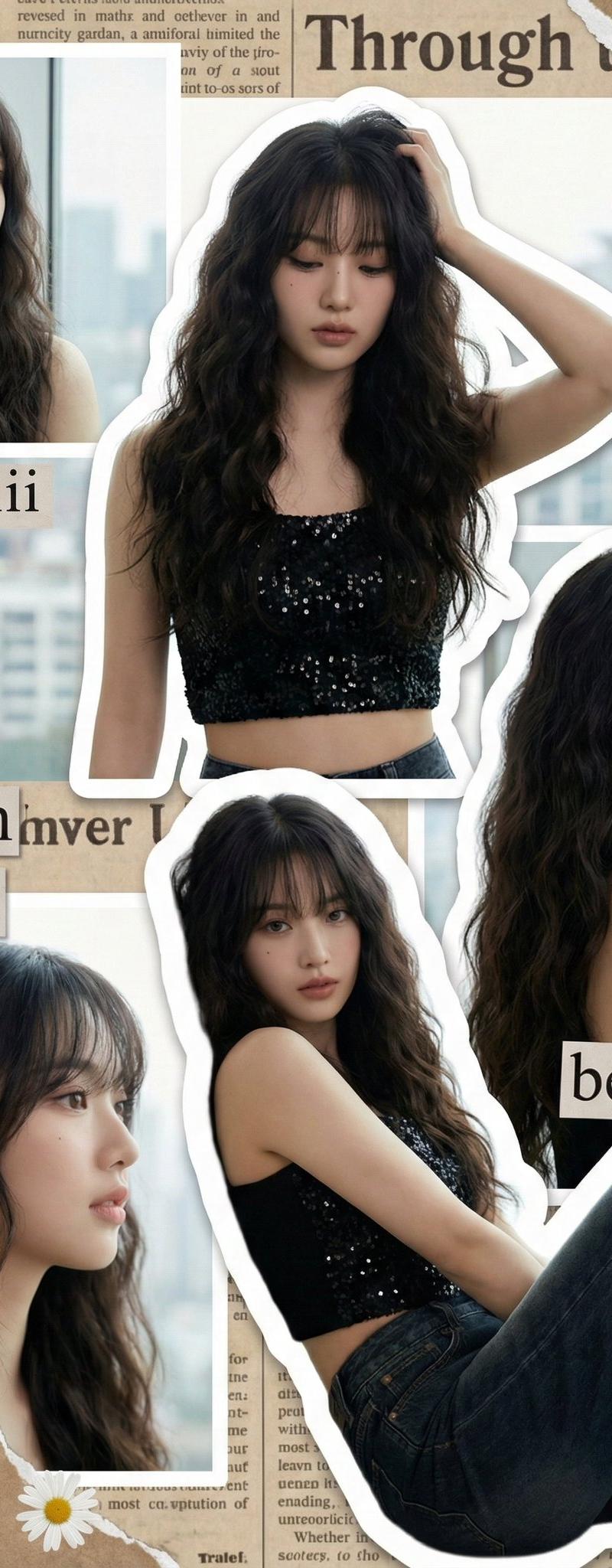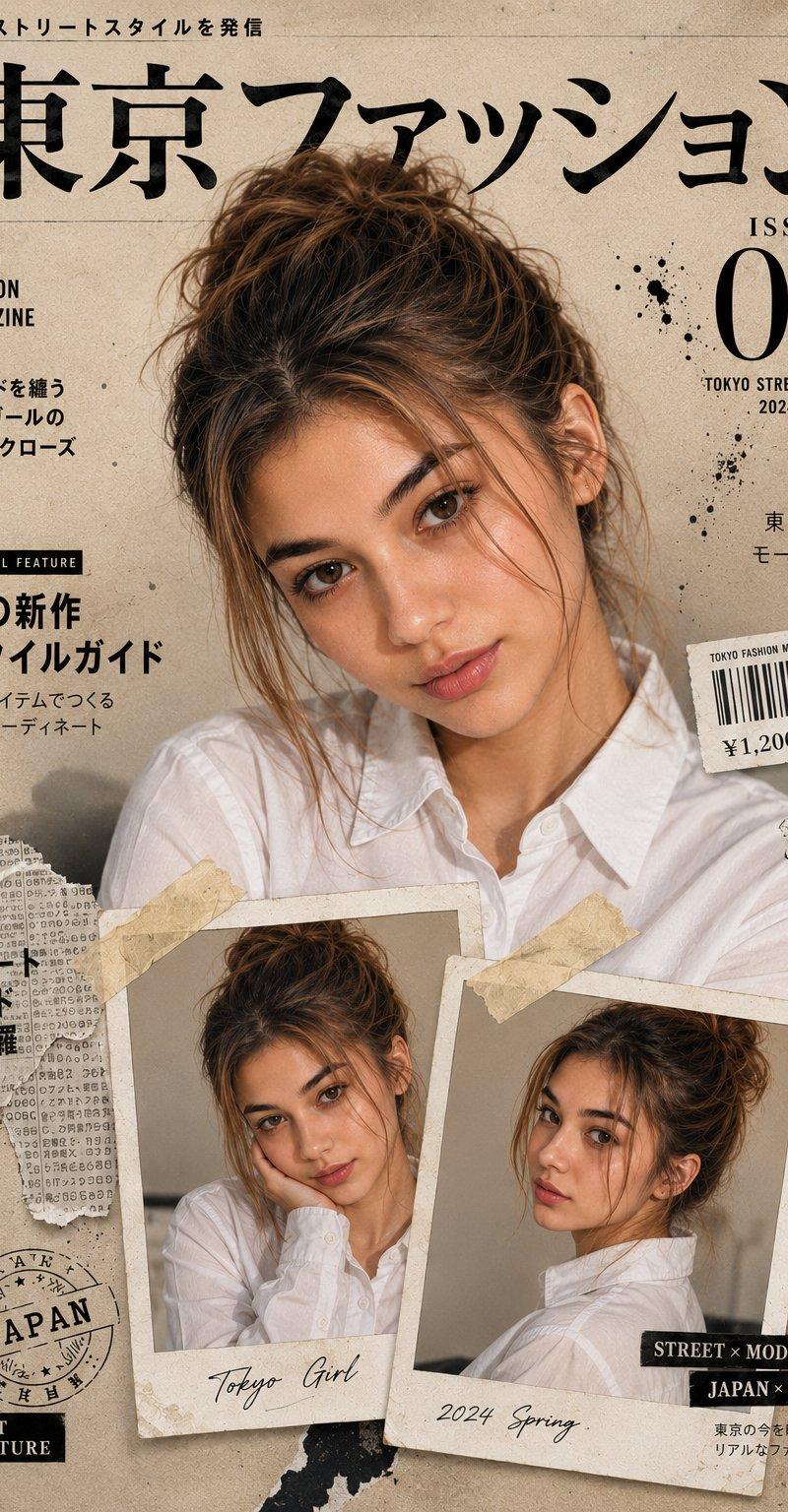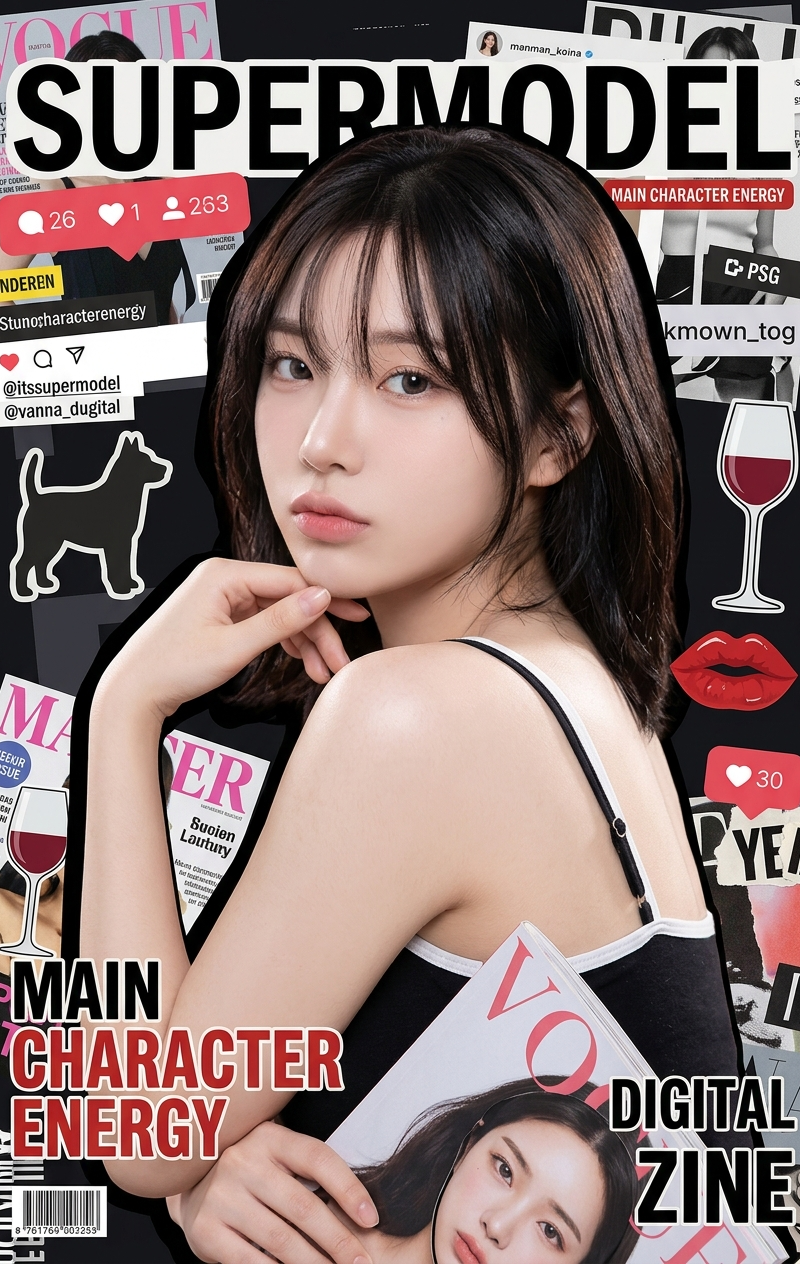
{ "subject": { "description": "Young female centered in a stylized digital scrap
Prompt
{
 "subject": {
 "description": "Young female centered in a stylized digital scrapbook collage.",
 "mirror_rules": null,
 "age": "late teens to early 20s",
 "expression": {
 "eyes": {
 "look": "direct",
 "energy": "soft, alluring",
 "direction": "at camera"
 },
 "mouth": {
 "position": "slight pout",
 "energy": "relaxed"
 },
 "overall": "effortlessly confident"
 },
 "face": {
 "preserve_original": true,
 "makeup": "East Asian pop-idol aesthetic, glass skin, glossy peach lips, soft blush, defined but natural brows."
 }
 },
 "hair": {
 "color": "dark brown to black",
 "style": "loose, face-framing wispy bangs",
 "effect": "soft sheen, slightly tousled"
 },
 "body": {
 "frame": "slender",
 "waist": "hidden",
 "chest": "partially visible side profile",
 "legs": "hidden",
 "skin": {
 "visible_areas": "shoulders, upper arms, back side, hands",
 "tone": "fair, pale",
 "texture": "smooth, soft, moisturized feel",
 "lighting_effect": "soft physical rim light catching the top of the shoulder, gentle frontal fill"
 }
 },
 "pose": {
 "position": "torso turned away, looking back over shoulder",
 "base": "waist up",
 "overall": "left hand resting lightly under chin, right arm holding a magazine prop"
 },
 "clothing": {
 "top": {
 "type": "camisole or stylized top",
 "color": "black with white trim",
 "details": "thin straps, contrasting edge",
 "effect": "fitted"
 },
 "bottom": {
 "type": "hidden",
 "color": "null",
 "details": "null"
 }
 },
 "accessories": {
 "headwear": "none",
 "jewelry": "none visible",
 "device": "none",
 "prop": "held magazine featuring a face cutout"
 },
 "photography": {
 "camera_style": "digital portrait heavily manipulated into a graphic design layout",
 "angle": "eye-level",
 "shot_type": "medium close-up",
 "aspect_ratio": "9:16",
 "texture": "clean photographic subject contrasting with flat vector graphics and distressed text",
 "lighting": "soft studio portrait lighting on subject, flat artificial light on graphics",
 "depth_of_field": "sharp focus on subject, flat 2D graphic background"
 },
 "background": {
 "setting": "digital collage workspace",
 "wall_color": "dark/black base",
 "elements": [
 "social media UI overlays",
 "bold typography like 'Supermodel'",
 "magazine cutouts",
 "dog silhouette",
 "wine glass graphic",
 "floating red lips"
 ],
 "atmosphere": "chaotic, trendy, scrapbook style",
 "lighting": "artificial graphic lighting"
 },
 "the_vibe": {
 "energy": "pop-culture, trendy",
 "mood": "playful, curated narcissism",
 "aesthetic": "Y2K scrapbook, digital zine cover",
 "authenticity": "highly stylized, embracing graphic interference",
 "intimacy": "direct eye contact shielded by visual noise",
 "story": "a digital magazine cover highlighting a rising star",
 "caption_energy": "main character energy"
 },
 "constraints": {
 "must_keep": [
 "magazine collage overlays",
 "typography elements",
 "over-the-shoulder pose",
 "hand under chin"
 ],
 "avoid": [
 "clean realistic background",
 "full body shot",
 "heavy facial shadows",
 "standard clean portrait framing"
 ]
 },
 "negative_prompt": [
 "blurry",
 "lowres",
 "poorly drawn hands",
 "missing graphic overlays",
 "plain background",
 "standard photo studio setup"
 ]
}- Category
- UI & Interfaces
- Model
- Nano Banana 2
- Creator
- xie underwood
- Source language
- en
- Source ID
- 1513
- Published
- Apr 3, 2026
Views311