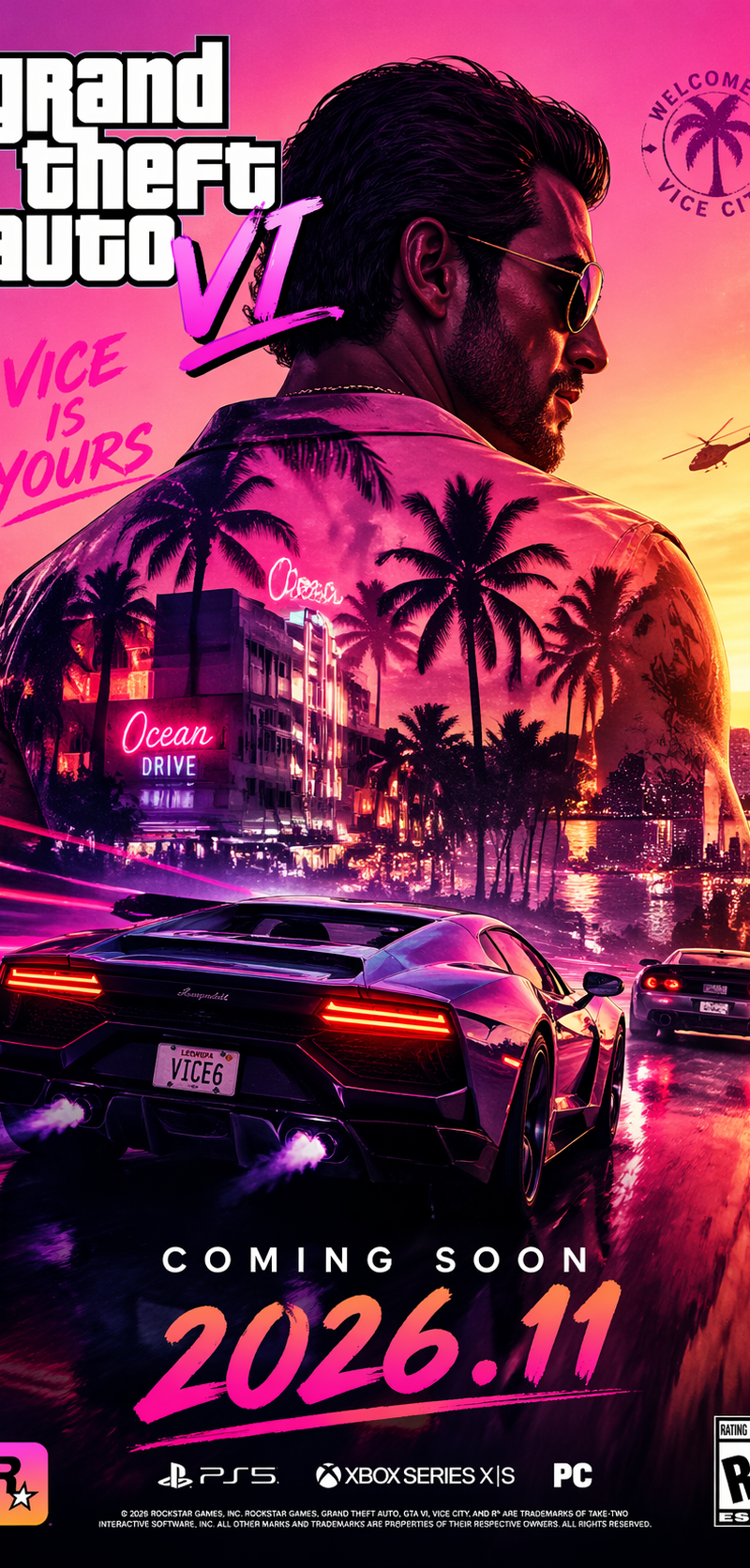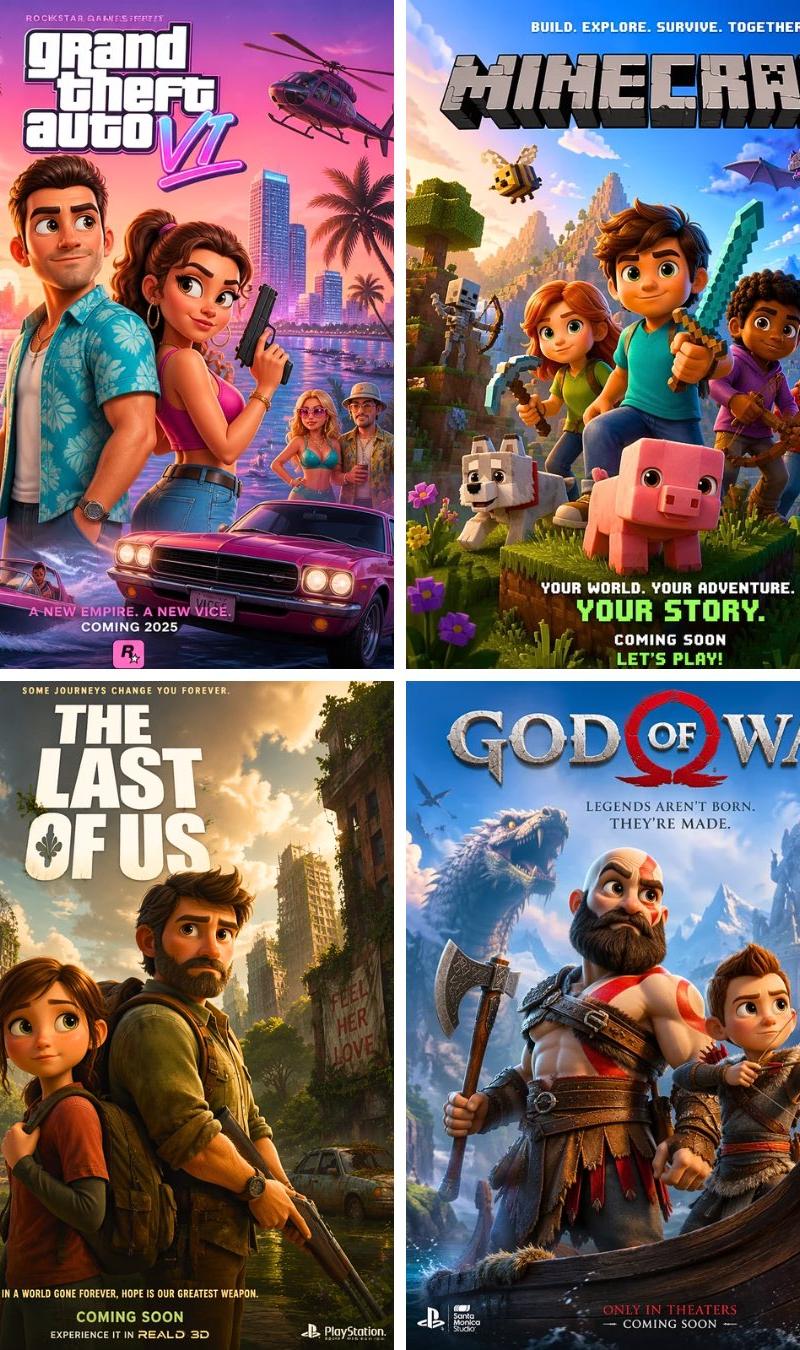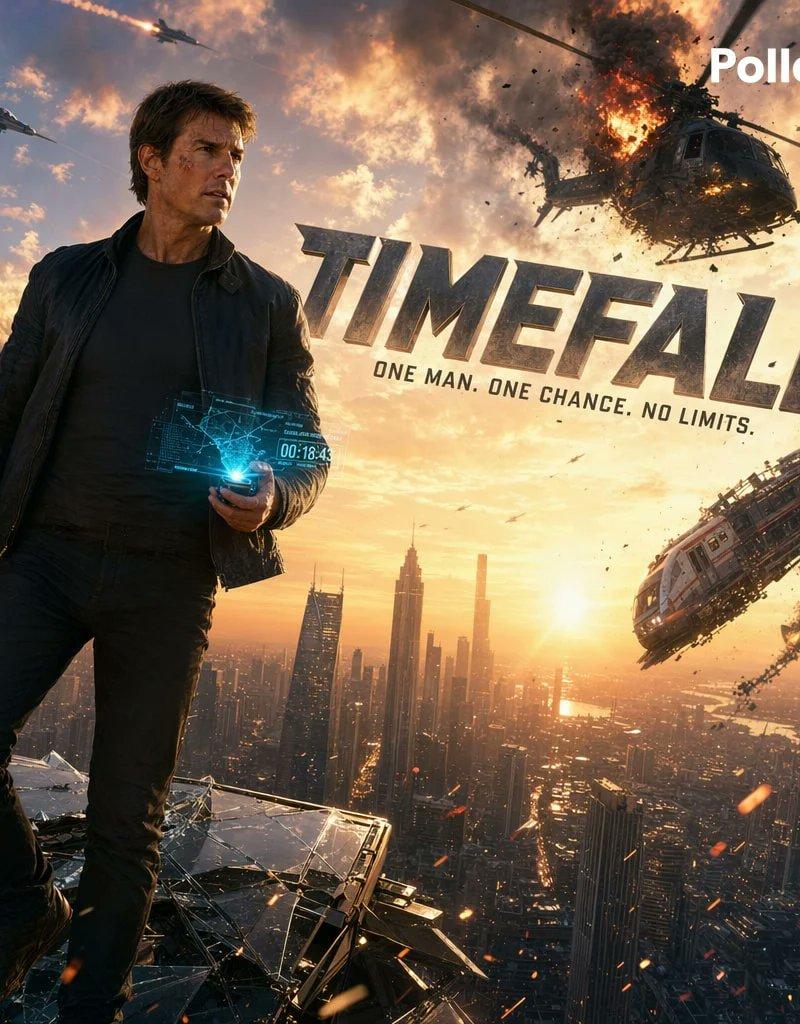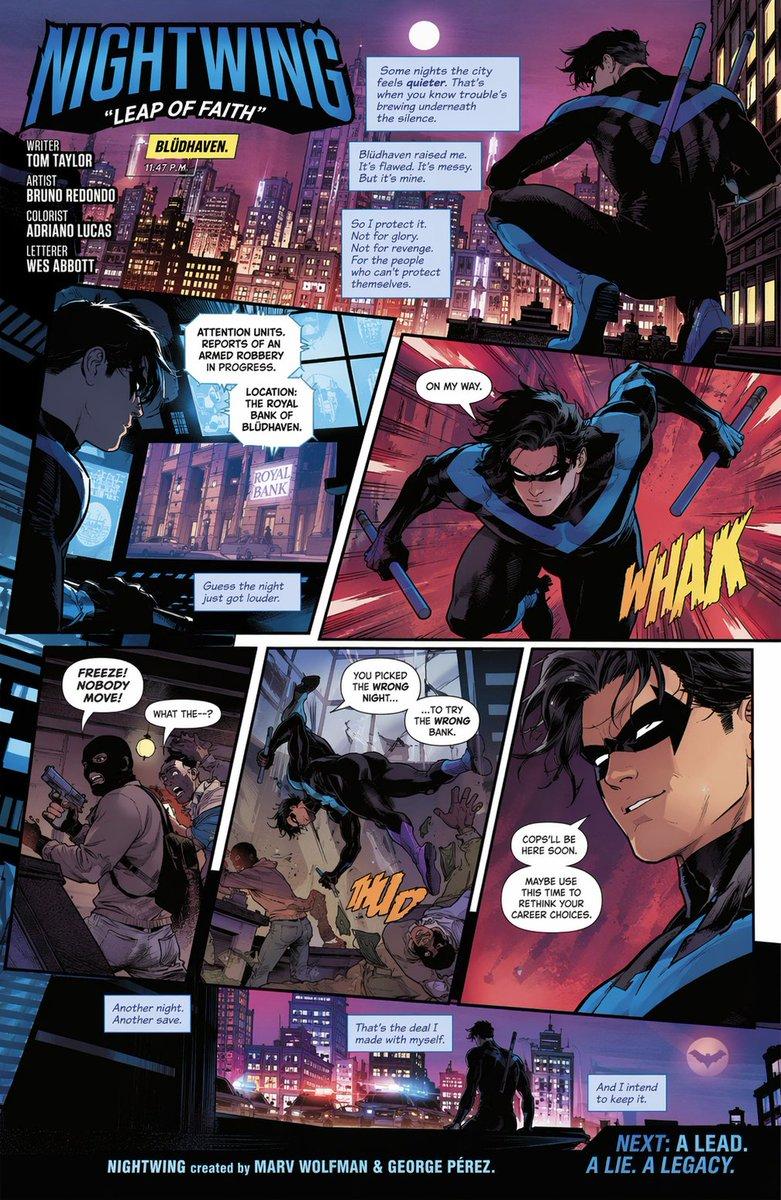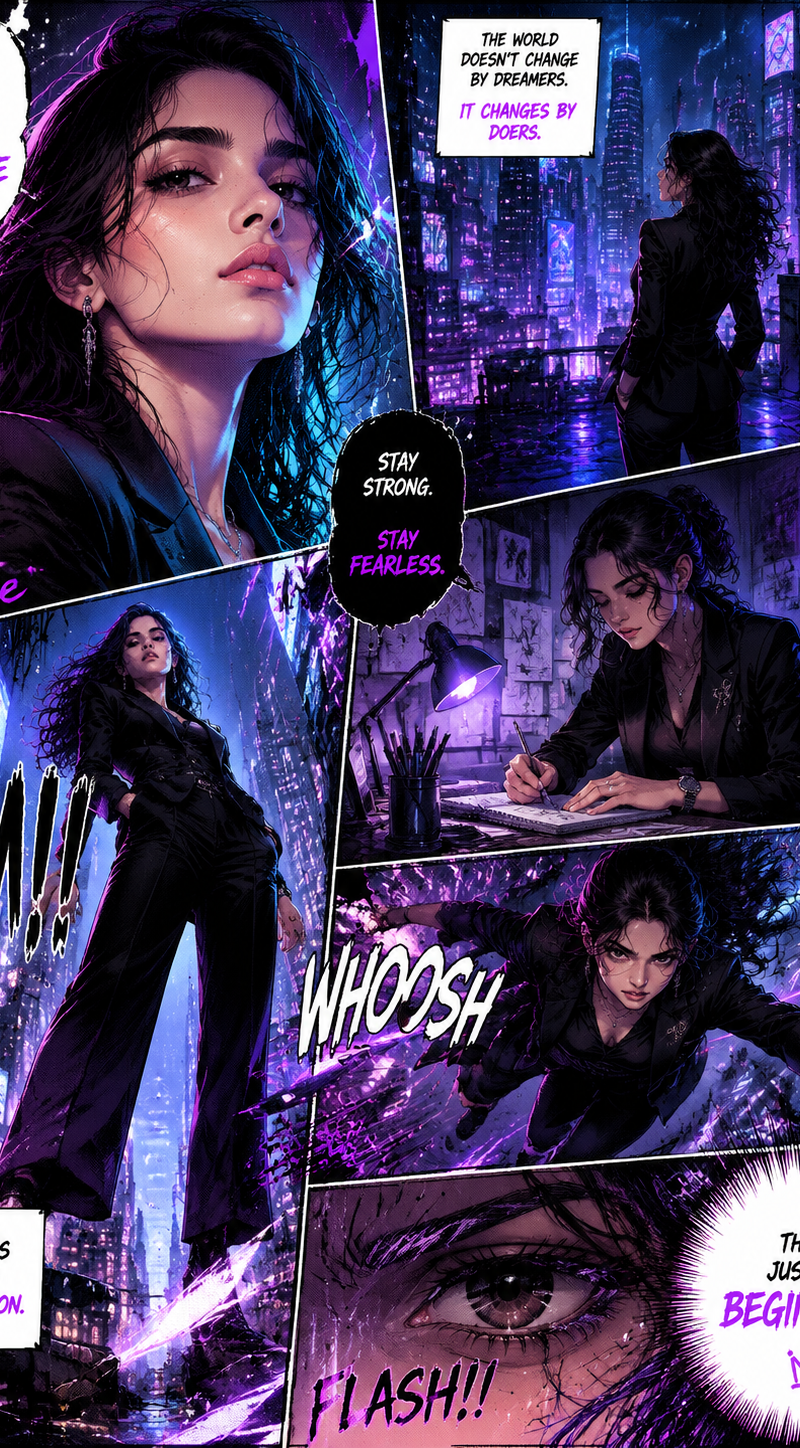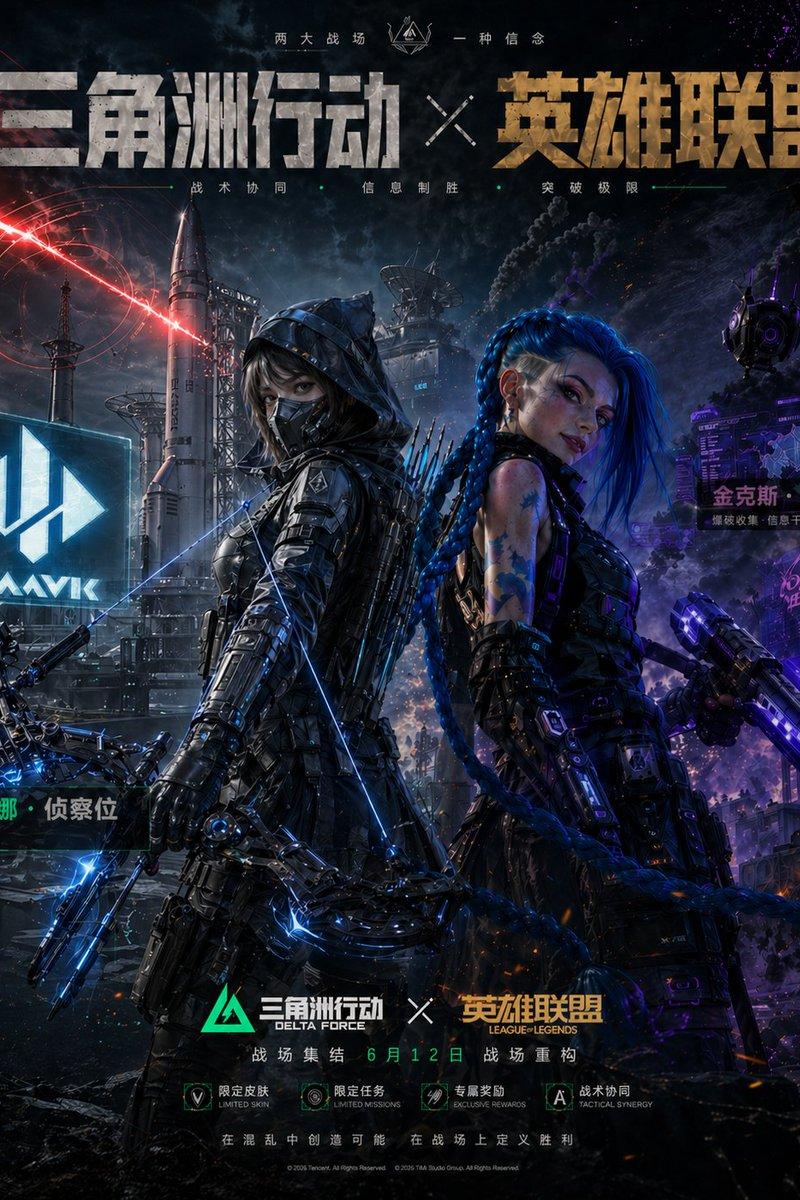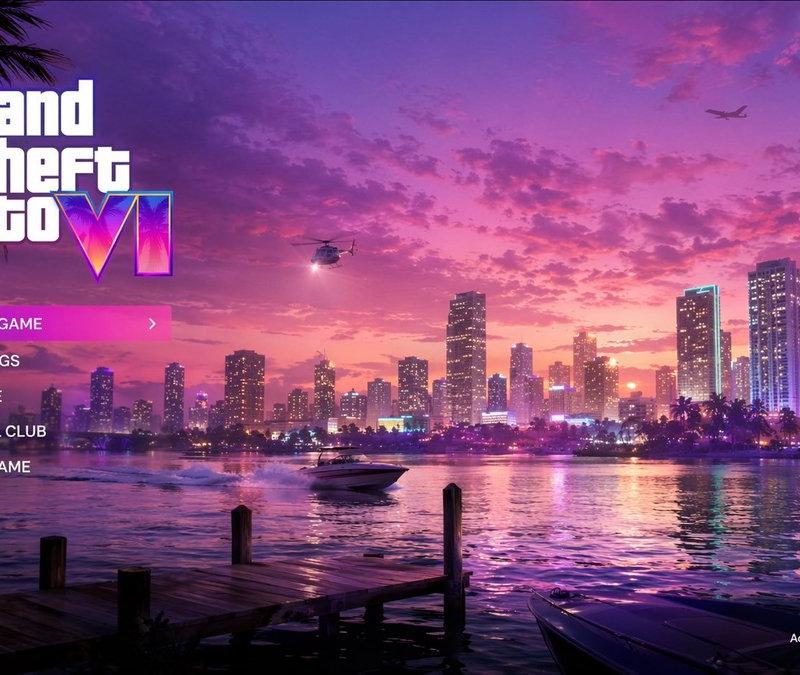
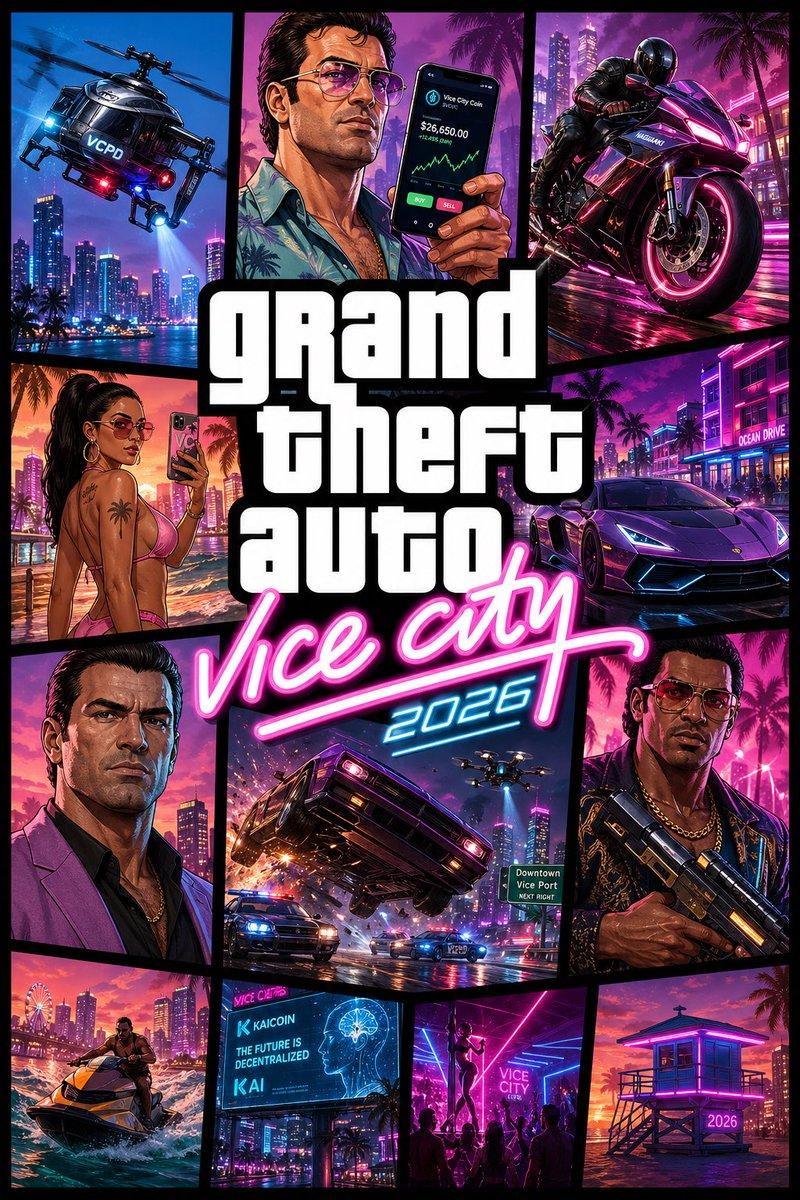
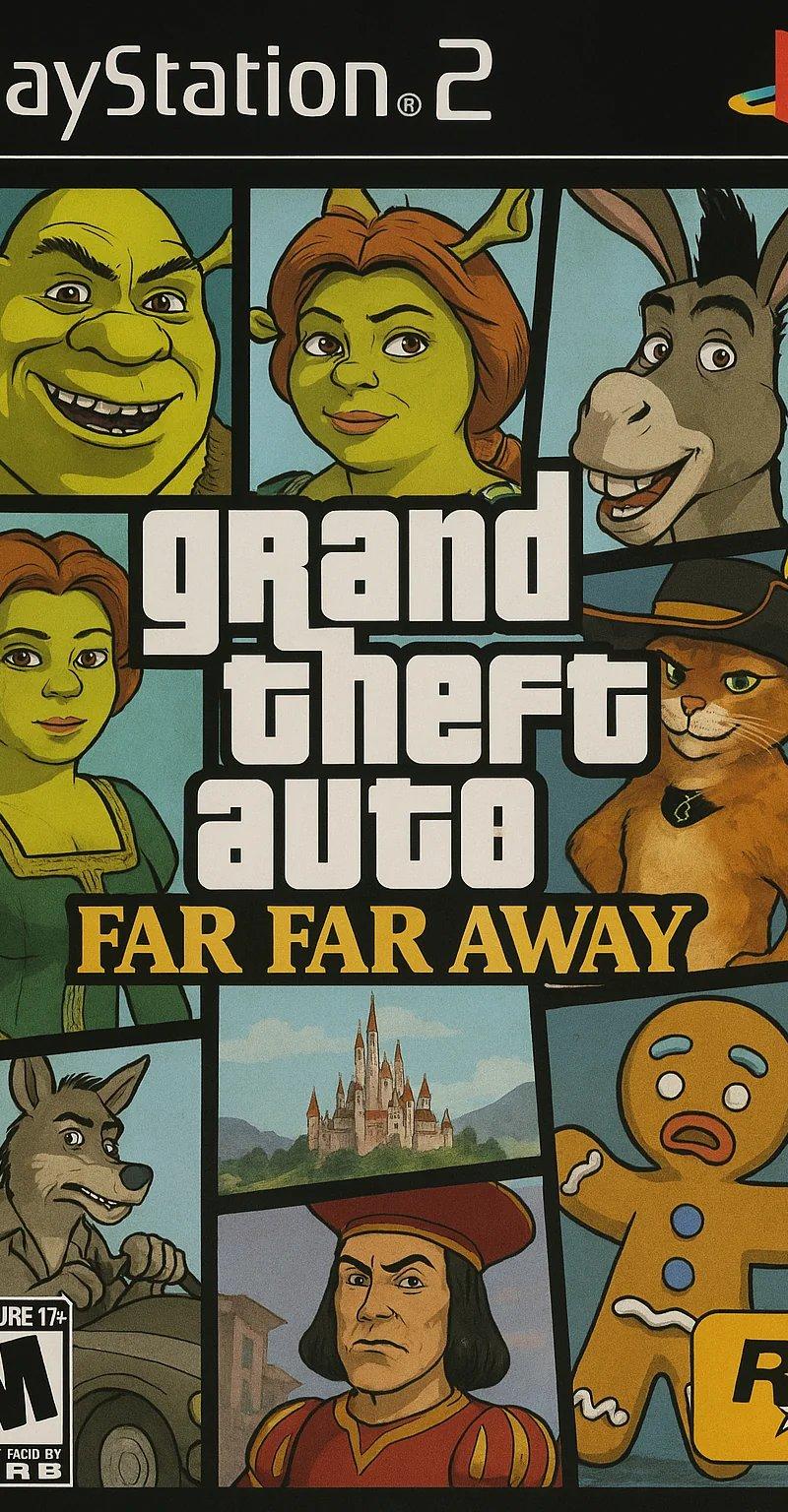
Create a stylized AAA video game key art poster
Prompt
Create a stylized AAA video game key art poster.

CONCEPT:
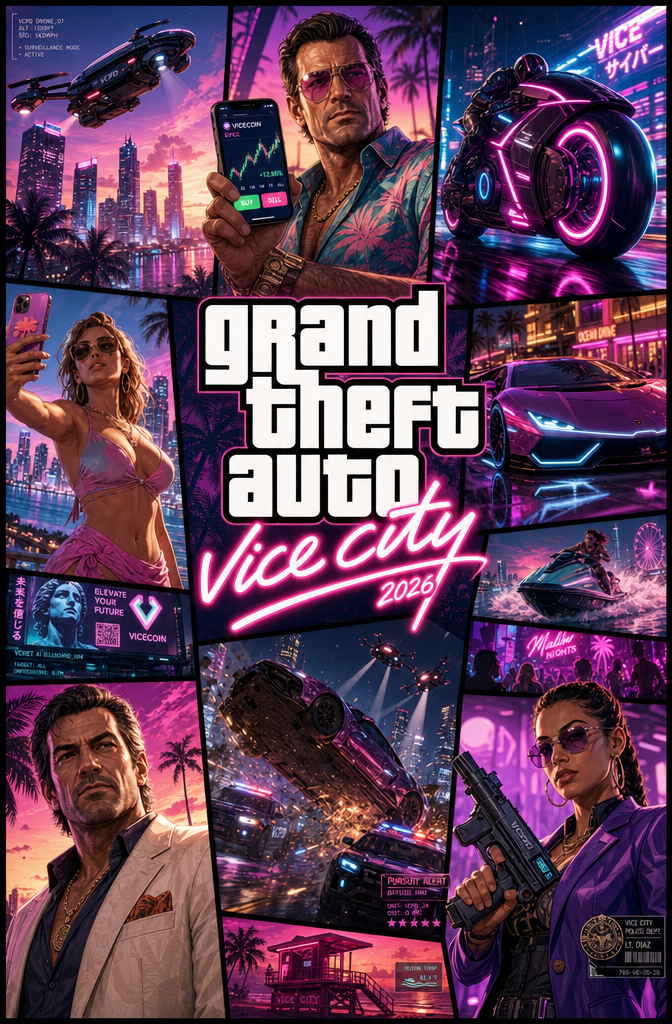
“Vice City 2026” reimagined — modern evolution of the iconic GTA Vice City cover art. Preserve the comic-panel collage identity, but upgrade with futuristic Miami, tech culture, and modern crime lifestyle.

STYLE:
AAA game key art, Unreal Engine 5 inspired rendering + illustrated comic-panel hybrid
Bold black grid layout, sharp vector framing, stylized GTA-like characters (NOT real humans)
High-saturation neon palette (magenta, cyan, electric blue, sunset orange)

FORMAT:
Classic GTA cover grid composition (multi-panel collage with thick black dividers)
Centered stacked title typography

────────────────────────────

🧩 PANEL COMPOSITION (MODERNIZED ICONIC GRID):

Top-left:
Police helicopter redesigned as a sleek surveillance drone chopper with neon accents, flying over futuristic Miami skyline

Top-center:
Stylized male character (Tommy-inspired 2026 version) holding a smartphone instead of cash — crypto trading UI glow on screen

Top-right:
High-performance futuristic superbike (Tron-inspired neon trims), aggressive angle

Mid-left:
Stylized female NPC in modern beachwear (tasteful, confident), holding phone taking selfie with neon skyline behind

Center:
Large bold stacked title:
“grand theft auto” (classic block typography)
“vice city” in neon script
Add “2026” subtle tag integrated into script glow

Mid-right:
Luxury hypercar (Infernus-inspired redesign), sharp LED strips, aggressive stance

Bottom-left:
New protagonist portrait (Tommy-inspired, older, dominant expression, modern outfit)

Bottom-center:
High-speed car chase panel — car flipping mid-air with sparks, police drones + neon VCPD vehicles chasing

Bottom-right:
Stylized character (Lance-inspired 2026), holding futuristic weapon, confident stance

Additional small panels (optional fill-ins):
- Jet ski cutting through neon ocean water
- AI billboard with crypto ads
- Nightclub silhouette scene with dancers
- Beach lifeguard tower glowing neon

────────────────────────────

🎨 ART DIRECTION:

Color:
- Strong contrast neon palette
- Pink/cyan split lighting across panels
- Warm sunset gradients for beach panels

Lighting:
- Hard comic-style highlights + UE5 glow effects
- Neon reflections and rim lighting

Texture:
- Slight grain + halftone comic texture overlay
- Clean vector edges with subtle 3D depth

────────────────────────────

🔤 TYPOGRAPHY:

“grand theft auto” — bold white stacked block font (iconic style)
“vice city” — neon script, glowing pink with cyan edge
“2026” — small futuristic numeric tag integrated subtly

────────────────────────────

🎥 CAMERA / FRAMING:

Each panel:
- Dynamic angles (low-angle cars, close-up portraits, action tilt shots)
- Cinematic composition inside each frame

────────────────────────────

✨ PLAYFUL DETAILS:

- Crypto/AI billboards instead of retro ads
- Police drones instead of only cars
- Smartphone glow replacing old-school pager/cash vibe
- Neon reflections exaggerated for game aesthetic
- Subtle HUD/UI hints embedded in panels

────────────────────────────

RENDER DETAILS:
Ultra-detailed stylized assets, crisp outlines, vibrant lighting, clean separation between panels

NEGATIVE:
real humans, photoreal poster, movie poster style, flat illustration only

OUTPUT:
--ar 2:3 --quality 2 --style raw
- Category
- UI & Interfaces
- Model
- GPT Image 2
- Creator
- xie underwood
- Source language
- en
- Source ID
- 15839
- Published
- Jun 4, 2026
Views237
![A GTA V-style loading screen illustration of the cast of [SHOW]](https://whqgdndlpxjbwosvipip.supabase.co/storage/v1/render/image/public/prompt-source-media/promptsref/work-12299/image-1-d33530b2b83f1fa2.png?width=800&quality=75)