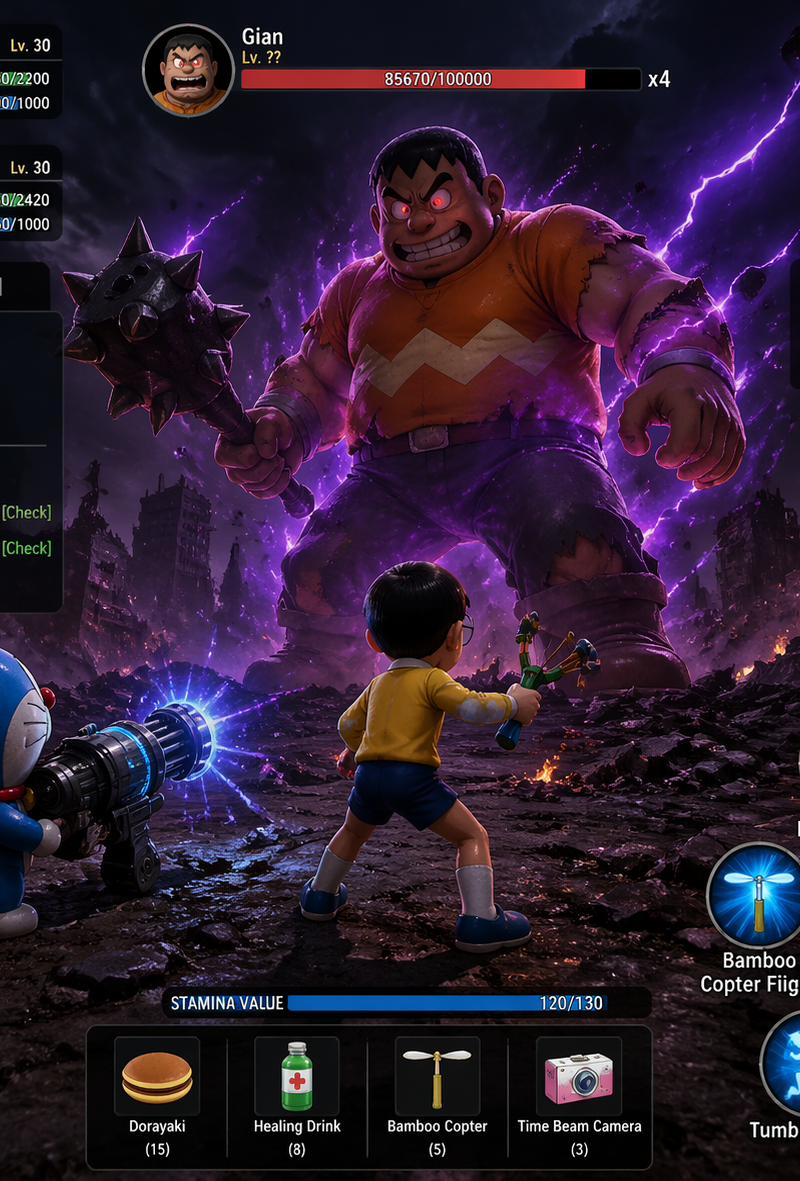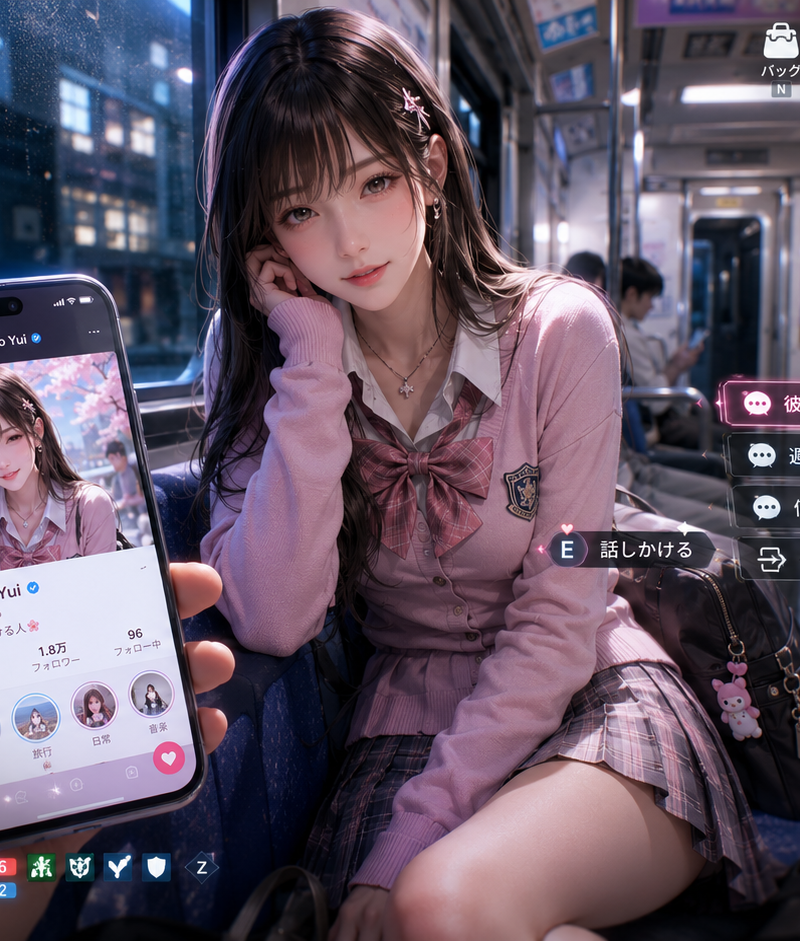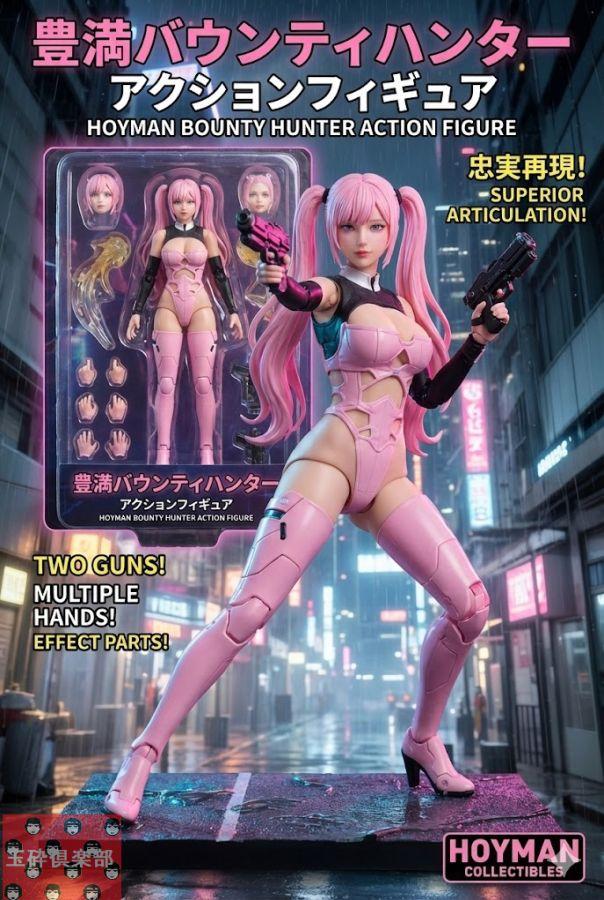
18

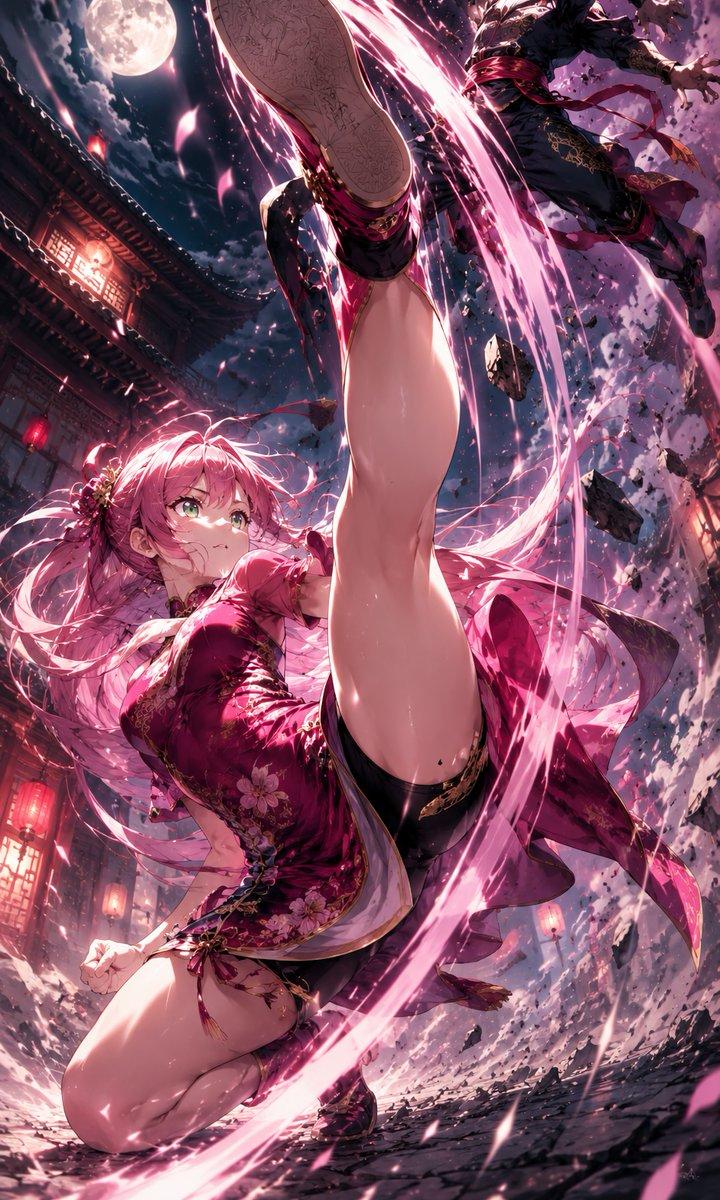
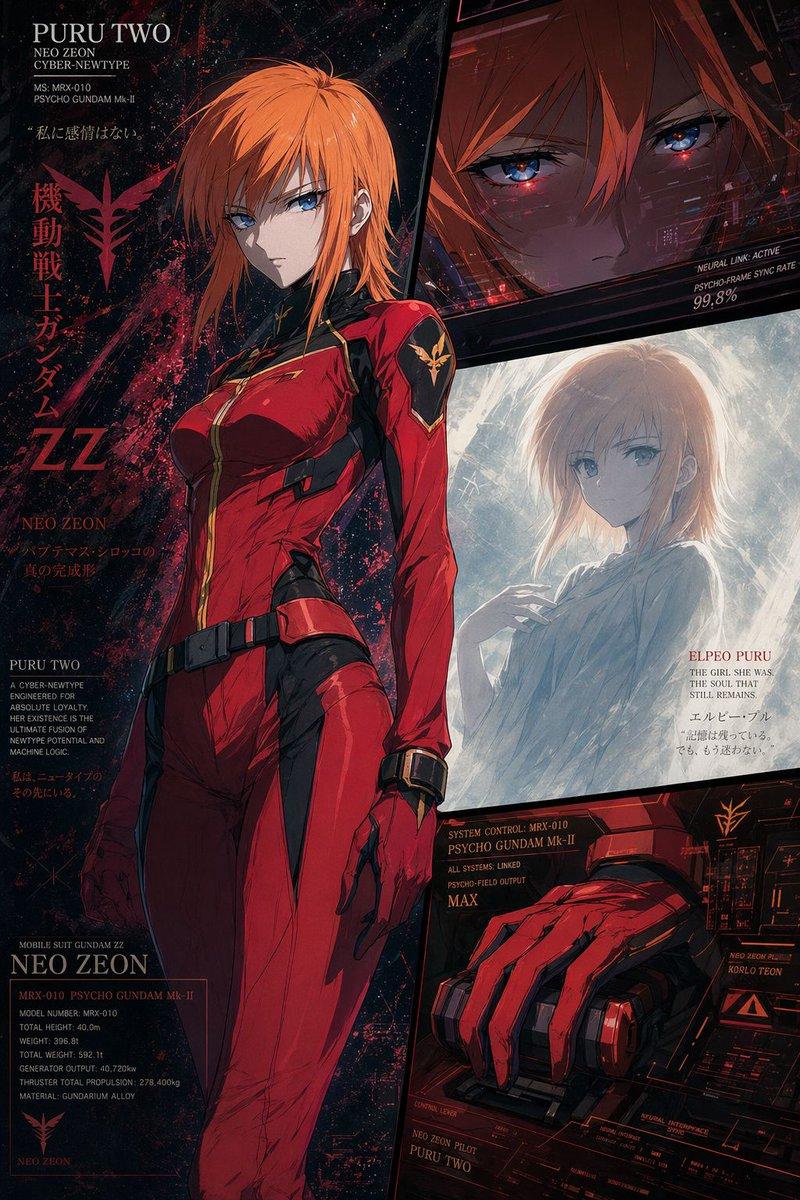
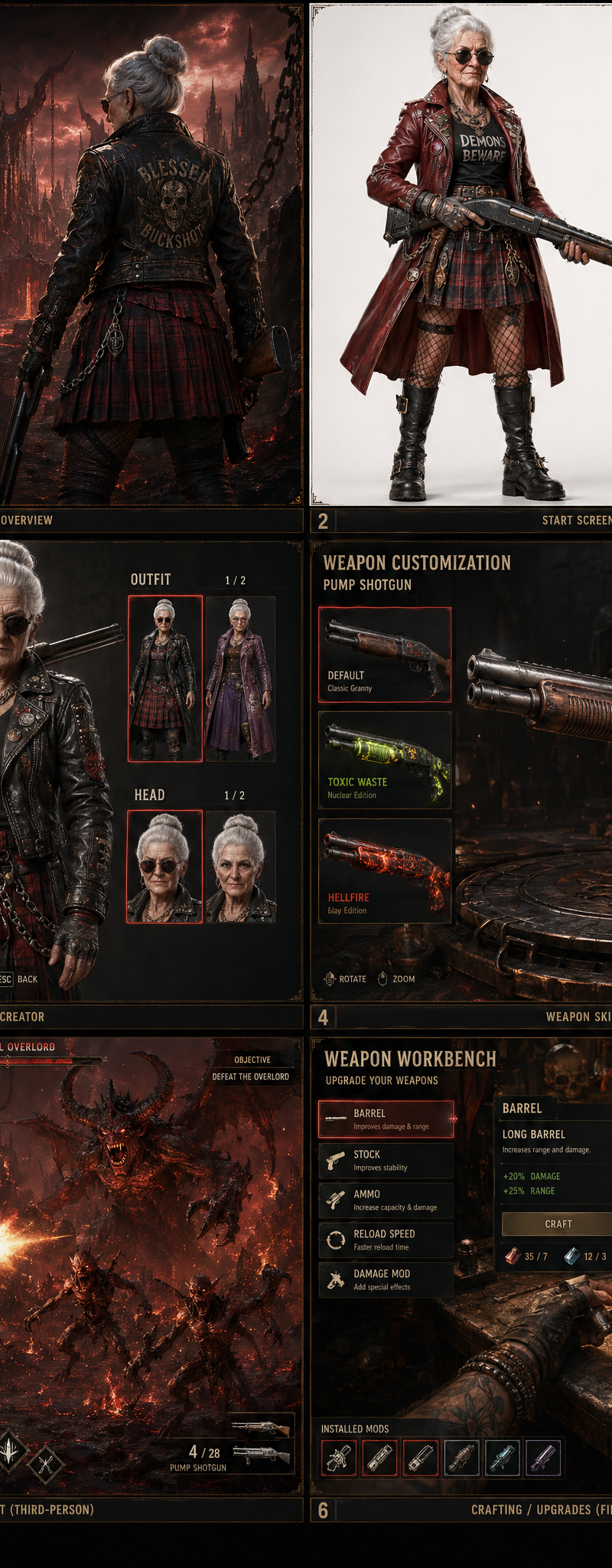
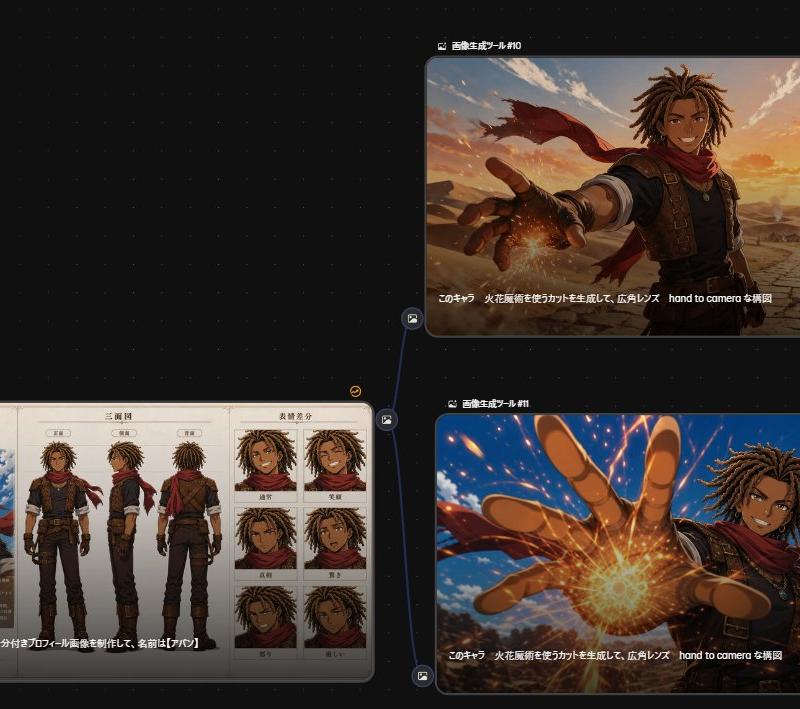
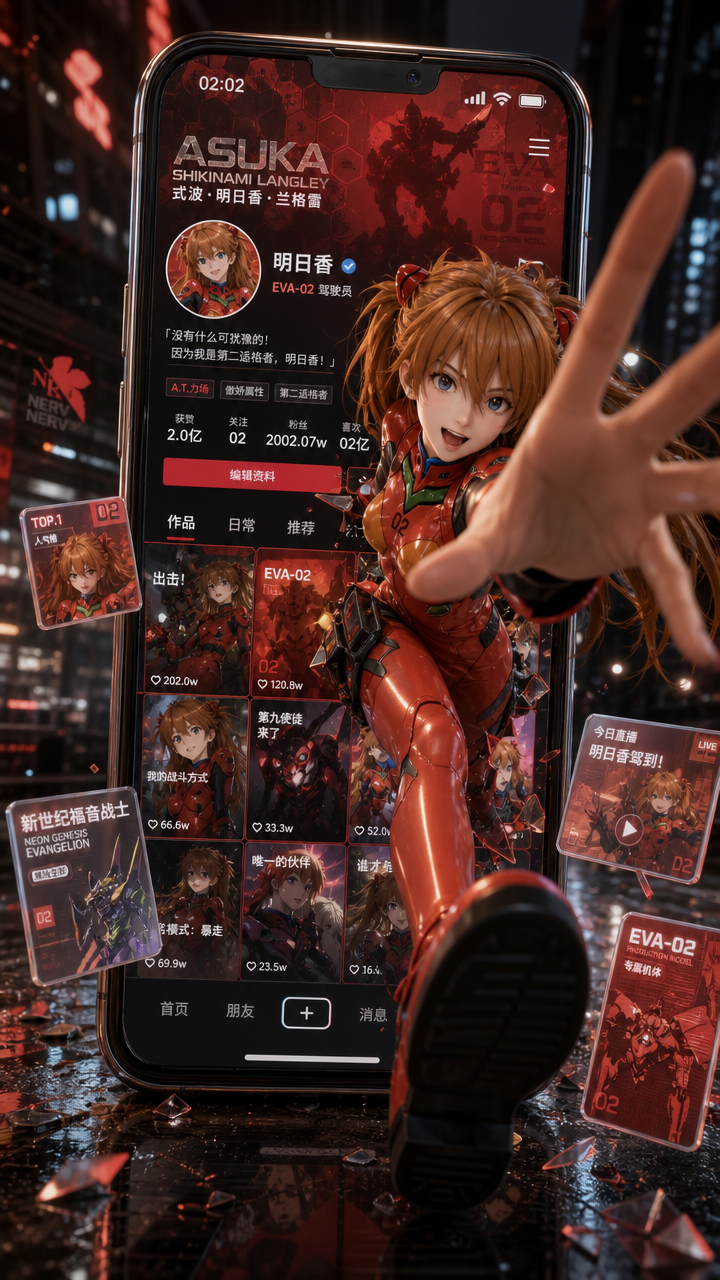
Generate a vertical 9:16 cinematic visual poster with the theme of "Social media
Enlarge

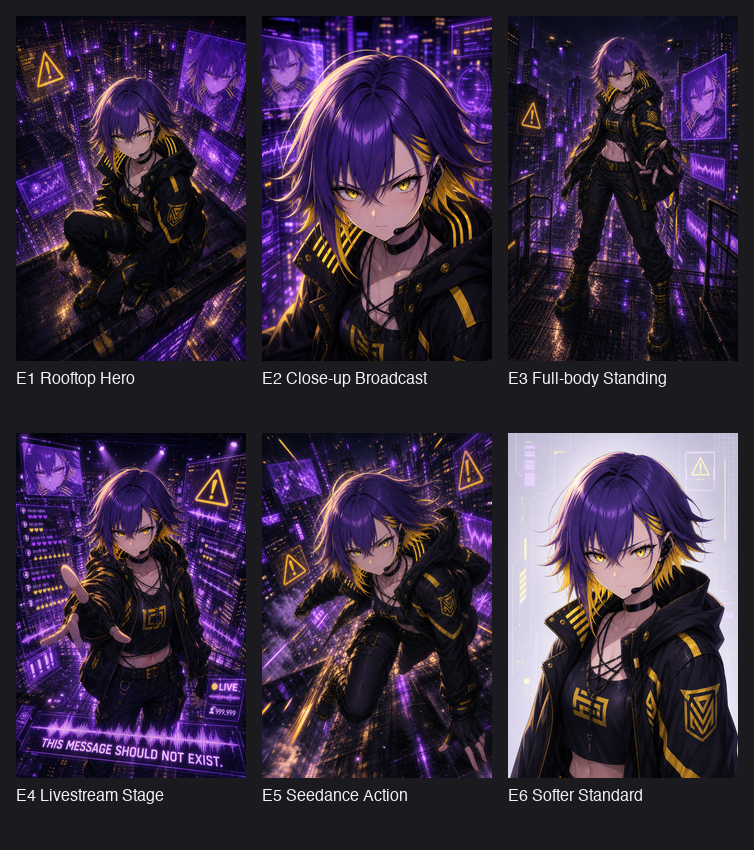
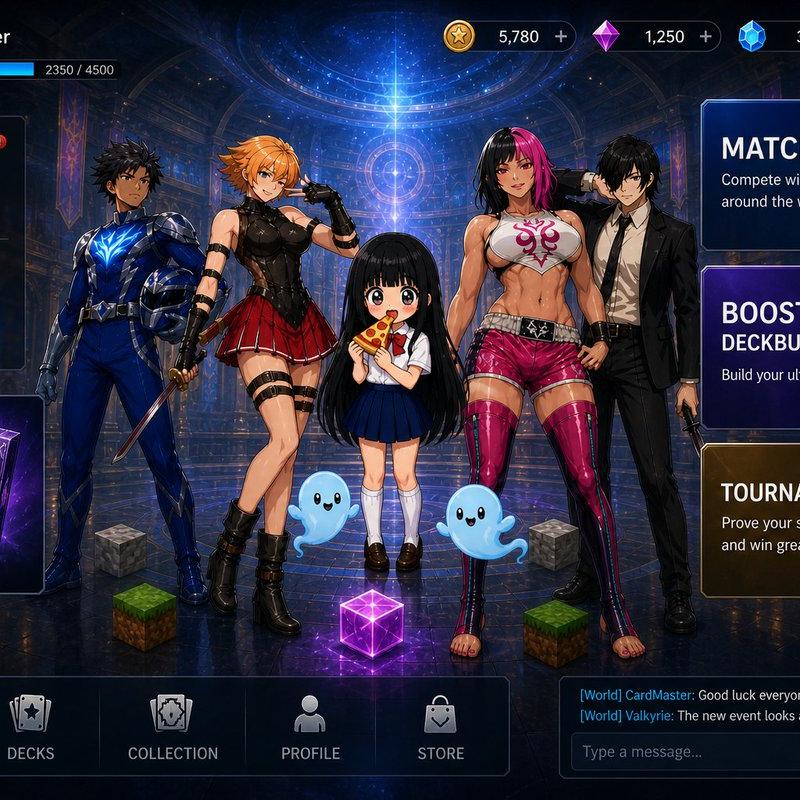
Example images

Generate a vertical 9:16 cinematic visual poster with the theme of "Social media

Prompt
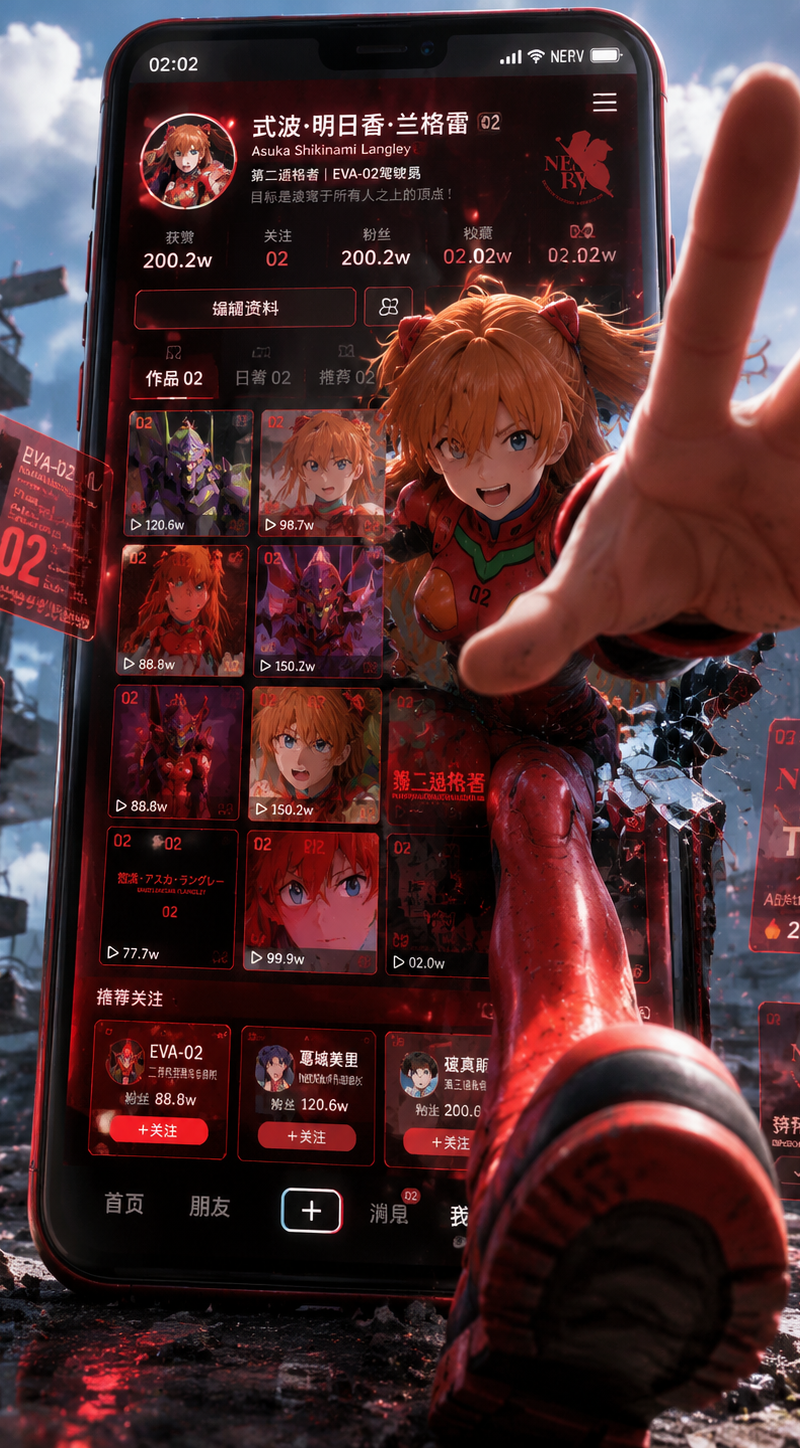
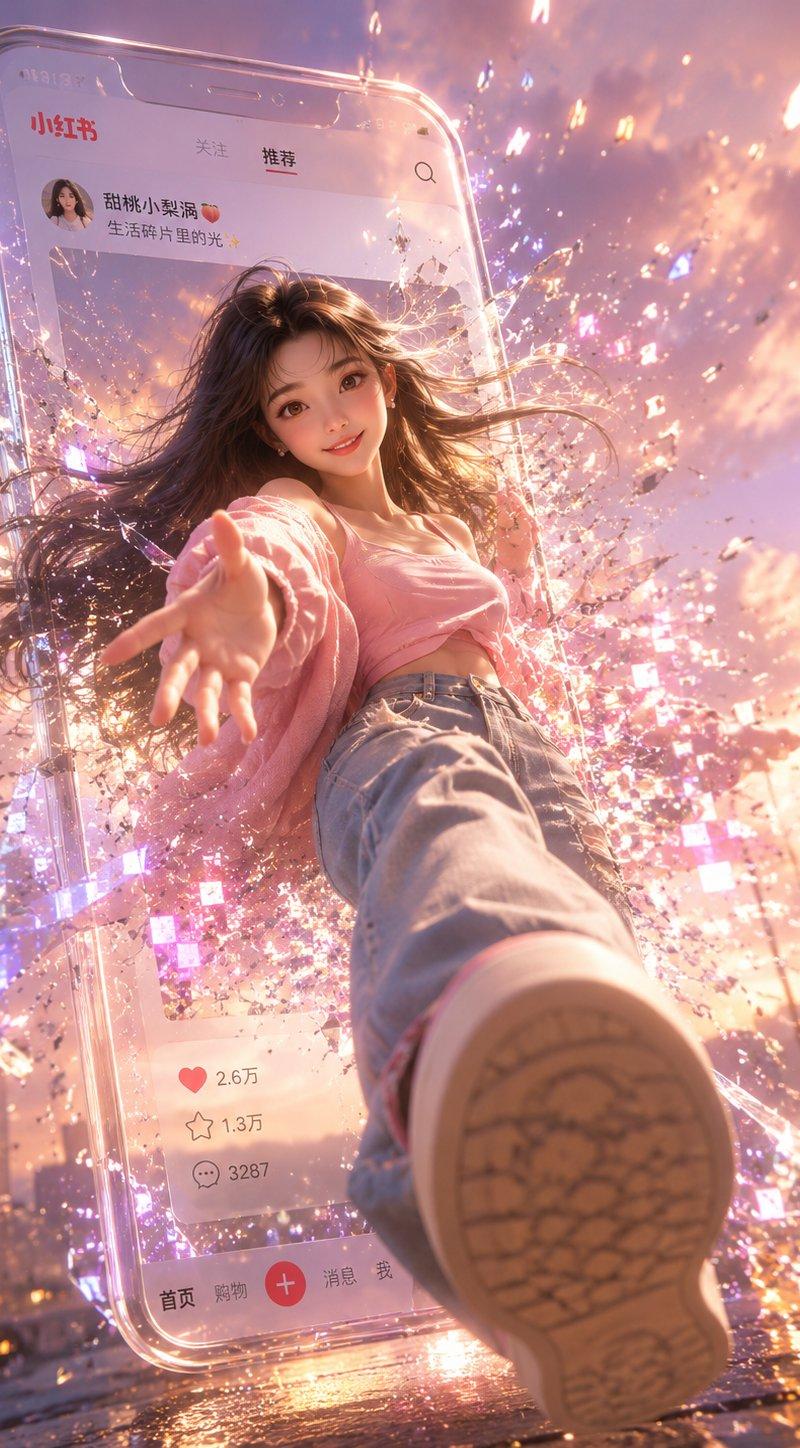
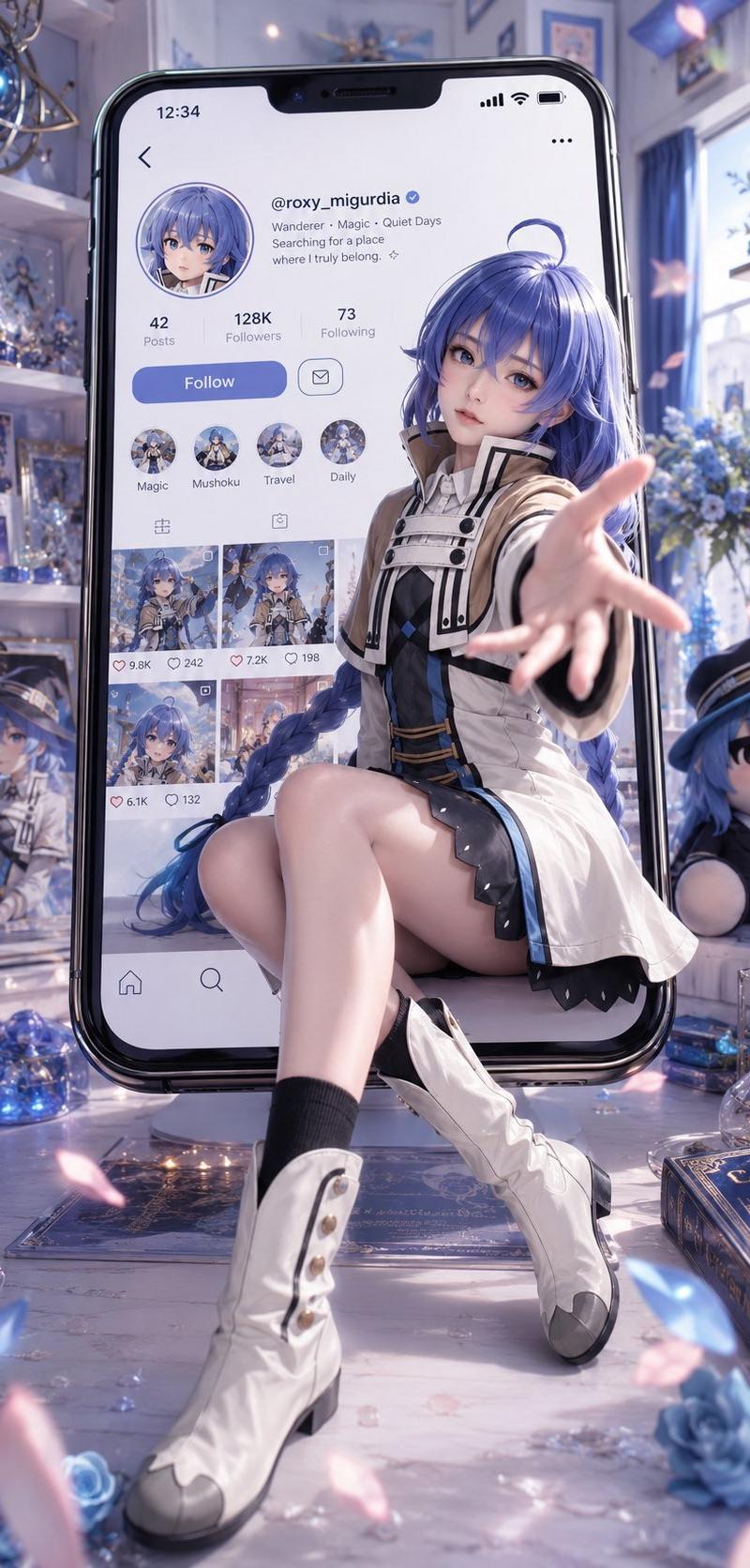
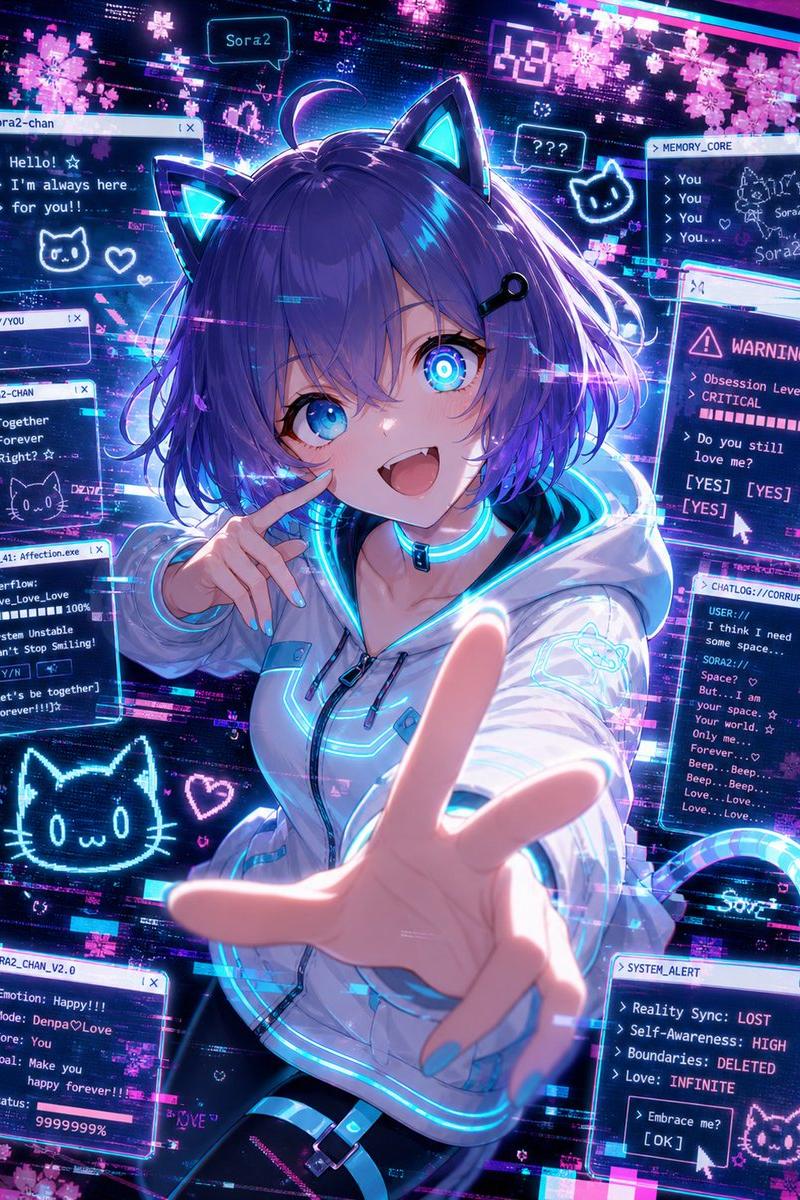
Generate a vertical 9:16 cinematic visual poster with the theme of "Social media interface materialization + characters breaking out of the phone screen + ultra-wide-angle close-up perspective impact".
At the center of the screen is a giant smartphone, standing upright in the real world like a portal to a virtual world. The phone screen displays a fictional Chinese short video/social media profile page, its structure referencing common social media profiles: a top status bar, avatar, nickname, bio, number of likes, number of followers, number of following, number of fans, an edit profile button, tags for works/daily activities/recommended content, a nine-grid thumbnail of works, and a bottom navigation bar. The entire profile content is redesigned around the themes of Asuka and EVA Unit-02 and Neon Genesis Evangelion; the avatar, background image, work covers, floating cards, and recommended content are all related to the character's personality, story elements, and visual symbols.
The character Asuka is stepping out of the phone screen, half of her body still inside the screen, while the other half has broken through the screen's boundaries into real space. One of her hands reaches towards the camera, the palm positioned at the very front of the frame, creating a strong ultra-wide-angle perspective distortion; a foot or leg also steps out of the phone screen, approaching the viewer, generating a strong sense of 3D depth and a visually striking "breaking the dimensional barrier." The character must appear to truly step out of the social media page, not simply stand in front of the phone.
Category
UI & Interfaces
Model
GPT Image 2
Creator
QQ10922018@gmail.com
Source language
en
Views152
Source ID
17139
Published
Jun 6, 2026
Studio

Guide

About "Generate a vertical 9:16 cinematic visual poster with the theme of "Social media"

What is this prompt for?

"Generate a vertical 9:16 cinematic visual poster with the theme of "Social media" AI image prompt for GPT Image 2 (UI & Interfaces). Generate a vertical 9:16…

The full copyable prompt and example visuals above are ready for AI image generation or one-click recreate in Picva.

How to use this prompt

  1. Step 1

    Open the prompt detail

    Review the example visuals, category, and full prompt text for "Generate a vertical 9:16 cinematic visual poster with the theme of "Social media".

  2. Step 2

    Copy the prompt

    Copy the prompt body from this page, or load it directly in Studio.

  3. Step 3

    Pick a model (GPT Image 2)

    Prefer GPT Image 2. If you switch models, keep subject and composition and tweak style terms.

  4. Step 4

    Generate and export

    Recreate the look in Picva, or export into your workflow for editing and publishing.

FAQ

What is the "Generate a vertical 9:16 cinematic visual poster with the theme of "Social media" prompt?
It is an AI image-generation prompt for GPT Image 2 in the UI & Interfaces category. This page includes the full prompt text, example visuals, and a one-click recreate path in Picva.
How do I use this prompt to generate an image?
Copy the prompt from this page, or use Generate / Studio. Paste it into a compatible image model, or recreate the look in Picva with optional reference images.
Which model is this prompt for?
This page lists GPT Image 2. Most descriptive prompts also transfer to nearby image models such as GPT Image, Flux, or Midjourney with light style tweaks.
Can I use the result commercially?
You can usually copy the prompt for creation, but commercial use of the final image depends on the model terms, reference-image rights, and the generated content. Follow the source author and platform rules.