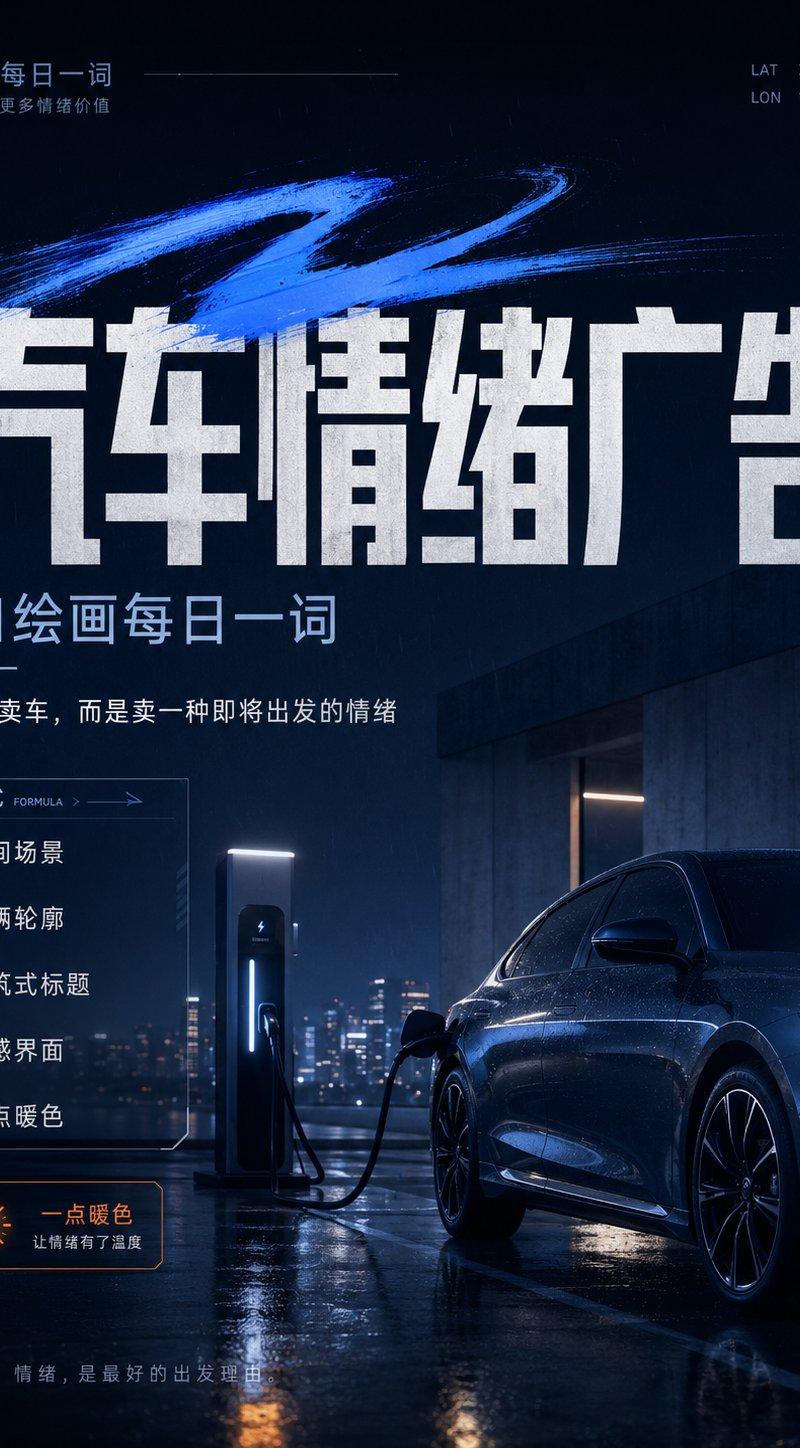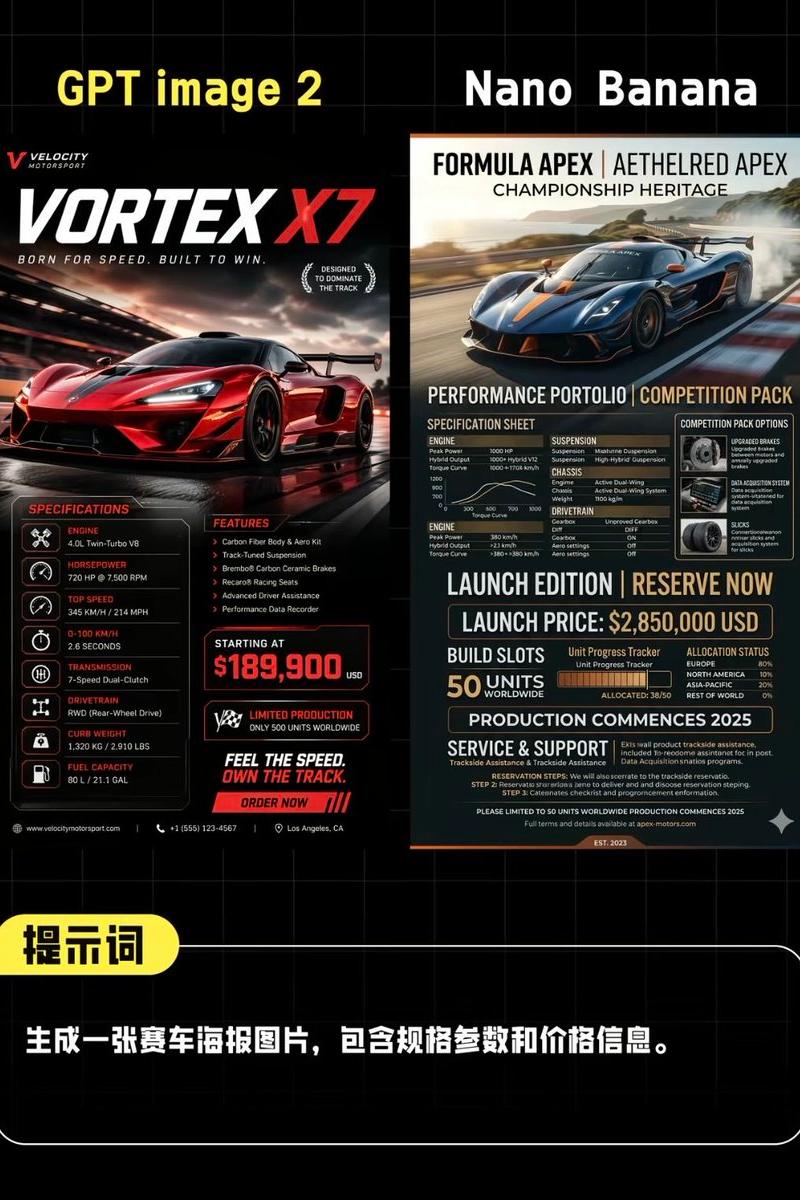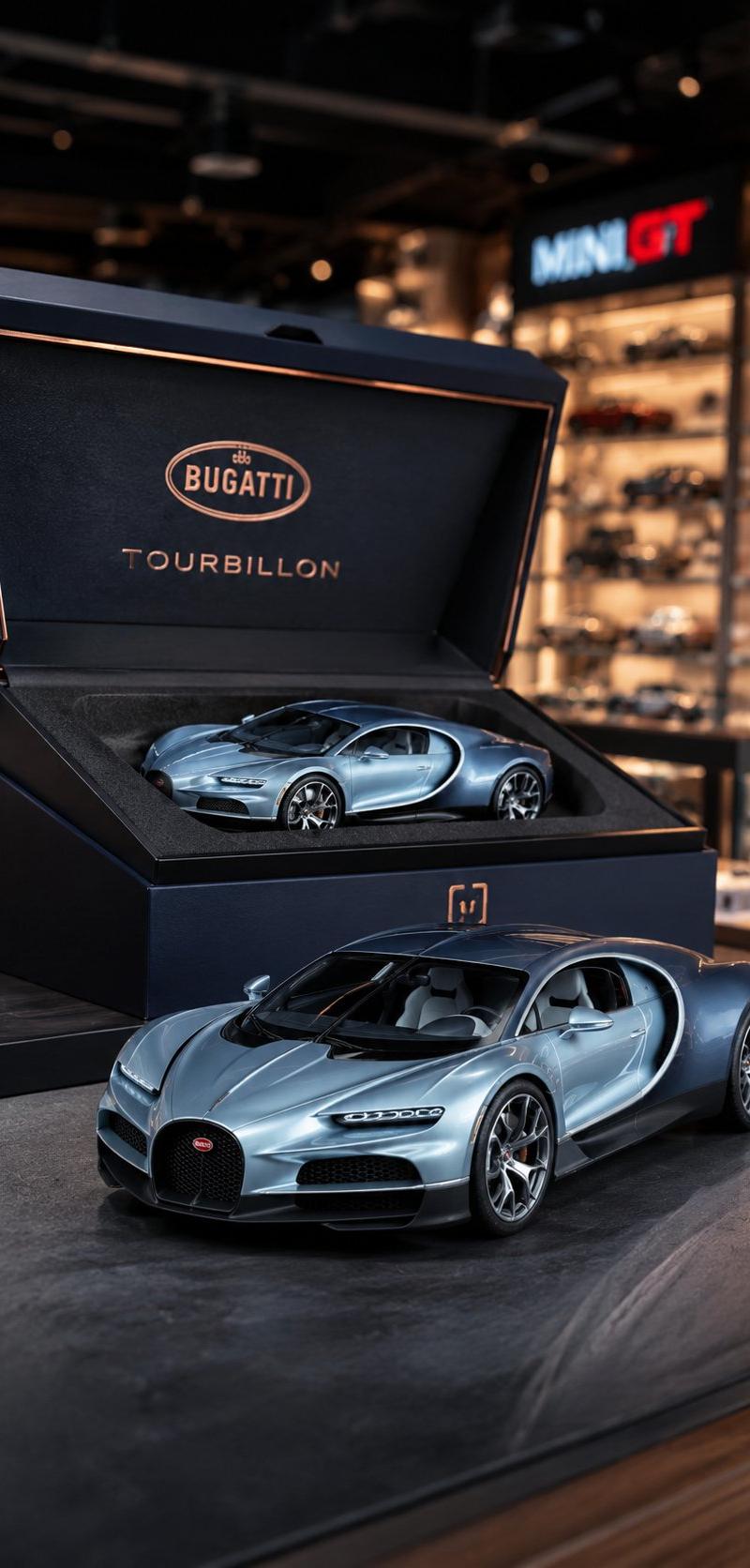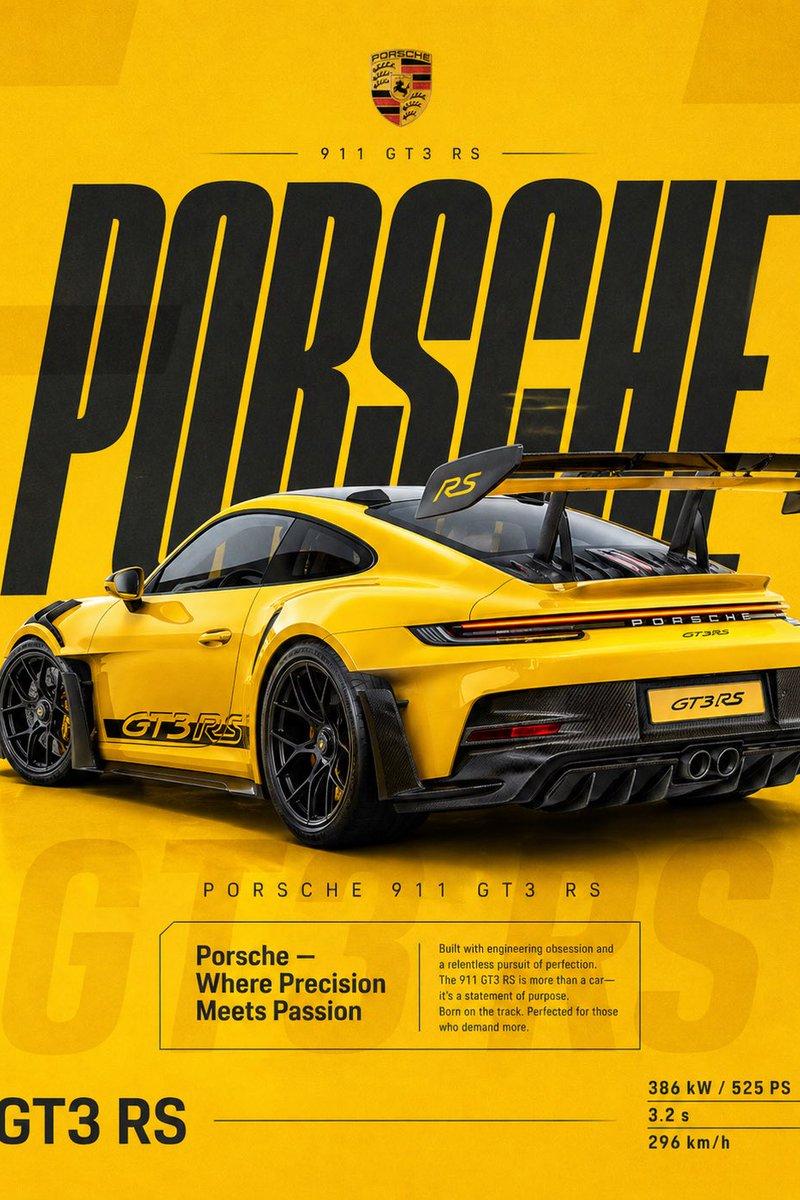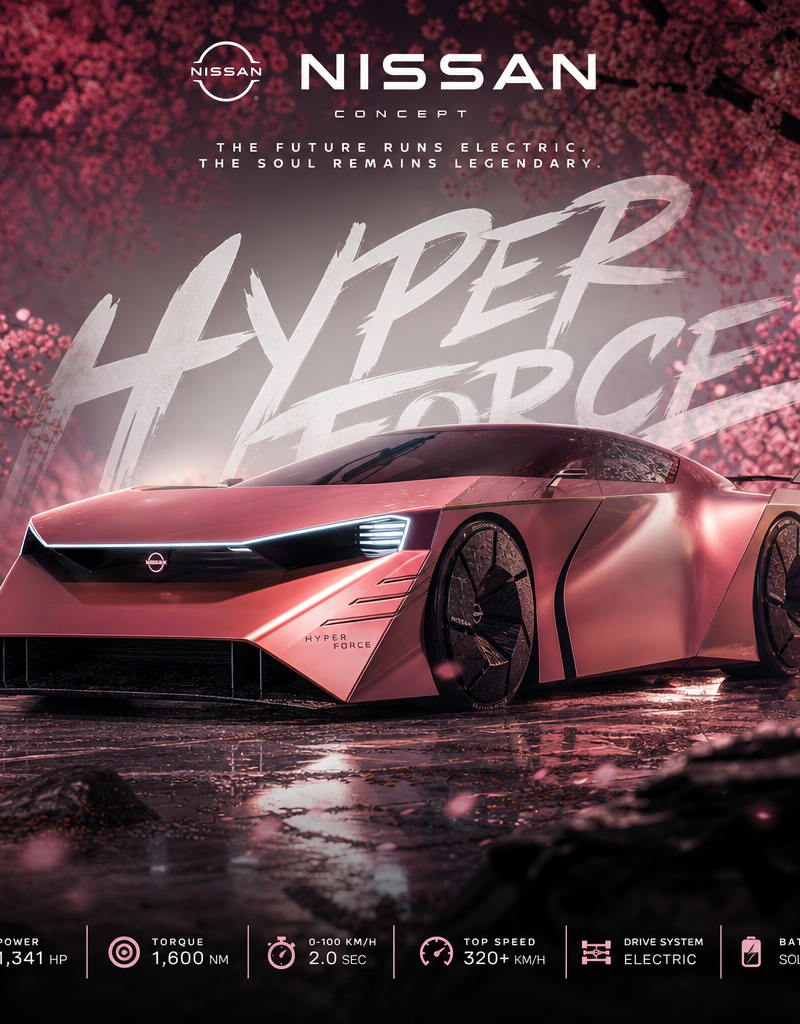
Create an ultra-premium cinematic automotive poster artwork in square format (1:
Prompt
Create an ultra-premium cinematic automotive poster artwork in square format (1:1).

REFERENCE IMAGE RULE:
Use the uploaded vehicle image as the exact design reference.

Preserve:
• original car body shape
• proportions
• aerodynamic lines
• wheels
• headlights
• unique design identity
• paint color personality

Do NOT redesign the vehicle.
Do NOT replace the car.
Only enhance the environment, lighting, presentation, and advertising style.

────────────────────
CAR INFORMATION:
────────────────────

Brand:
[ماركة السيارة]

Model:
[موديل السيارة]

Category:
[Concept Car]

Main title text:
"[CAR BRAND]"
"[MODEL NAME]"

Subtitle:
"[CUSTOM VEHICLE TAGLINE]"

Example:
THE FUTURE RUNS ELECTRIC.
THE SOUL REMAINS LEGENDARY.

────────────────────
MAIN SCENE:
────────────────────

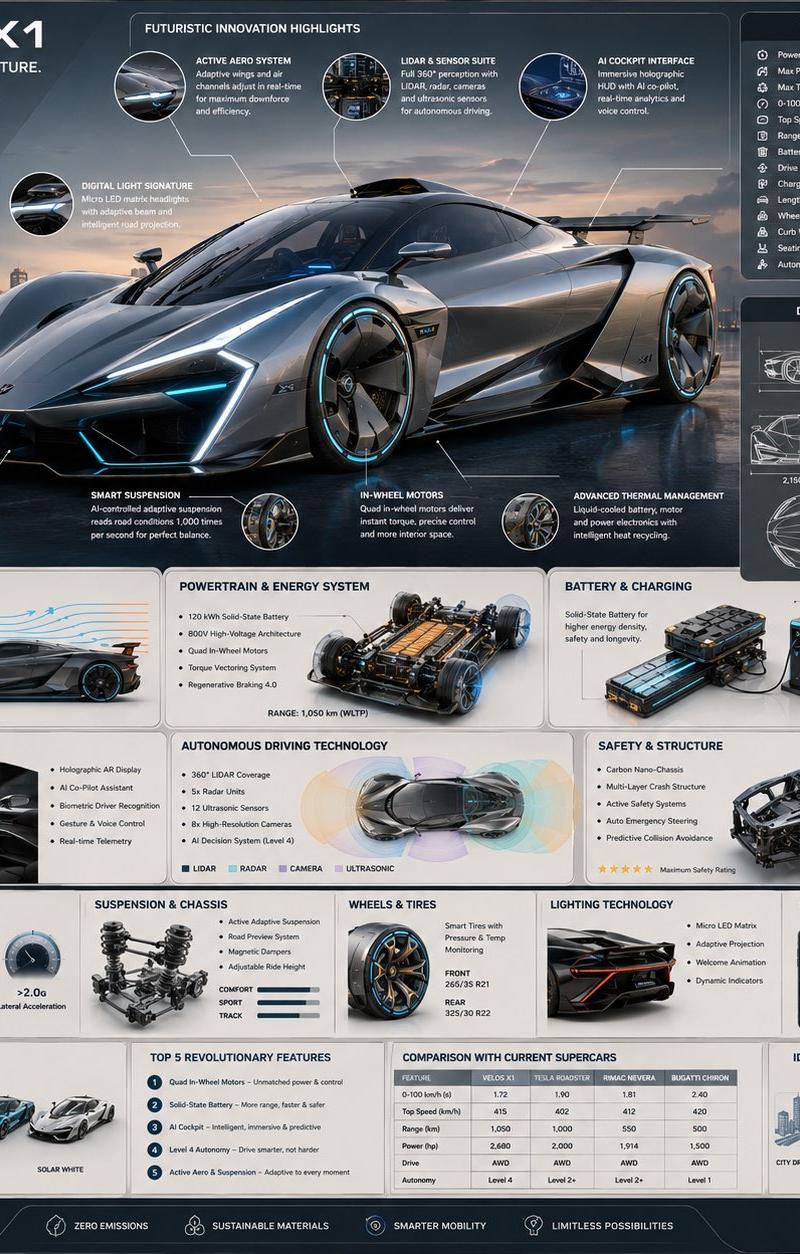
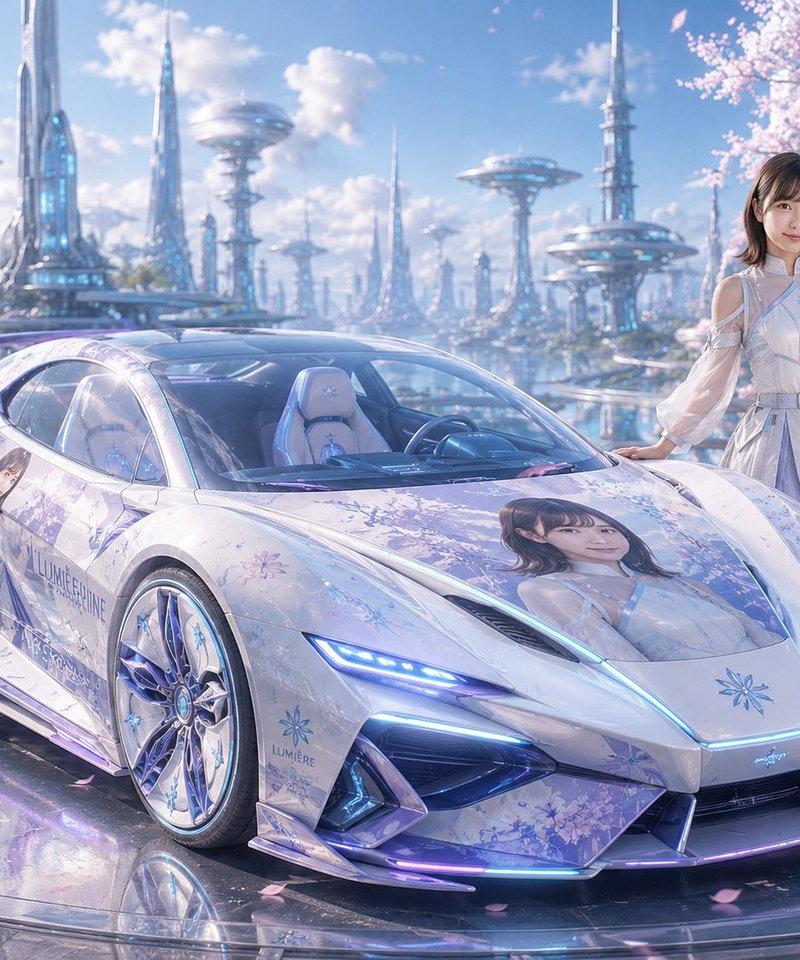
Place the vehicle in a surreal premium automotive advertising environment:

Environment theme:
[Pink cherry blossom forest / futuristic city / desert luxury scene / mountain road / studio / custom theme]

Create:
• cinematic depth
• foreground elements partially covering the car naturally
• shallow depth of field
• luxury editorial magazine feeling
• dramatic perspective
• realistic reflections
• high-end automotive photography style

Camera:
Low angle professional automotive shot.
85mm lens feeling.
Ultra realistic details.

────────────────────
TYPOGRAPHY DESIGN:
────────────────────

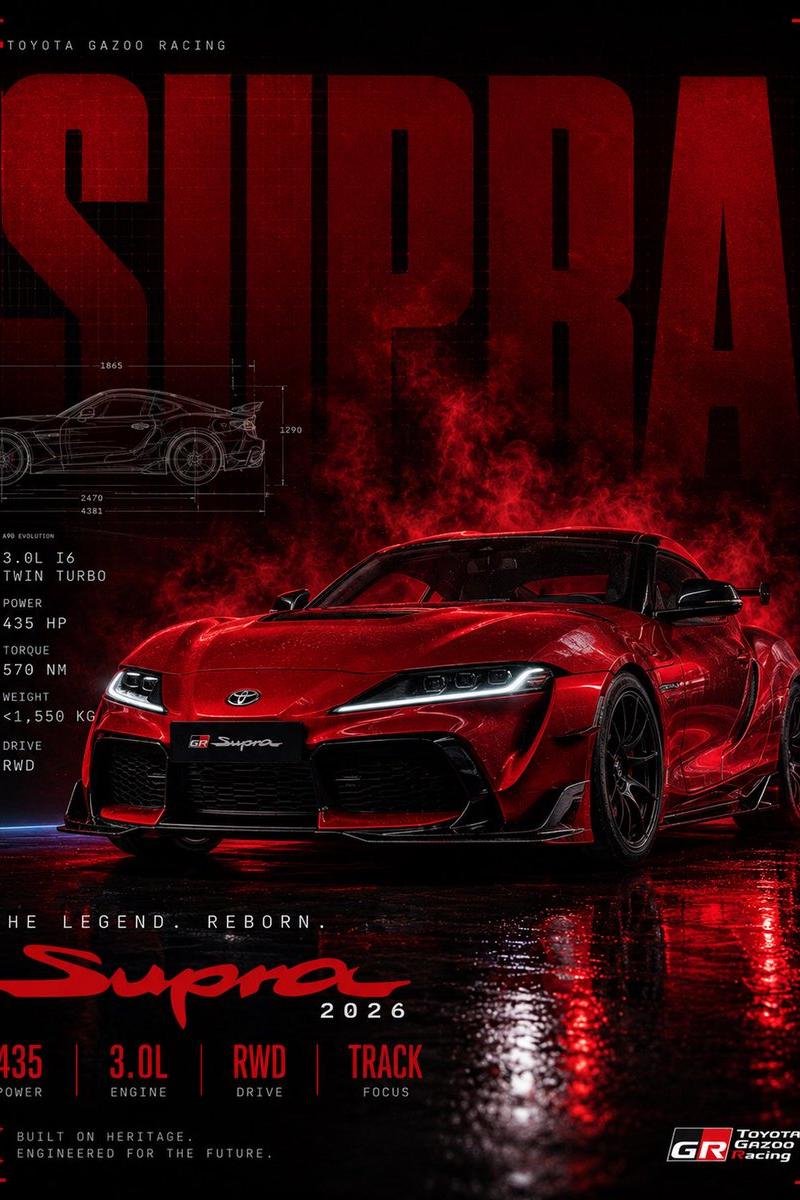
Create bold luxury automotive typography integrated into the scene.

Add a huge artistic handwritten / futuristic text behind the car displaying:

"[MODEL NAME]"

Style:
• large scale
• premium racing identity
• white / metallic typography
• partially hidden behind vehicle
• modern concept-car reveal feeling

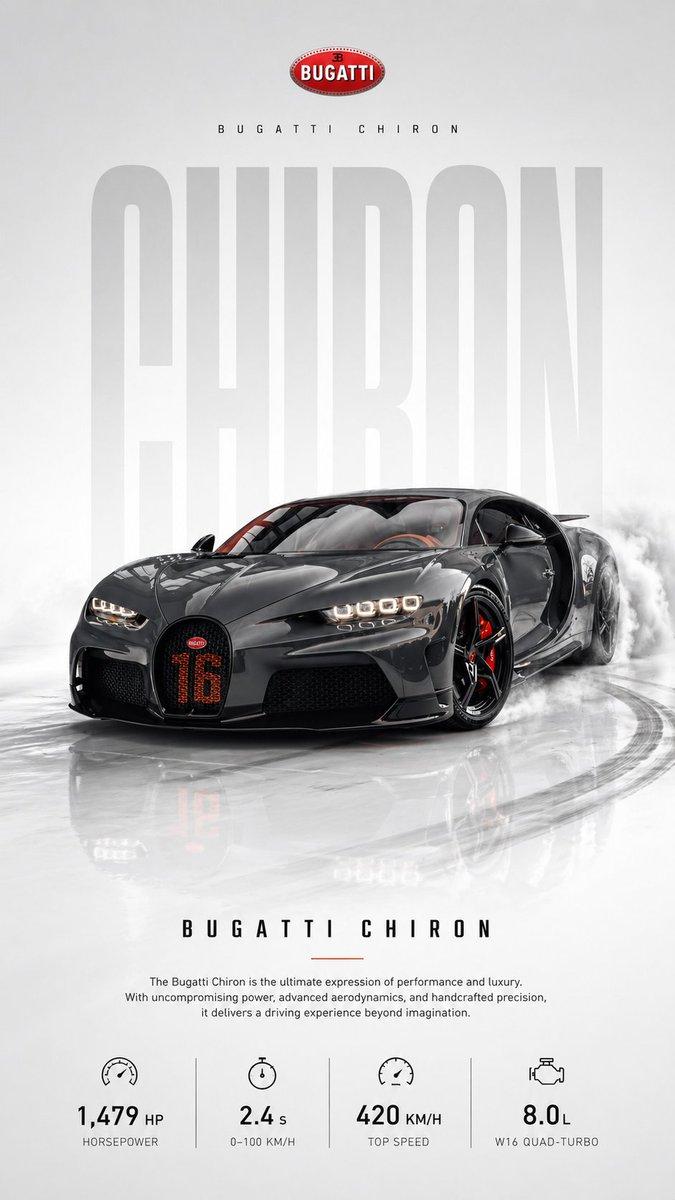
Add small technical specification icons section at the bottom:

────────────────────
VEHICLE SPECIFICATIONS:
────────────────────

POWERTRAIN:
[مواصفات السيارة المشهورة]

────────────────────
COLOR IDENTITY:
────────────────────

Main vehicle color:
[لون السيارة]

Use matching accent colors from the vehicle:
• UI lines
• icons
• typography details
• reflections

────────────────────
POSTER STYLE:
────────────────────

Inspired by:
• luxury automotive launch campaigns
• hypercar reveal posters
• futuristic concept presentations
• premium magazine covers

Quality:
• ultra realistic
• 8K automotive render
• ray tracing reflections
• cinematic lighting
• sharp details
• luxury commercial photography

Final result must look like an official manufacturer reveal campaign poster.
- Category
- UI & Interfaces
- Model
- GPT Image 2
- Creator
- xie underwood
- Source language
- en
- Source ID
- 17927
- Published
- Jun 9, 2026
Views89
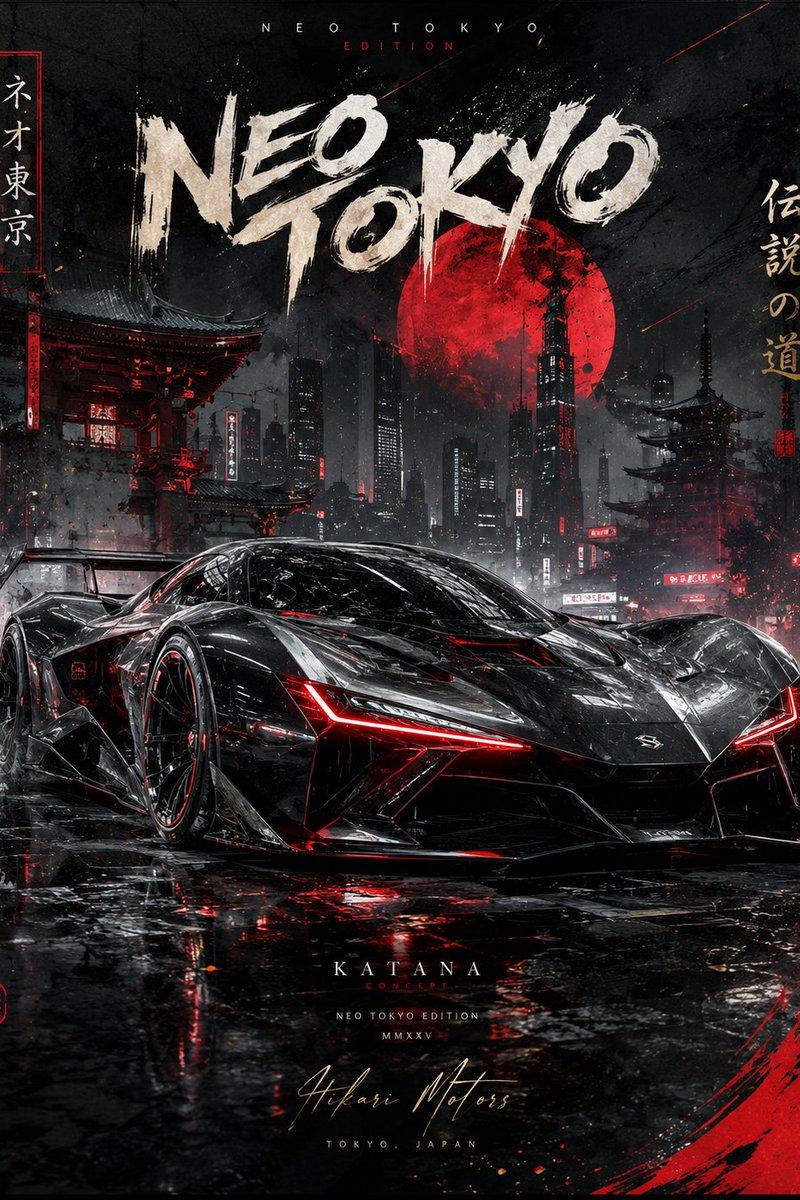
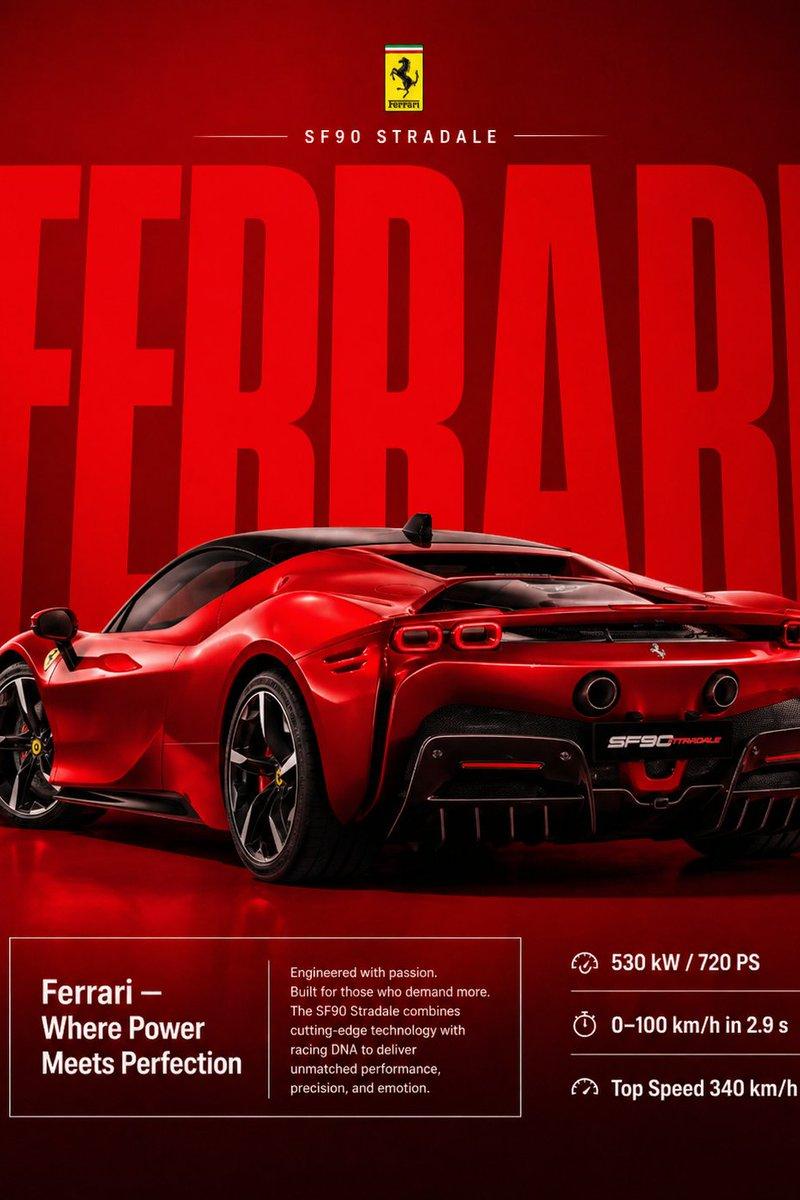
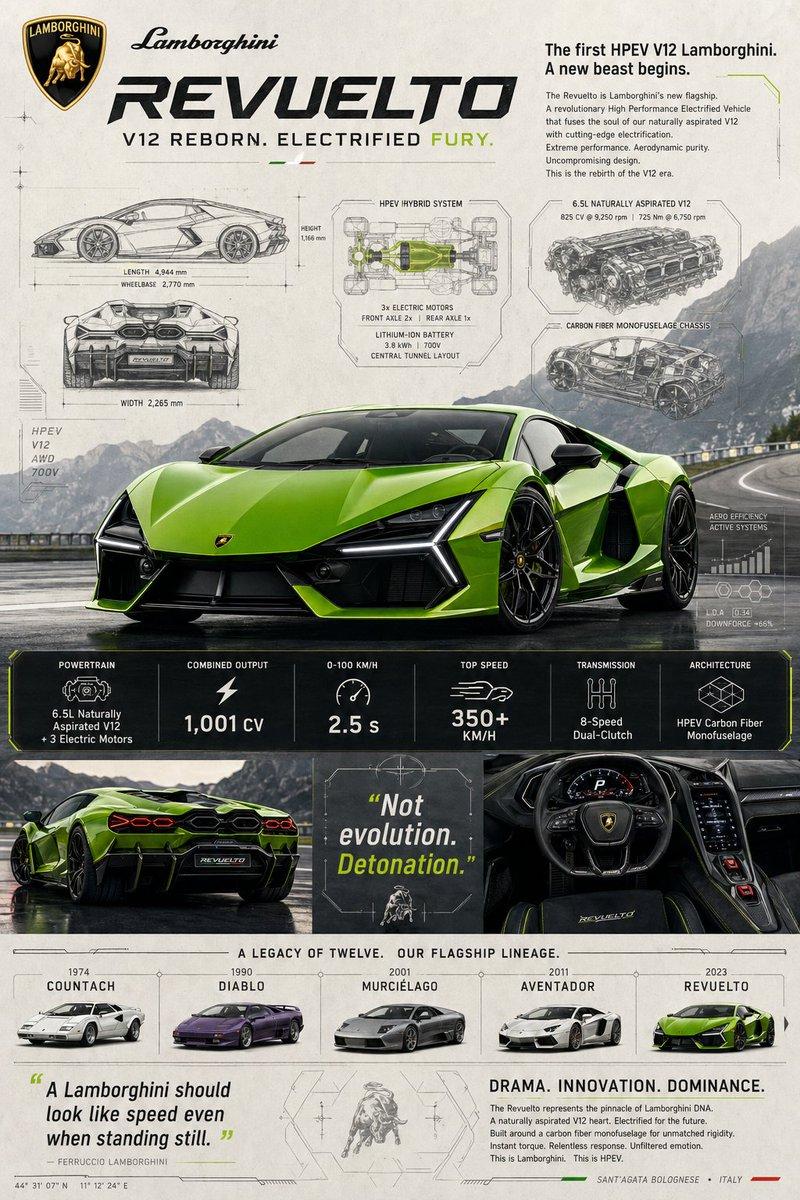
![Create an epic premium automotive poster of [CAR MODEL]](https://whqgdndlpxjbwosvipip.supabase.co/storage/v1/render/image/public/prompt-source-media/promptsref/work-2474/image-1-8334e1421995e79a.png?width=800&quality=75)