19

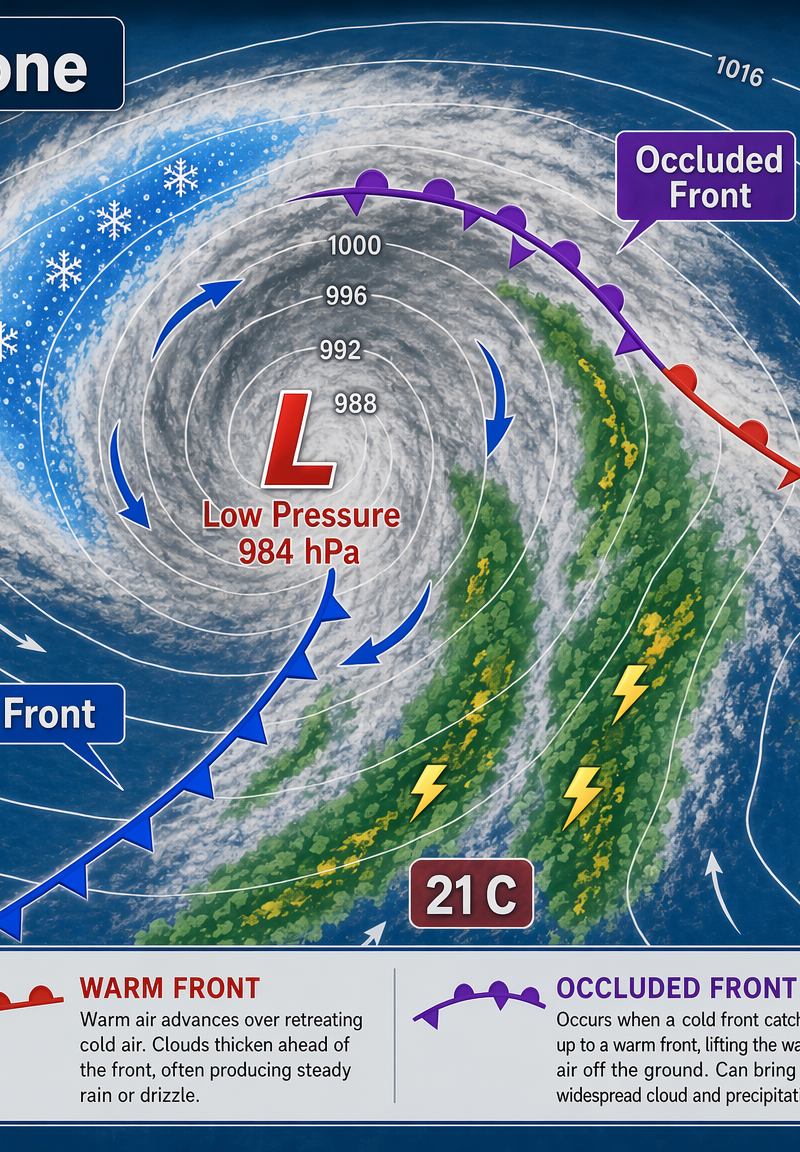
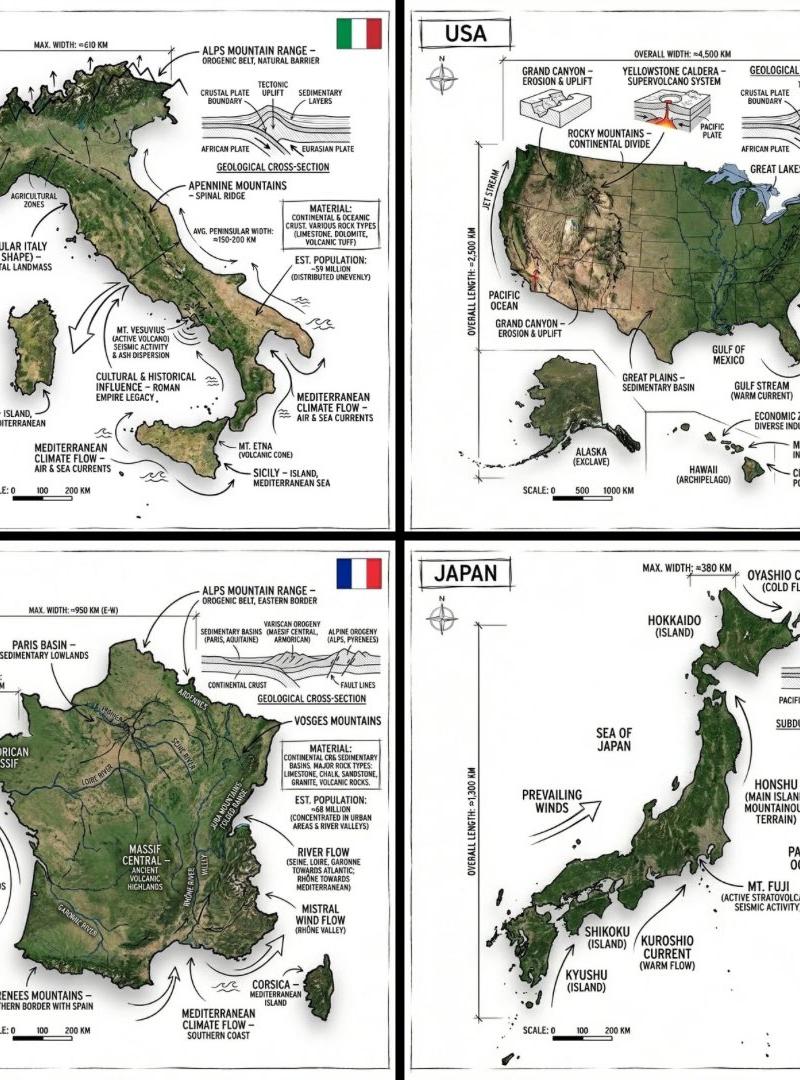
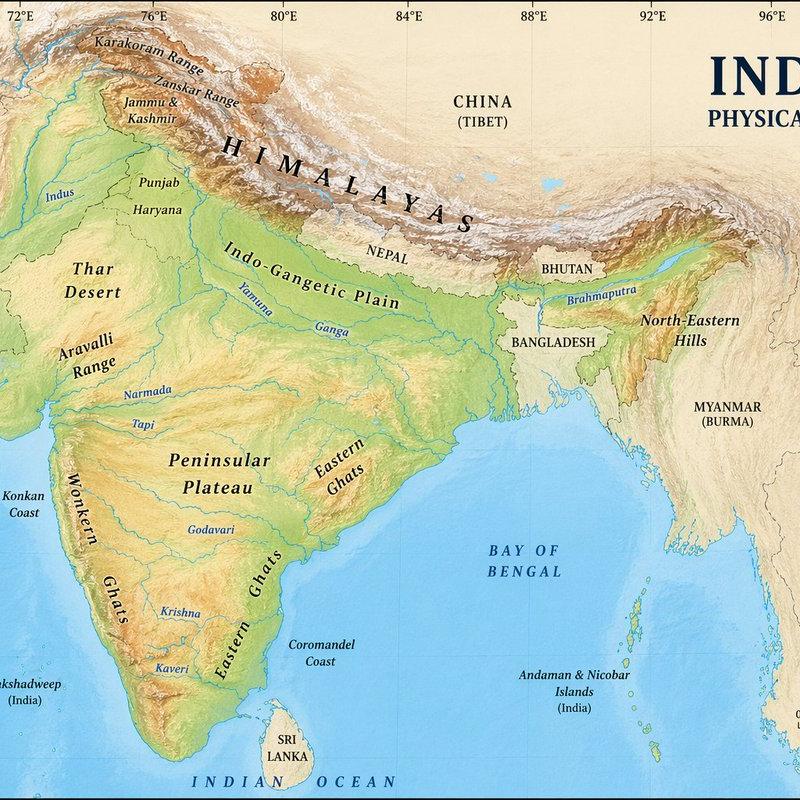
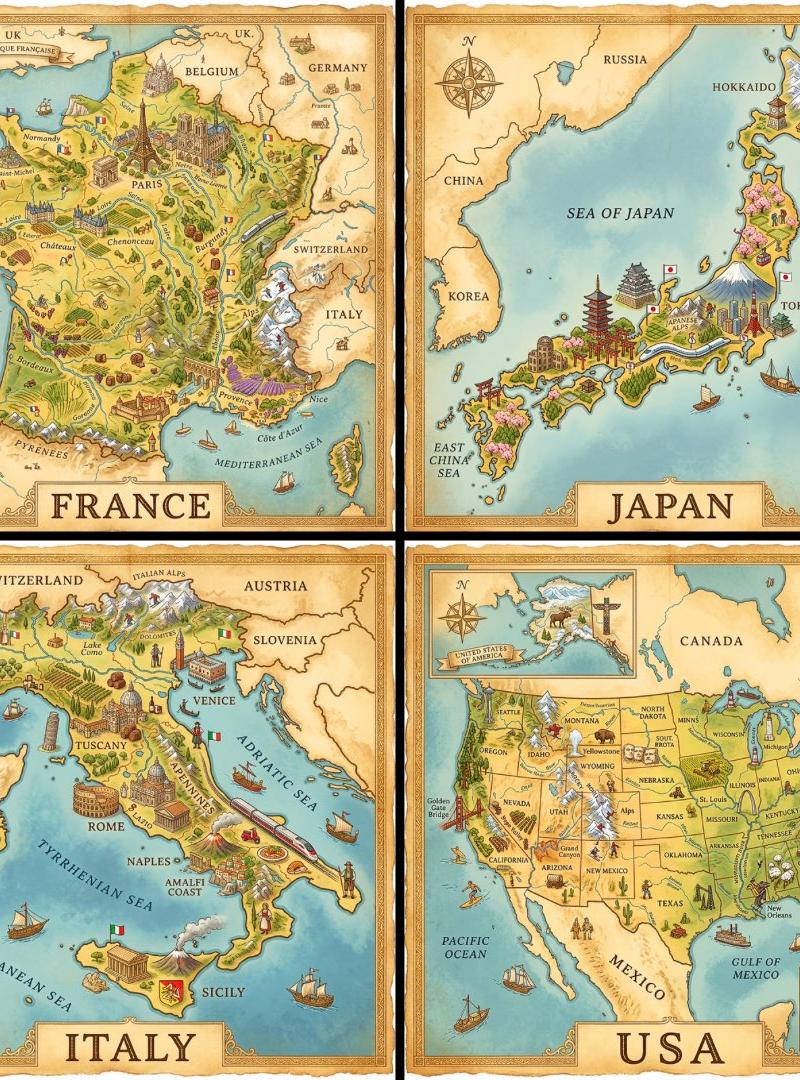
Example images

Locked camera on the same mobile map interface, preserve the map, UI, bottom pan

Prompt
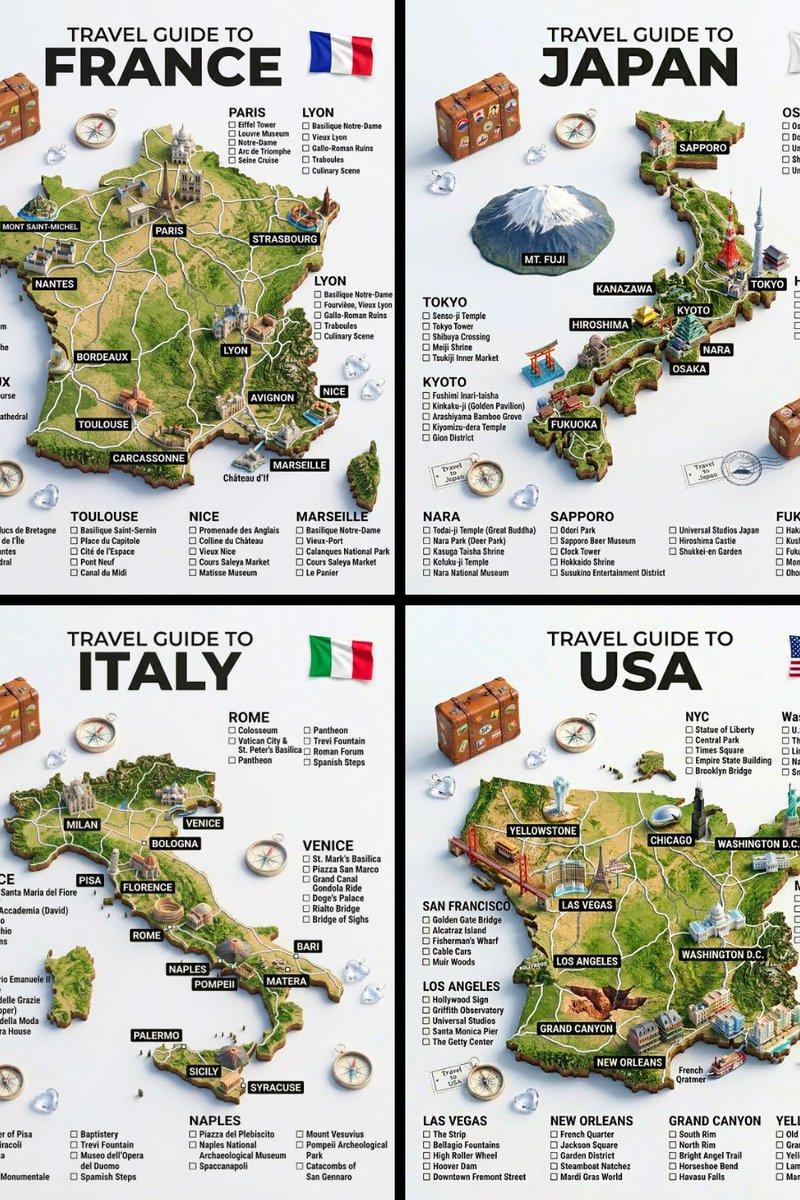
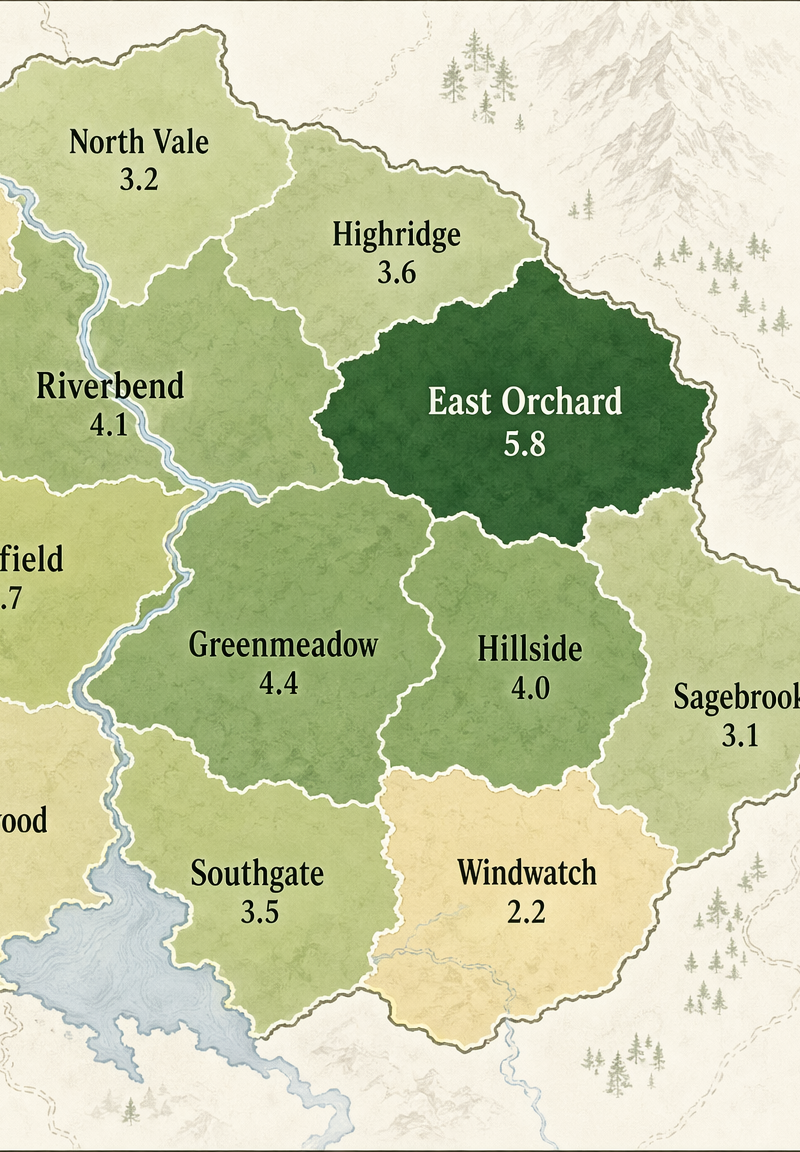
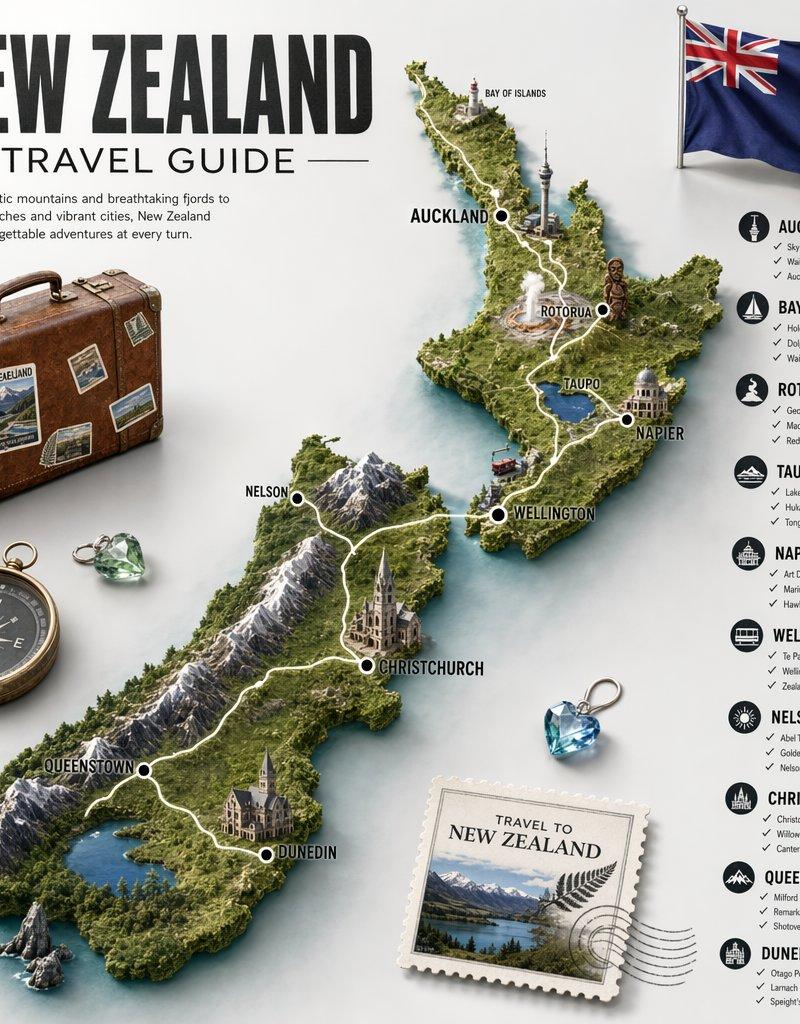
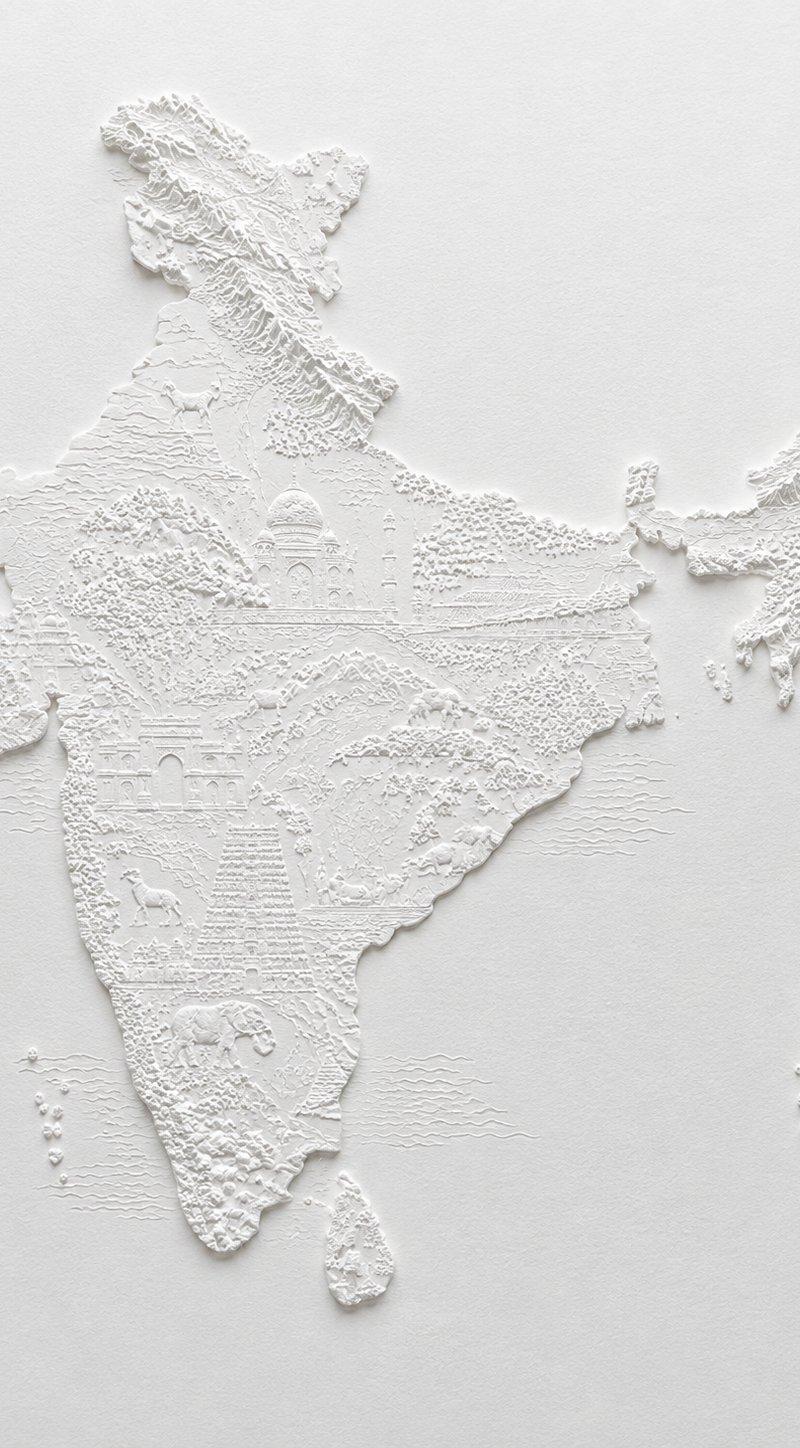
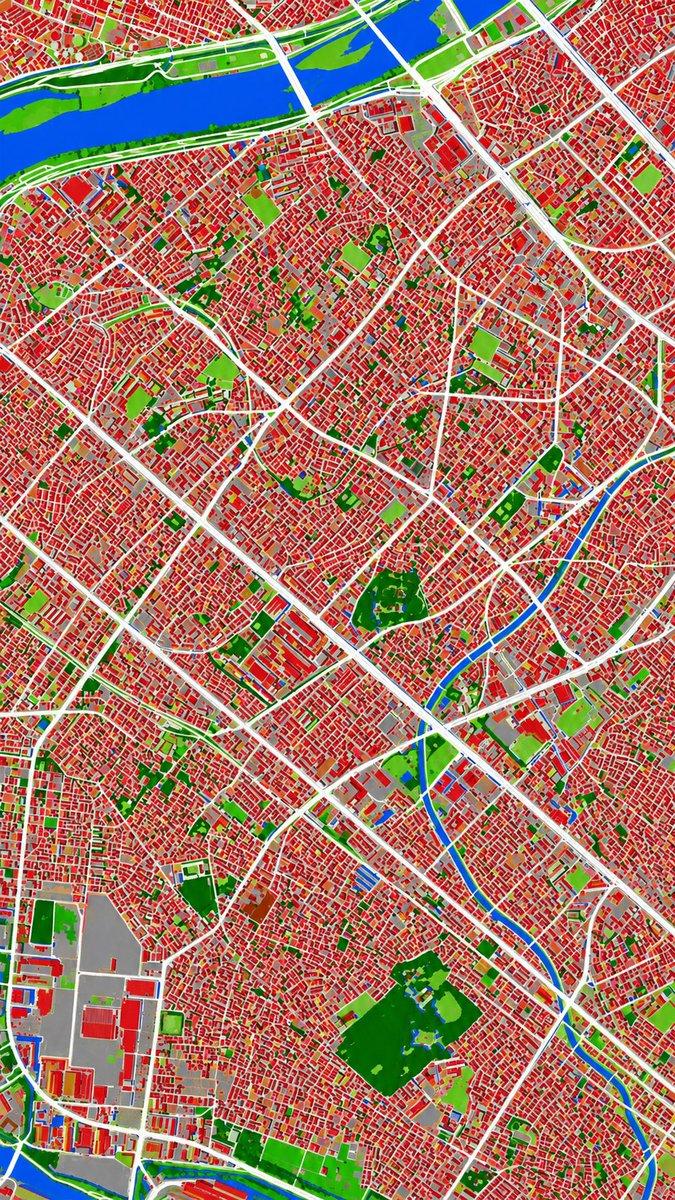
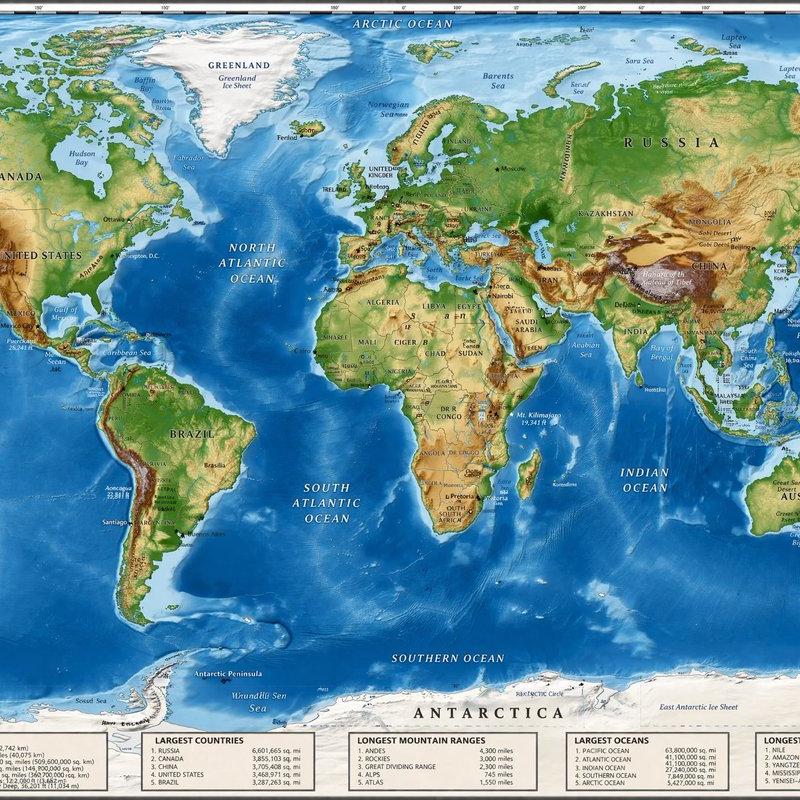
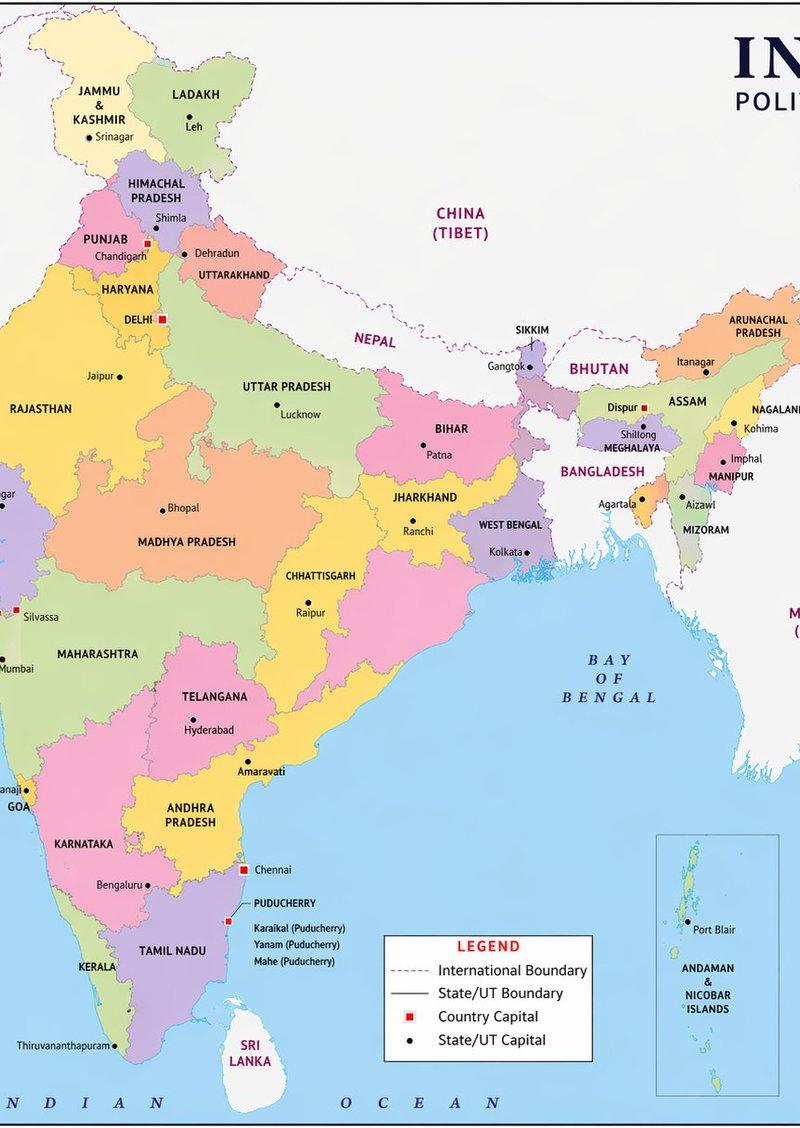
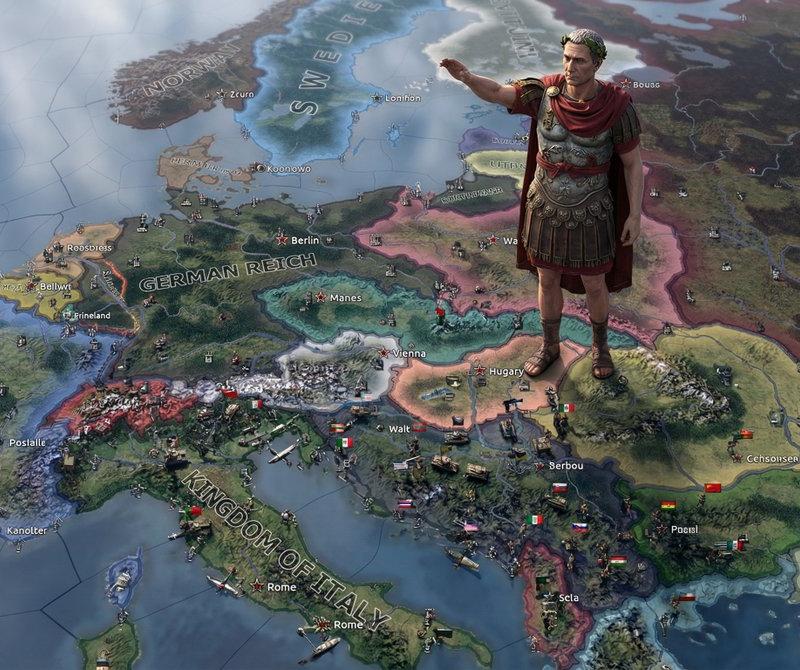
Locked camera on the same mobile map interface, preserve the map, UI, bottom panel, text, icons, layout, and colors exactly. The hand releases the red location pin, then naturally exits to the right side of the frame. After the hand fully leaves, the pinned center area begins transforming in 3D: the map surface rises slowly from the pinned point like flexible paper and a miniature terrain model, bulging upward, folding and unfolding into a circular 3D miniature city and castle landmark. The elevation spreads outward from the pinned spot, with realistic shadows, contact shadows, dimensional thickness, and a smooth transition into the third reference image state. Do not move the camera, do not change the phone UI, do not add extra text.
Category
Charts & Infographics
Model
kling-3.0/video
Creator
xie underwood
Source language
en
Views28
Source ID
19591
Published
Jun 11, 2026
Studio

Guide

About "Locked camera on the same mobile map interface, preserve the map, UI, bottom pan"

What is this prompt for?

"Locked camera on the same mobile map interface, preserve the map, UI, bottom pan" AI image prompt for kling-3.0/video (Charts & Infographics). Locked camera o…

The full copyable prompt and example visuals above are ready for AI image generation or one-click recreate in Picva.

How to use this prompt

  1. Step 1

    Open the prompt detail

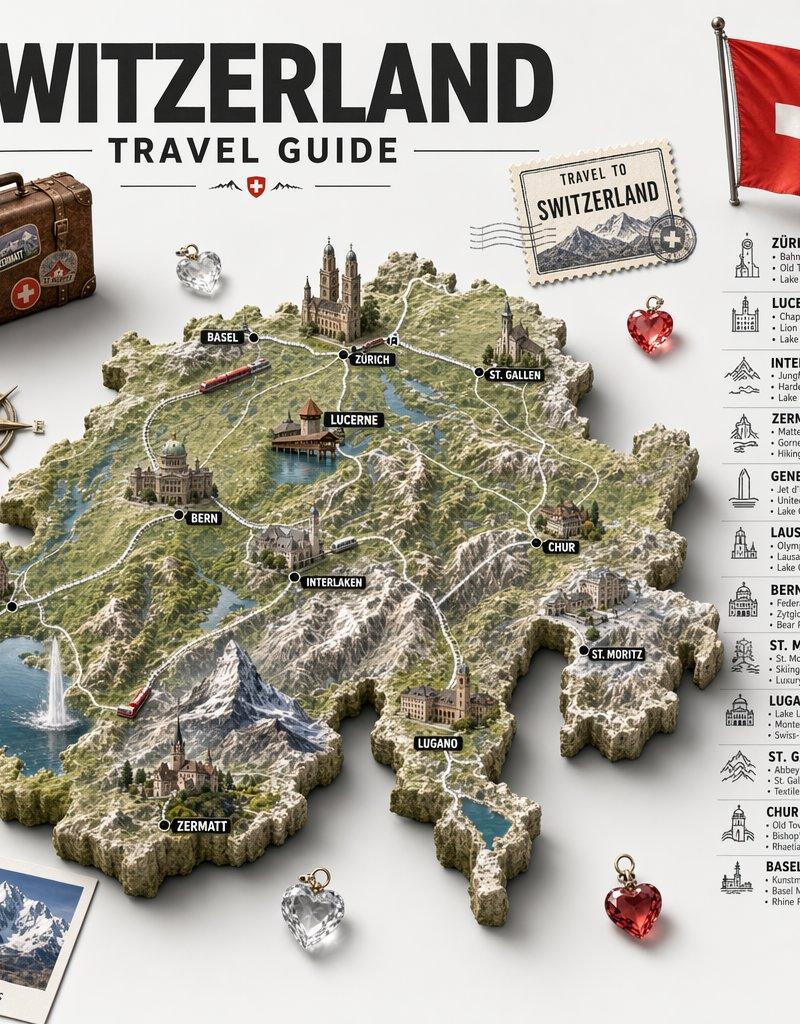
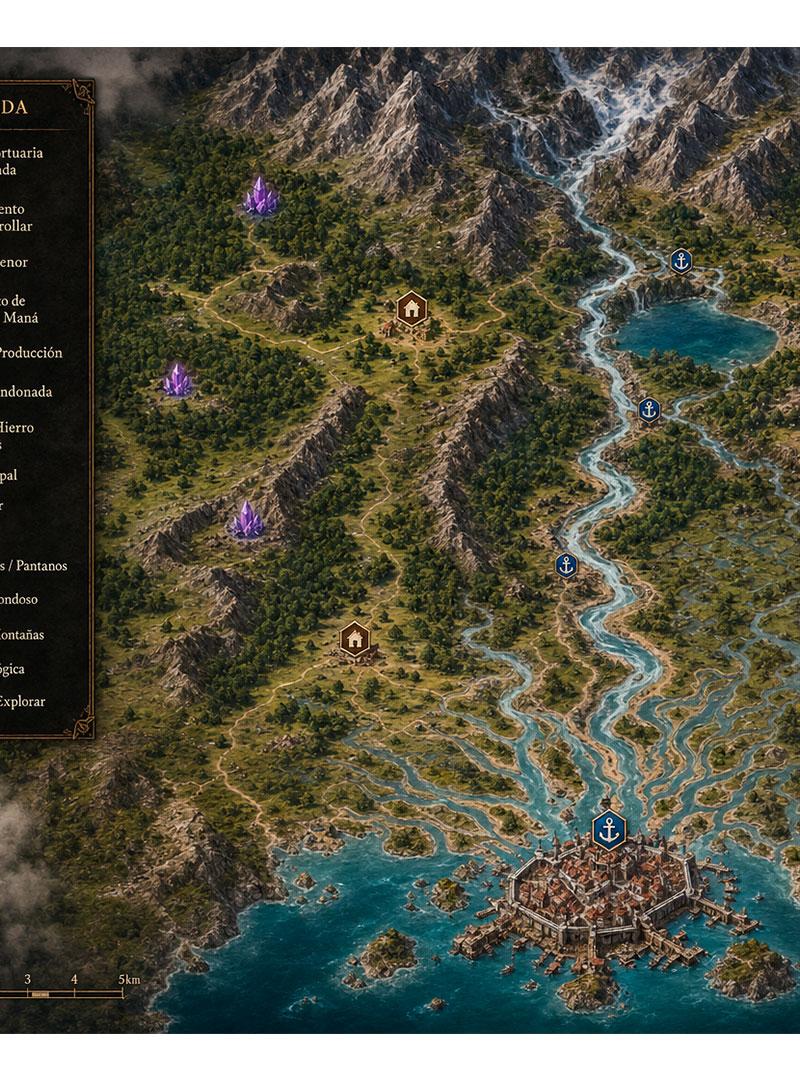
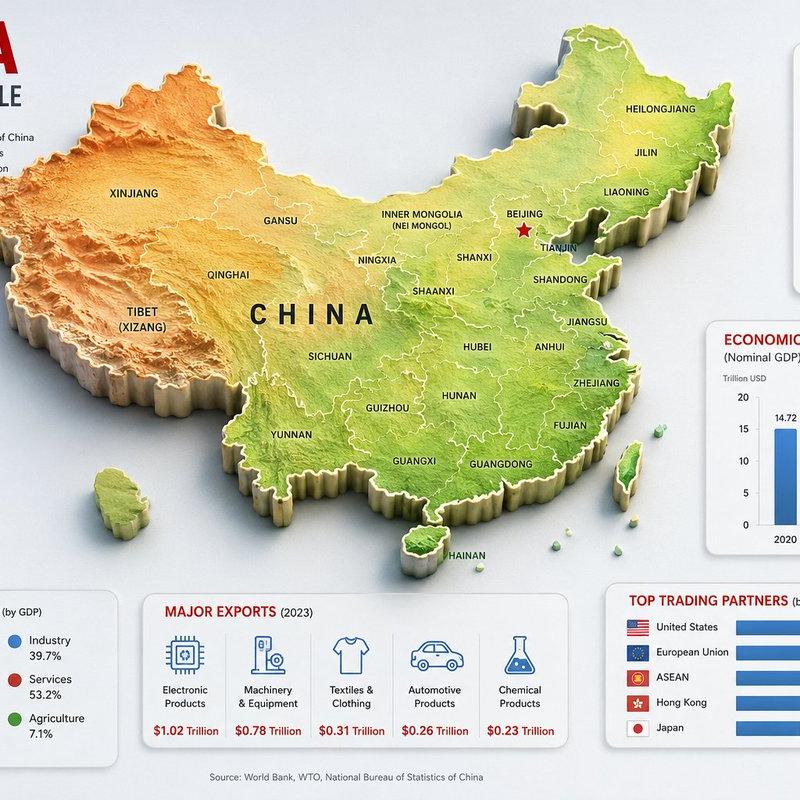
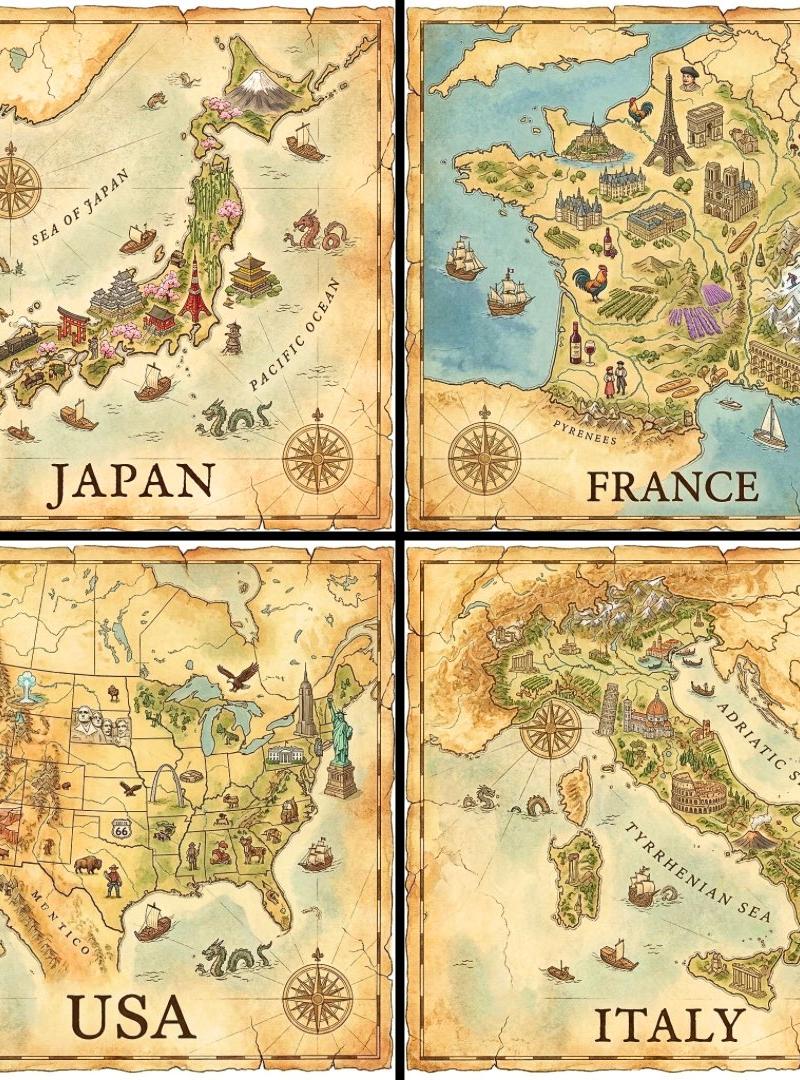
    Review the example visuals, category, and full prompt text for "Locked camera on the same mobile map interface, preserve the map, UI, bottom pan".

  2. Step 2

    Copy the prompt

    Copy the prompt body from this page, or load it directly in Studio.

  3. Step 3

    Pick a model (kling-3.0/video)

    Prefer kling-3.0/video. If you switch models, keep subject and composition and tweak style terms.

  4. Step 4

    Generate and export

    Recreate the look in Picva, or export into your workflow for editing and publishing.

FAQ

What is the "Locked camera on the same mobile map interface, preserve the map, UI, bottom pan" prompt?
It is an AI image-generation prompt for kling-3.0/video in the Charts & Infographics category. This page includes the full prompt text, example visuals, and a one-click recreate path in Picva.
How do I use this prompt to generate an image?
Copy the prompt from this page, or use Generate / Studio. Paste it into a compatible image model, or recreate the look in Picva with optional reference images.
Which model is this prompt for?
This page lists kling-3.0/video. Most descriptive prompts also transfer to nearby image models such as GPT Image, Flux, or Midjourney with light style tweaks.
Can I use the result commercially?
You can usually copy the prompt for creation, but commercial use of the final image depends on the model terms, reference-image rights, and the generated content. Follow the source author and platform rules.