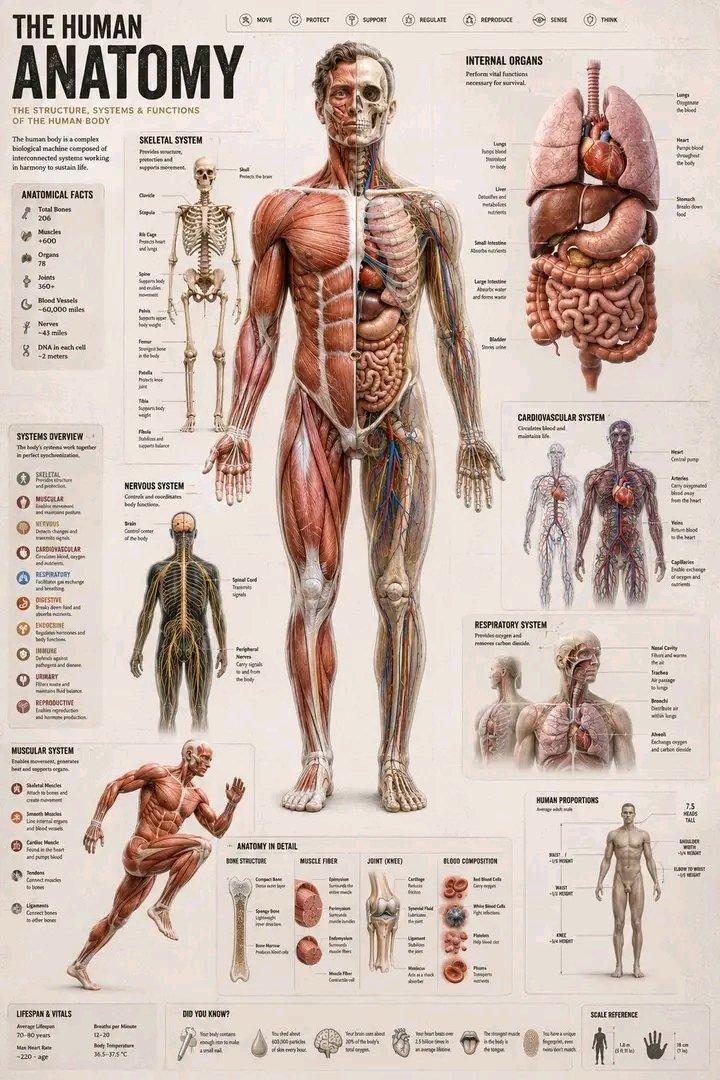
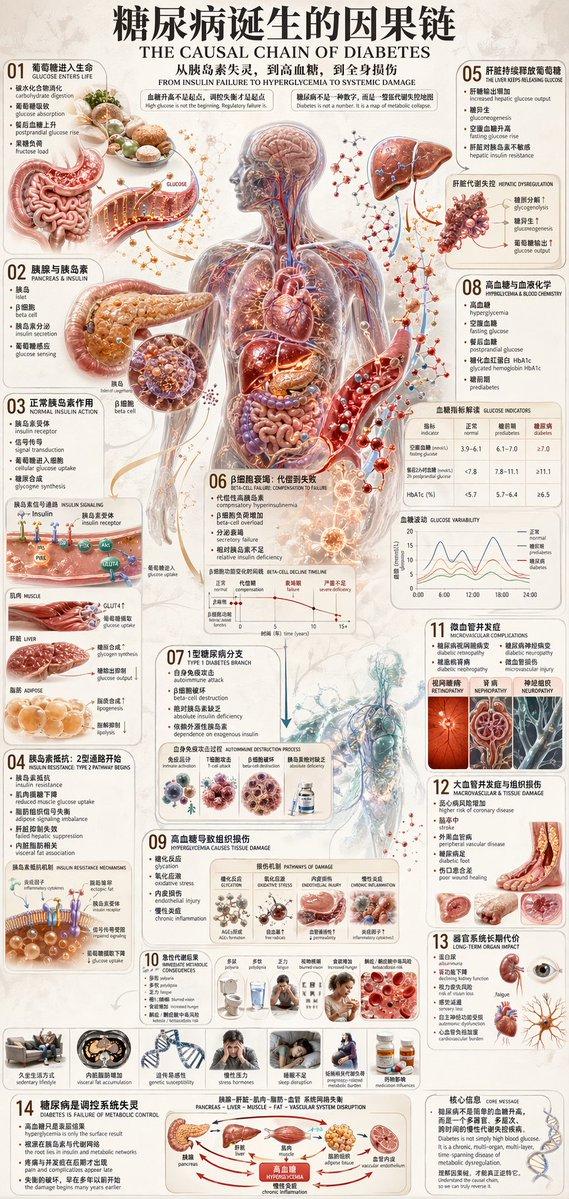
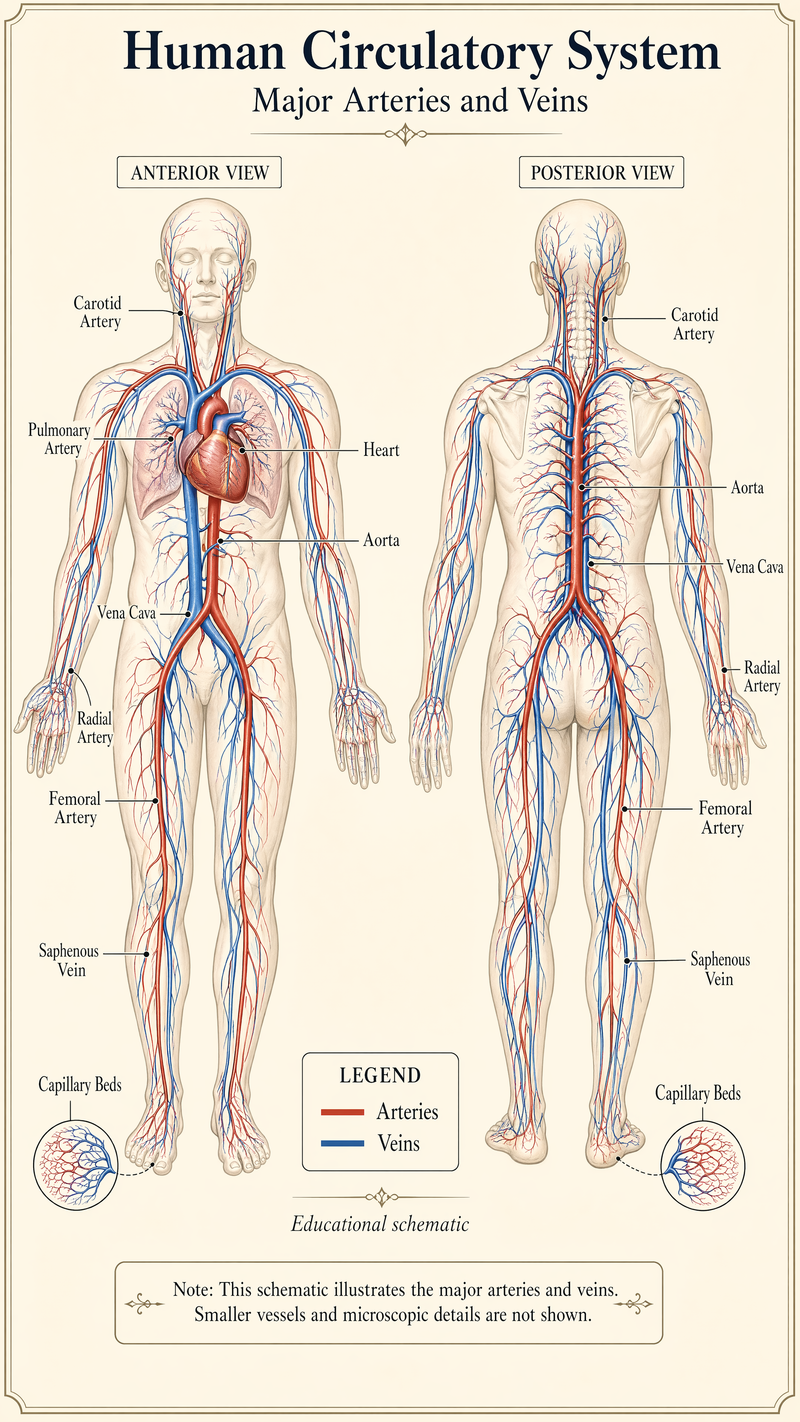
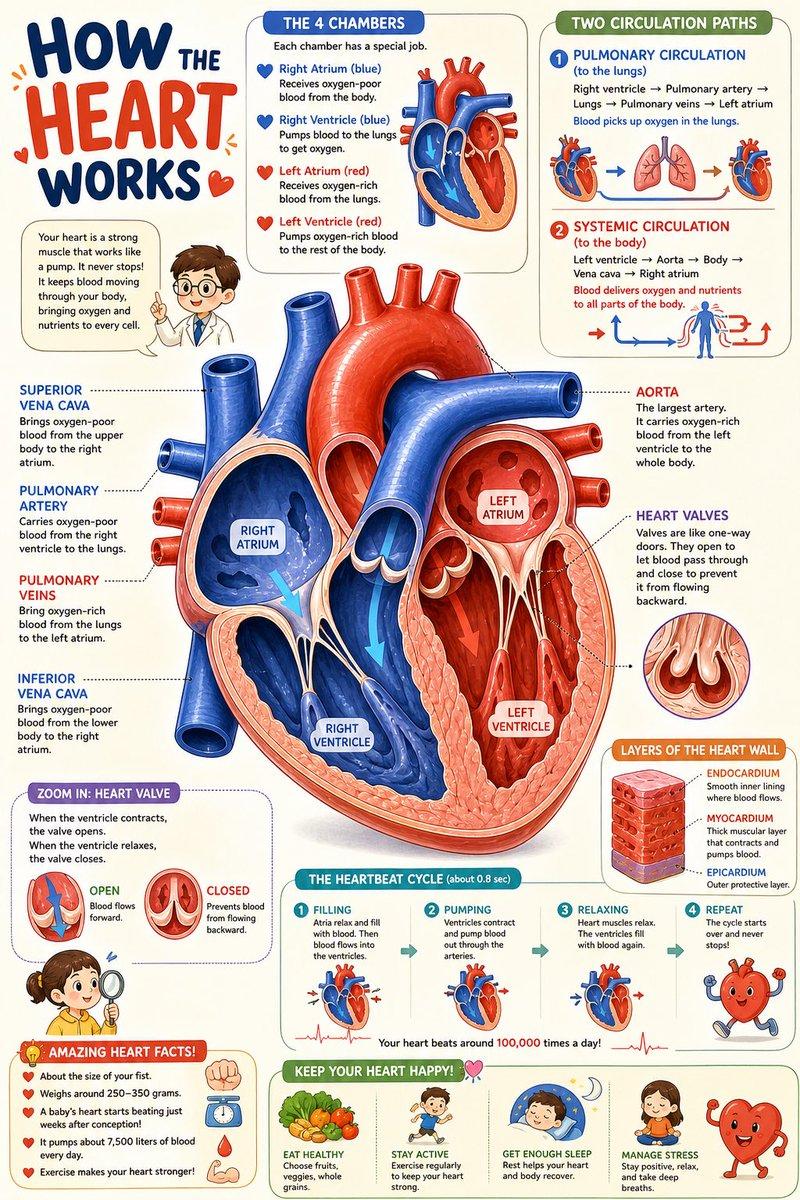
{ "type": "comprehensive medical infographic", "style": "highly detailed 3D medi
Prompt
{
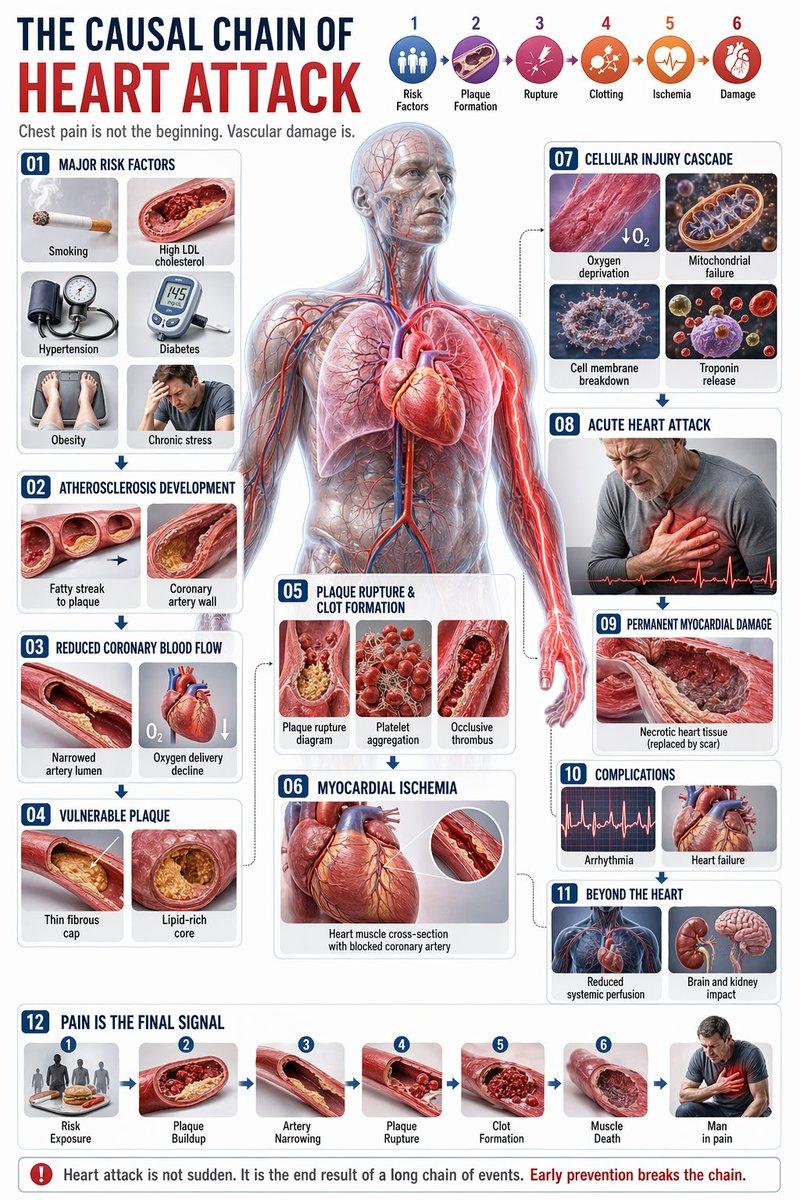
 "type": "comprehensive medical infographic",
 "style": "highly detailed 3D medical illustration, clinical white background, clean typography",
 "header": {
 "title_cn": "",
 "title_en": "{argument name=\"english title\" default=\"THE CAUSAL CHAIN OF HEART ATTACK\"}",
 "subtitle": "Chest pain is not the beginning. Vascular damage is.",
 "top_right_sequence": {
 "count": 6,
 "labels": [
 "Risk Factors",
 "Plaque Formation",
 "Rupture",
 "Clotting",
 "Ischemia",
 "Damage"
 ]
 }
 },
 "centerpiece": {
 "description": "{argument name=\"central figure\" default=\"transparent anatomical human body showing heart, coronary arteries, lungs, and vascular system\"}",
 "details": "pathway highlighted in {argument name=\"highlight color\" default=\"glowing red\"} focusing on the coronary arteries and radiating pain to the chest and left arm"
 },
 "layout": {
 "left_column": [
 {
 "id": "01",
 "title": "Major Risk Factors",
 "elements": 6,
 "labels": [
 "Smoking",
 "High LDL cholesterol",
 "Hypertension",
 "Diabetes",
 "Obesity",
 "Chronic stress"
 ]
 },
 {
 "id": "02",
 "title": "Atherosclerosis Development",
 "elements": 2,
 "labels": [
 "Fatty streak to plaque",
 "Coronary artery wall"
 ]
 },
 {
 "id": "03",
 "title": "Reduced Coronary Blood Flow",
 "elements": 2,
 "labels": [
 "Narrowed artery lumen",
 "Oxygen delivery decline"
 ]
 },
 {
 "id": "04",
 "title": "Vulnerable Plaque",
 "elements": 2,
 "labels": [
 "Thin fibrous cap",
 "Lipid-rich core"
 ]
 }
 ],
 "center_overlay": [
 {
 "id": "05",
 "title": "Plaque Rupture & Clot Formation",
 "elements": 3,
 "labels": [
 "Plaque rupture diagram",
 "Platelet aggregation",
 "Occlusive thrombus"
 ]
 },
 {
 "id": "06",
 "title": "Myocardial Ischemia",
 "elements": 1,
 "labels": [
 "Heart muscle cross-section with blocked coronary artery"
 ]
 }
 ],
 "right_column": [
 {
 "id": "07",
 "title": "Cellular Injury Cascade",
 "elements": 4,
 "labels": [
 "Oxygen deprivation",
 "Mitochondrial failure",
 "Cell membrane breakdown",
 "Troponin release"
 ]
 },
 {
 "id": "08",
 "title": "Acute Heart Attack",
 "elements": 1,
 "labels": [
 "Patient clutching chest"
 ]
 },
 {
 "id": "09",
 "title": "Permanent Myocardial Damage",
 "elements": 1,
 "labels": [
 "Necrotic heart tissue"
 ]
 },
 {
 "id": "10",
 "title": "Complications",
 "elements": 2,
 "labels": [
 "Arrhythmia",
 "Heart failure"
 ]
 },
 {
 "id": "11",
 "title": "Beyond the Heart",
 "elements": 2,
 "labels": [
 "Reduced systemic perfusion",
 "Brain and kidney impact"
 ]
 }
 ],
 "bottom_row": [
 {
 "id": "12",
 "title": "Pain Is the Final Signal",
 "elements": 7,
 "labels": [
 "Risk Exposure",
 "Plaque Buildup",
 "Artery Narrowing",
 "Plaque Rupture",
 "Clot Formation",
 "Muscle Death",
 "Man in pain"
 ]
 }
 ]
 },
 "theme": "{argument name=\"disease focus\" default=\"heart attack and coronary artery blockage\"}"
}- Category
- Charts & Infographics
- Model
- GPT Image 2
- Creator
- xie underwood
- Source ID
- 2056
- Published
- Apr 22, 2026
Views213