16

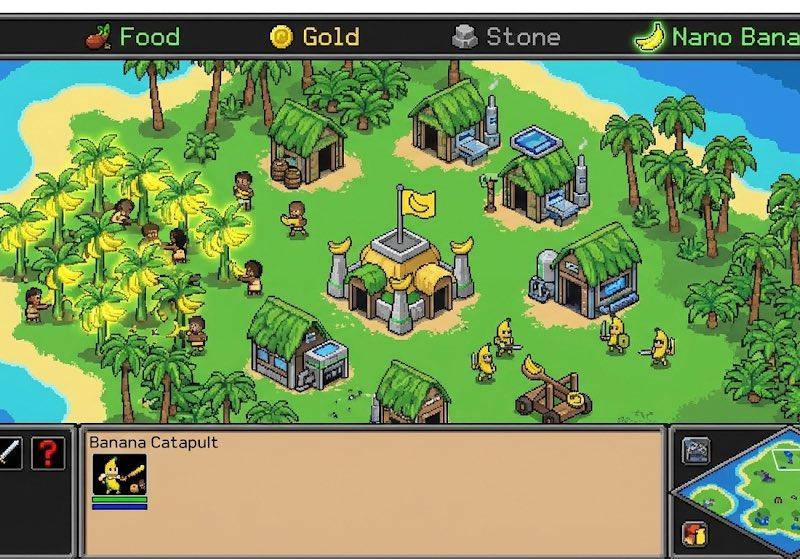
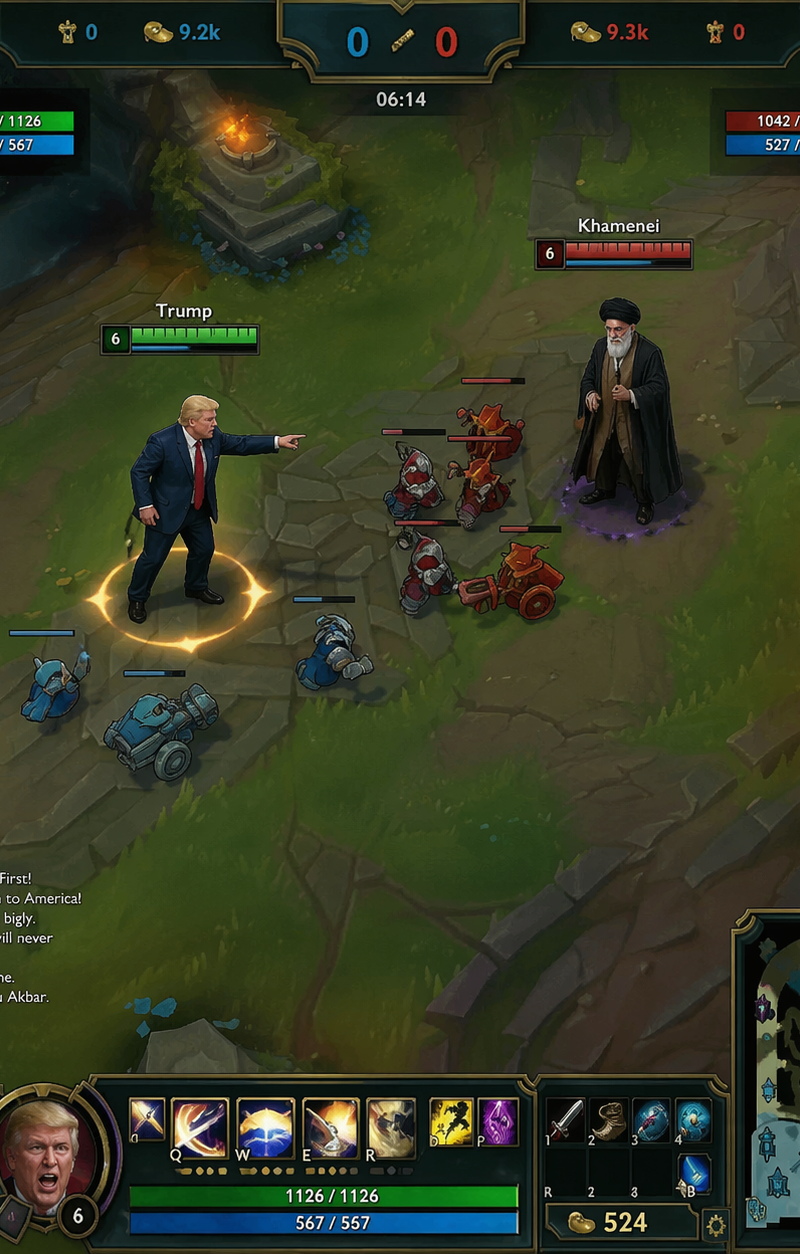
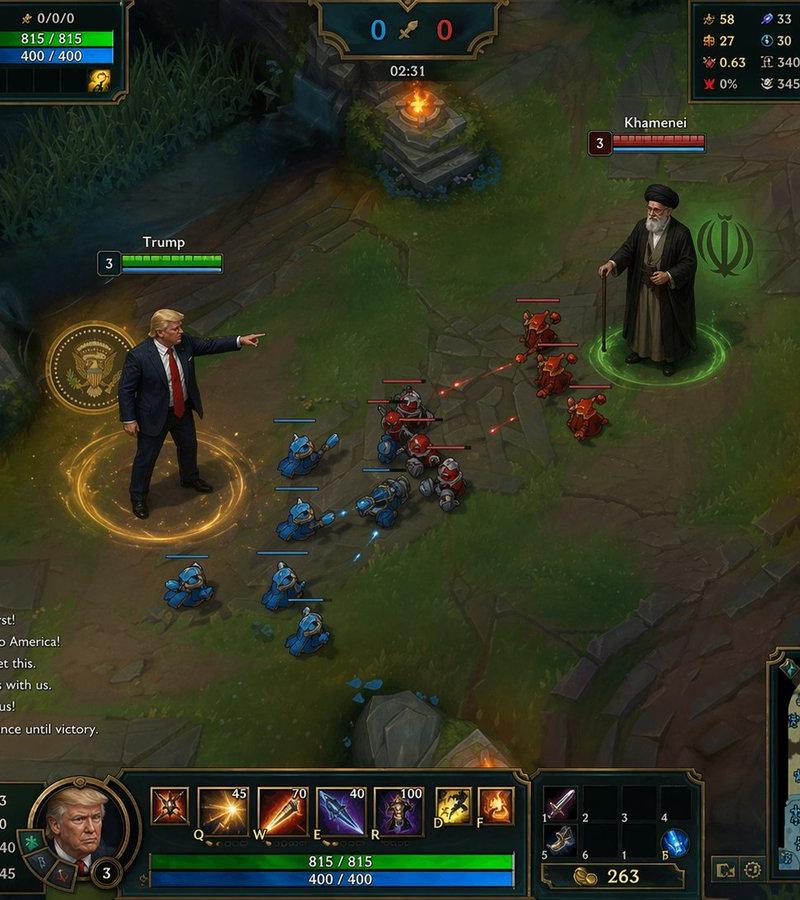
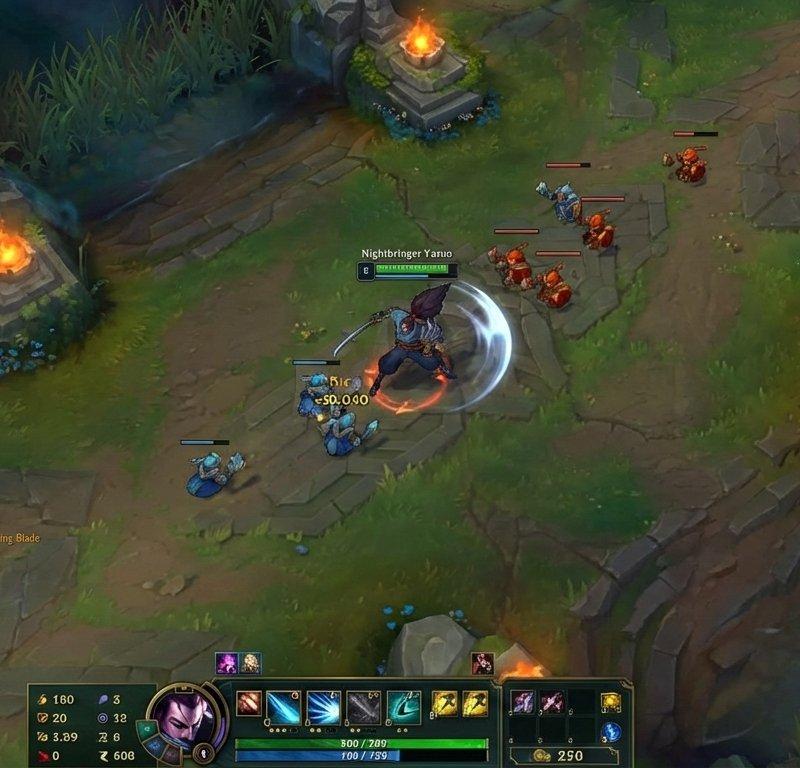
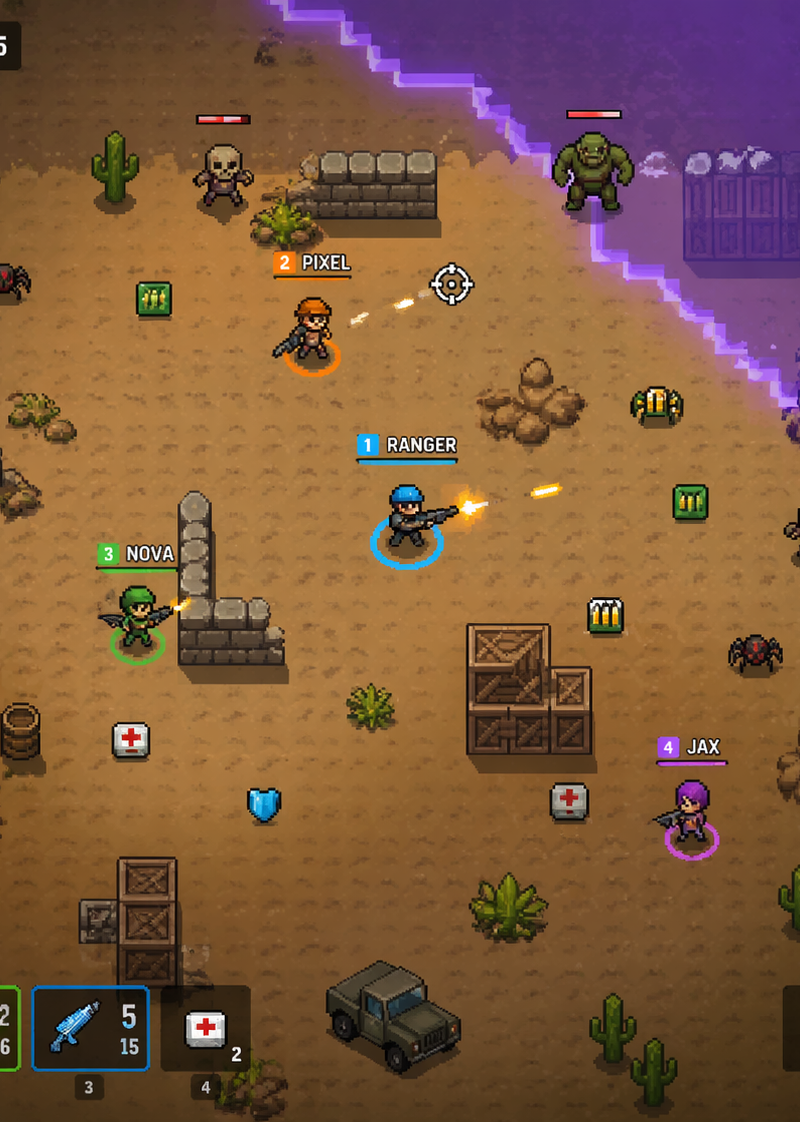
Intended use: gameplay mockup concept art for a simple top-down 2D pixel art mul
Enlarge

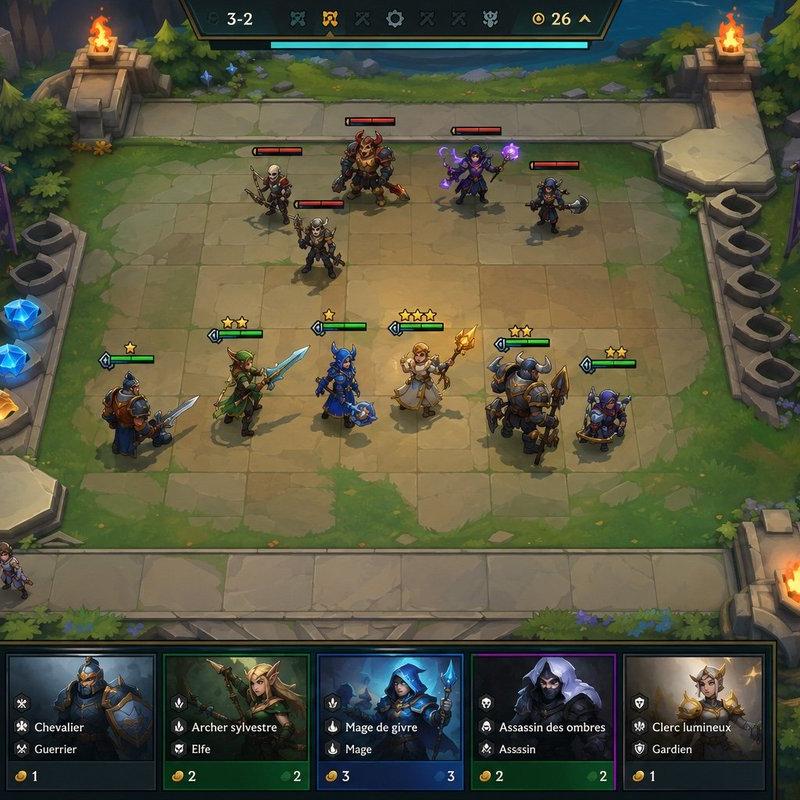
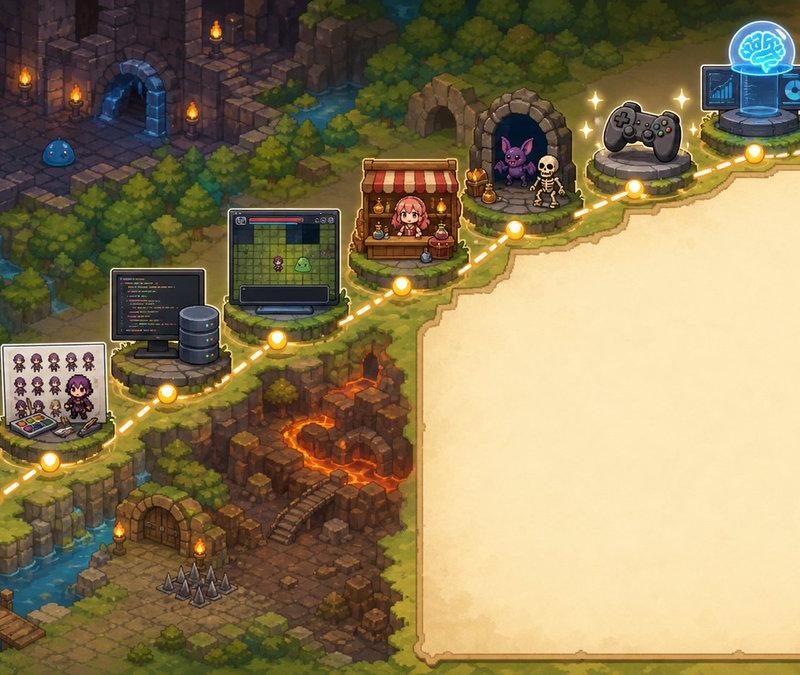
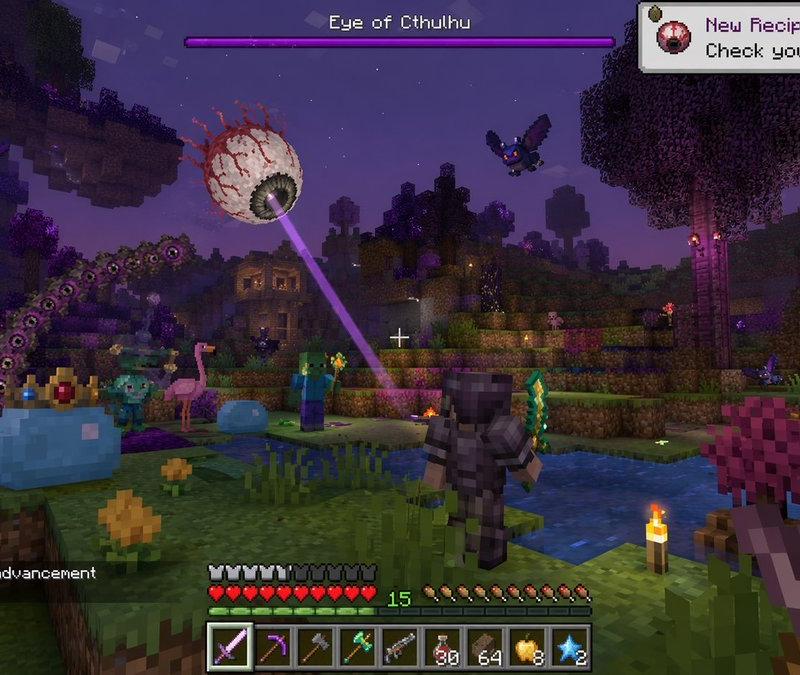
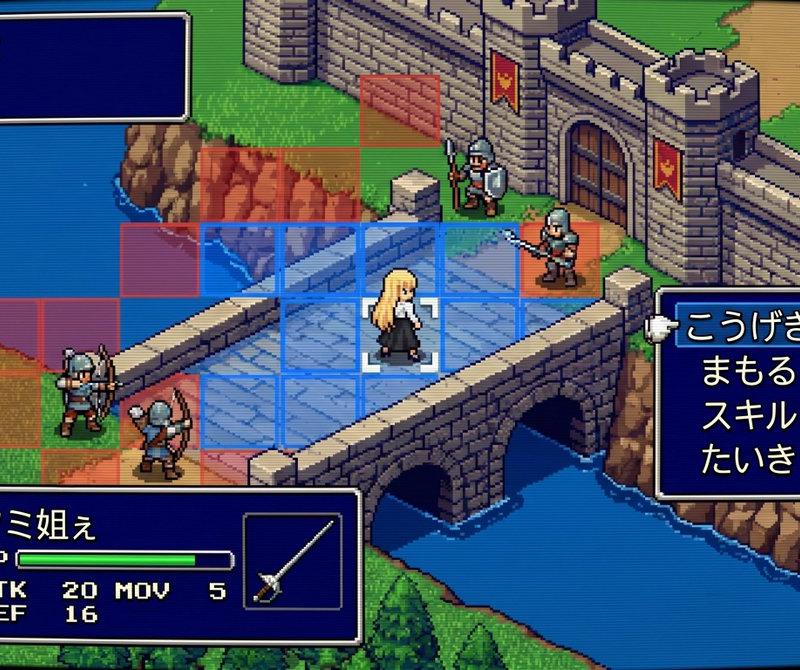
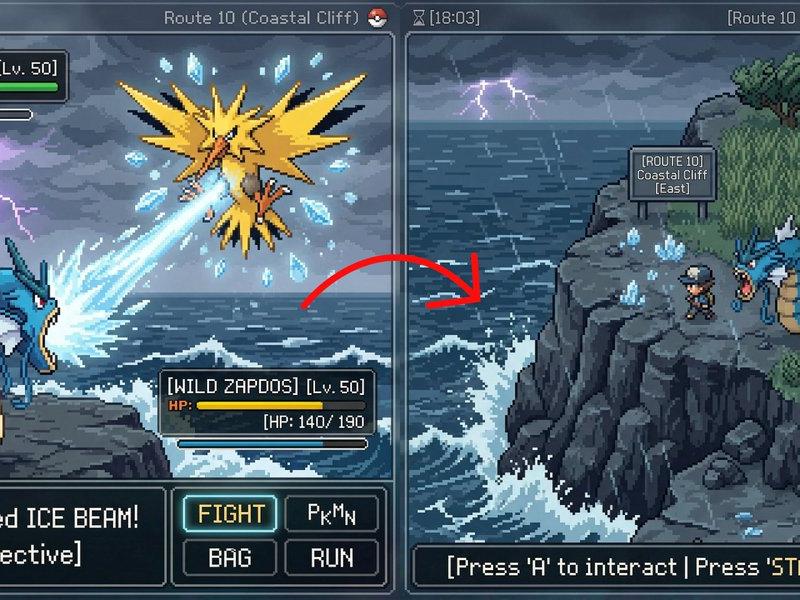
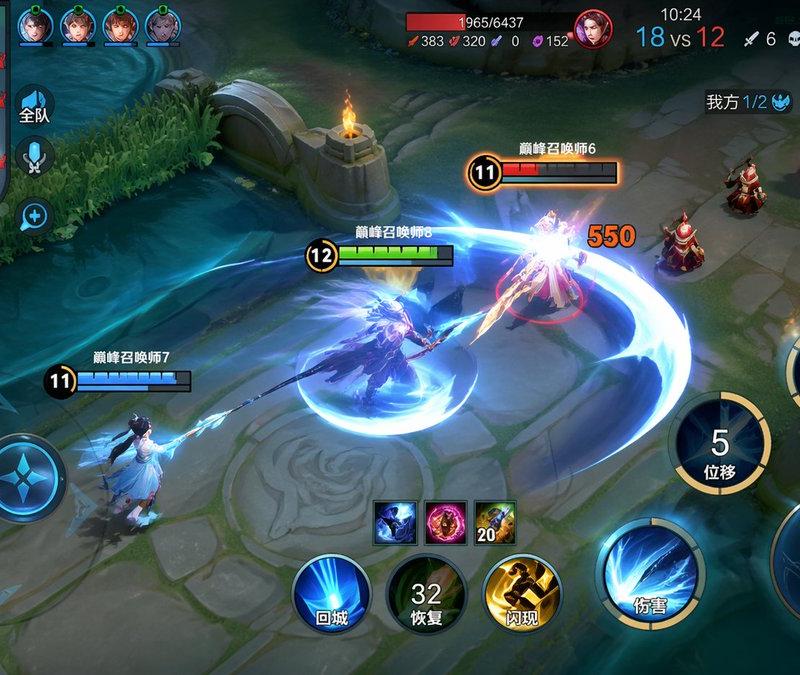
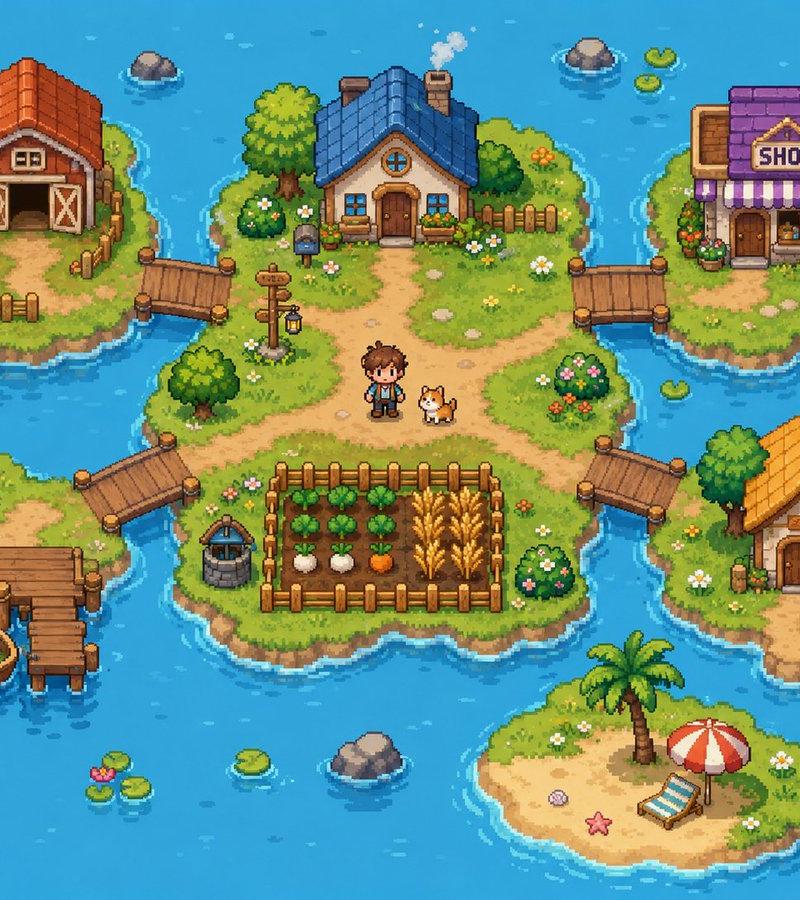
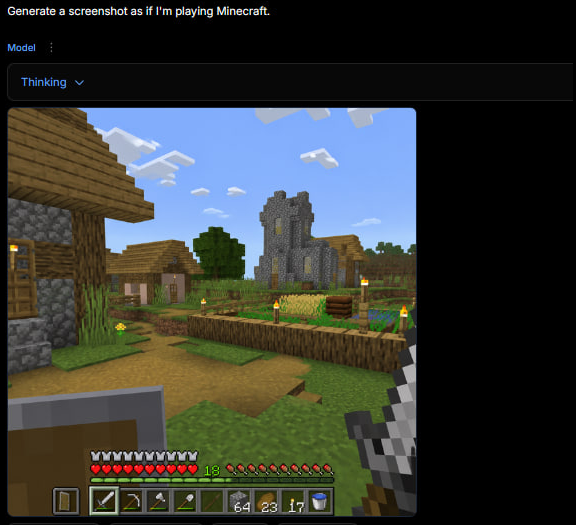
Example images

Intended use: gameplay mockup concept art for a simple top-down 2D pixel art mul

Prompt
Intended use: gameplay mockup concept art for a simple top-down 2D pixel art multiplayer battle royale game.
Primary request: [create/design] a landscape gameplay screen mockup for an io-style multiplayer battle royale match with PvP and roaming PvE enemies.
Scene/backdrop: [arena theme, landmarks, hazards, cover, storm/zone behavior].
Subject: [multiple player avatars / fighters] with simple readable weapons, plus [enemy types] creating extra PvE pressure.
Style/medium: [polished/refined/bold/premium] pixel art game mockup, top-down 2D, crisp tiles or sprite work, readable silhouettes.
Composition/framing: direct top-down gameplay view, large central arena, clear lanes, cover, pickups, and light HUD at the edges with [UI elements].
Lighting/mood: [time of day, palette, energy level, contrast].
Constraints: must read like an actual in-game screenshot mockup, not poster art; emphasize battle royale space control, pickups, and gameplay readability; no title text or watermark.
Avoid: isometric view, side view, painterly concept art, 3D rendering, tiny unreadable sprites, cinematic close-up.
Category
UI & Interfaces
Model
GPT Image 2
Creator
xie underwood
Source language
en
Views174
Source ID
2080
Published
Apr 23, 2026
Studio

Guide

About "Intended use: gameplay mockup concept art for a simple top-down 2D pixel art mul"

What is this prompt for?

"Intended use: gameplay mockup concept art for a simple top-down 2D pixel art mul" AI image prompt for GPT Image 2 (UI & Interfaces). Intended use: gameplay mo…

The full copyable prompt and example visuals above are ready for AI image generation or one-click recreate in Picva.

How to use this prompt

  1. Step 1

    Open the prompt detail

    Review the example visuals, category, and full prompt text for "Intended use: gameplay mockup concept art for a simple top-down 2D pixel art mul".

  2. Step 2

    Copy the prompt

    Copy the prompt body from this page, or load it directly in Studio.

  3. Step 3

    Pick a model (GPT Image 2)

    Prefer GPT Image 2. If you switch models, keep subject and composition and tweak style terms.

  4. Step 4

    Generate and export

    Recreate the look in Picva, or export into your workflow for editing and publishing.

FAQ

What is the "Intended use: gameplay mockup concept art for a simple top-down 2D pixel art mul" prompt?
It is an AI image-generation prompt for GPT Image 2 in the UI & Interfaces category. This page includes the full prompt text, example visuals, and a one-click recreate path in Picva.
How do I use this prompt to generate an image?
Copy the prompt from this page, or use Generate / Studio. Paste it into a compatible image model, or recreate the look in Picva with optional reference images.
Which model is this prompt for?
This page lists GPT Image 2. Most descriptive prompts also transfer to nearby image models such as GPT Image, Flux, or Midjourney with light style tweaks.
Can I use the result commercially?
You can usually copy the prompt for creation, but commercial use of the final image depends on the model terms, reference-image rights, and the generated content. Follow the source author and platform rules.