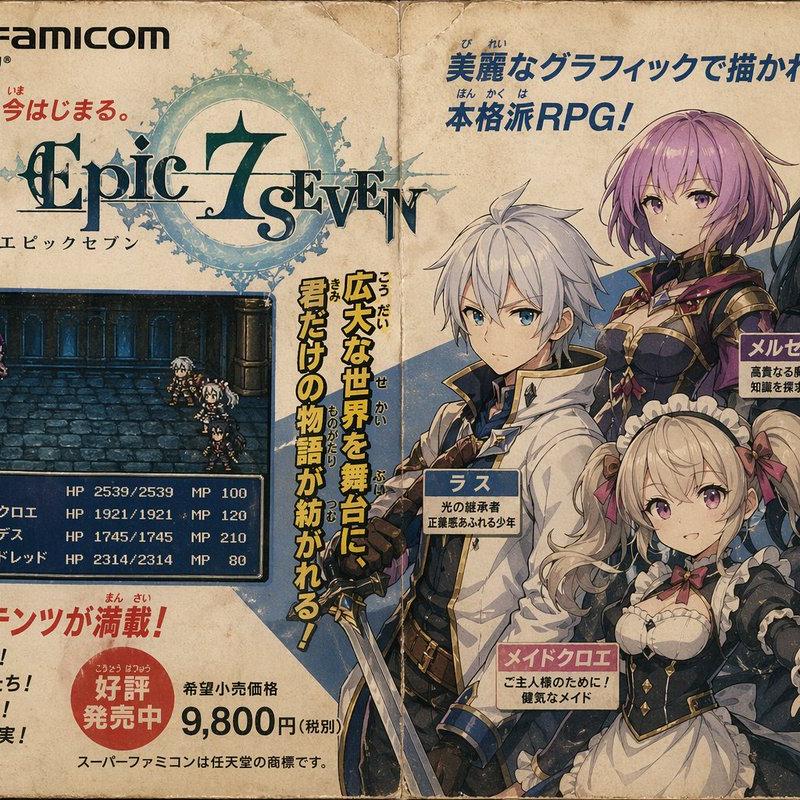
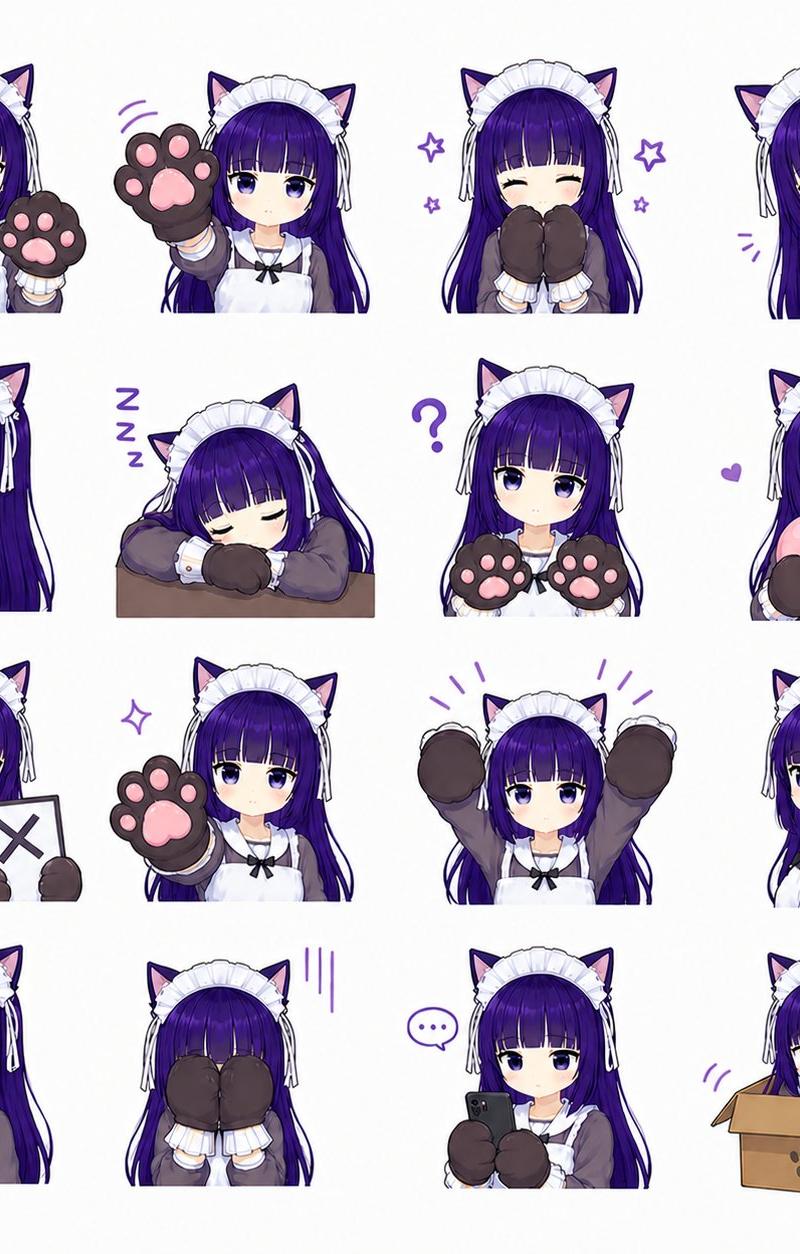
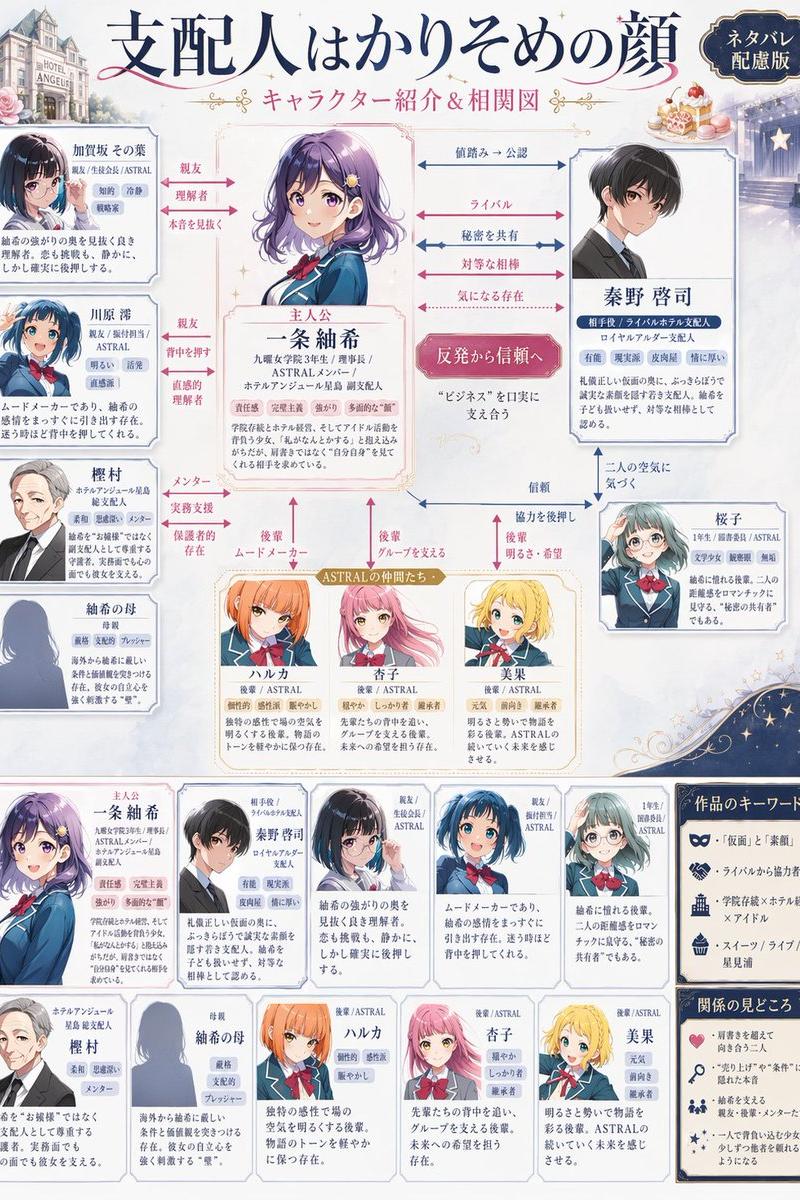
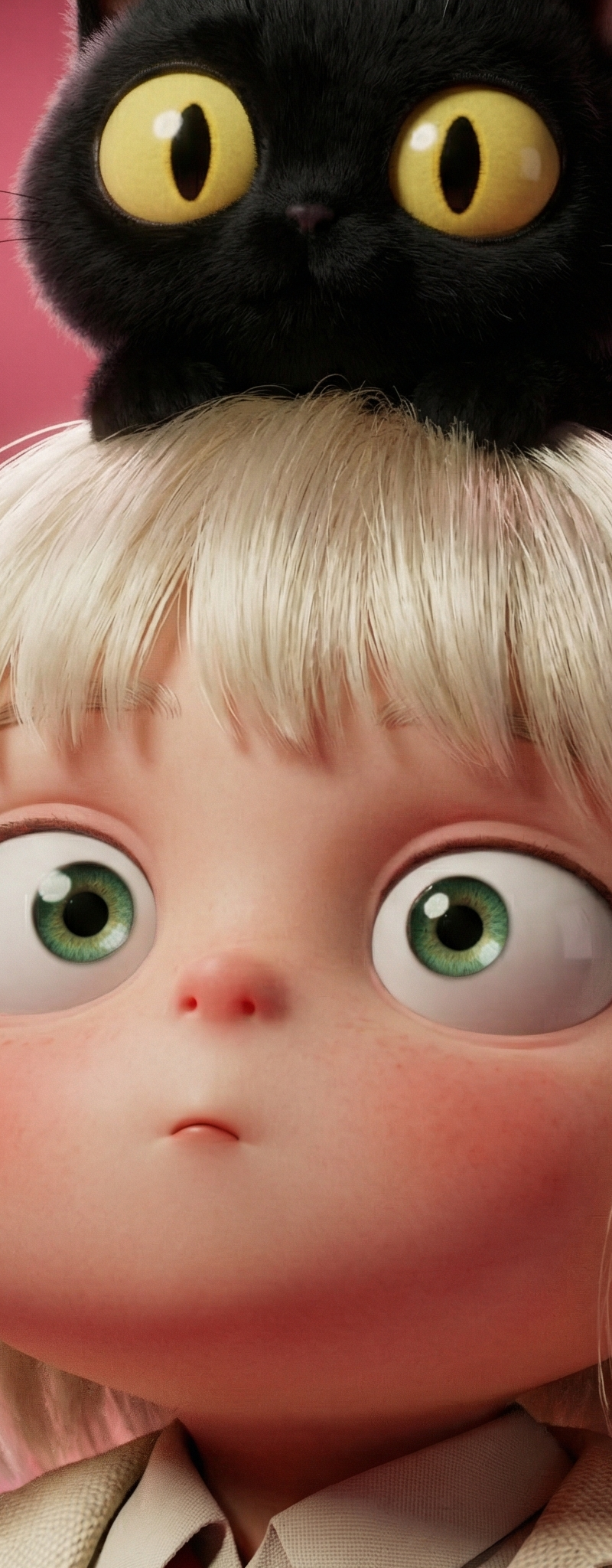
Create a 5-second animated landing page video based on the reference image
Prompt
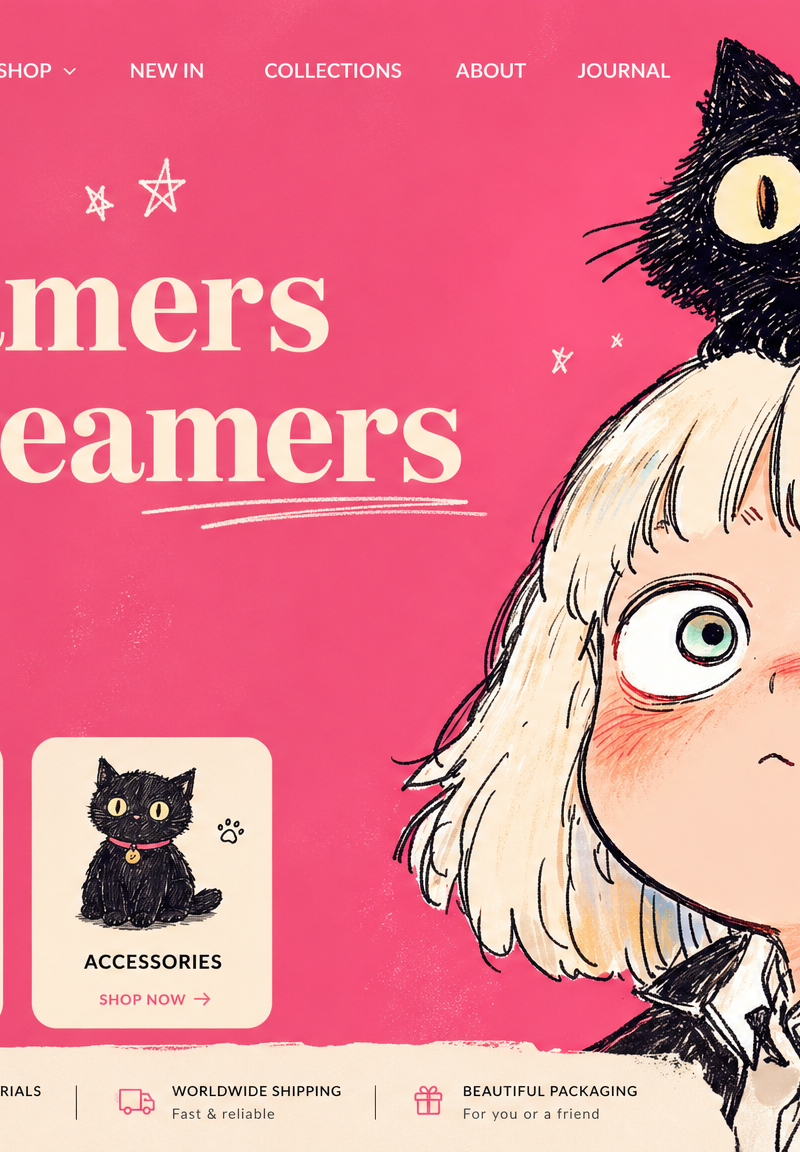
Create a 5-second animated landing page video based on the reference image. Keep all original text, typography, navigation, buttons, category cards, icons, footer information, and overall UI layout completely unchanged. No text replacement, no layout drift, no repositioning, and no large UI movement.

Style: cute, playful, dreamy, soft, charming, illustrated, girly, with a premium kawaii e-commerce landing page feel. Keep the original pink palette and hand-drawn illustration look.

Camera: mostly locked camera with only a very subtle and smooth push-in. No dramatic camera motion.

Character motion (more expressive):
The girl on the right should have larger and more noticeable cute motions while staying natural and consistent with the illustration style. She can blink, slightly widen her eyes, gently tilt and sway her head, and have a more visible bobbing motion. Her hair and hair tips should bounce softly with the movement. Her expression should evolve from blank and dreamy to more lively and adorable. Add a subtle breathing motion to the blush and facial liveliness.

Cat motion:
The black cat on her head should be animated in a cute and noticeable way: blinking, tiny ear twitches, subtle body bounce, and gentle tail movement, as if curiously reacting to the page. The cat should feel playful and alive.

Doodle motion:
The hand-drawn stars, hearts, speech bubble, scribbles, and decorative doodles can have subtle popping, twinkling, floating, or bouncing motions, as if the page is coming alive. Keep these effects cute, light, and refined.

UI interaction:
Keep all UI elements fixed in place and fully readable. Only add cute micro-interactions:
a subtle hover-like highlight on a top navigation item;
the “SHOP THE COLLECTION” button has a soft breathing glow and a gentle light sweep;
the three category cards below can react one by one with a tiny hover bounce or jelly-like pop while staying in place;
the top-right search, account, and bag icons can have a slight glow or soft elastic response;
the bottom feature icons can light up gently one after another.
The interface should feel as if a user is interacting with it, but do not show a cursor.

Visual quality:
Preserve the original illustrated style, linework, and color palette. The result should look like a premium cute e-commerce homepage animation: charming, lively, polished, soft, and commercial-ready.
- Category
- UI & Interfaces
- Model
- Seedance 2.0
- Creator
- xie underwood
- Source language
- en
- Source ID
- 2307
- Published
- Apr 27, 2026
Views239