18

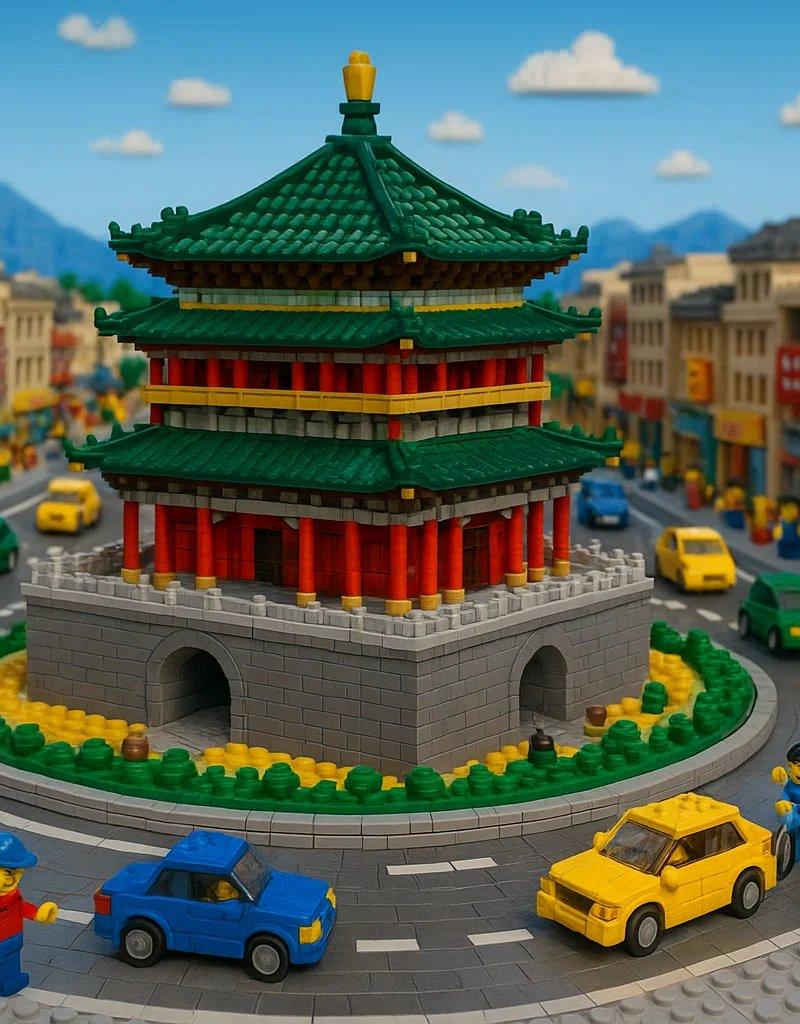
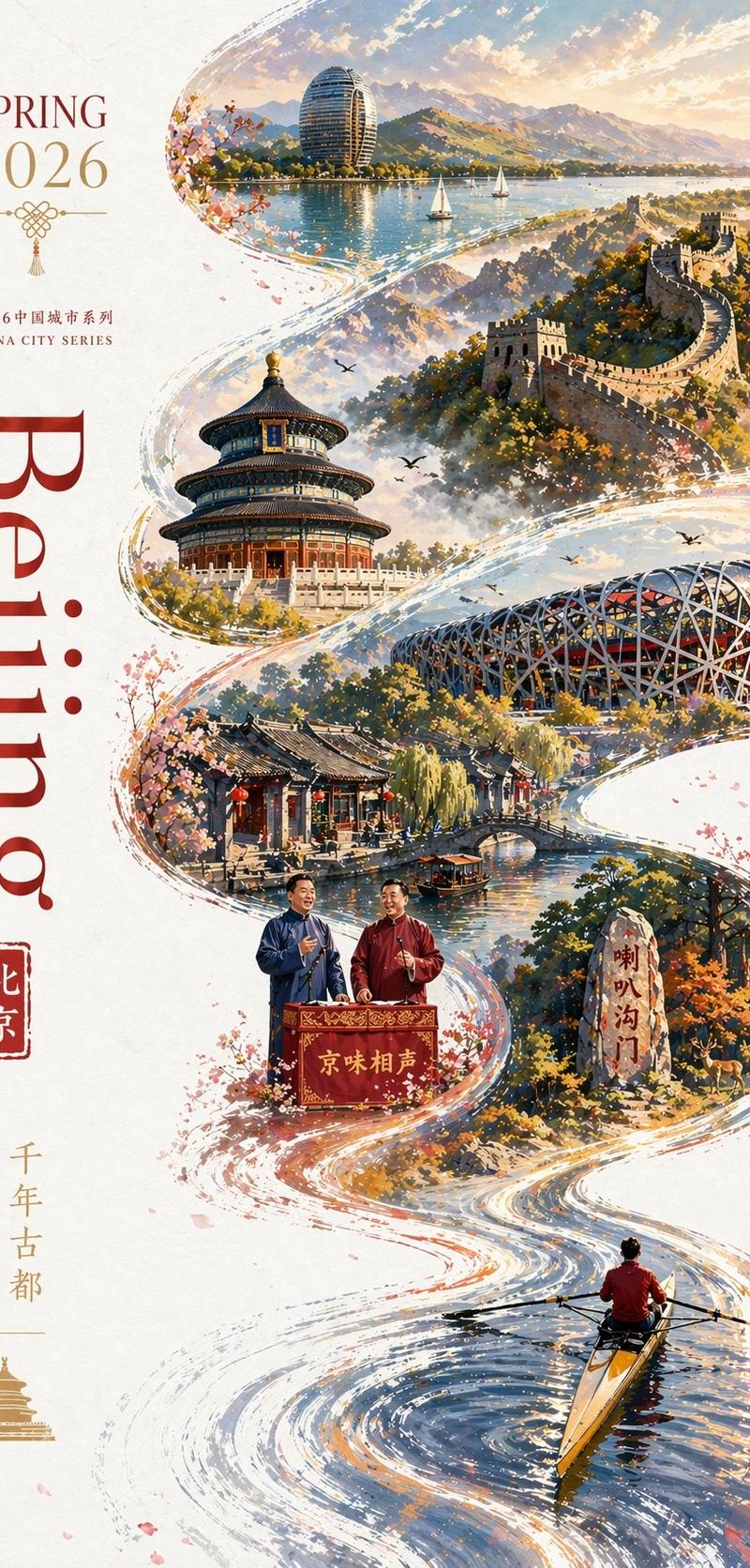
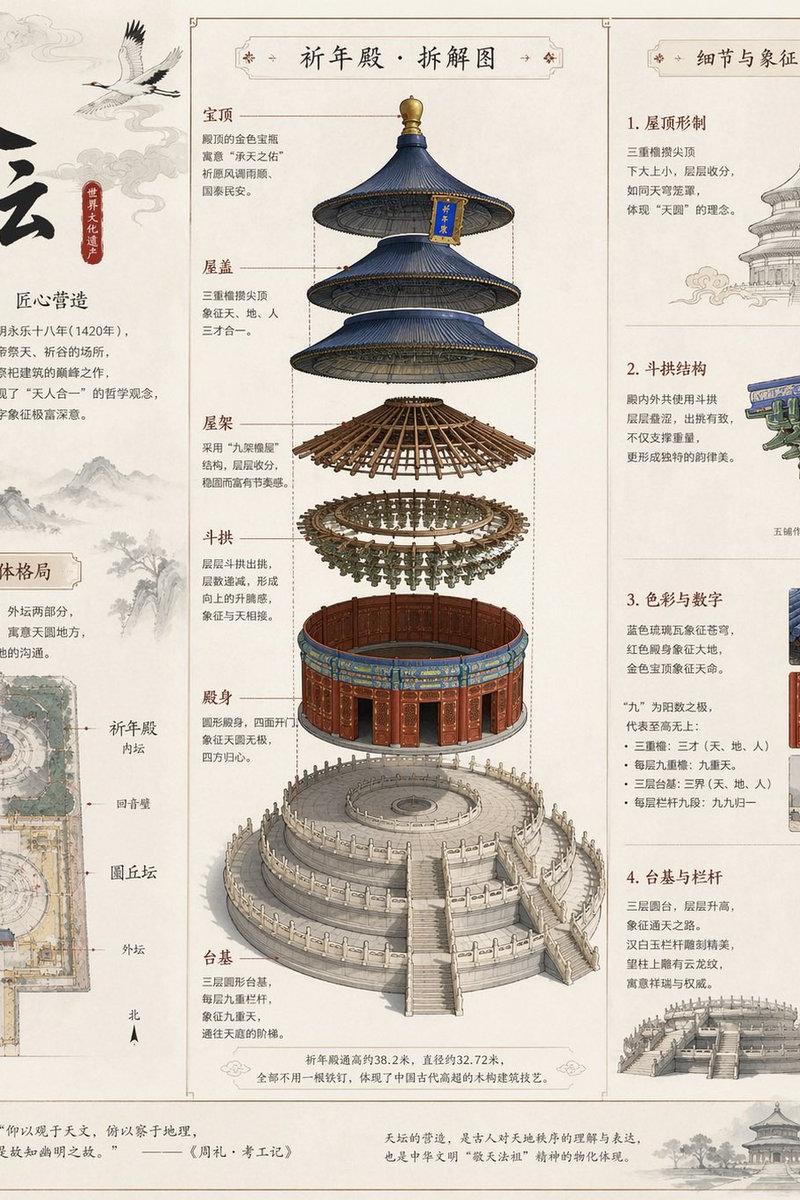
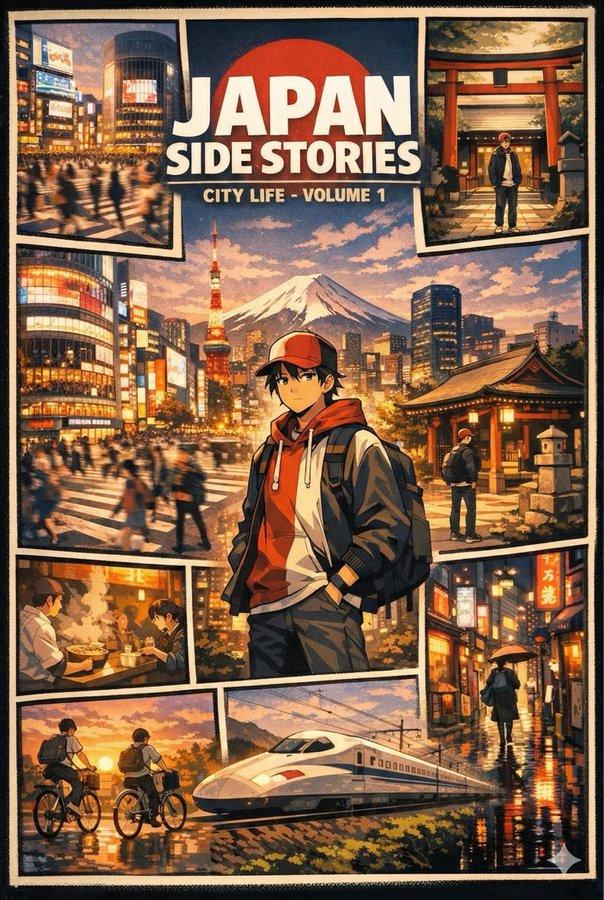
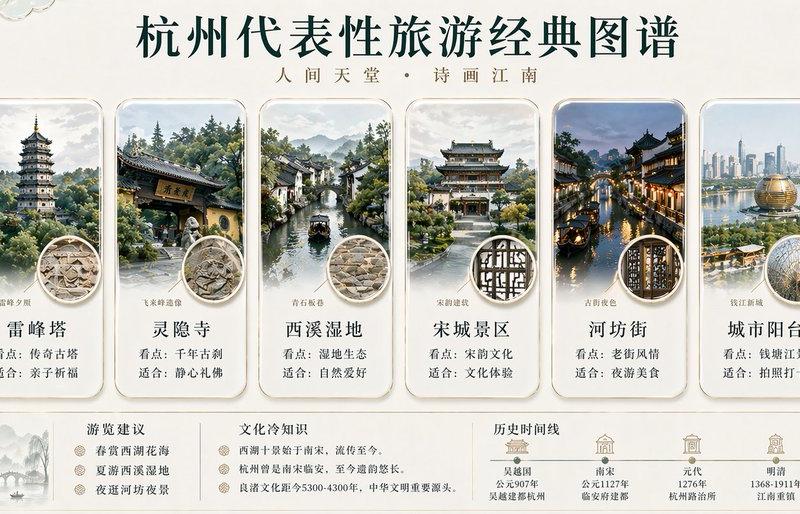
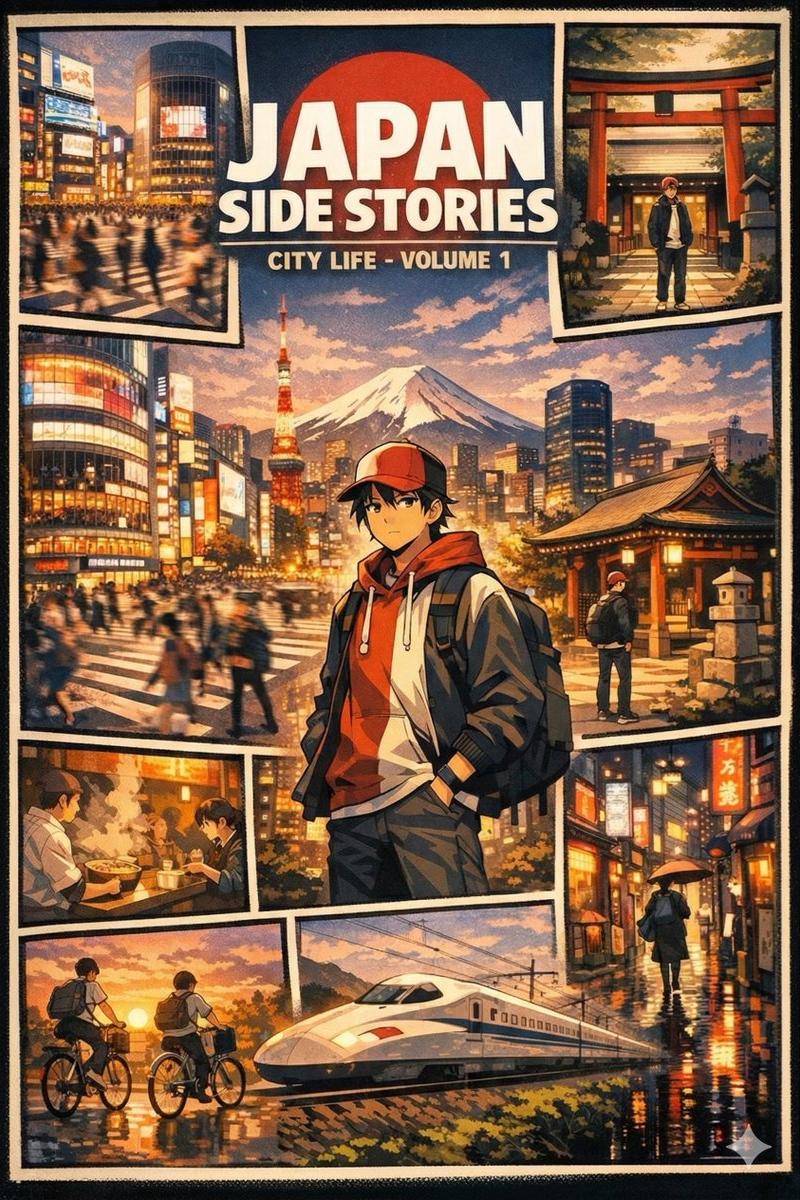
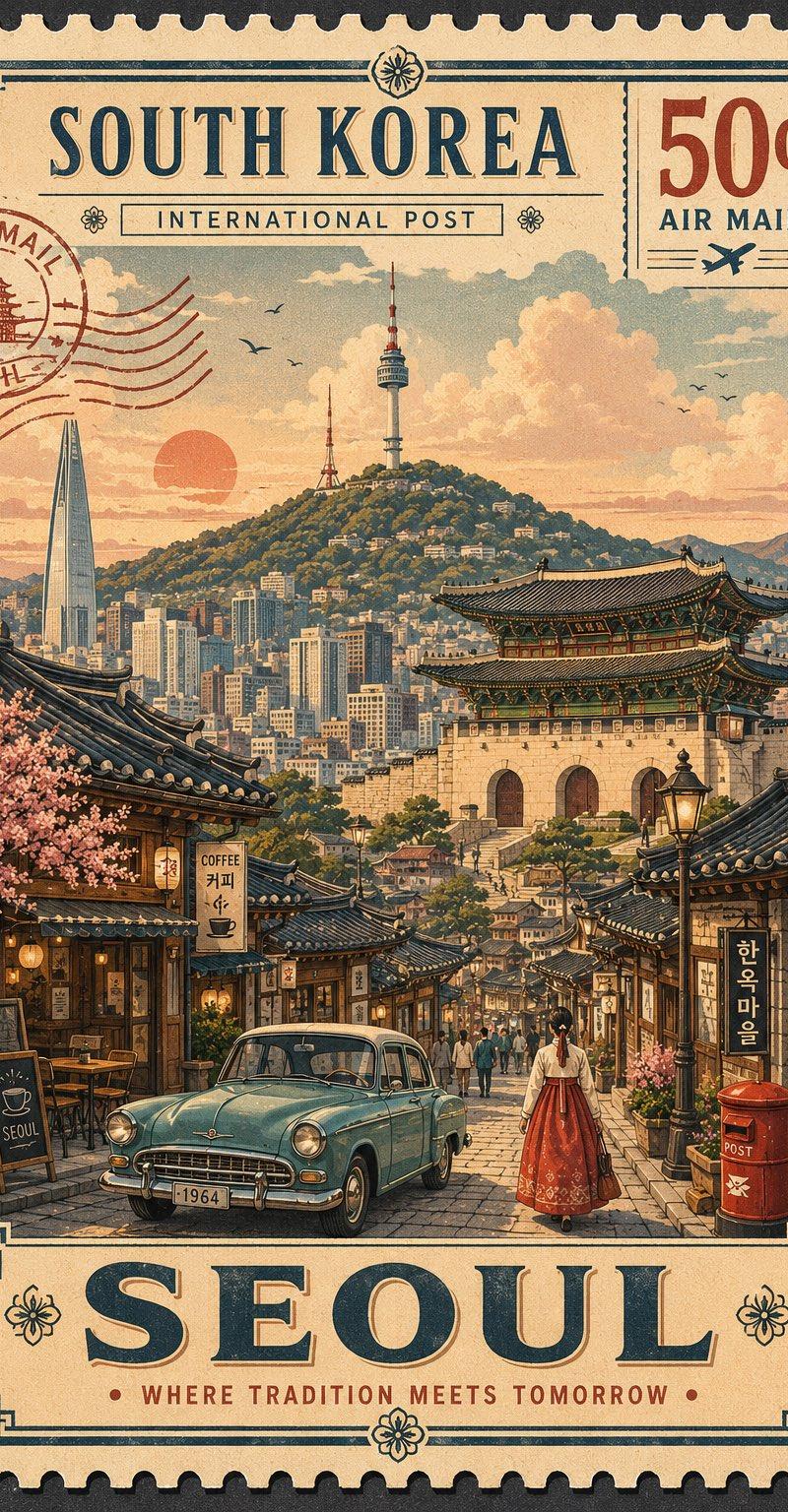
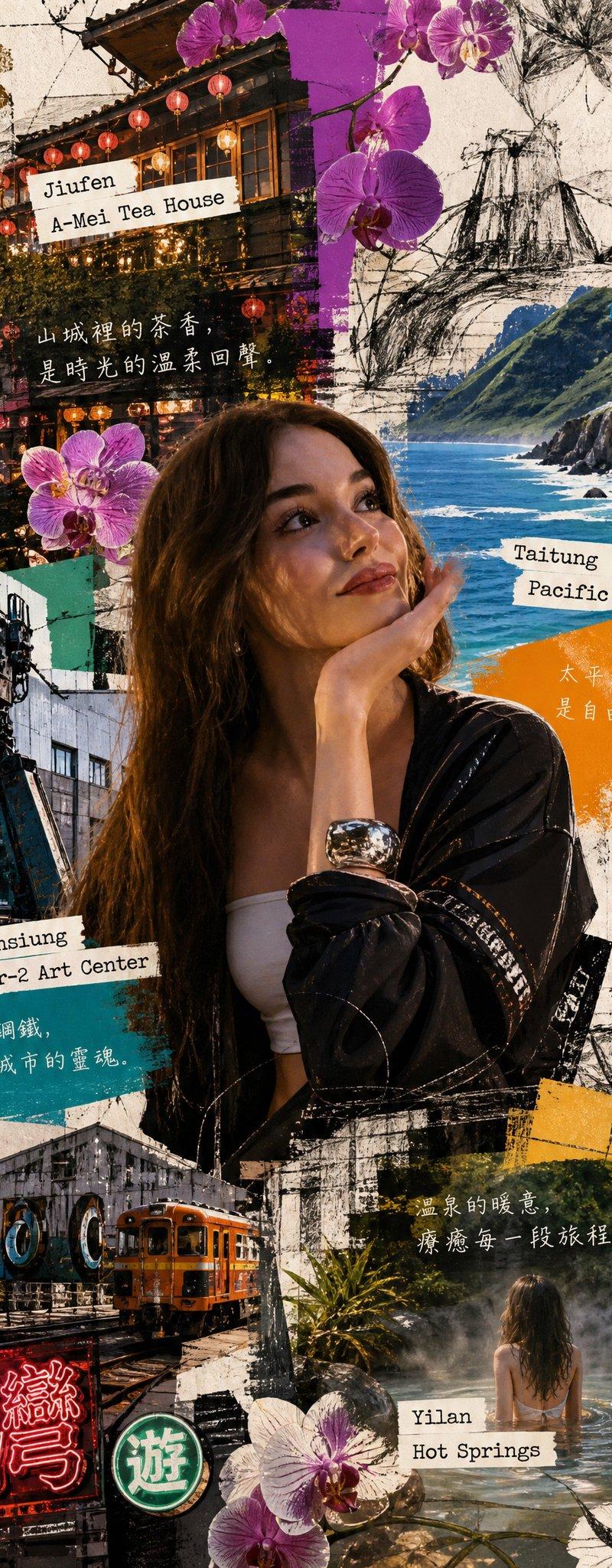
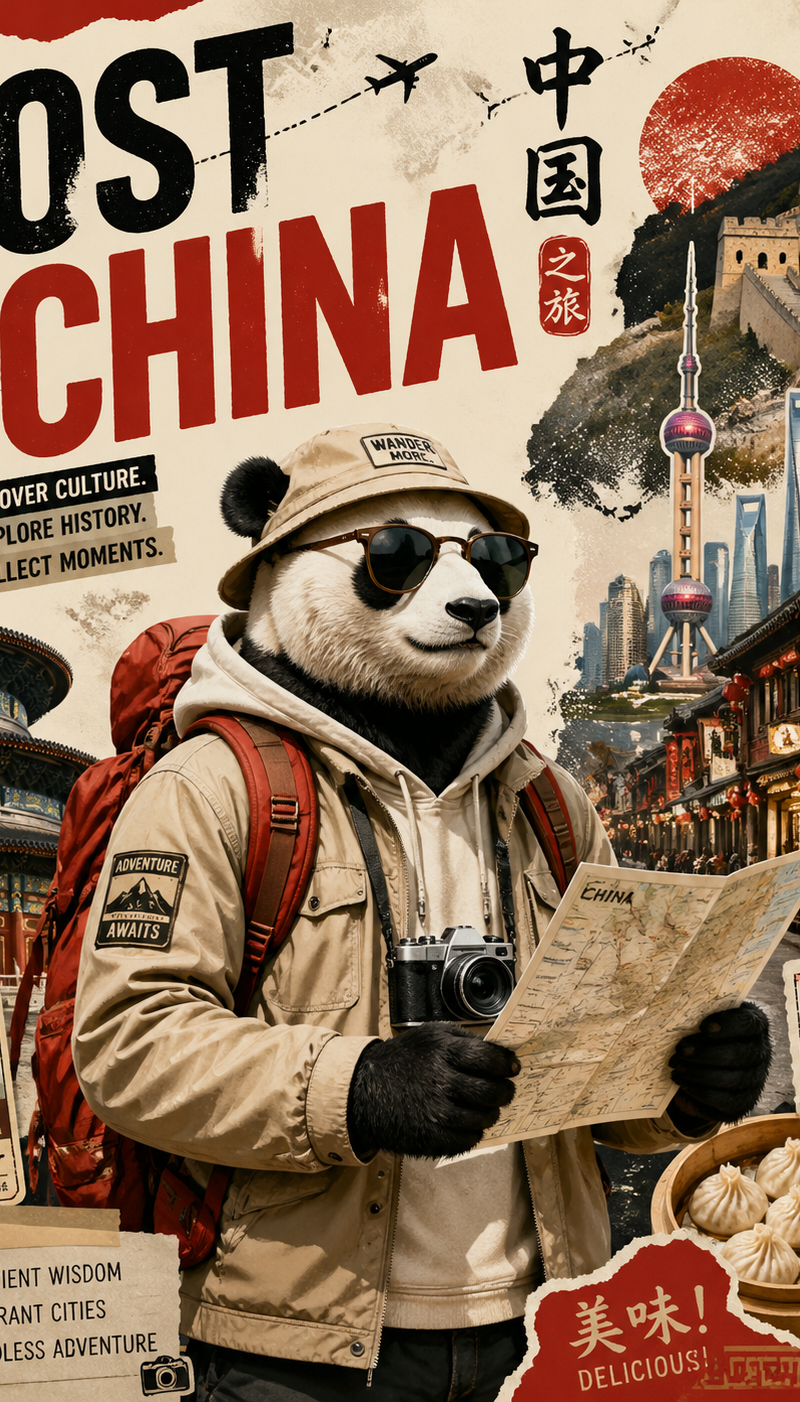
Create a stylized travel poster / graphic collage for China
Enlarge

Example images

Create a stylized travel poster / graphic collage for China

Prompt
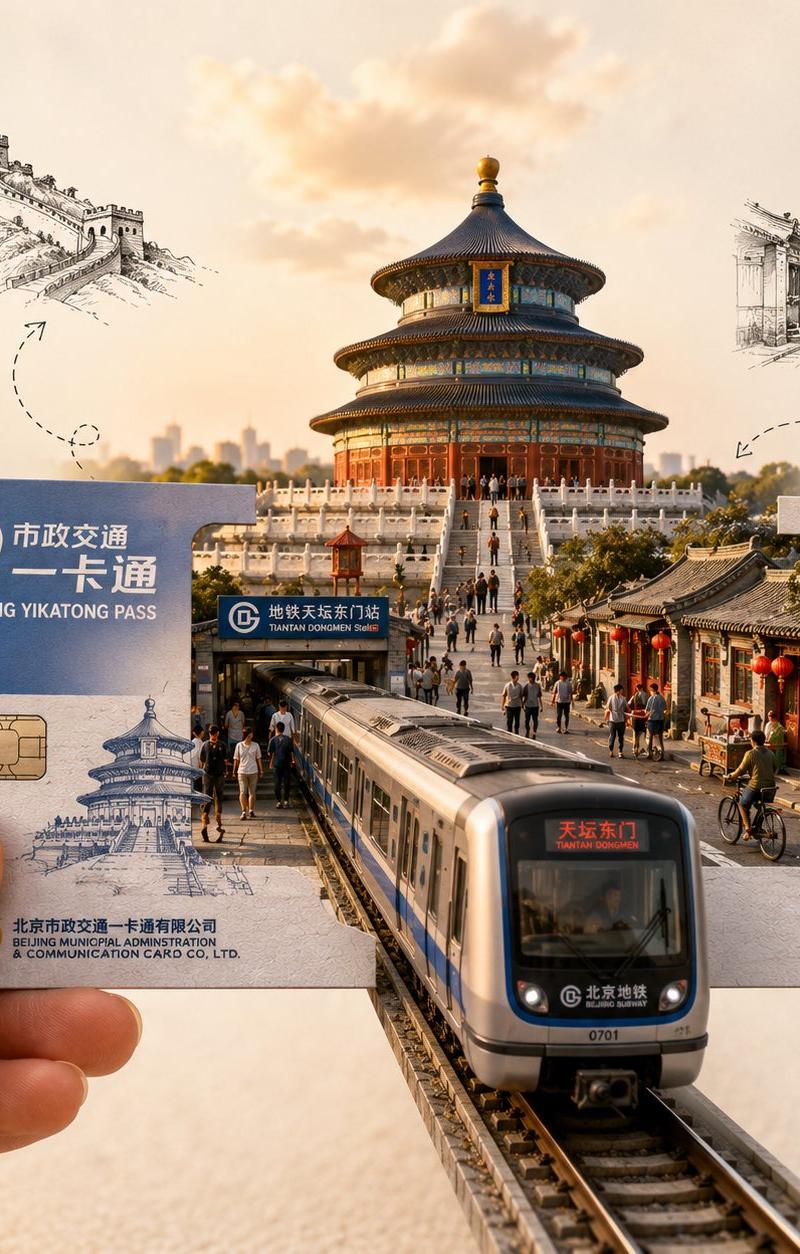
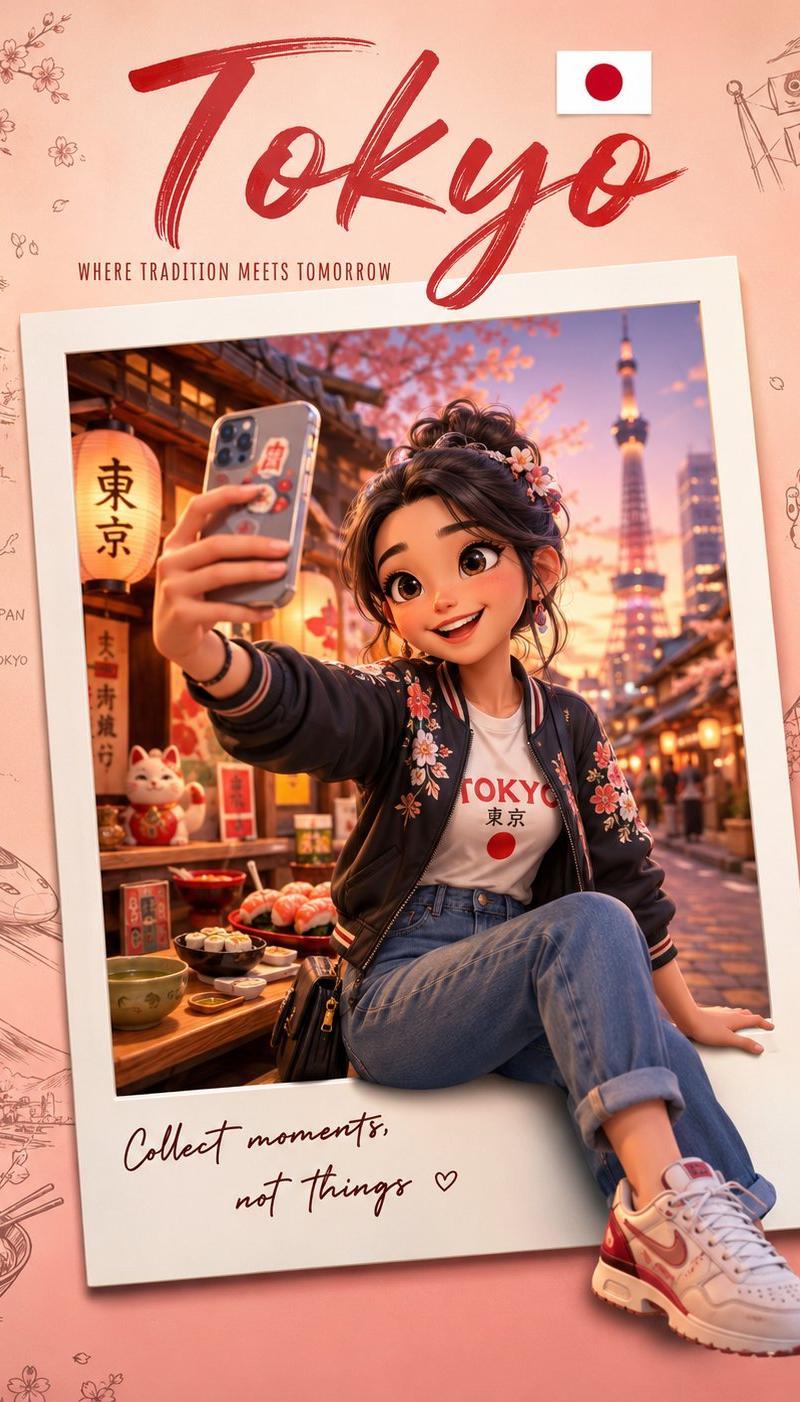
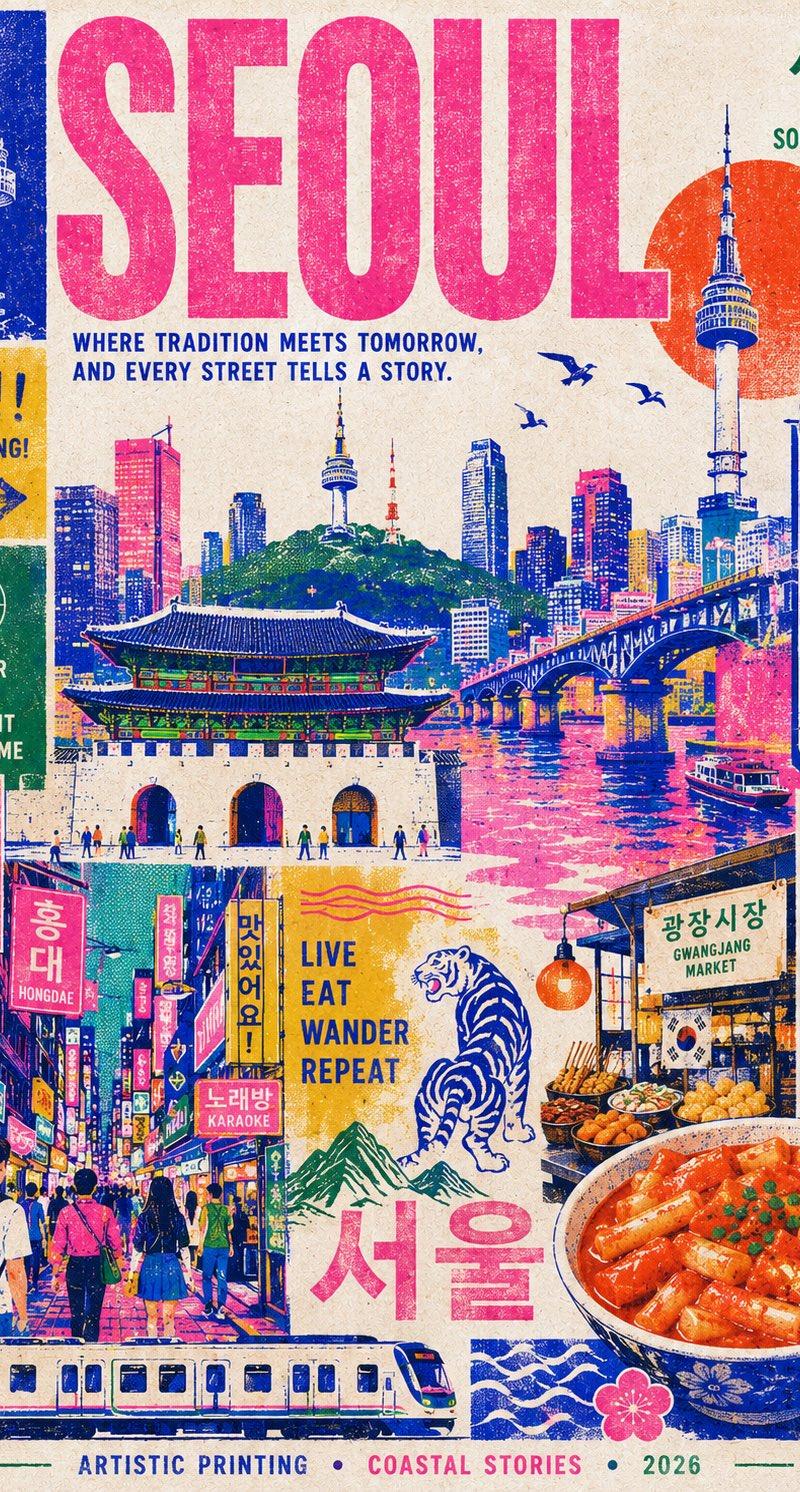
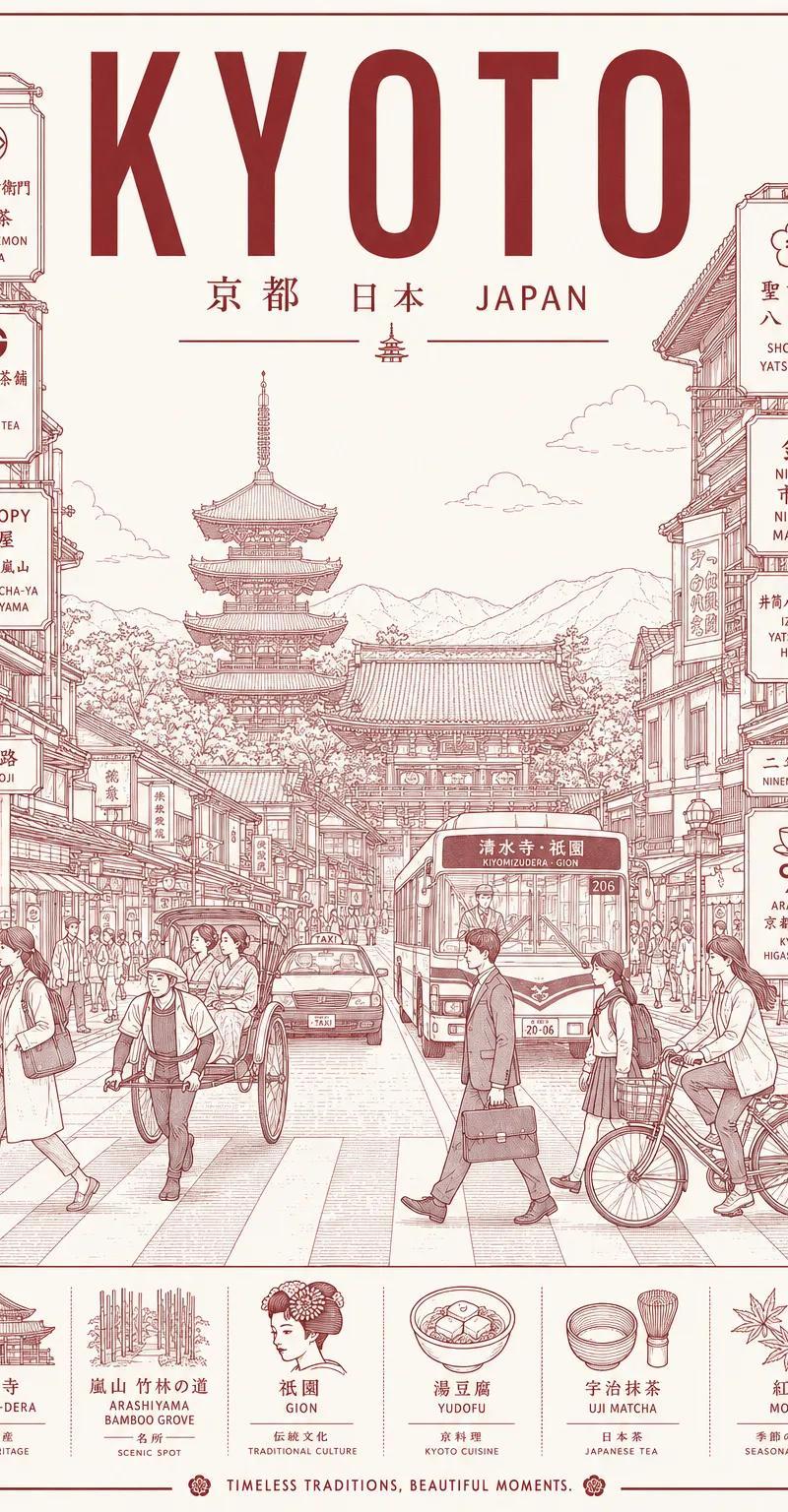
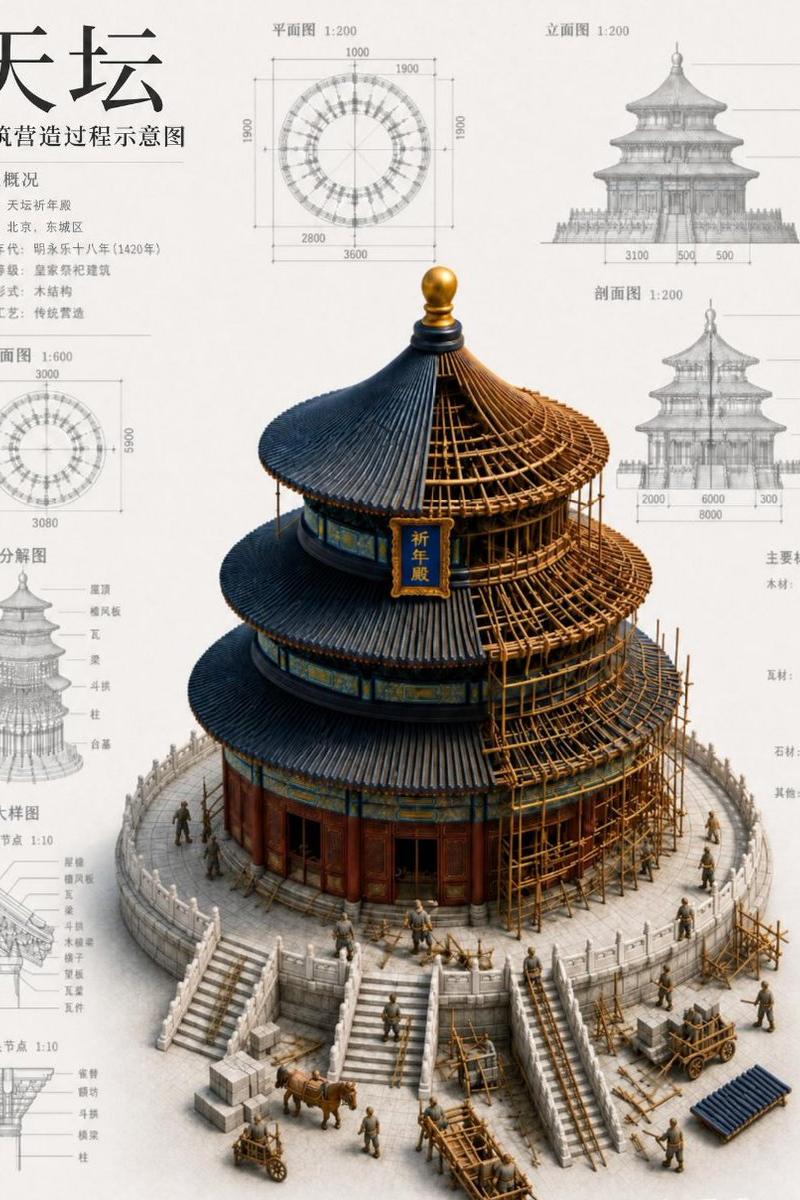
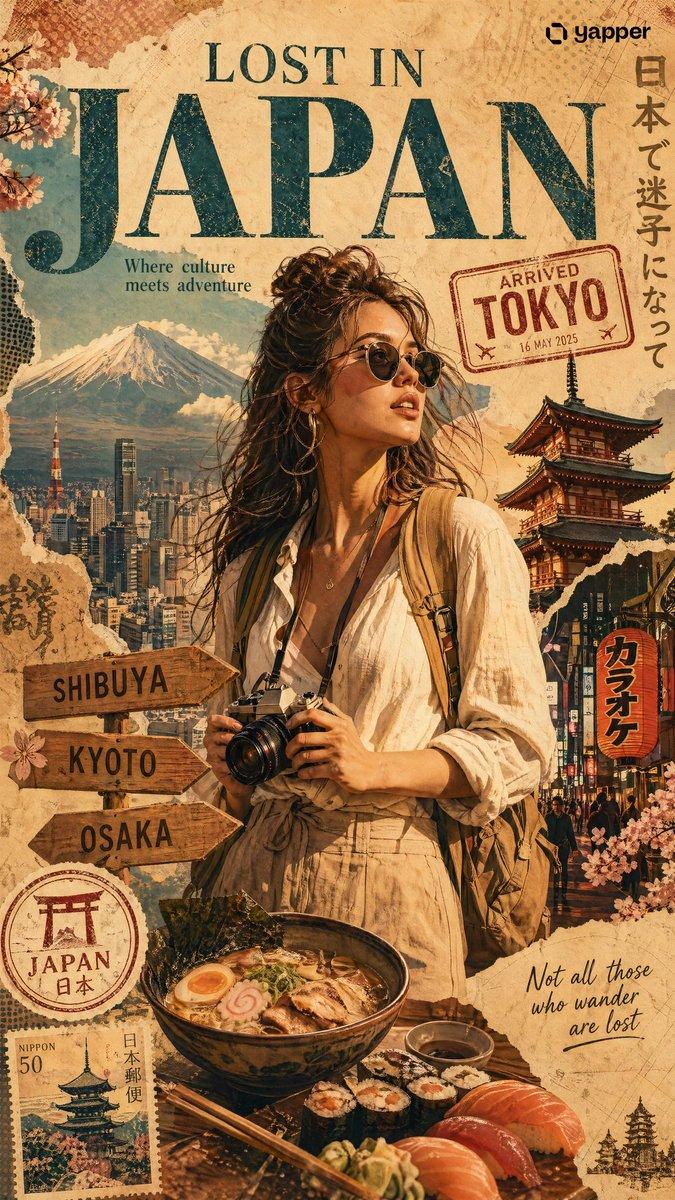
Create a stylized travel poster / graphic collage for China. The main subject should be a stylish international tourist visiting China, clearly presented as a traveler and not a local resident. Show a PANDA wearing modern travel fashion, with details such as a camera, backpack, sunglasses, map, or suitcase, exploring the culture and atmosphere of China. Place the tourist in a dynamic composition surrounded by iconic architecture, streets, landscapes, landmarks, transportation, food, signage, and cultural elements associated with China. Blend realistic character detail with a graphic collage background made of layered paper textures, torn poster edges, sticker elements, halftone dots, editorial typography, and bold geometric shapes. Include authentic visual motifs from China, but keep the tourist’s appearance and styling globally fashionable and clearly foreign to the setting. Add a large readable headline: “LOST IN CHINA”. Modern, artistic, premium editorial travel poster aesthetic, balanced layout, print-worthy composition.
Category
Charts & Infographics
Model
GPT Image 2
Creator
Mei Lai
Source language
en
Views153
Source ID
2387
Published
Apr 29, 2026
Studio

Guide

About "Create a stylized travel poster / graphic collage for China"

What is this prompt for?

"Create a stylized travel poster / graphic collage for China" AI image prompt for GPT Image 2 (Charts & Infographics). Create a stylized travel poster / graphi…

The full copyable prompt and example visuals above are ready for AI image generation or one-click recreate in Picva.

How to use this prompt

  1. Step 1

    Open the prompt detail

    Review the example visuals, category, and full prompt text for "Create a stylized travel poster / graphic collage for China".

  2. Step 2

    Copy the prompt

    Copy the prompt body from this page, or load it directly in Studio.

  3. Step 3

    Pick a model (GPT Image 2)

    Prefer GPT Image 2. If you switch models, keep subject and composition and tweak style terms.

  4. Step 4

    Generate and export

    Recreate the look in Picva, or export into your workflow for editing and publishing.

FAQ

What is the "Create a stylized travel poster / graphic collage for China" prompt?
It is an AI image-generation prompt for GPT Image 2 in the Charts & Infographics category. This page includes the full prompt text, example visuals, and a one-click recreate path in Picva.
How do I use this prompt to generate an image?
Copy the prompt from this page, or use Generate / Studio. Paste it into a compatible image model, or recreate the look in Picva with optional reference images.
Which model is this prompt for?
This page lists GPT Image 2. Most descriptive prompts also transfer to nearby image models such as GPT Image, Flux, or Midjourney with light style tweaks.
Can I use the result commercially?
You can usually copy the prompt for creation, but commercial use of the final image depends on the model terms, reference-image rights, and the generated content. Follow the source author and platform rules.