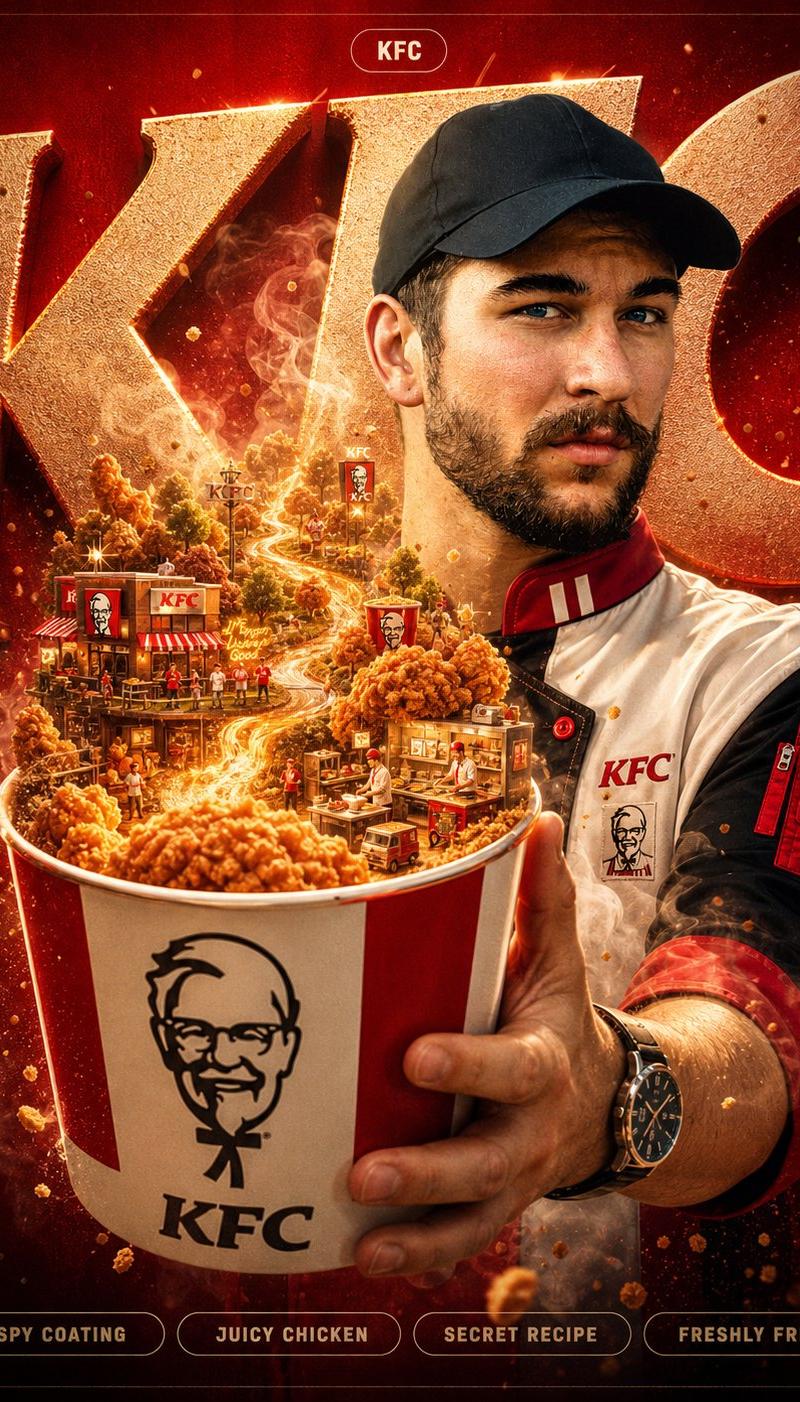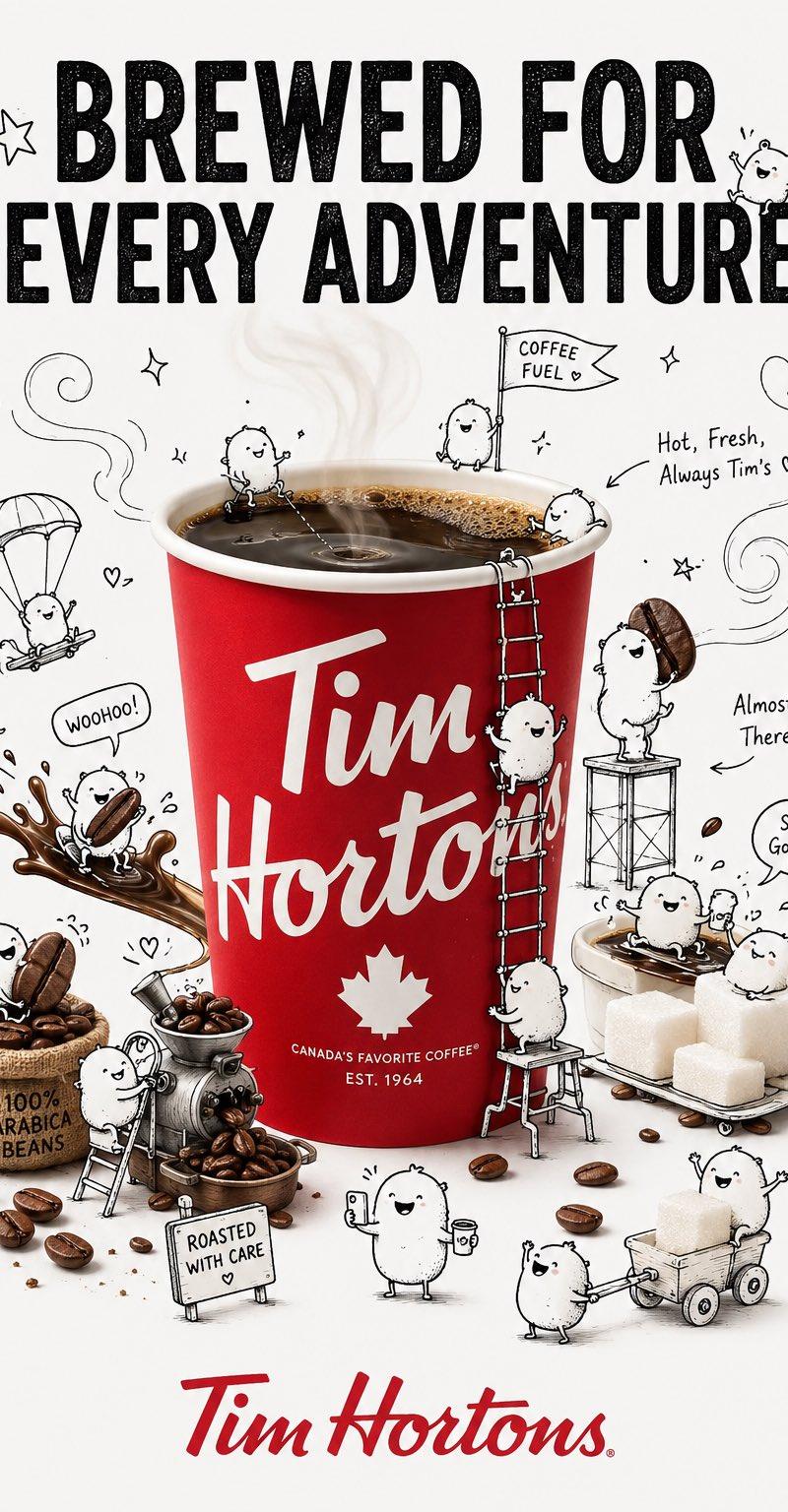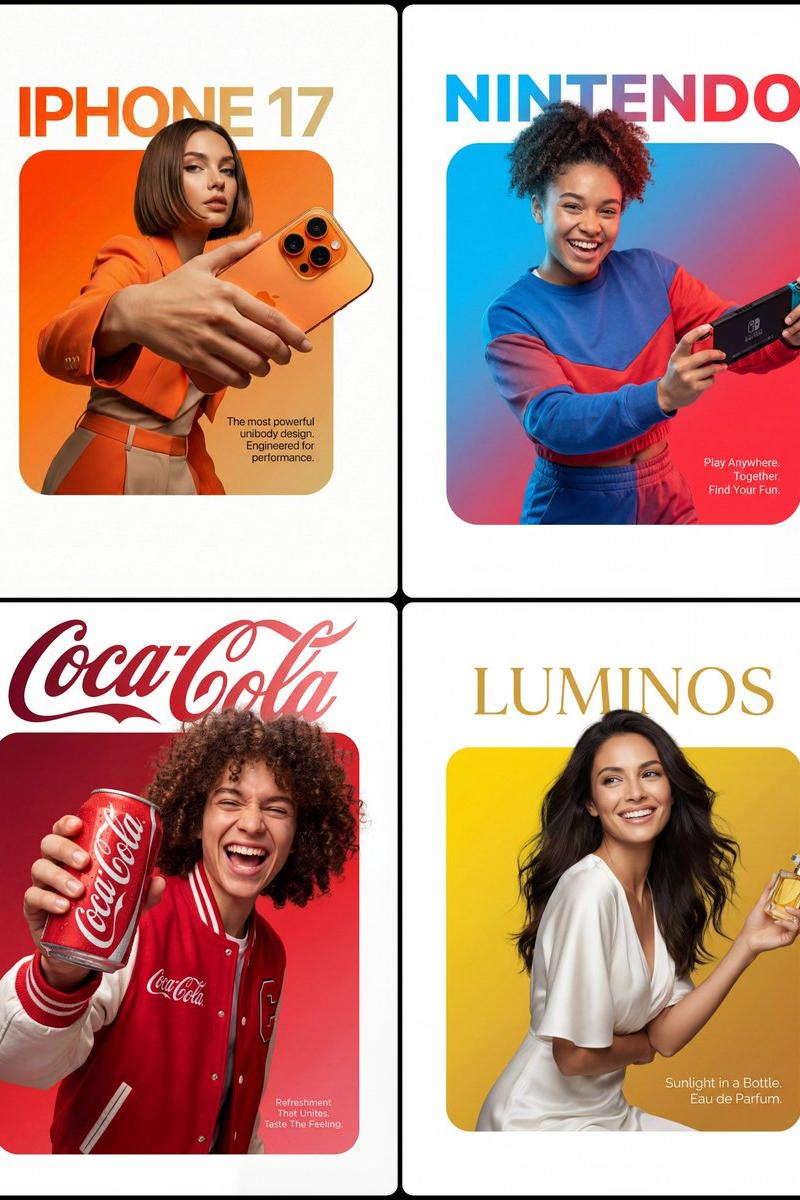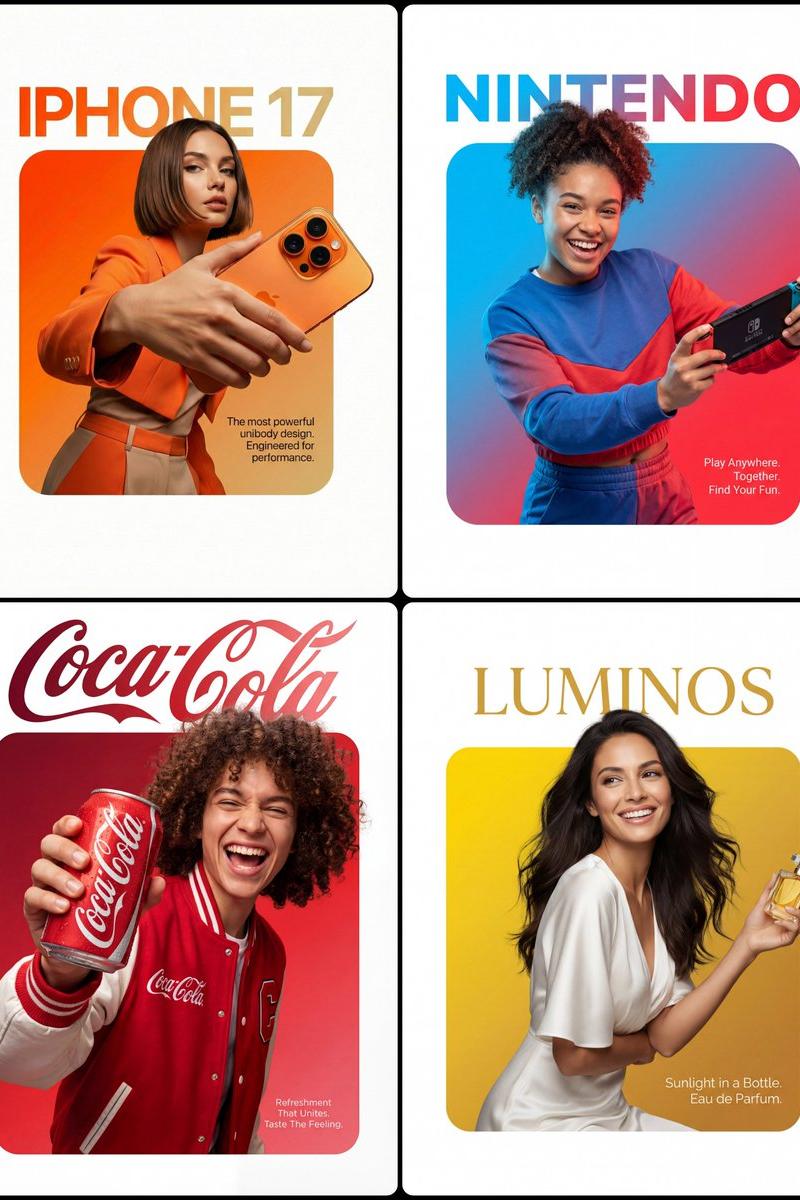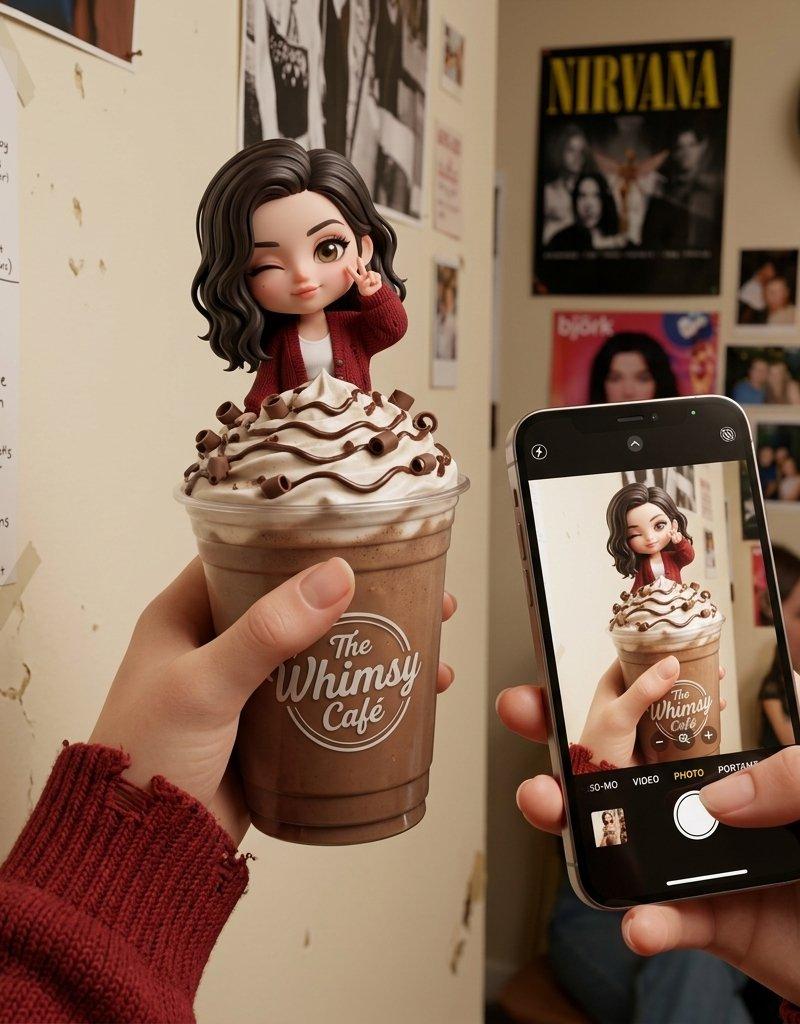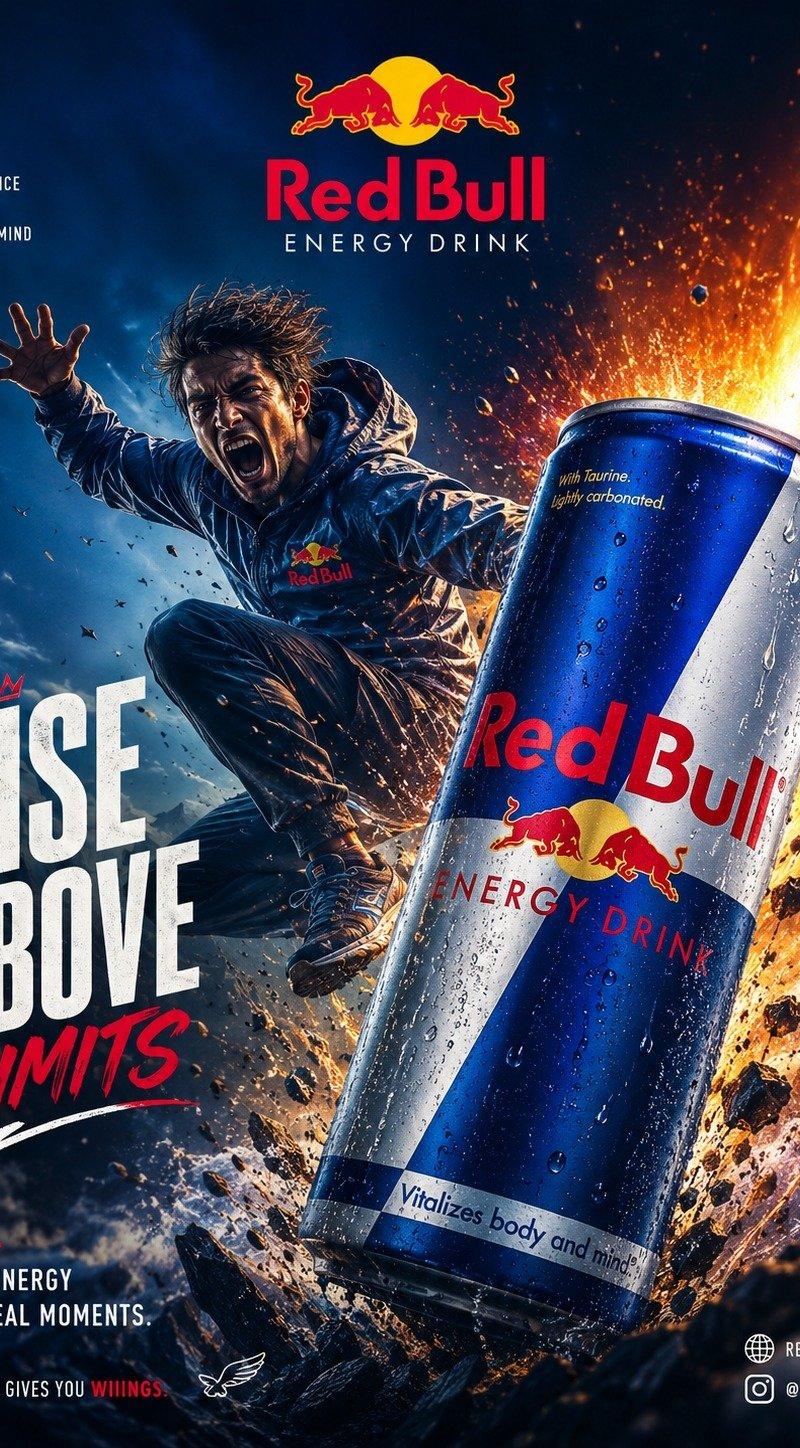
FORMAT: 4:5 vertical premium poster, 8K, bold commercial layout × surreal realis
Prompt
FORMAT:
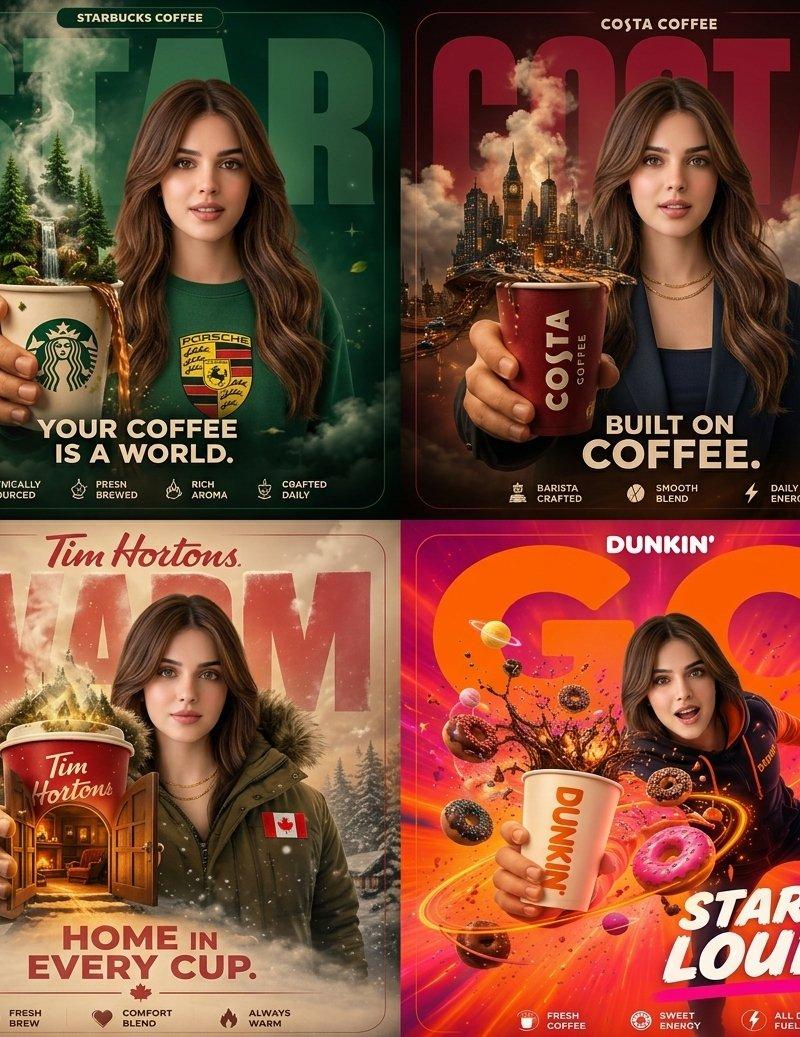
4:5 vertical premium poster, 8K, bold commercial layout × surreal realism

🧠 CORE IDEA:
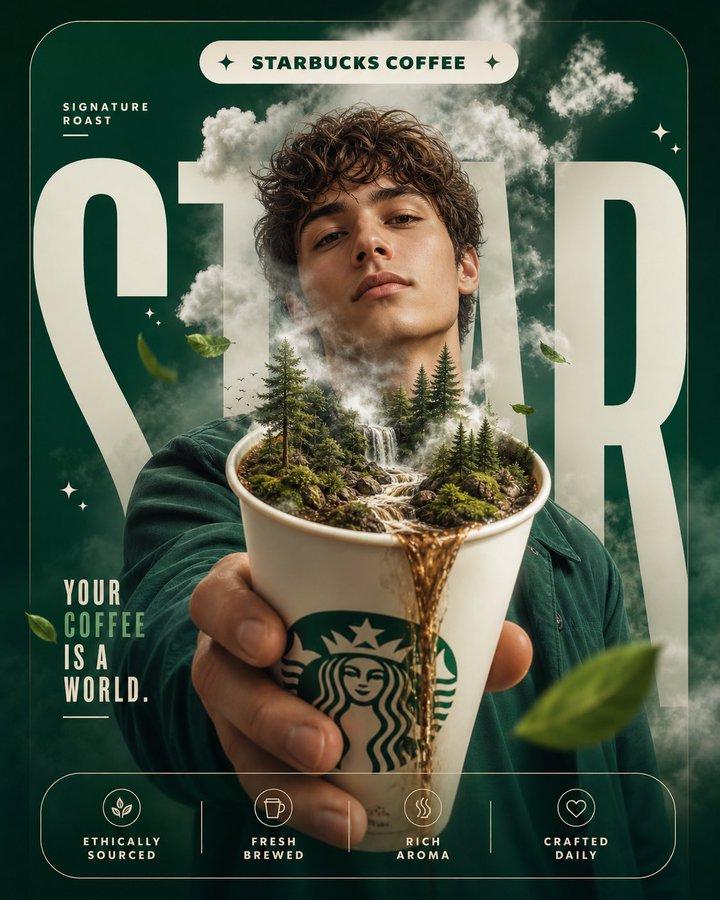
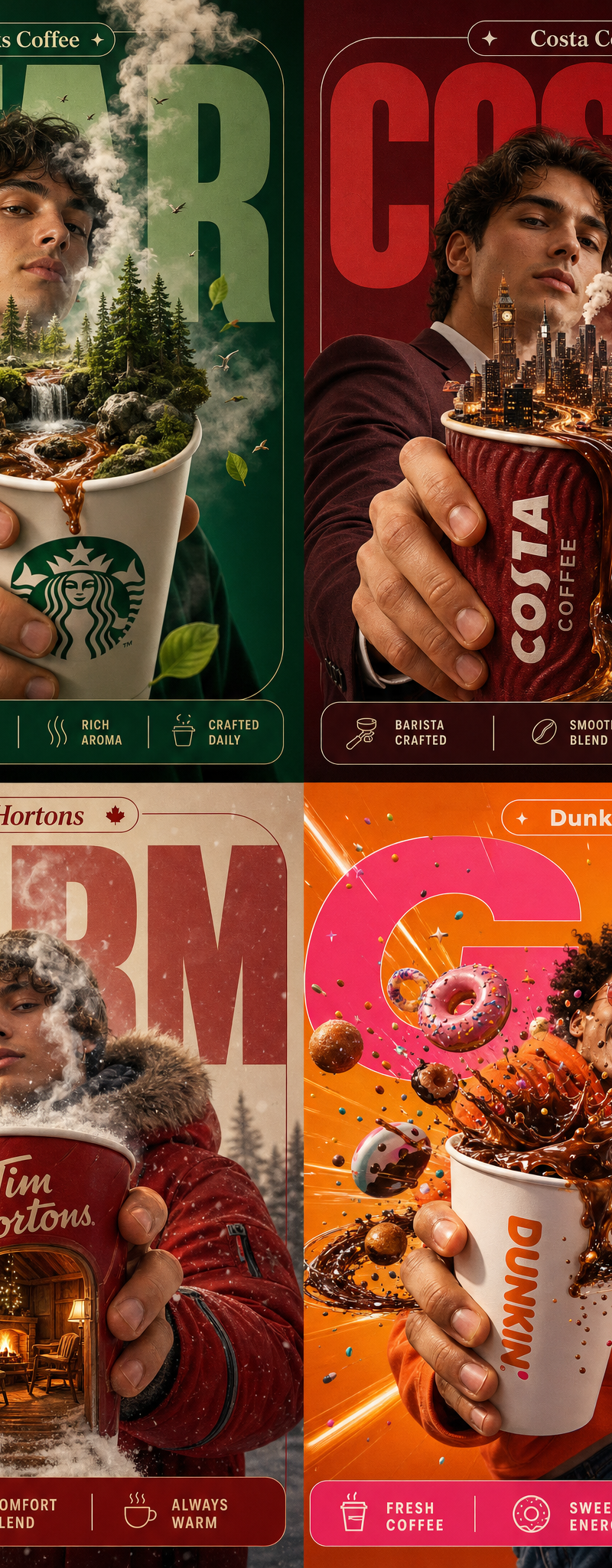
“YOUR COFFEE IS A WORLD.”

🎬 LAYOUT (INSPIRED BY SOURCE):

BACKGROUND BLOCK:
Large rounded rectangle in deep Starbucks green

GIANT TYPOGRAPHY:
“STAR”
bold, cropped, sitting behind subject

👤 SUBJECT:

Young adult holding Starbucks cup toward camera
same perspective as reference (foreground dominance)

calm expression, slight curiosity

☕ PRODUCT + SURREAL TWIST:

Starbucks cup in hand →

Inside the cup:
- miniature forest ecosystem
- tiny waterfall of coffee flowing
- mist rising into sky

Steam morphs into clouds above subject

✨ GRAPHIC ELEMENTS:

- sparkle icons ✦
- soft fog layers
- floating leaves

✍️ TEXT SYSTEM:

Top pill:
“Starbucks Coffee”

Small text:
“Signature Roast”

BOTTOM FEATURE STRIP:

- Ethically Sourced
- Fresh Brewed
- Rich Aroma
- Crafted Daily

FORMAT:
4:5 vertical, 8K

🧠 CORE IDEA:
“COFFEE BUILDS YOUR DAY.”

🎬 LAYOUT:

BACKGROUND:
Costa deep red rounded block

TYPOGRAPHY:
“COSTA”
huge, cropped, layered behind subject

👤 SUBJECT:

Young professional holding Costa cup forward

☕ SURREAL ELEMENT:

Coffee pouring out of cup →

Transforms into:
- city skyline
- roads made of espresso streams
- cars moving on liquid paths

City grows outward from cup

✨ ELEMENTS:

- steam forming clouds
- glowing windows in buildings

✍️ TEXT:

Top:
Costa Coffee

CENTER:
“BUILT ON COFFEE.”

BOTTOM FEATURES:

- Barista Crafted
- Smooth Blend
- Daily Energy

FORMAT:
4:5 vertical, 8K

🧠 CORE IDEA:
“STEP INTO WARMTH.”

🎬 LAYOUT:

BACKGROUND:
Soft beige + red rounded block

TYPOGRAPHY:
“WARM”
huge, soft, behind subject

👤 SUBJECT:

Person in winter jacket
holding Tim Hortons cup forward

☕ SURREAL ELEMENT:

Cup opening like a doorway →

Inside:
- cozy cabin
- fireplace glowing
- warm light spilling out

Outside:
snow particles floating

✨ ELEMENTS:

- snowflakes turning into steam
- warm glow spilling onto subject

✍️ TEXT:

Top:
Tim Hortons

CENTER:
“HOME IN EVERY CUP.”

BOTTOM FEATURES:

- Fresh Brew
- Comfort Blend
- Always Warm

FORMAT:
4:5 vertical, 8K

🧠 CORE IDEA:
“START LOUD.”

🎬 LAYOUT:

BACKGROUND:
Bright orange + pink rounded block

TYPOGRAPHY:
“GO”
huge, bold, playful

👤 SUBJECT:

Energetic person mid-motion
holding Dunkin cup forward

☕ SURREAL ELEMENT:

Cup exploding into:

- donuts orbiting like planets
- coffee splash forming rings
- sprinkles flying like stars

gravity distorted

✨ ELEMENTS:

- motion blur streaks
- neon accents
- playful chaos

✍️ TEXT:

Top:
Dunkin

CENTER:
“START LOUD.”

BOTTOM FEATURES:

- Fresh Coffee
- Sweet Energy
- All Day Fuel
- Category
- Charts & Infographics
- Model
- GPT Image 2
- Creator
- xie underwood
- Source language
- en
- Source ID
- 2472
- Published
- May 3, 2026
Views204