19

"atmosphere": { "mood": "playful and joyful", "mist": "soft misty haze", "lighti
Enlarge

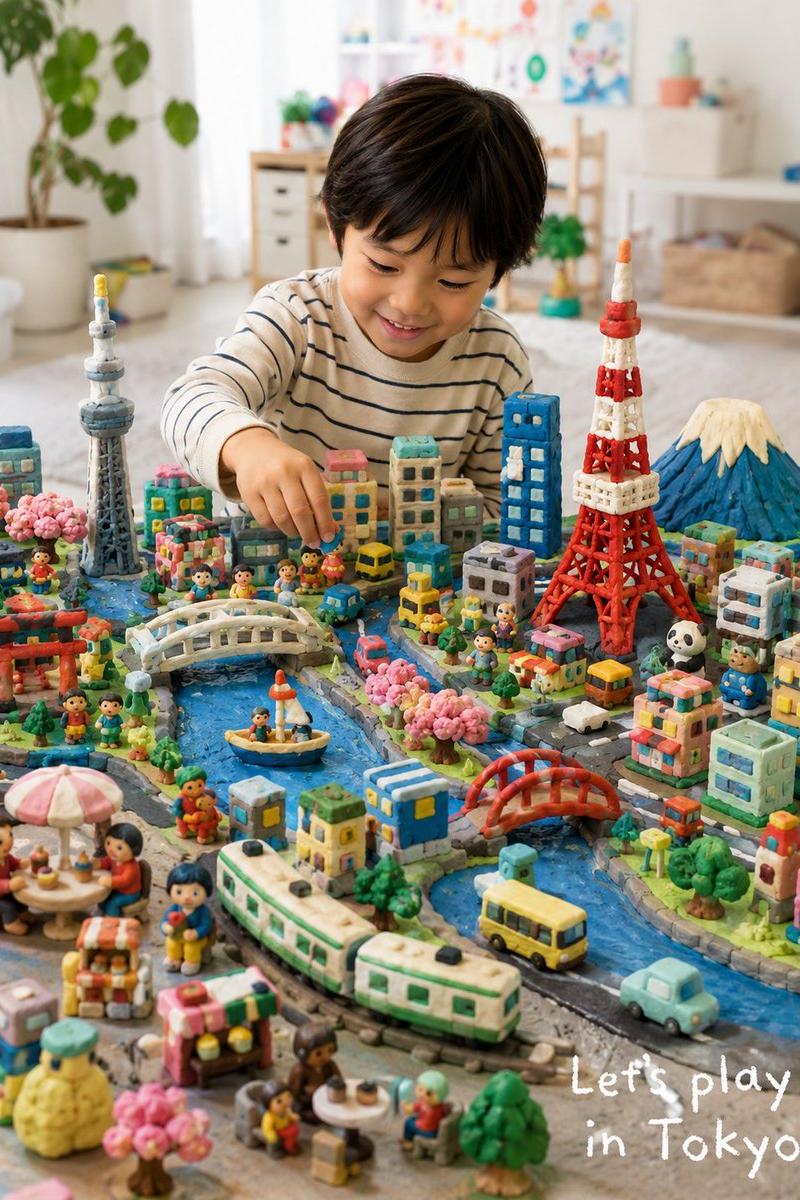
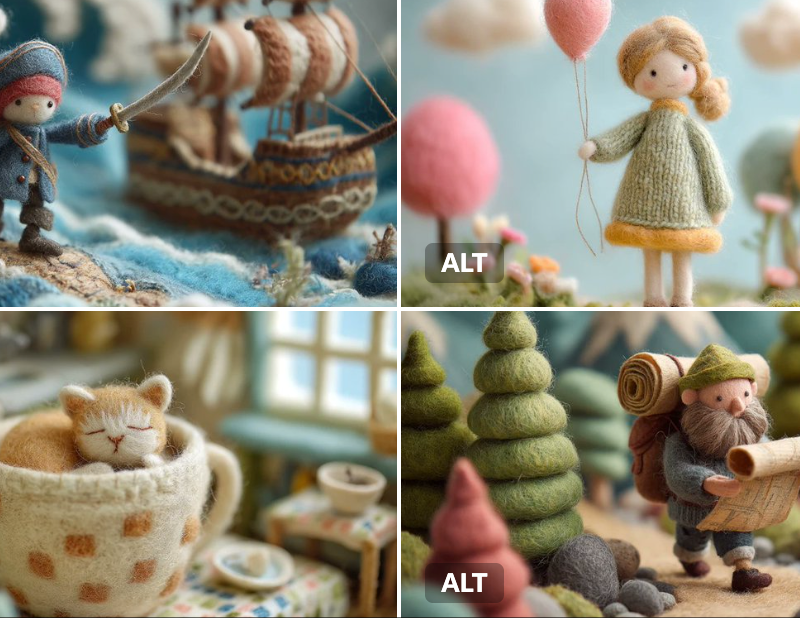
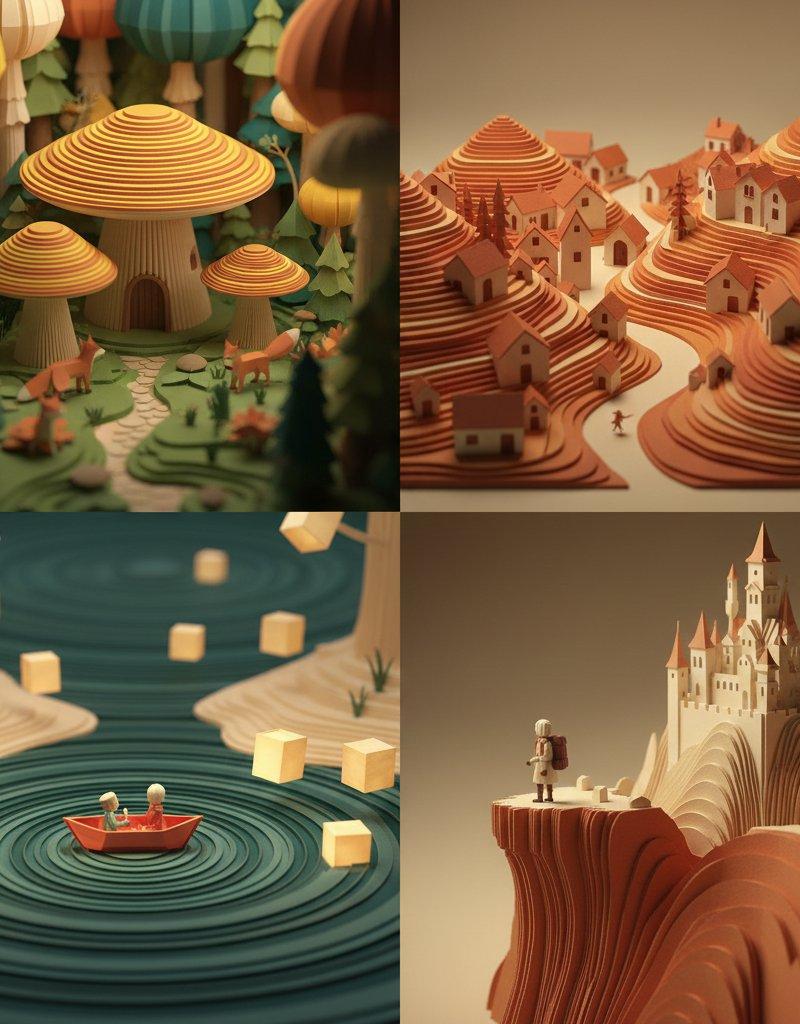
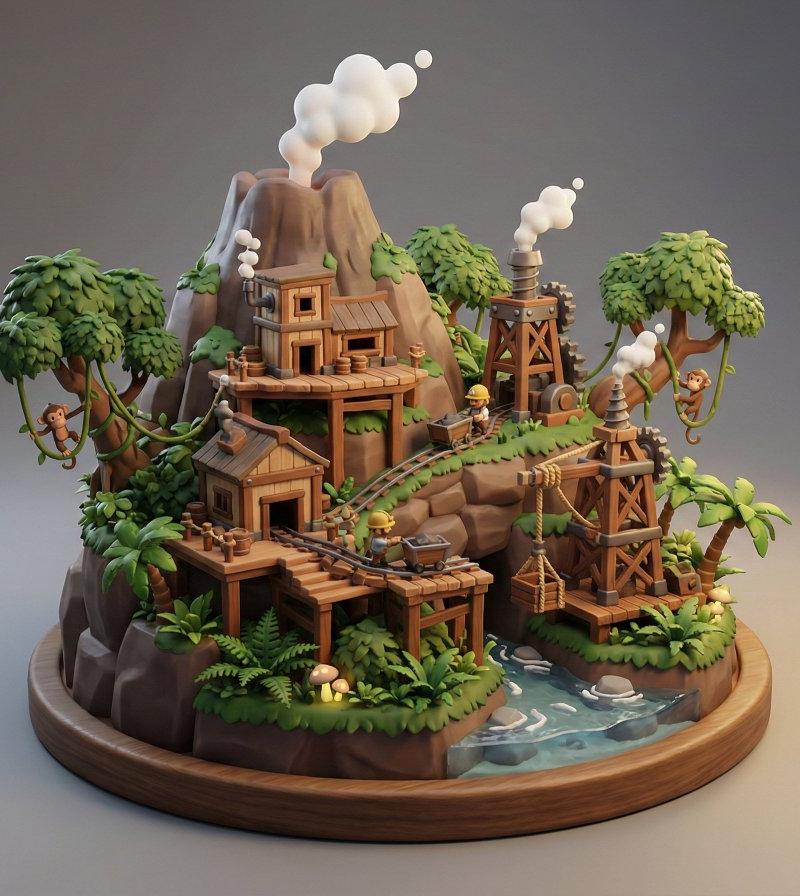
Example images

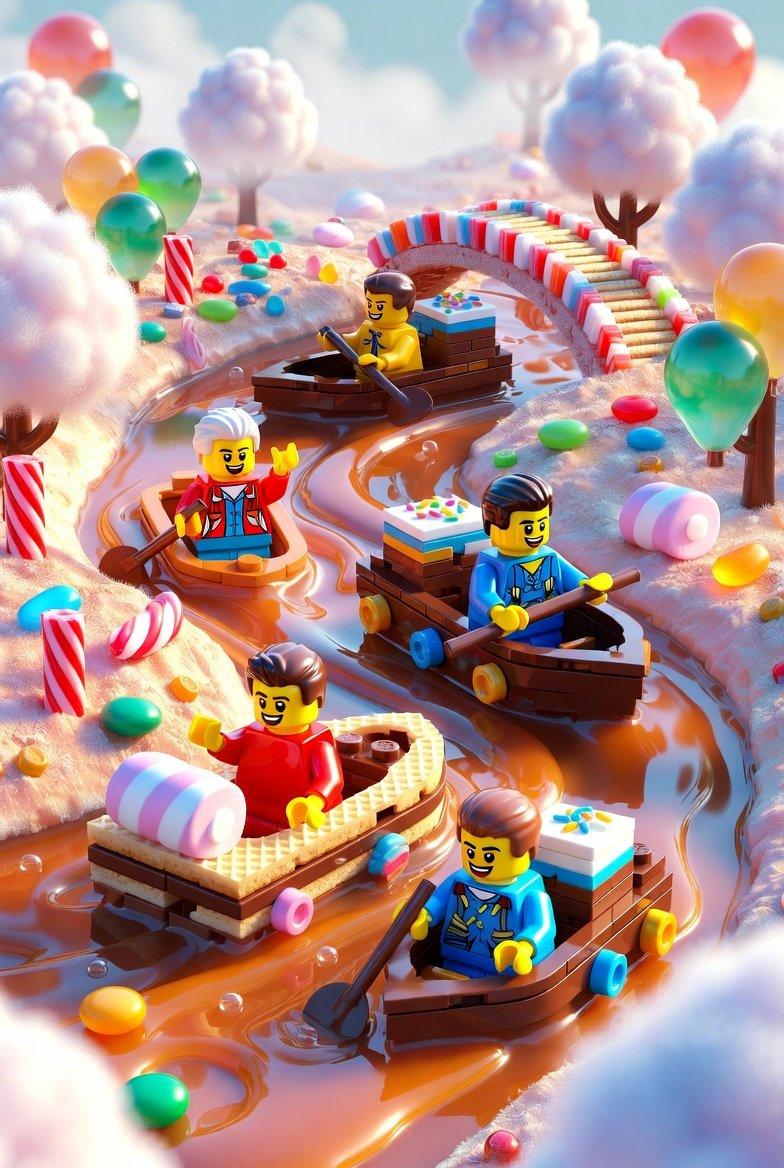
"atmosphere": { "mood": "playful and joyful", "mist": "soft misty haze", "lighti

Prompt
"atmosphere": {
 "mood": "playful and joyful",
 "mist": "soft misty haze",
 "lighting": "soft pastel lighting"
 }
 },
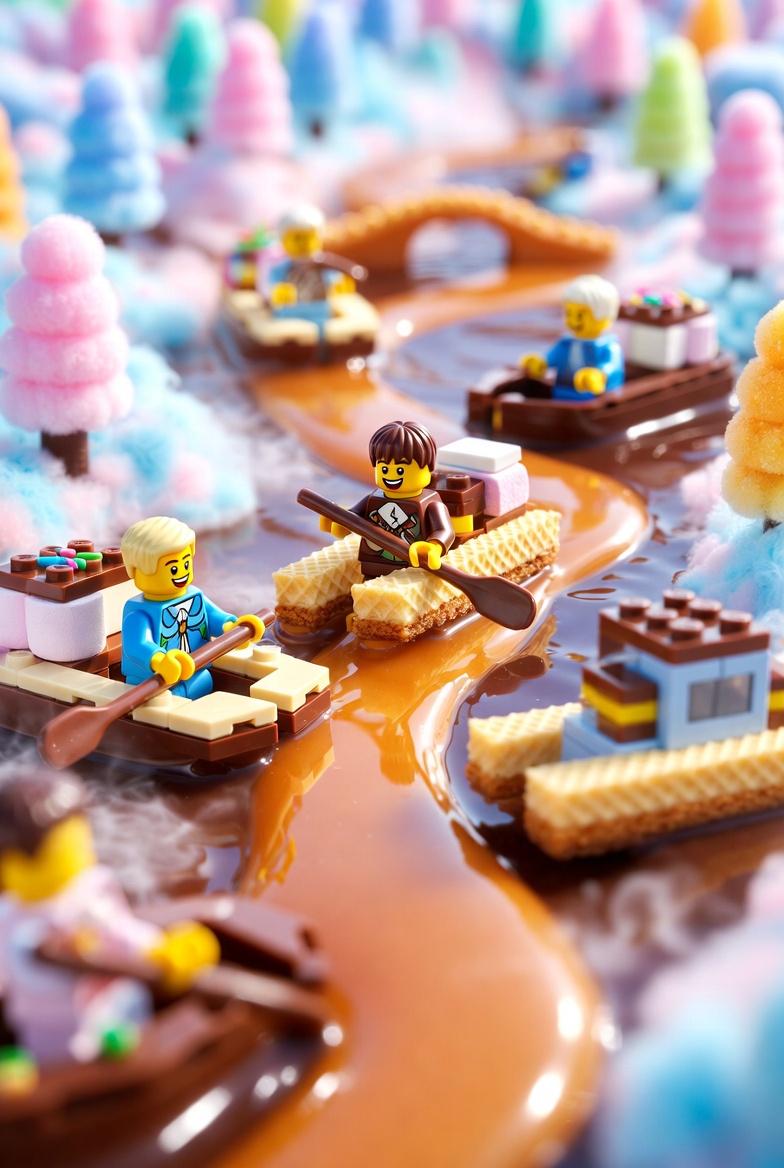
 "river": {
 "type": "melted caramel and chocolate",
 "motion": "gently swirling like syrup",
 "texture": "glossy, smooth, flowing"
 },
 "boats": {
 "style": "lego-style",
 "materials": ["wafer", "chocolate"],
 "details": {
 "toppings": ["colorful sprinkles", "marshmallows"],
 "scale": "toy-like proportions"
 },
 "movement": "floating downstream"
 },
 "characters": {
 "type": "lego characters",
 "actions": [
 "joyfully paddling candy boats",
 "dipping hands into caramel river"
 ],
 "expressions": "happy and playful"
 },
 "background": {
 "landscape_elements": [
 "cotton-candy hills",
 "gumdrop trees",
 "candy bridges"
 ],
 "connections": "bridges linking different parts of the candy landscape"
 },
 "style": {
 "visual_style": "playful cartoonish 3D",
 "color_palette": "soft pastel colors",
 "render_quality": "high-quality whimsical render"
 }
}
Category
Charts & Infographics
Model
grok-imagine/text-to-image
Creator
xie underwood
Source language
en
Views58
Source ID
261
Published
Jan 24, 2026
Studio

Guide

About ""atmosphere": { "mood": "playful and joyful", "mist": "soft misty haze", "lighti"

What is this prompt for?

""atmosphere": { "mood": "playful and joyful", "mist": "soft misty haze", "lighti" AI image prompt for grok-imagine/text-to-image (Charts & Infographics). "atm…

The full copyable prompt and example visuals above are ready for AI image generation or one-click recreate in Picva.

How to use this prompt

  1. Step 1

    Open the prompt detail

    Review the example visuals, category, and full prompt text for ""atmosphere": { "mood": "playful and joyful", "mist": "soft misty haze", "lighti".

  2. Step 2

    Copy the prompt

    Copy the prompt body from this page, or load it directly in Studio.

  3. Step 3

    Pick a model (grok-imagine/text-to-image)

    Prefer grok-imagine/text-to-image. If you switch models, keep subject and composition and tweak style terms.

  4. Step 4

    Generate and export

    Recreate the look in Picva, or export into your workflow for editing and publishing.

FAQ

What is the ""atmosphere": { "mood": "playful and joyful", "mist": "soft misty haze", "lighti" prompt?
It is an AI image-generation prompt for grok-imagine/text-to-image in the Charts & Infographics category. This page includes the full prompt text, example visuals, and a one-click recreate path in Picva.
How do I use this prompt to generate an image?
Copy the prompt from this page, or use Generate / Studio. Paste it into a compatible image model, or recreate the look in Picva with optional reference images.
Which model is this prompt for?
This page lists grok-imagine/text-to-image. Most descriptive prompts also transfer to nearby image models such as GPT Image, Flux, or Midjourney with light style tweaks.
Can I use the result commercially?
You can usually copy the prompt for creation, but commercial use of the final image depends on the model terms, reference-image rights, and the generated content. Follow the source author and platform rules.