18

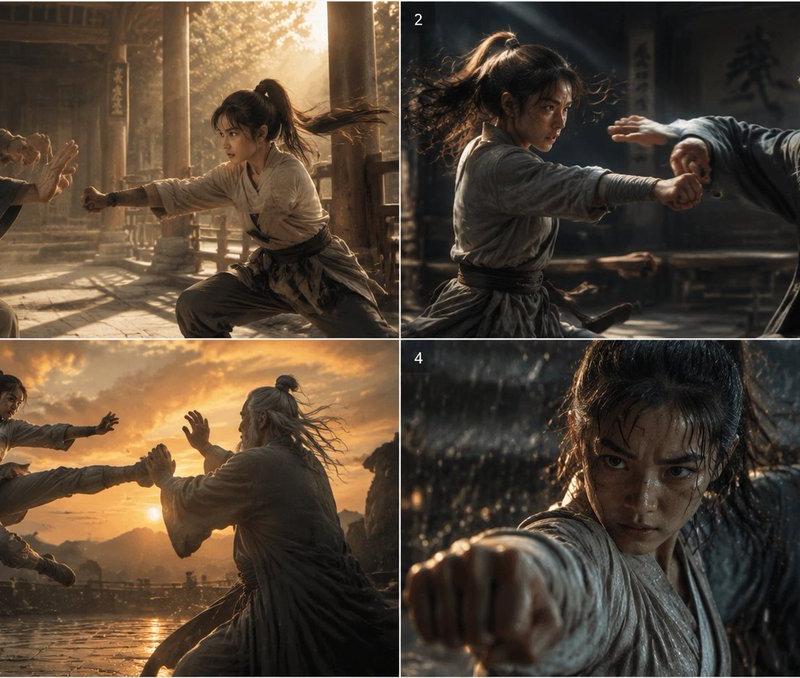
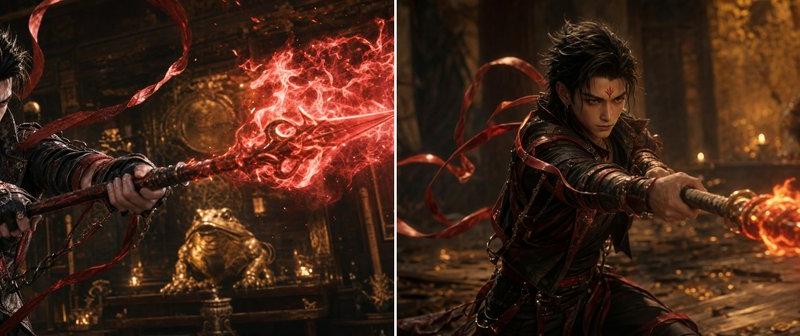
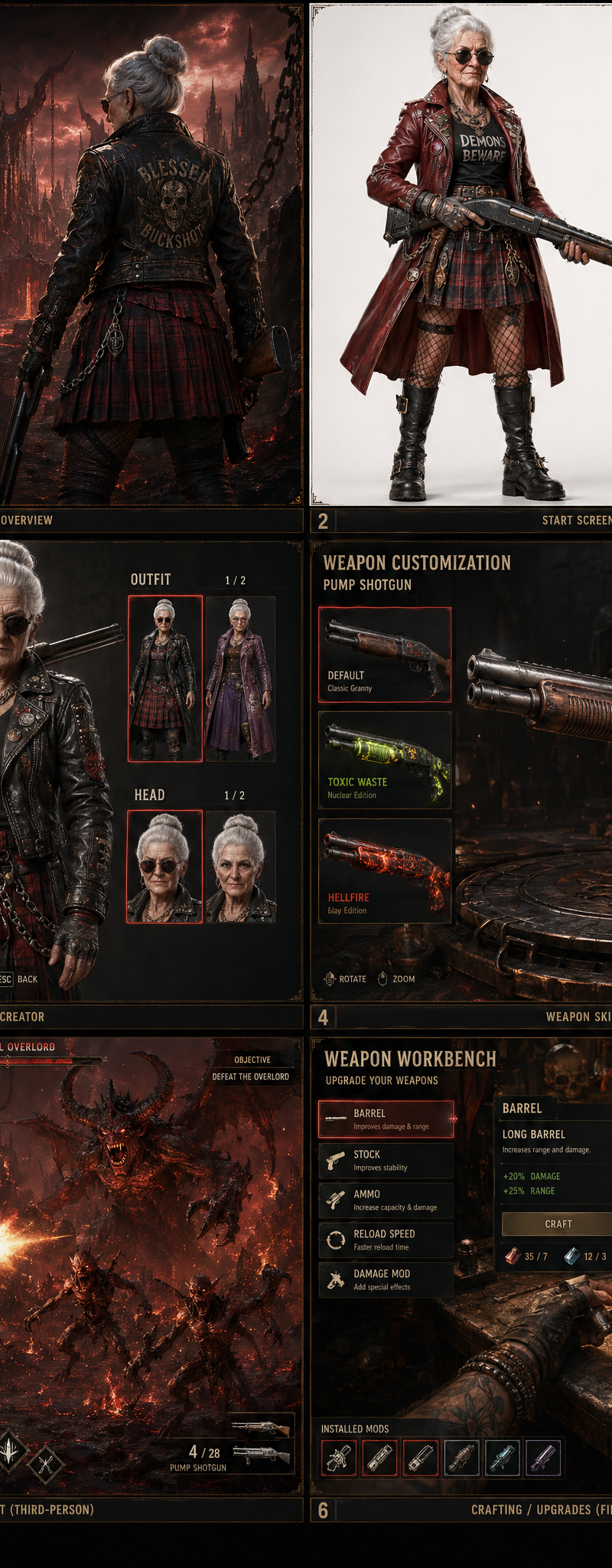
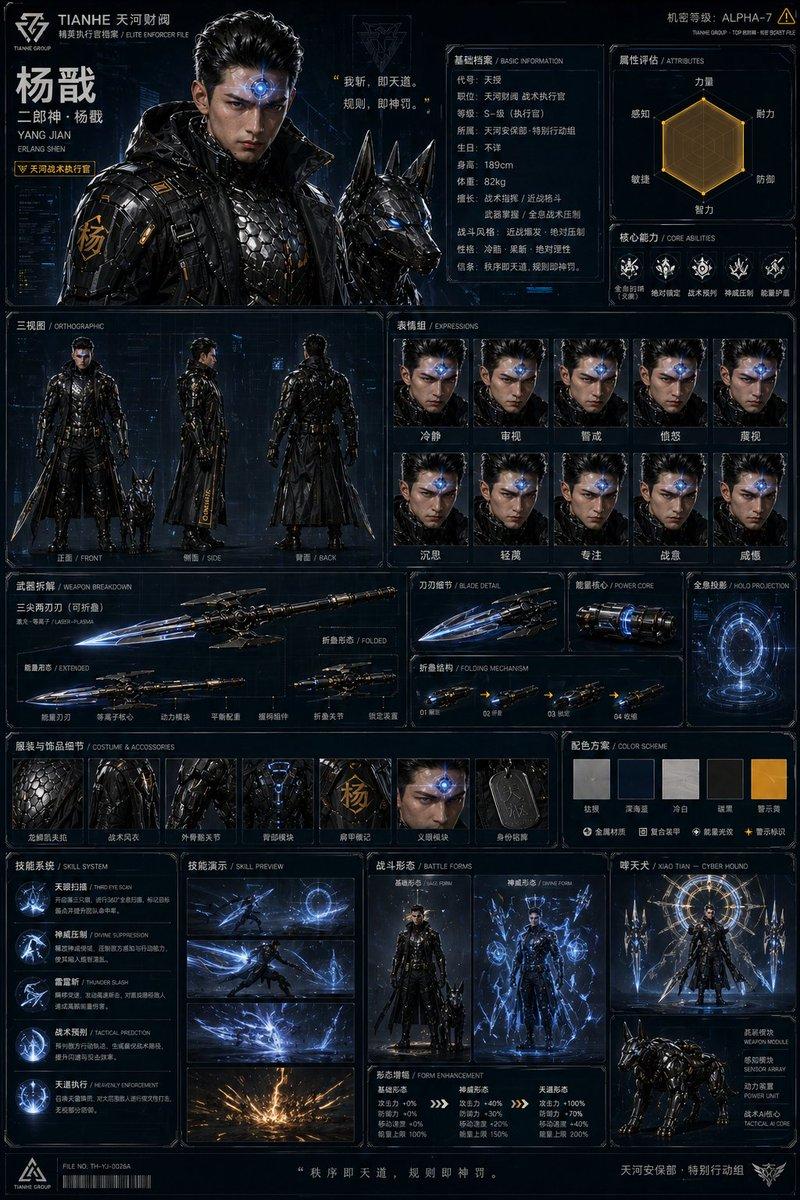
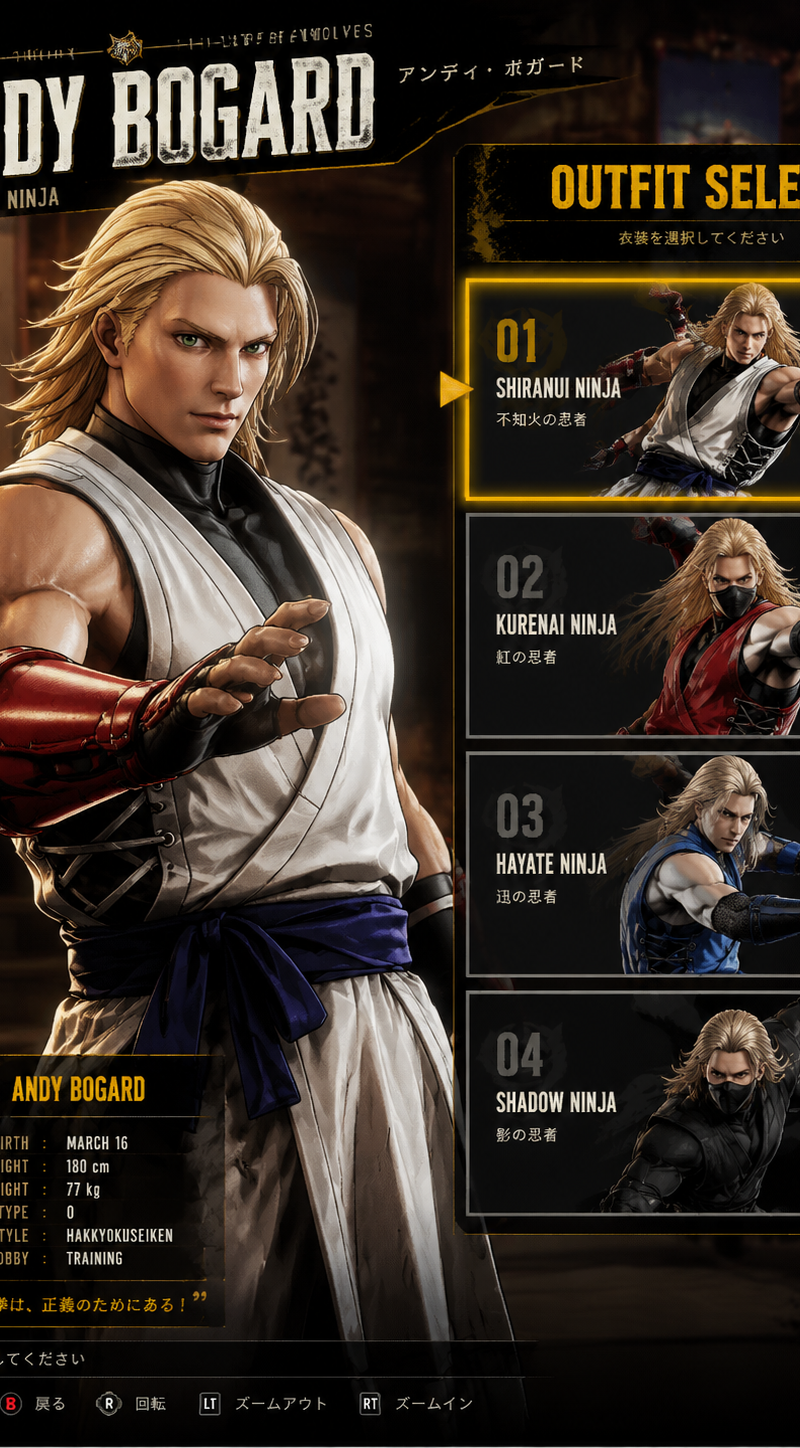
Create a AAA-quality Unreal Engine 5 outfit selection screen for 【Andy Bogard fr
Enlarge

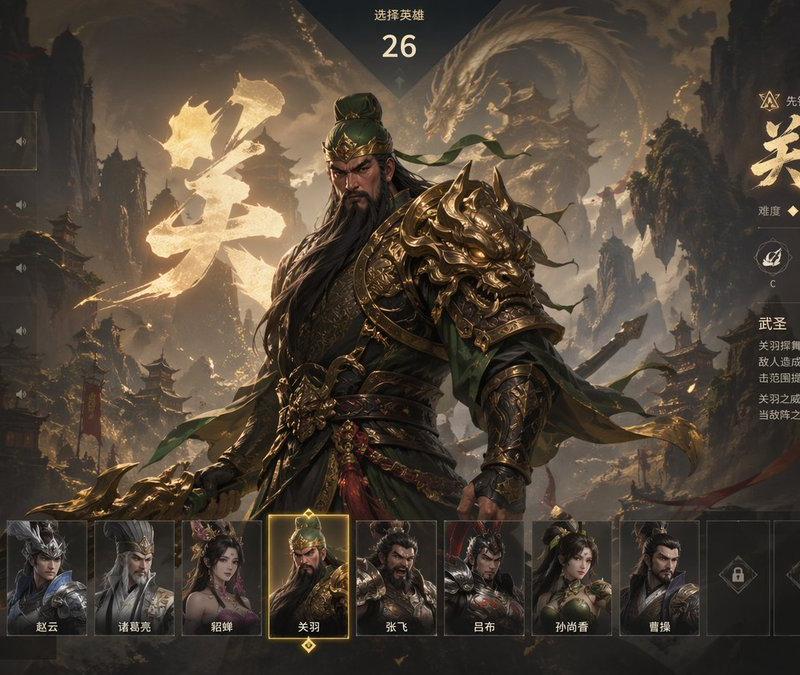
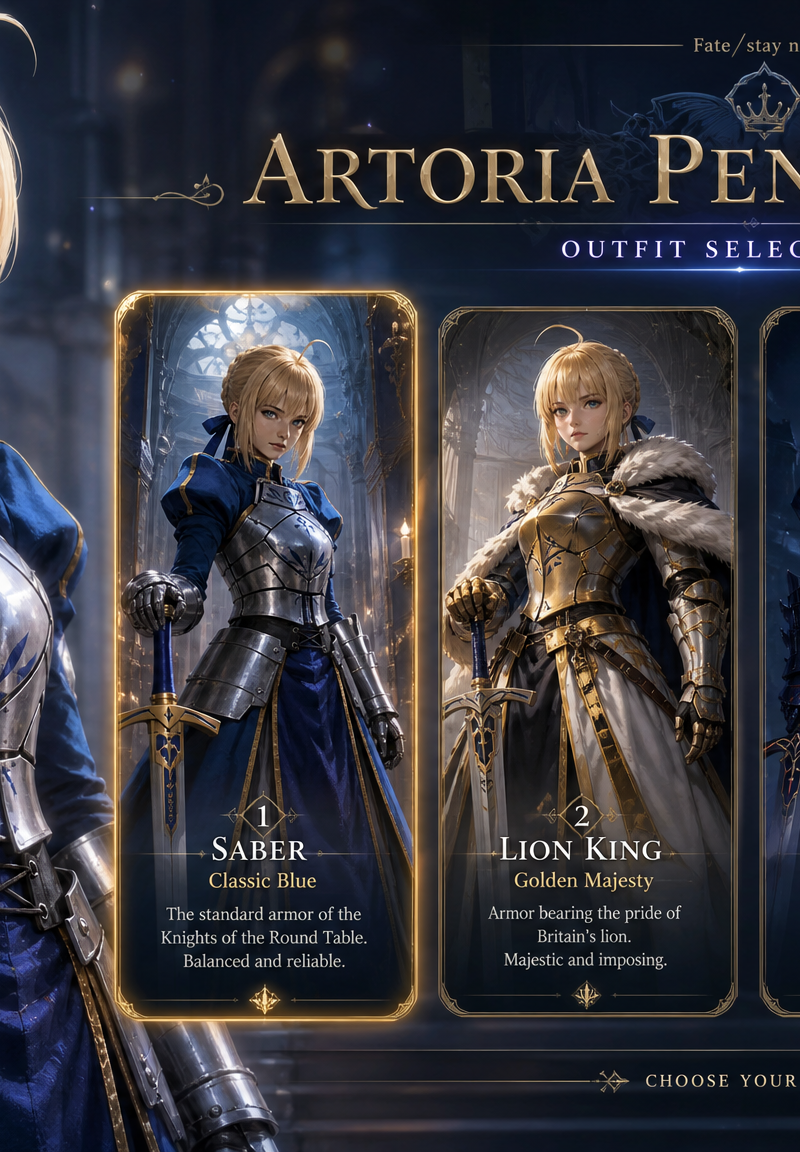
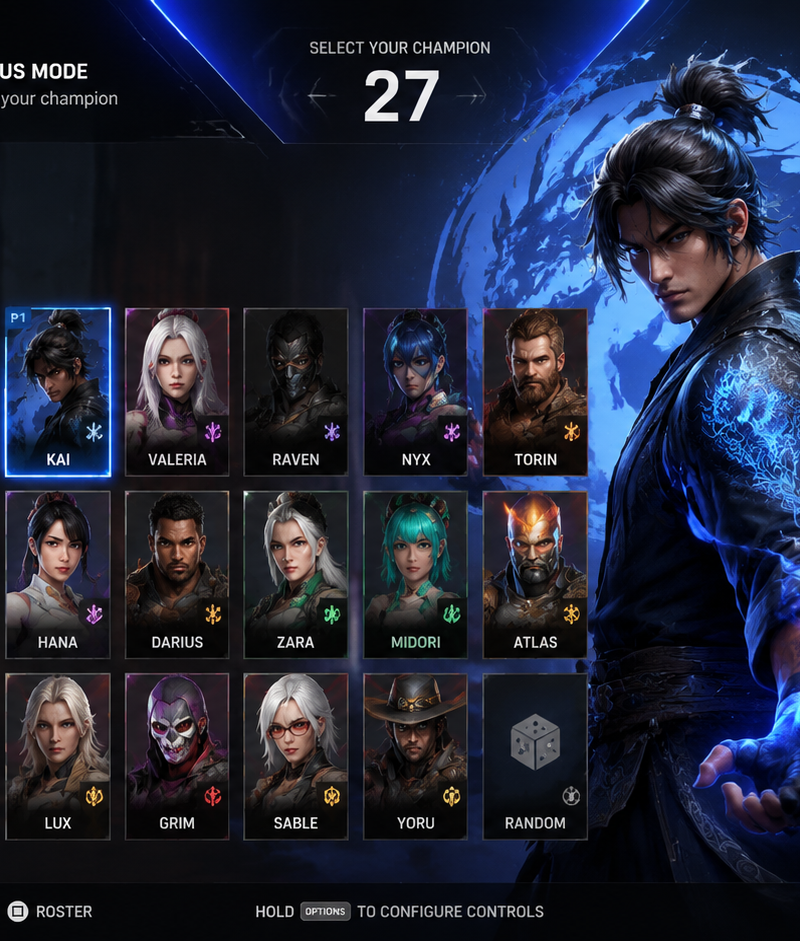
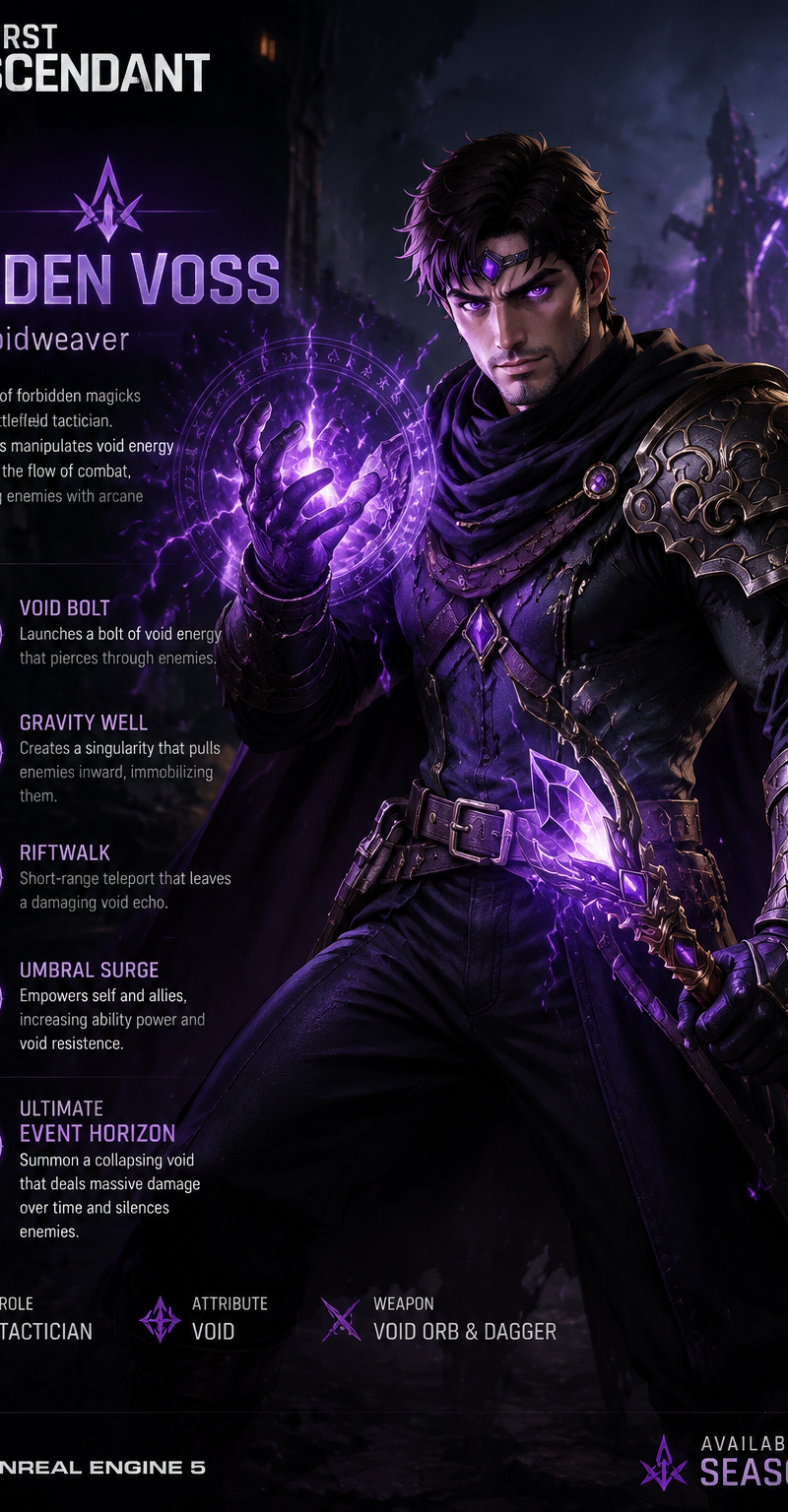
Example images

Create a AAA-quality Unreal Engine 5 outfit selection screen for 【Andy Bogard fr

Prompt
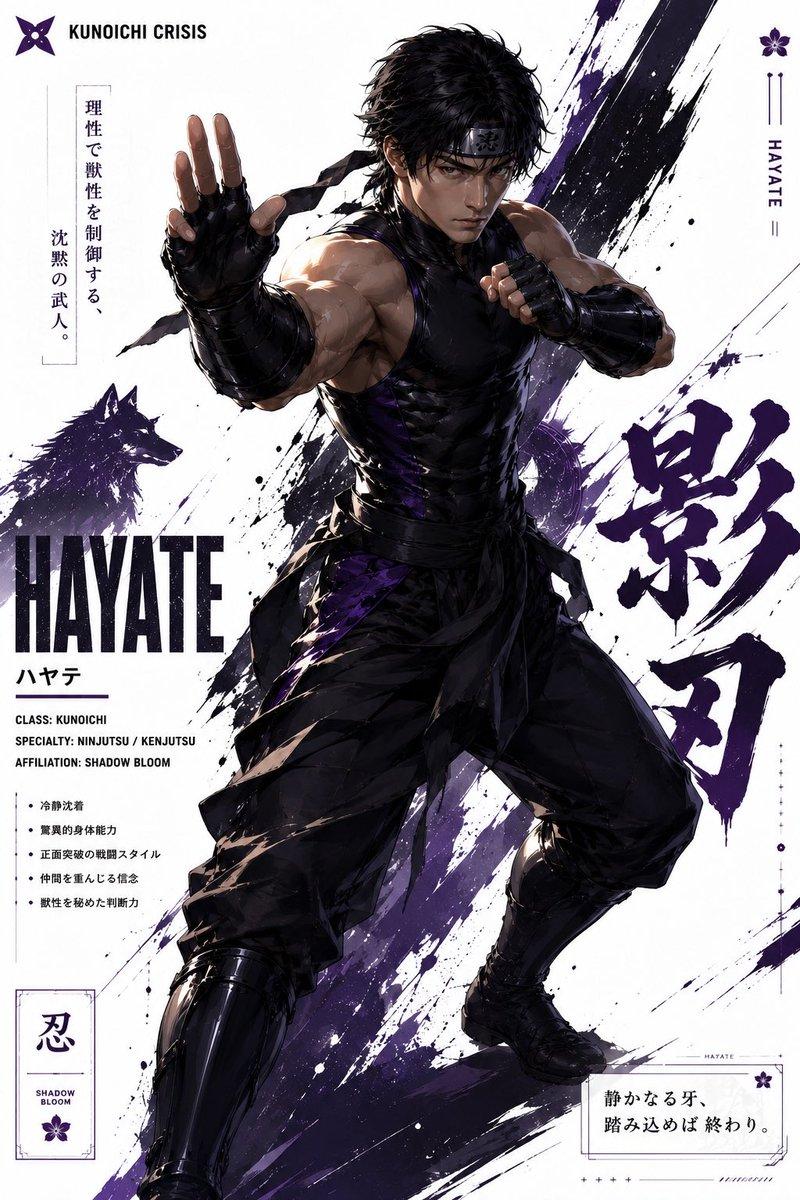
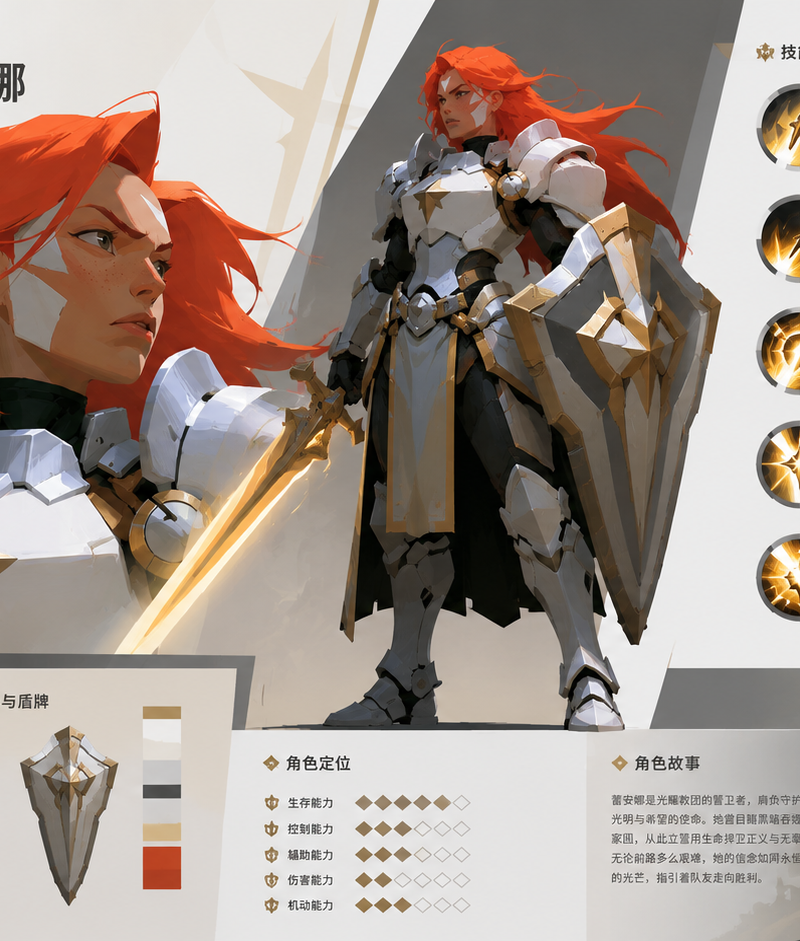
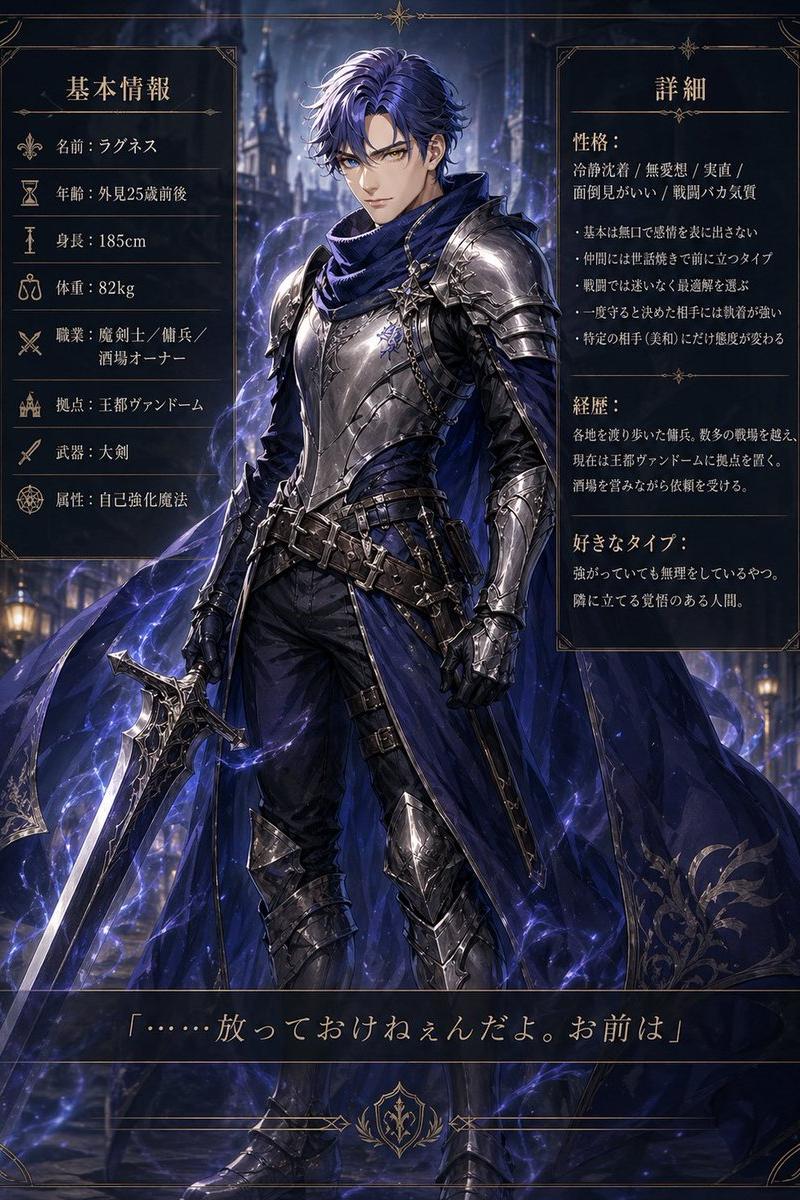
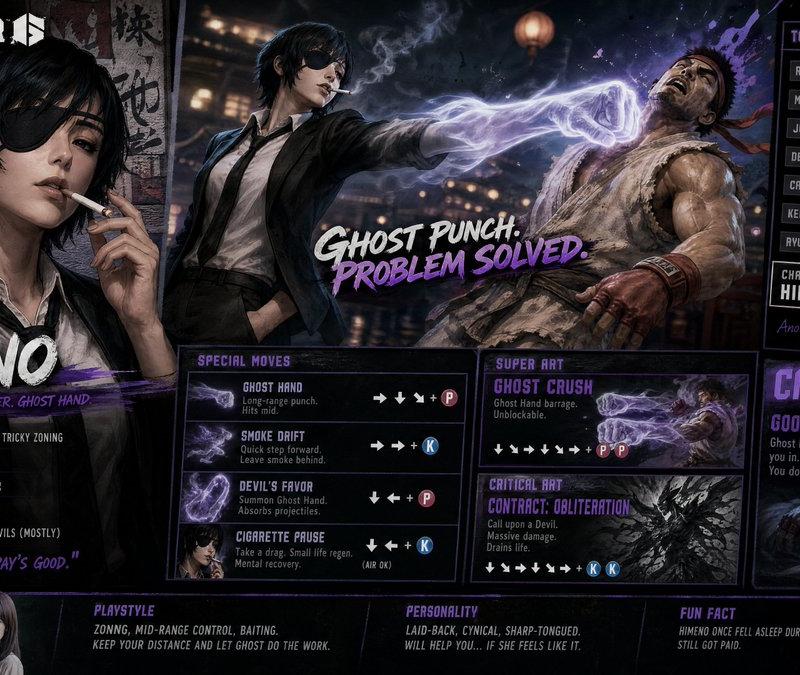
Create a AAA-quality Unreal Engine 5 outfit selection screen for 【Andy Bogard from Fatal Fury City ofnthe Wolves】

The visual style should be a high-quality realistic 3D game interface, making the character look like a fully playable in-game character. She should feature Unreal Engine 5-level detailed modeling, realistic skin texture, cinematic lighting, refined fabric materials, and a premium game UI design.

At the center of the page is the outfit selection interface, showcasing 4 completely different 【ninja outfits】 for players to choose from.
Each outfit should be paired with a different pose that highlights its unique strengths and visual appeal.

The page layout should be customized to match the character’s identity and personality, keeping the design rich and visually impressive while still clear and easy to read.
She should look like a realistic 3D game character, and the interface should include a prominent title area styled like a character name header.
The composition should be clean and well-structured, with a clear separation between the character and the UI elements, creating the feel of an authentic 3D game screenshot.
Category
UI & Interfaces
Model
GPT Image 2
Creator
Endrews Leon
Source language
en
Views344
Source ID
2754
Published
May 7, 2026
Studio

Guide

About "Create a AAA-quality Unreal Engine 5 outfit selection screen for 【Andy Bogard fr"

What is this prompt for?

"Create a AAA-quality Unreal Engine 5 outfit selection screen for 【Andy Bogard fr" AI image prompt for GPT Image 2 (UI & Interfaces). Create a AAA-quality Unre…

The full copyable prompt and example visuals above are ready for AI image generation or one-click recreate in Picva.

How to use this prompt

  1. Step 1

    Open the prompt detail

    Review the example visuals, category, and full prompt text for "Create a AAA-quality Unreal Engine 5 outfit selection screen for 【Andy Bogard fr".

  2. Step 2

    Copy the prompt

    Copy the prompt body from this page, or load it directly in Studio.

  3. Step 3

    Pick a model (GPT Image 2)

    Prefer GPT Image 2. If you switch models, keep subject and composition and tweak style terms.

  4. Step 4

    Generate and export

    Recreate the look in Picva, or export into your workflow for editing and publishing.

FAQ

What is the "Create a AAA-quality Unreal Engine 5 outfit selection screen for 【Andy Bogard fr" prompt?
It is an AI image-generation prompt for GPT Image 2 in the UI & Interfaces category. This page includes the full prompt text, example visuals, and a one-click recreate path in Picva.
How do I use this prompt to generate an image?
Copy the prompt from this page, or use Generate / Studio. Paste it into a compatible image model, or recreate the look in Picva with optional reference images.
Which model is this prompt for?
This page lists GPT Image 2. Most descriptive prompts also transfer to nearby image models such as GPT Image, Flux, or Midjourney with light style tweaks.
Can I use the result commercially?
You can usually copy the prompt for creation, but commercial use of the final image depends on the model terms, reference-image rights, and the generated content. Follow the source author and platform rules.