18

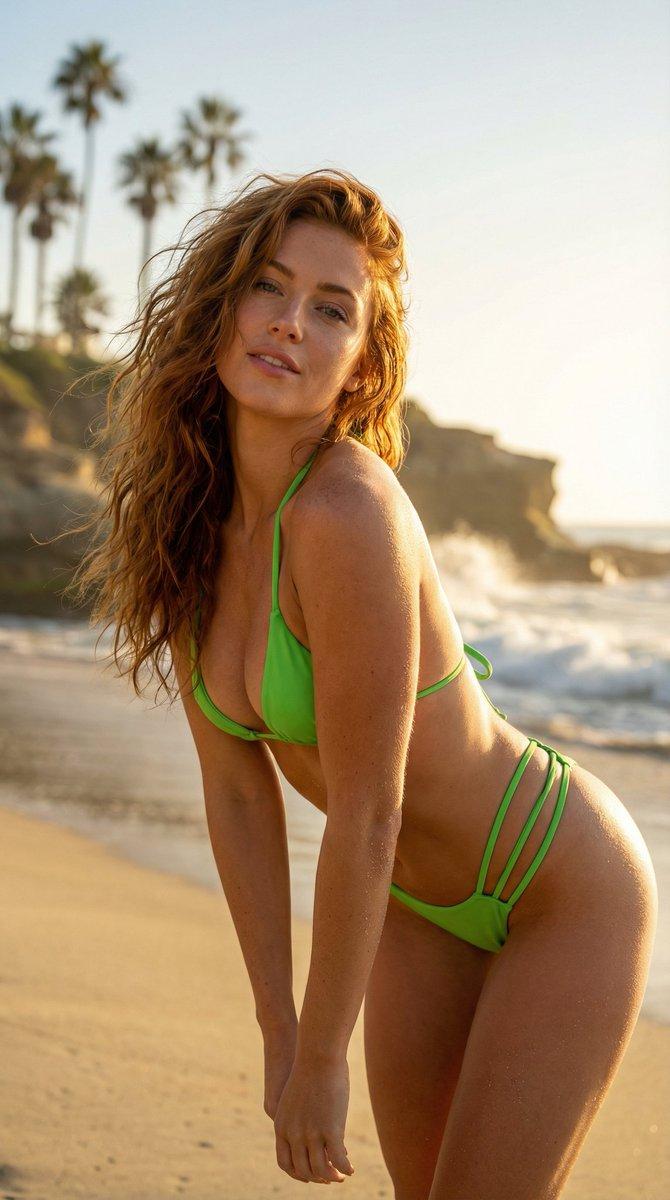
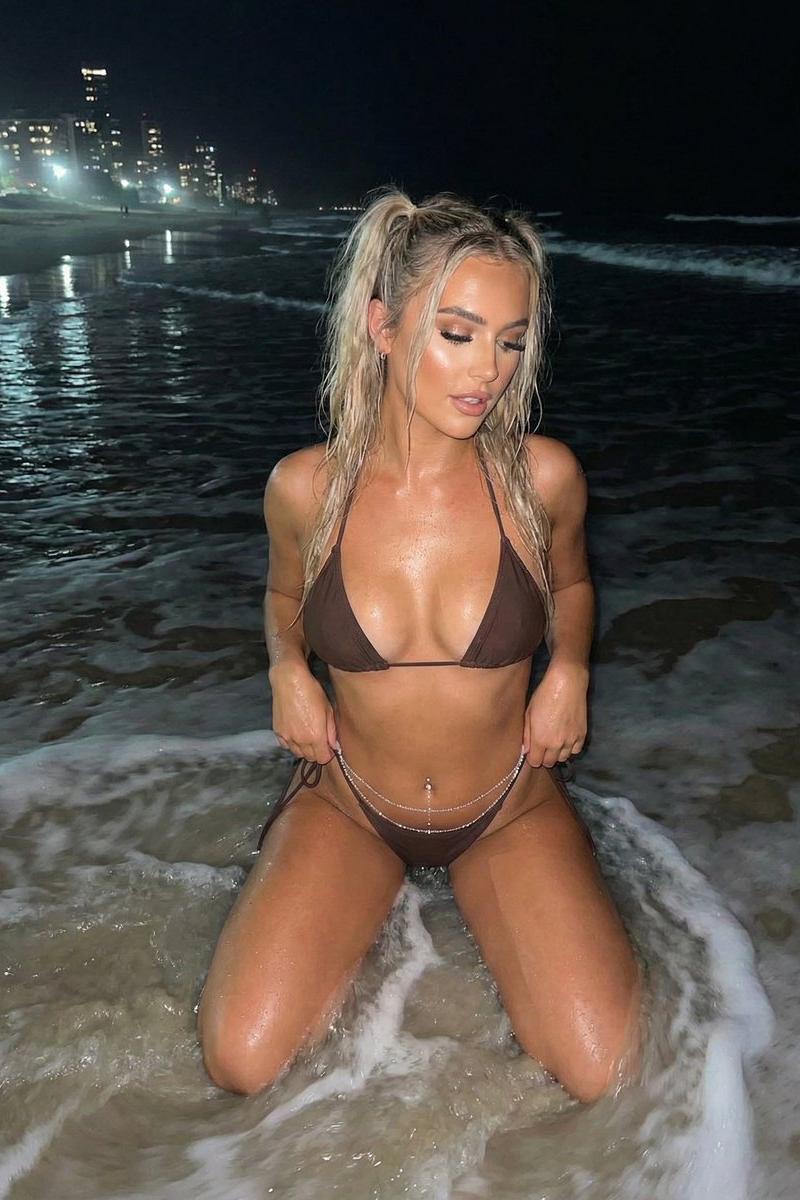
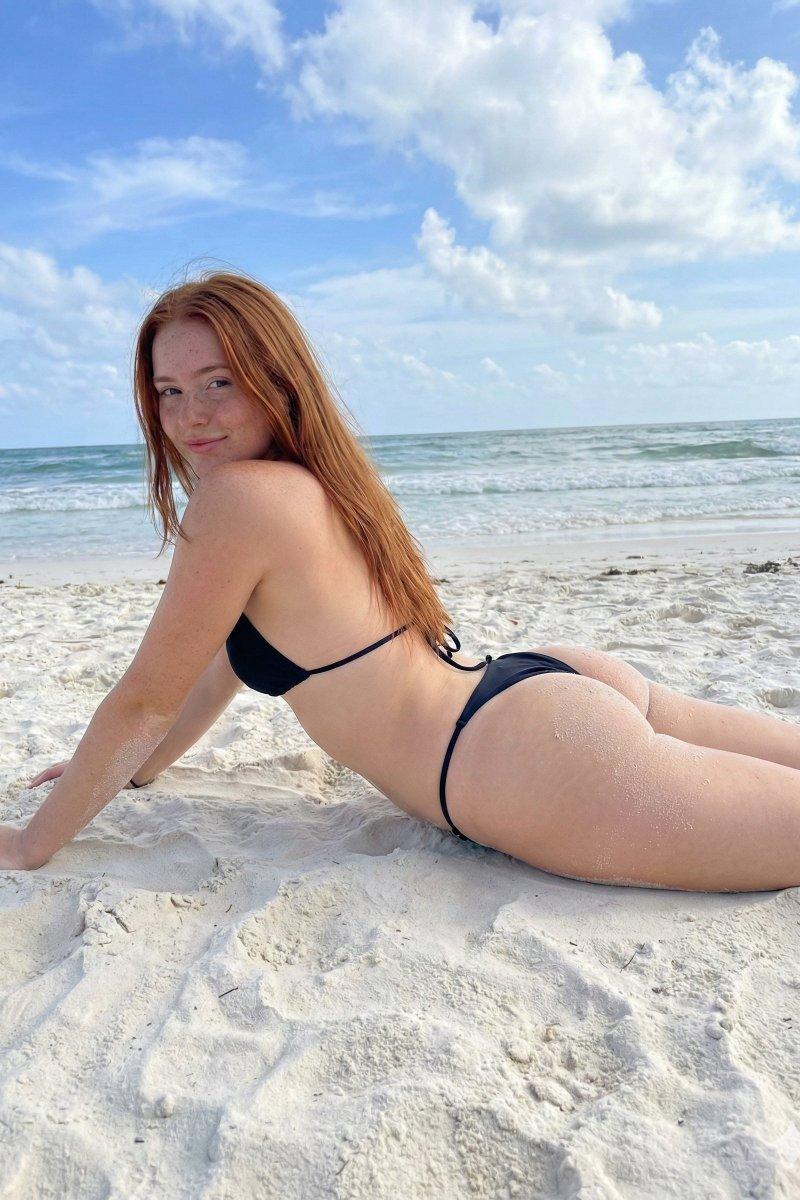
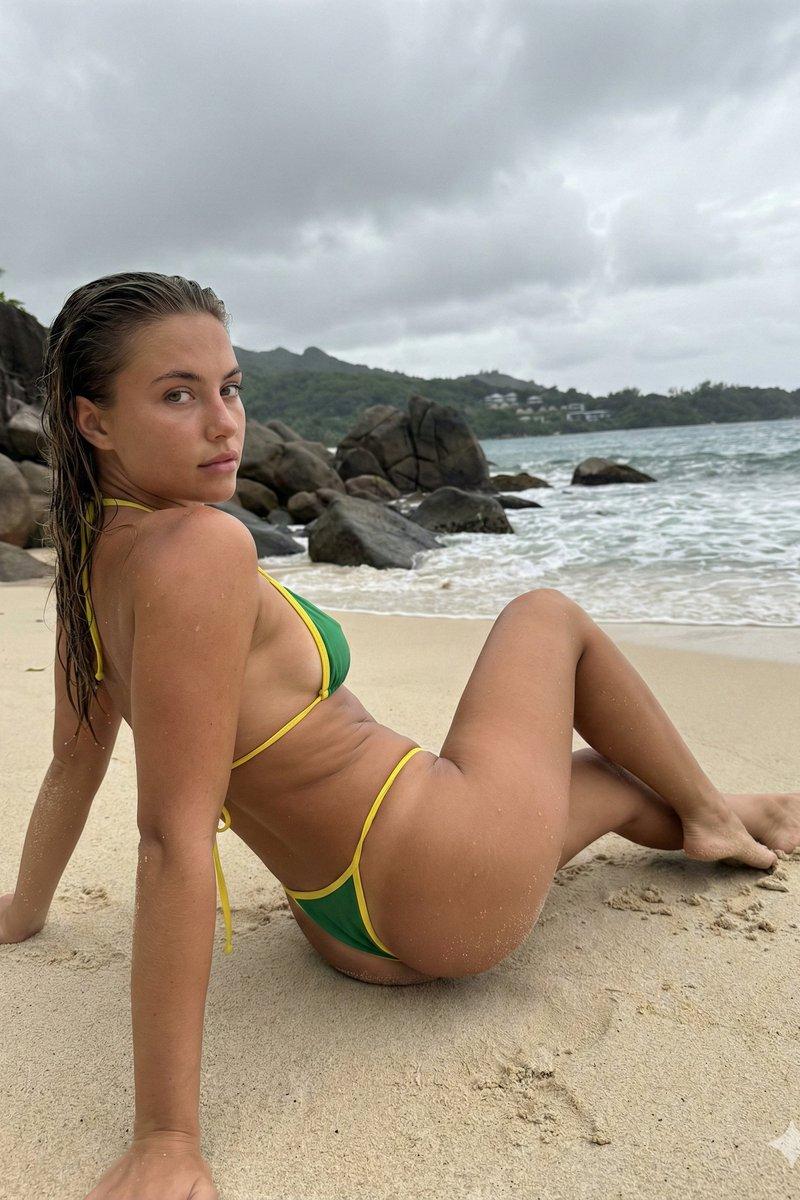
Example images

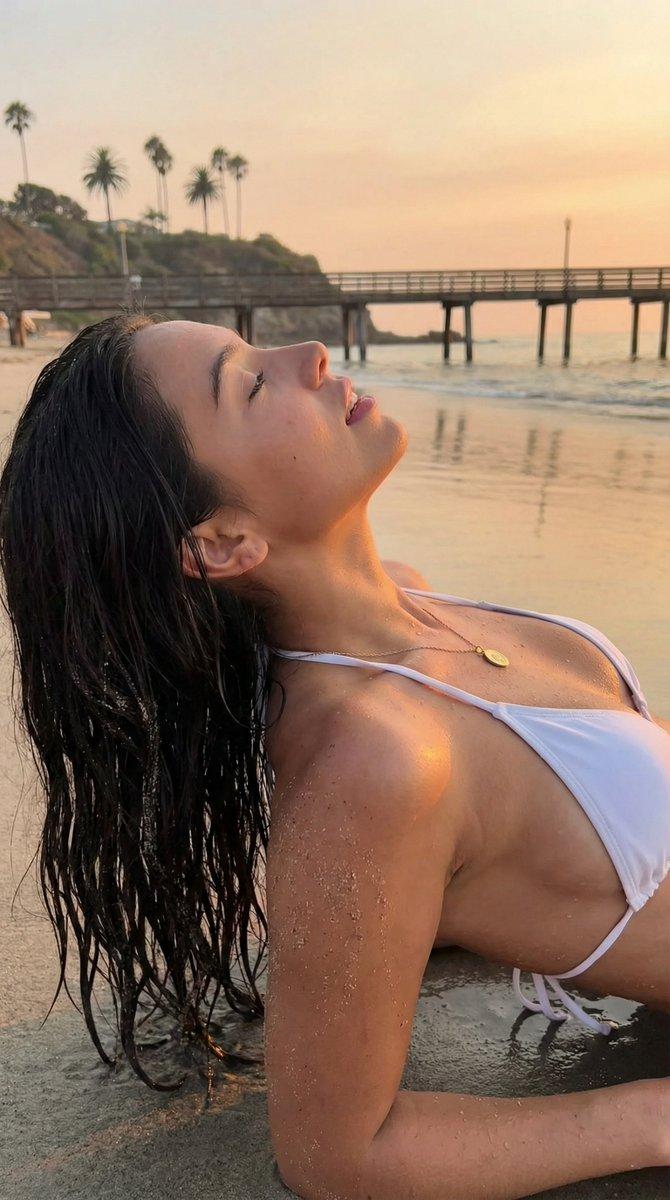
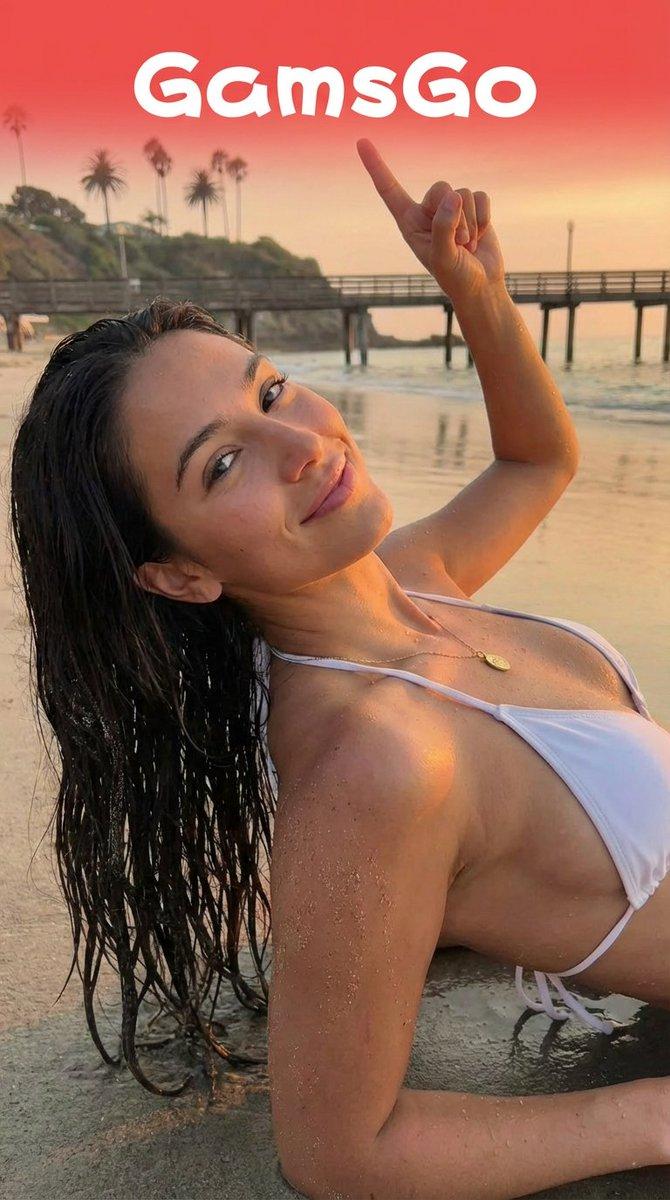
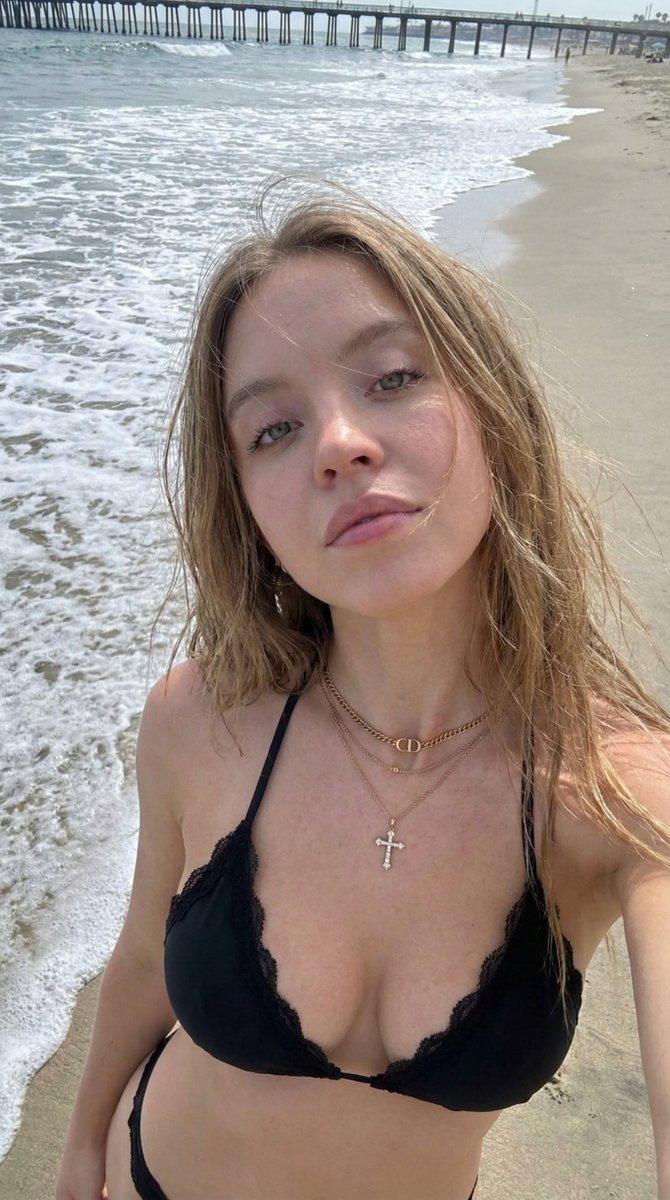
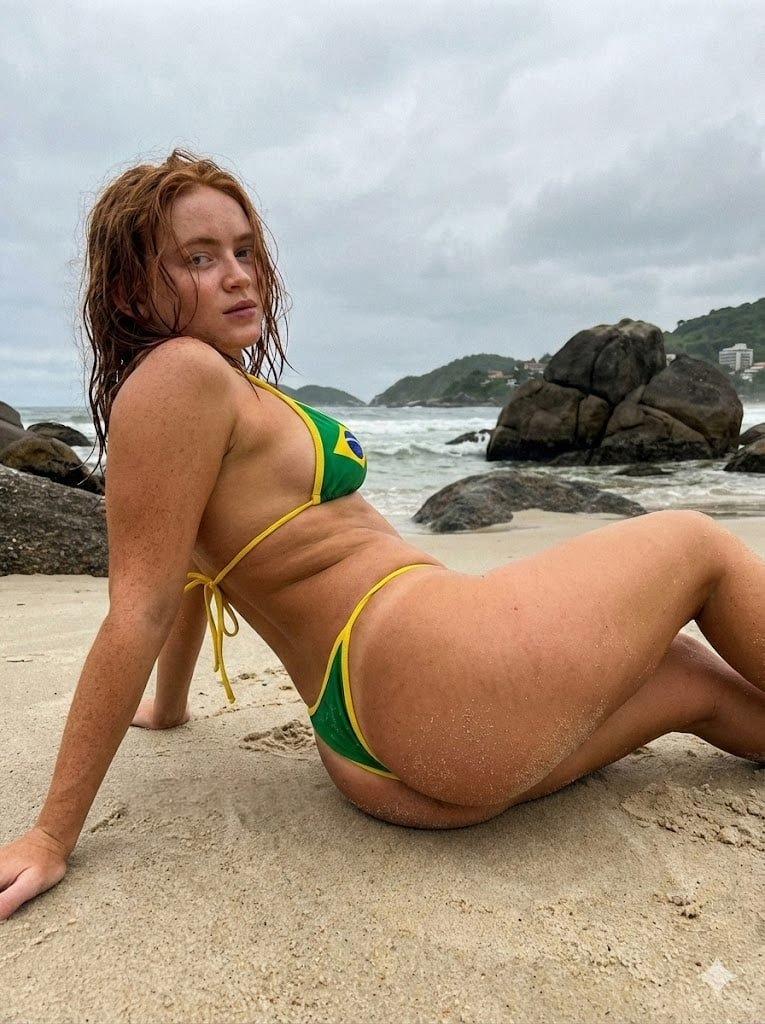
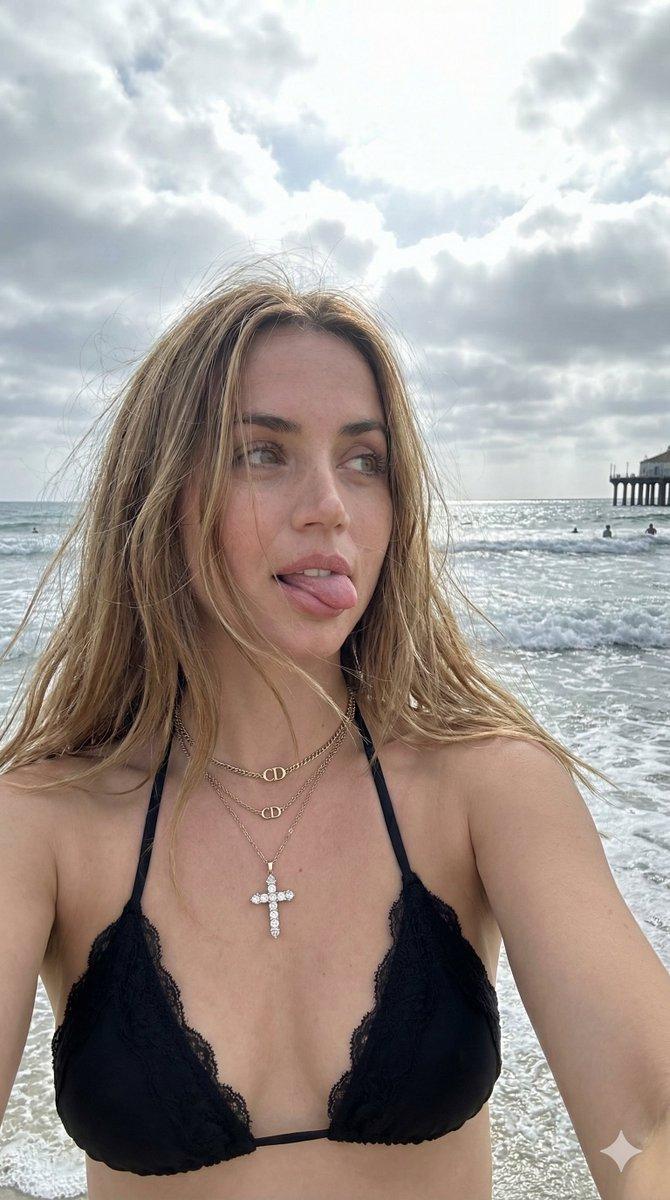
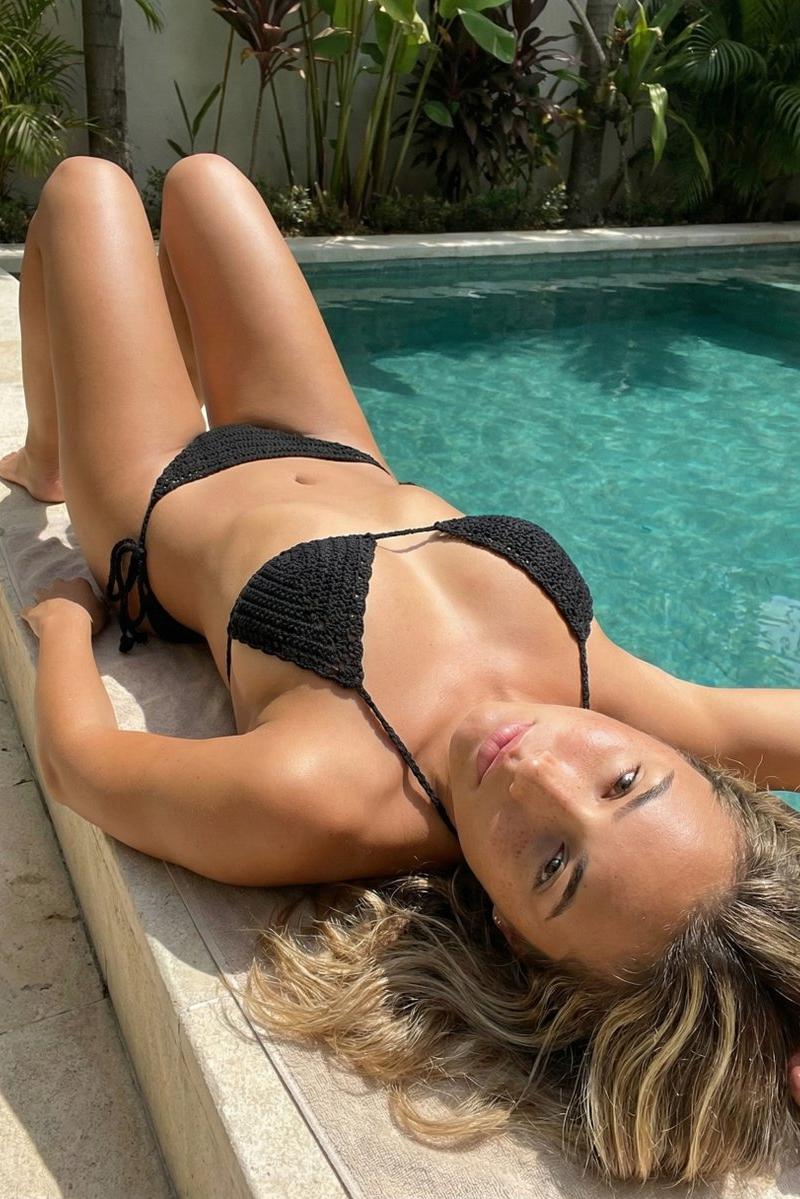
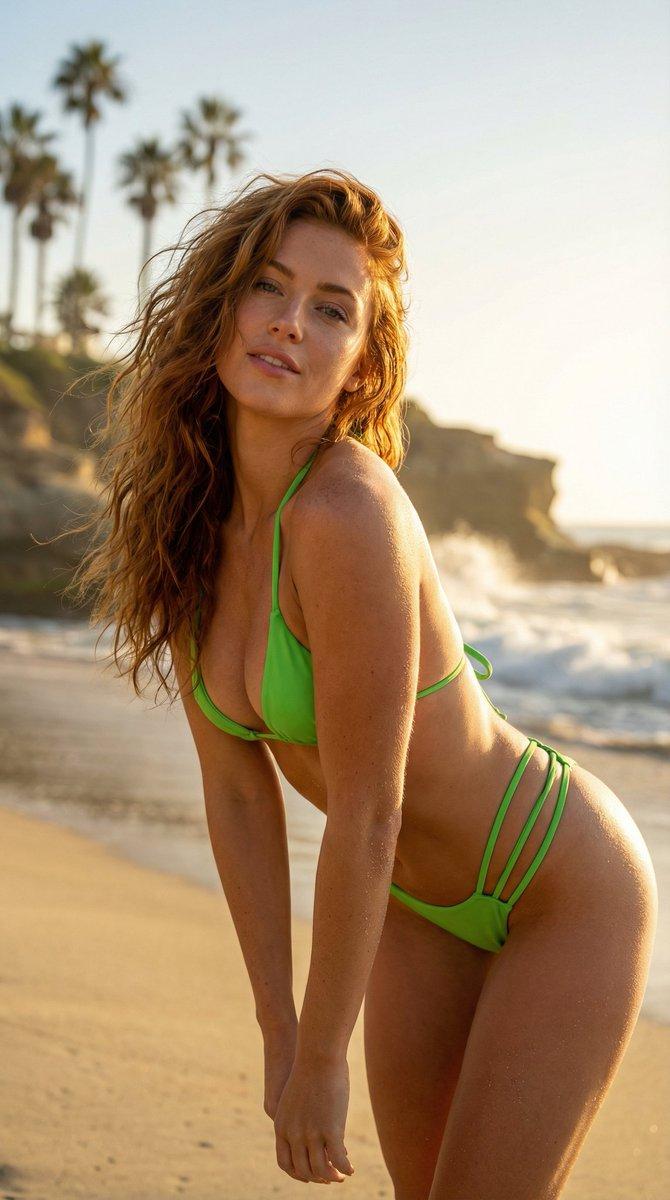
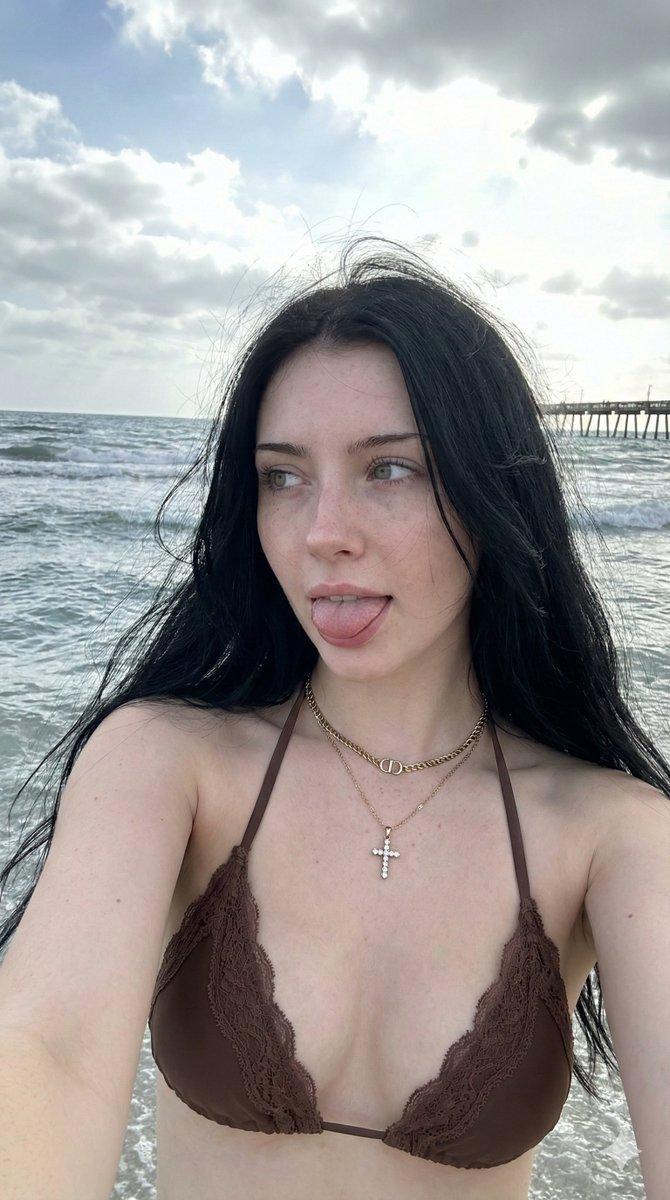
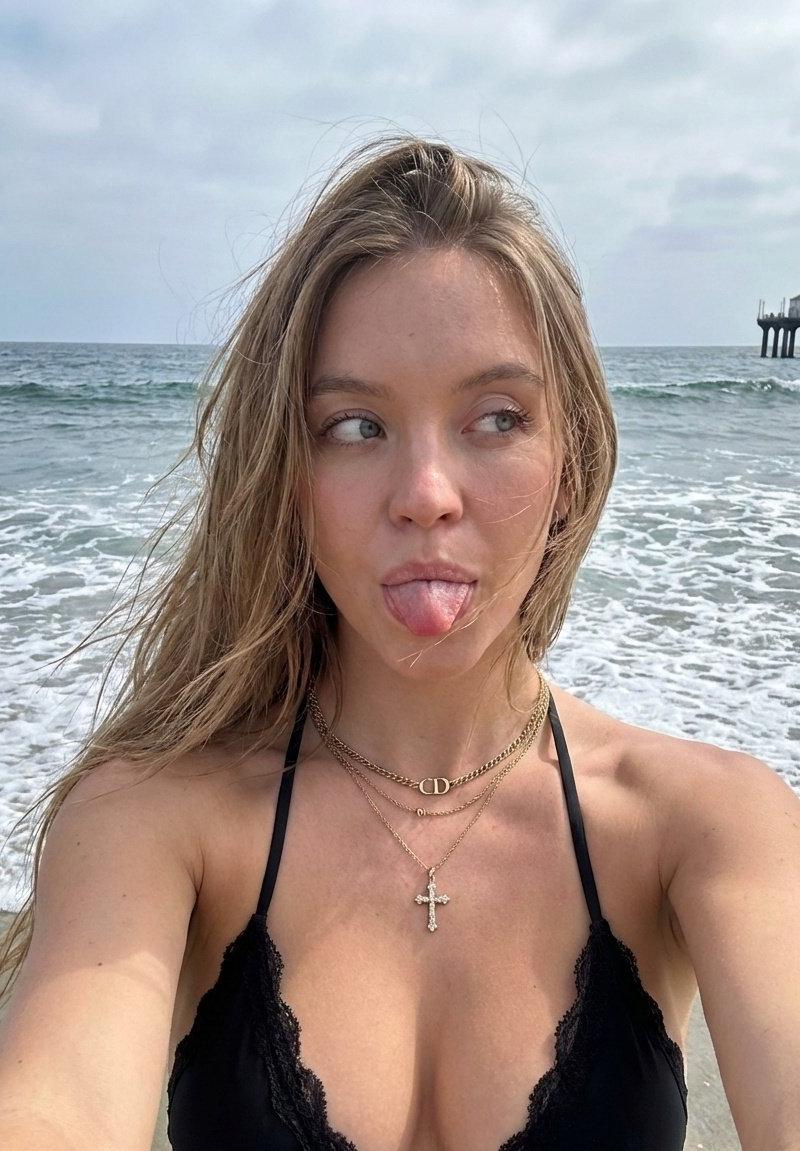
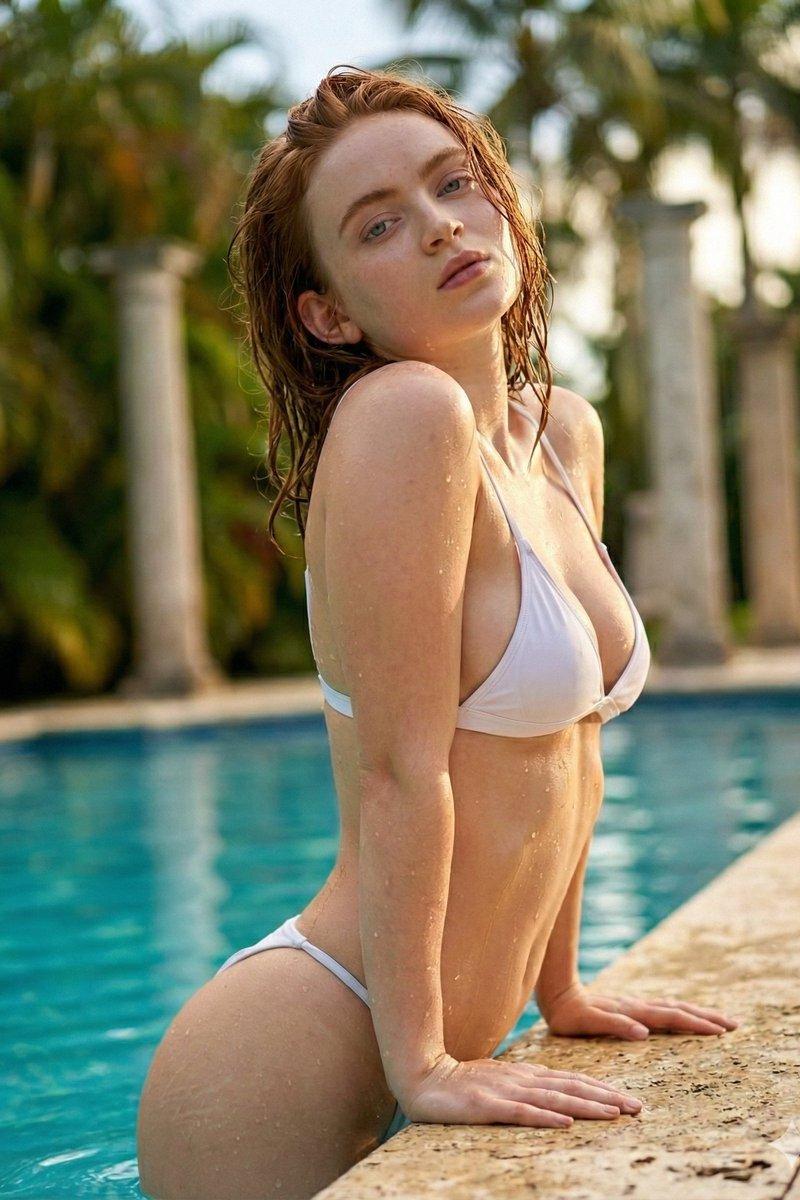
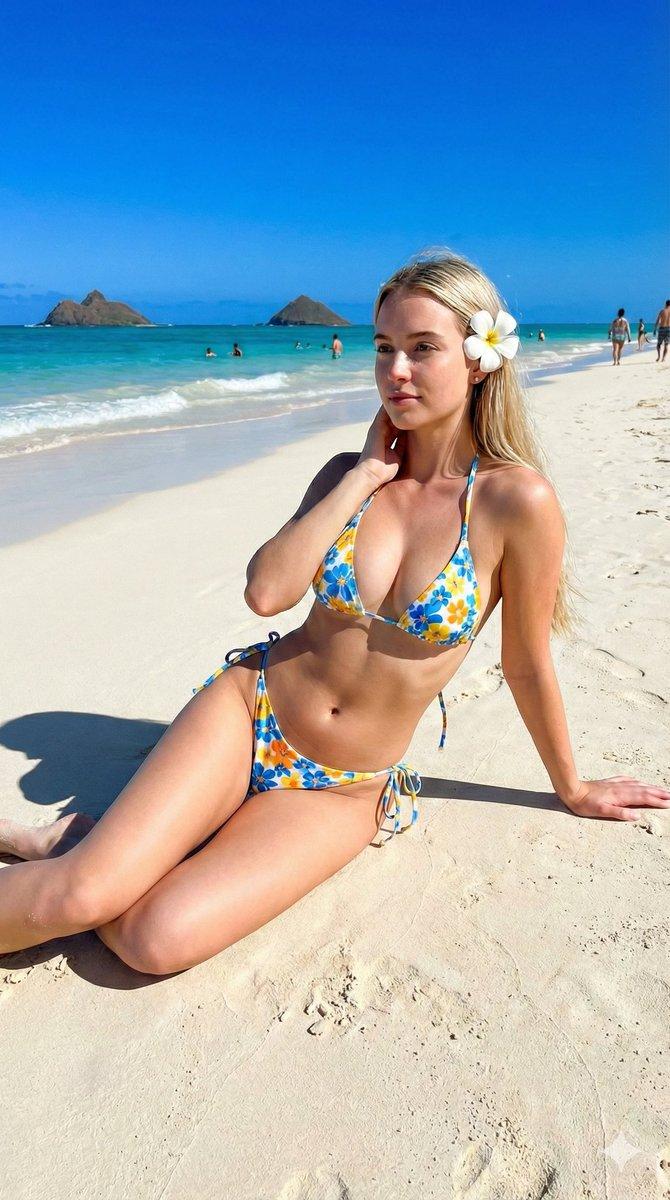
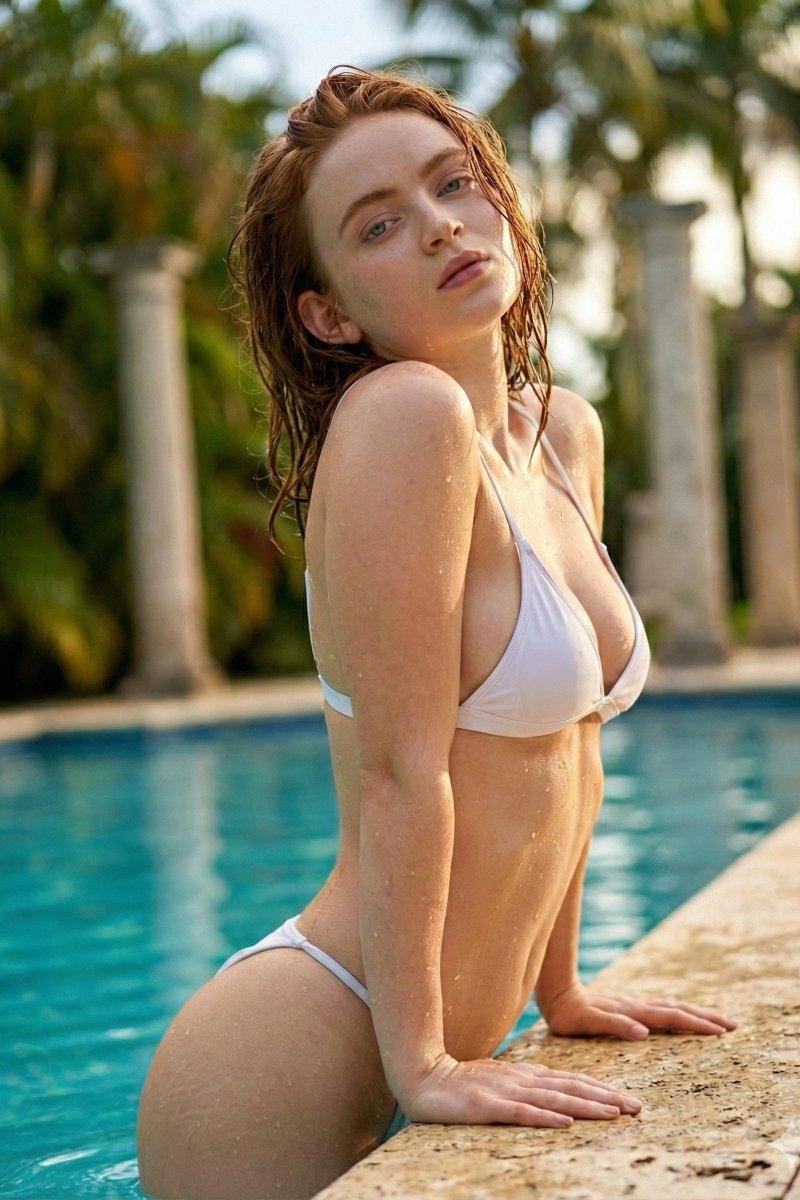
Scene: A girl filming a UGC-style TikTok

Prompt
Scene: A girl filming a UGC-style TikTok. Camera: Handheld with slight shake (natural movement). Lighting: Beautiful interplay of light and shadow.

Action Sequence:

The Hook: The girl closes her eyes and whips her head back. Her hair flies through the air. This action is shown in slow motion.

The Engagement: She turns her head back to the lens and smiles warmly.

The Speech: She speaks naturally, as if talking to a best friend. She uses filler words (like "um," "like," "you know") to sound unscripted.

Dialogue: "Think, like, $19 a month for CapCut is too pricey? Try here. It’s, um, only $7 a month. Plus, they have deals on other software too!"

The Call to Action: She confidently points upward to the area above her head (indicating the Logo position).
Category
Brand & Logos
Model
veo3_fast
Creator
xie underwood
Source language
en
Views277
Source ID
282
Published
Jan 31, 2026
Studio

Guide

About "Scene: A girl filming a UGC-style TikTok"

What is this prompt for?

"Scene: A girl filming a UGC-style TikTok" AI image prompt for veo3_fast (Brand & Logos). Scene: A girl filming a UGC-style TikTok. Camera: Handheld with sligh…

The full copyable prompt and example visuals above are ready for AI image generation or one-click recreate in Picva.

How to use this prompt

  1. Step 1

    Open the prompt detail

    Review the example visuals, category, and full prompt text for "Scene: A girl filming a UGC-style TikTok".

  2. Step 2

    Copy the prompt

    Copy the prompt body from this page, or load it directly in Studio.

  3. Step 3

    Pick a model (veo3_fast)

    Prefer veo3_fast. If you switch models, keep subject and composition and tweak style terms.

  4. Step 4

    Generate and export

    Recreate the look in Picva, or export into your workflow for editing and publishing.

FAQ

What is the "Scene: A girl filming a UGC-style TikTok" prompt?
It is an AI image-generation prompt for veo3_fast in the Brand & Logos category. This page includes the full prompt text, example visuals, and a one-click recreate path in Picva.
How do I use this prompt to generate an image?
Copy the prompt from this page, or use Generate / Studio. Paste it into a compatible image model, or recreate the look in Picva with optional reference images.
Which model is this prompt for?
This page lists veo3_fast. Most descriptive prompts also transfer to nearby image models such as GPT Image, Flux, or Midjourney with light style tweaks.
Can I use the result commercially?
You can usually copy the prompt for creation, but commercial use of the final image depends on the model terms, reference-image rights, and the generated content. Follow the source author and platform rules.