19

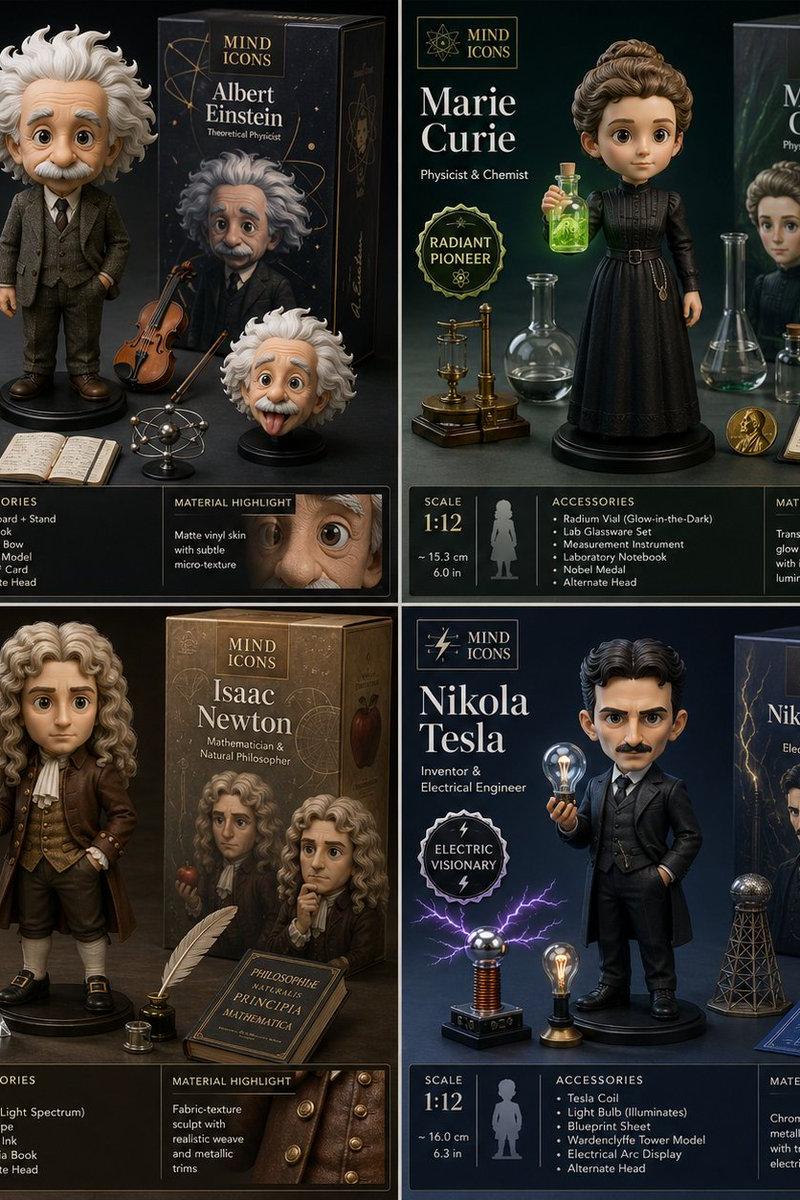
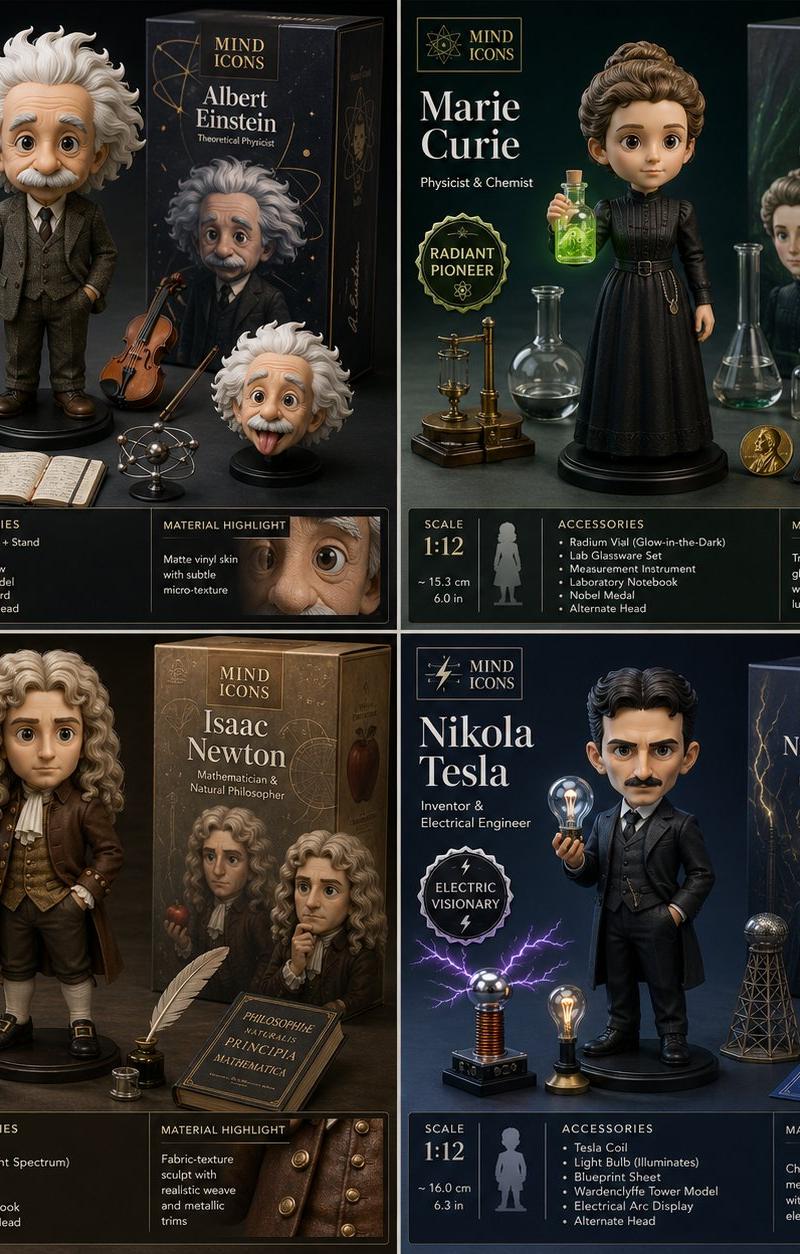
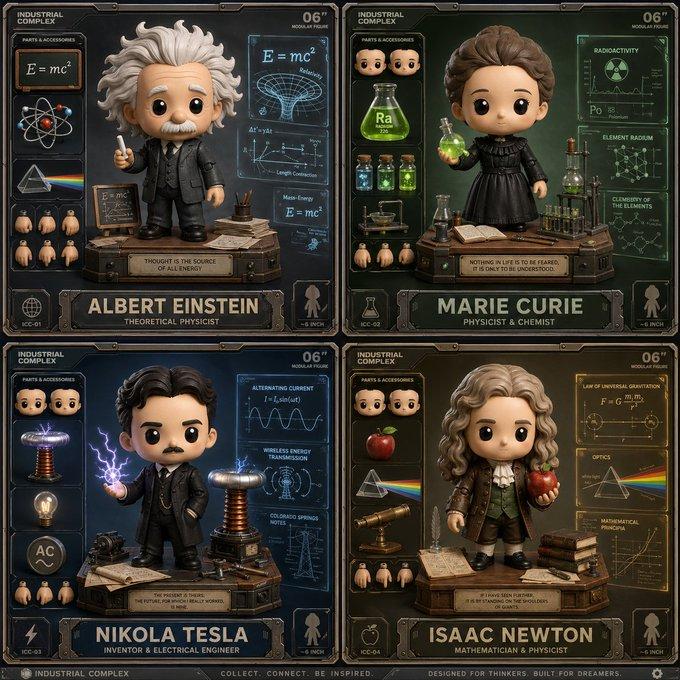
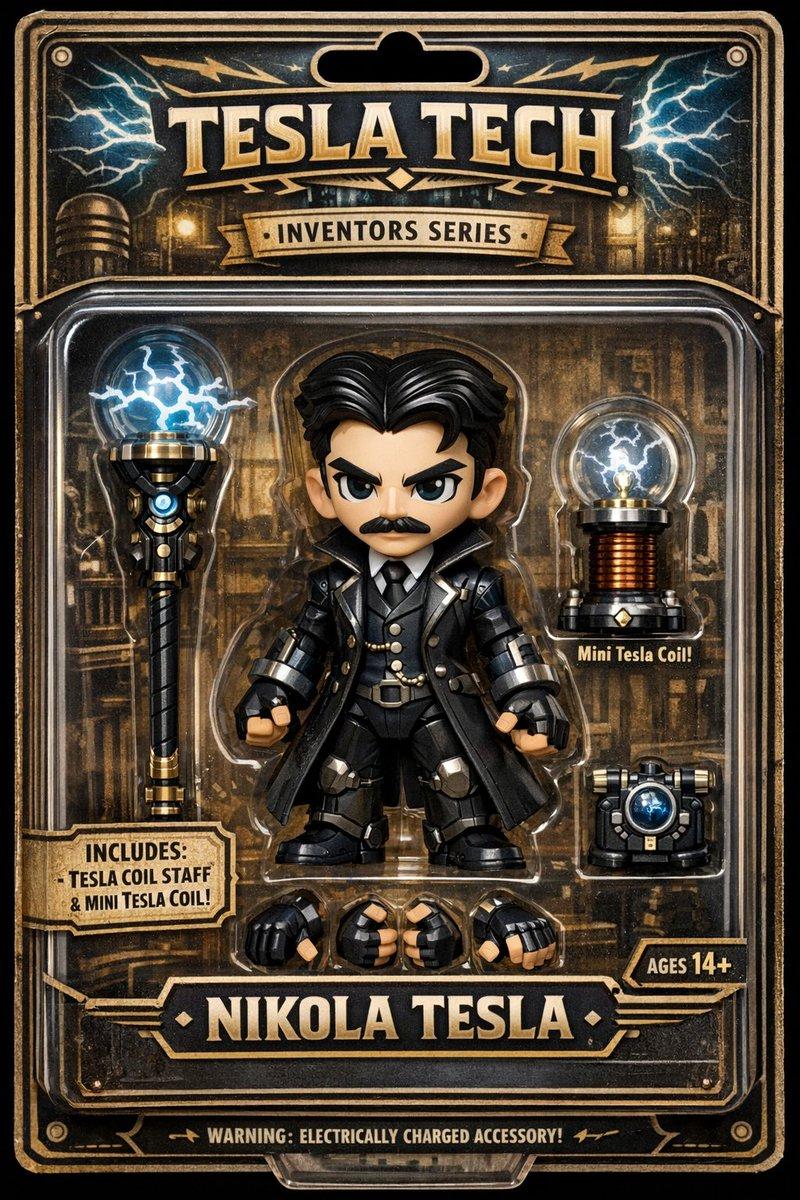
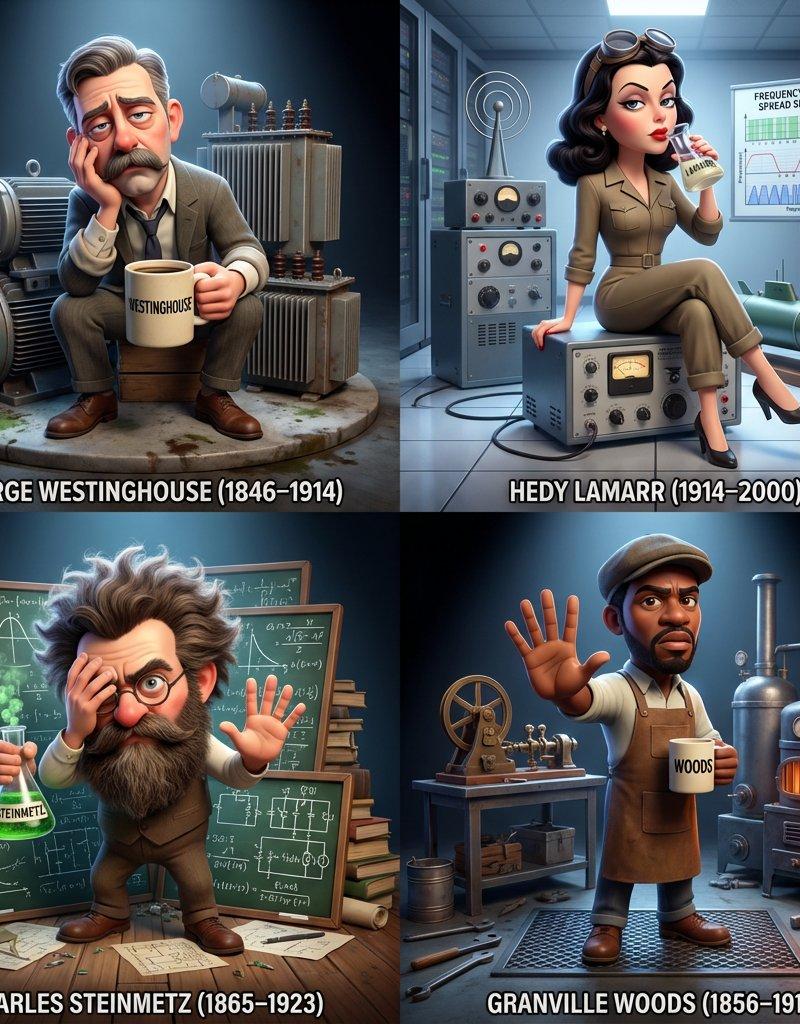
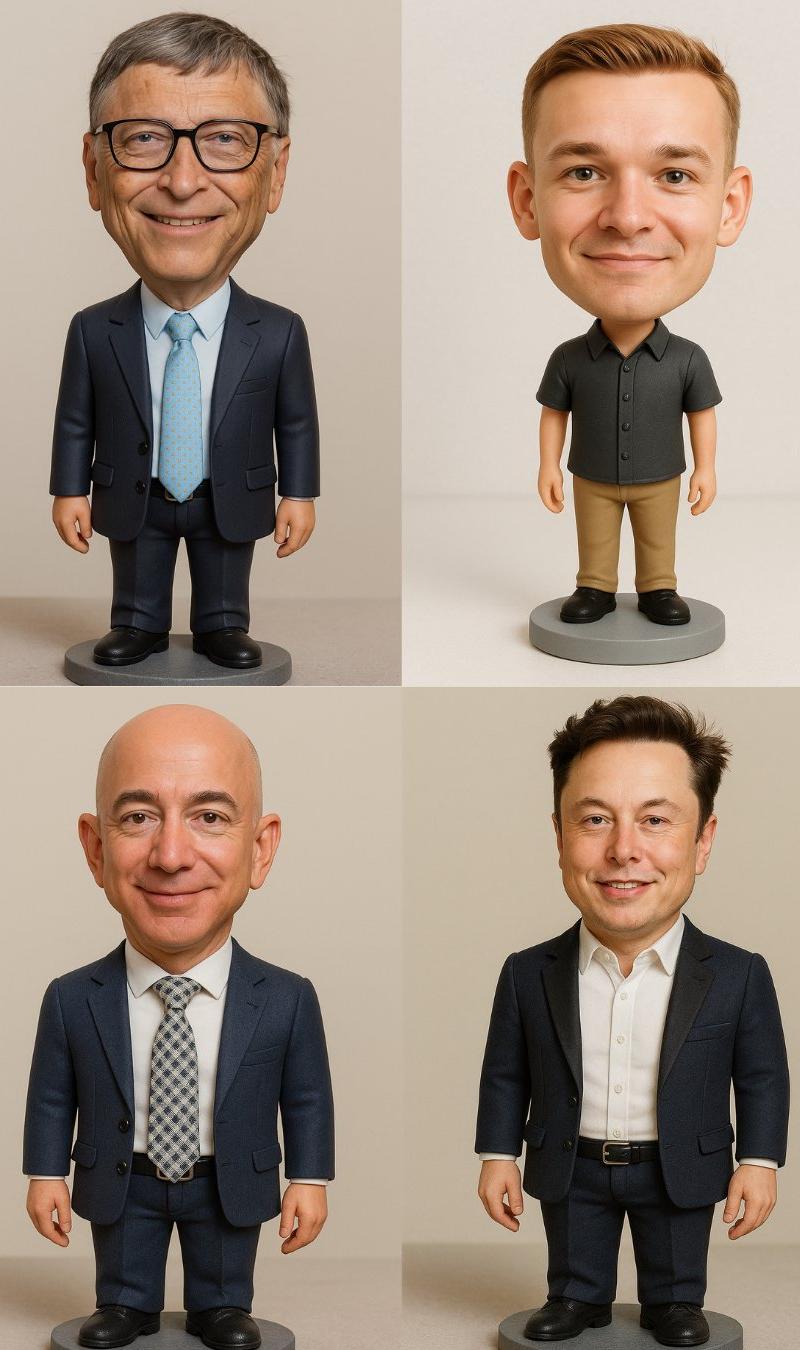
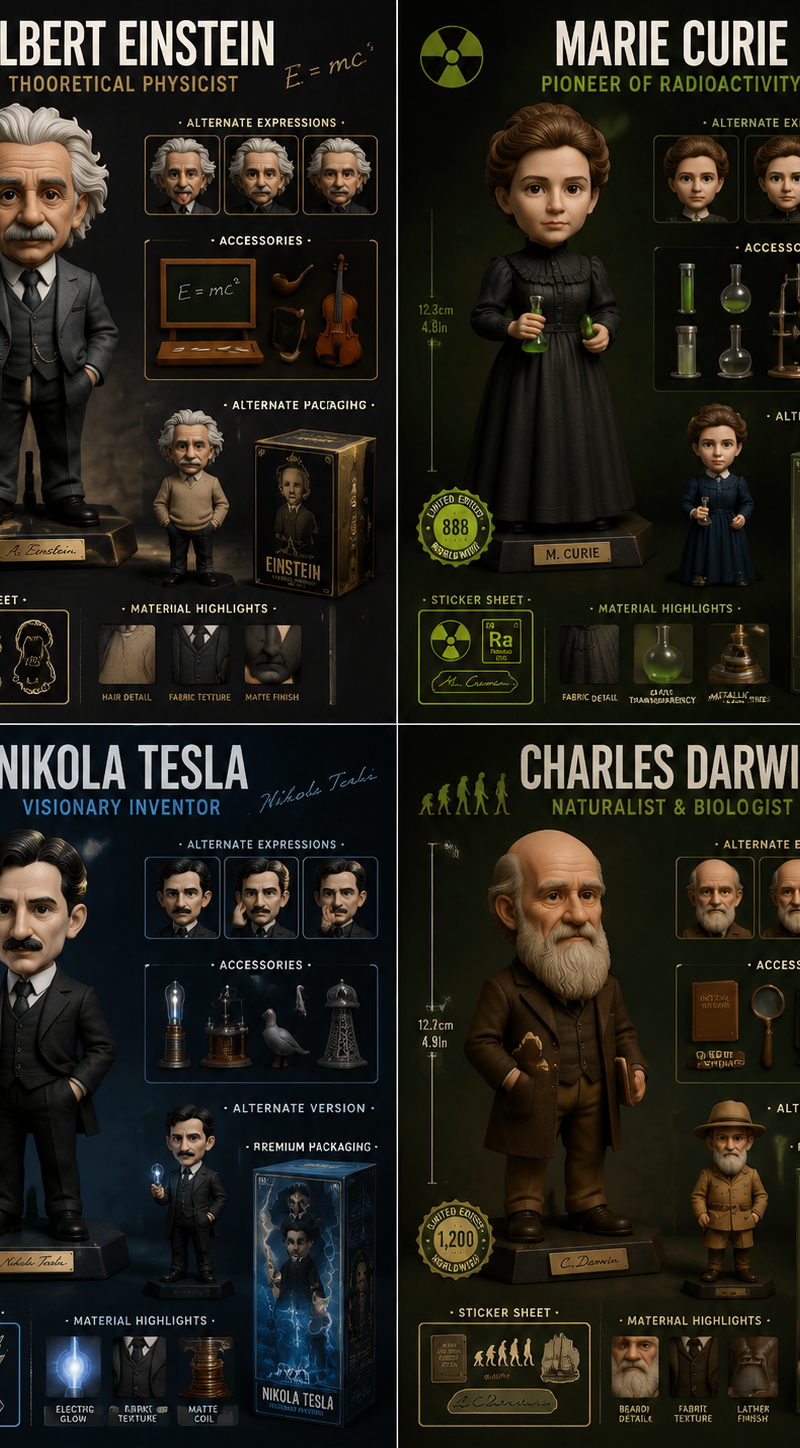
2x2 grid, do this for 4 famous scientists in history: Design a collector-grade l
Enlarge

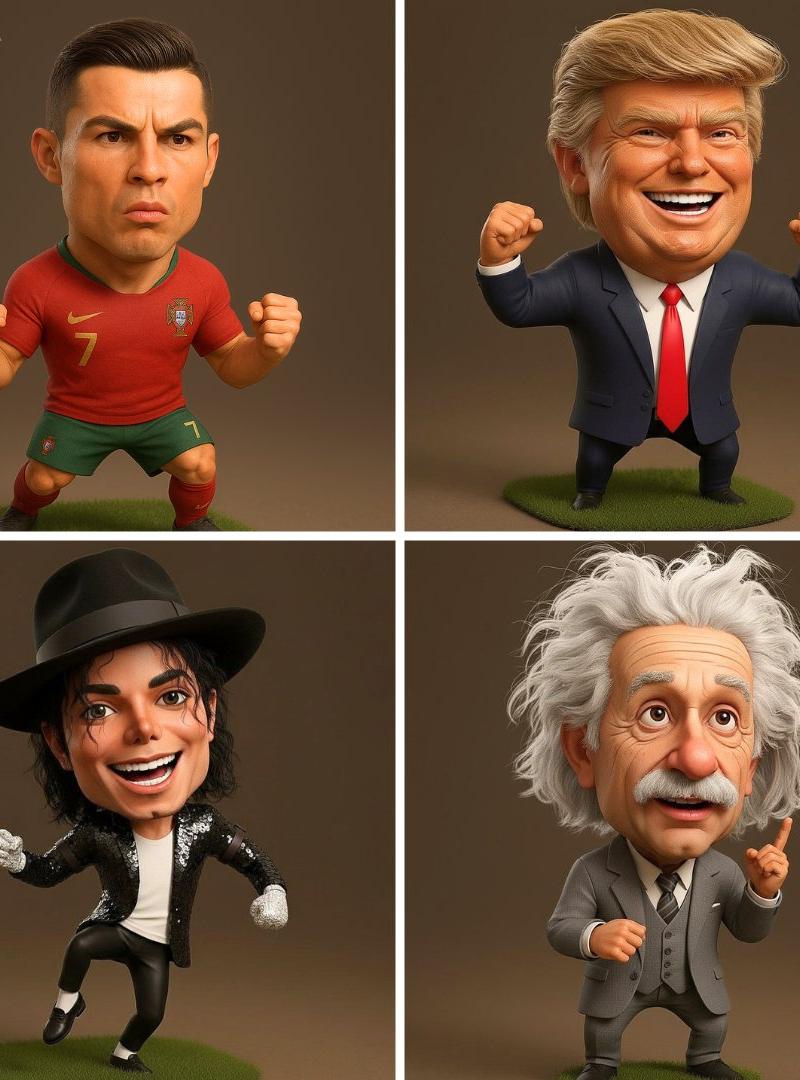
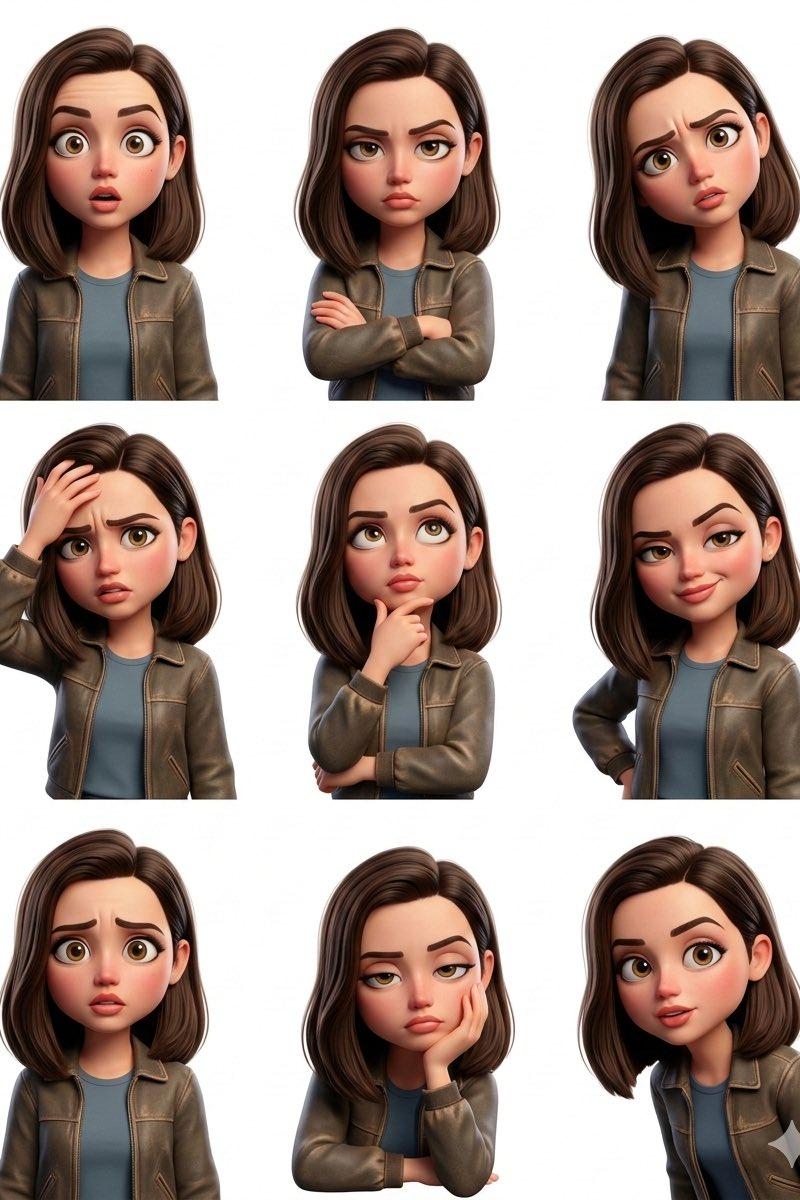
Example images

2x2 grid, do this for 4 famous scientists in history: Design a collector-grade l

Prompt
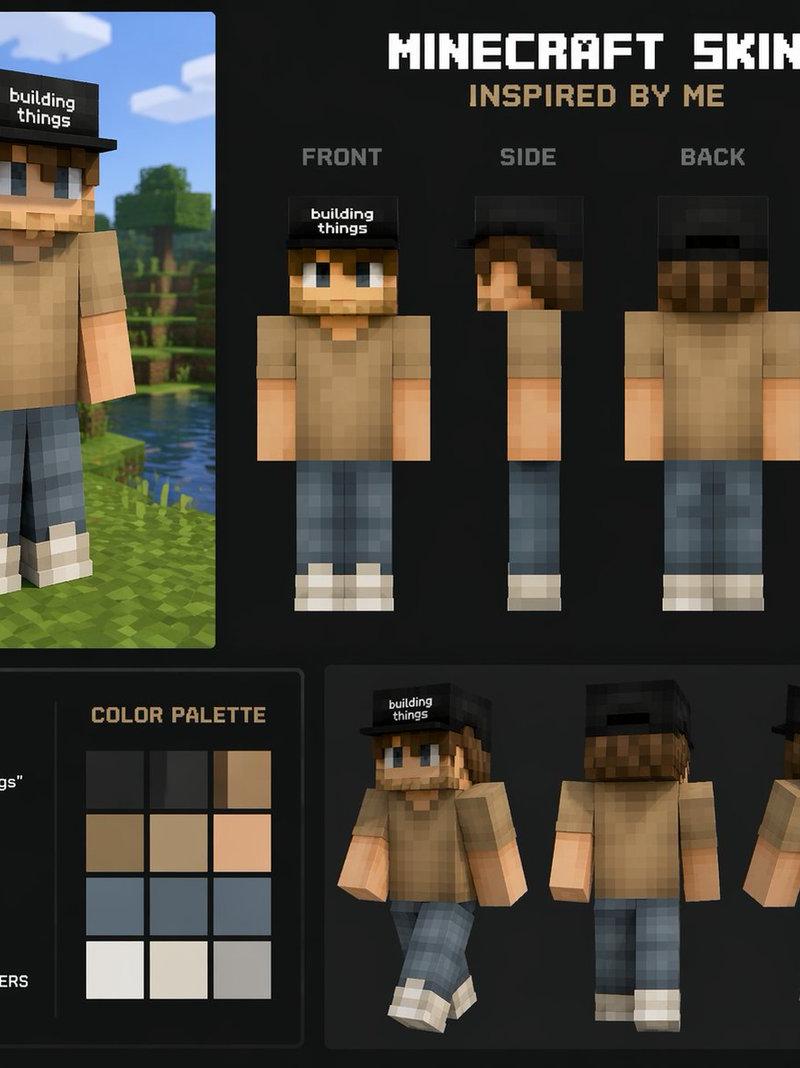
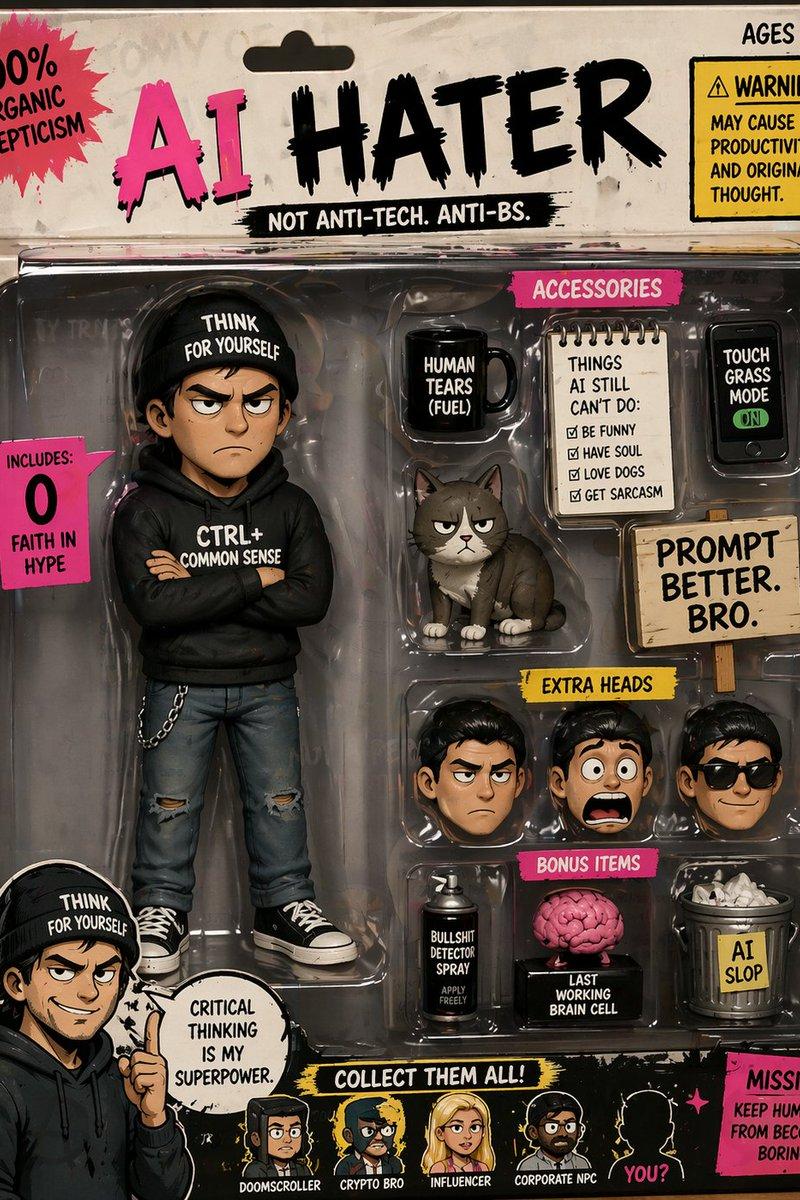
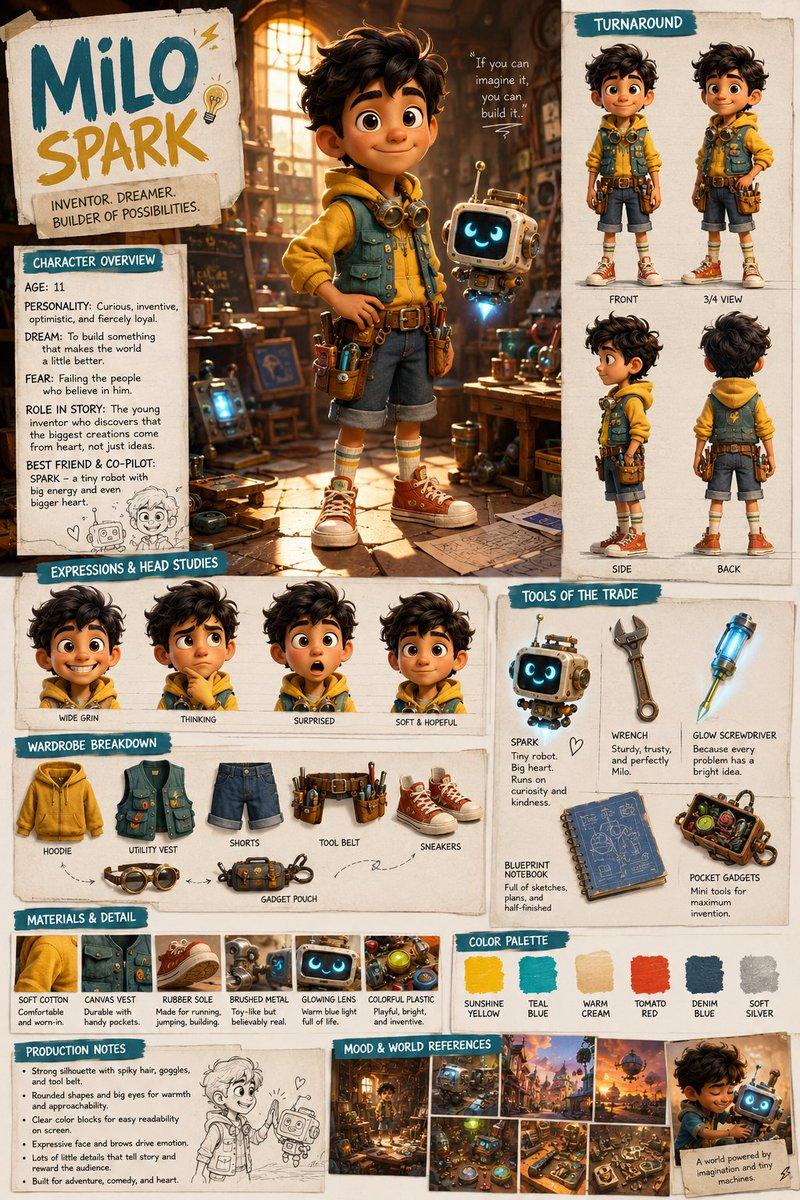
2x2 grid, do this for 4 famous scientists in history: Design a collector-grade launch visual for [TOY / FIGURE / DESIGNER OBJECT] shown in pristine hero form along with interchangeable accessories, alternate expressions, packaging design, scale references, sticker details, rarity indicators, and close-up material highlights. The object should feel like a luxury drop, somewhere between art toy culture and elite product branding. Accessory Layout: Arrange [ACCESSORY 1], [ACCESSORY 2], [ALT VERSION], [PACKAGING FEATURE], and [LIMITED EDITION DETAIL] around the figure in carefully staged clusters. Everything should feel desirable, neat, and “unboxable.” Visual Style: Hype-culture collectible reveal meets premium e-commerce launch campaign. Clean, glossy, tactile, designer-toy sophistication with a playful but expensive sensibility. Composition Guidelines: Hero figure remains dominant. Accessories should be balanced and elegantly spaced. Packaging should be visible but not steal the scene. The entire image should feel like a product collectors would screenshot instantly. Lighting & Background: Soft commercial lighting with subtle specular highlights, polished background in [BACKGROUND STYLE], crisp shadows, premium color separation, ultra-sharp details, no watermark.
Category
Charts & Infographics
Model
GPT Image 2
Creator
xie underwood
Source language
en
Views150
Source ID
2822
Published
May 8, 2026
Studio

Guide

About "2x2 grid, do this for 4 famous scientists in history: Design a collector-grade l"

What is this prompt for?

"2x2 grid, do this for 4 famous scientists in history: Design a collector-grade l" AI image prompt for GPT Image 2 (Charts & Infographics). 2x2 grid, do this f…

The full copyable prompt and example visuals above are ready for AI image generation or one-click recreate in Picva.

How to use this prompt

  1. Step 1

    Open the prompt detail

    Review the example visuals, category, and full prompt text for "2x2 grid, do this for 4 famous scientists in history: Design a collector-grade l".

  2. Step 2

    Copy the prompt

    Copy the prompt body from this page, or load it directly in Studio.

  3. Step 3

    Pick a model (GPT Image 2)

    Prefer GPT Image 2. If you switch models, keep subject and composition and tweak style terms.

  4. Step 4

    Generate and export

    Recreate the look in Picva, or export into your workflow for editing and publishing.

FAQ

What is the "2x2 grid, do this for 4 famous scientists in history: Design a collector-grade l" prompt?
It is an AI image-generation prompt for GPT Image 2 in the Charts & Infographics category. This page includes the full prompt text, example visuals, and a one-click recreate path in Picva.
How do I use this prompt to generate an image?
Copy the prompt from this page, or use Generate / Studio. Paste it into a compatible image model, or recreate the look in Picva with optional reference images.
Which model is this prompt for?
This page lists GPT Image 2. Most descriptive prompts also transfer to nearby image models such as GPT Image, Flux, or Midjourney with light style tweaks.
Can I use the result commercially?
You can usually copy the prompt for creation, but commercial use of the final image depends on the model terms, reference-image rights, and the generated content. Follow the source author and platform rules.