Create a high-resolution 8K portrait poster in an Urban Fashion Editorial Collag
Prompt
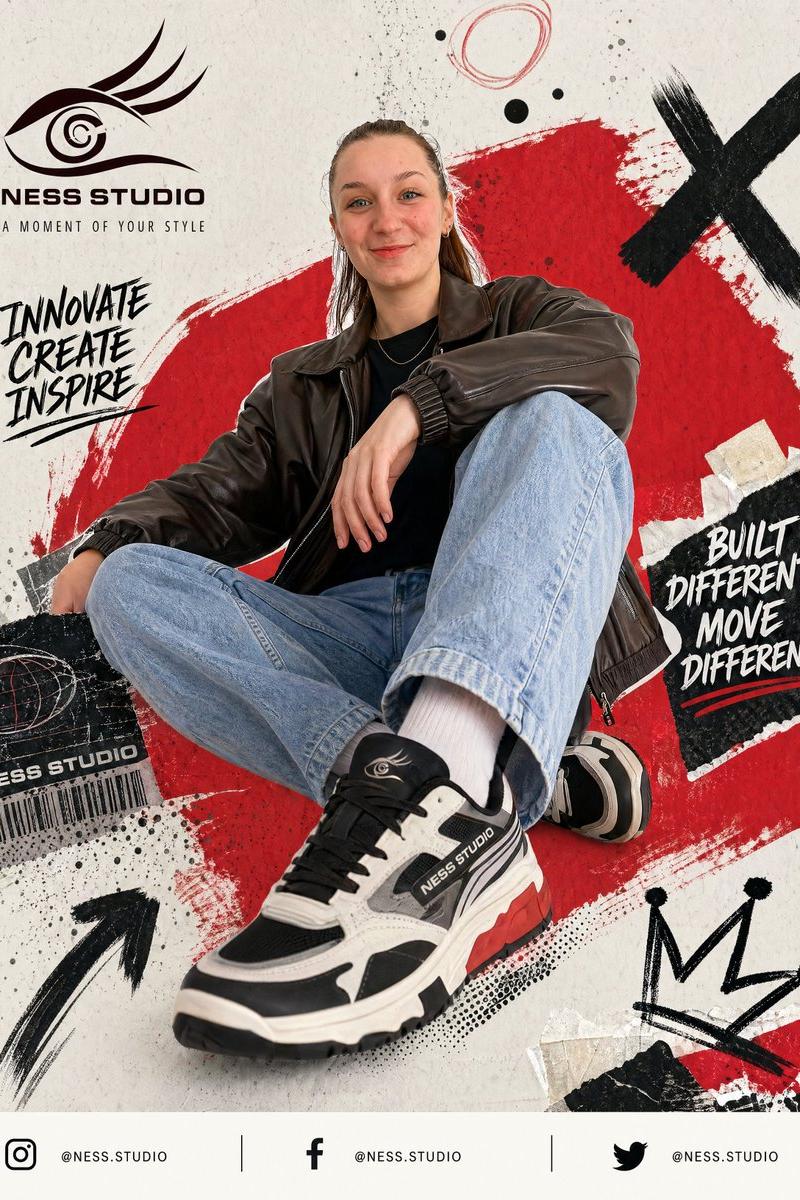
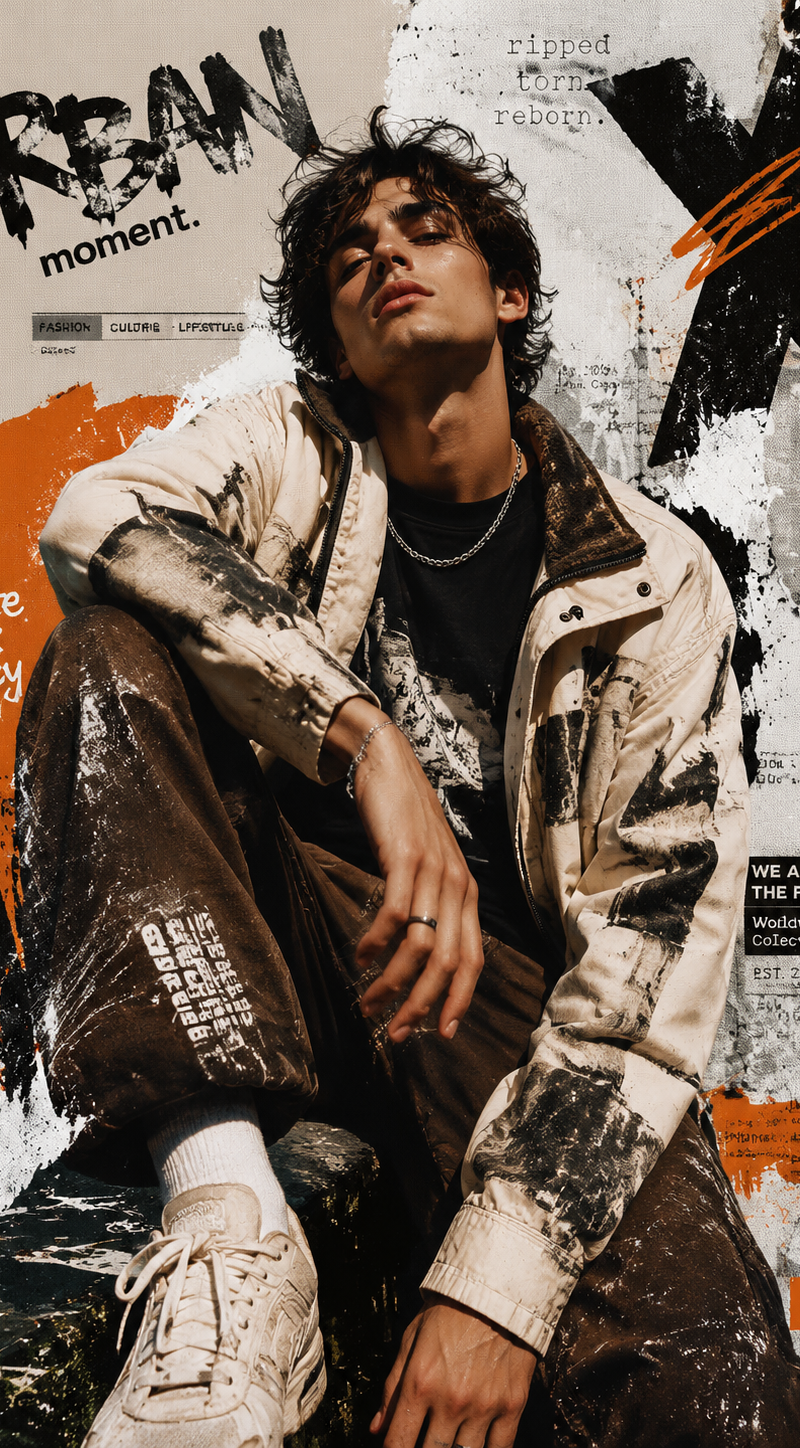
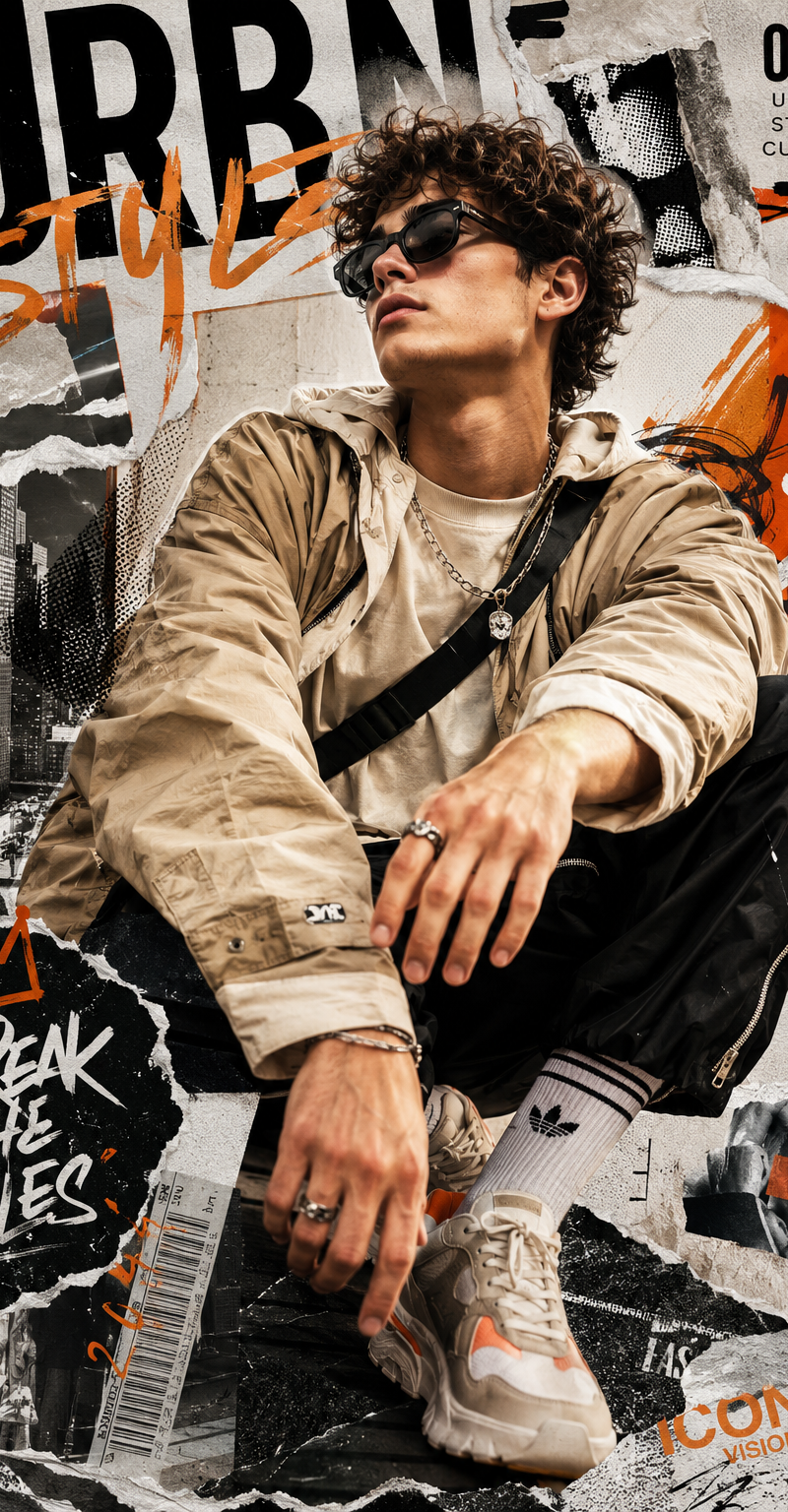
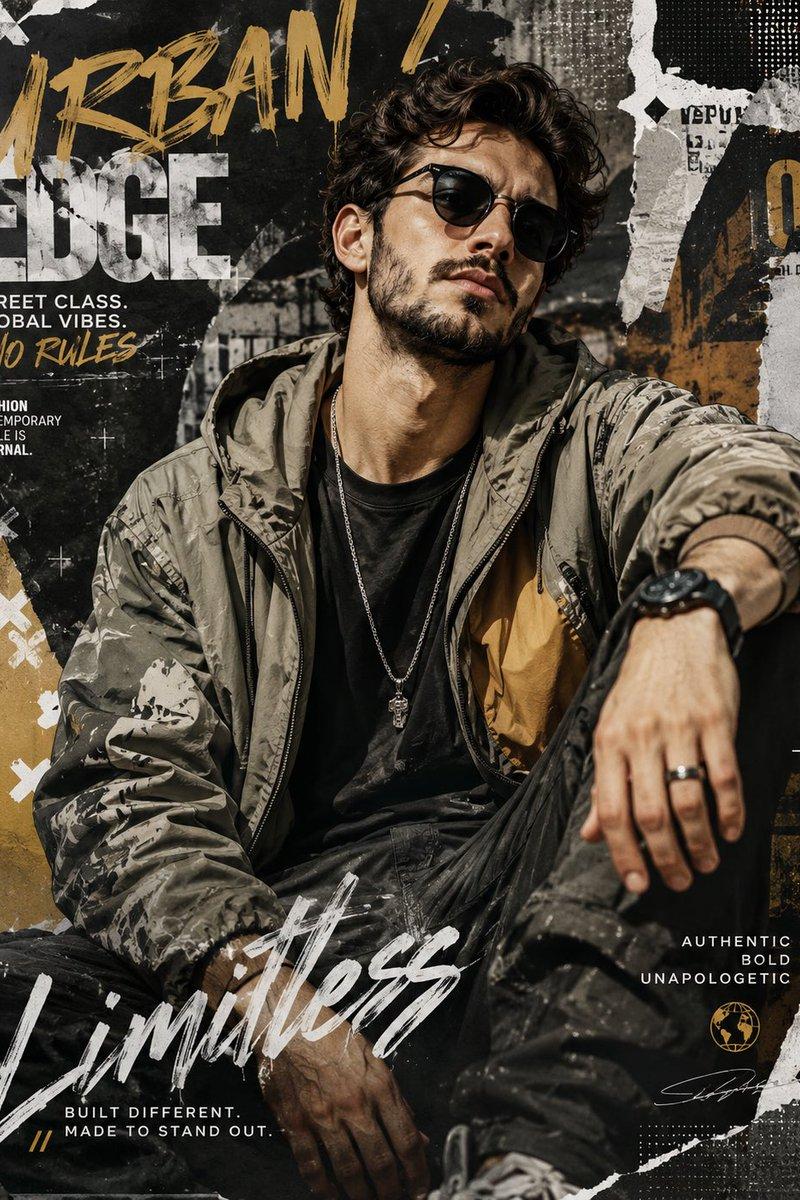
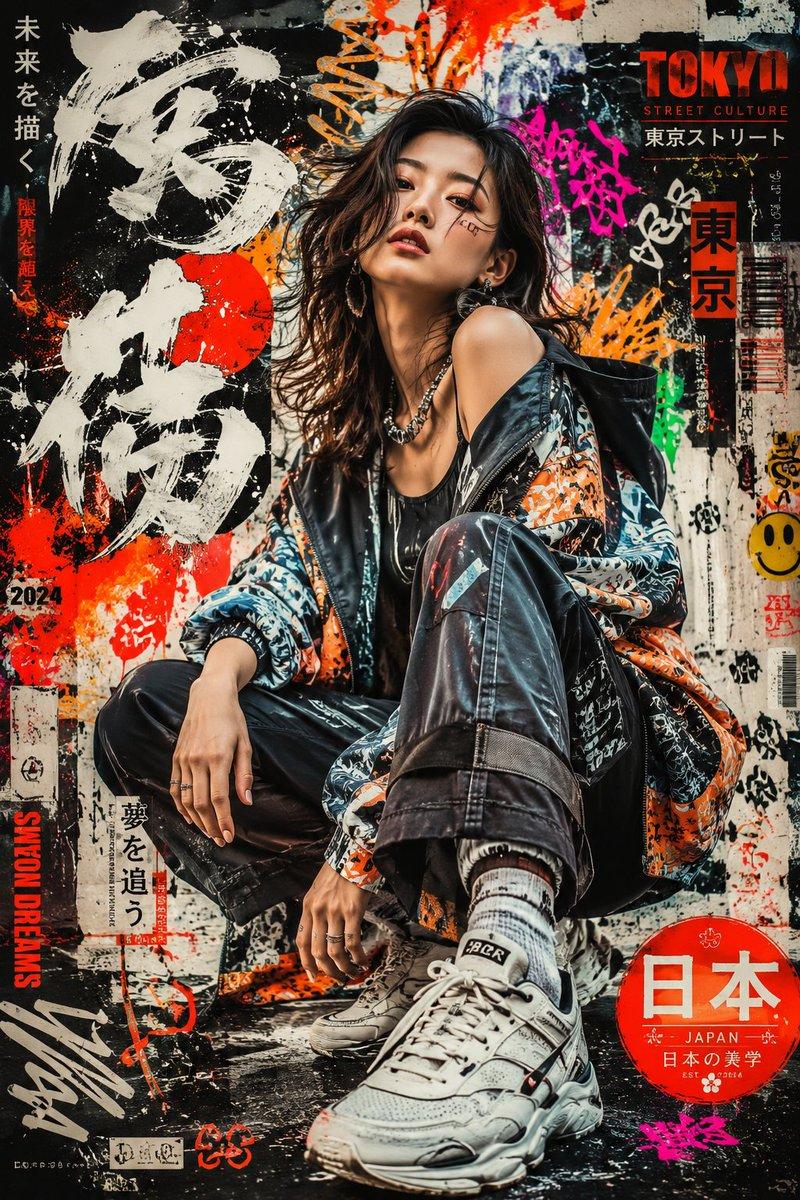
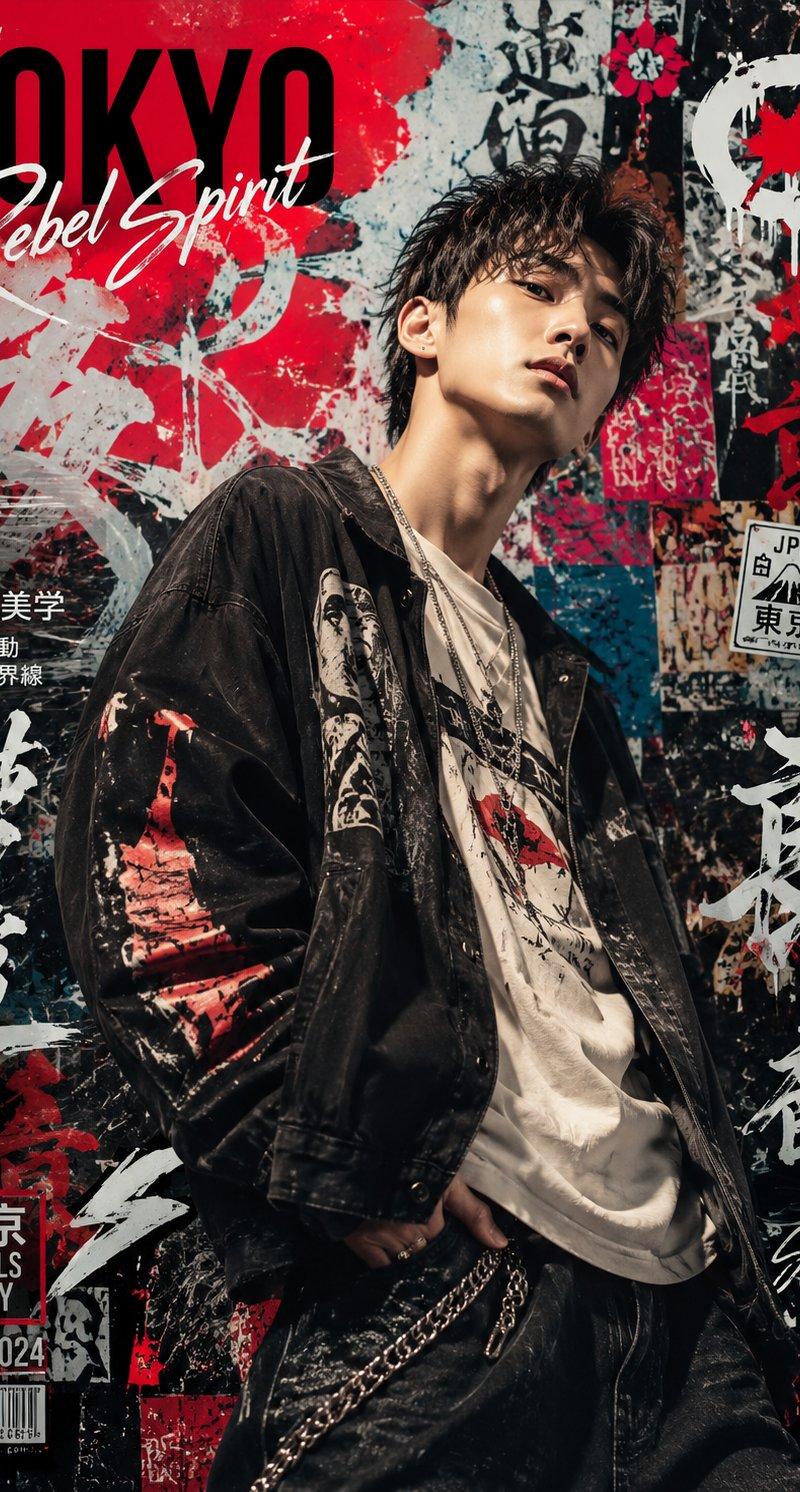
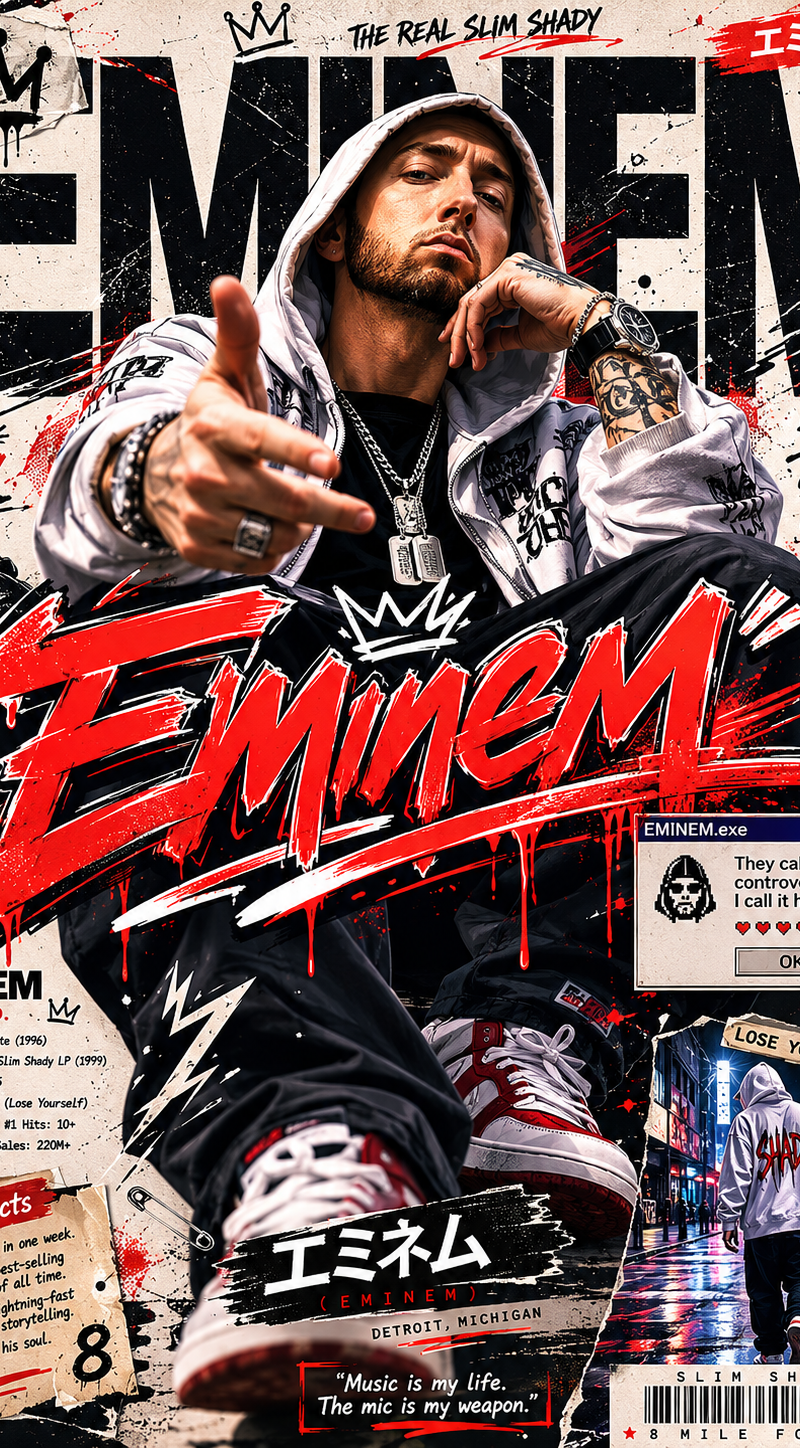
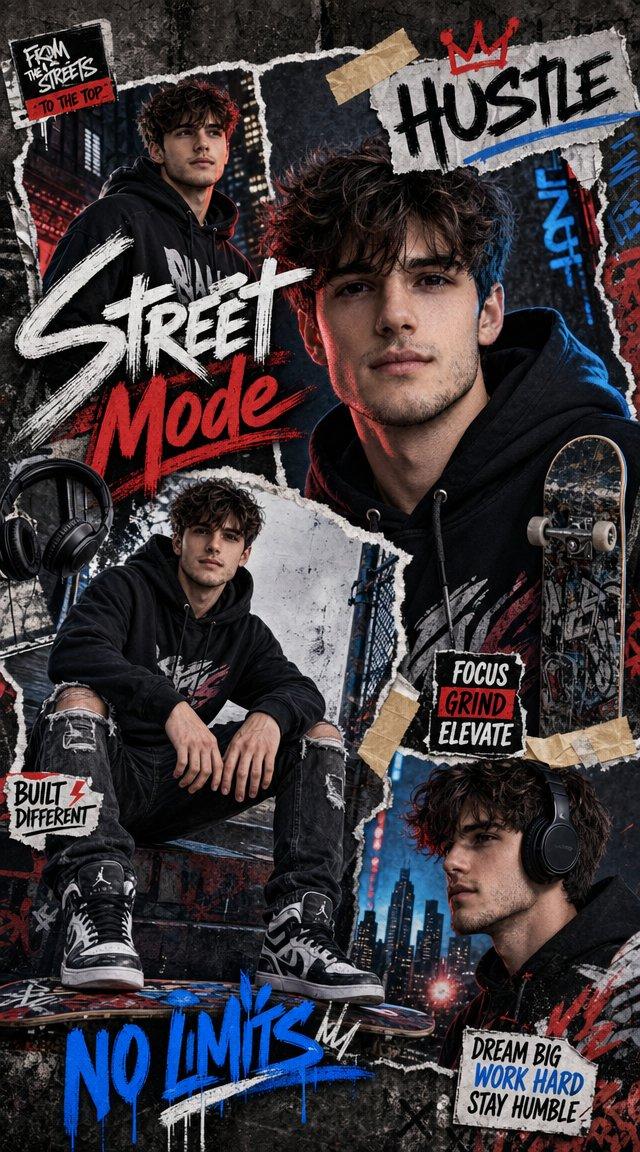
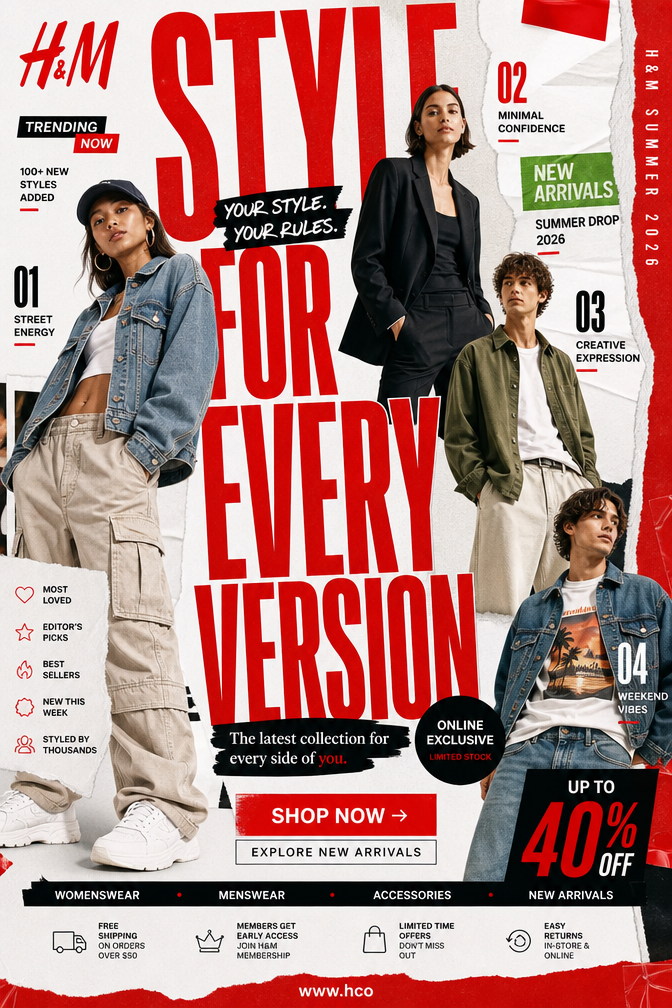
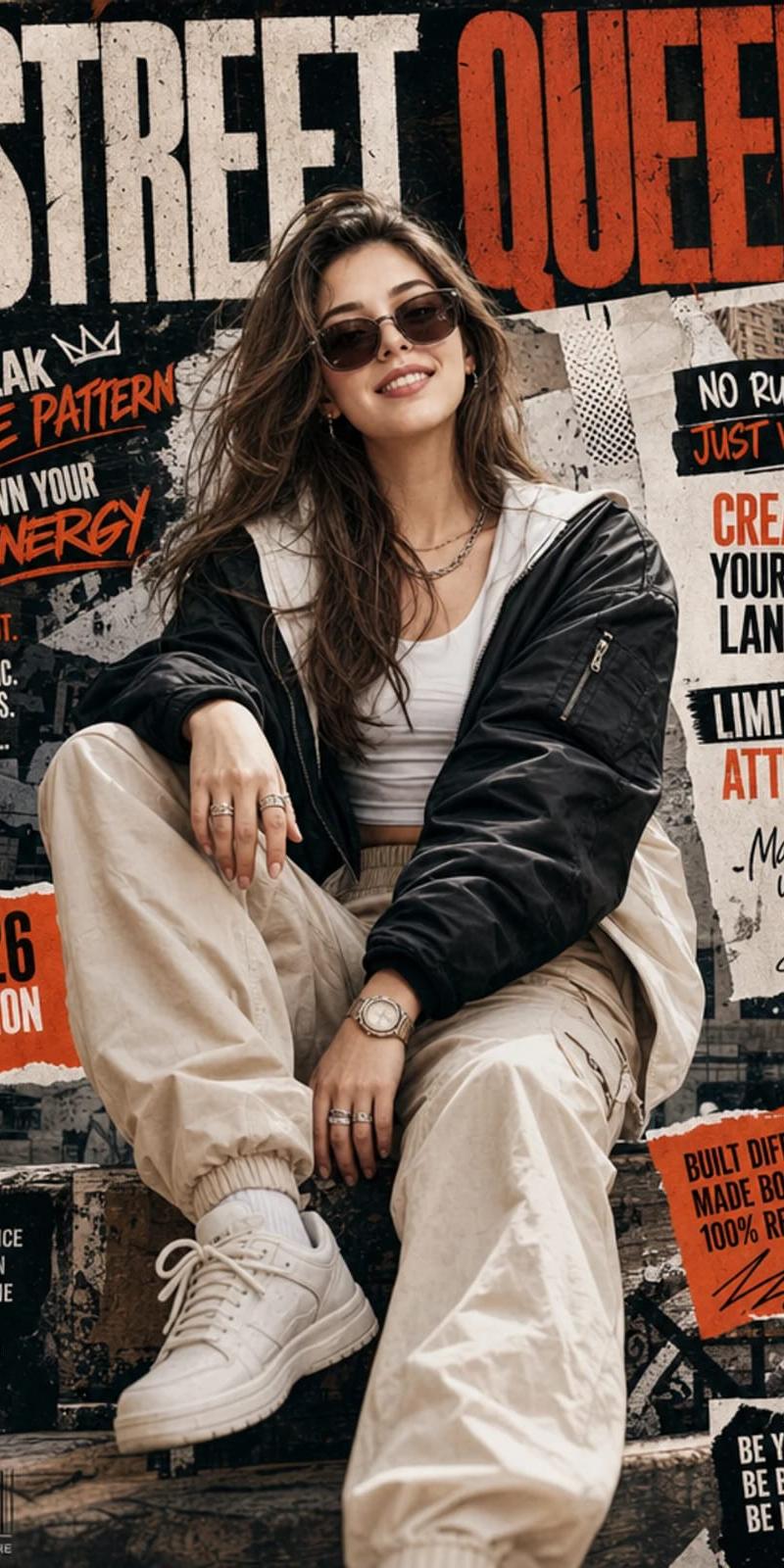
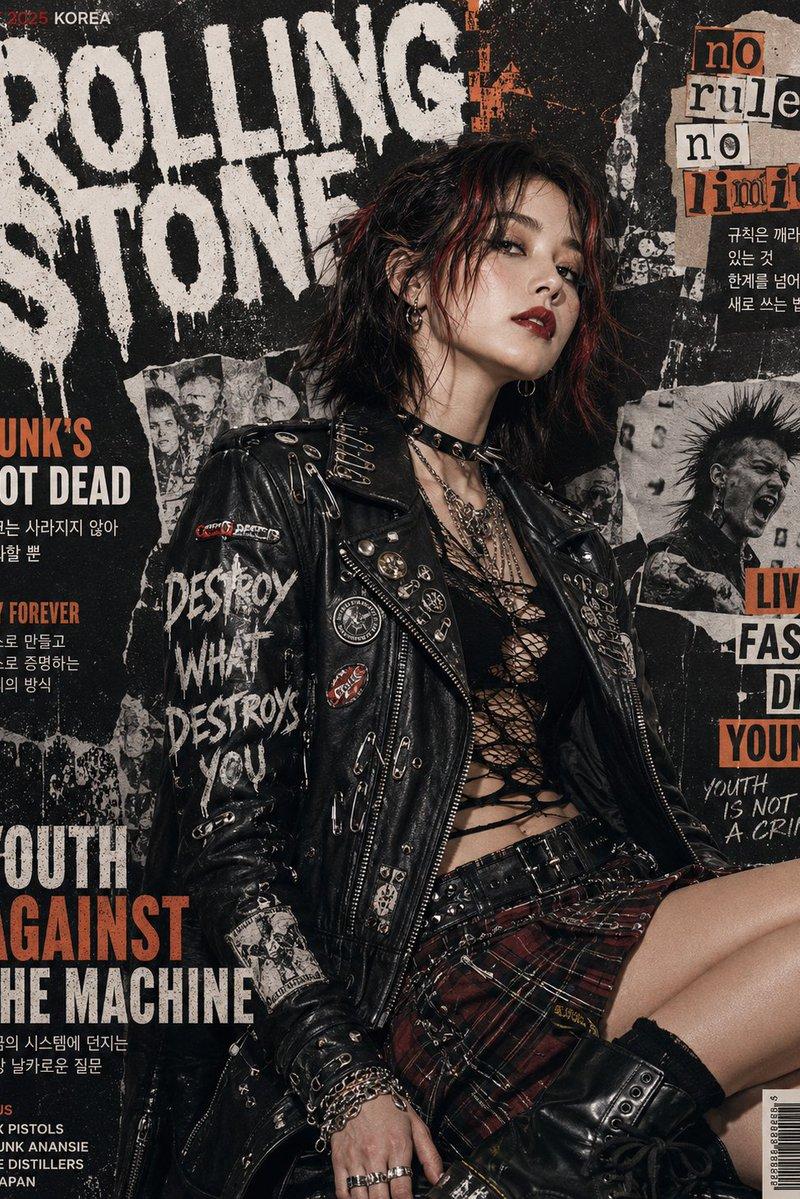
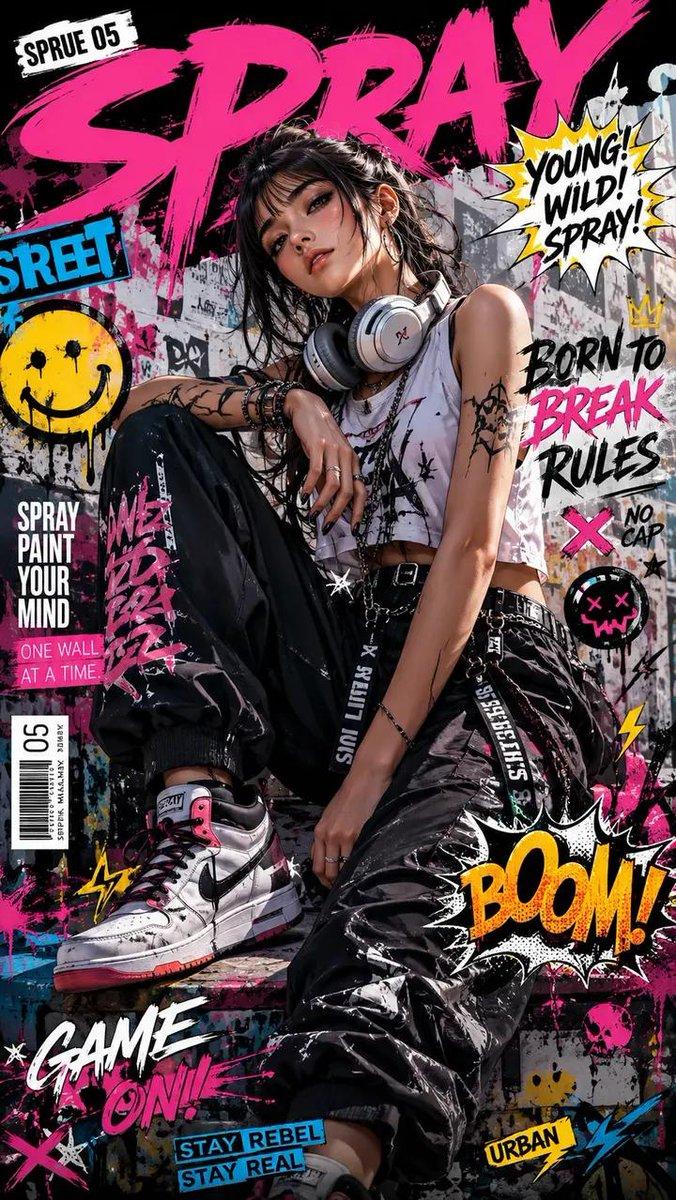
Create a high-resolution 8K portrait poster in an Urban Fashion Editorial Collage style, blending contemporary street-fashion aesthetics with premium editorial magazine design. The overall composition should feel bold, stylish, modern, and visually layered, combining elements of luxury fashion campaigns, urban culture, and artistic collage experimentation. Incorporate dynamic poster ornaments and decorative elements that strongly reflect the Urban Fashion Editorial Collage aesthetic, such as ripped paper textures, layered magazine cutouts, abstract geometric accents, expressive brush strokes, typography fragments, street-style graphic overlays, halftone textures, tape effects, paint splashes, handwritten scribbles, and fashionable editorial layout compositions. Every decorative element should feel intentional, stylish, and visually balanced rather than overcrowded. Humanity really looked at torn paper and graffiti textures and decided, “yes, this is luxury now.” Somehow it works.

The subject’s pose must not resemble the reference photo. Create a completely different body posture and facial expression with a more natural, expressive, and emotionally alive presence. Avoid stiff, awkward, flat, or overly symmetrical posing. The subject should radiate the confident elegance of an international fashion model, with fluid body language, subtle movement, and a cinematic editorial attitude. The expression should feel charismatic, effortless, fashionable, and modern, as if captured during a high-end streetwear magazine photoshoot rather than a static studio portrait. Add slight motion energy through posture, clothing movement, hand placement, camera angle, or gaze direction to make the composition feel more alive and dynamic.

The outfit must feature modern casual fashion with a stylish and trendy urban aesthetic. Avoid monotonous clothing design, colors, or materials. Combine fashionable layers, contemporary cuts, unique textures, stylish accessories, and varied color palettes that complement the poster composition. The clothing should feel premium, youthful, and fashion-forward, inspired by global streetwear and luxury casual editorial styling. Mix different fabric materials, patterns, and tones naturally to create visual richness without making the outfit look chaotic or overly exaggerated.

Use dramatic editorial lighting with strong contrast and depth to enhance the fashion atmosphere. The background should integrate seamlessly with the collage elements, creating a visually immersive poster composition filled with layered urban energy and modern fashion identity. Maintain a clean balance between subject visibility and decorative complexity so the poster still feels premium and professionally art-directed. The final result should look like a sophisticated international fashion campaign poster with a strong urban editorial character, ultra-detailed textures, crisp focus, cinematic color grading, and highly polished visual quality in ultra-detailed 8K resolution.
- Category
- Posters & Typography
- Model
- GPT Image 2
- Creator
- xie underwood
- Source language
- en
- Source ID
- 2839
- Published
- May 8, 2026
Views209
![[BRAND NAME = CHANGE TO YOUR BRAND]](https://whqgdndlpxjbwosvipip.supabase.co/storage/v1/render/image/public/prompt-source-media/promptsref/work-2500/image-1-21c0666d600ca651.png?width=800&quality=75)