20

Vertical 9:16 aspect ratio, realistic live-action photograph shot on iPhone 16 P
Enlarge

Vertical 9:16 aspect ratio, realistic live-action photograph shot on iPhone 16 P

Prompt
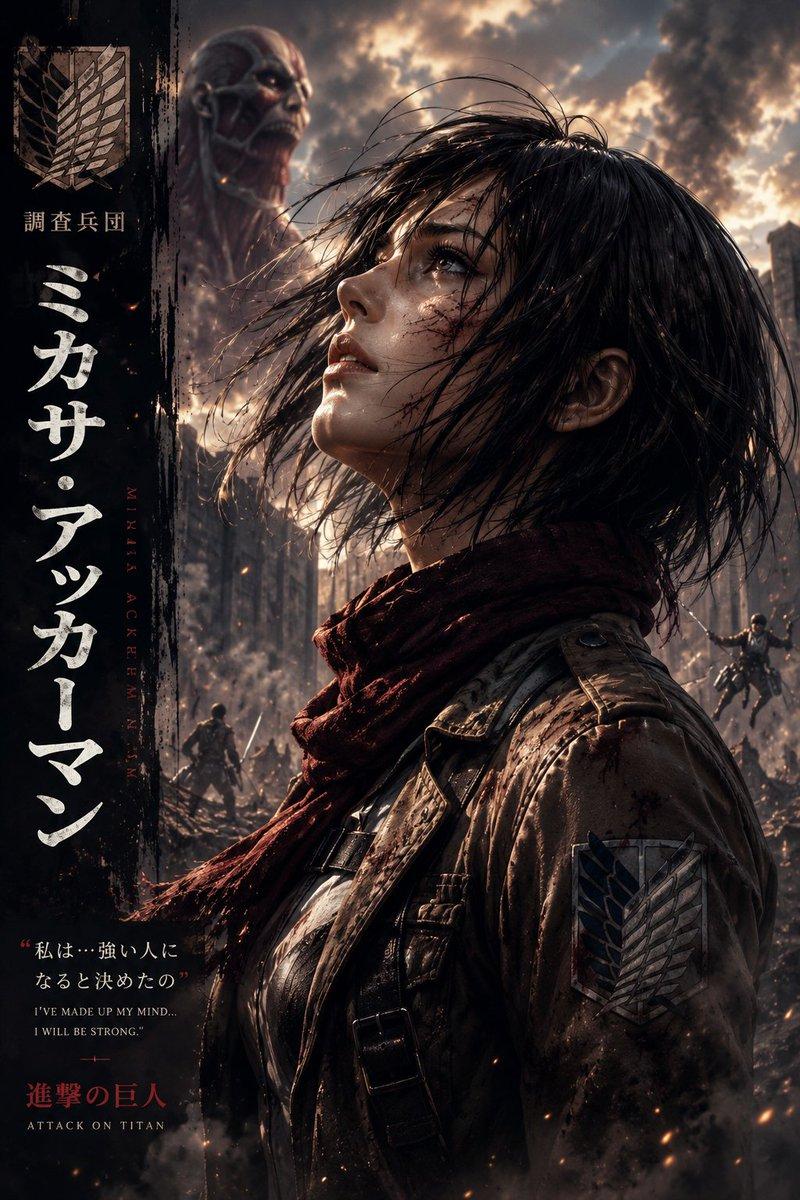
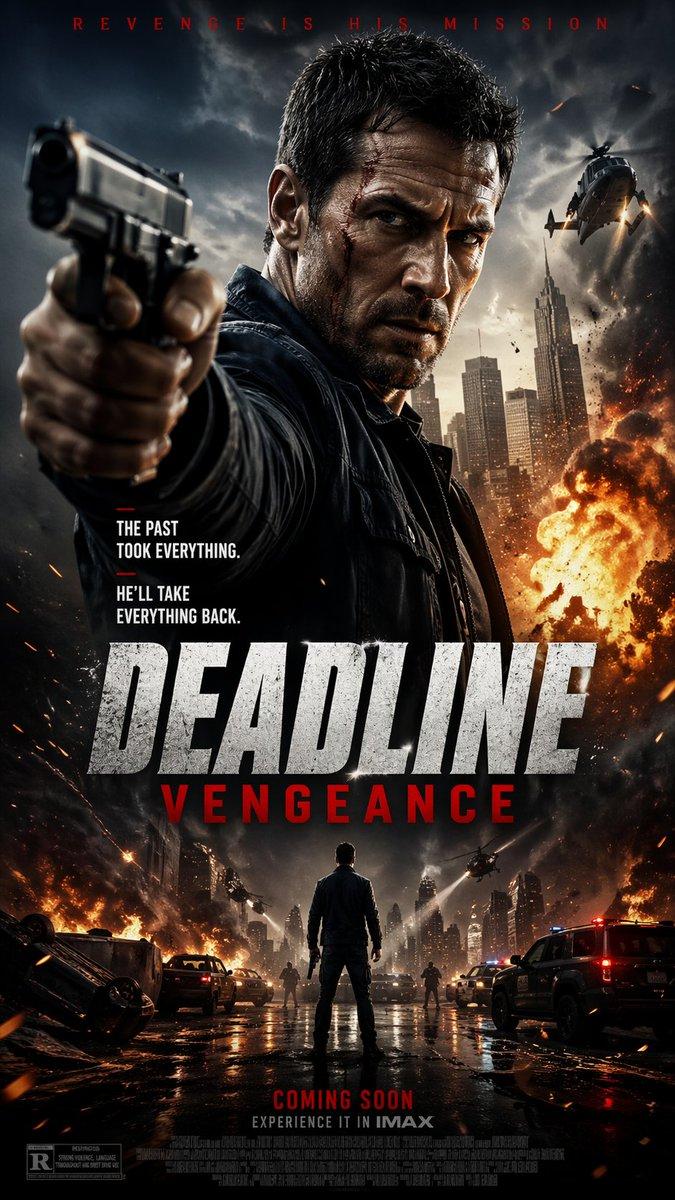
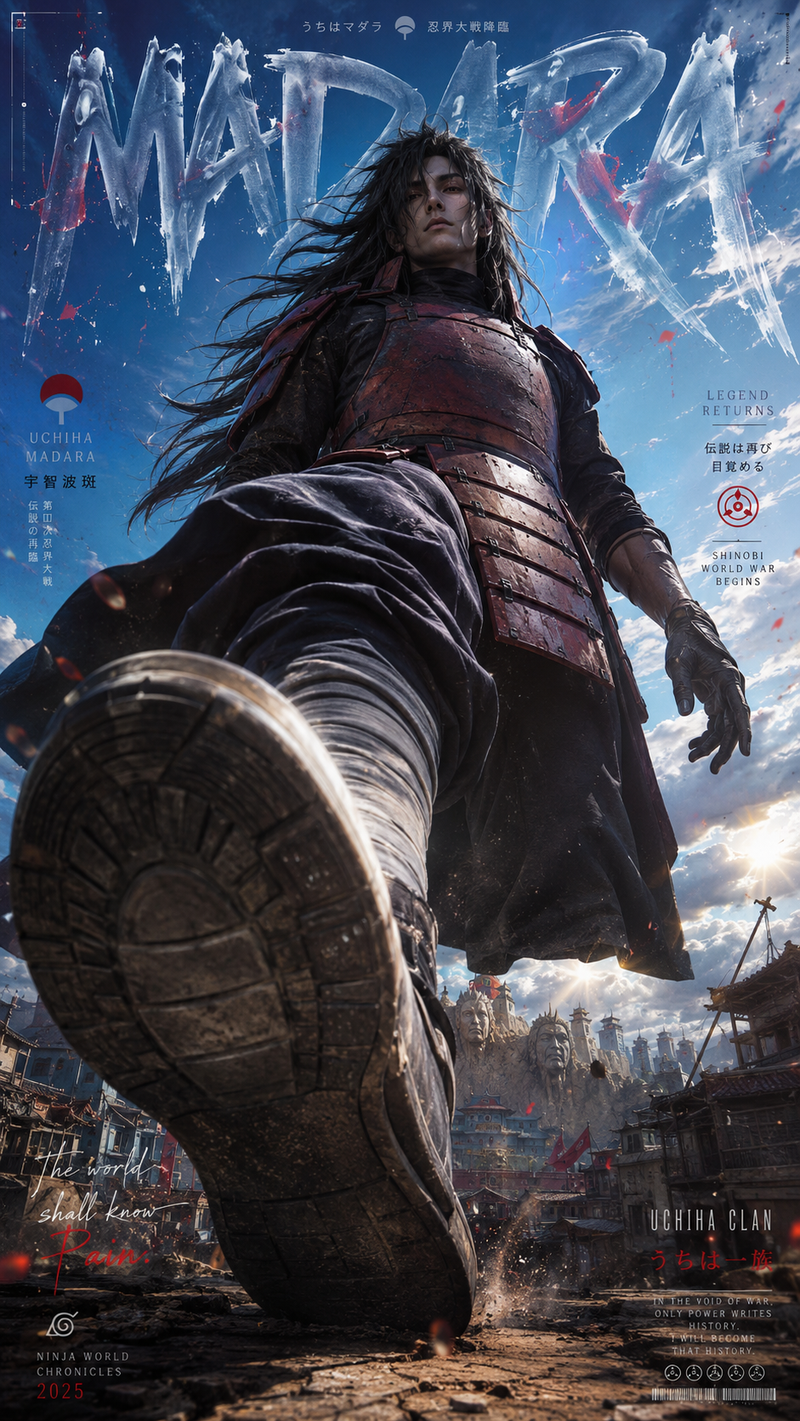
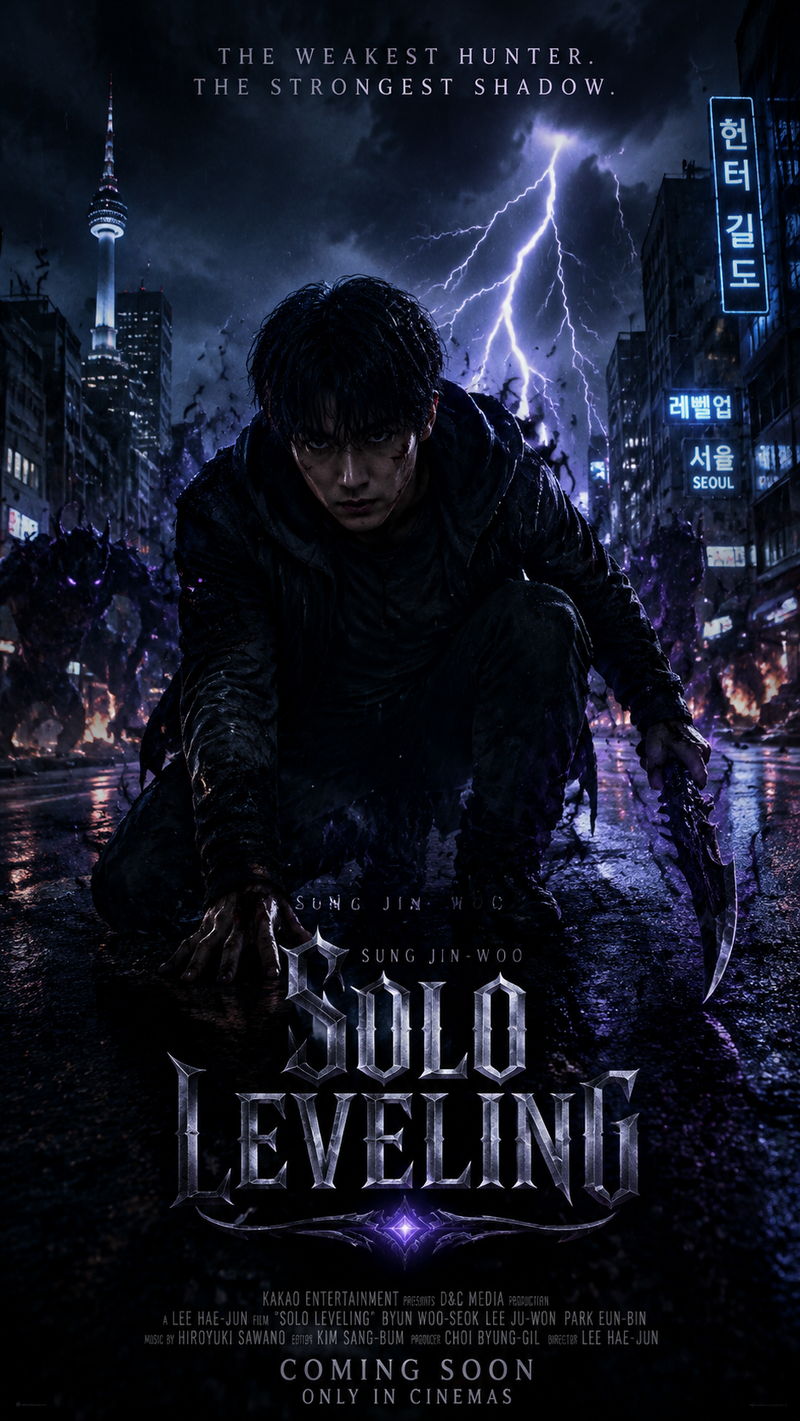
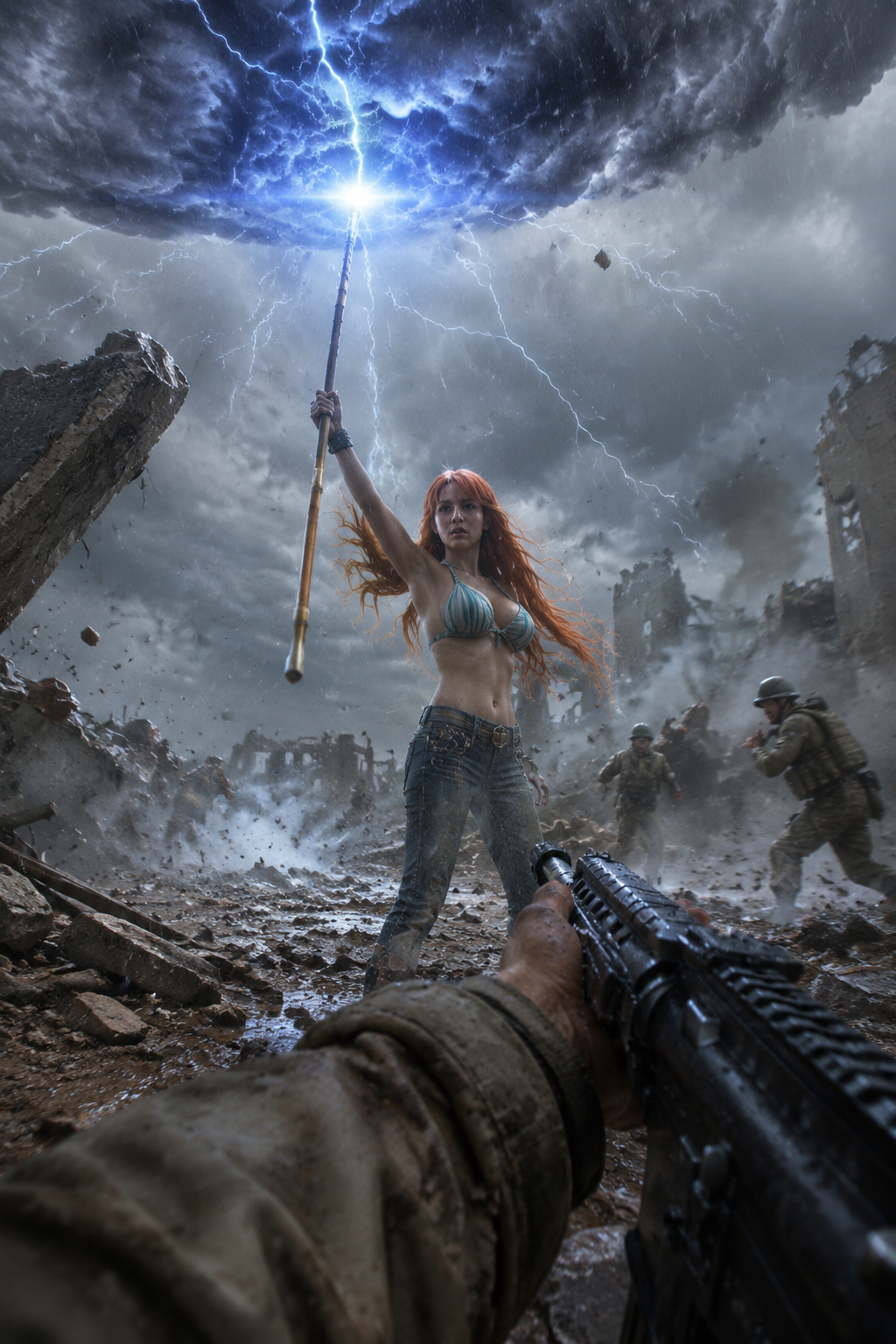
Vertical 9:16 aspect ratio, realistic live-action photograph shot on iPhone 16 Pro rear camera, POV from the perspective of a random low-ranking Marine soldier in the middle of battle. In the midground, a beautiful young woman resembling Nami from One Piece in photorealistic live-action style, with long flowing orange hair, wearing her signature outfit rendered with realistic fabric and details, is actively casting a powerful weather skill using her Clima-Tact staff. She summons a dark swirling thundercloud above her with crackling lightning bolts striking down and strong gusts of wind affecting the environment. The scene is a chaotic real-world battlefield with destroyed structures, flying debris, dust, and other Marines visible in the background. The POV includes the edge of the Marine soldier’s uniform sleeve and part of his rifle or weapon in the immediate foreground, showing the viewpoint of someone witnessing the attack from close range. Photorealistic, natural iPhone 16 Pro photography style with realistic lighting, slight lens characteristics, natural depth of field, motion blur on fast-moving elements, detailed skin texture, wet hair from wind and rain, realistic fabric, and dynamic weather effects. Intense action moment, high detail, shot on iPhone 16 Pro rear camera, real world, not anime or 2.5D --ar 9:16
Category
Charts & Infographics
Model
GPT Image 2
Creator
xie underwood
Source language
en
Views115
Source ID
28774
Published
Jun 15, 2026
Studio

Guide

About "Vertical 9:16 aspect ratio, realistic live-action photograph shot on iPhone 16 P"

What is this prompt for?

"Vertical 9:16 aspect ratio, realistic live-action photograph shot on iPhone 16 P" AI image prompt for GPT Image 2 (Charts & Infographics). Vertical 9:16 aspec…

The full copyable prompt and example visuals above are ready for AI image generation or one-click recreate in Picva.

How to use this prompt

  1. Step 1

    Open the prompt detail

    Review the example visuals, category, and full prompt text for "Vertical 9:16 aspect ratio, realistic live-action photograph shot on iPhone 16 P".

  2. Step 2

    Copy the prompt

    Copy the prompt body from this page, or load it directly in Studio.

  3. Step 3

    Pick a model (GPT Image 2)

    Prefer GPT Image 2. If you switch models, keep subject and composition and tweak style terms.

  4. Step 4

    Generate and export

    Recreate the look in Picva, or export into your workflow for editing and publishing.

FAQ

What is the "Vertical 9:16 aspect ratio, realistic live-action photograph shot on iPhone 16 P" prompt?
It is an AI image-generation prompt for GPT Image 2 in the Charts & Infographics category. This page includes the full prompt text, example visuals, and a one-click recreate path in Picva.
How do I use this prompt to generate an image?
Copy the prompt from this page, or use Generate / Studio. Paste it into a compatible image model, or recreate the look in Picva with optional reference images.
Which model is this prompt for?
This page lists GPT Image 2. Most descriptive prompts also transfer to nearby image models such as GPT Image, Flux, or Midjourney with light style tweaks.
Can I use the result commercially?
You can usually copy the prompt for creation, but commercial use of the final image depends on the model terms, reference-image rights, and the generated content. Follow the source author and platform rules.