17

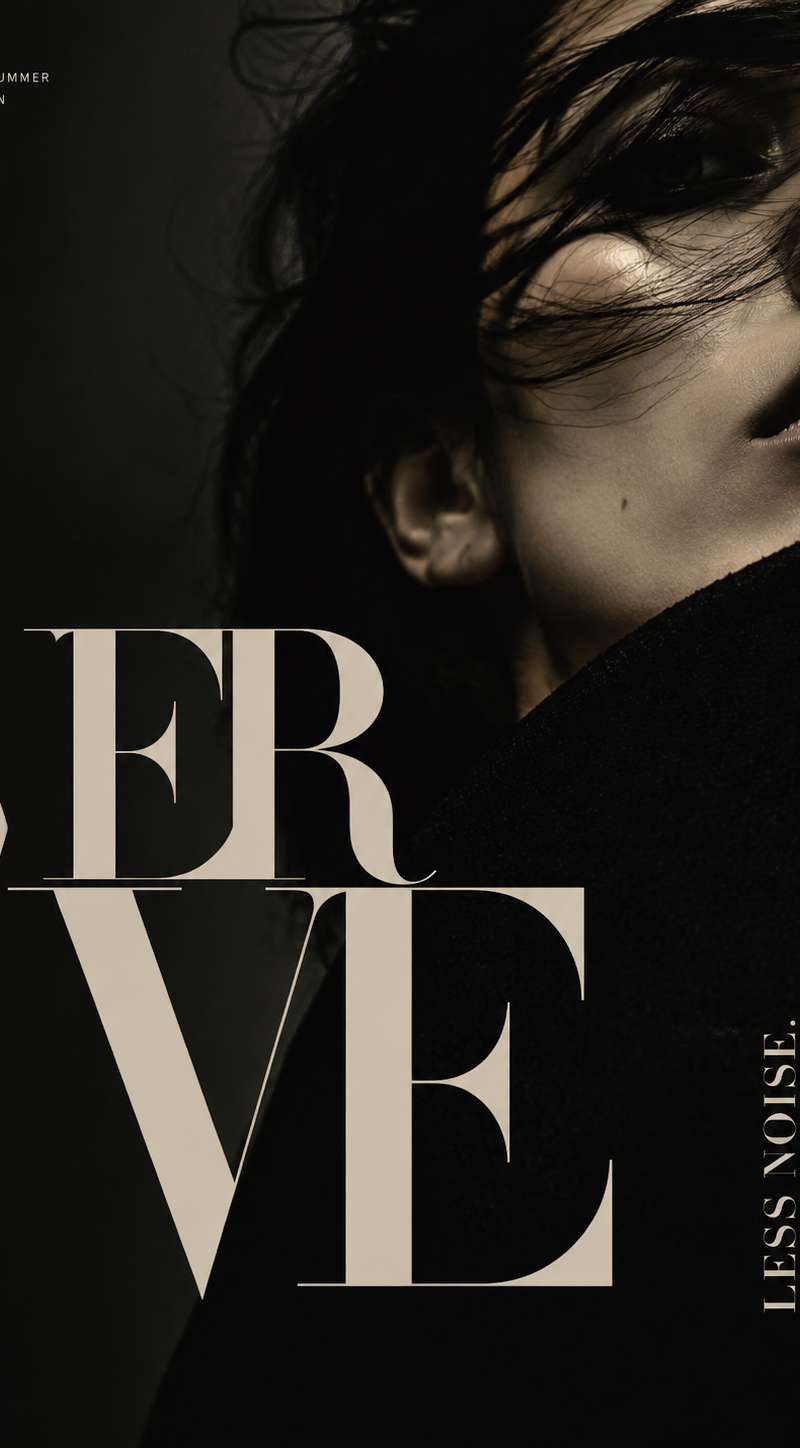
Designer-grade modern poster layout with strong visual hierarchy, asymmetric com
Enlarge

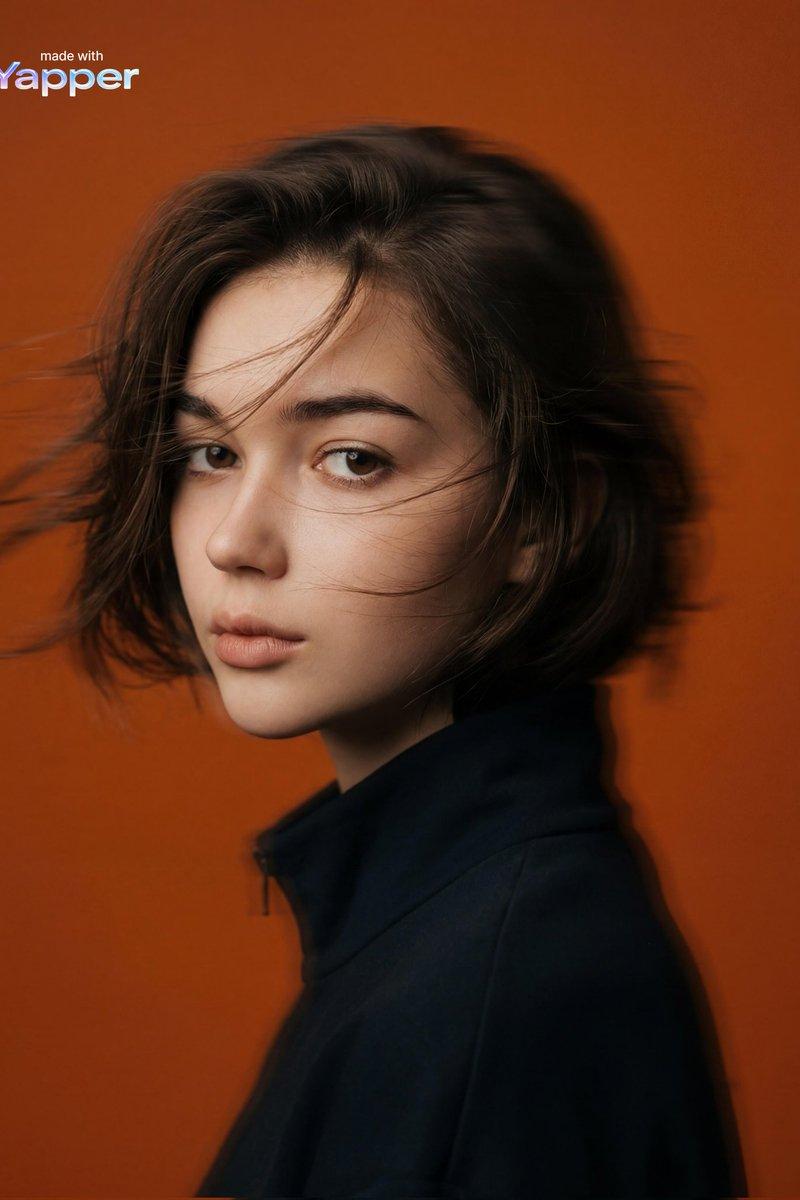
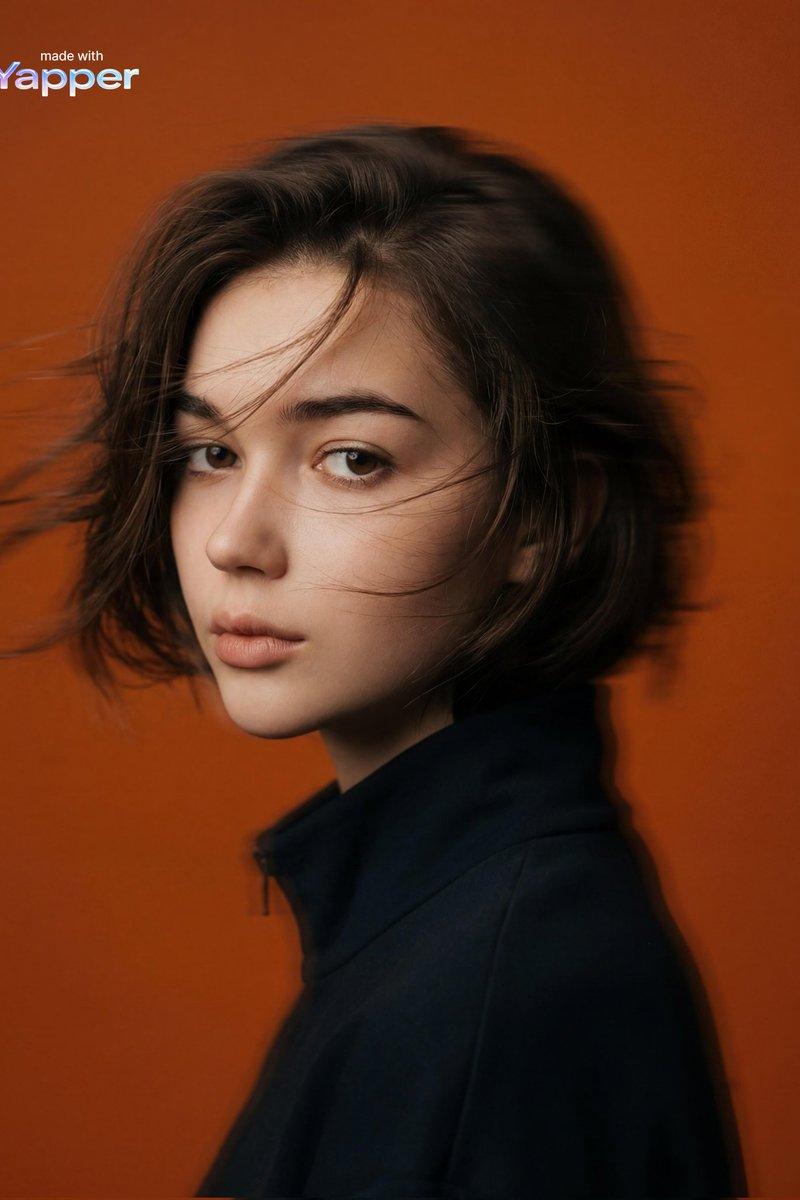
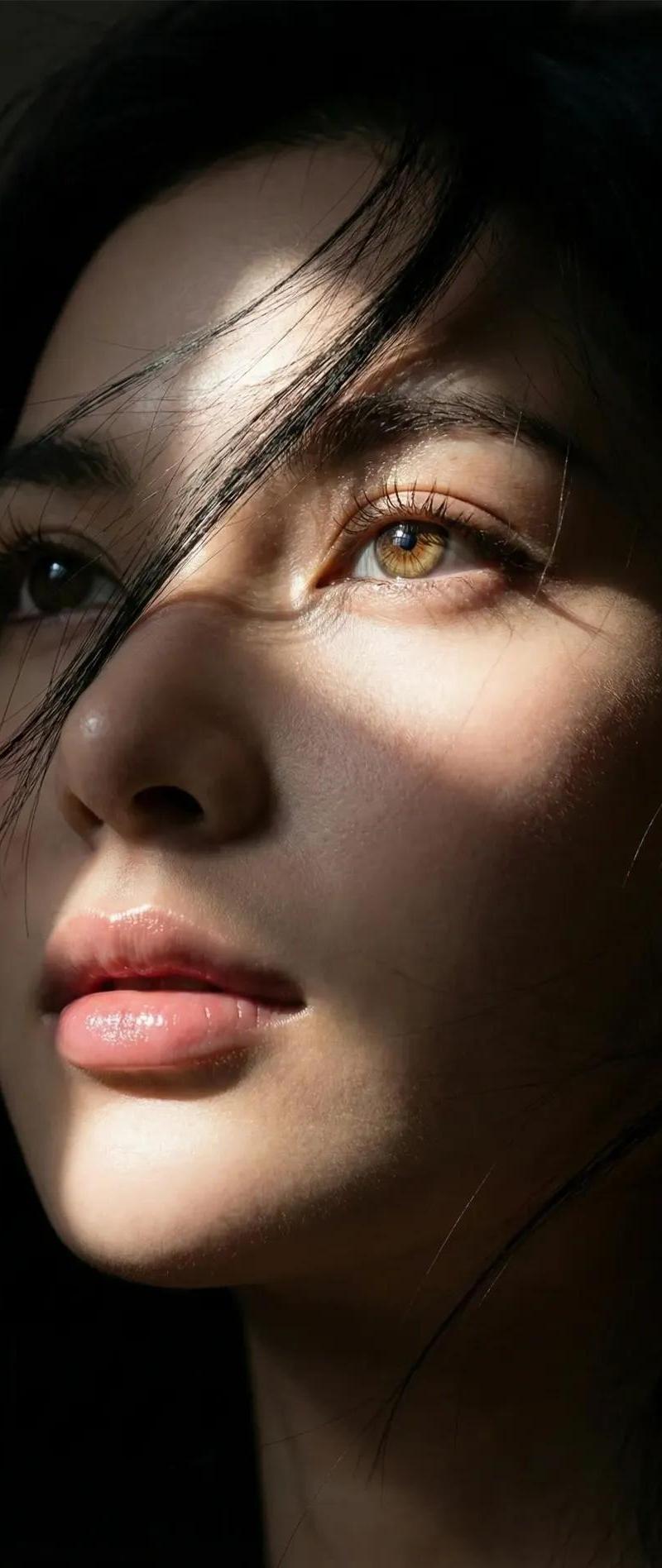
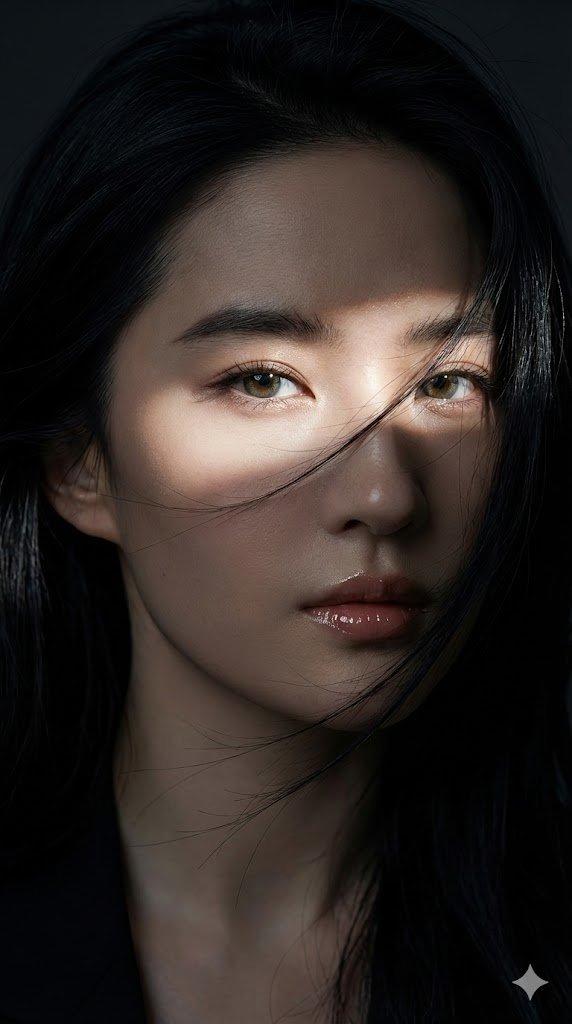
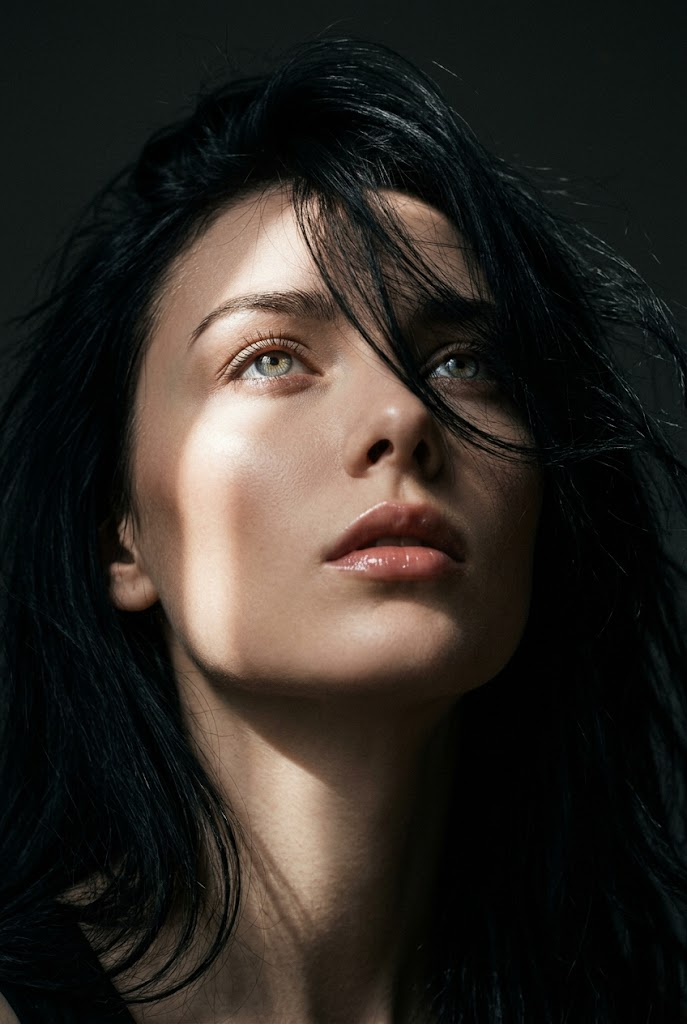
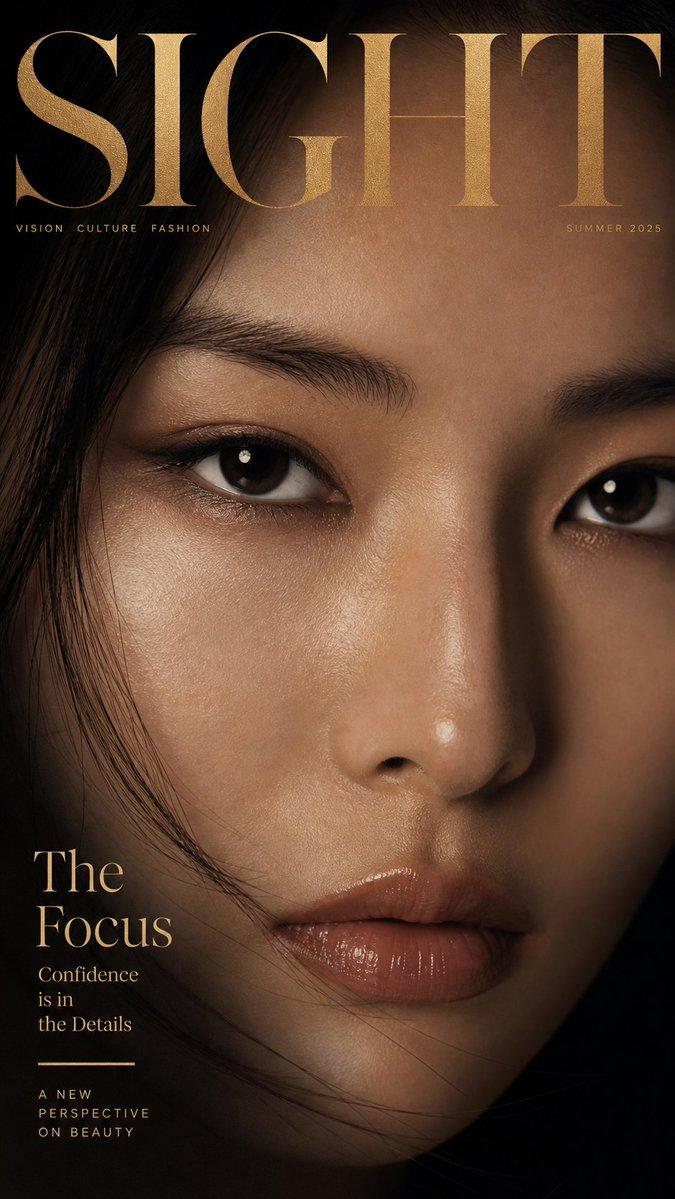
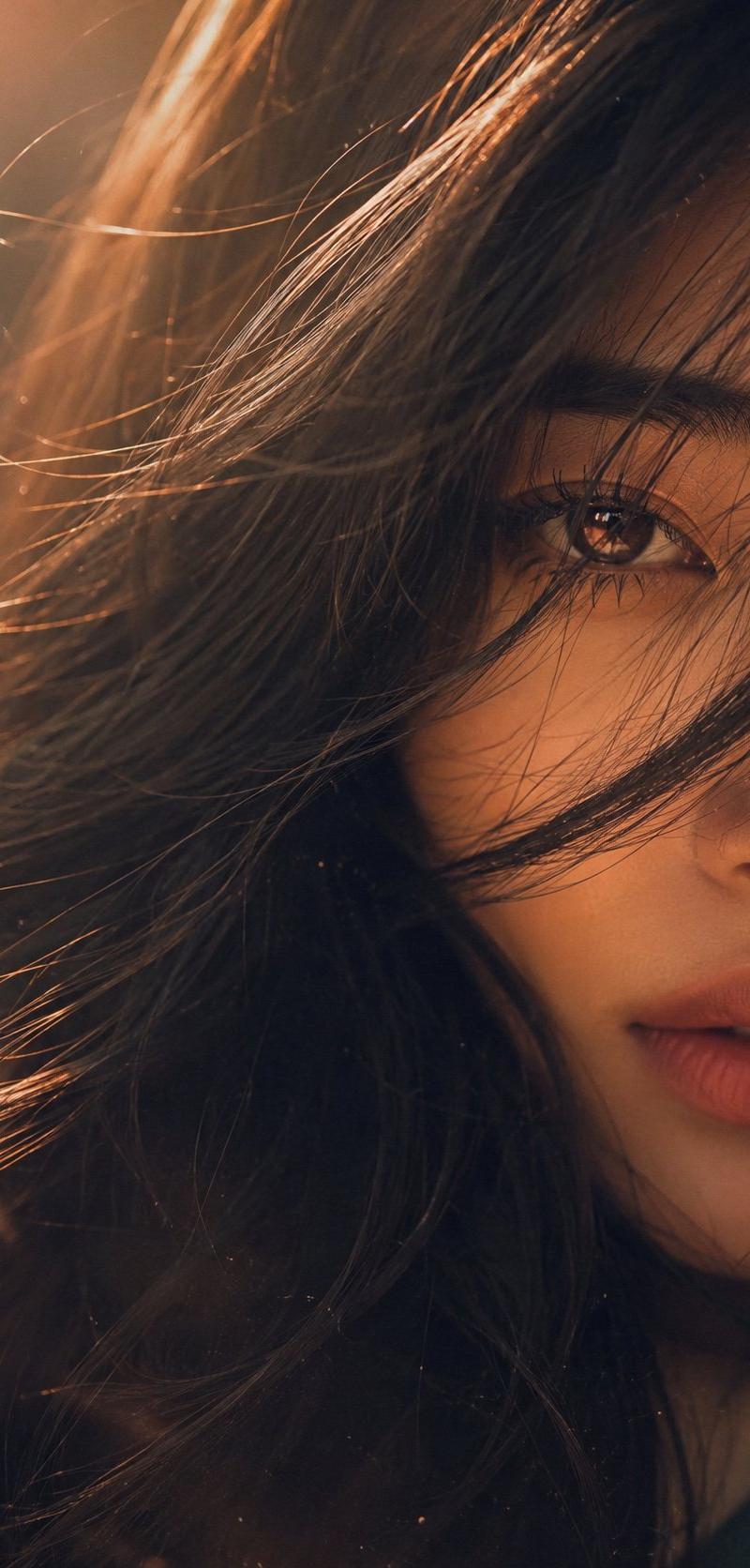
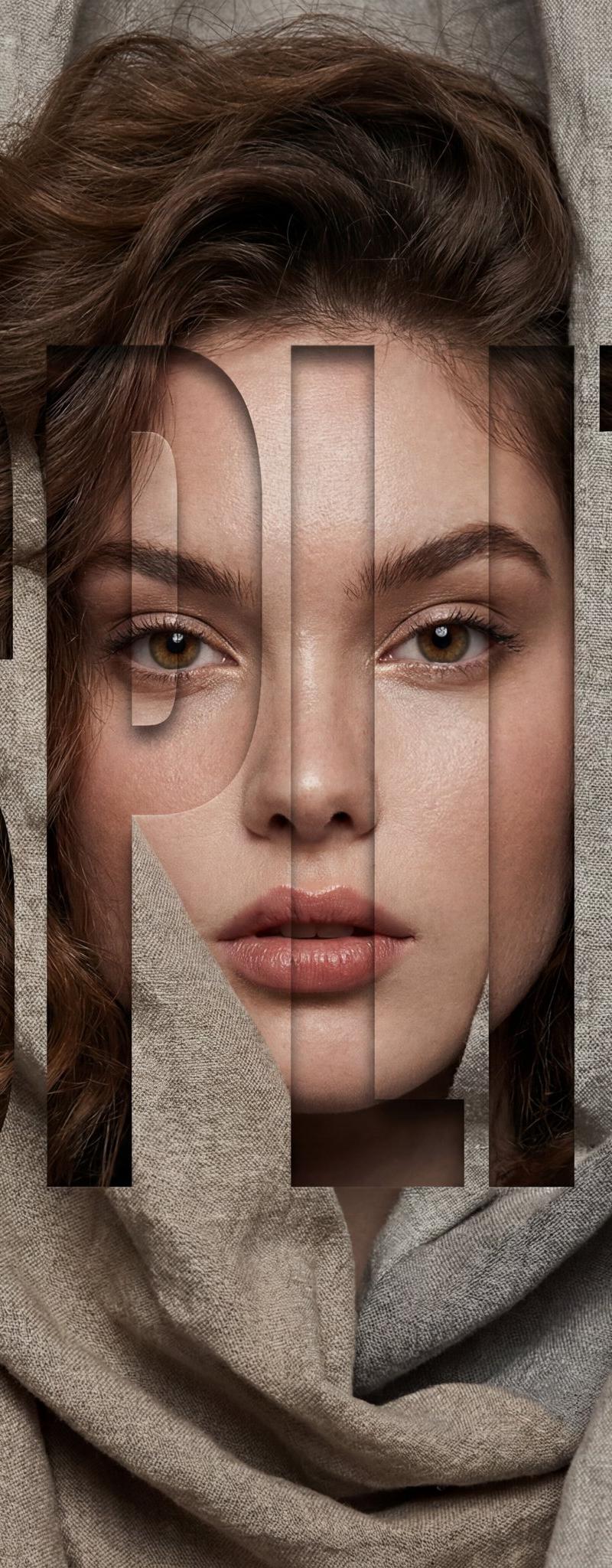
Example images

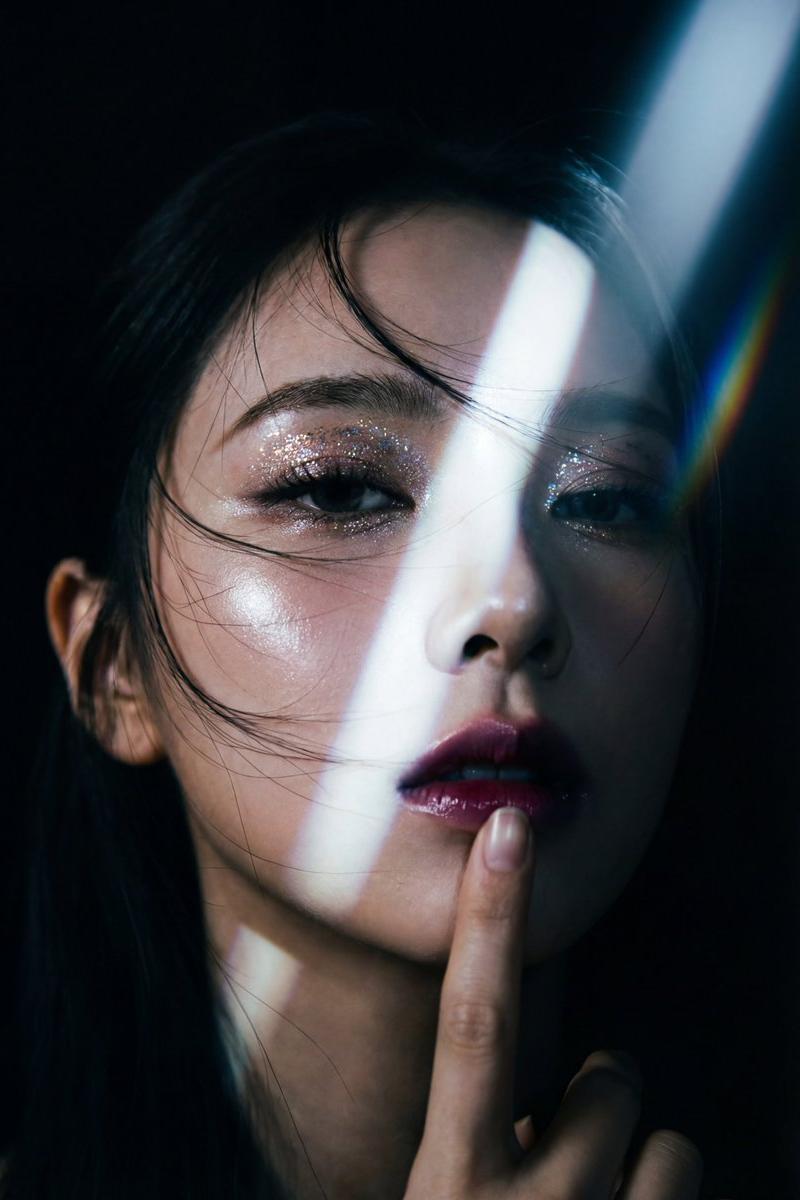
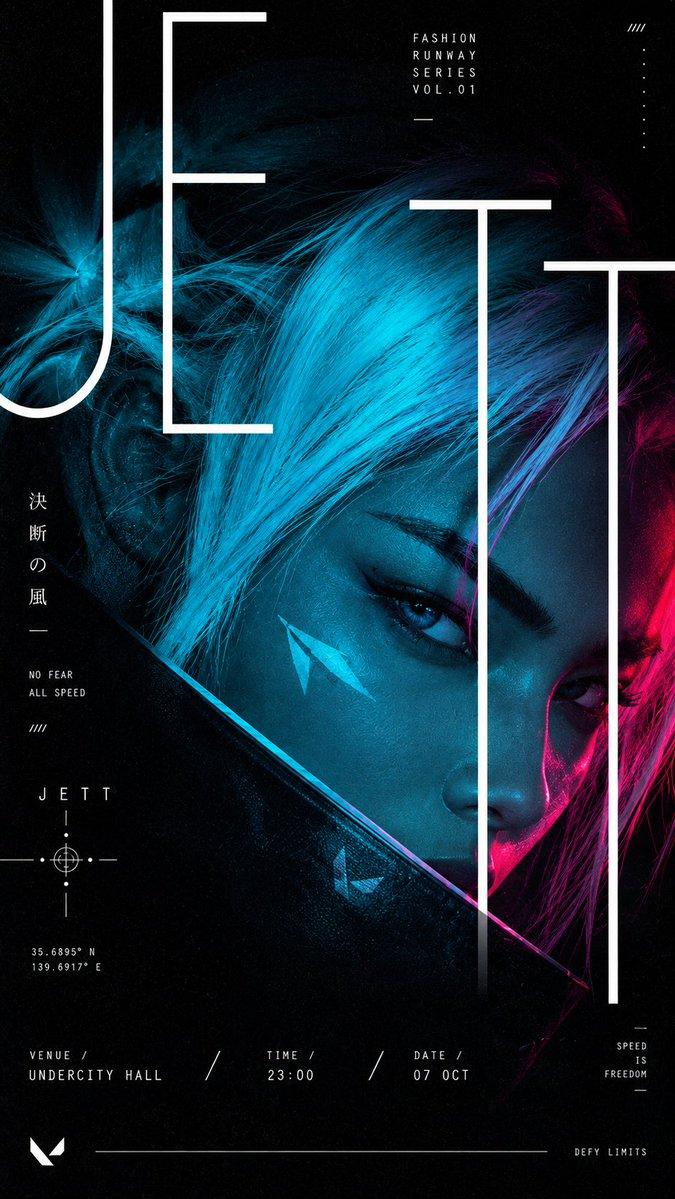
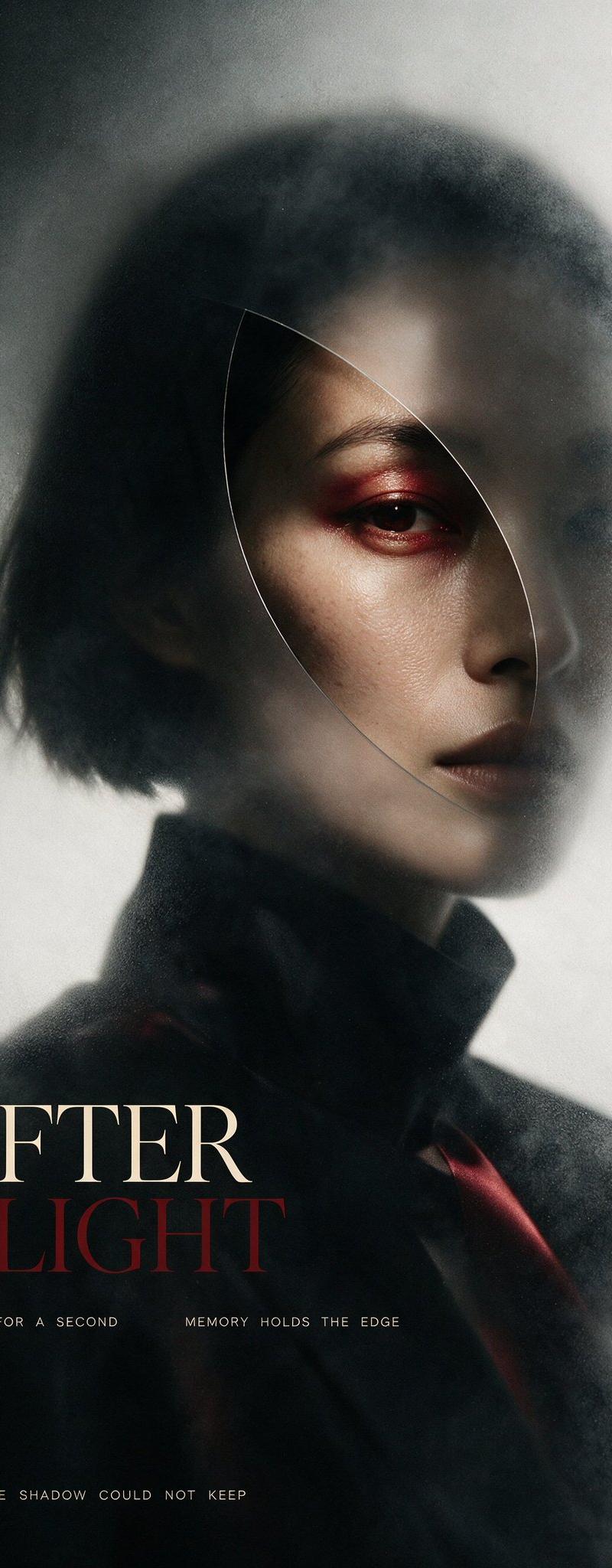
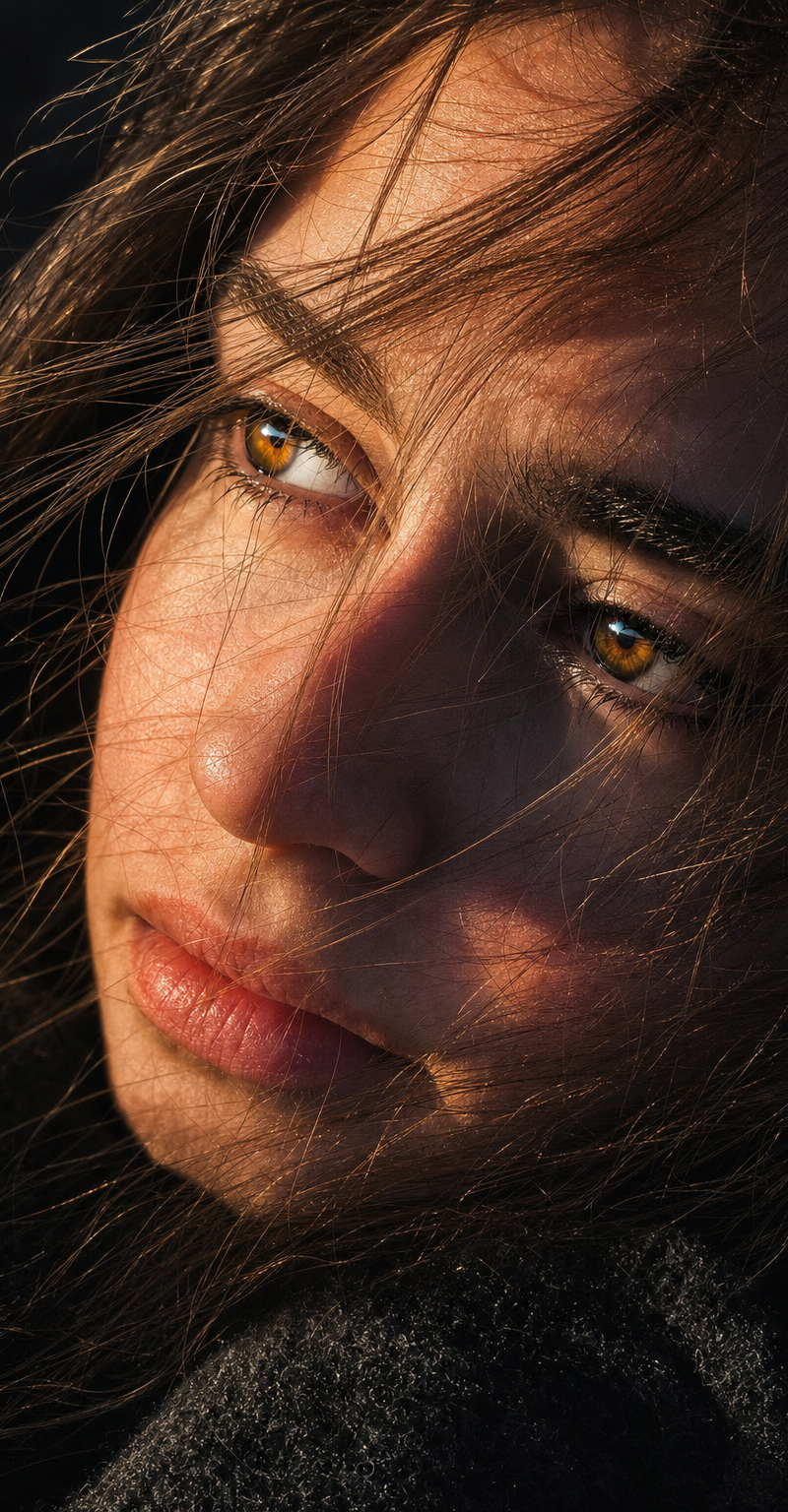
Designer-grade modern poster layout with strong visual hierarchy, asymmetric com

Prompt
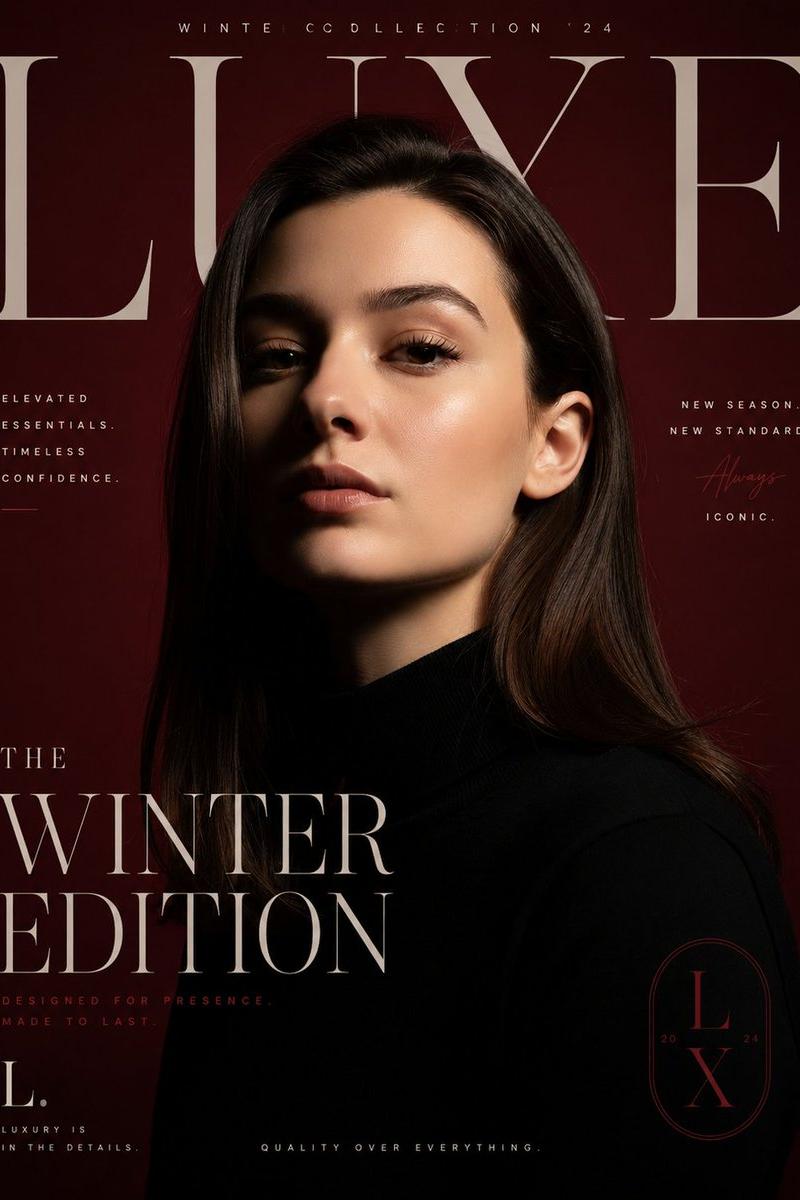
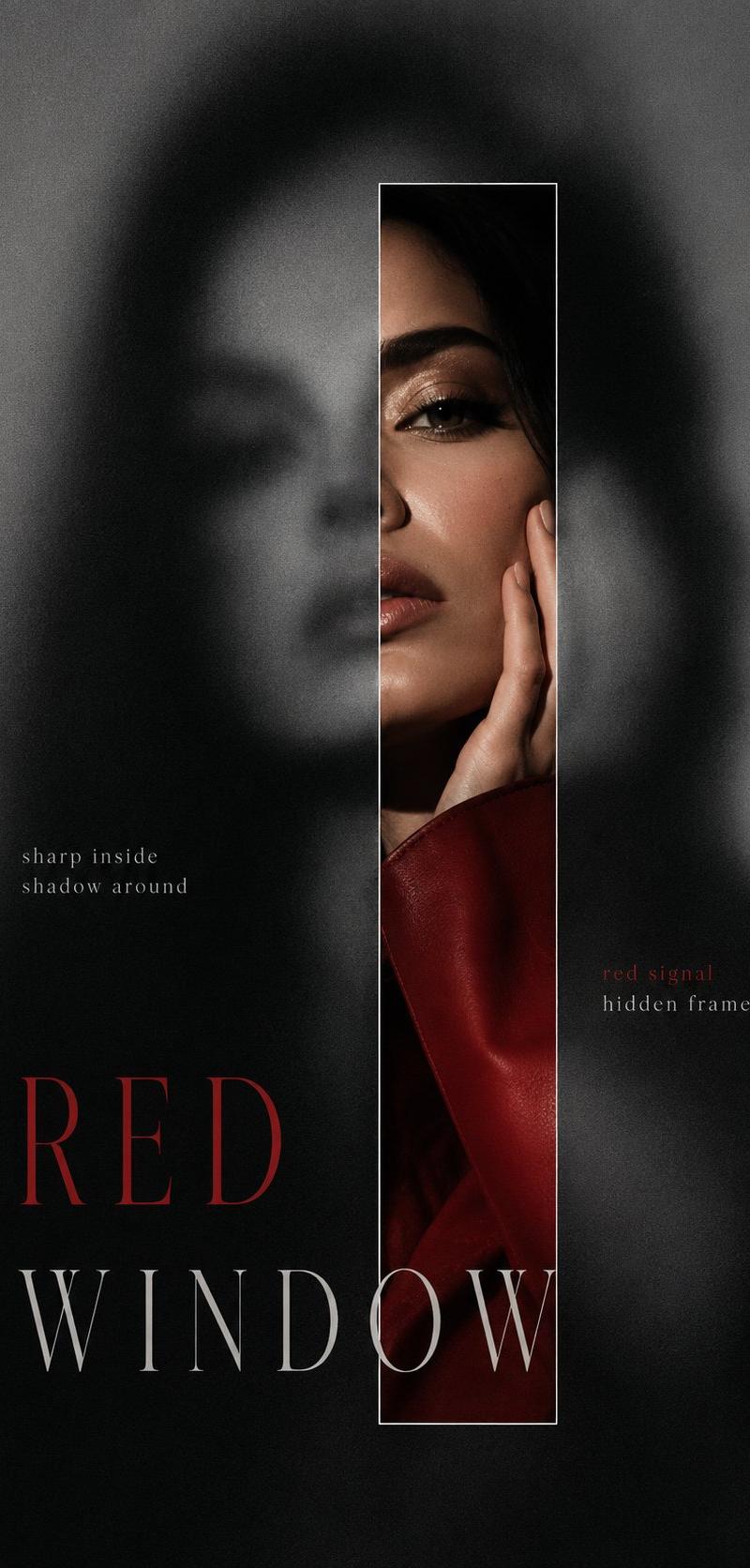
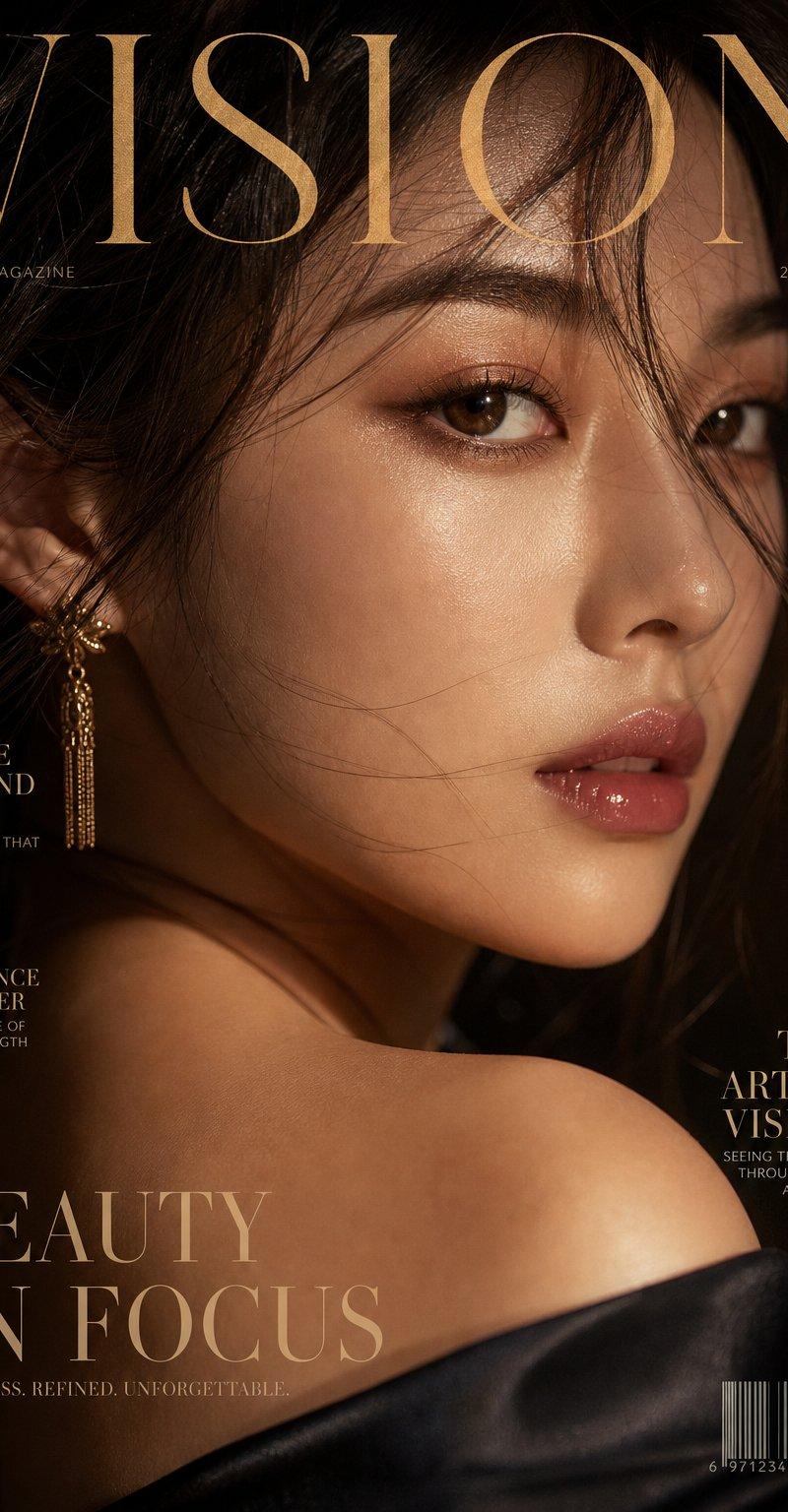
Designer-grade modern poster layout with strong visual hierarchy, asymmetric composition, intentional imbalance, editorial rhythm, and luxury fashion magazine aesthetics. Avoid generic AI poster style, centered layouts, boring placement, floating elements, cheap event-poster feel, or template-based composition.
Use a clear structure with hero zone, typography zone, breathing space, supporting detail area, and balanced graphic flow. Apply aggressive negative space, modular grid systems, layered visual rhythm, controlled chaos, cinematic cropping, and premium brand-level composition.
Typography must feel like a design element — oversized headlines, ultra-small metadata, cropped text, vertical or rotated typography, overlapping layers, edge-aligned placement, broken grid layouts, and strong size contrast. Create tension, movement, and visual flow instead of clean predictable alignment.
Use bold editorial cropping, unexpected framing, object overflow, and cinematic close-ups. Inspired by luxury fashion campaigns.
Category
Charts & Infographics
Model
GPT Image 2
Creator
xie underwood
Source language
en
Views137
Source ID
2904
Published
May 9, 2026
Studio

Guide

About "Designer-grade modern poster layout with strong visual hierarchy, asymmetric com"

What is this prompt for?

"Designer-grade modern poster layout with strong visual hierarchy, asymmetric com" AI image prompt for GPT Image 2 (Charts & Infographics). Designer-grade mode…

The full copyable prompt and example visuals above are ready for AI image generation or one-click recreate in Picva.

How to use this prompt

  1. Step 1

    Open the prompt detail

    Review the example visuals, category, and full prompt text for "Designer-grade modern poster layout with strong visual hierarchy, asymmetric com".

  2. Step 2

    Copy the prompt

    Copy the prompt body from this page, or load it directly in Studio.

  3. Step 3

    Pick a model (GPT Image 2)

    Prefer GPT Image 2. If you switch models, keep subject and composition and tweak style terms.

  4. Step 4

    Generate and export

    Recreate the look in Picva, or export into your workflow for editing and publishing.

FAQ

What is the "Designer-grade modern poster layout with strong visual hierarchy, asymmetric com" prompt?
It is an AI image-generation prompt for GPT Image 2 in the Charts & Infographics category. This page includes the full prompt text, example visuals, and a one-click recreate path in Picva.
How do I use this prompt to generate an image?
Copy the prompt from this page, or use Generate / Studio. Paste it into a compatible image model, or recreate the look in Picva with optional reference images.
Which model is this prompt for?
This page lists GPT Image 2. Most descriptive prompts also transfer to nearby image models such as GPT Image, Flux, or Midjourney with light style tweaks.
Can I use the result commercially?
You can usually copy the prompt for creation, but commercial use of the final image depends on the model terms, reference-image rights, and the generated content. Follow the source author and platform rules.