14

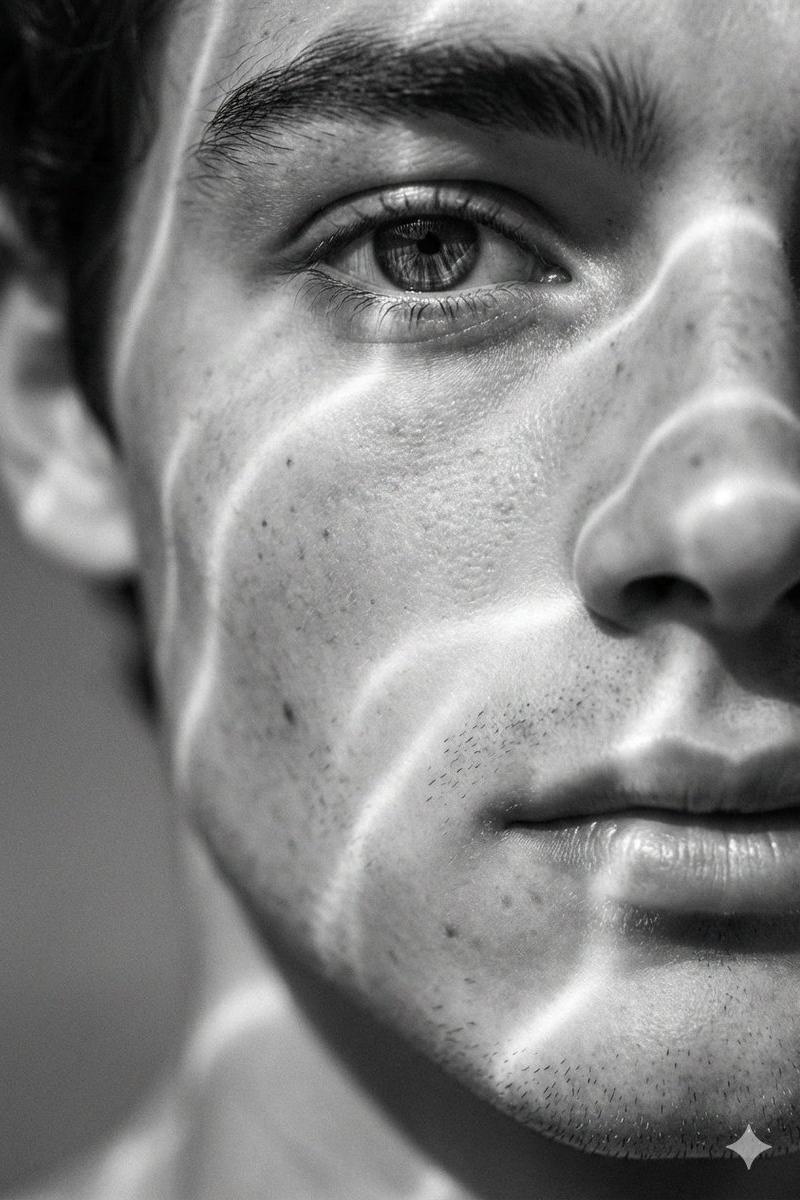
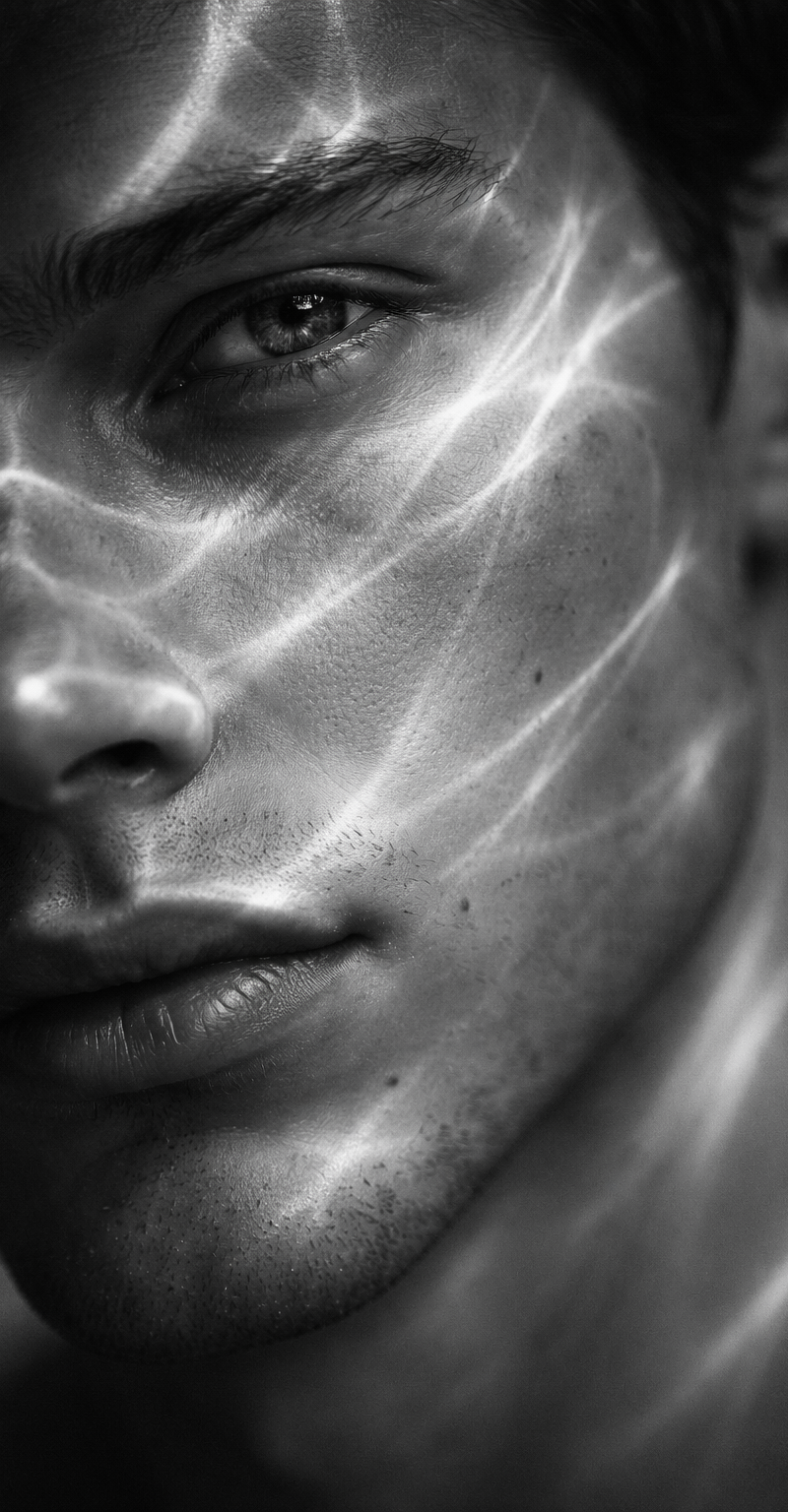
A hyperrealistic 8K black and white extreme close-up portrait of a young man's f
Enlarge

Example images

A hyperrealistic 8K black and white extreme close-up portrait of a young man's f

Prompt
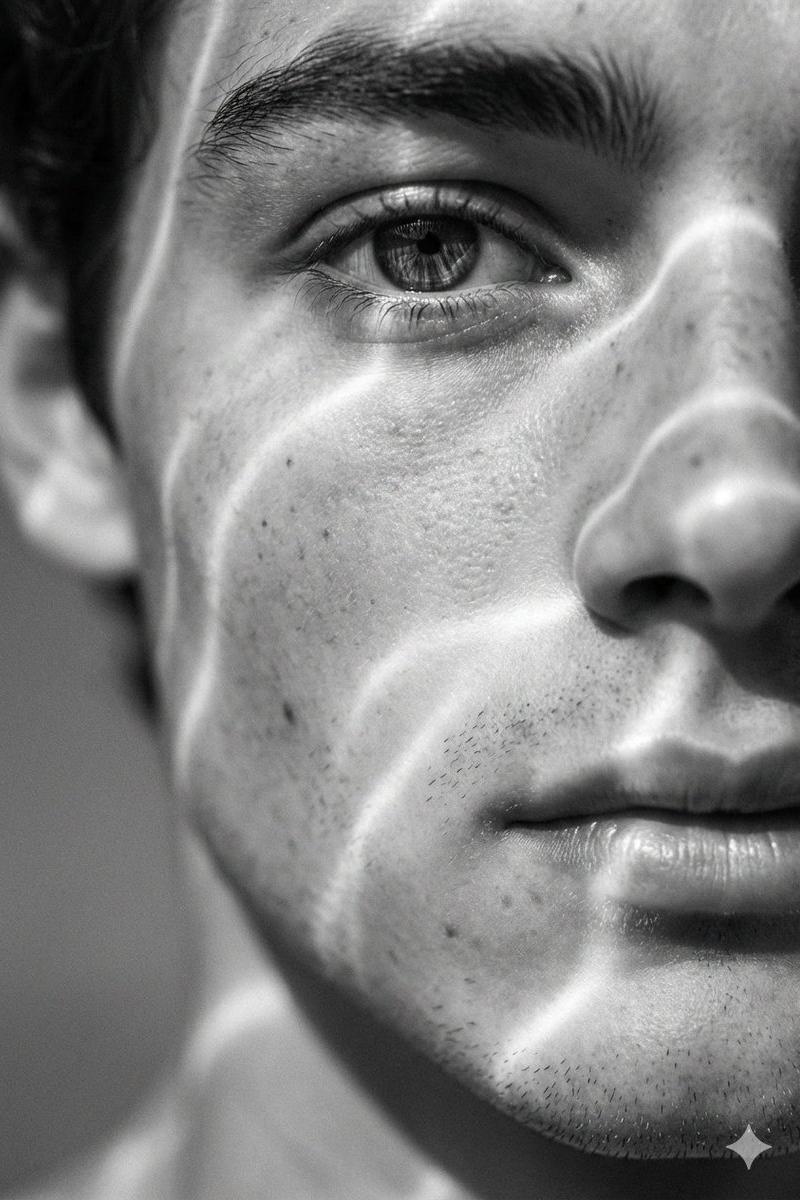
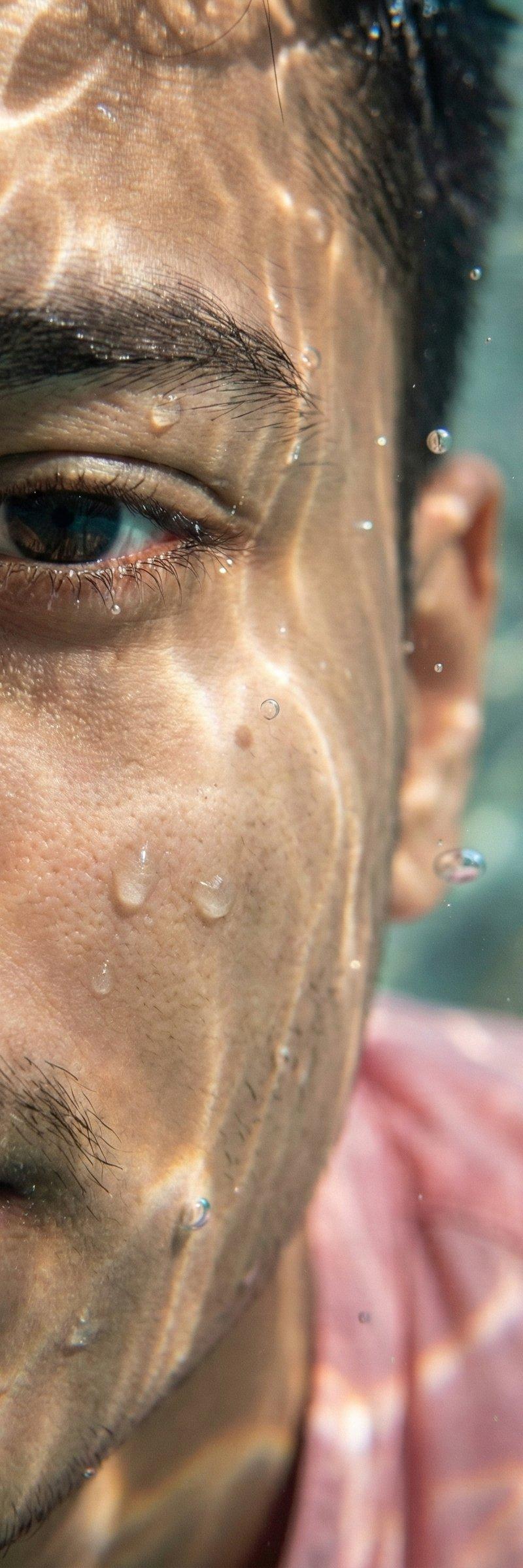
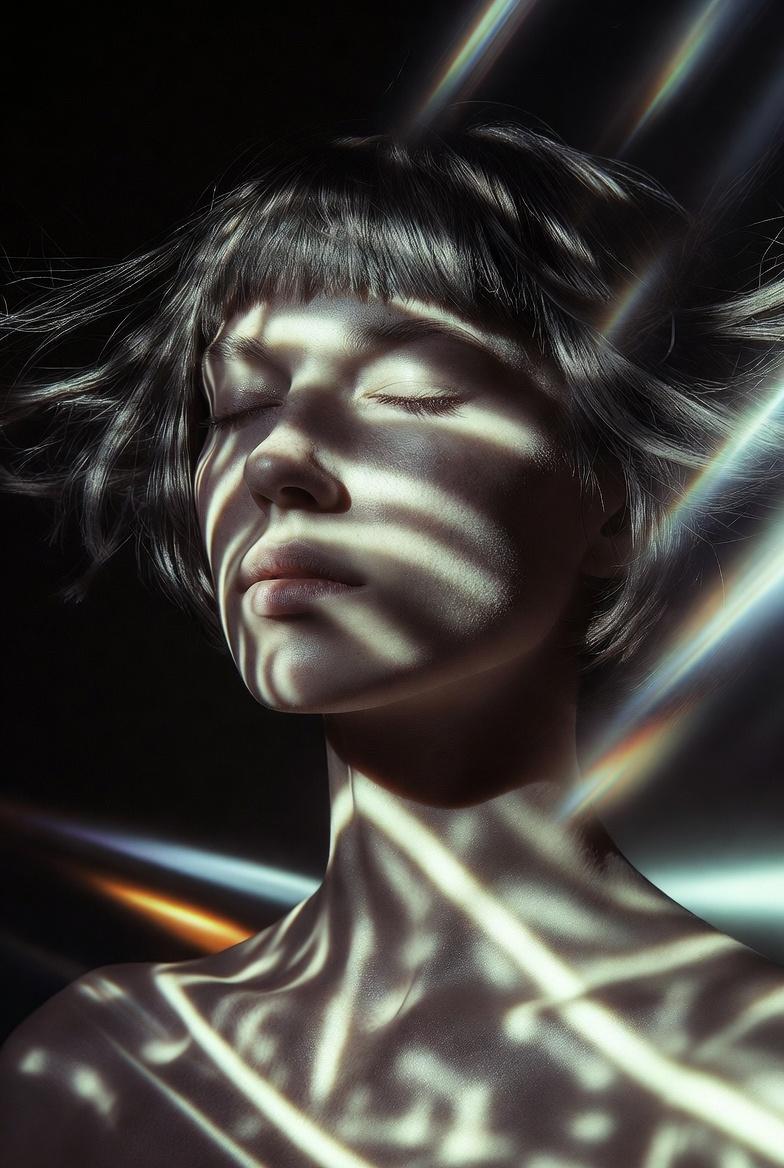
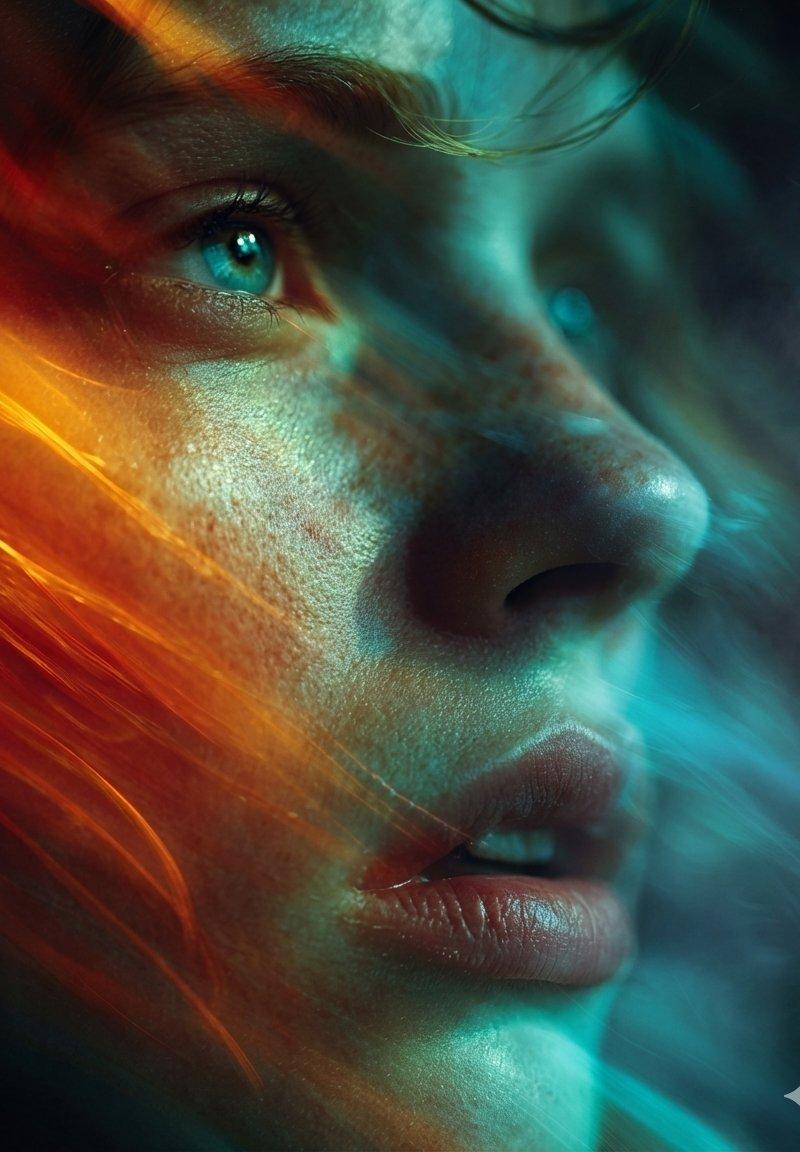
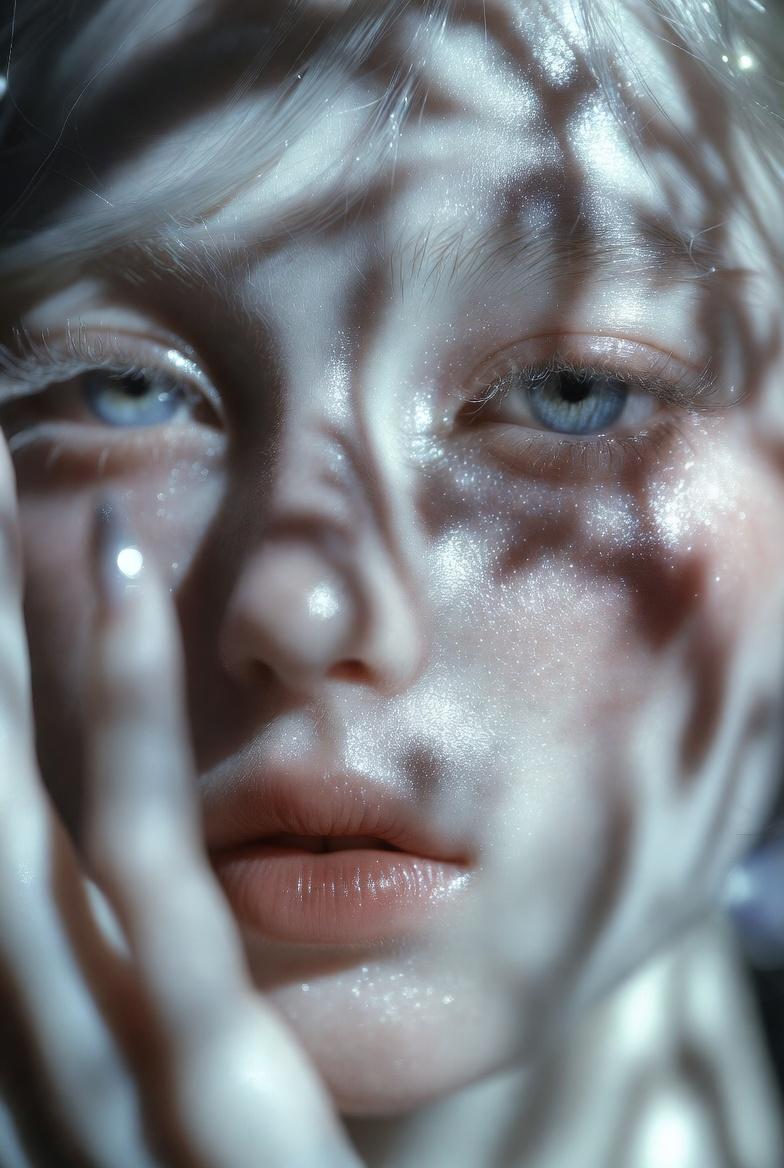
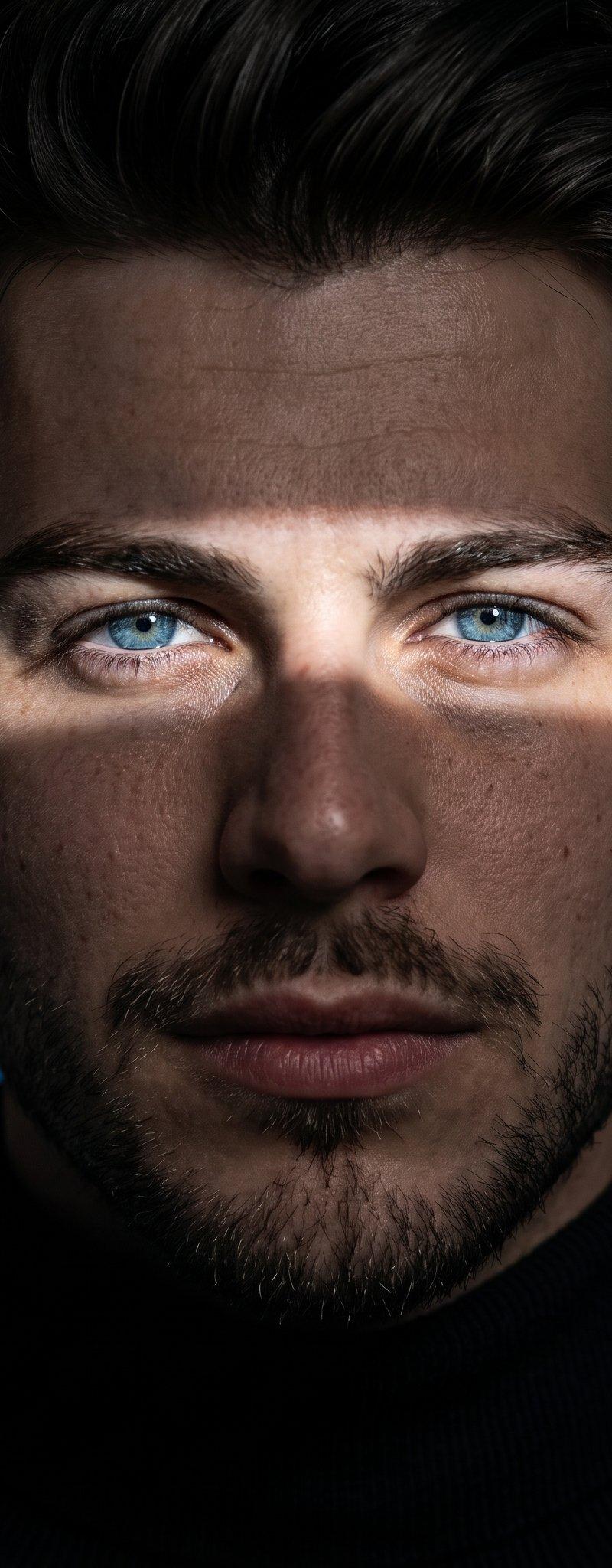
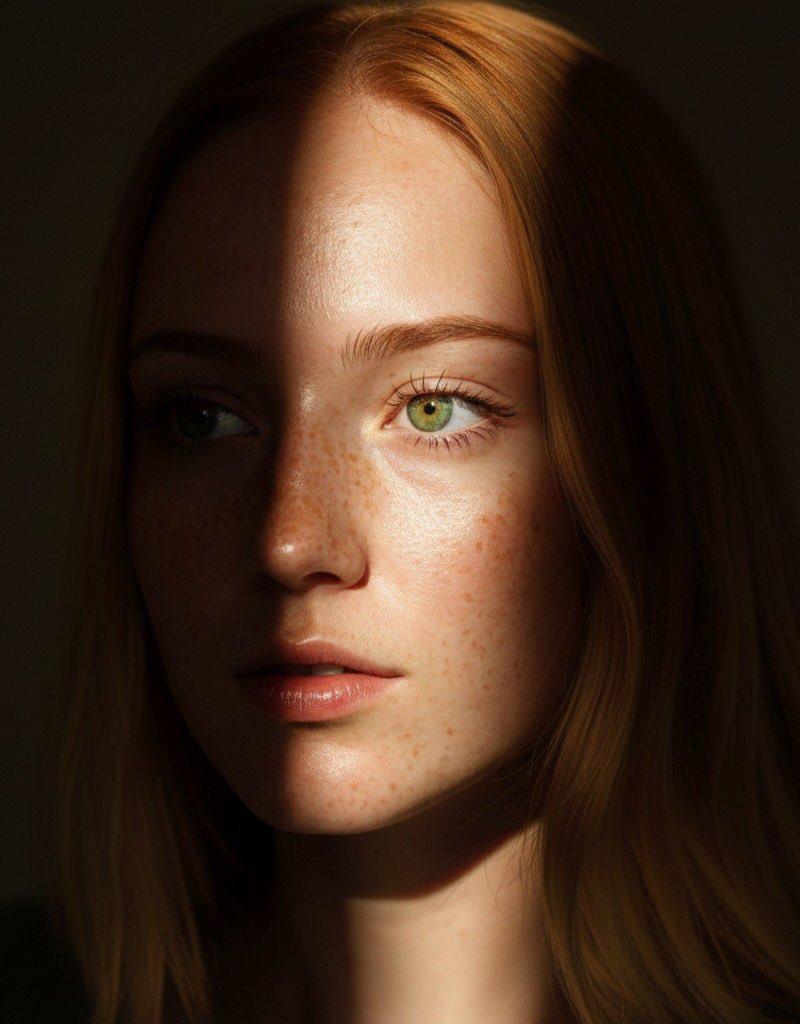
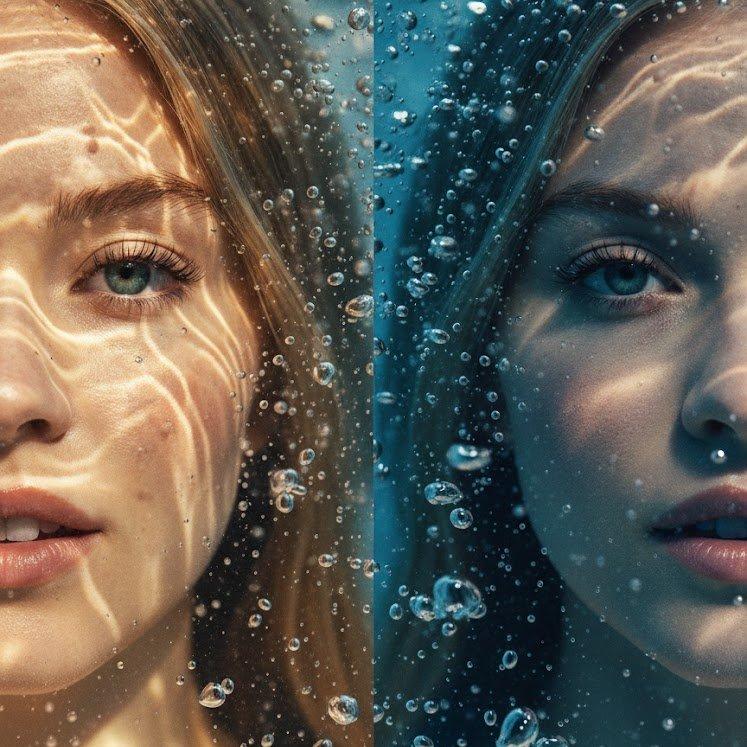
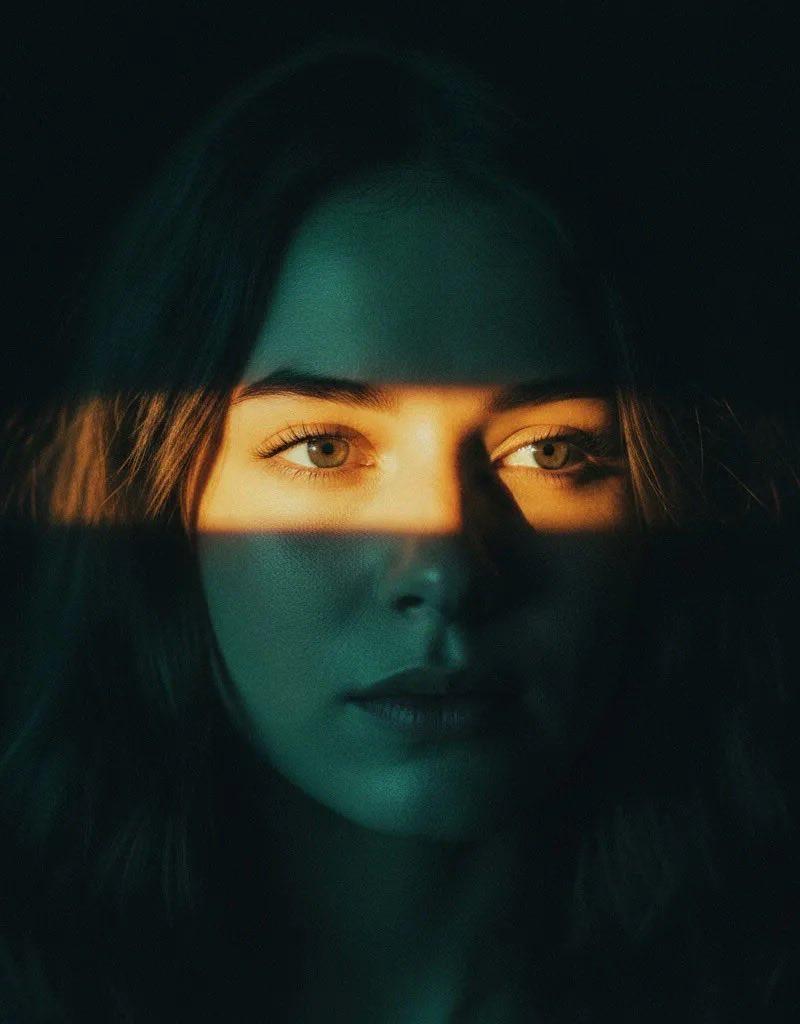
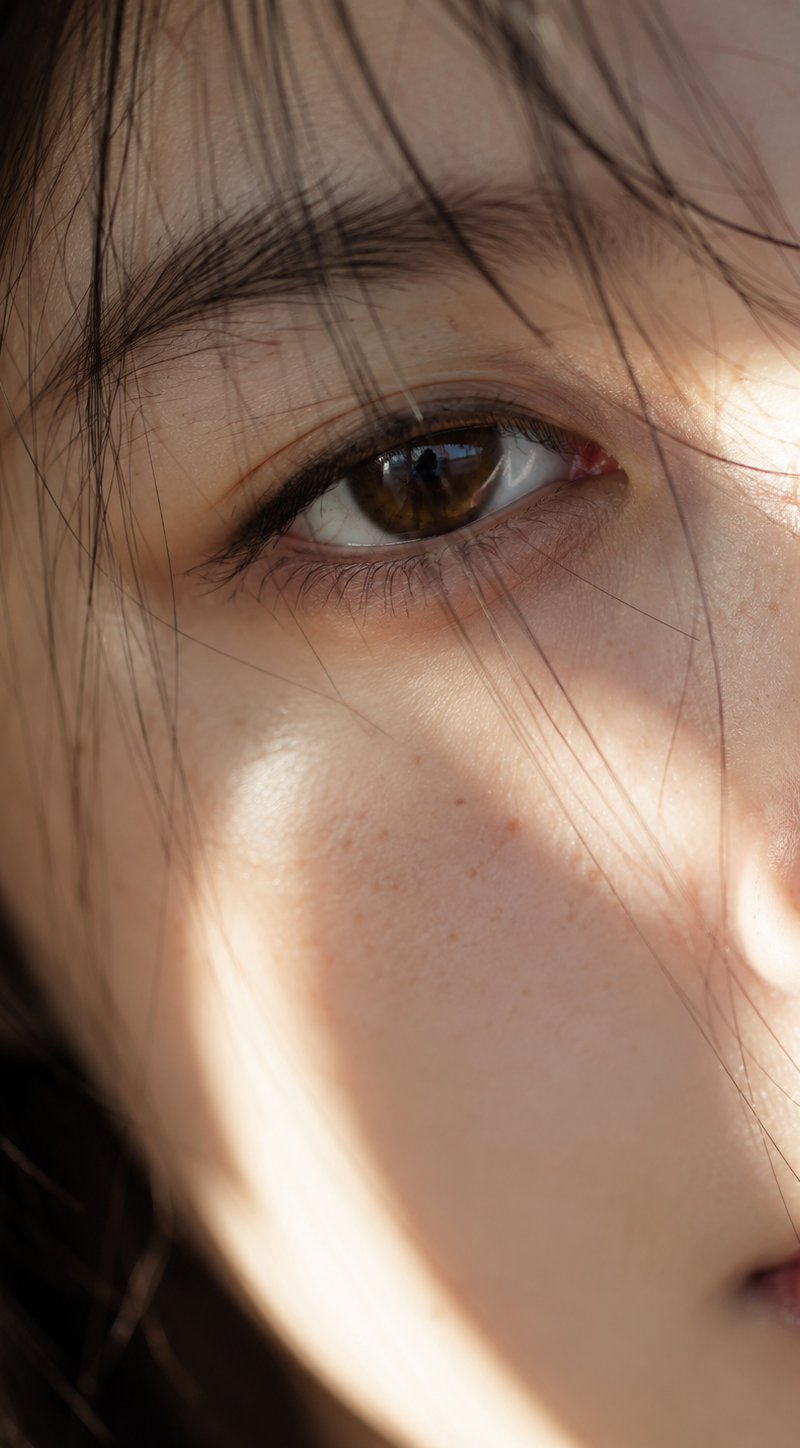
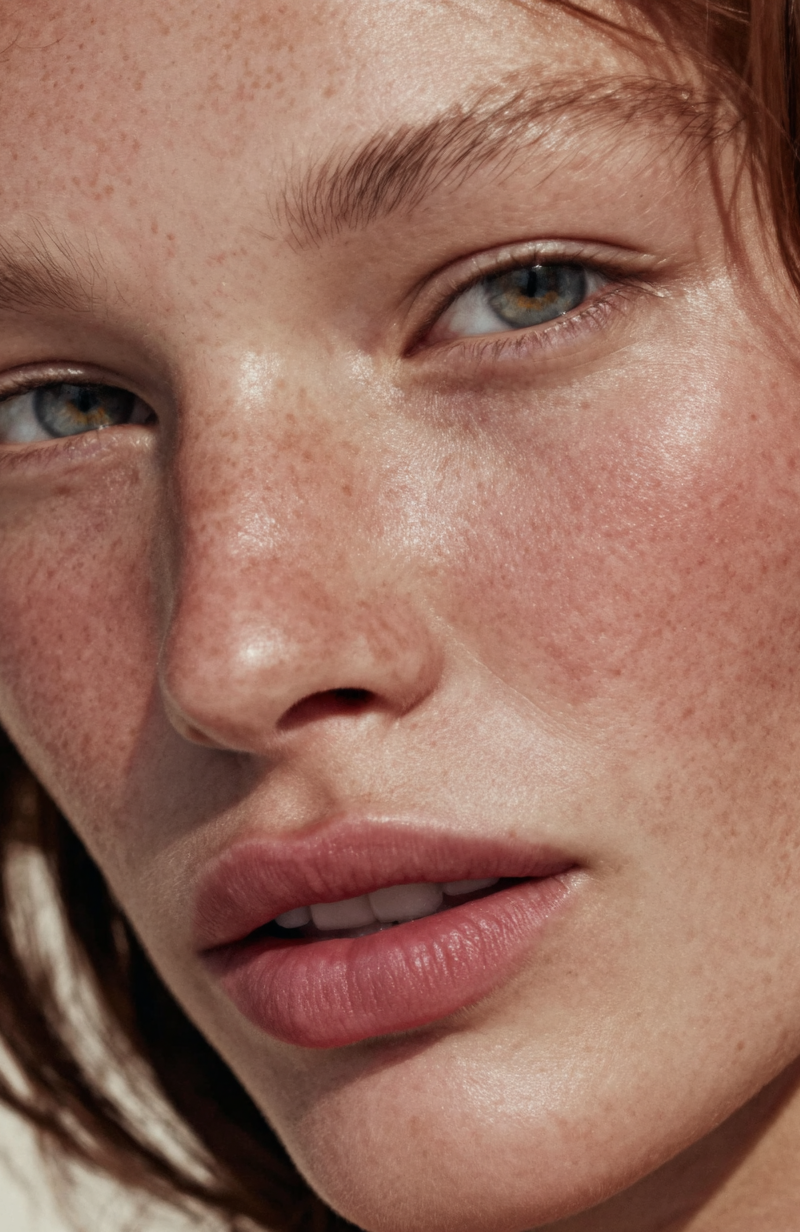
A hyperrealistic 8K black and white extreme close-up portrait of a young man's face, focusing tightly on his eye, cheekbone, and lips. Bright sunlight breaks into soft, wavy luminous lines that ripple across his skin like underwater reflections. The light flows diagonally, wrapping around the contours of his face in surreal patterns, while the shadows dissolve into smooth mid-gray tones instead of deep black. The skin is rendered in lifelike detail-visible pores, faint freckles, subtle stubble, and natural imperfections catch the glowing light realistically. The lips are softly highlighted, and the eye reflects fragments of the luminous waves, adding depth and emotion without artificial glow. The camera framing feels macro, pressed close to the face, with razor-thin depth of field: one illuminated ridge of skin is perfectly sharp, while the rest melts into velvety blur. The glassy, fluid quality of the light lines gives the portrait a surreal dreamlike aesthetic while remaining grounded in photographic realism. The background disappears into soft gray gradients, leaving only the interplay of skin texture and luminous wave-like rays. Fine cinematic grain overlays the frame, enhancing the tactile analog feel. The overall mood is intimate, surreal, and emotionally evocative - a monochrome portrait.
Category
Charts & Infographics
Model
GPT Image 2
Creator
xie underwood
Source language
en
Views46
Source ID
29472
Published
Jun 16, 2026
Studio

Guide

About "A hyperrealistic 8K black and white extreme close-up portrait of a young man's f"

What is this prompt for?

"A hyperrealistic 8K black and white extreme close-up portrait of a young man's f" AI image prompt for GPT Image 2 (Charts & Infographics). A hyperrealistic 8K…

The full copyable prompt and example visuals above are ready for AI image generation or one-click recreate in Picva.

How to use this prompt

  1. Step 1

    Open the prompt detail

    Review the example visuals, category, and full prompt text for "A hyperrealistic 8K black and white extreme close-up portrait of a young man's f".

  2. Step 2

    Copy the prompt

    Copy the prompt body from this page, or load it directly in Studio.

  3. Step 3

    Pick a model (GPT Image 2)

    Prefer GPT Image 2. If you switch models, keep subject and composition and tweak style terms.

  4. Step 4

    Generate and export

    Recreate the look in Picva, or export into your workflow for editing and publishing.

FAQ

What is the "A hyperrealistic 8K black and white extreme close-up portrait of a young man's f" prompt?
It is an AI image-generation prompt for GPT Image 2 in the Charts & Infographics category. This page includes the full prompt text, example visuals, and a one-click recreate path in Picva.
How do I use this prompt to generate an image?
Copy the prompt from this page, or use Generate / Studio. Paste it into a compatible image model, or recreate the look in Picva with optional reference images.
Which model is this prompt for?
This page lists GPT Image 2. Most descriptive prompts also transfer to nearby image models such as GPT Image, Flux, or Midjourney with light style tweaks.
Can I use the result commercially?
You can usually copy the prompt for creation, but commercial use of the final image depends on the model terms, reference-image rights, and the generated content. Follow the source author and platform rules.