19

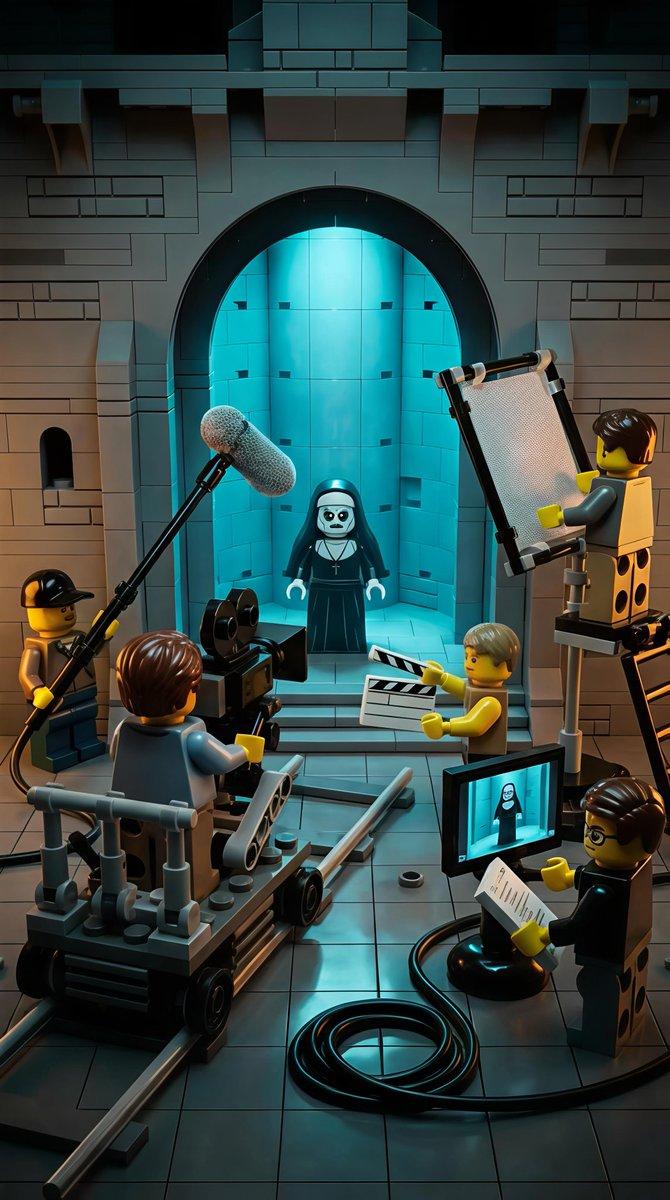
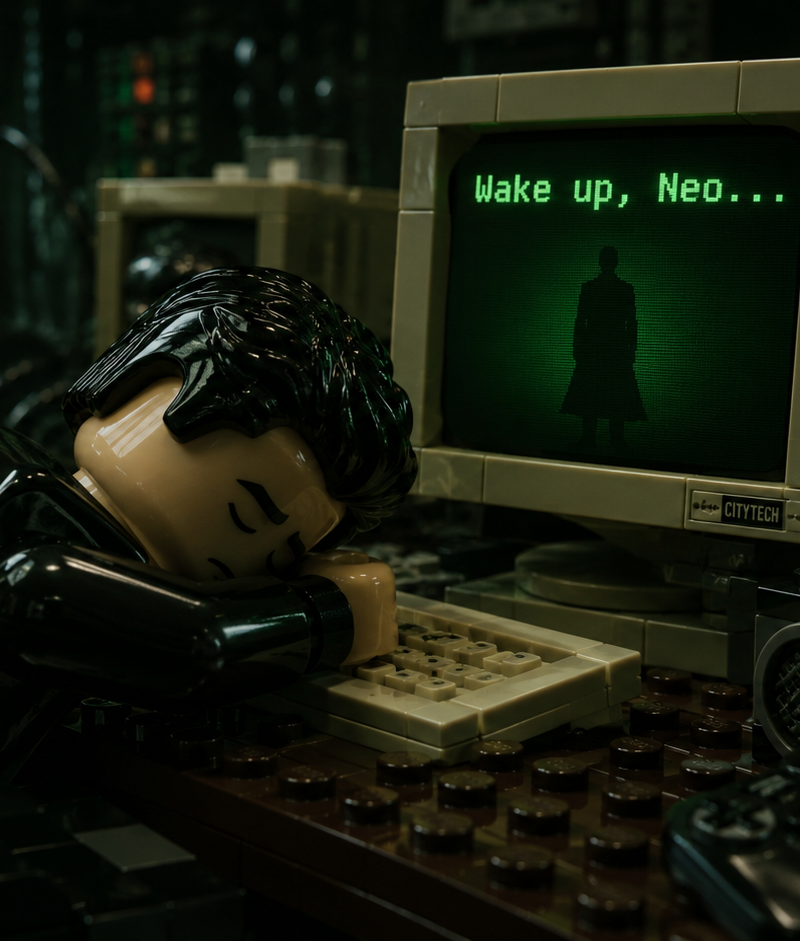
Cinematic photorealistic render of a detailed Lego minifigure styled after Neo f
Enlarge

Example images

Cinematic photorealistic render of a detailed Lego minifigure styled after Neo f

Prompt
Cinematic photorealistic render of a detailed Lego minifigure styled after Neo from The Matrix, black slicked-back hair, sleeping face down with head resting on folded arms on a dark wooden desk, exhausted peaceful expression, multiple retro beige CRT computer monitors surrounding him, the main monitor clearly displaying green text "Wake up, Neo..." with a black silhouette figure on screen, another monitor showing green code, vintage keyboard under his arms, white Lego coffee mug on the left, boombox and game controller on the right, dark moody green cinematic lighting with strong screen glow, glossy realistic plastic textures on the Lego minifigure and objects, visible studs and seams, shallow depth of field, sharp focus on the minifigure and monitor text, soft background blur, nostalgic cyberpunk atmosphere, The Matrix 1999 aesthetic reimagined in highly detailed Lego style --ar 16:9 --stylize 250 --v 6
Category
Charts & Infographics
Model
GPT Image 2
Creator
xie underwood
Source language
en
Views15
Source ID
30030
Published
Jun 17, 2026
Studio

Guide

About "Cinematic photorealistic render of a detailed Lego minifigure styled after Neo f"

What is this prompt for?

"Cinematic photorealistic render of a detailed Lego minifigure styled after Neo f" AI image prompt for GPT Image 2 (Charts & Infographics). Cinematic photoreal…

The full copyable prompt and example visuals above are ready for AI image generation or one-click recreate in Picva.

How to use this prompt

  1. Step 1

    Open the prompt detail

    Review the example visuals, category, and full prompt text for "Cinematic photorealistic render of a detailed Lego minifigure styled after Neo f".

  2. Step 2

    Copy the prompt

    Copy the prompt body from this page, or load it directly in Studio.

  3. Step 3

    Pick a model (GPT Image 2)

    Prefer GPT Image 2. If you switch models, keep subject and composition and tweak style terms.

  4. Step 4

    Generate and export

    Recreate the look in Picva, or export into your workflow for editing and publishing.

FAQ

What is the "Cinematic photorealistic render of a detailed Lego minifigure styled after Neo f" prompt?
It is an AI image-generation prompt for GPT Image 2 in the Charts & Infographics category. This page includes the full prompt text, example visuals, and a one-click recreate path in Picva.
How do I use this prompt to generate an image?
Copy the prompt from this page, or use Generate / Studio. Paste it into a compatible image model, or recreate the look in Picva with optional reference images.
Which model is this prompt for?
This page lists GPT Image 2. Most descriptive prompts also transfer to nearby image models such as GPT Image, Flux, or Midjourney with light style tweaks.
Can I use the result commercially?
You can usually copy the prompt for creation, but commercial use of the final image depends on the model terms, reference-image rights, and the generated content. Follow the source author and platform rules.