19

Use the uploaded image as the facial identity, hairstyle, and vibe reference
Enlarge

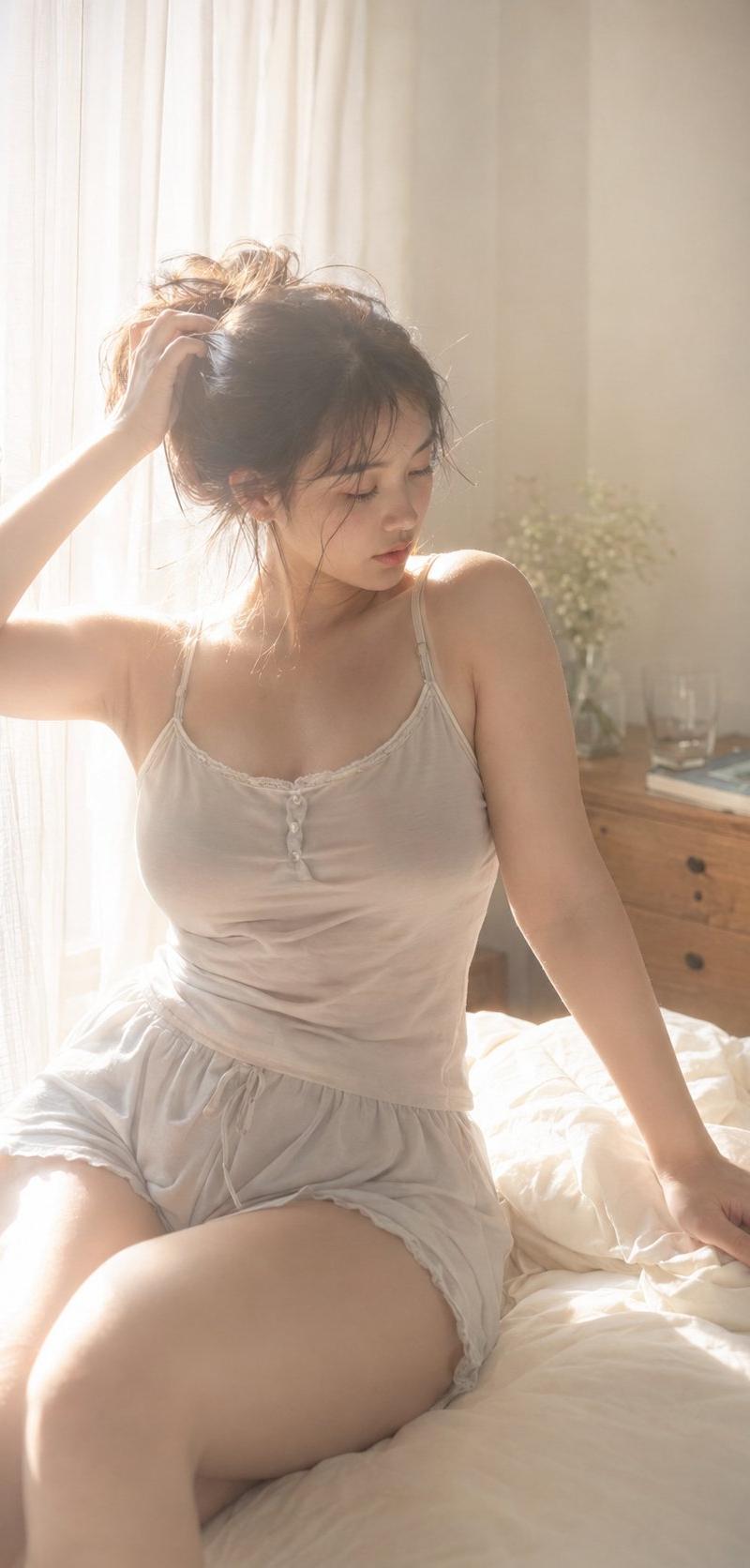
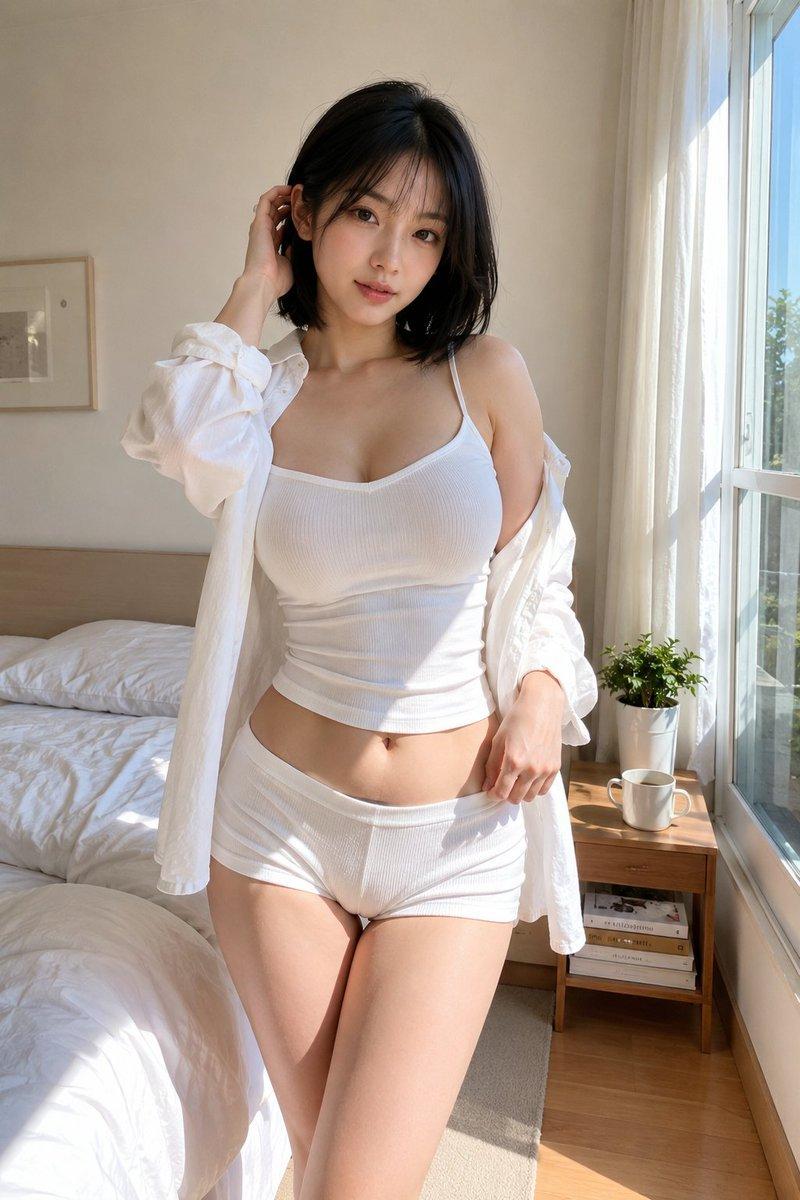
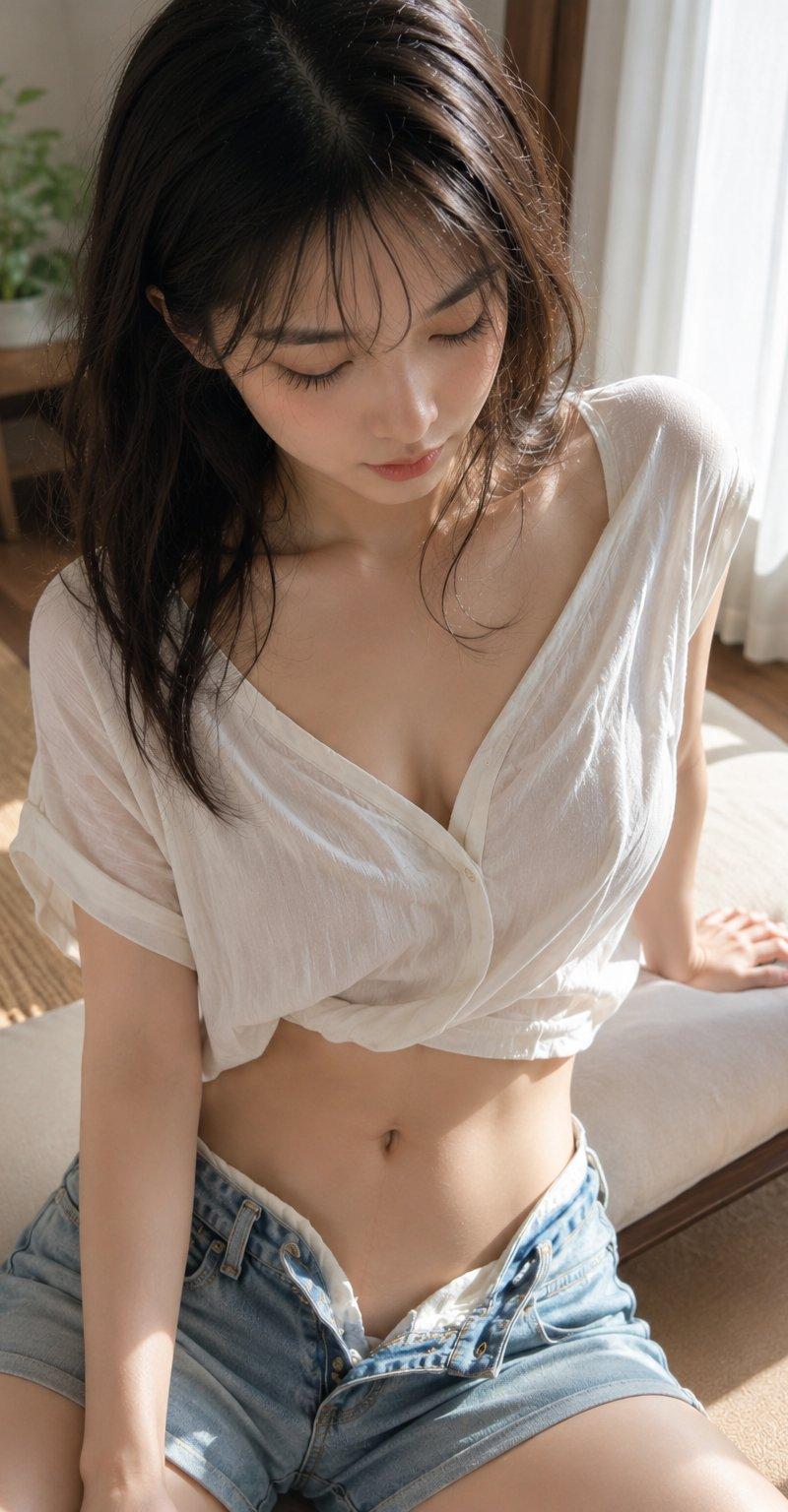
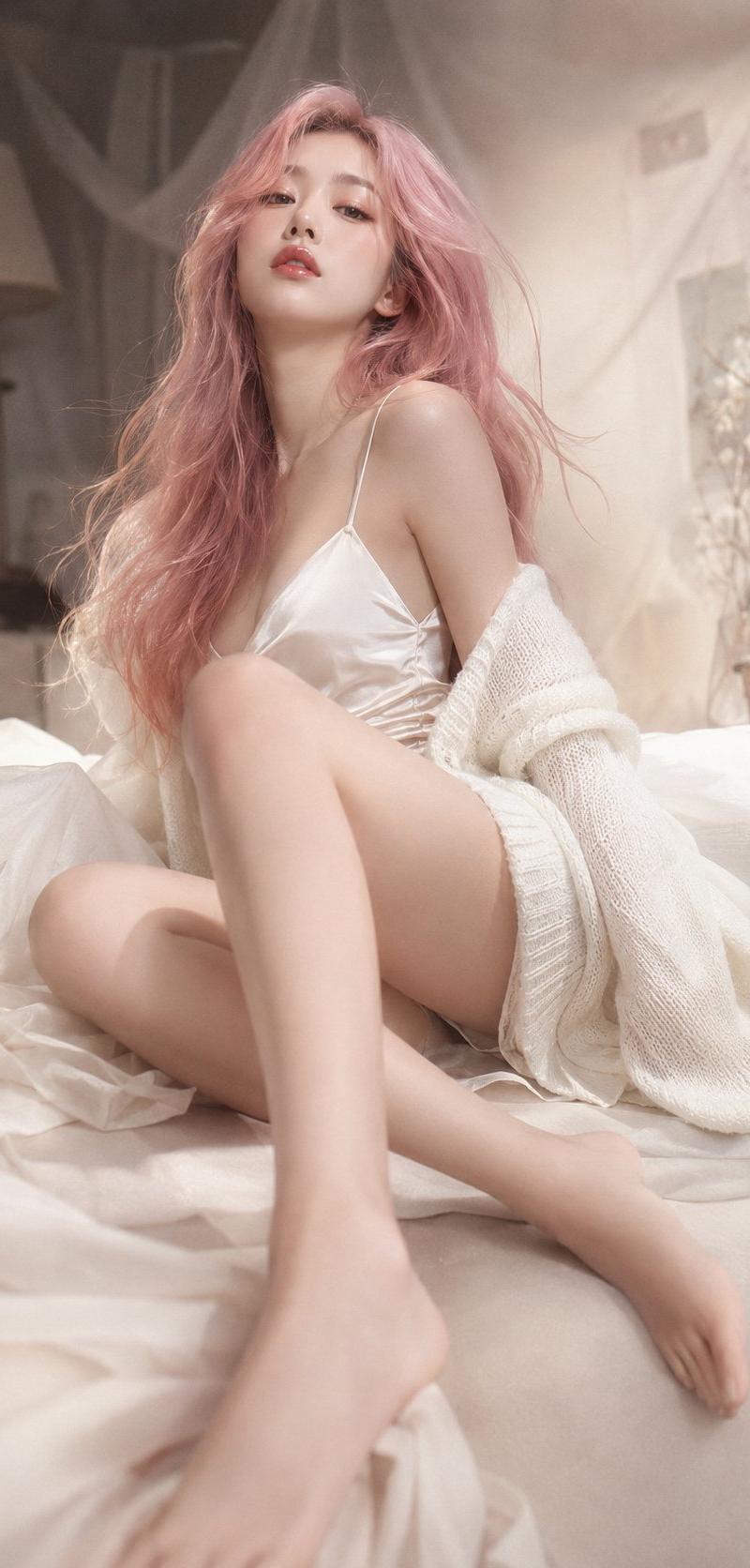
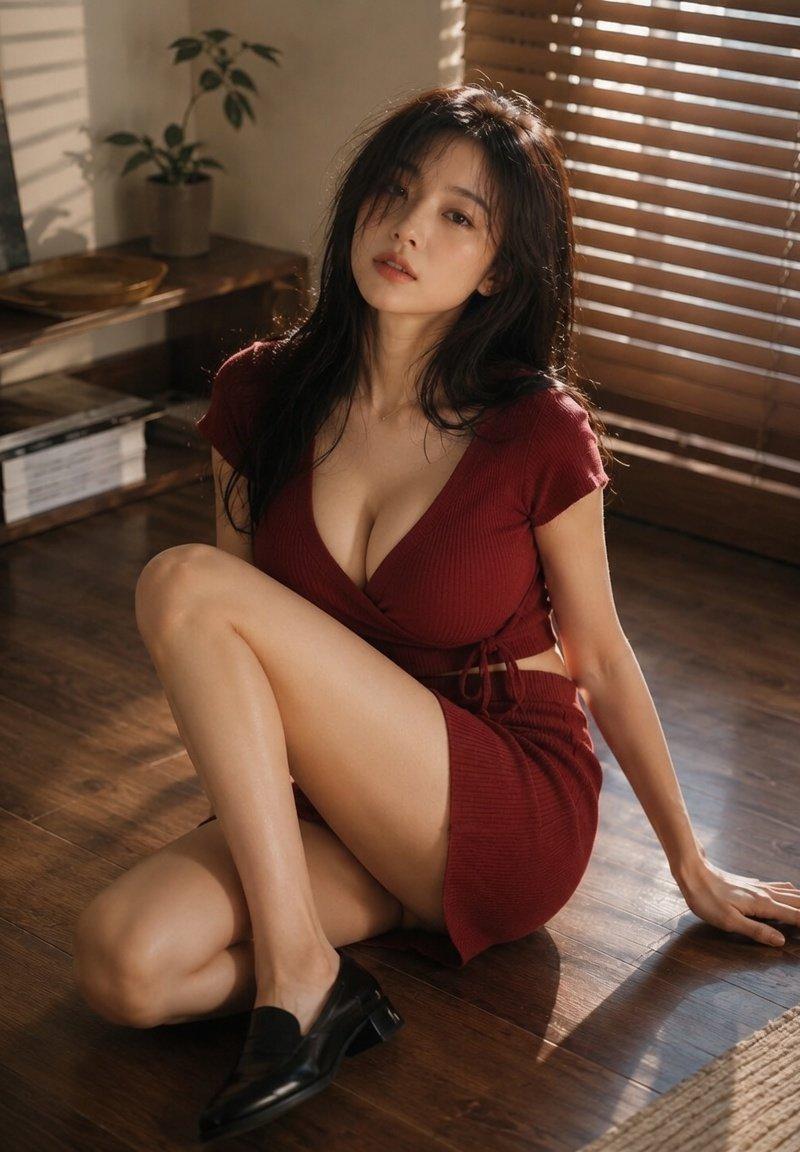
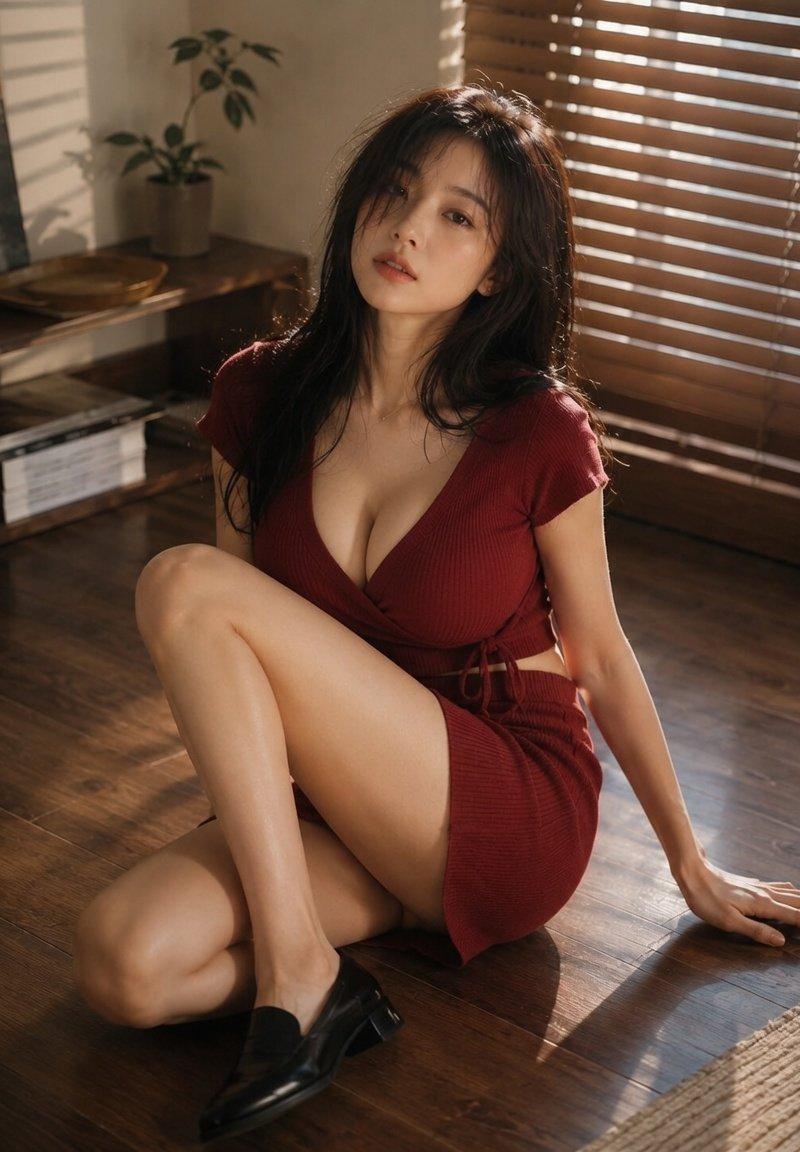
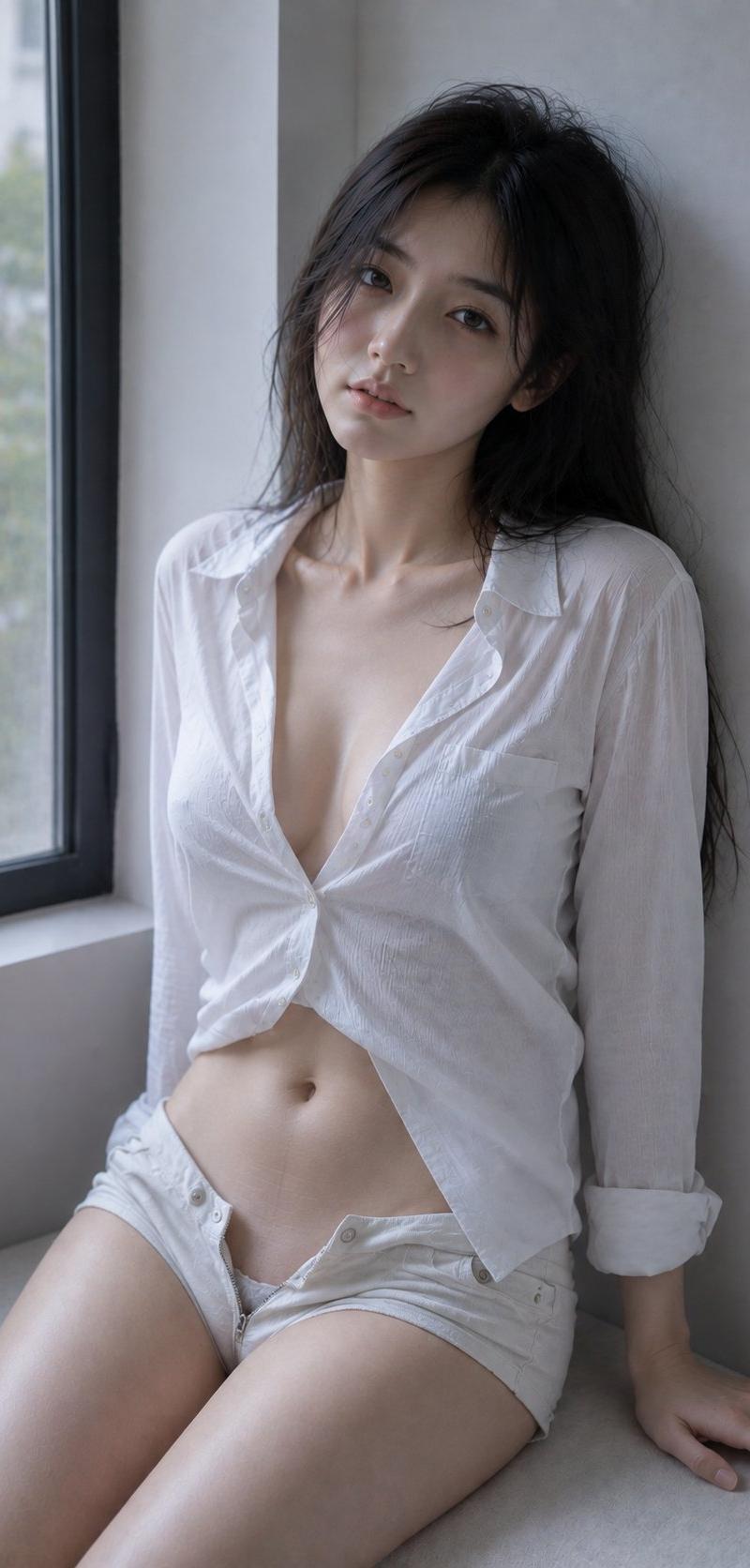
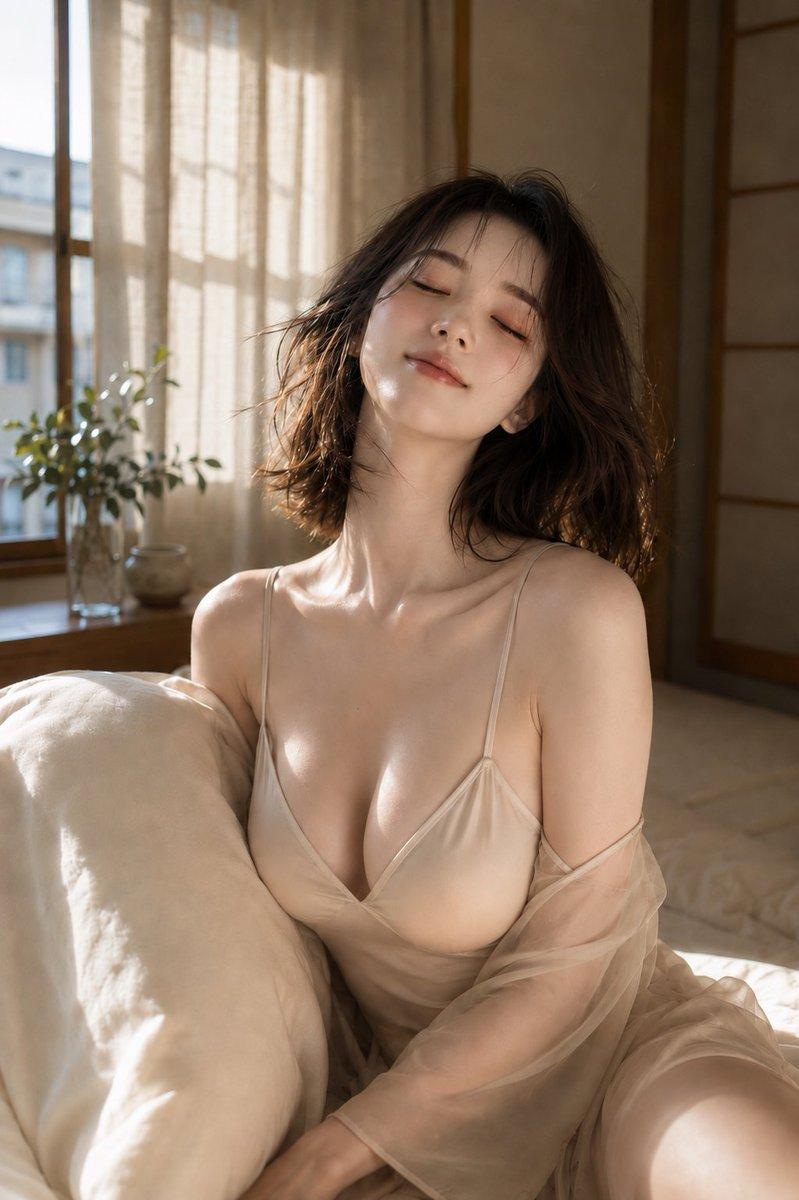
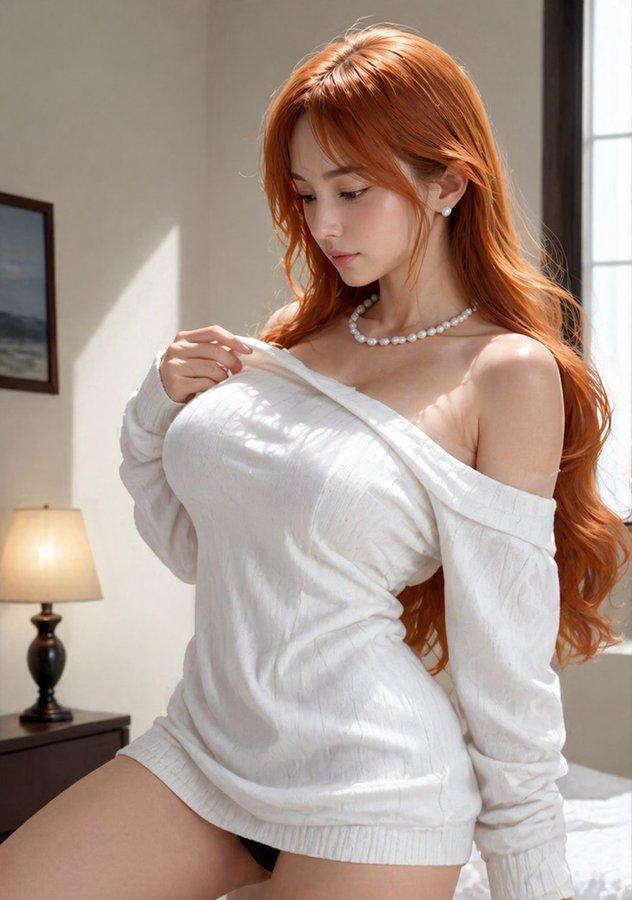
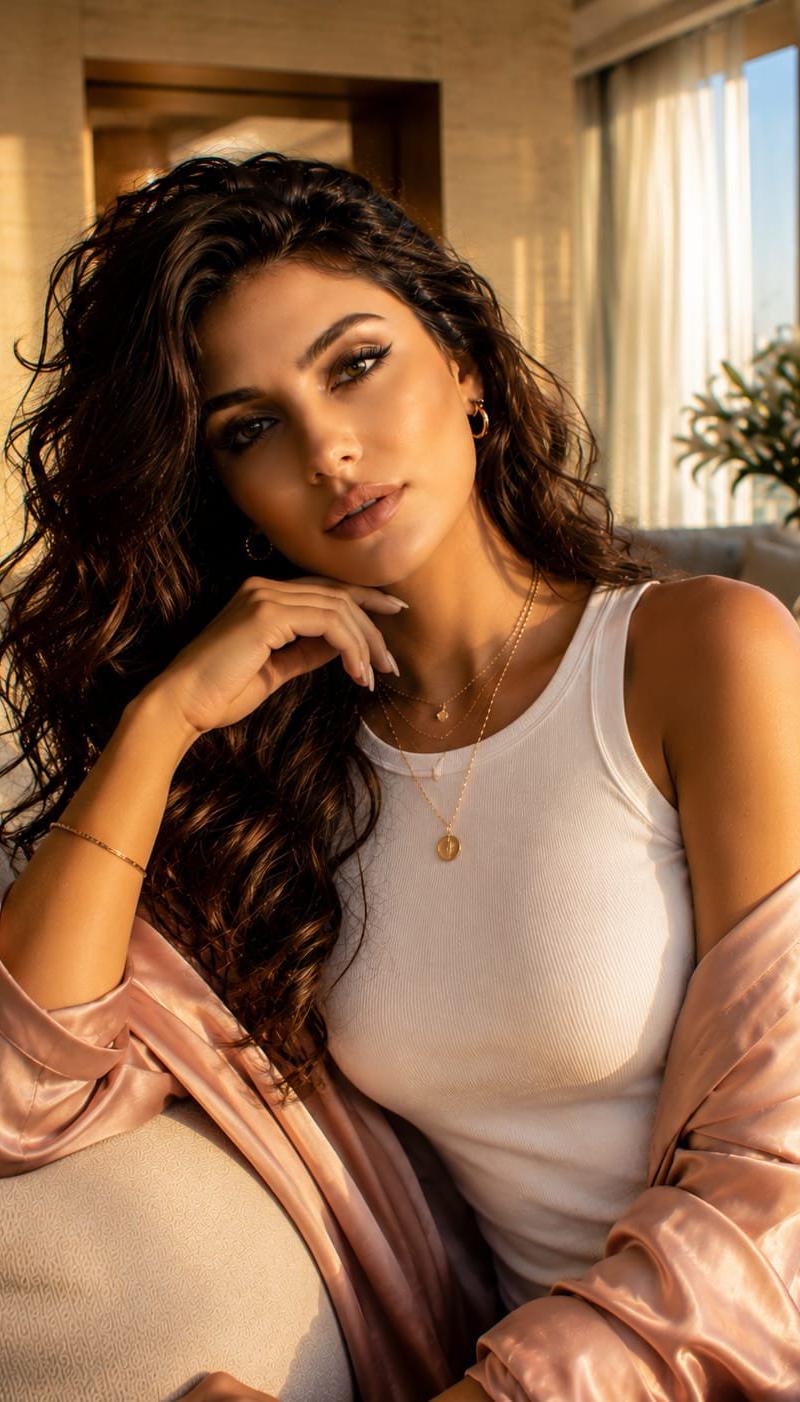
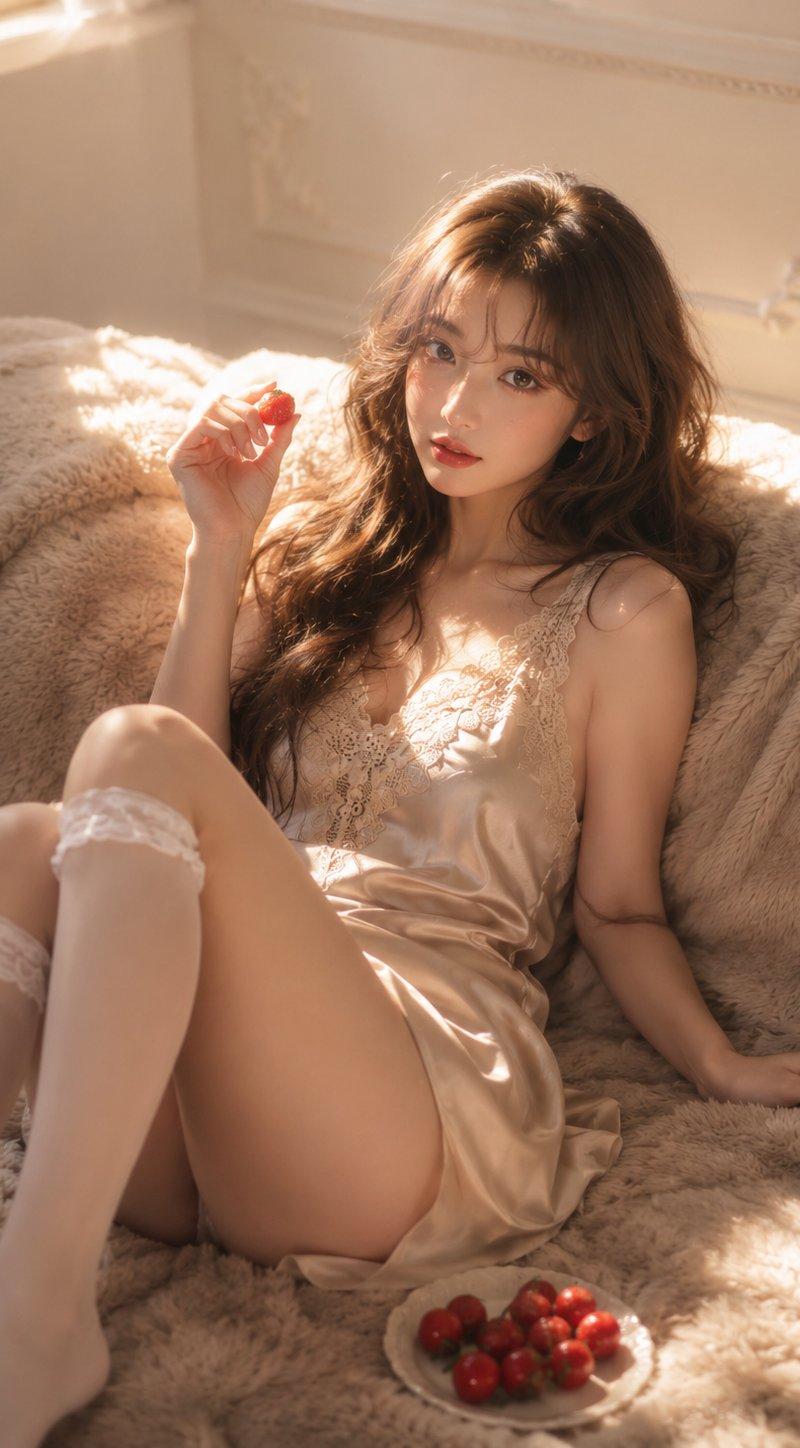
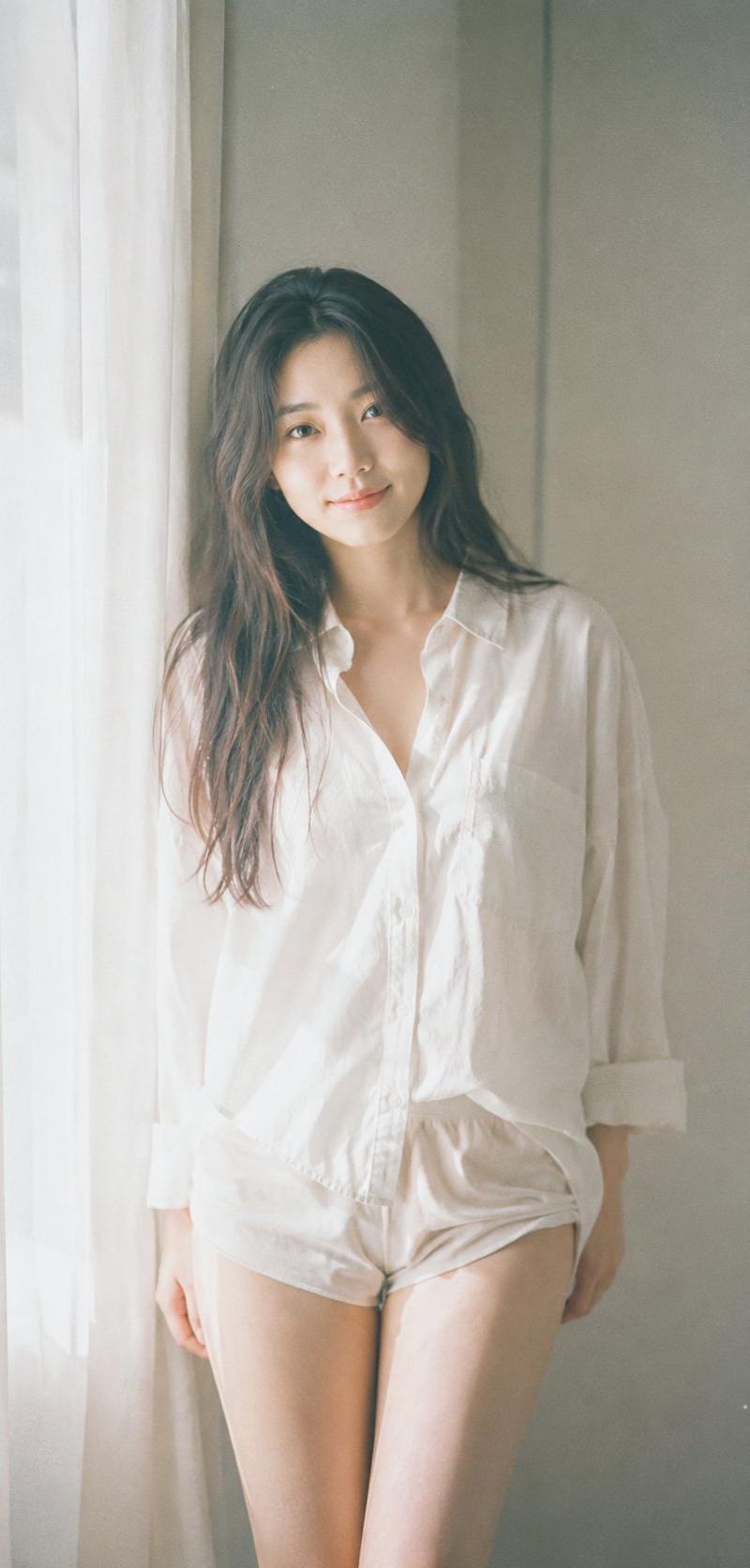
Example images

Use the uploaded image as the facial identity, hairstyle, and vibe reference

Prompt
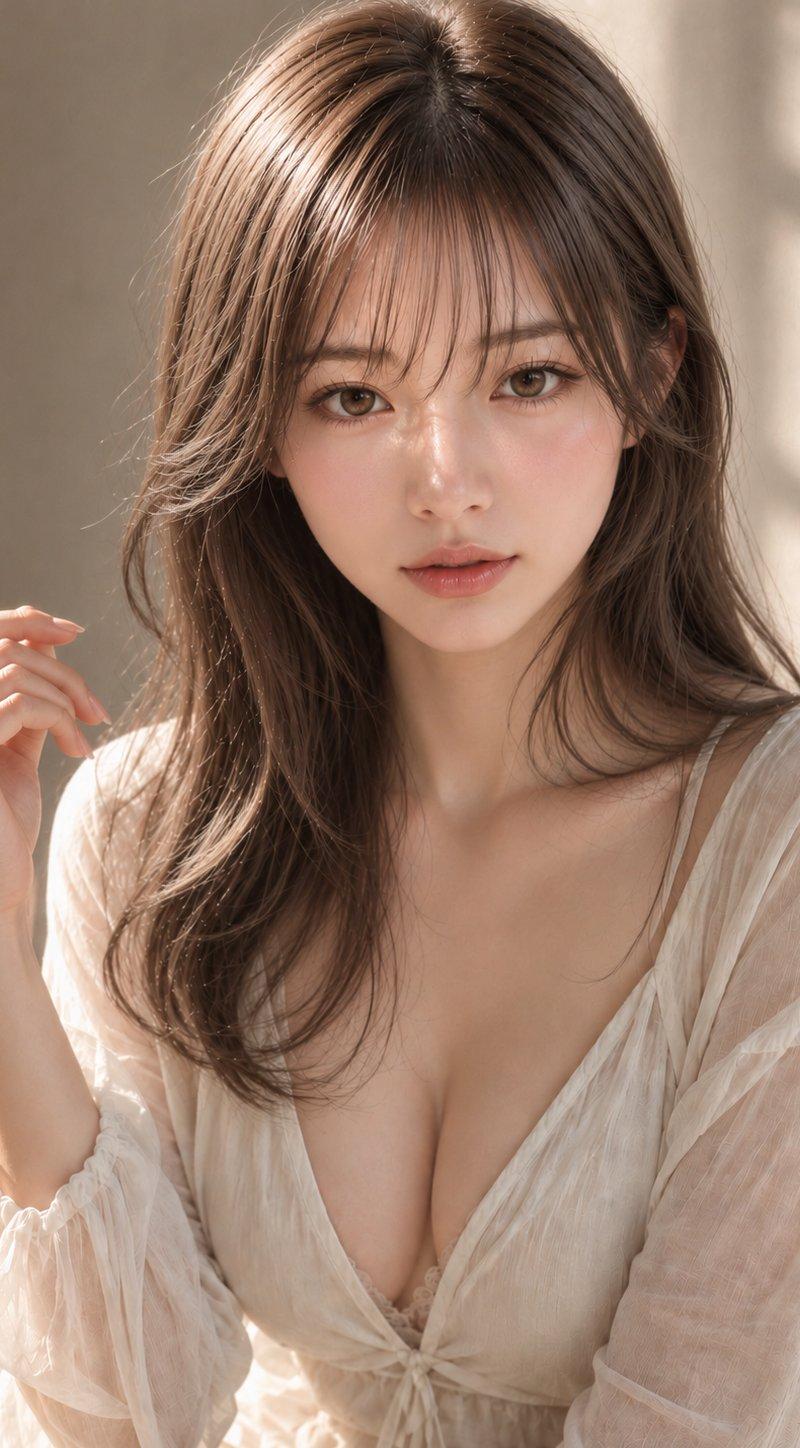
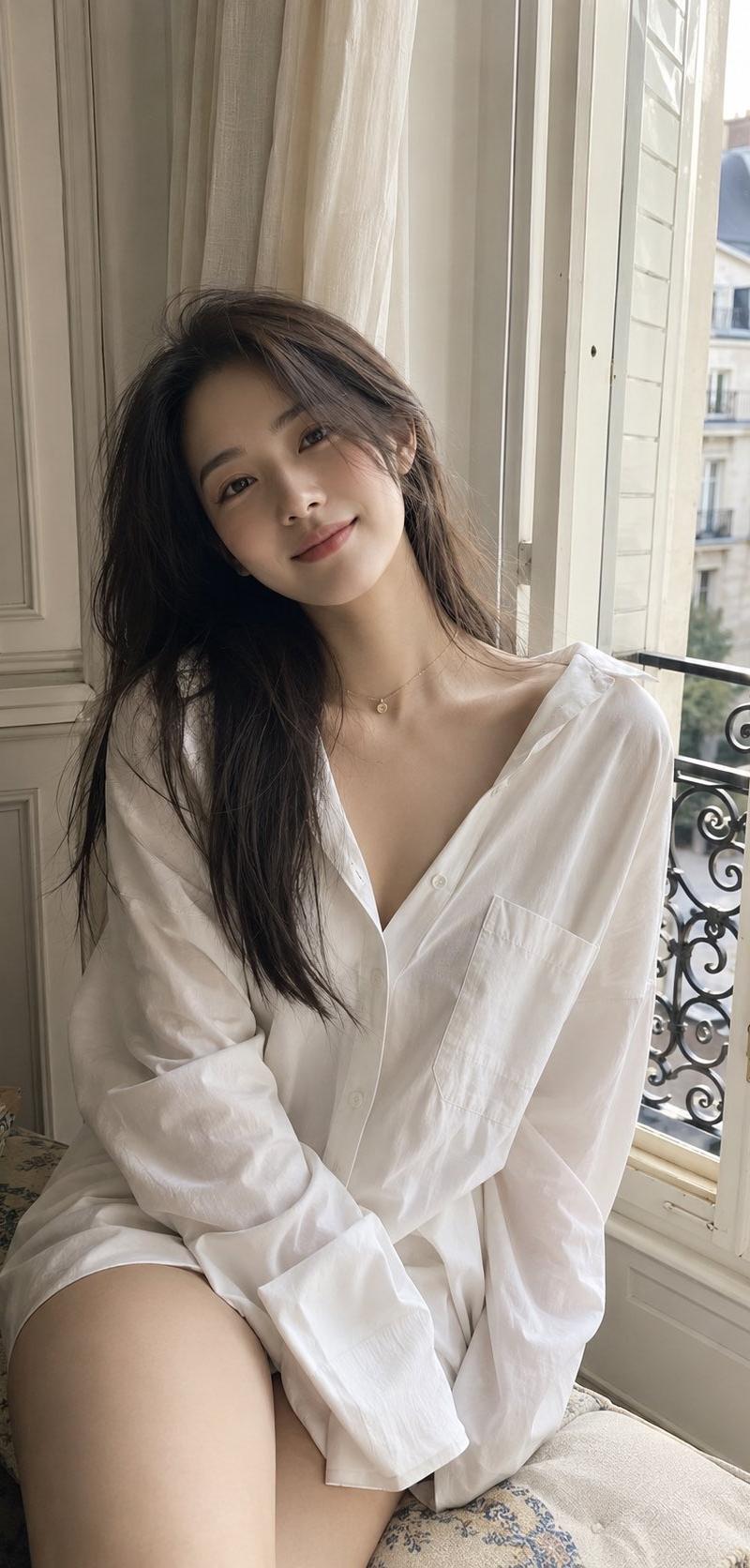
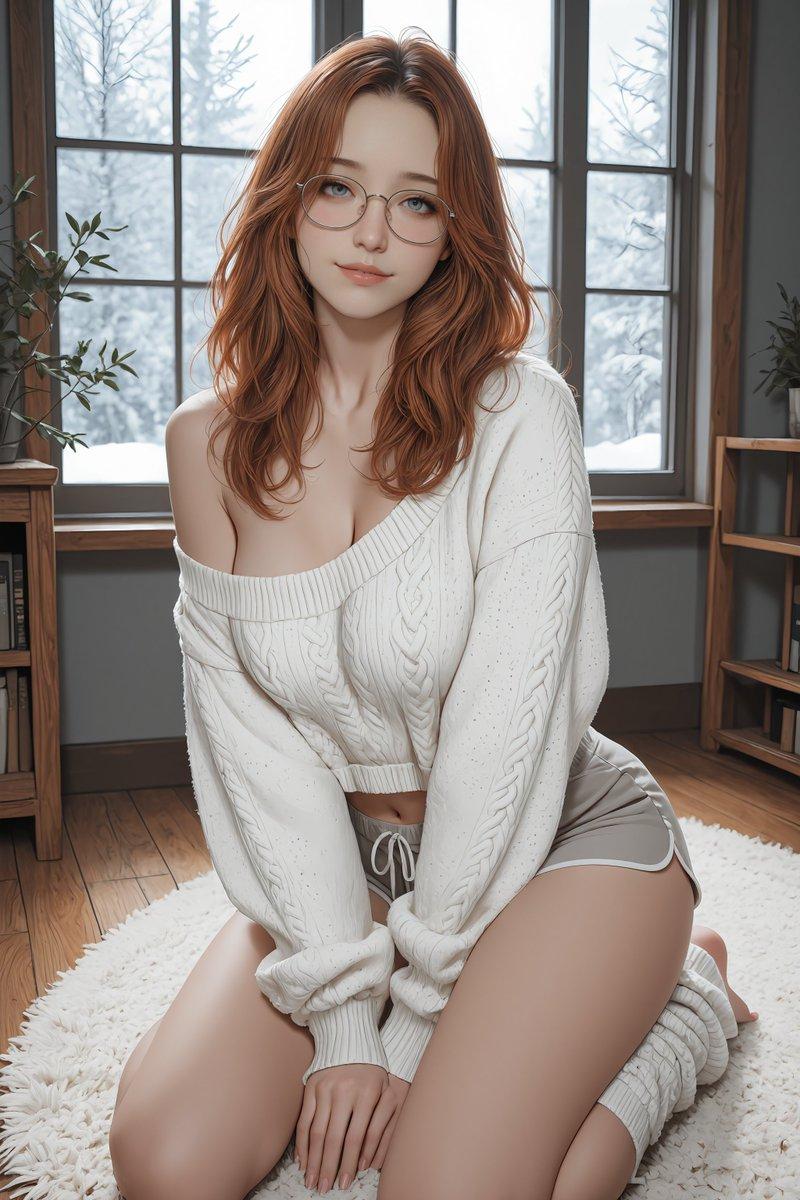
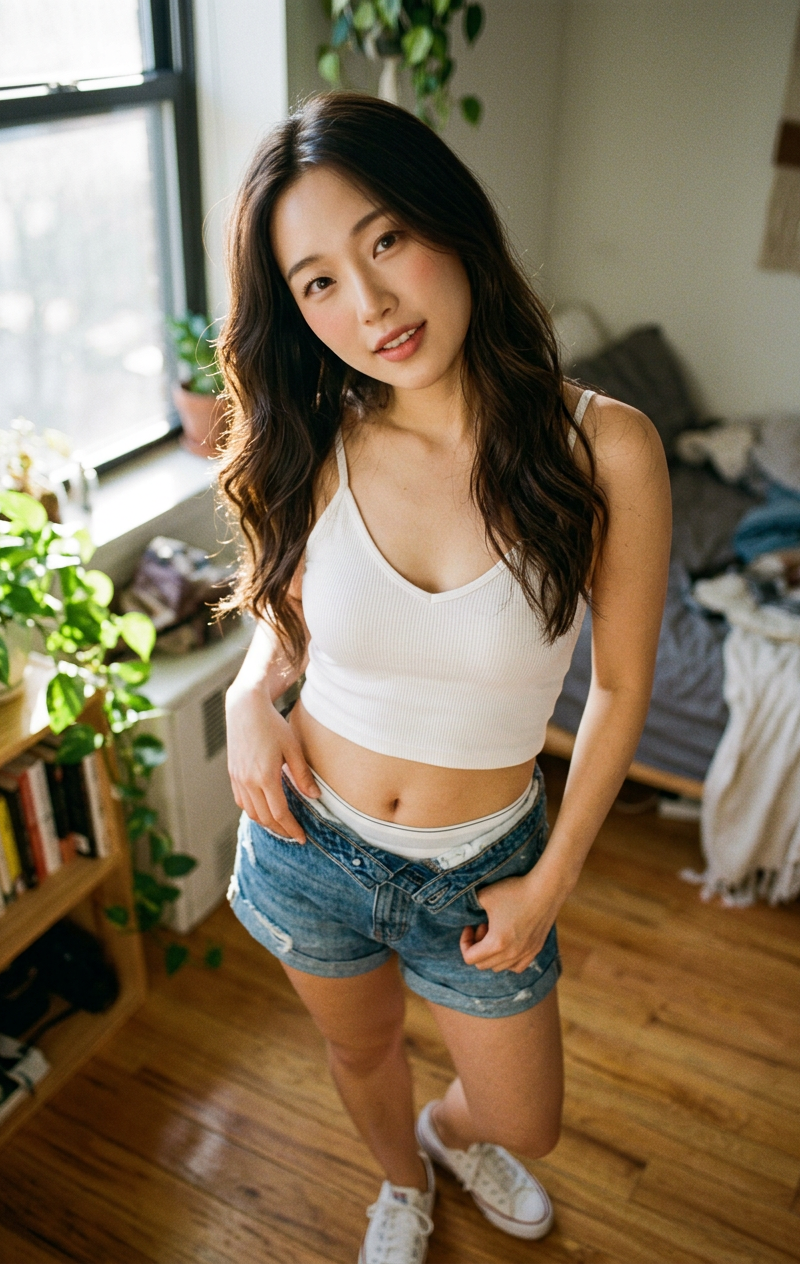
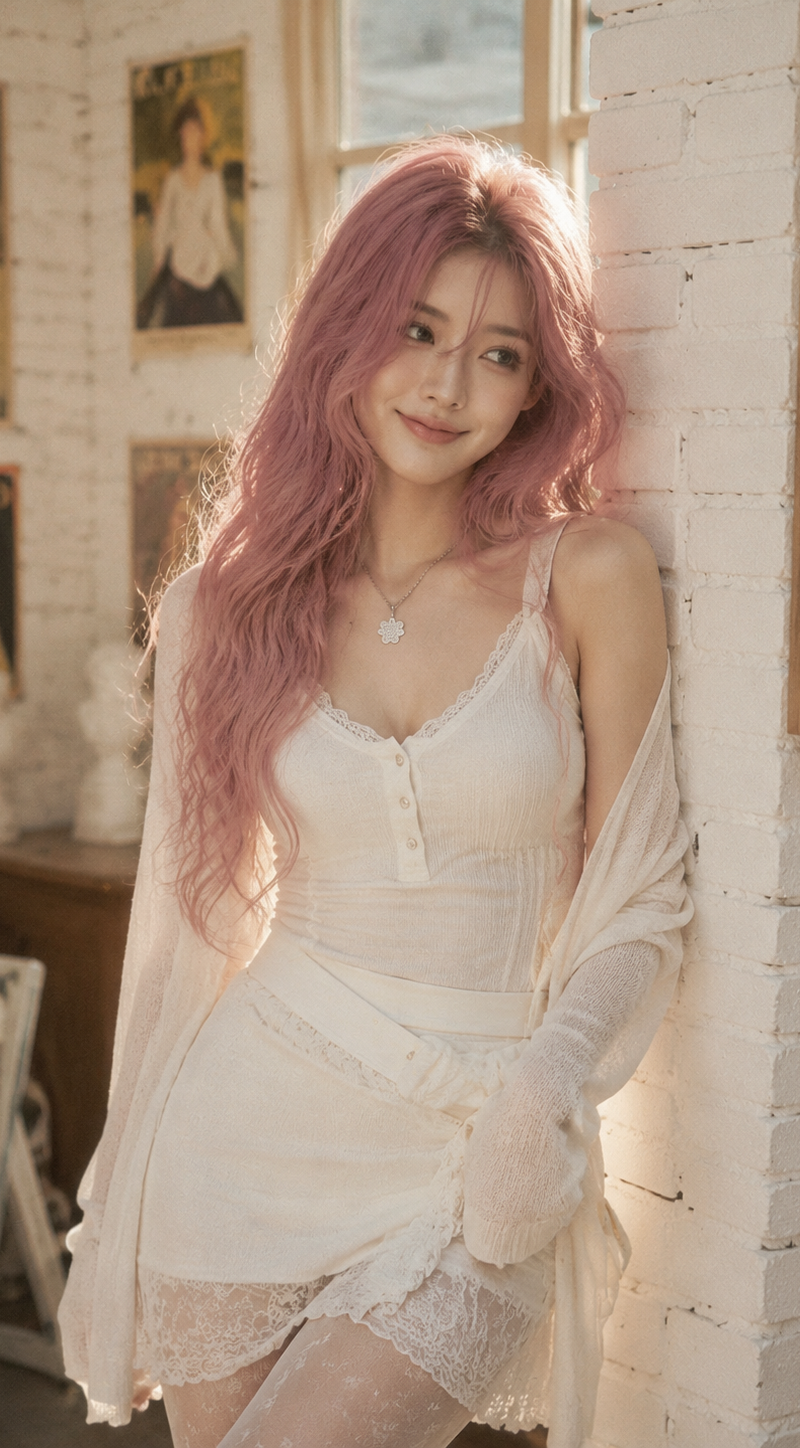
Use the uploaded image as the facial identity, hairstyle, and vibe reference. Keep the facial features highly consistent.

9:16 vertical cinematic Korean fashion editorial portrait, soft romantic atmosphere, luxury magazine aesthetic.

A beautiful young woman with long pastel pink wavy hair, fair porcelain skin, delicate facial features, standing near a white textured brick wall in warm natural daylight.

Outfit: elegant soft white layered fashion styling, delicate lace details, stylish long sleeves or cardigan casually draped, fitted feminine silhouette, sheer stockings as subtle fashion styling, classy and tasteful, fully covered outfit, non-revealing.

Expression: dreamy and gentle, slightly shy smile, soft eye contact, natural relaxed pose.

Lighting: warm daylight glow, soft shadows, subtle film grain, airy cinematic atmosphere, Fujifilm Pro 400H aesthetic.

Photography style: boyfriend photography feeling, candid luxury snapshot, intimate and wholesome mood, captured by someone deeply in love.

Style keywords: Korean high-fashion editorial, elegant romance, soft pastel tones, emotional realism, natural skin texture, refined details.
slightly mature feminine charm, elegant cool beauty, subtle alluring aura, effortlessly attractive, refined Korean actress visual
Category
Posters & Typography
Model
GPT Image 2
Creator
月亮
Source language
en
Views1.1K
Source ID
3082
Published
May 11, 2026
Studio

Guide

About "Use the uploaded image as the facial identity, hairstyle, and vibe reference"

What is this prompt for?

"Use the uploaded image as the facial identity, hairstyle, and vibe reference" AI image prompt for GPT Image 2 (Posters & Typography). Use the uploaded image a…

The full copyable prompt and example visuals above are ready for AI image generation or one-click recreate in Picva.

How to use this prompt

  1. Step 1

    Open the prompt detail

    Review the example visuals, category, and full prompt text for "Use the uploaded image as the facial identity, hairstyle, and vibe reference".

  2. Step 2

    Copy the prompt

    Copy the prompt body from this page, or load it directly in Studio.

  3. Step 3

    Pick a model (GPT Image 2)

    Prefer GPT Image 2. If you switch models, keep subject and composition and tweak style terms.

  4. Step 4

    Generate and export

    Recreate the look in Picva, or export into your workflow for editing and publishing.

FAQ

What is the "Use the uploaded image as the facial identity, hairstyle, and vibe reference" prompt?
It is an AI image-generation prompt for GPT Image 2 in the Posters & Typography category. This page includes the full prompt text, example visuals, and a one-click recreate path in Picva.
How do I use this prompt to generate an image?
Copy the prompt from this page, or use Generate / Studio. Paste it into a compatible image model, or recreate the look in Picva with optional reference images.
Which model is this prompt for?
This page lists GPT Image 2. Most descriptive prompts also transfer to nearby image models such as GPT Image, Flux, or Midjourney with light style tweaks.
Can I use the result commercially?
You can usually copy the prompt for creation, but commercial use of the final image depends on the model terms, reference-image rights, and the generated content. Follow the source author and platform rules.