19

End-of-day rush hour on a Los Angeles freeway, POV from the driver’s seat; lower
Enlarge

Example images

End-of-day rush hour on a Los Angeles freeway, POV from the driver’s seat; lower

Prompt
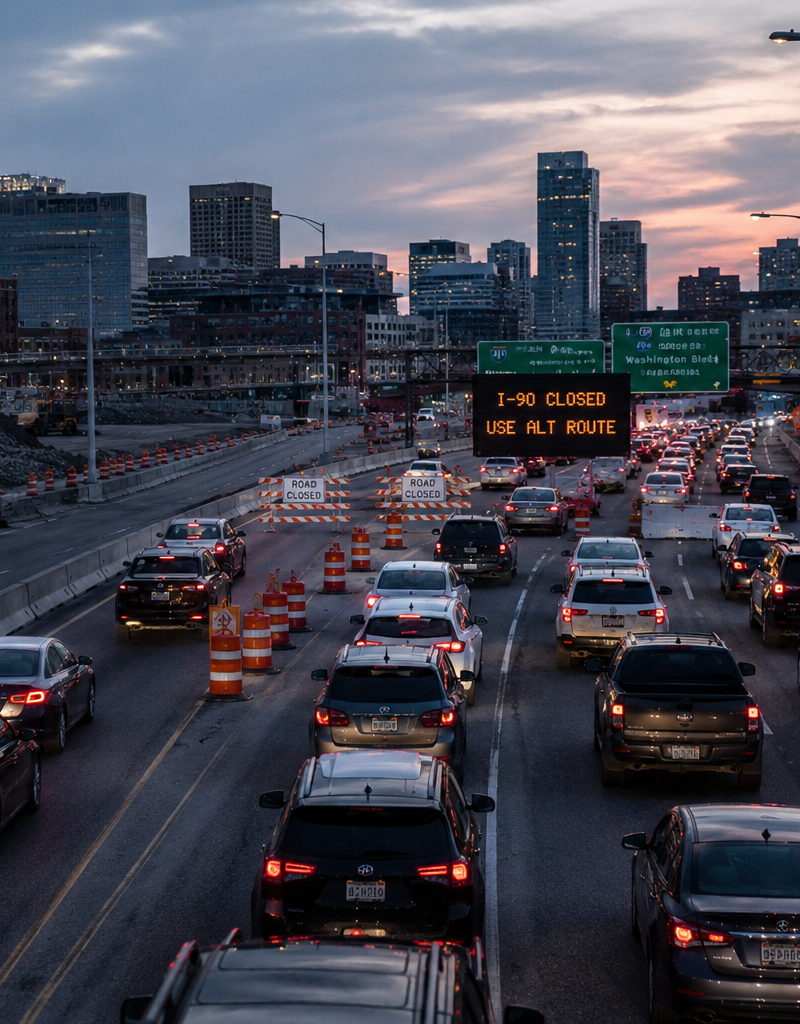
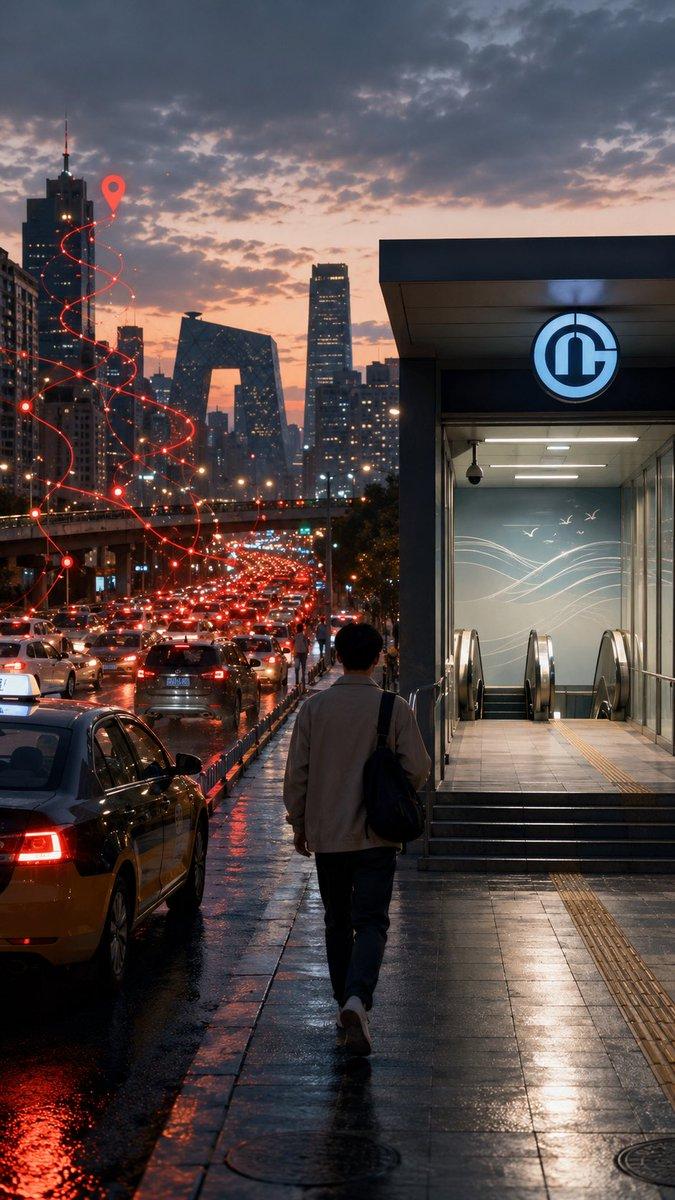
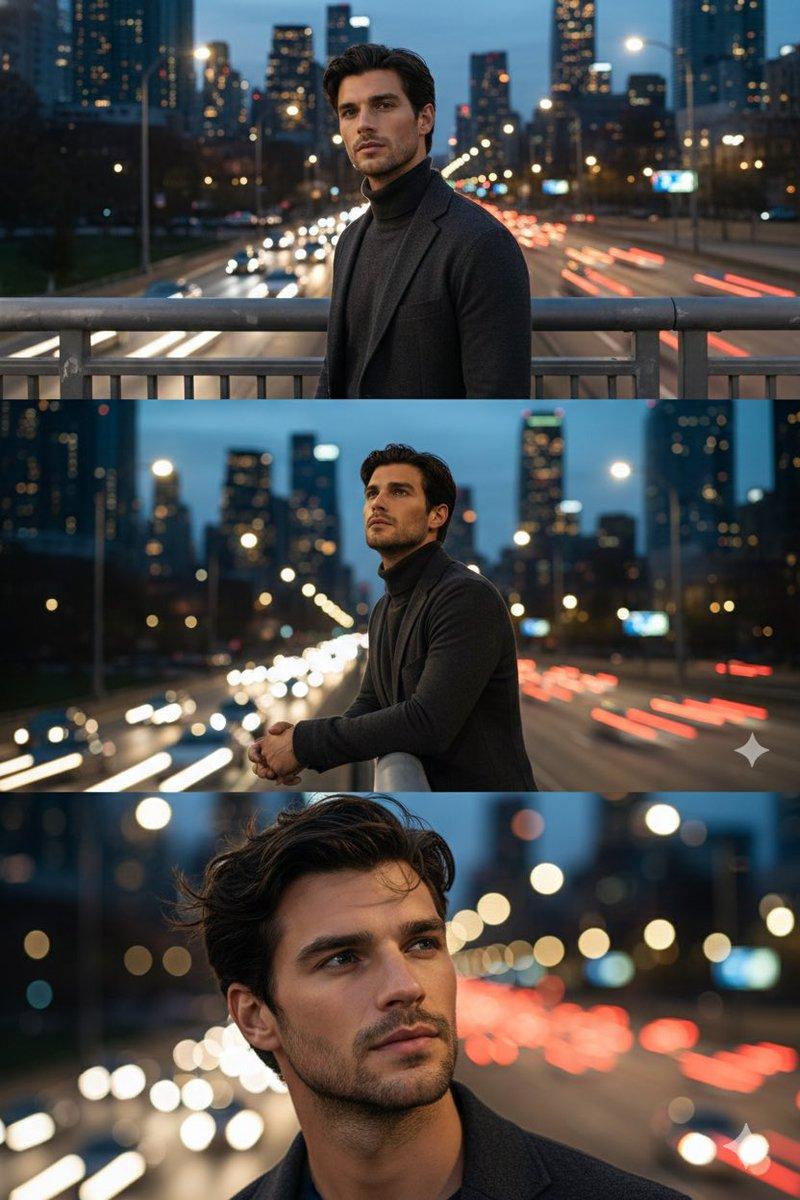
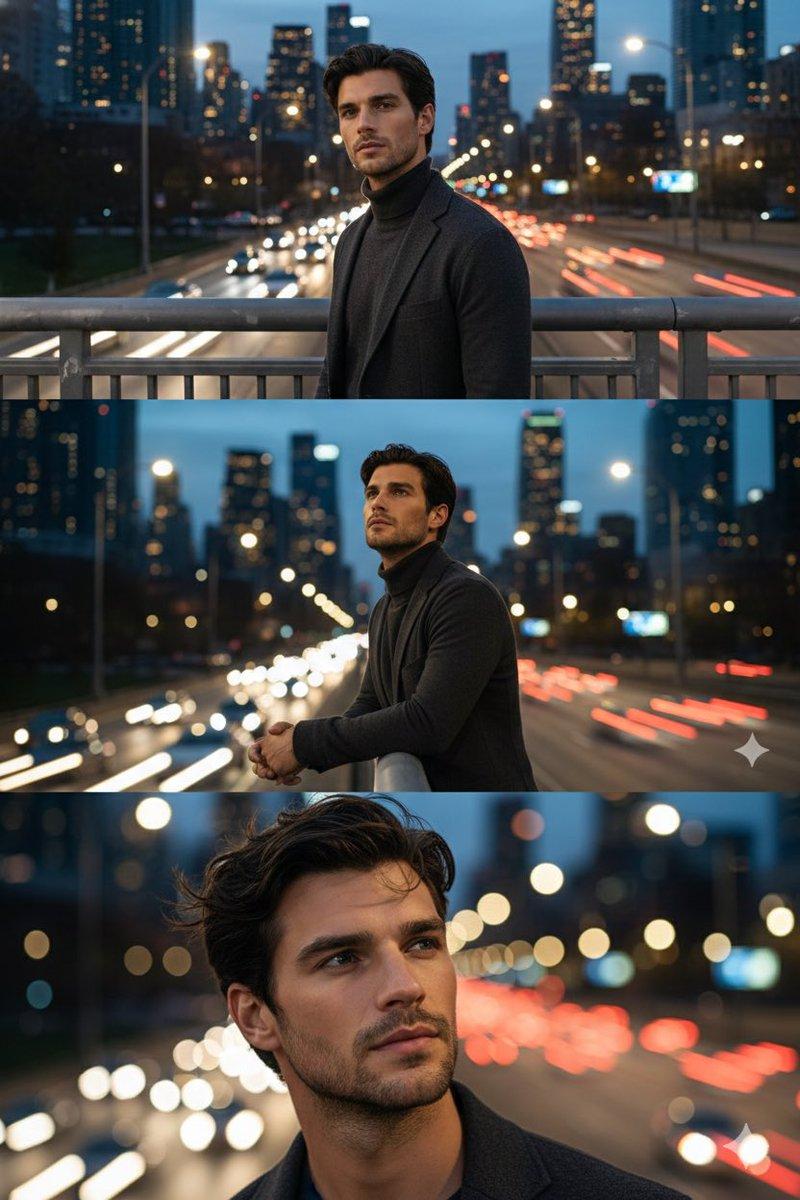
End-of-day rush hour on a Los Angeles freeway, POV from the driver’s seat; lower frame shows a slightly out-of-focus steering wheel and a man’s hands; multi-lane red taillights form streams of light extending into the distance, with the Los Angeles skyline as a hazy silhouette; the sky transitions from warm dusk to blue hour; subtle directional motion smear resembling a 1/30s shutter; fine windshield reflections with a faint dashboard glow. Lighting: mixed tungsten cabin spill with sodium/LED streetlights; optional heat-shimmer-like wet specular highlights (not rain). Lens/Focus: 24-28mm wide; deep focus on traffic, foreground interior slightly soft. Composition: the brightest taillight streams stack along the vertical axis; overhead freeway signs present but unreadable. Look: desaturated neons, anamorphic-style flares, anxious and tense atmosphere.
Category
UI & Interfaces
Model
GPT Image 2
Creator
xie underwood
Source language
en
Views21
Source ID
31486
Published
Jun 20, 2026
Studio

Guide

About "End-of-day rush hour on a Los Angeles freeway, POV from the driver’s seat; lower"

What is this prompt for?

"End-of-day rush hour on a Los Angeles freeway, POV from the driver’s seat; lower" AI image prompt for GPT Image 2 (UI & Interfaces). End-of-day rush hour on a…

The full copyable prompt and example visuals above are ready for AI image generation or one-click recreate in Picva.

How to use this prompt

  1. Step 1

    Open the prompt detail

    Review the example visuals, category, and full prompt text for "End-of-day rush hour on a Los Angeles freeway, POV from the driver’s seat; lower".

  2. Step 2

    Copy the prompt

    Copy the prompt body from this page, or load it directly in Studio.

  3. Step 3

    Pick a model (GPT Image 2)

    Prefer GPT Image 2. If you switch models, keep subject and composition and tweak style terms.

  4. Step 4

    Generate and export

    Recreate the look in Picva, or export into your workflow for editing and publishing.

FAQ

What is the "End-of-day rush hour on a Los Angeles freeway, POV from the driver’s seat; lower" prompt?
It is an AI image-generation prompt for GPT Image 2 in the UI & Interfaces category. This page includes the full prompt text, example visuals, and a one-click recreate path in Picva.
How do I use this prompt to generate an image?
Copy the prompt from this page, or use Generate / Studio. Paste it into a compatible image model, or recreate the look in Picva with optional reference images.
Which model is this prompt for?
This page lists GPT Image 2. Most descriptive prompts also transfer to nearby image models such as GPT Image, Flux, or Midjourney with light style tweaks.
Can I use the result commercially?
You can usually copy the prompt for creation, but commercial use of the final image depends on the model terms, reference-image rights, and the generated content. Follow the source author and platform rules.