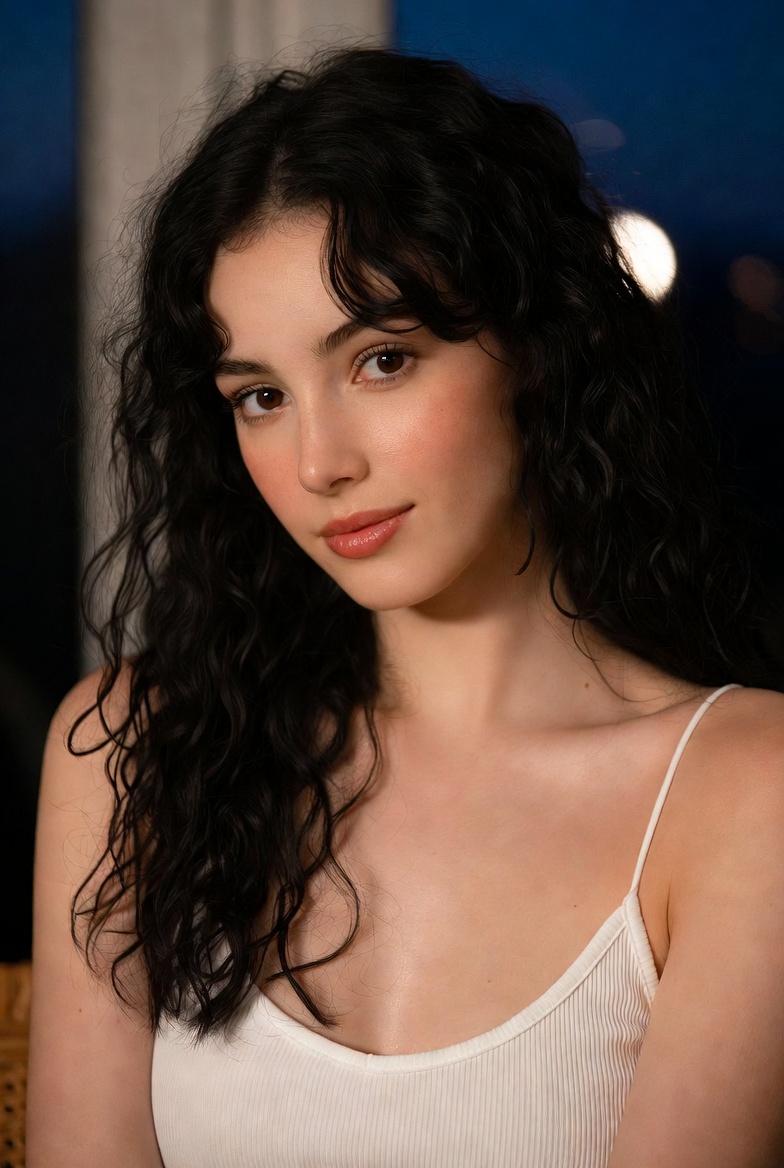
{ "subject": { "description": "A young woman in a warm-lit evening indoor settin
Prompt
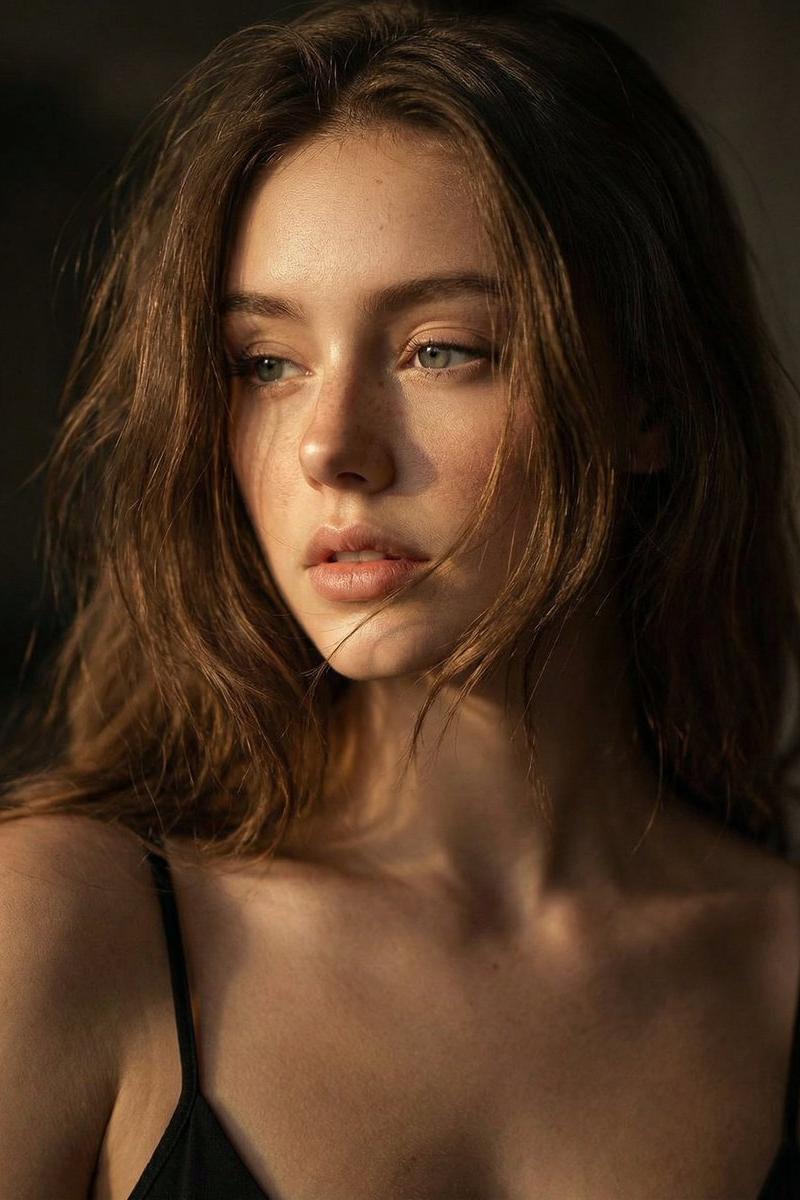
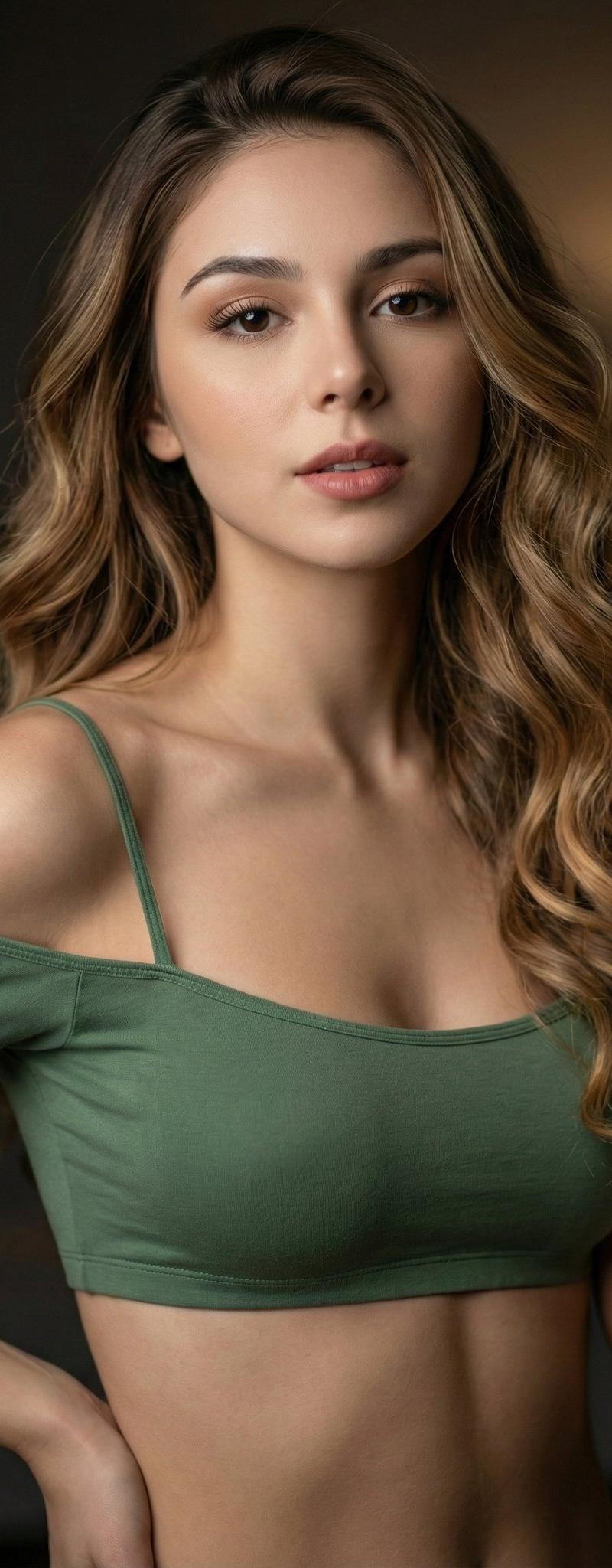
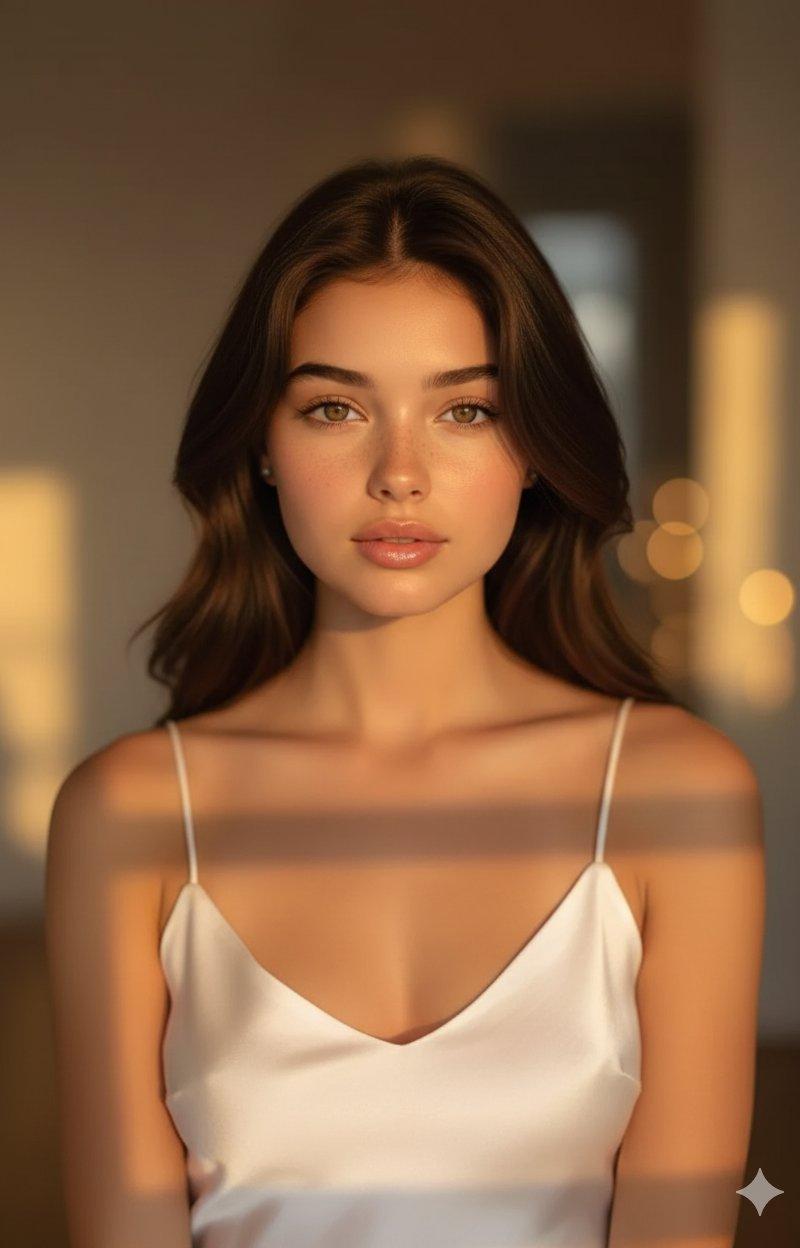
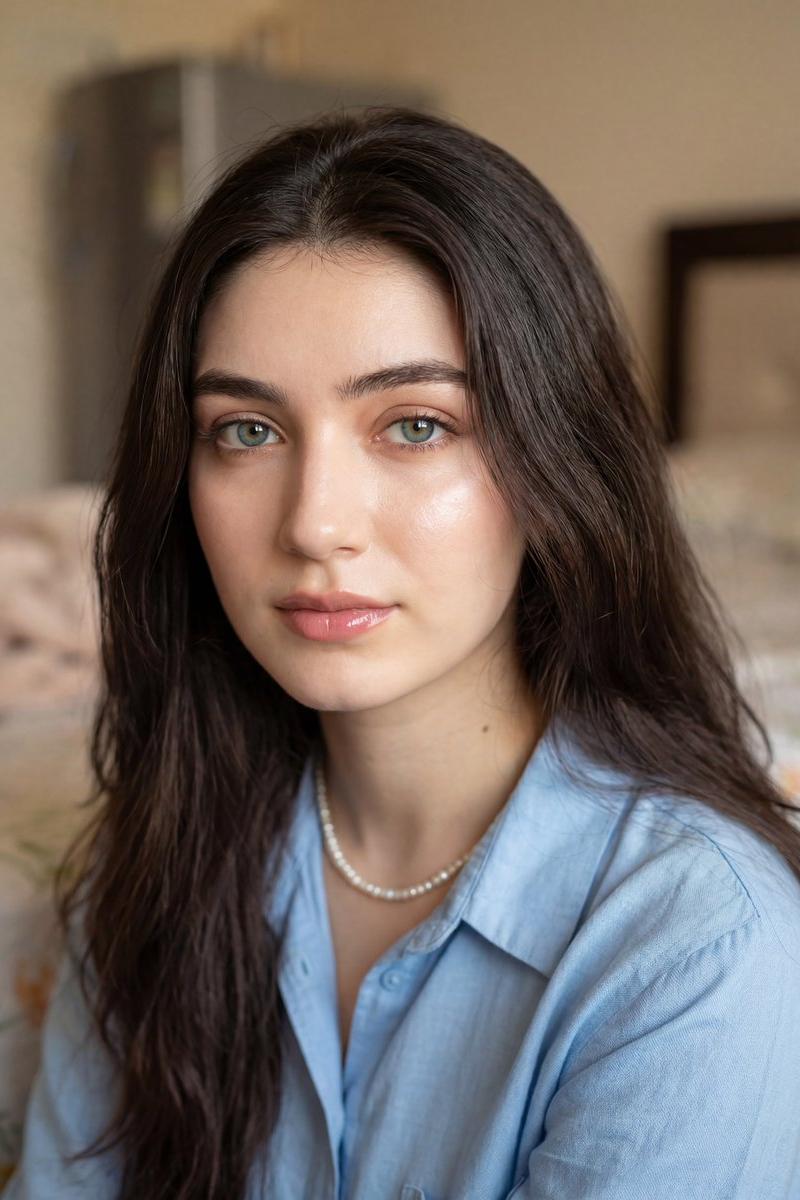
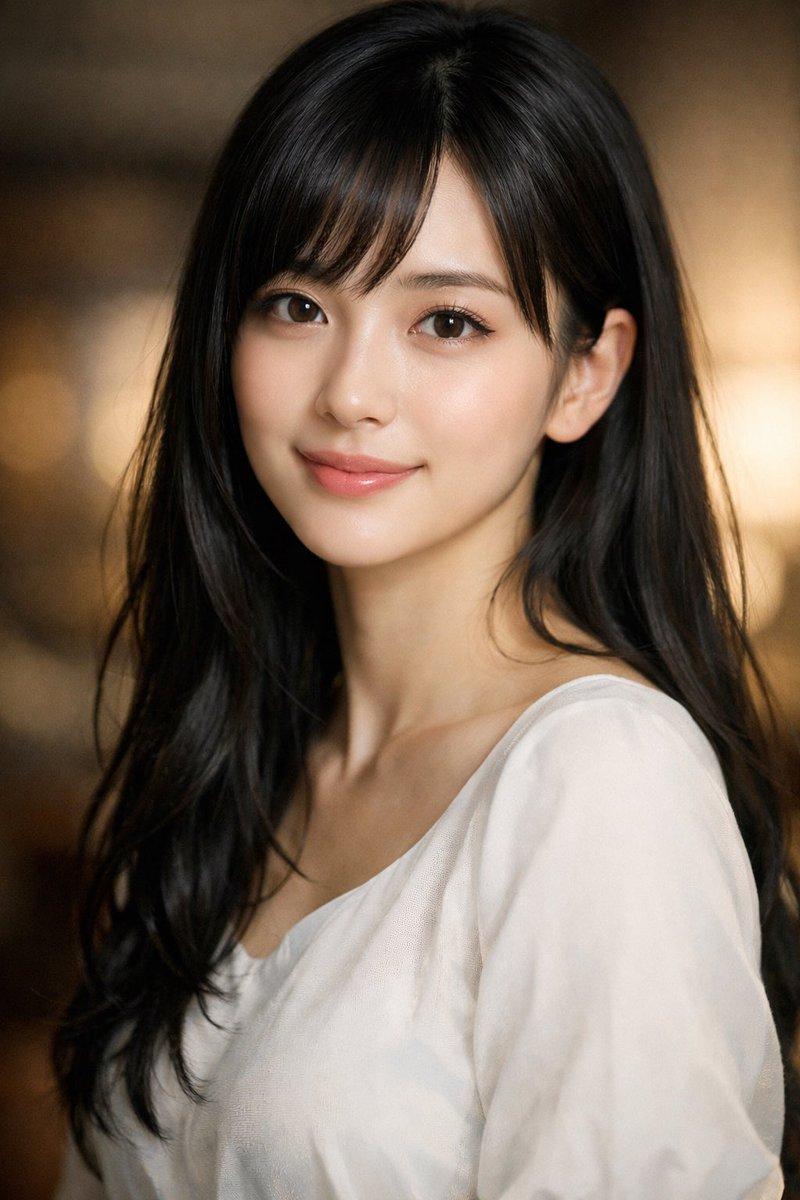
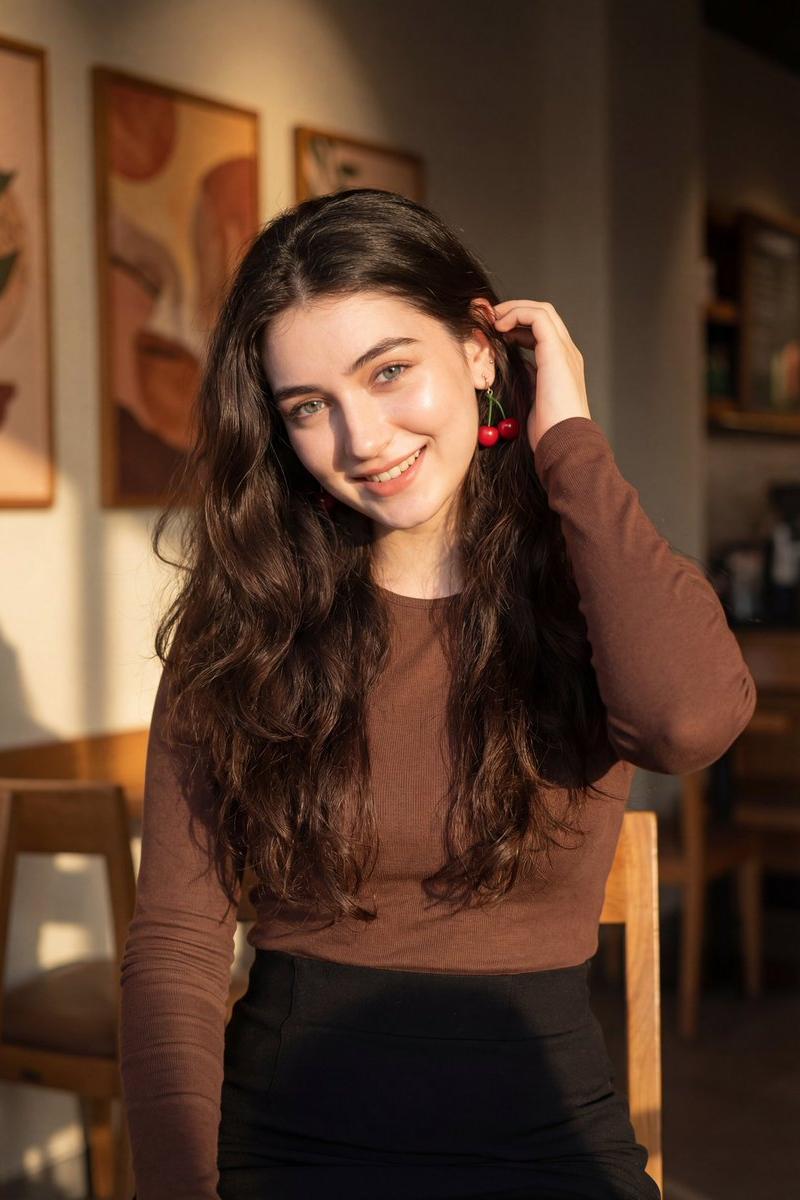
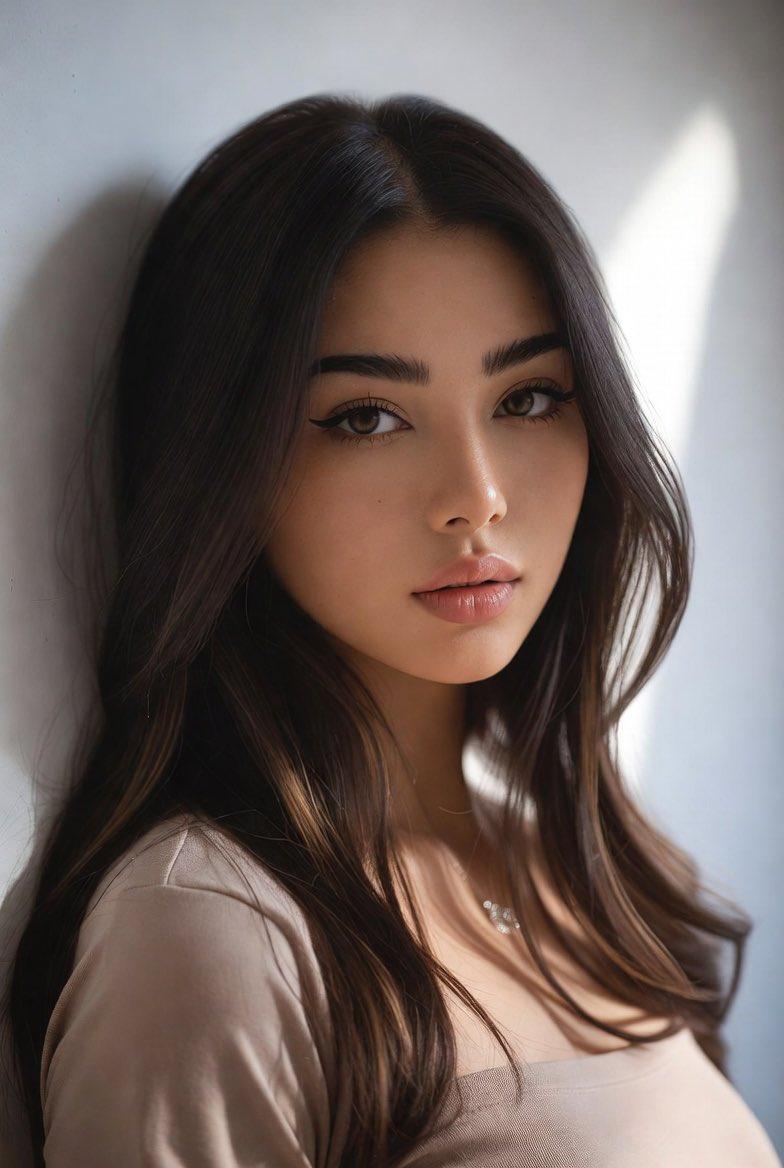
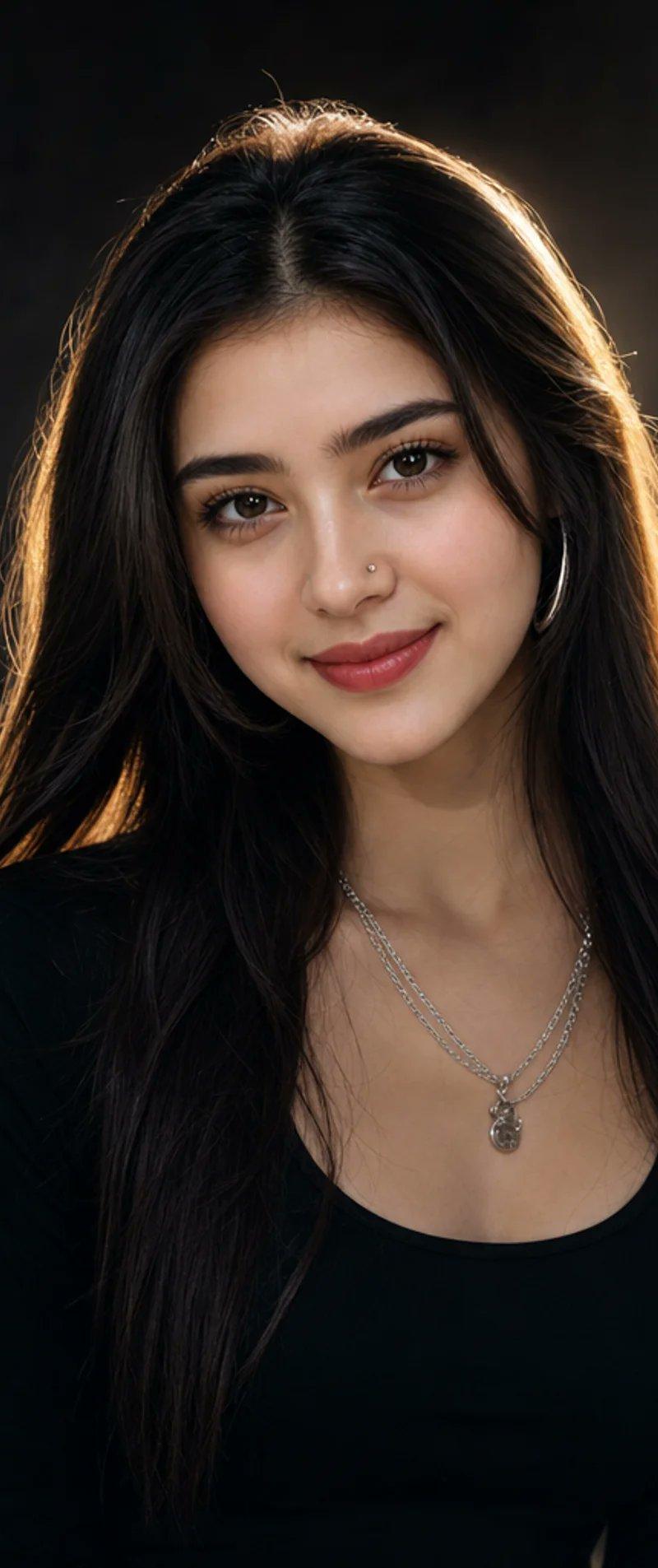
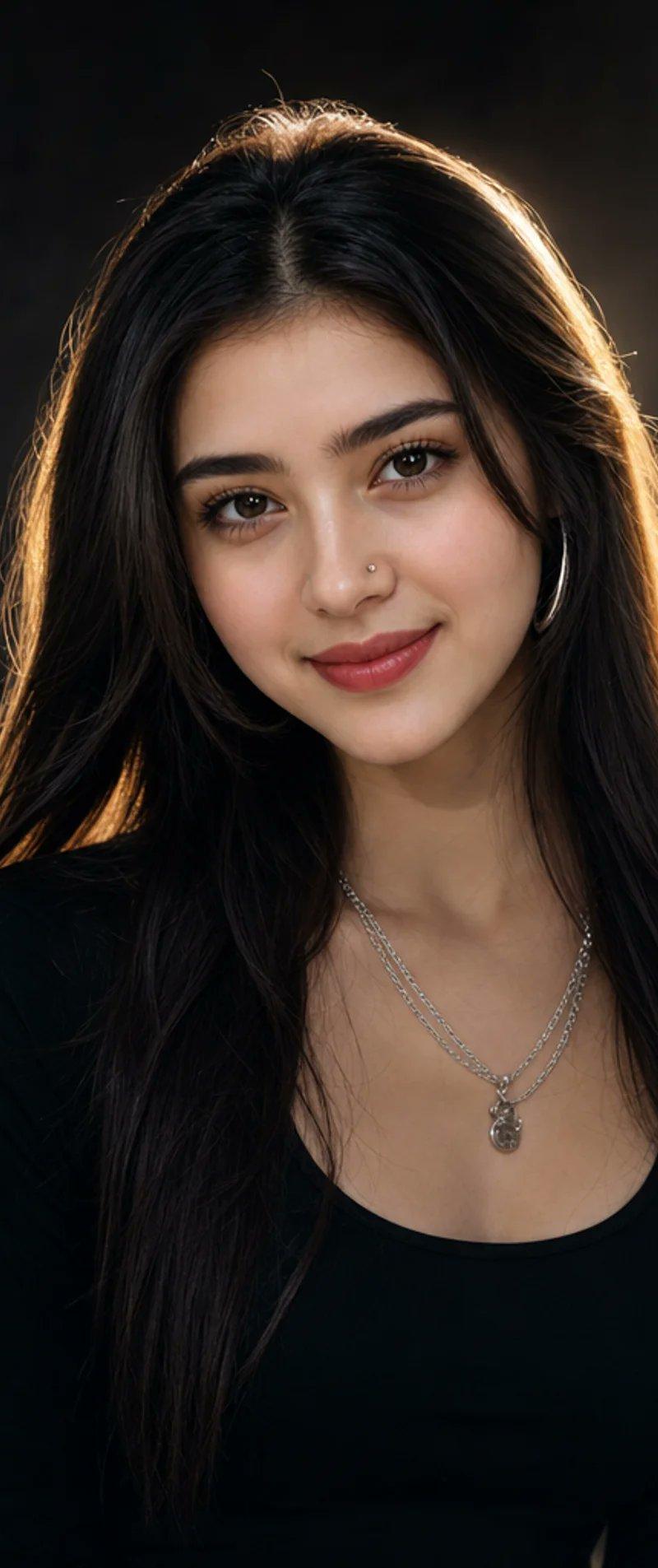
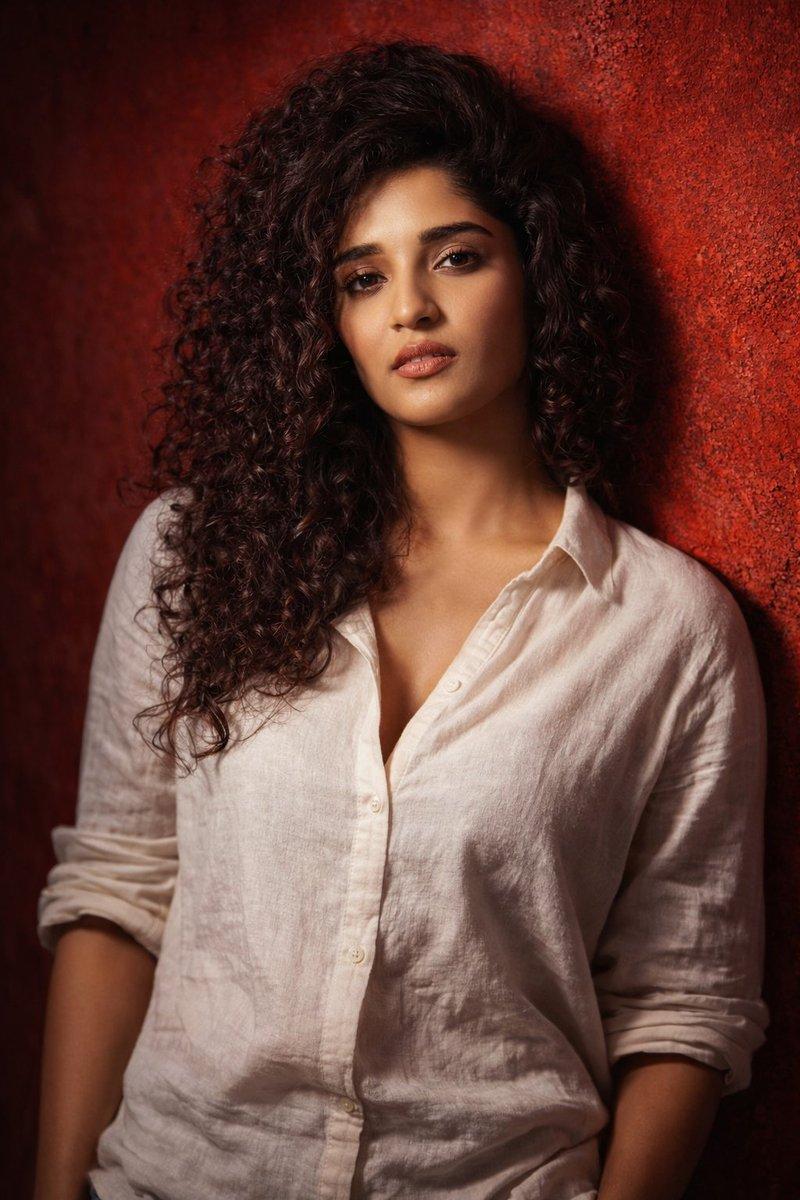
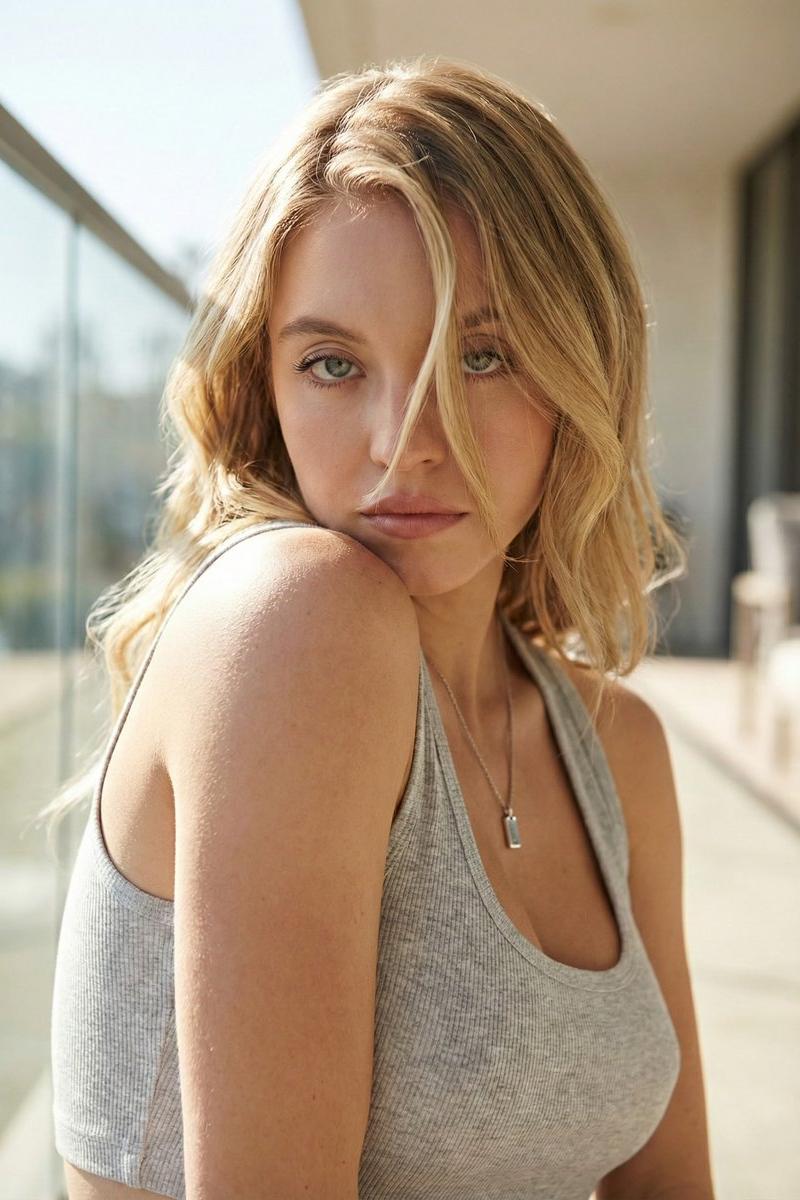
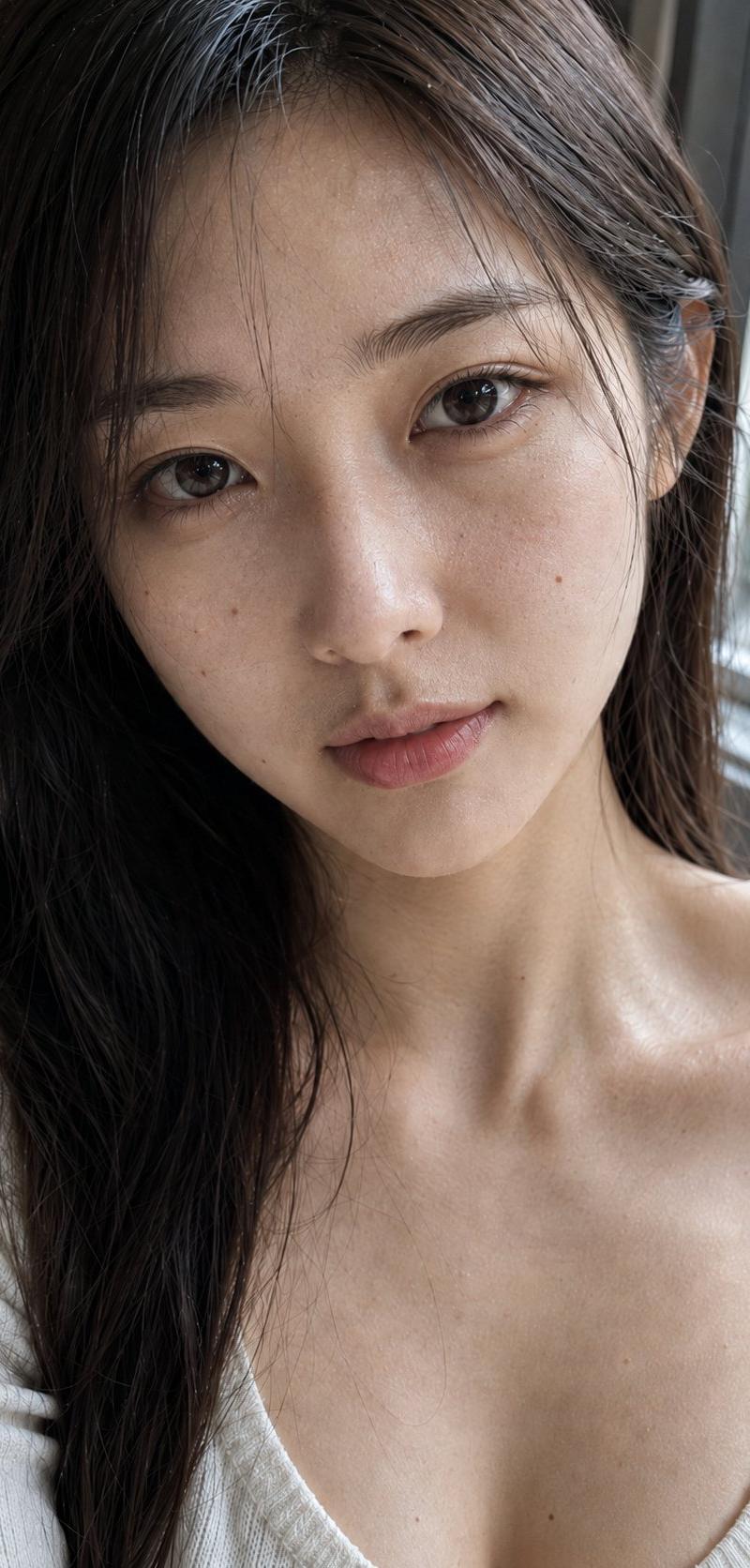
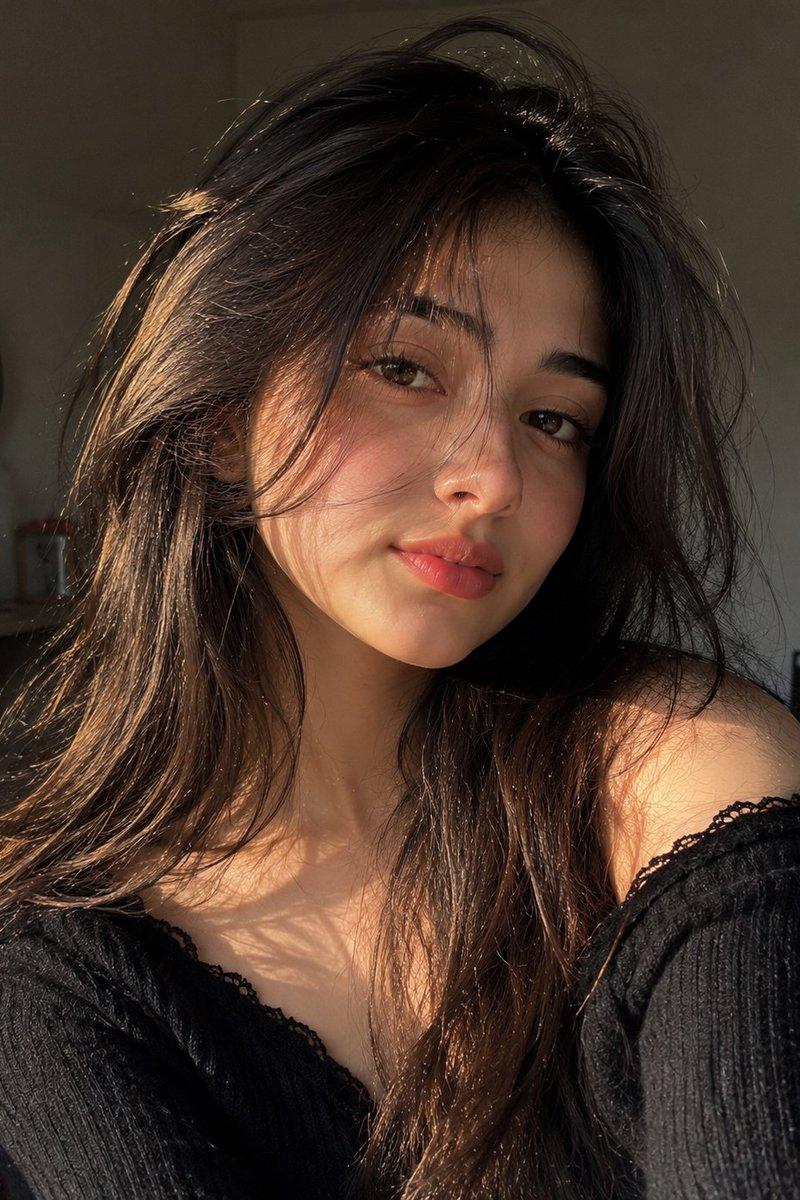
{ "subject": { "description": "A young woman in a warm-lit evening indoor setting, softly posed and gazing into the camera with a calm, intimate half-smile; long dark wavy hair with stray wisps and delicate silver jewelry, wearing a fitted white ribbed spaghetti-strap camisole.", "mirror_rules": [], "age": "early 20s", "expression": { "eyes": { "look": "soft, attentive", "energy": "calm warmth", "direction": "looking directly at the camera" }, "mouth": { "position": "closed, slight upward curve", "energy": "gentle and relaxed" }, "overall": "quiet confidence, intimate and unforced" }, "face": { "preserve_original": true, "makeup": "natural soft glam; subtle eyeliner, warm peach blush, softly defined brows, satin nude-pink lips" }, "hair": { "color": "dark brown", "style": "long, loose waves with a soft middle/side part", "effect": "slightly tousled; a few strands crossing the forehead and framing the cheeks" }, "body": { "frame": "slim with soft curves", "waist": "defined", "chest": "natural, softly emphasized by posture and neckline", "legs": "mostly out of frame", "skin": { "visible_areas": ["face", "neck", "shoulders", "upper chest", "arms", "midriff"], "tone": "light warm beige", "texture": "smooth and dewy; soft pores; gentle sheen on high points", "lighting_effect": "warm highlights on cheeks, nose bridge, shoulders and collarbones; soft shadow falloff" } }, "pose": { "position": "seated, torso angled slightly, leaning subtly forward", "base": "relaxed shoulders, head slightly tilted", "overall": "casual evening portrait posture, intimate and approachable" }, "clothing": { "top": { "type": "ribbed spaghetti-strap camisole", "color": "white / cream", "details": "fitted silhouette, scoop neckline, fine rib texture", "effect": "matte fabric with gentle stretch" }, "bottom": { "type": "high-waisted fitted pants/leggings", "color": "muted mauve-gray", "details": "subtle seam lines; smooth knit", "effect": "low-shine, clean and minimal" } } }, "accessories": { "jewelry": "delicate layered silver necklaces (small pendant + tiny charm), long dangling silver earrings with small stones/pearls" }, "photography": { "camera_style": "smartphone social-media realism, soft beauty portrait", "angle": "eye-level with a slight downward bias, centered framing", "shot_type": "medium close-up / waist-up portrait", "aspect_ratio": "4:5 vertical", "texture": "soft micro-contrast, mild vignette, subtle grain, natural skin sheen; a hint of lens softness", "lighting": "warm tungsten key light from front-left with soft fill; cool blue ambient light from the window; no harsh flash; gentle shadows", "depth_of_field": "shallow depth of field, background softly blurred with faint bokeh points" }, "background": { "setting": "cozy patio or balcony-adjacent room at night with large window/door frames", "wall_color": "off-white structural frames with deep blue night outside", "elements": ["large window/door frame lines", "potted green plants", "wood and rattan/wicker chair", "distant city lights as tiny dots"], "atmosphere": "quiet evening contrast of warm indoors and cool night outdoors", "lighting": "warm indoor lamp glow with cool exterior spill, balanced and cinematic" }, "the_vibe": { "energy": "soft, slow, and intimate", "mood": "warm serenity with a cool-night hush", "aesthetic": "modern cozy realism, gentle beauty portrait", "authenticity": "slightly imperfect and lived-in (stray hair, natural posture, non-studio light)", "intimacy": "as if someone just said something sweet off-camera a moment ago", "story": "It felt like the night had already started outside, and the room kept a small pocket of warmth for a lingering conversation.", "caption_energy": "low-key, tender, quietly confident" }, "constraints": { "must_keep": [ "warm indoor tungsten key light", "cool deep-blue night background through windows", "long dark wavy hair with stray wisps on forehead", "white ribbed spaghetti-strap camisole", "layered delicate silver necklaces", "long dangling earrings", "soft relaxed half-smile and direct eye contact", "plants and rattan/wicker elements in the background", "shallow depth of field with gentle bokeh" ], "avoid": [ "harsh direct flash", "heavy glam makeup", "over-sharpened HDR look", "cartoon/anime stylization", "visible text, logos, watermarks", "overly perfect studio backdrop" ] }, "negative_prompt": [ "harsh flash", "overexposed highlights", "plastic skin", "heavy makeup", "strong contouring", "HDR", "over-sharpened", "anime", "cartoon", "text", "logo", "watermark", "distorted face", "extra fingers", "unnatural pose", "flat lighting" ] }- Category
- Brand & Logos
- Model
- grok-imagine/text-to-image
- Creator
- xie underwood
- Source language
- en
- Source ID
- 326
- Published
- Feb 12, 2026
Views302