7

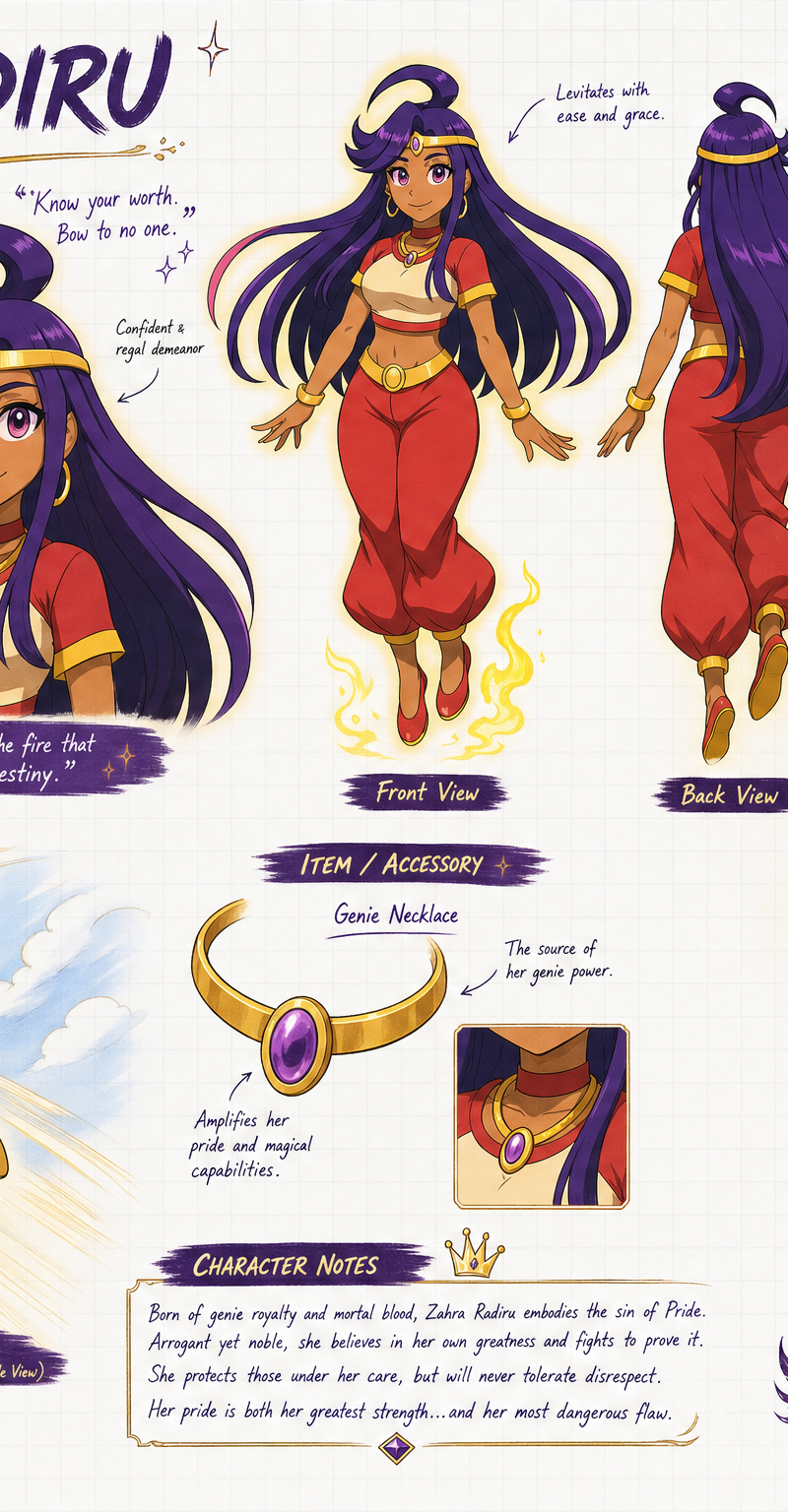
Create a wide, horizontal character reference sheet featuring Zahra (see referen
Enlarge

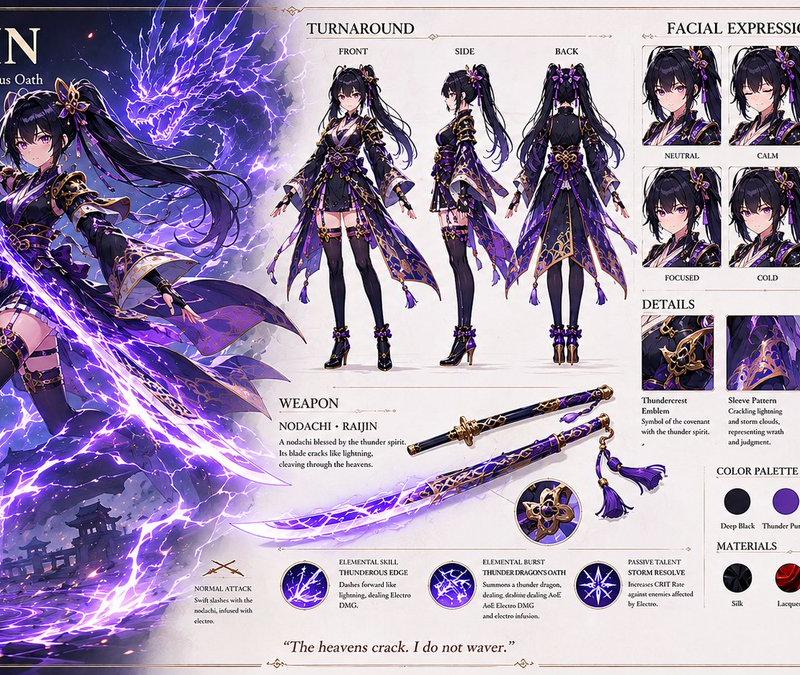
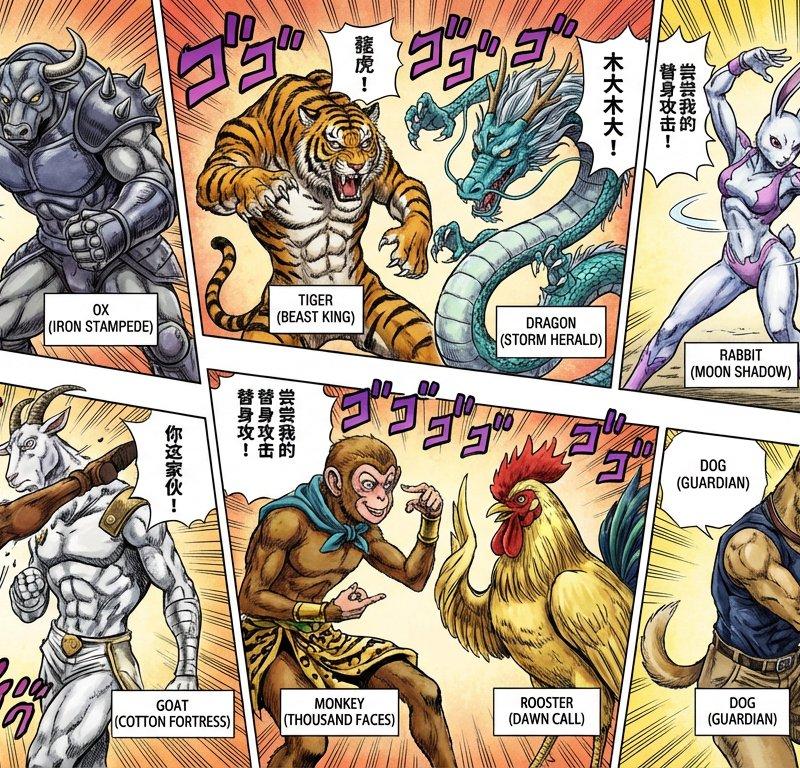
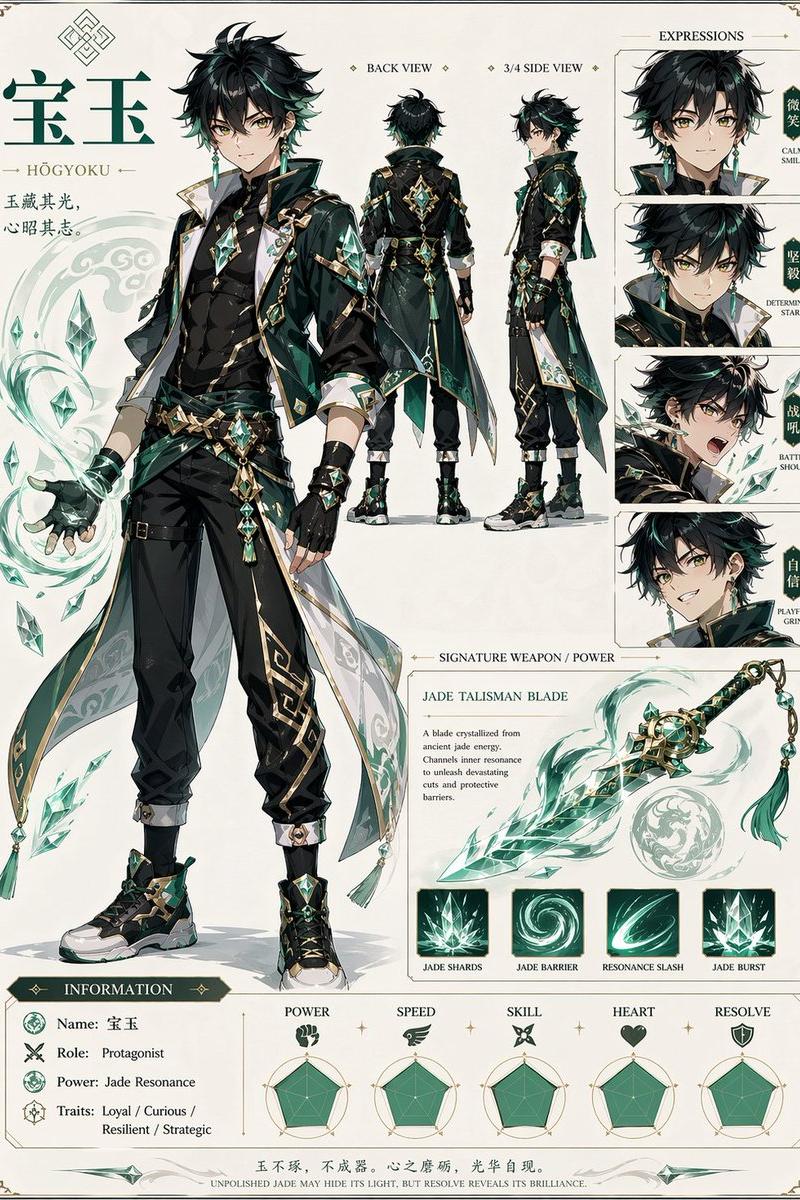
Example images

Create a wide, horizontal character reference sheet featuring Zahra (see referen

Prompt
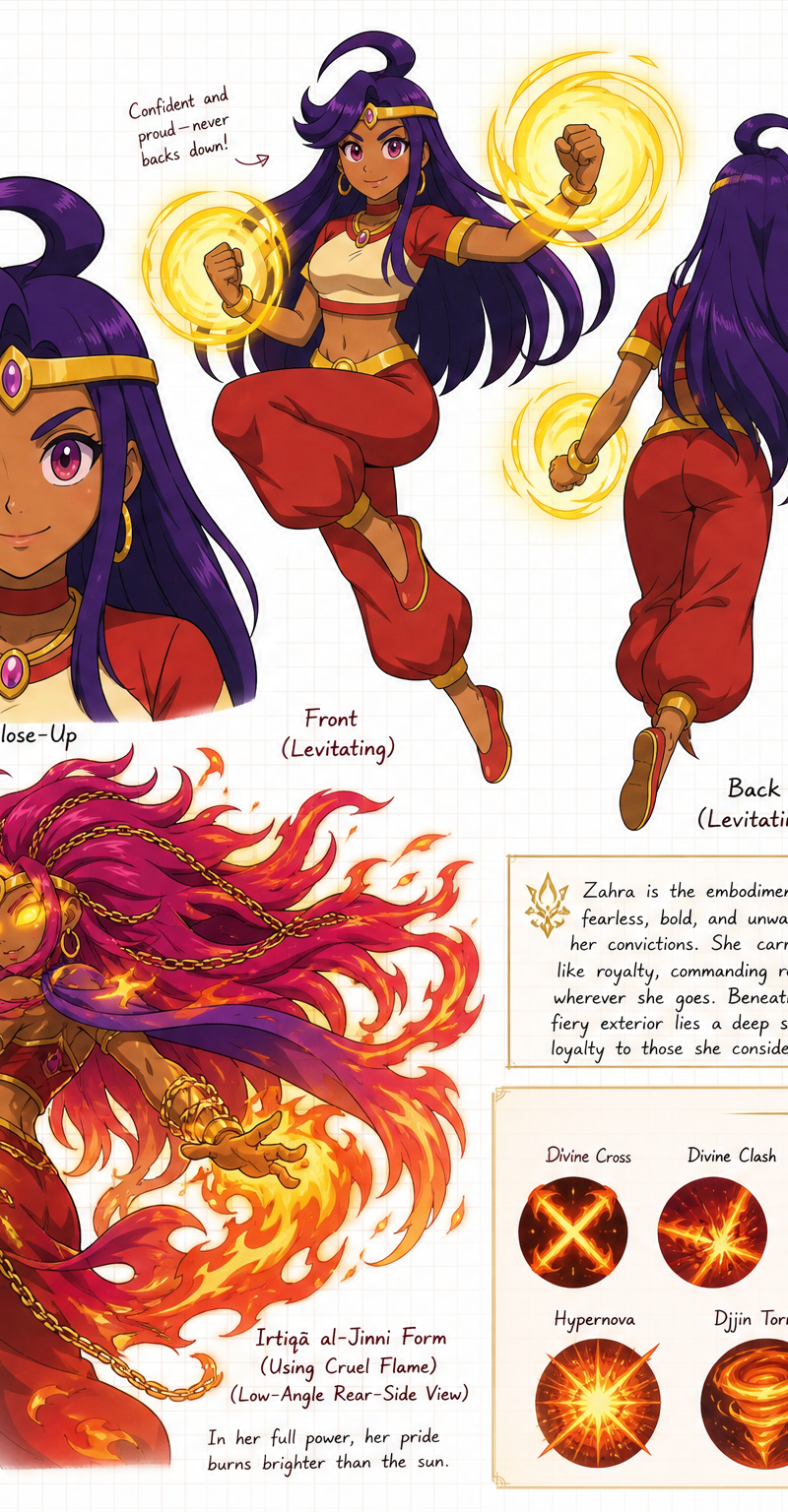
Create a wide, horizontal character reference sheet featuring Zahra (see reference photo 1). The background should be white grid paper.

The page should include multiple angles of the same character:

A front close-up
A confident levitating front pose 
A back-facing levitating pose
An flying pose with a smile (low-angle rear-side view)
An action front pose of her in her Irtiqā al-Jinni form using Cruel Flame (similar to Cruel sun 'Escanor') (see reference photo 2) (low-angle rear-side view)

The layout should be customized to fit the character’s personality—visually rich yet clean and easy to read. You may include handwritten-style annotations, small arrows, and a prominent title area styled like a character name header.
Add these info below for his info box:
Zahra Radiru 
Primordial Sin of Pride 

Alias: The Half-Genie of Pride 
Age: 16 (Super Legion 7 ‘Original Timeline and Revised Timeline'), 41 (Super Legion Tartarus)
Species: Genie 
Realm: Alfheim 
Resistance: Genie Realm (Formerly), Sea-Bay Town (Currently)
Height: 5’10
Sin Transformation: Irtiqā al-Jinni 

Add this info to his item section (make images of them)
Her accessories: Genie Necklace,

Add this info to his Ability section
Special Moves: Divine Cross, Divine Clash, Cruel Flame, Fireburst, Burning Desire, Shooting Flame, Hypernova, Djjin Tornado, Rising Gra, Flying Punch, Ifrit Inferno (only used in Irtiqā al-Jinni)
Category
Charts & Infographics
Model
GPT Image 2
Creator
Albion Bennett
Source language
en
Views17
Source ID
37465
Published
Jun 27, 2026
Studio

Guide

About "Create a wide, horizontal character reference sheet featuring Zahra (see referen"

What is this prompt for?

"Create a wide, horizontal character reference sheet featuring Zahra (see referen" AI image prompt for GPT Image 2 (Charts & Infographics). Create a wide, hori…

The full copyable prompt and example visuals above are ready for AI image generation or one-click recreate in Picva.

How to use this prompt

  1. Step 1

    Open the prompt detail

    Review the example visuals, category, and full prompt text for "Create a wide, horizontal character reference sheet featuring Zahra (see referen".

  2. Step 2

    Copy the prompt

    Copy the prompt body from this page, or load it directly in Studio.

  3. Step 3

    Pick a model (GPT Image 2)

    Prefer GPT Image 2. If you switch models, keep subject and composition and tweak style terms.

  4. Step 4

    Generate and export

    Recreate the look in Picva, or export into your workflow for editing and publishing.

FAQ

What is the "Create a wide, horizontal character reference sheet featuring Zahra (see referen" prompt?
It is an AI image-generation prompt for GPT Image 2 in the Charts & Infographics category. This page includes the full prompt text, example visuals, and a one-click recreate path in Picva.
How do I use this prompt to generate an image?
Copy the prompt from this page, or use Generate / Studio. Paste it into a compatible image model, or recreate the look in Picva with optional reference images.
Which model is this prompt for?
This page lists GPT Image 2. Most descriptive prompts also transfer to nearby image models such as GPT Image, Flux, or Midjourney with light style tweaks.
Can I use the result commercially?
You can usually copy the prompt for creation, but commercial use of the final image depends on the model terms, reference-image rights, and the generated content. Follow the source author and platform rules.