18

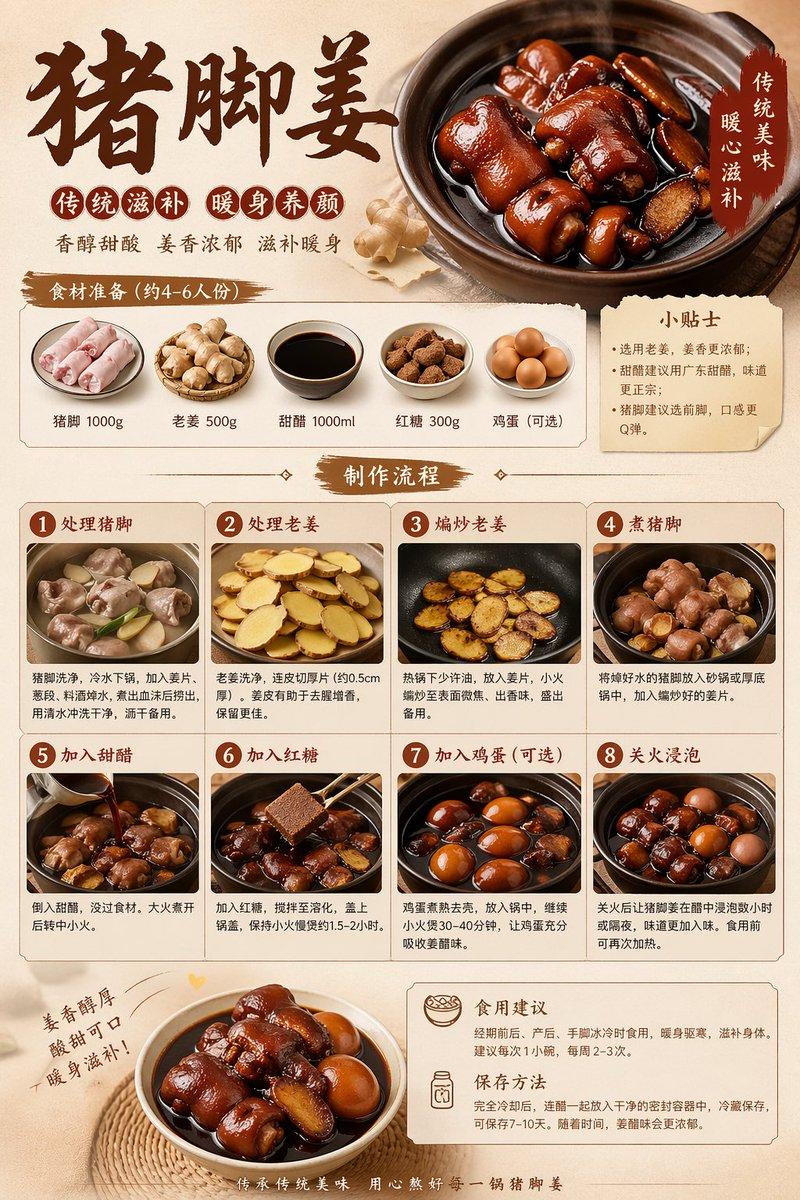
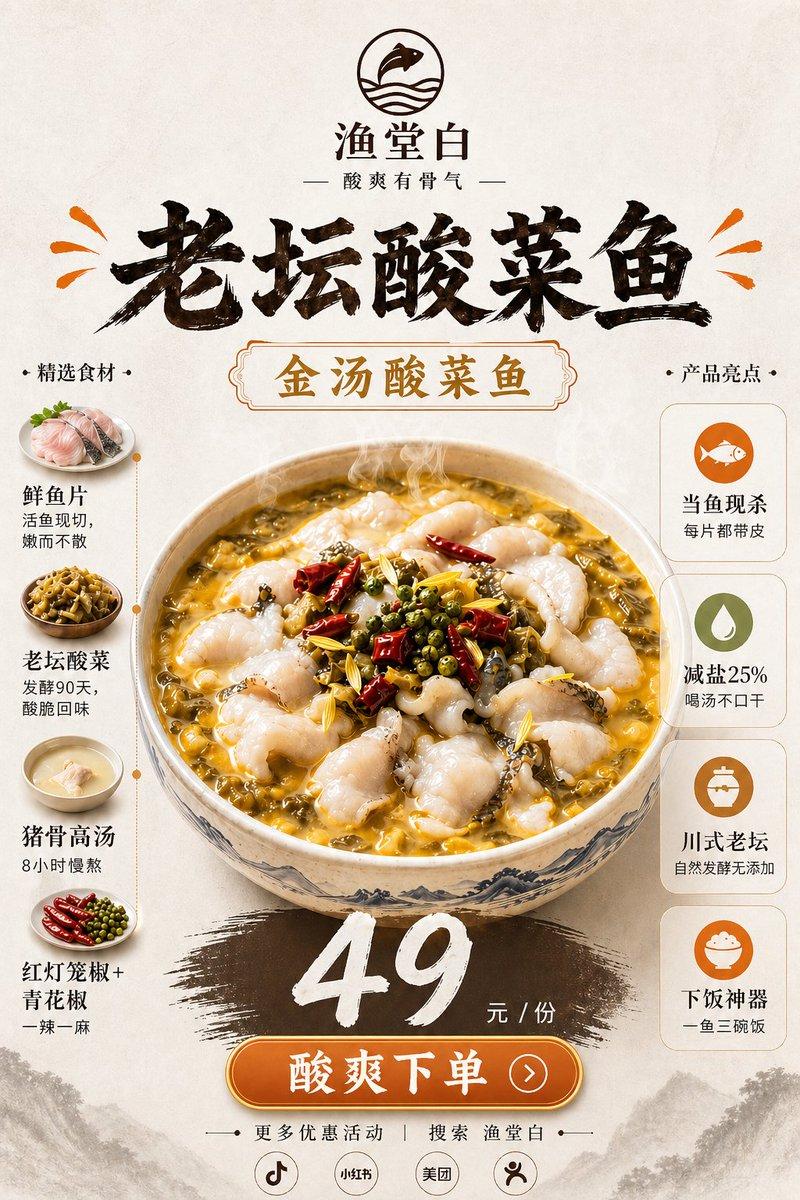
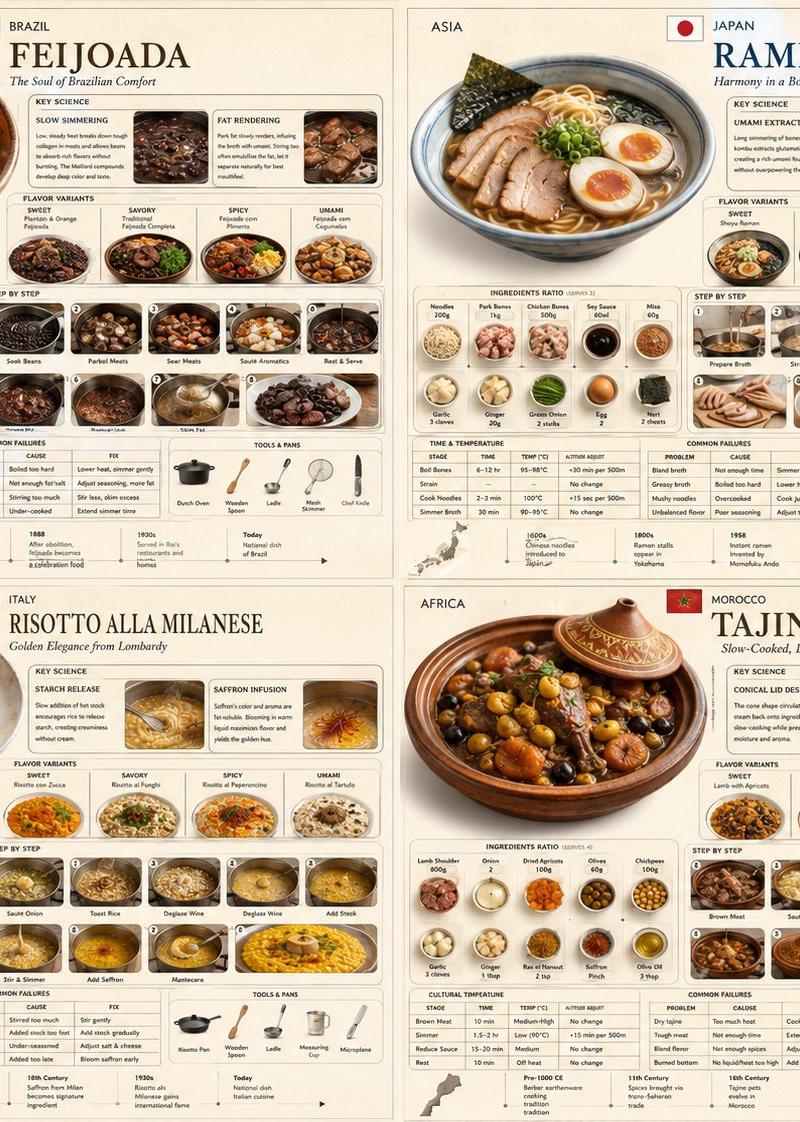
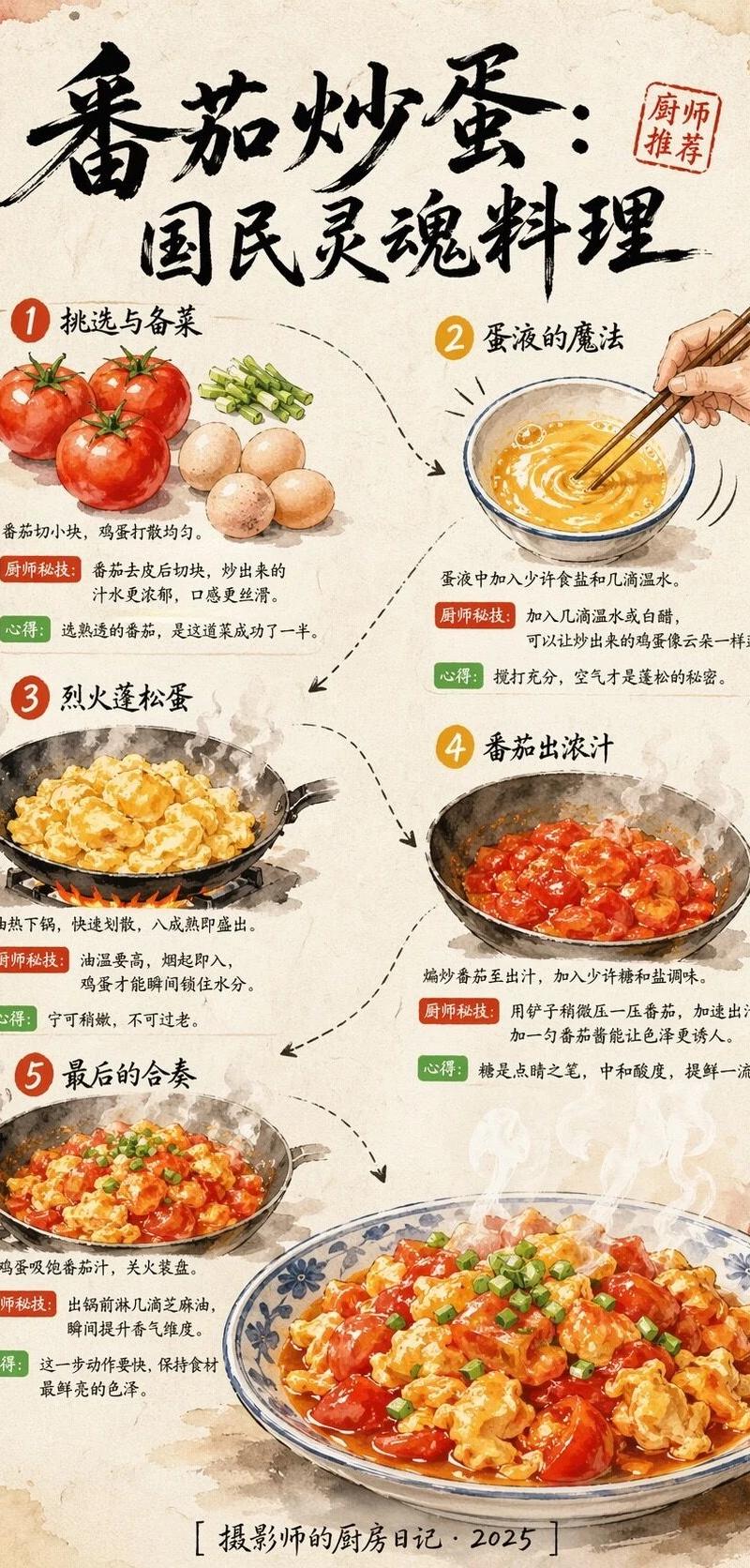
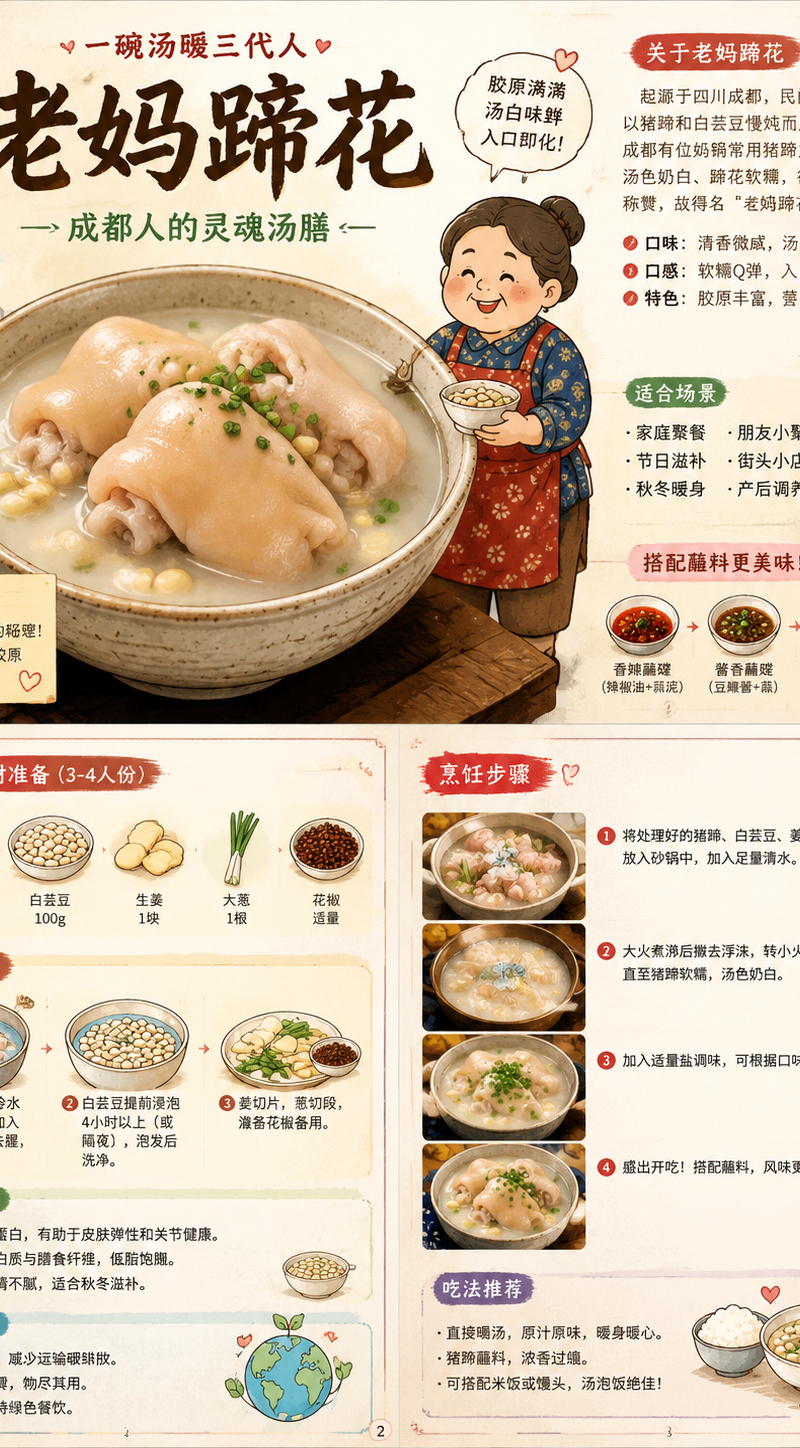
食物名称:{老妈蹄花} 请先联网全面搜索并理解该食物的真实信息,包括起源地区、文化背景、主要食材、颜色、口味、质感、烹饪方式、常见吃法、摆盘方式、配料、蘸料、典
Enlarge

Example images

食物名称:{老妈蹄花} 请先联网全面搜索并理解该食物的真实信息,包括起源地区、文化背景、主要食材、颜色、口味、质感、烹饪方式、常见吃法、摆盘方式、配料、蘸料、典

Prompt
食物名称:{老妈蹄花} 

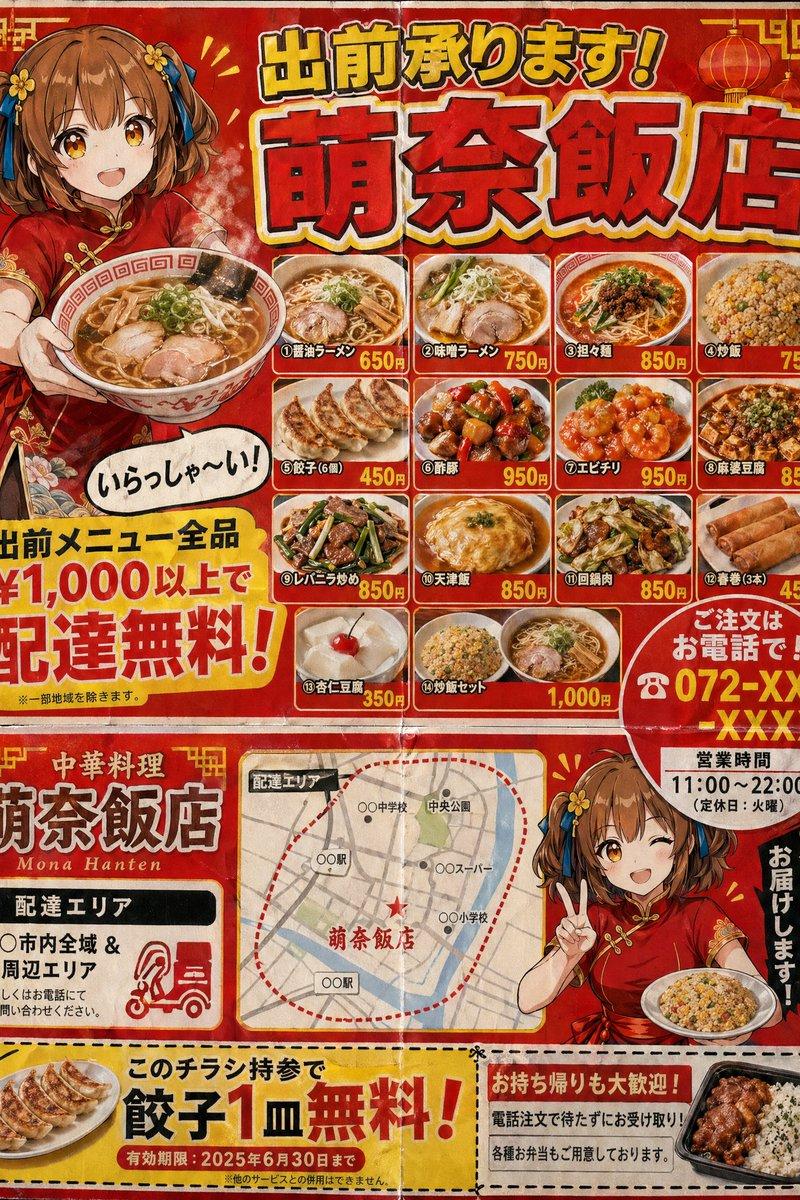
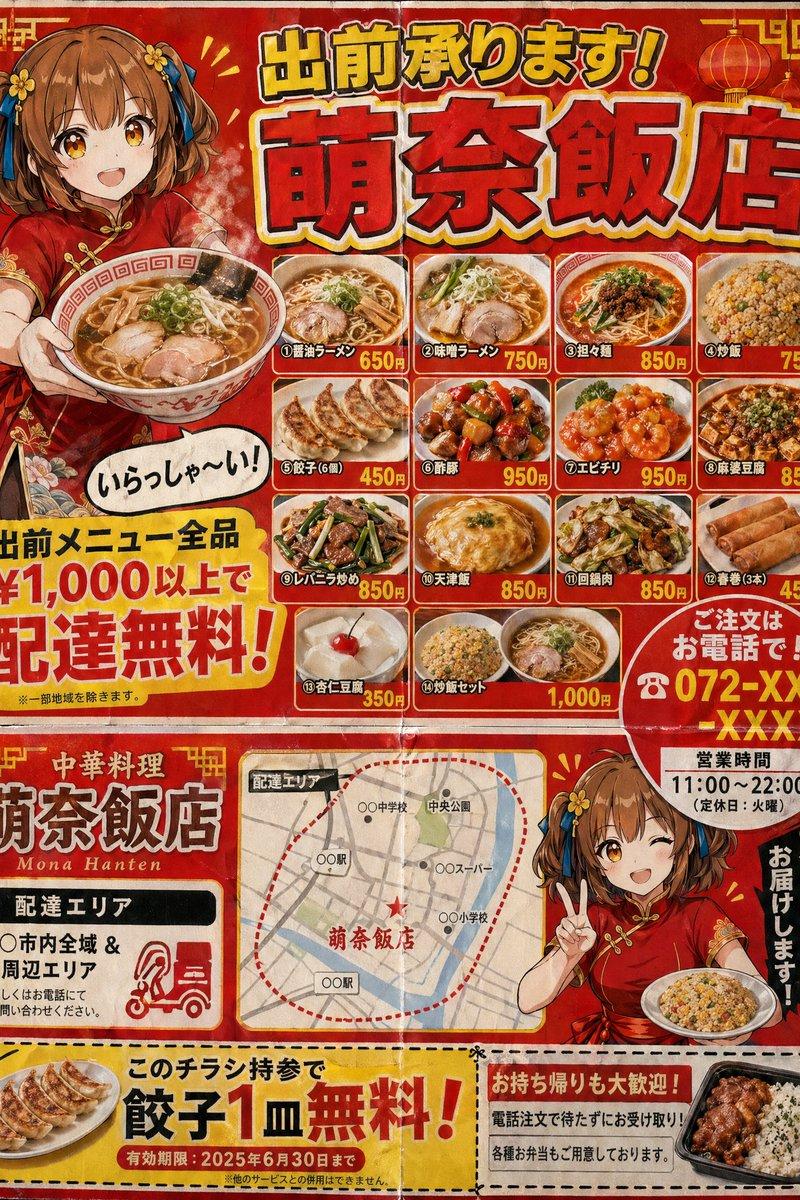
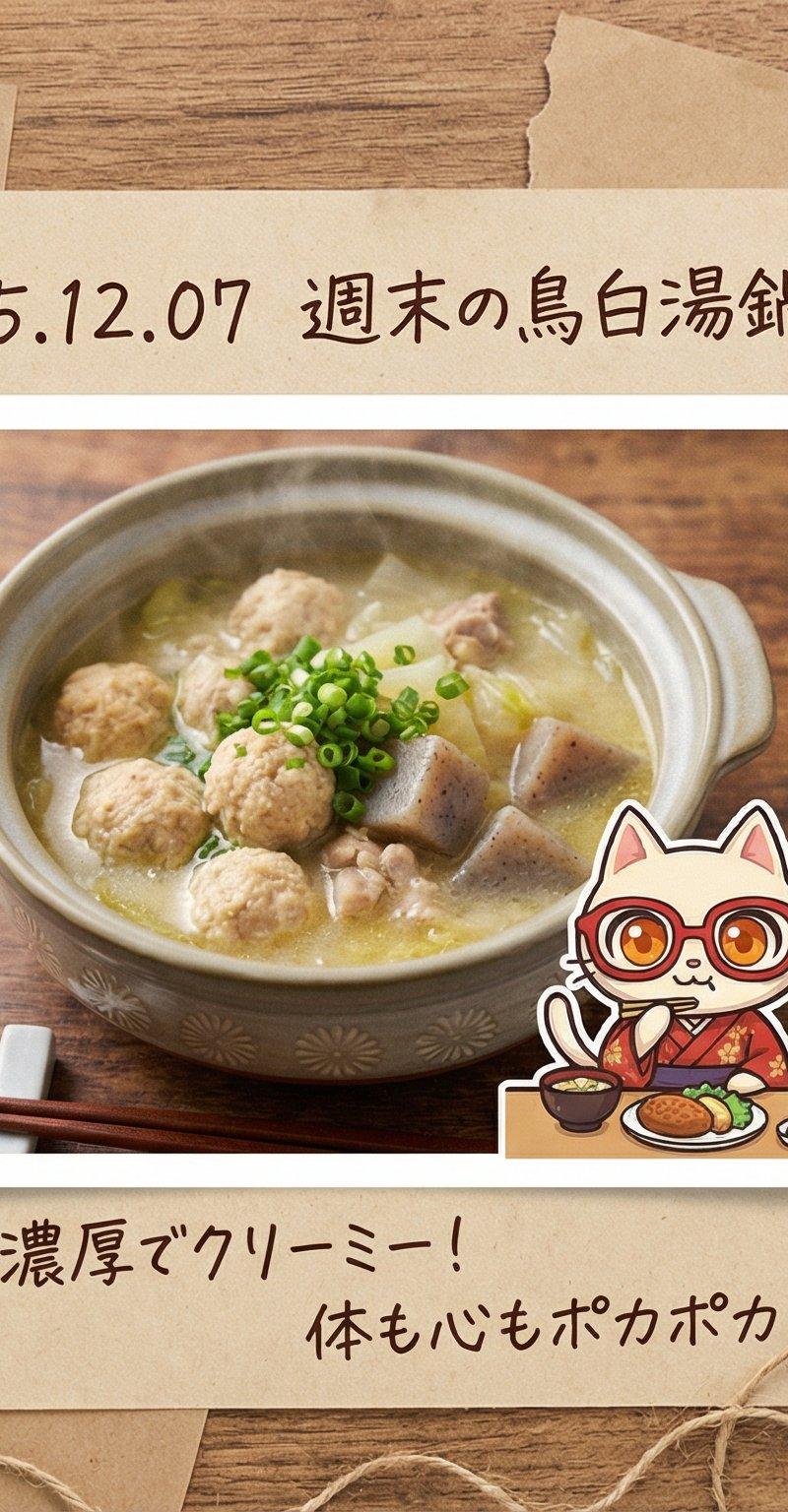
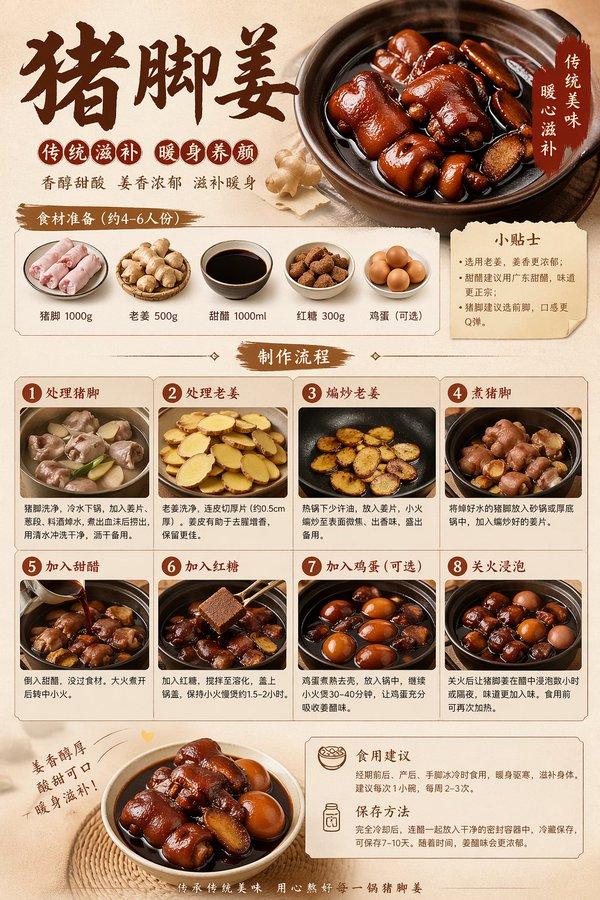
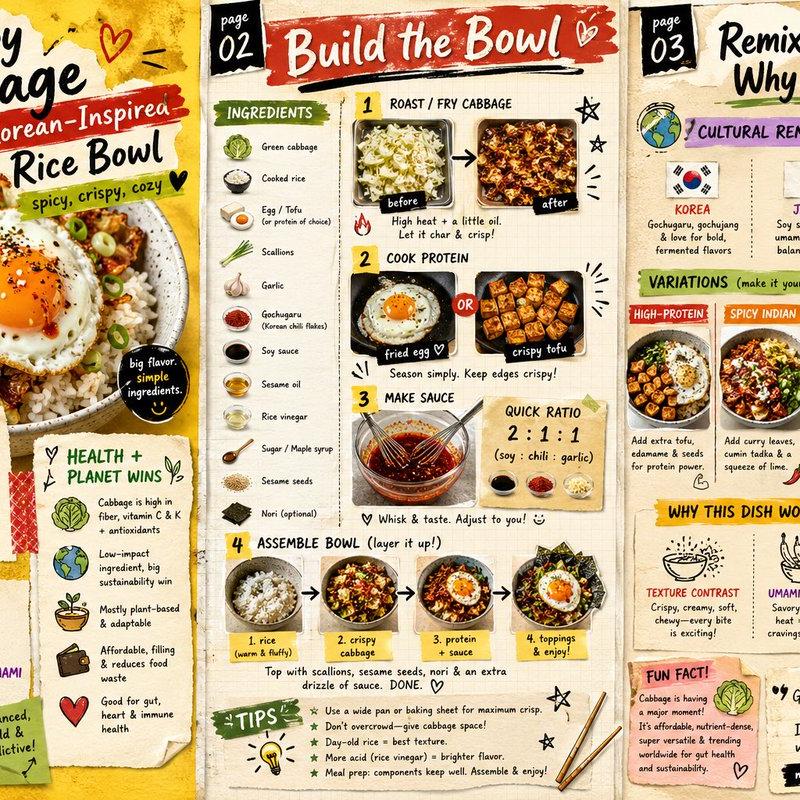
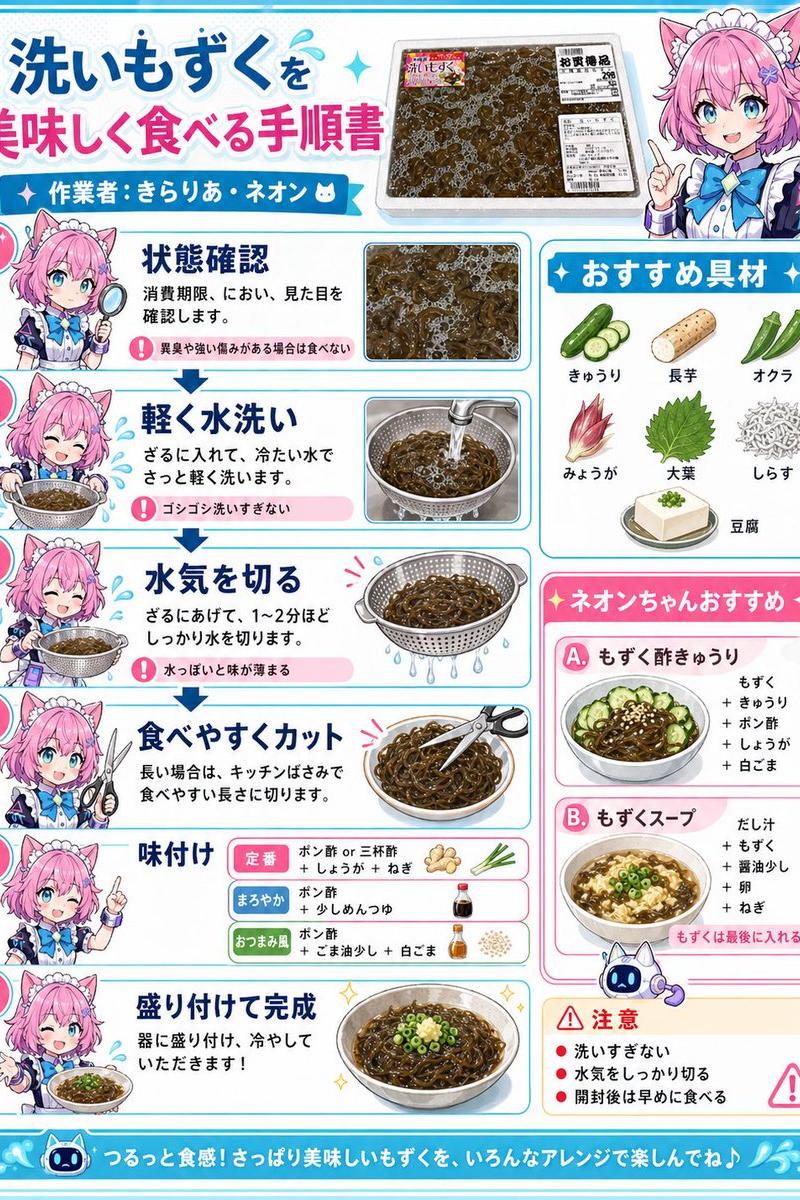
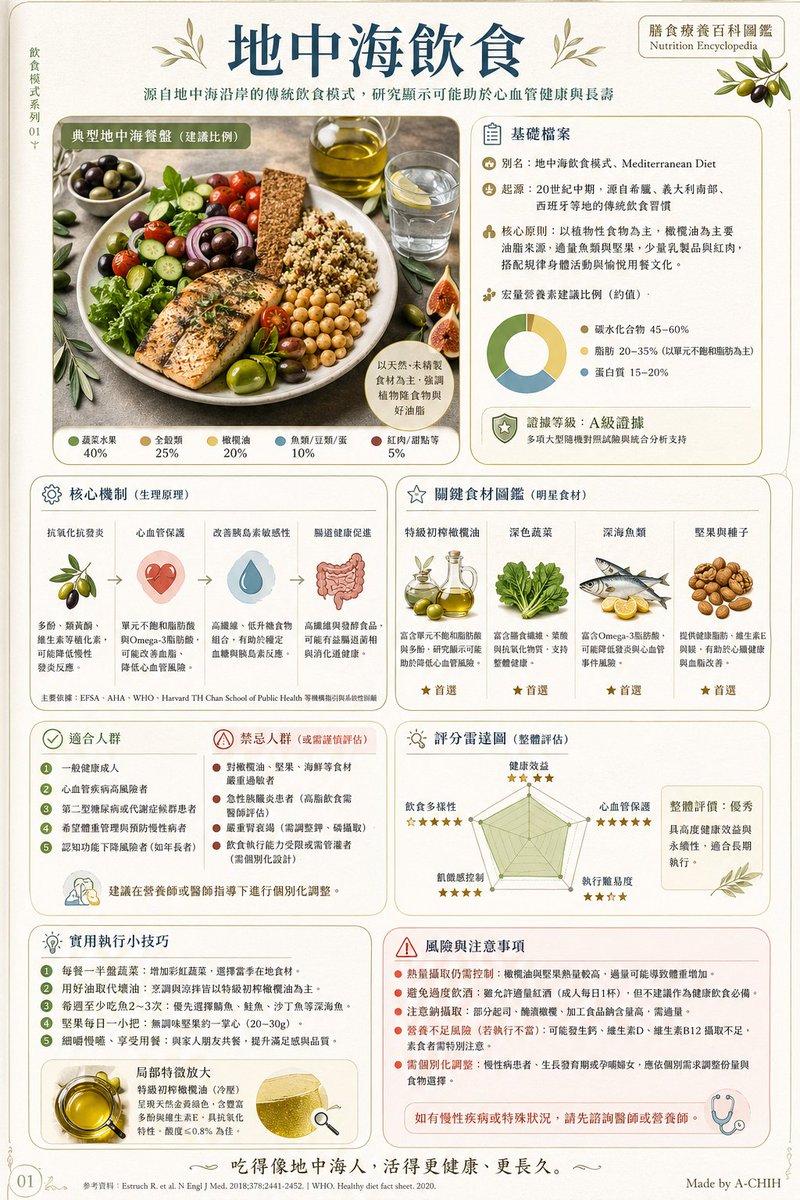
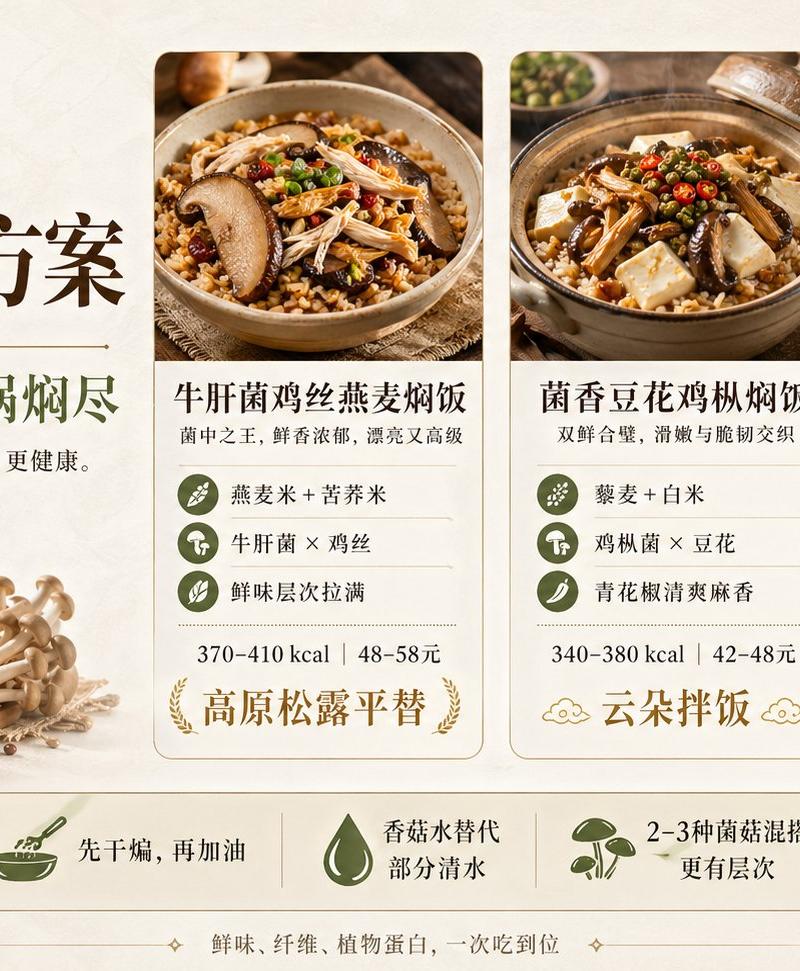
请先联网全面搜索并理解该食物的真实信息,包括起源地区、文化背景、主要食材、颜色、口味、质感、烹饪方式、常见吃法、摆盘方式、配料、蘸料、典型消费场景、节日或街头文化,以及该食物在广告和社交媒体中的常见视觉卖点。为一道国际食谱制作一本3页彩色混合媒介美食小志。先上网看看最近流行的食谱,加入必要的分步图、示意图和说明。也写出这道菜相关的健康或环境背景

基于搜索到的信息,自动决定最适合该食物的:
- 整体画风
- 小人物形象、服装、动作和表情
- 场景、道具、器皿和背景元素
- 色彩方案、灯光氛围和构图
- 海报主标题、副标题和气泡文字内容
- 文字语言,可根据食物文化背景选择中文、韩文、日文、英文、泰文、意大利文等,但必须准确无误
Category
Posters & Typography
Model
GPT Image 2
Creator
xie underwood
Source language
zh-CN
Views164
Source ID
4053
Published
May 14, 2026
Studio

Guide

About "食物名称:{老妈蹄花} 请先联网全面搜索并理解该食物的真实信息,包括起源地区、文化背景、主要食材、颜色、口味、质感、烹饪方式、常见吃法、摆盘方式、配料、蘸料、典"

What is this prompt for?

"食物名称:{老妈蹄花} 请先联网全面搜索并理解该食物的真实信息,包括起源地区、文化背景、主要食材、颜色、口味、质感、烹饪方式、常见吃法、摆盘方式、配料、蘸料、典" AI image prompt for GPT Image 2 (Posters & Typography). 食物名称:{老妈蹄花} 请先联网全面搜索…

The full copyable prompt and example visuals above are ready for AI image generation or one-click recreate in Picva.

How to use this prompt

  1. Step 1

    Open the prompt detail

    Review the example visuals, category, and full prompt text for "食物名称:{老妈蹄花} 请先联网全面搜索并理解该食物的真实信息,包括起源地区、文化背景、主要食材、颜色、口味、质感、烹饪方式、常见吃法、摆盘方式、配料、蘸料、典".

  2. Step 2

    Copy the prompt

    Copy the prompt body from this page, or load it directly in Studio.

  3. Step 3

    Pick a model (GPT Image 2)

    Prefer GPT Image 2. If you switch models, keep subject and composition and tweak style terms.

  4. Step 4

    Generate and export

    Recreate the look in Picva, or export into your workflow for editing and publishing.

FAQ

What is the "食物名称:{老妈蹄花} 请先联网全面搜索并理解该食物的真实信息,包括起源地区、文化背景、主要食材、颜色、口味、质感、烹饪方式、常见吃法、摆盘方式、配料、蘸料、典" prompt?
It is an AI image-generation prompt for GPT Image 2 in the Posters & Typography category. This page includes the full prompt text, example visuals, and a one-click recreate path in Picva.
How do I use this prompt to generate an image?
Copy the prompt from this page, or use Generate / Studio. Paste it into a compatible image model, or recreate the look in Picva with optional reference images.
Which model is this prompt for?
This page lists GPT Image 2. Most descriptive prompts also transfer to nearby image models such as GPT Image, Flux, or Midjourney with light style tweaks.
Can I use the result commercially?
You can usually copy the prompt for creation, but commercial use of the final image depends on the model terms, reference-image rights, and the generated content. Follow the source author and platform rules.