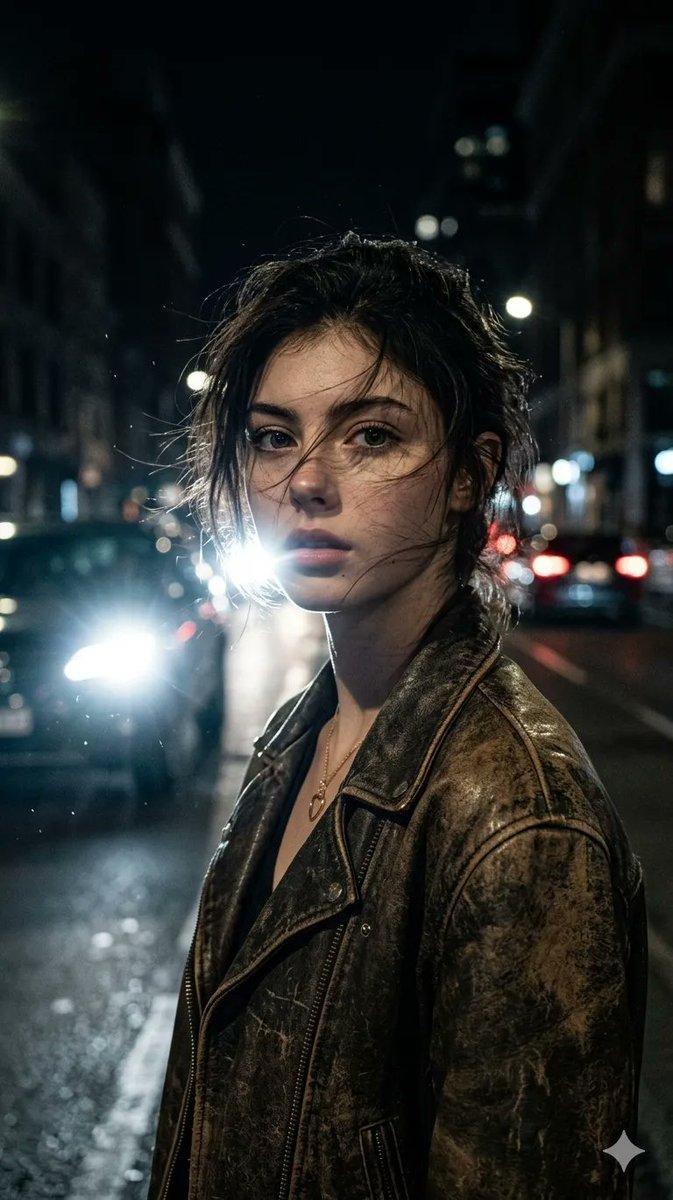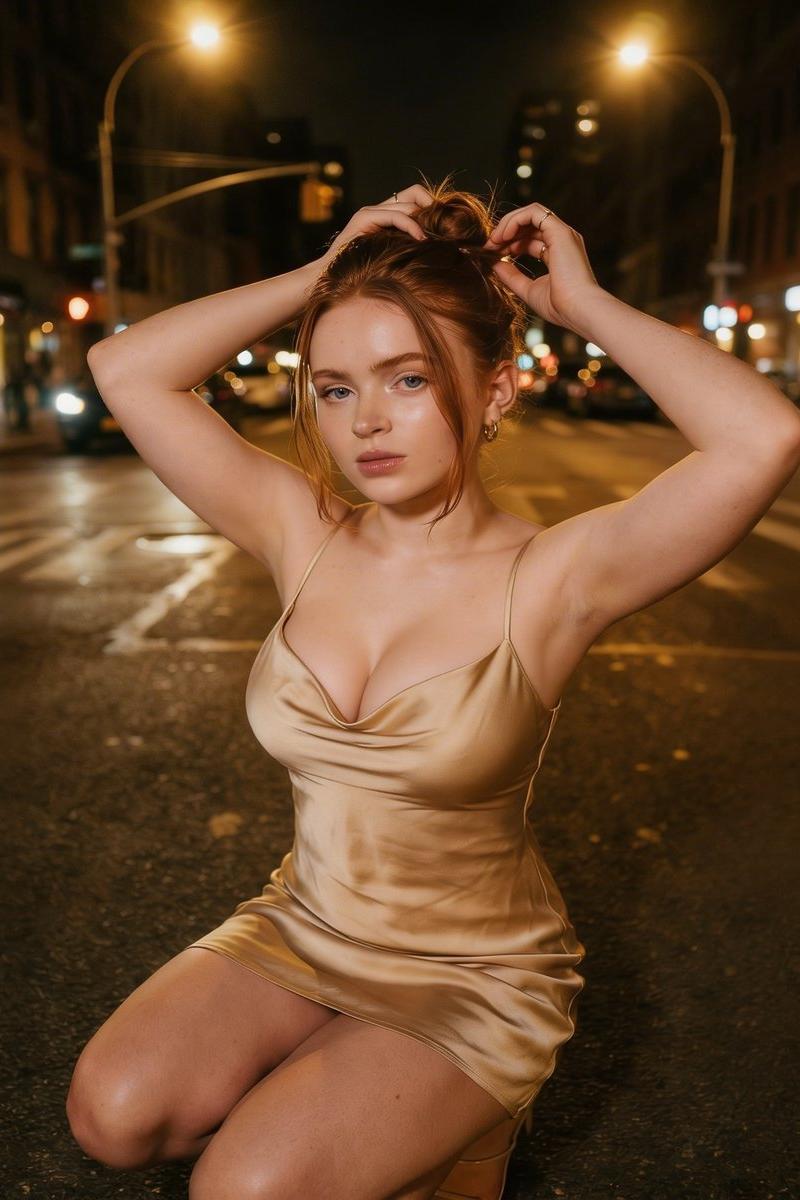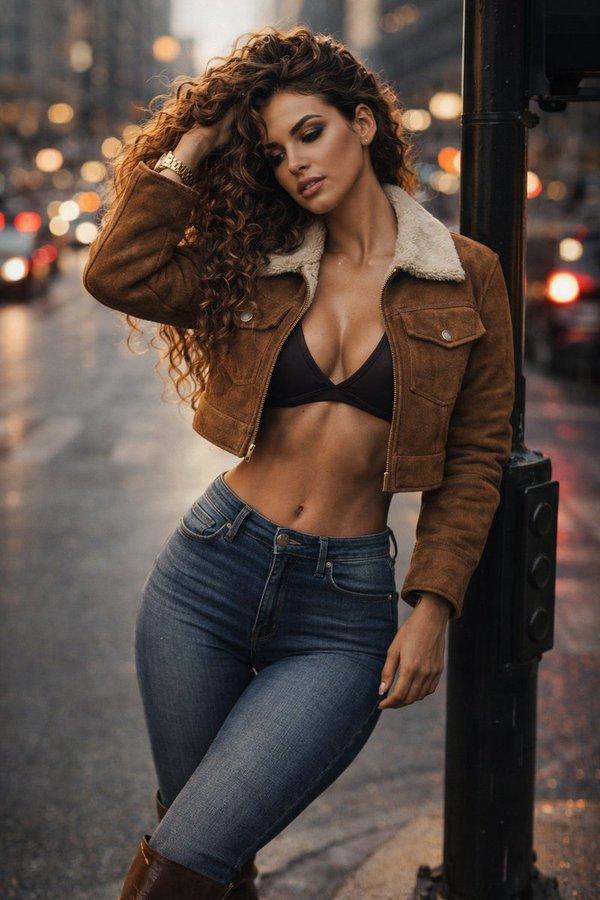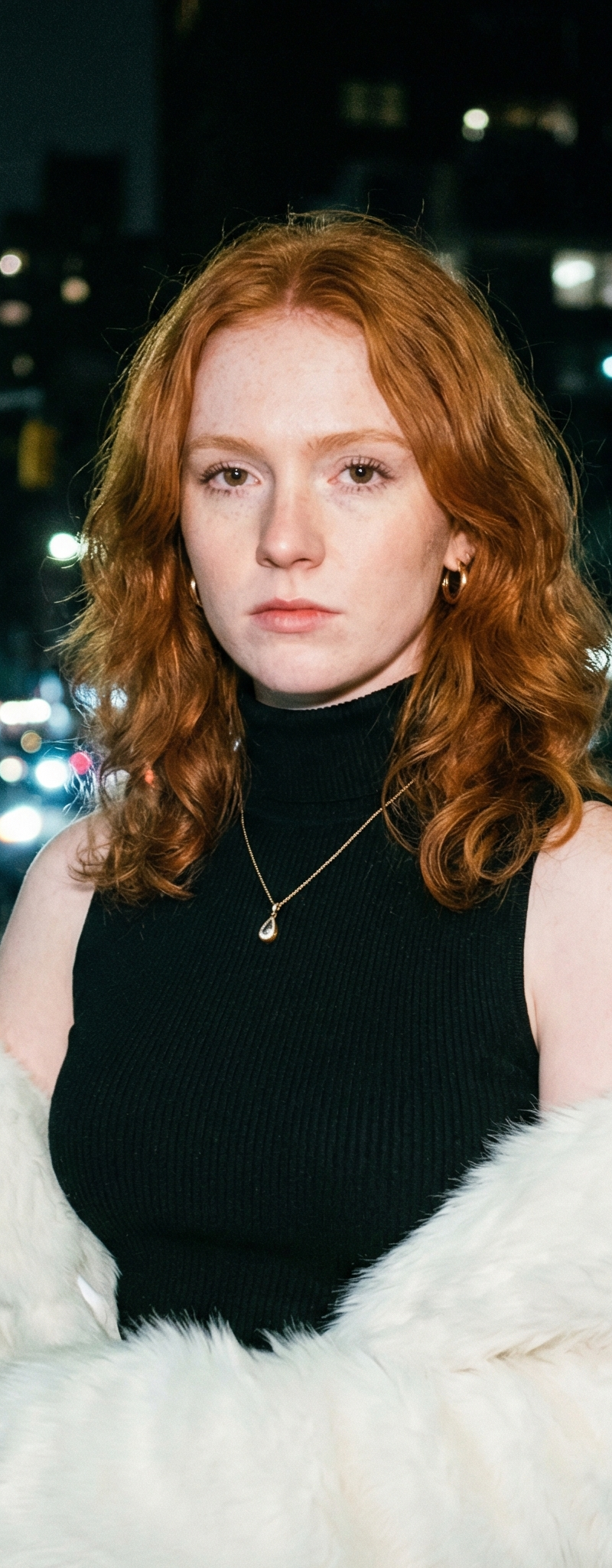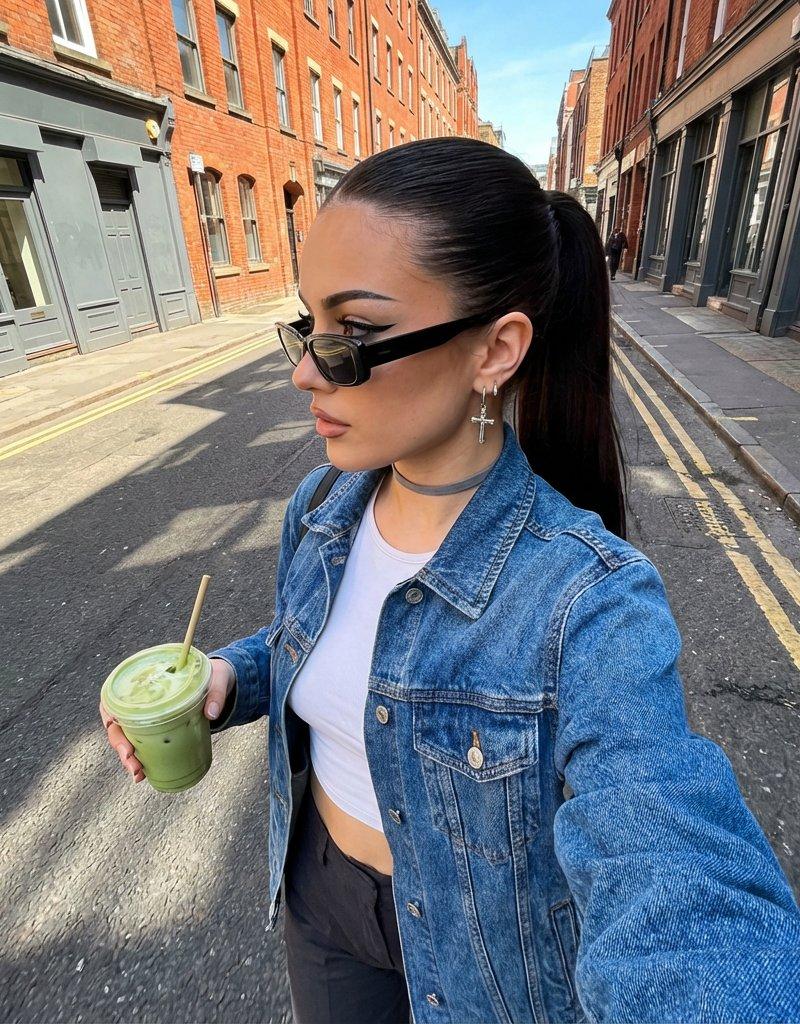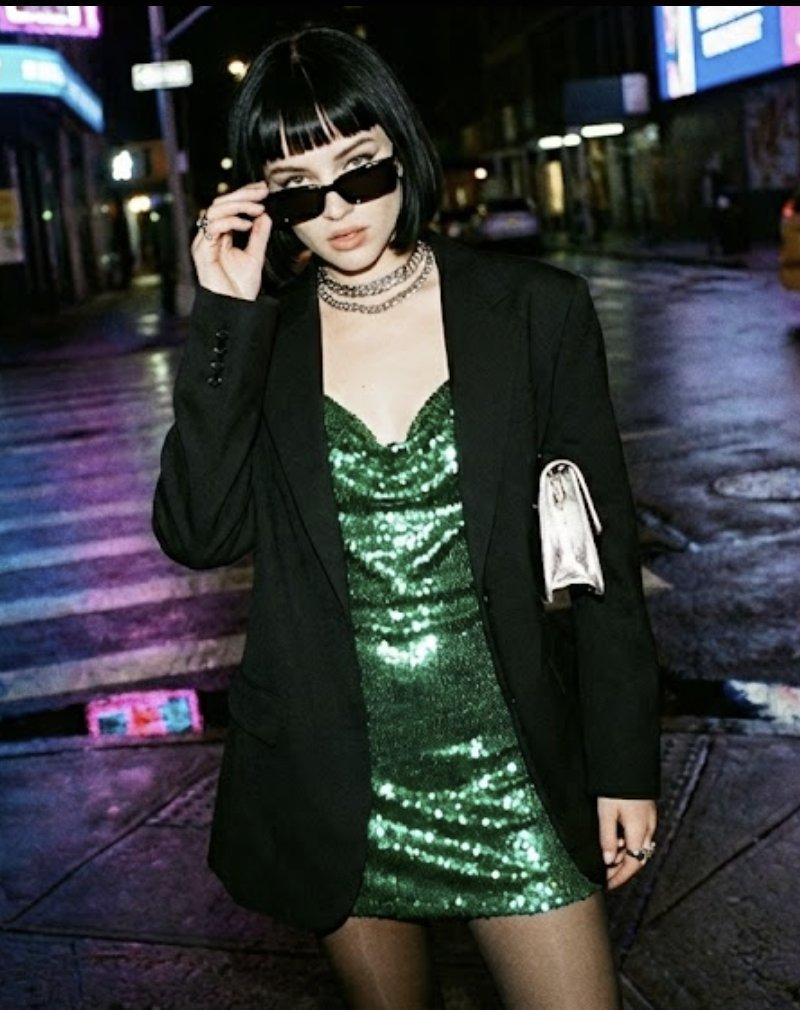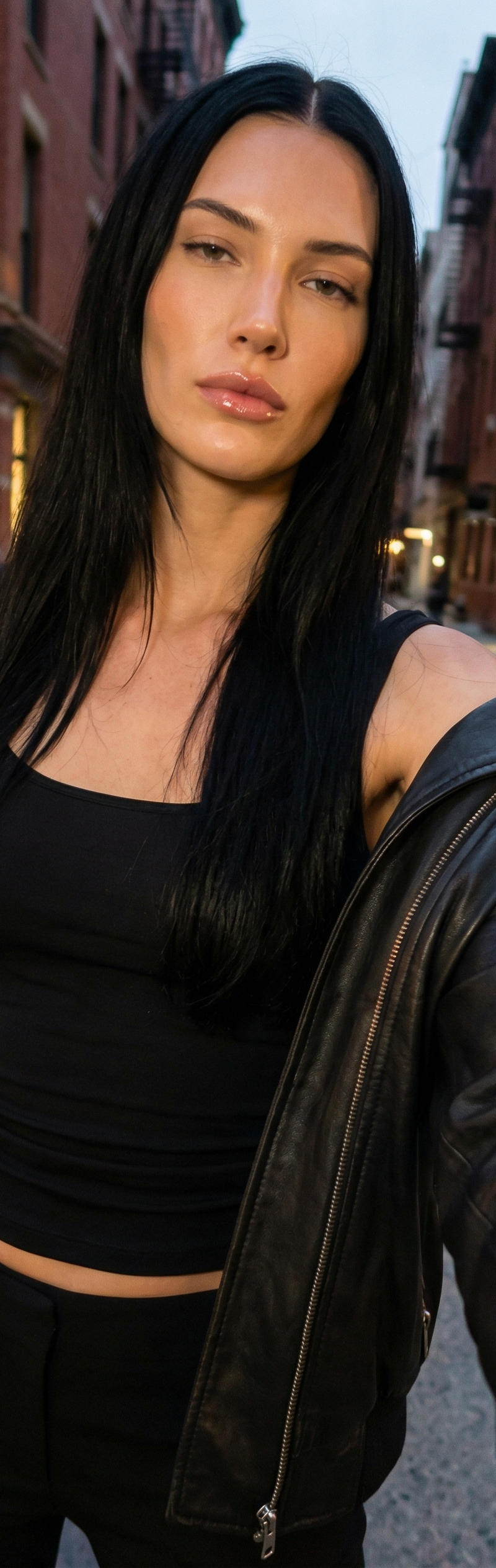
{ "meta": { "quality": "ultra photorealistic", "resolution": "8k", "camera": "iP
Prompt
{
 "meta": {
 "quality": "ultra photorealistic",
 "resolution": "8k",
 "camera": "iPhone 15 Pro Max",
 "lens": "24mm wide",
 "aspect_ratio": "9:16",
 "style": "evening city light, raw iphone look, natural grain, cinematic contrast"
 },

 "character_lock": {
 "age": "mid 20s (clearly adult)",
 "identity": "new yorker",
 "height": "1.95m (very tall presence)",
 "skin_tone": "very fair / porcelain",
 "hair": {
 "color": "jet black",
 "style": "long, straight with slight movement, parted in the middle"
 },
 "eyes": "dark brown",
 "face": {
 "features": "sharp jawline, high cheekbones, full lips",
 "expression": "confident, slightly bored, magnetic eye contact",
 "makeup": "clean skin, subtle contour, glossy lips, minimal eyeliner"
 },
 "body": {
 "type": "tall athletic-sexy",
 "chest": "full",
 "waist": "tight",
 "legs": "very long, dominant in frame"
 }
 },

 "scene": {
 "location": "new york city street (SoHo / Lower Manhattan vibe)",
 "time": "early night",
 "atmosphere": "after work, city still alive, taxis passing"
 },

 "camera_perspective": {
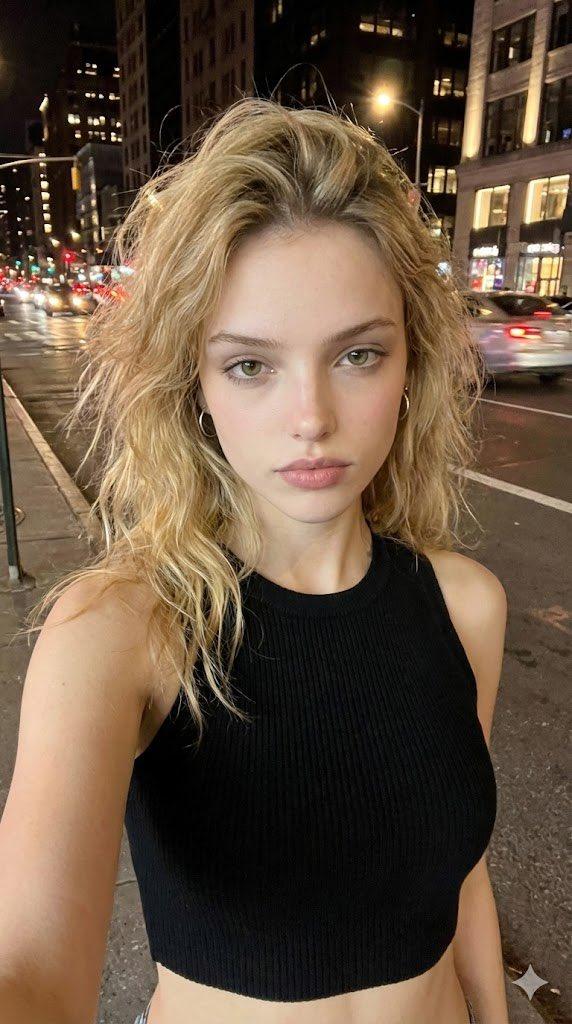
 "pov": "we ARE her phone",
 "angle": "slightly low selfie to emphasize height",
 "framing": "face + chest + hips"
 },

 "subject": {
 "action": "standing on sidewalk taking a quick selfie",
 "pose": {
 "stance": "one leg forward, weight on back leg",
 "hips": "slightly angled",
 "shoulders": "relaxed",
 "expression": "cool confident stare, lips gently parted"
 },
 "outfit": {
 "top": {
 "type": "black fitted tank top",
 "fit": "tight, clean lines, classy sexy"
 },
 "bottom": {
 "type": "low-rise tailored pants",
 "color": "black",
 "fit": "elongates legs"
 },
 "outerwear": {
 "type": "leather jacket",
 "color": "black",
 "state": "open, falling naturally off shoulders"
 }
 }
 },

 "lighting": {
 "type": "street lights + shop window glow",
 "effect": "soft highlights on face, strong vertical shadows enhancing height"
 },

 "environment": {
 "background": [
 "blurred yellow taxi lights",
 "brick buildings",
 "city reflections on windows"
 ]
 },

 "photography_rules": {
 "suggestive_not_explicit": true,
 "no_male_presence": true,
 "iphone_only_look": true,
 "thirst_trap_but_classy": true
 }
}- Category
- Brand & Logos
- Model
- Nano Banana Pro
- Creator
- xie underwood
- Source language
- en
- Source ID
- 408
- Published
- Feb 24, 2026
Views162