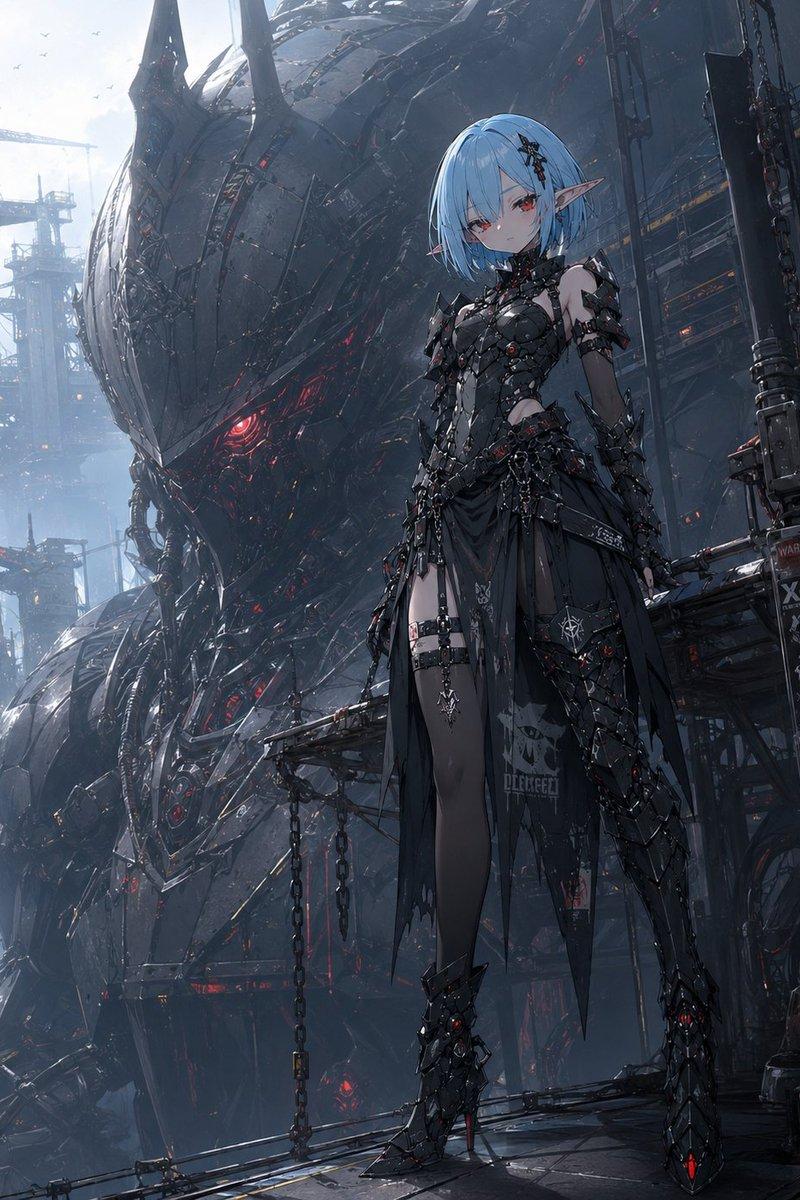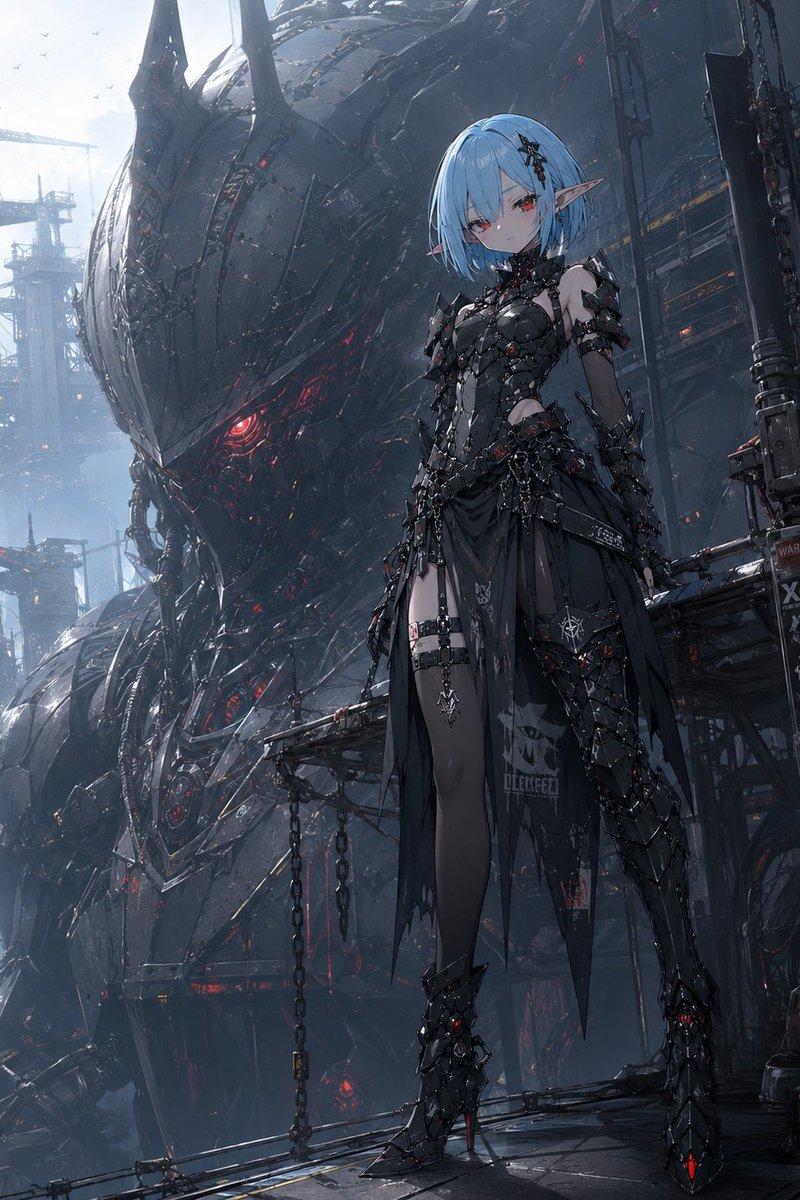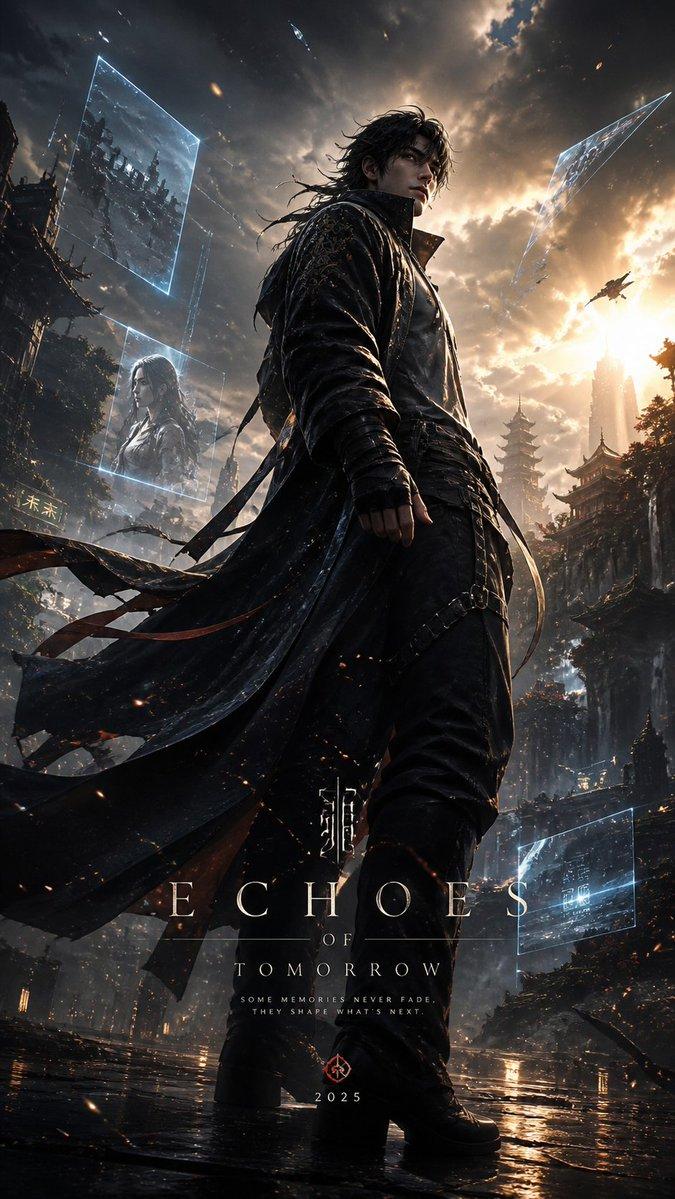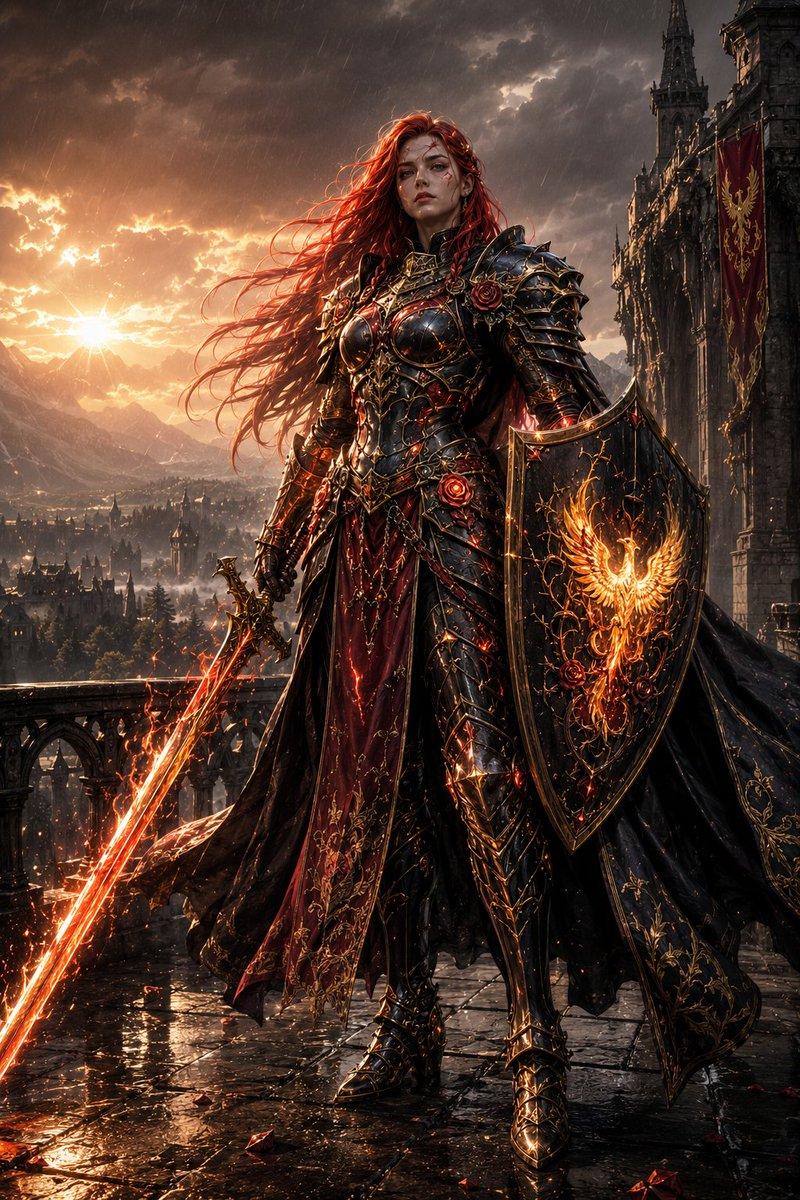
20

真人,真实质感。哥特风俊朗东方男机械师,半身像,20岁,白色凌乱长发,站在阳台,撑在栏杆上,看向远处,自信,圆形金属护目镜戴在额头上,机械脖套,白色机械胸甲和肩
Enlarge

Example images

真人,真实质感。哥特风俊朗东方男机械师,半身像,20岁,白色凌乱长发,站在阳台,撑在栏杆上,看向远处,自信,圆形金属护目镜戴在额头上,机械脖套,白色机械胸甲和肩

Prompt
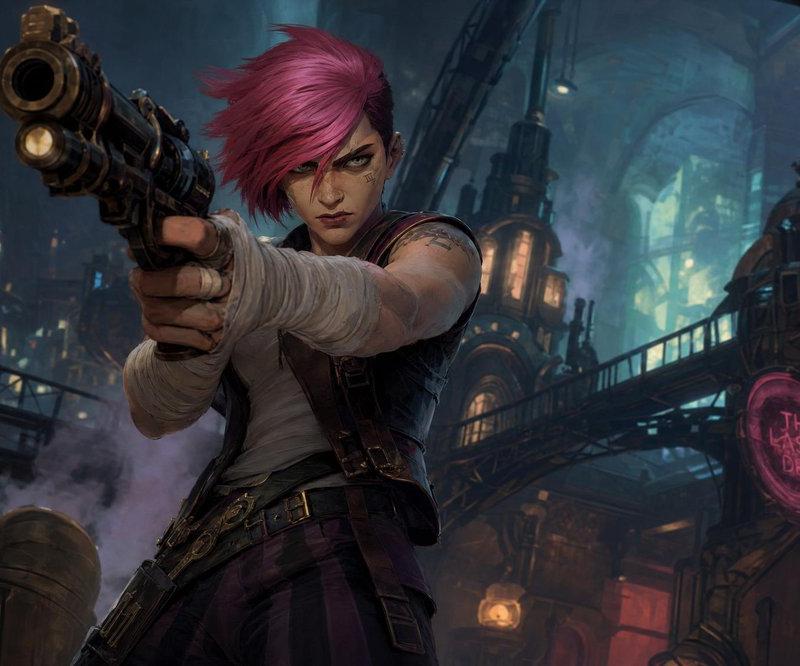
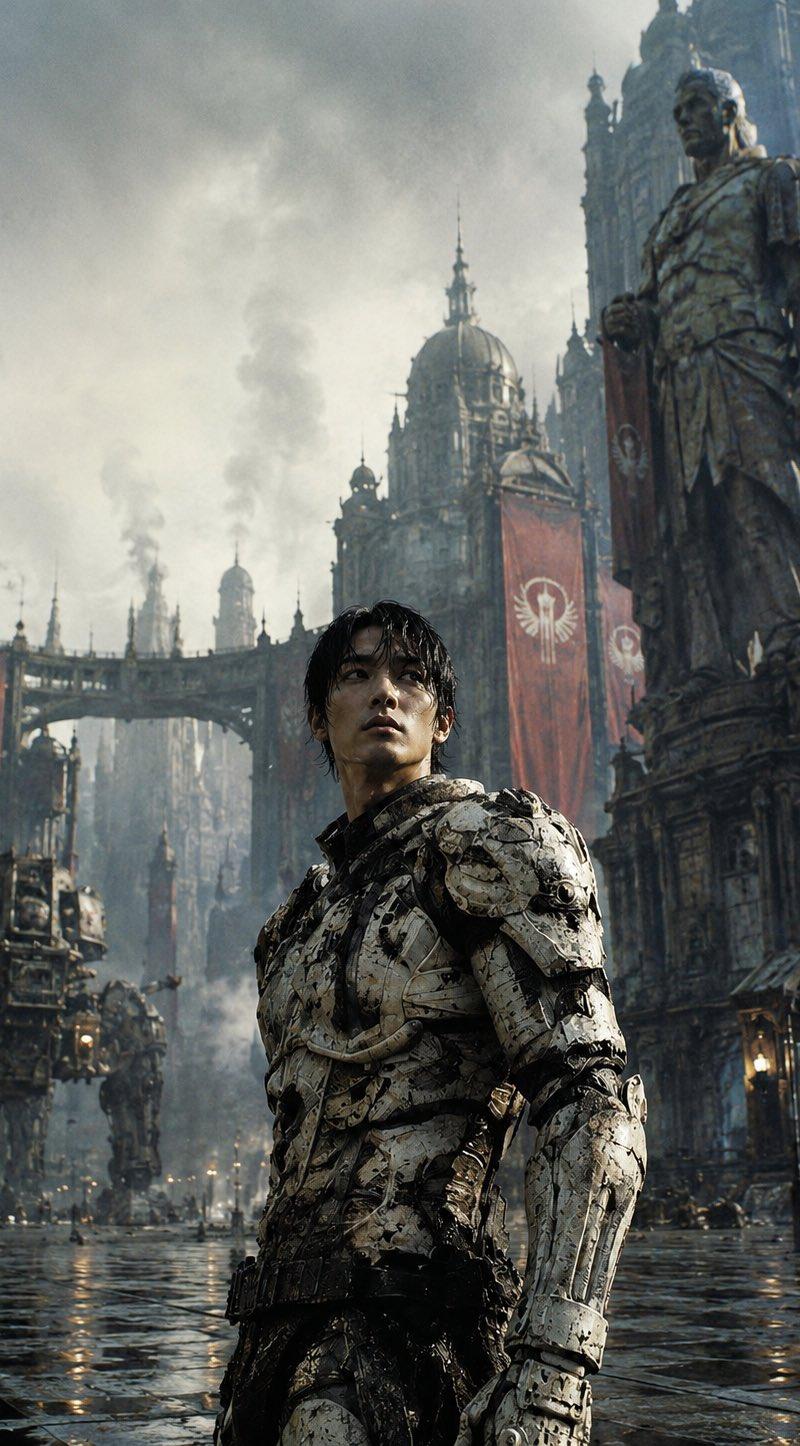
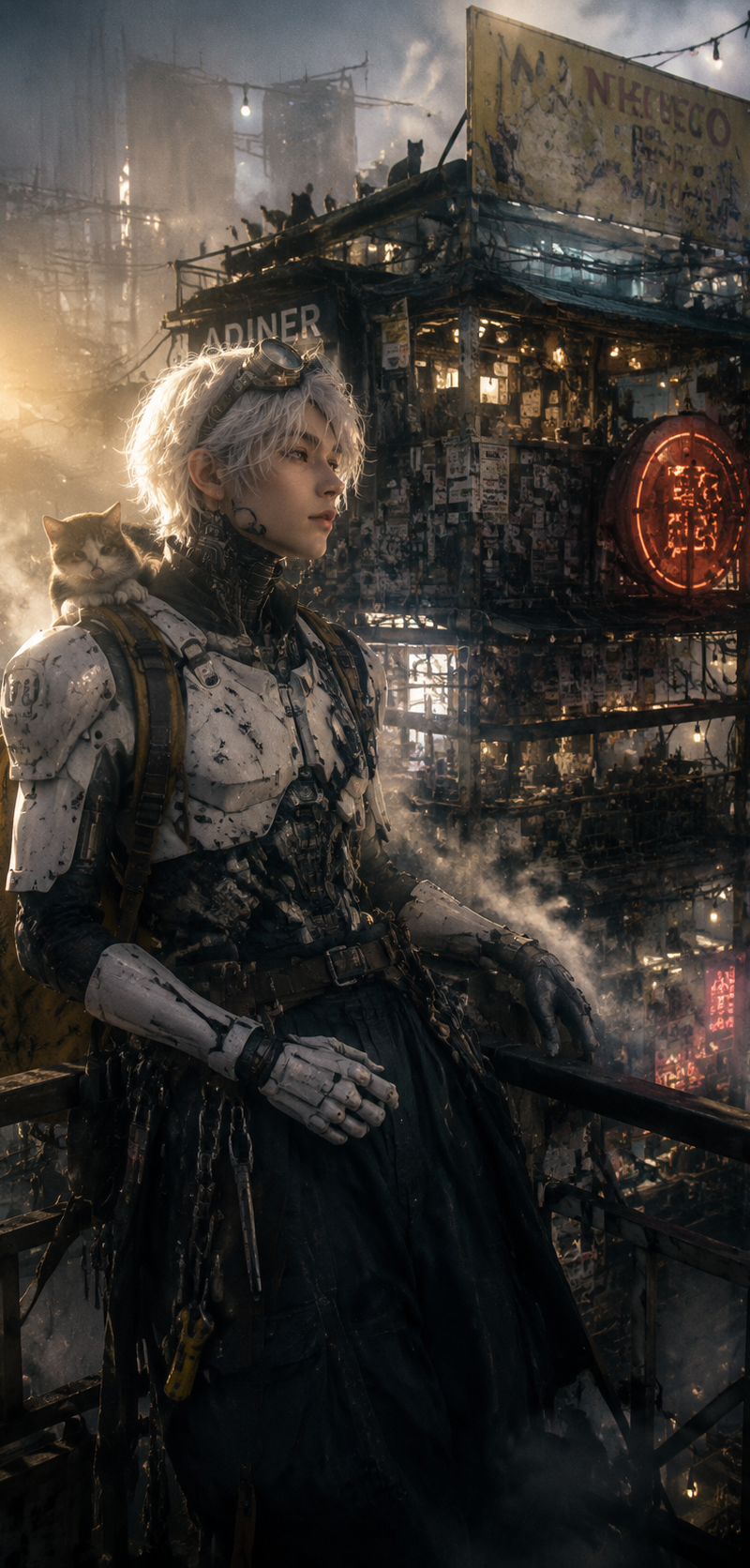
真人,真实质感。哥特风俊朗东方男机械师,半身像,20岁,白色凌乱长发,站在阳台,撑在栏杆上,看向远处,自信,圆形金属护目镜戴在额头上,机械脖套,白色机械胸甲和肩甲。肌肉,戴白色机械手套,身材修长,长腿。肮脏黄色背包,超宽大藏蓝色裤子,腰间挂满工具。烟火气。肩膀上有一只小猫。光影艺术,闪烁,低饱和度,光朦颗粒,高噪点,脸部暖色漏光,低曝光,强烈的复古胶片颗粒感,模糊,反光,折射,褪色,工业雾霾笼罩远景,单点透视强化空间纵深感,暗调摄影配合体积光穿透云层,楼下复杂繁琐的不规则双层餐车,餐车上到处贴着广告、贴纸、寻人启事,车顶也有几只小猫。锈蚀的蓝绿色金属外壳,大型广告牌,顶部是褪色残缺的黄色标志,外露的电线挂着灯泡,层层叠叠的电缆线,发红光的圆形复杂旧招牌,餐车窗口透出暖黄色灯光,概念设计美学,前景有随机物体和蒸汽 。高噪点和胶片颗粒质感增强了画面的质感,超精细cg。真实的皮肤质感,复古科幻电影,精密的机械设计细节丰富,超多细节,高画质,电影质感,景深,黄色侧逆光,蓝色轮廓光,高对比度。
Category
Posters & Typography
Model
GPT Image 2
Creator
xie underwood
Source language
zh-CN
Views143
Source ID
4437
Published
May 15, 2026
Studio

Guide

About "真人,真实质感。哥特风俊朗东方男机械师,半身像,20岁,白色凌乱长发,站在阳台,撑在栏杆上,看向远处,自信,圆形金属护目镜戴在额头上,机械脖套,白色机械胸甲和肩"

What is this prompt for?

"真人,真实质感。哥特风俊朗东方男机械师,半身像,20岁,白色凌乱长发,站在阳台,撑在栏杆上,看向远处,自信,圆形金属护目镜戴在额头上,机械脖套,白色机械胸甲和肩" AI image prompt for GPT Image 2 (Posters & Typography). 真人,真实质感。哥特风俊朗东方男机械师,…

The full copyable prompt and example visuals above are ready for AI image generation or one-click recreate in Picva.

How to use this prompt

  1. Step 1

    Open the prompt detail

    Review the example visuals, category, and full prompt text for "真人,真实质感。哥特风俊朗东方男机械师,半身像,20岁,白色凌乱长发,站在阳台,撑在栏杆上,看向远处,自信,圆形金属护目镜戴在额头上,机械脖套,白色机械胸甲和肩".

  2. Step 2

    Copy the prompt

    Copy the prompt body from this page, or load it directly in Studio.

  3. Step 3

    Pick a model (GPT Image 2)

    Prefer GPT Image 2. If you switch models, keep subject and composition and tweak style terms.

  4. Step 4

    Generate and export

    Recreate the look in Picva, or export into your workflow for editing and publishing.

FAQ

What is the "真人,真实质感。哥特风俊朗东方男机械师,半身像,20岁,白色凌乱长发,站在阳台,撑在栏杆上,看向远处,自信,圆形金属护目镜戴在额头上,机械脖套,白色机械胸甲和肩" prompt?
It is an AI image-generation prompt for GPT Image 2 in the Posters & Typography category. This page includes the full prompt text, example visuals, and a one-click recreate path in Picva.
How do I use this prompt to generate an image?
Copy the prompt from this page, or use Generate / Studio. Paste it into a compatible image model, or recreate the look in Picva with optional reference images.
Which model is this prompt for?
This page lists GPT Image 2. Most descriptive prompts also transfer to nearby image models such as GPT Image, Flux, or Midjourney with light style tweaks.
Can I use the result commercially?
You can usually copy the prompt for creation, but commercial use of the final image depends on the model terms, reference-image rights, and the generated content. Follow the source author and platform rules.