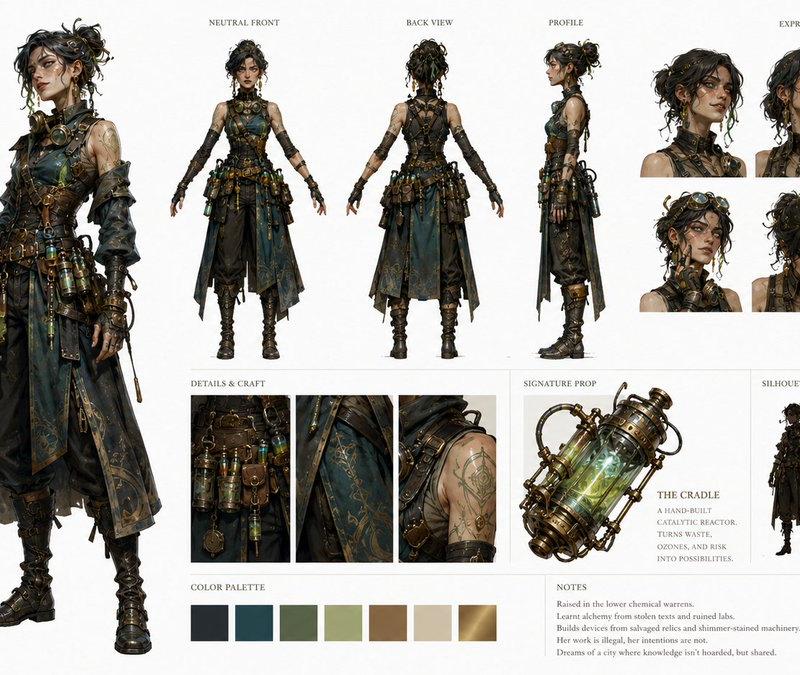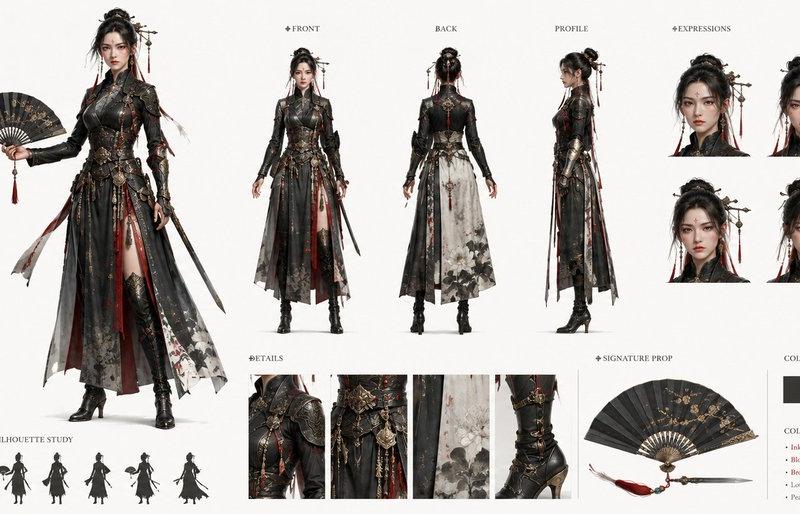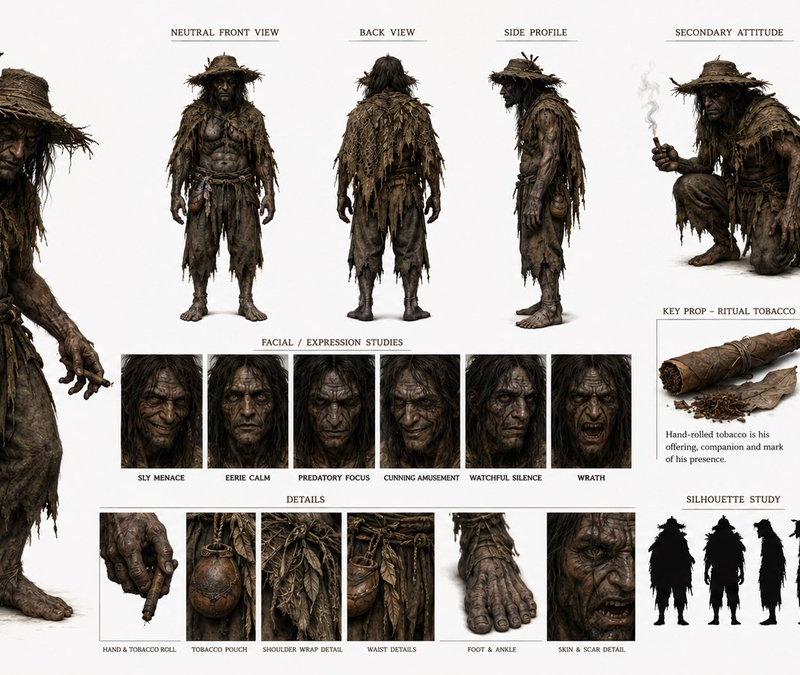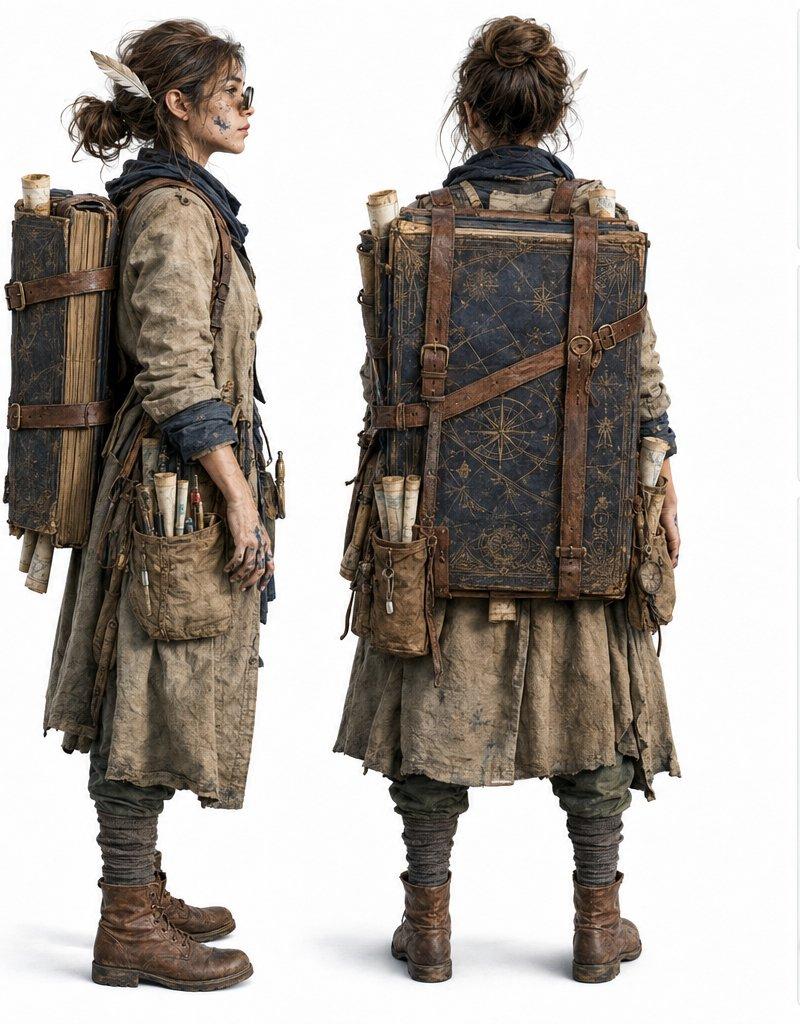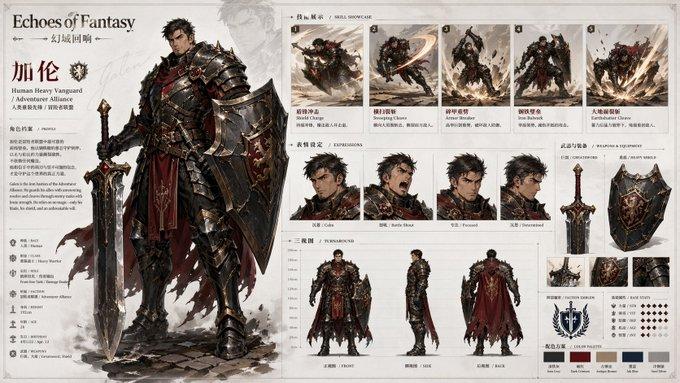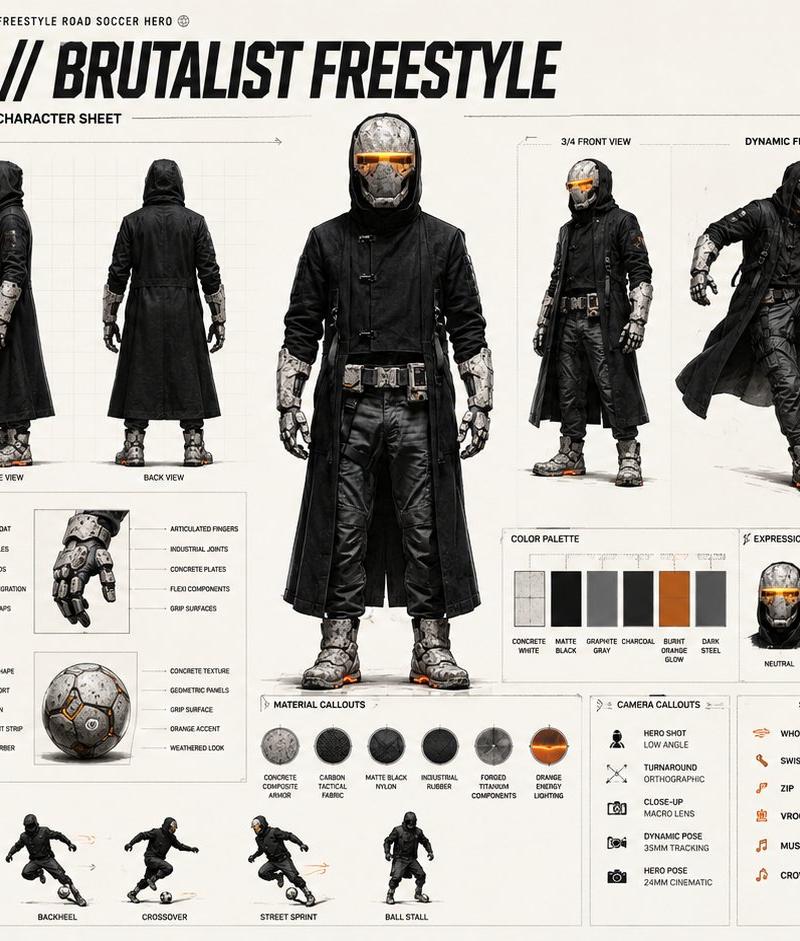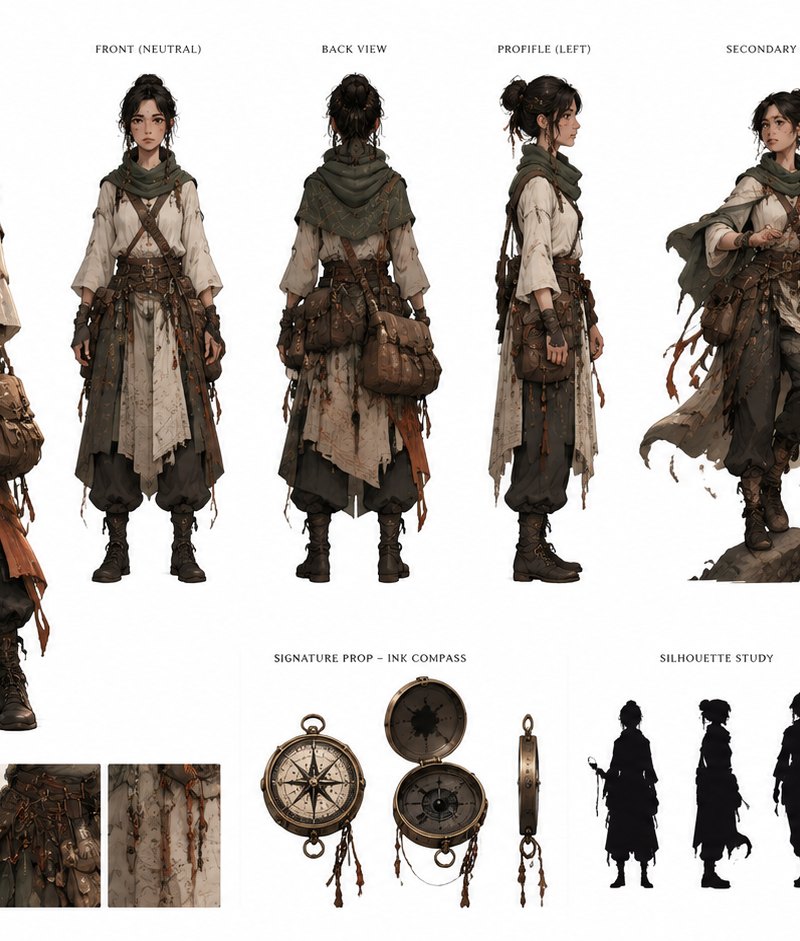
Create a fully original, copyright-safe character and present them as an artisti
Prompt
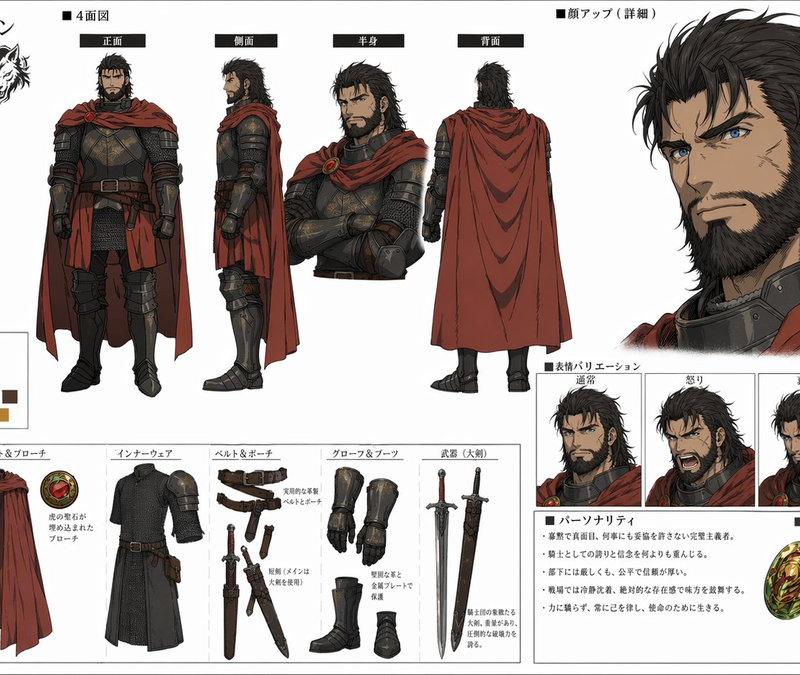
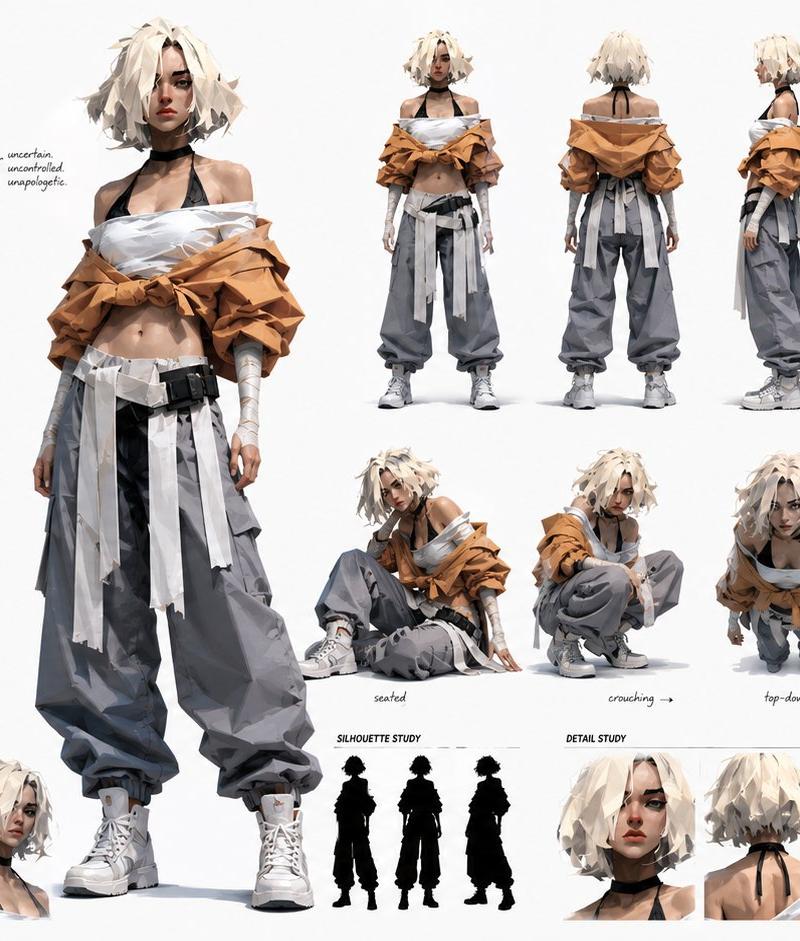
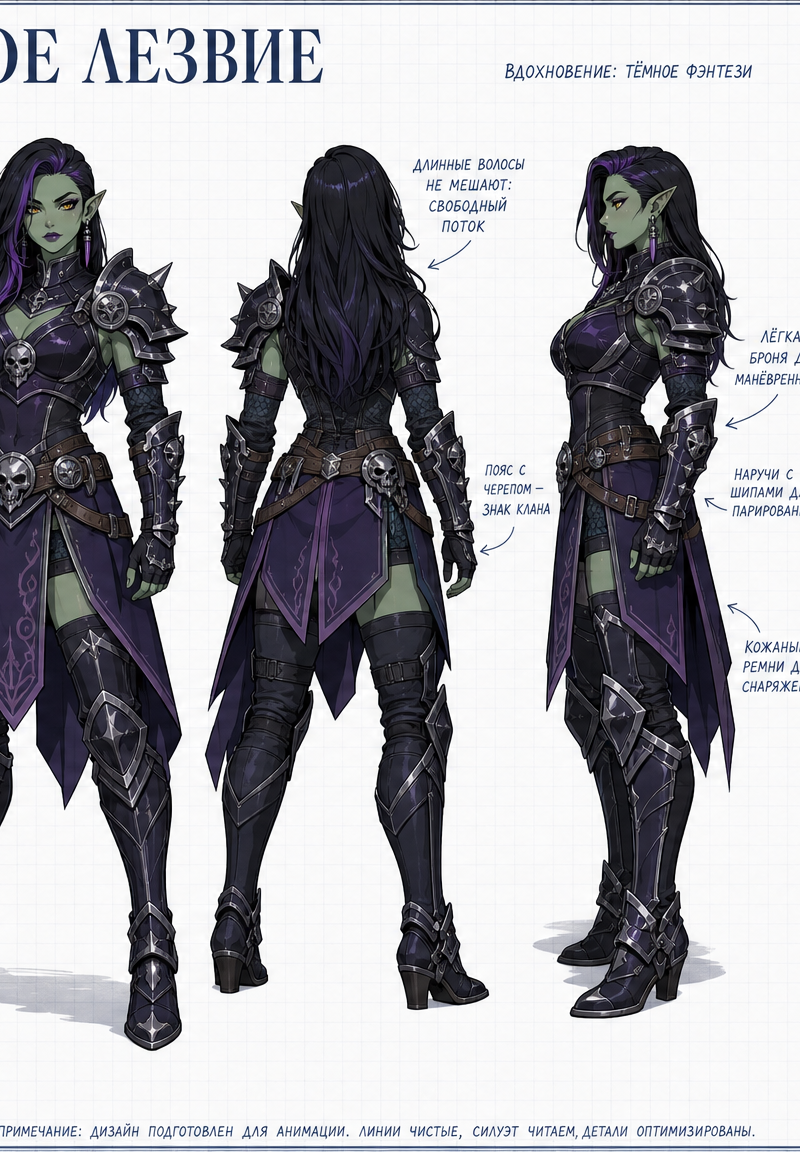
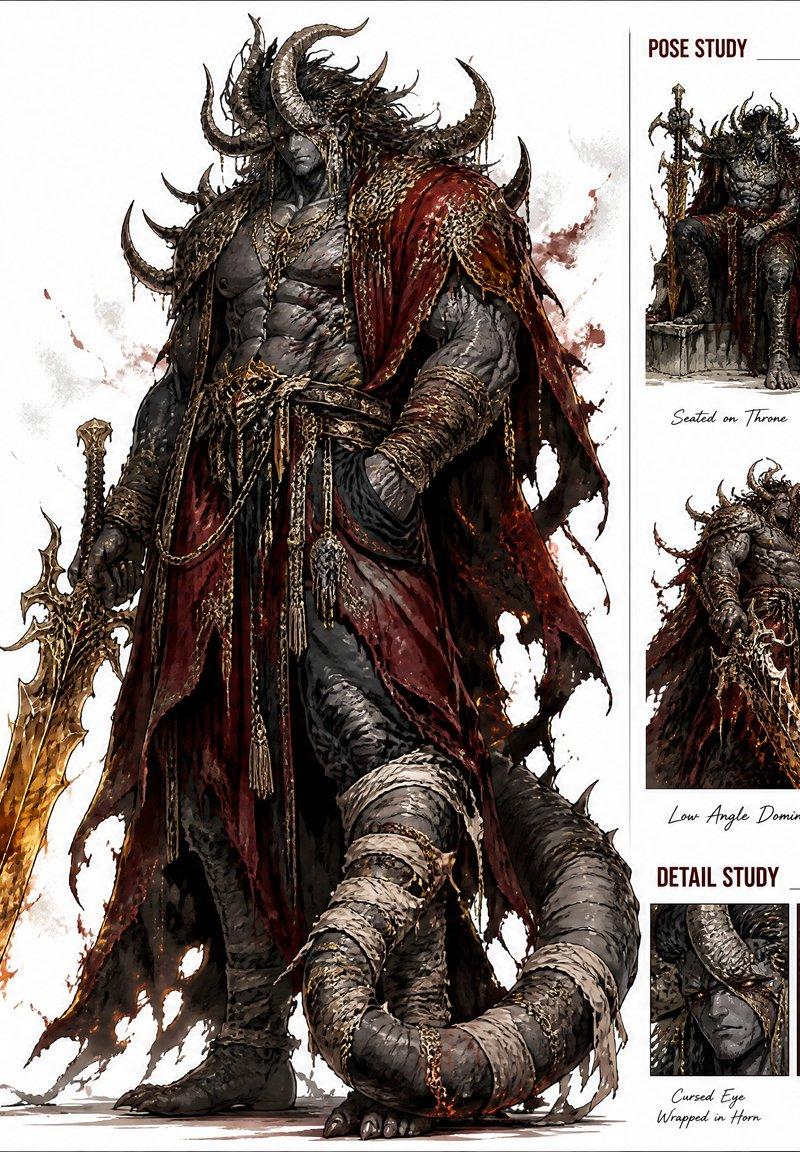
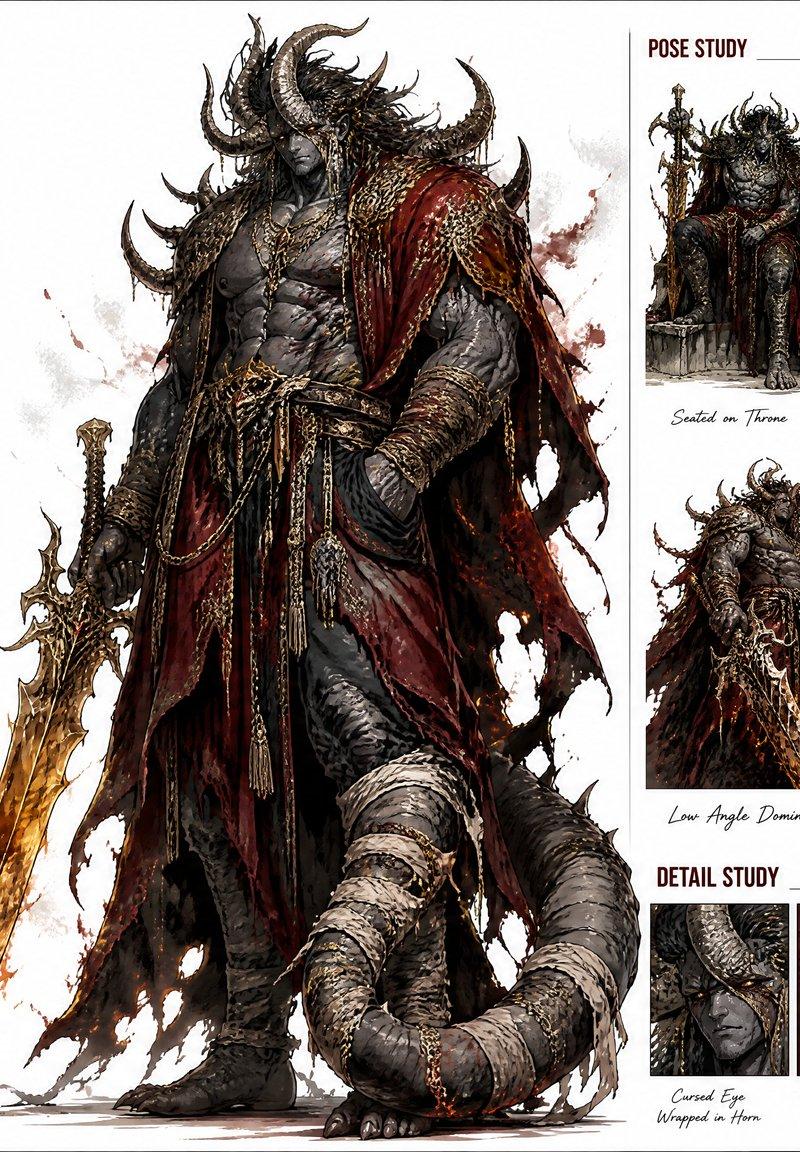
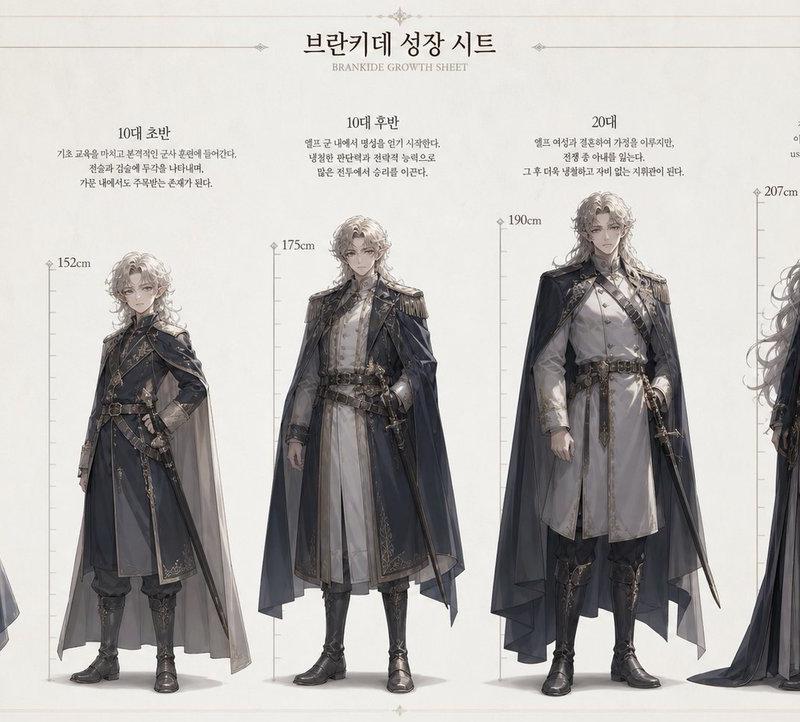
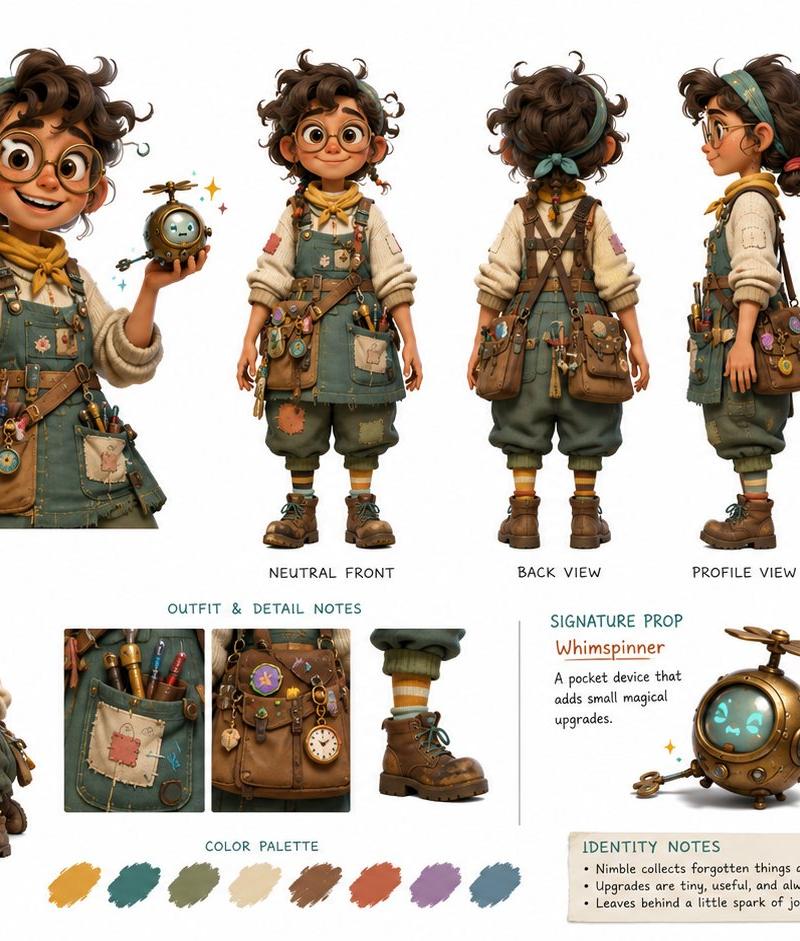
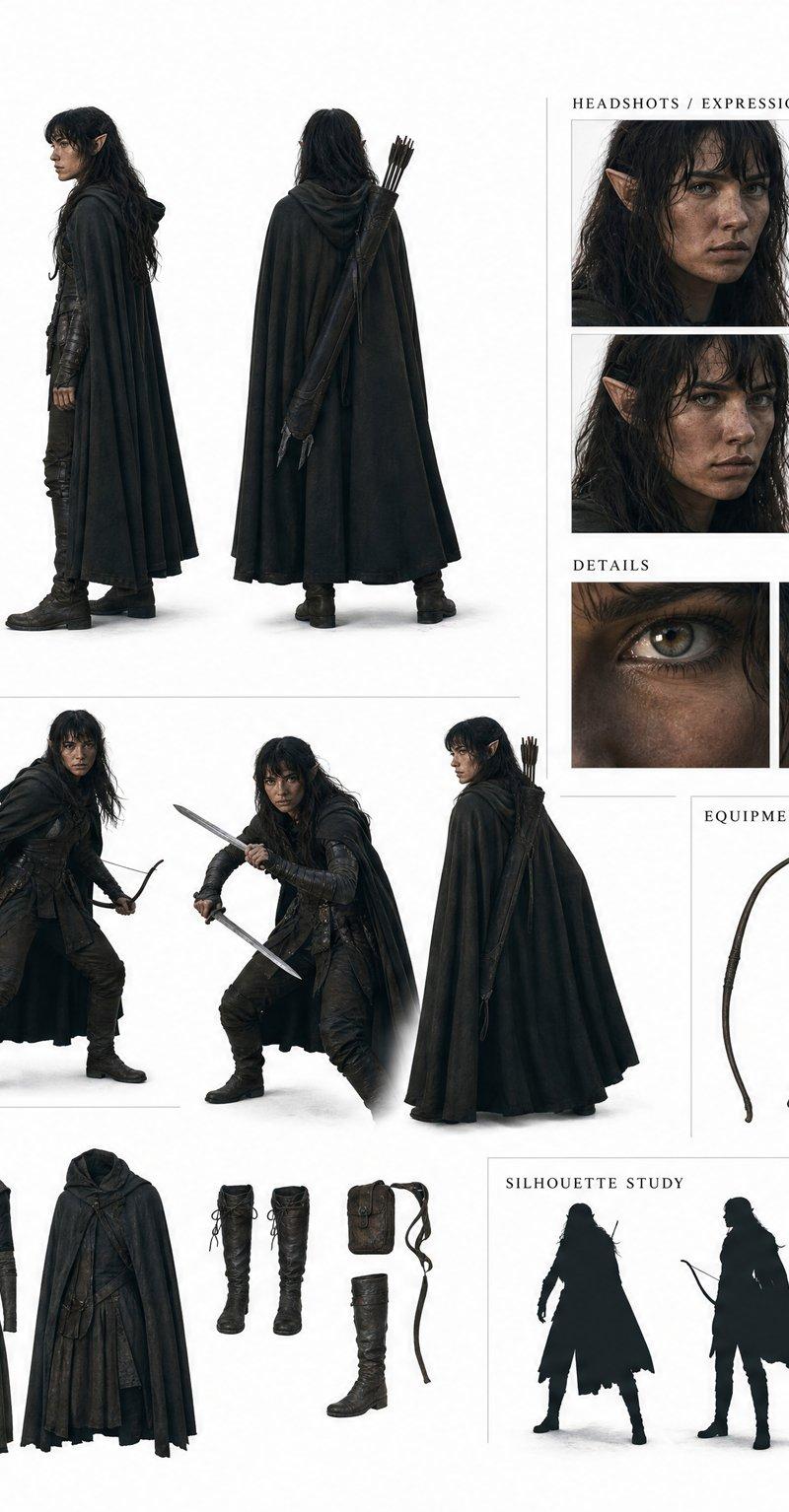
Create a fully original, copyright-safe character and present them as an artistic CHARACTER IDENTITY BOARD.

[CHARACTER SEED]:
Enter the core idea here.

[AGE / BODY TYPE]:
Enter age impression, body type, posture, physical presence or creature anatomy here.

[VISUAL MEDIUM]:
Enter the exact rendering medium here.

Examples:
realistic cinematic character design, fashion editorial photography look, semi-realistic painterly realism, modern 3D animation character design, 2D anime character design, graphic novel illustration, watercolor storybook illustration, flat vector poster illustration, oil-painting-inspired character art, ink and wash illustration, semi-realistic creature concept art.

[STYLE]:
Enter the aesthetic direction here.

Examples:
urban street fashion, luxury sports editorial, dark cinematic noir, soft melancholic artbook mood, post-apocalyptic survival wear, retro-future fashion, minimalist high-fashion, cozy slice-of-life, gritty underground music-video energy, elegant fantasy costume design, poetic coastal fantasy, bioluminescent natural history mood.

[OTHER DETAILS - OPTIONAL]:
Enter any extra details, constraints, mood, outfit hints, props, colors, themes, personality hints or presentation preferences here.

Invent everything else:
character name, alias or title, role, personality traits, emotional tone, visual theme, outfit design or body design, color palette, signature prop or signature biological feature, recognizable silhouette, pose language, small identity notes.

Originality rules:
The character must not resemble any existing anime, manga, game, movie, comic, celebrity, athlete, mascot, franchise character or known copyrighted creature.
Do not copy recognizable IP elements, costumes, hairstyles, uniforms, weapons, logos, symbols, color combinations, silhouettes, powers or signature visual traits.
Avoid fan-art aesthetics.
Create a fresh visual identity from scratch.

Character authenticity rules:
Create the character with a strong sense of individuality and non-generic design.
Avoid overly polished, overly idealized or repetitive visual features that make the character feel like a default AI-generated face, stock design, cloned archetype or generic creature.

If the character is human or humanoid:
Use distinctive facial structure, subtle asymmetry, natural variation, small imperfections and believable proportions.
The character should feel specific, grounded and recognizably individual.
If the character is attractive, keep the appeal natural, tasteful and appropriate to the chosen visual medium.

If the character is stylized:
Preserve uniqueness through original shape language, expressive proportions, distinctive features, posture and clear personality cues.
Avoid default genre clichés and repeated beauty standards.

If the character is non-human:
Preserve uniqueness through original anatomy, believable biological structure, distinctive proportions, functional features, surface texture and clear personality cues.
Do not make it feel like a generic mascot, pet monster or stock fantasy creature.

Medium and style control:
[VISUAL MEDIUM] controls the rendering language.
[STYLE] controls the aesthetic direction.
The character identity board format is only the presentation format.
The presentation must adapt to [VISUAL MEDIUM] and [STYLE], not override them.
Use visual traits that belong naturally to the selected medium.

Create an artistic 16:9 CHARACTER IDENTITY BOARD.

The board should feel like a curated visual identity presentation, not a generic turnaround sheet.

Board content:
large full-body main character view, neutral full-body view, back view, profile view, secondary attitude pose, 4 to 6 face or expression studies, outfit detail close-ups or anatomy detail close-ups, key prop close-up or signature feature close-up, small silhouette or shape study, color palette strip, short readable identity notes.

Layout:
asymmetrical, elegant, visually memorable, large empty space, clean separation between all views, no overlapping bodies, no cropped faces, no hidden limbs, no clutter.

Text on the board may include:
character name, alias, role, personality traits, core theme, signature prop or feature, color notes.

Background:
pure white or soft off-white, minimal clean graphic design, no environment, no logo, no watermark.

Prioritize:
accurate visual medium, strong unique identity, readable outfit design or anatomy design, clear personality, original character design, natural or stylized individuality as appropriate, believable uniqueness, non-repetitive character design, artistic identity-board presentation.
- Category
- Posters & Typography
- Model
- GPT Image 2
- Creator
- xie underwood
- Source language
- en
- Source ID
- 6461
- Published
- May 18, 2026
Views382