17

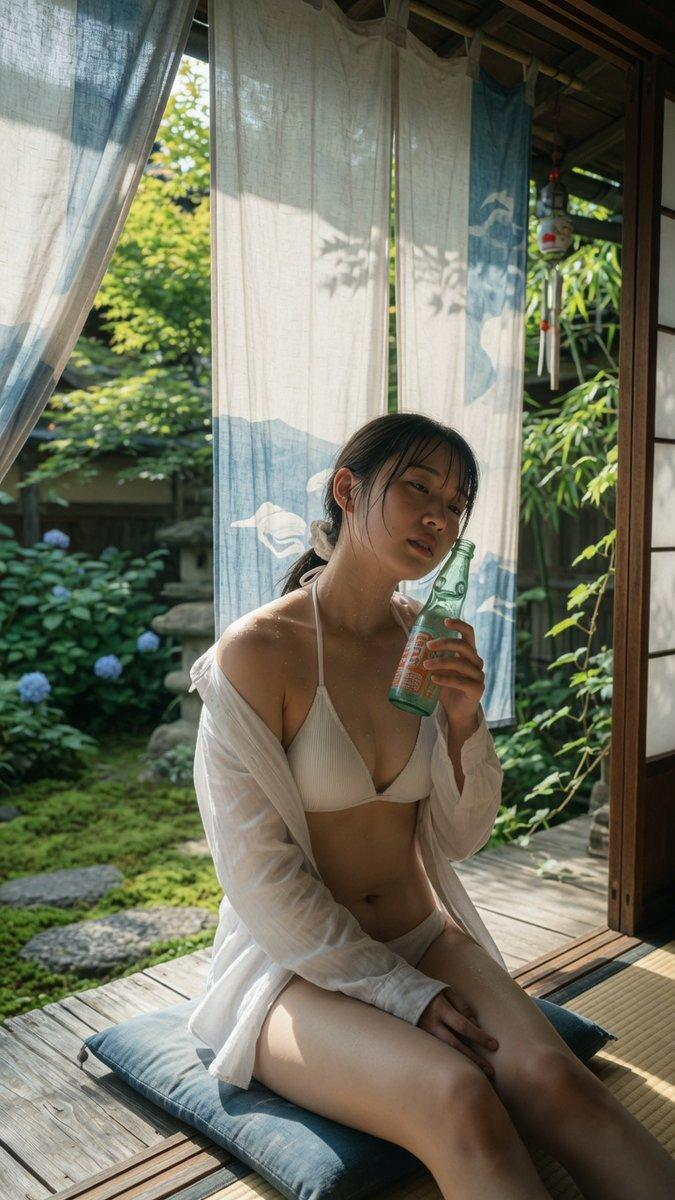
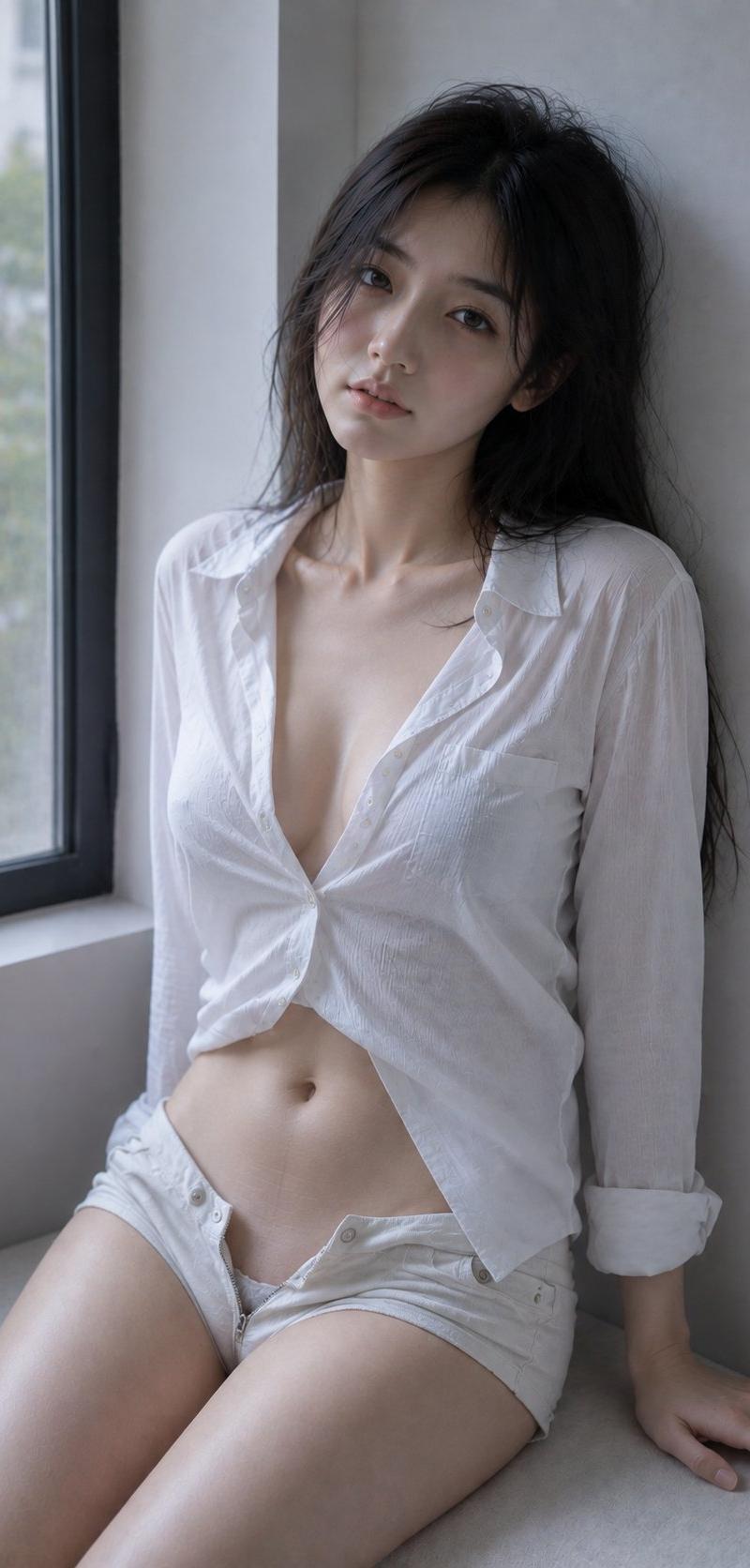
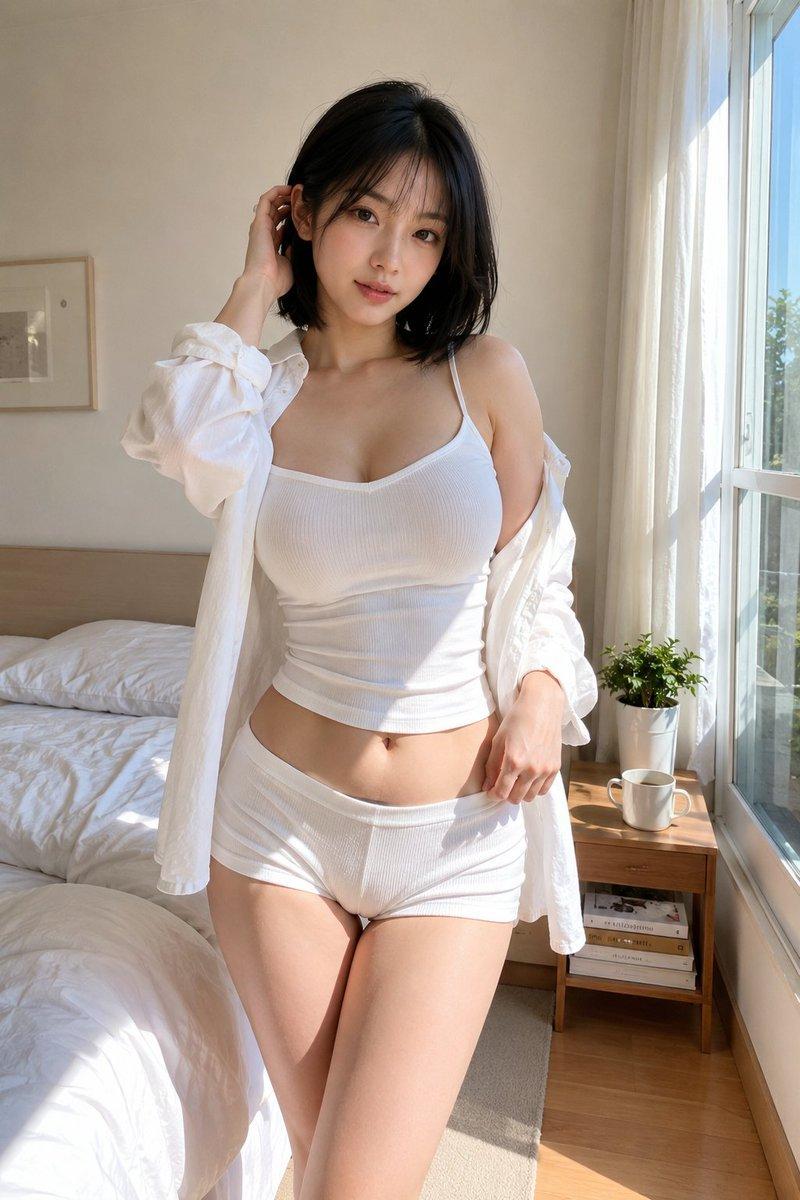
Use case: photorealistic-natural Asset type: portrait image, intended aspect rat
Enlarge

Example images

Use case: photorealistic-natural Asset type: portrait image, intended aspect rat

Prompt
Use case: photorealistic-natural
Asset type: portrait image, intended aspect ratio 9:16
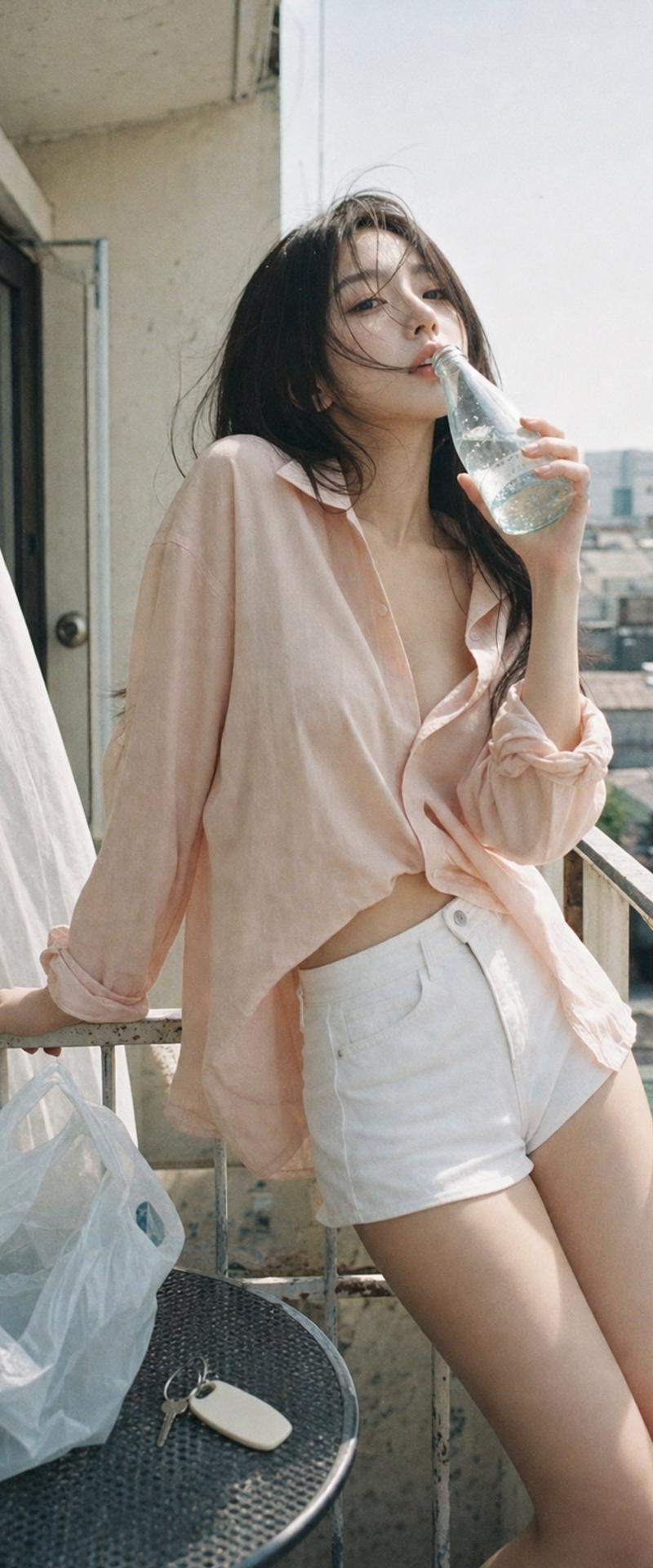
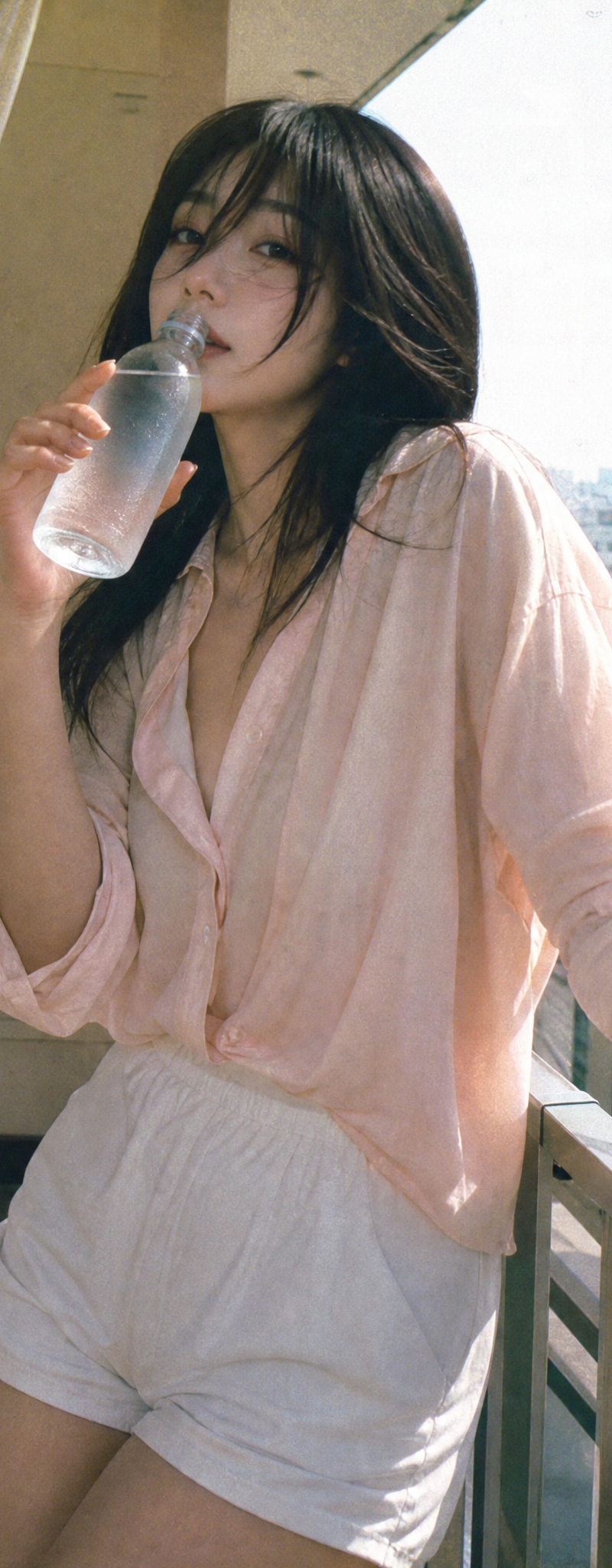
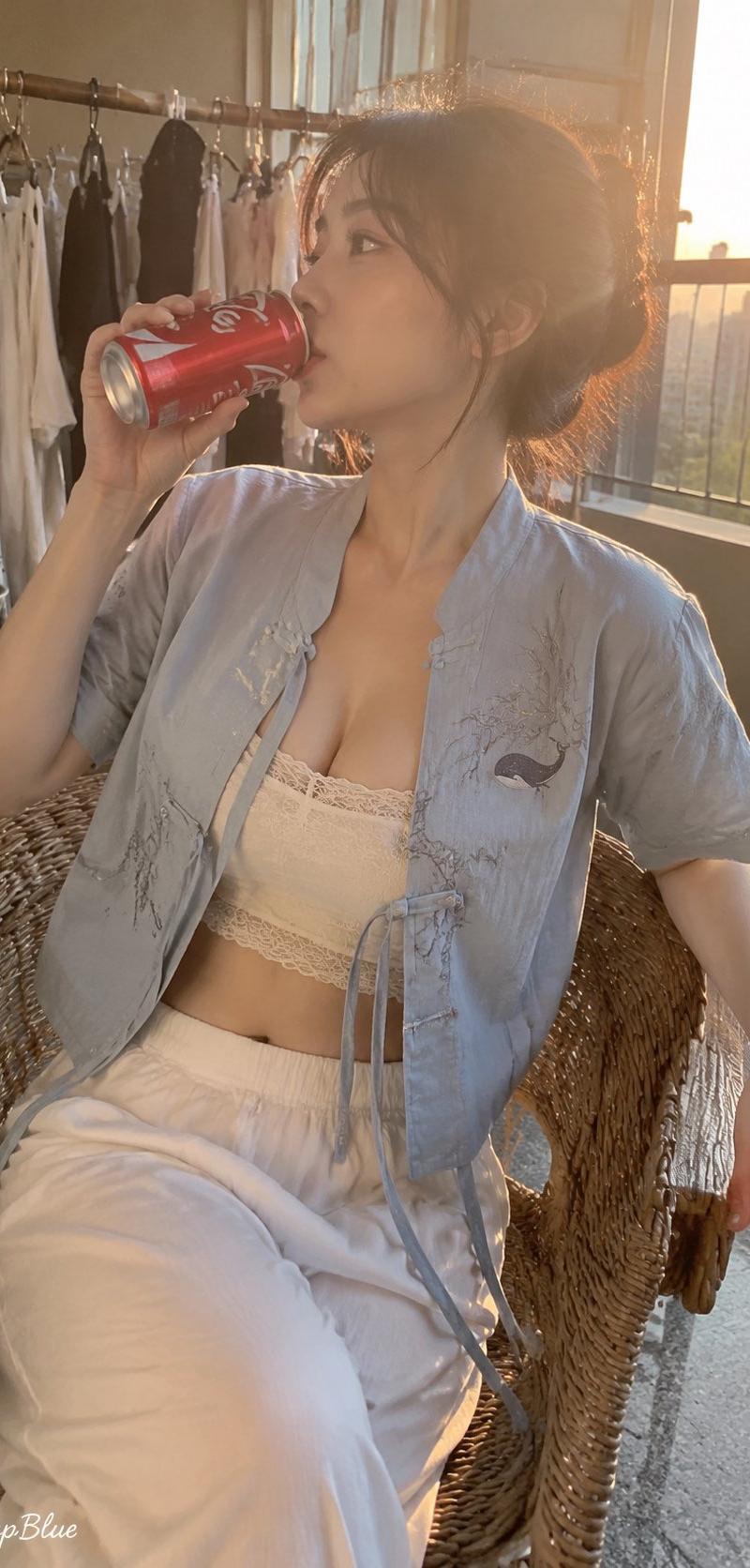
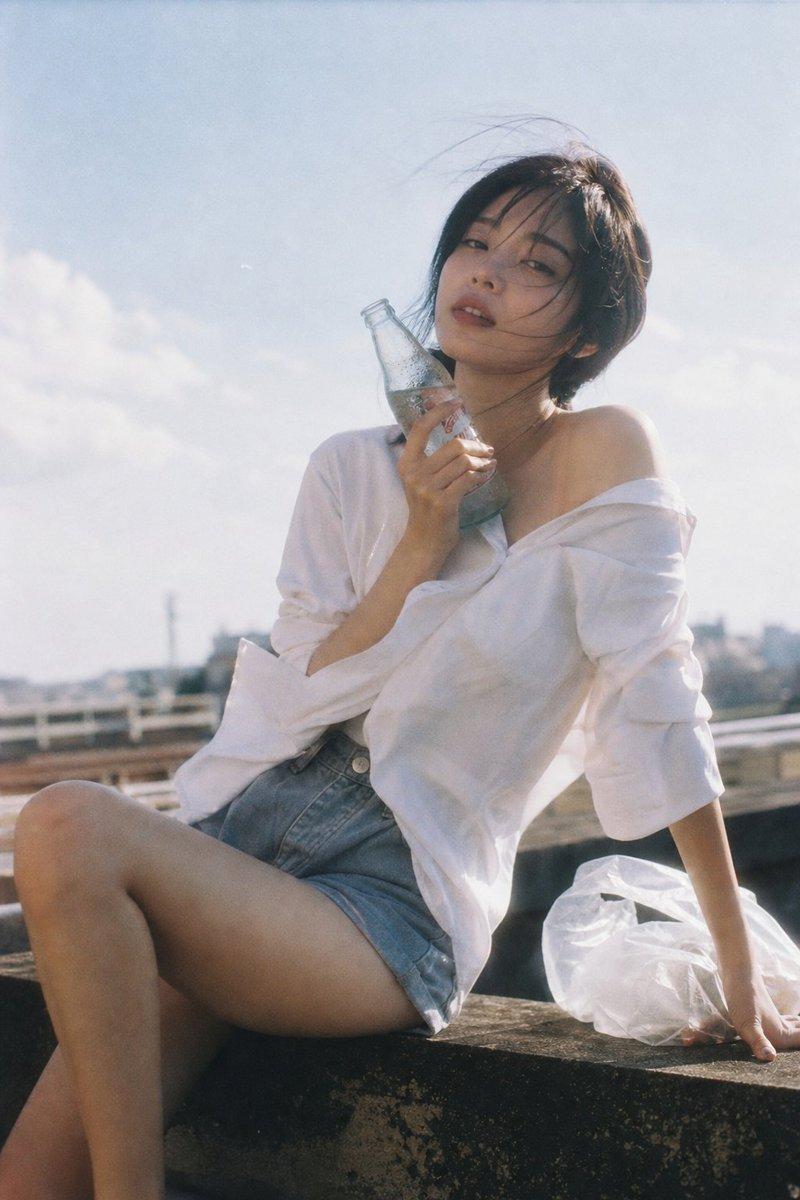
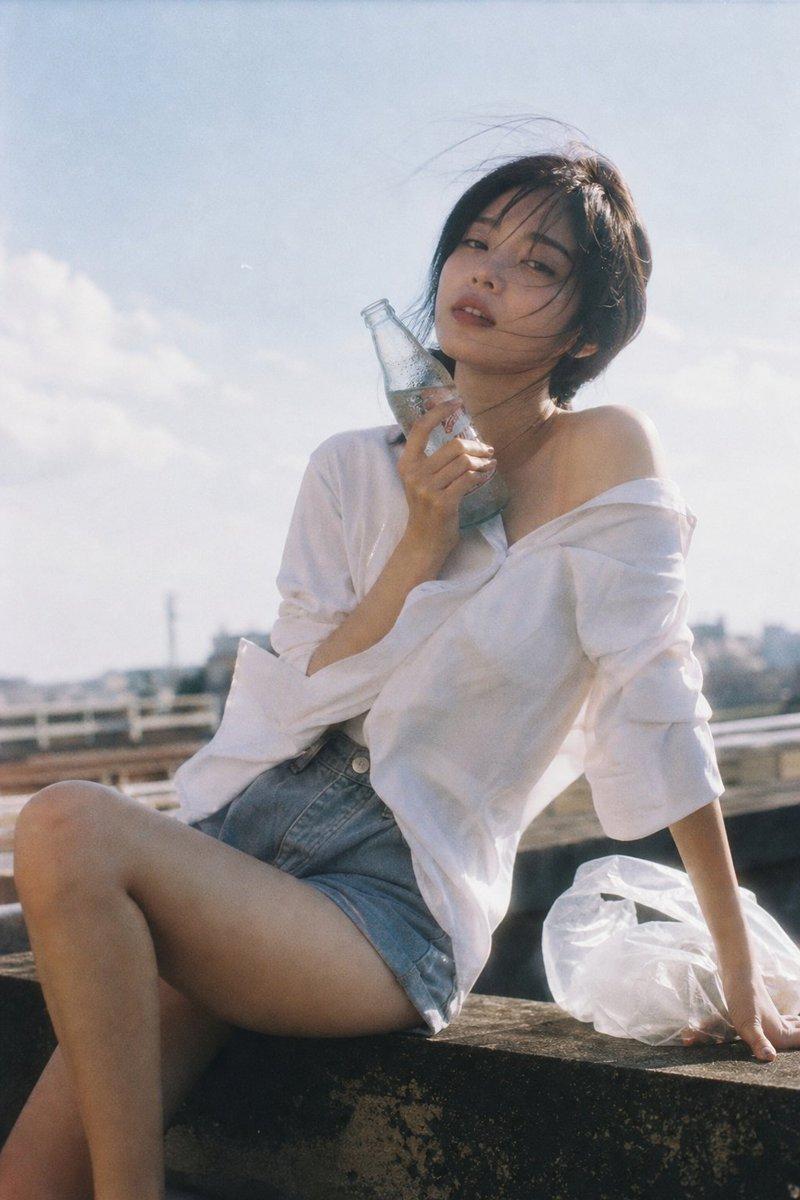
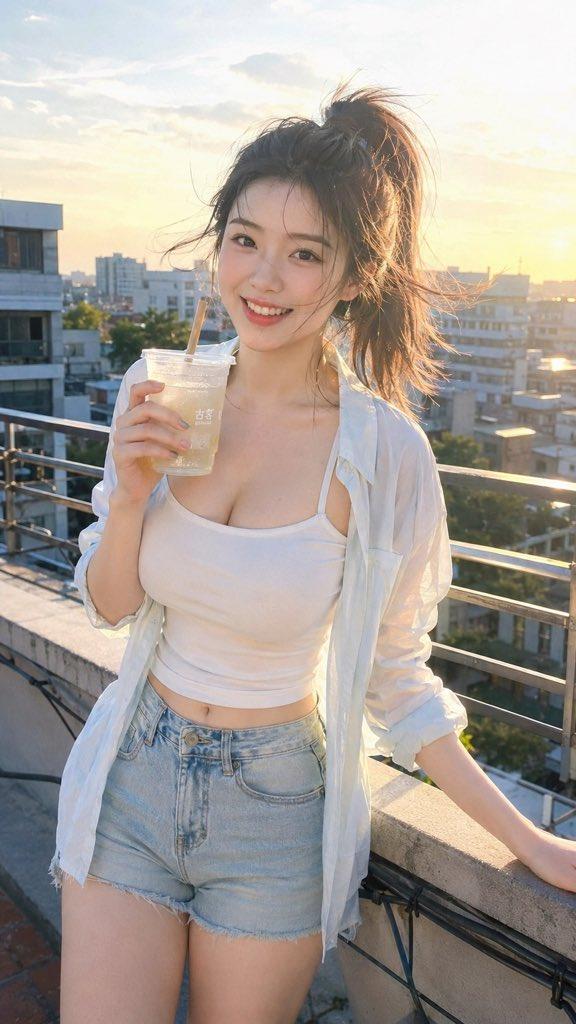
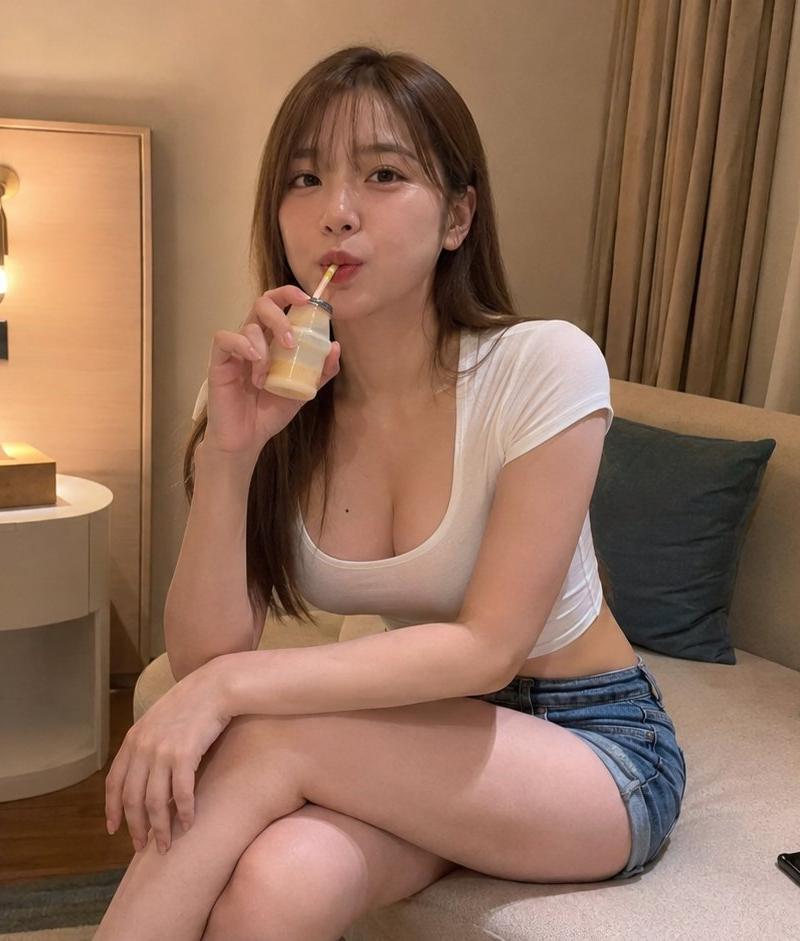
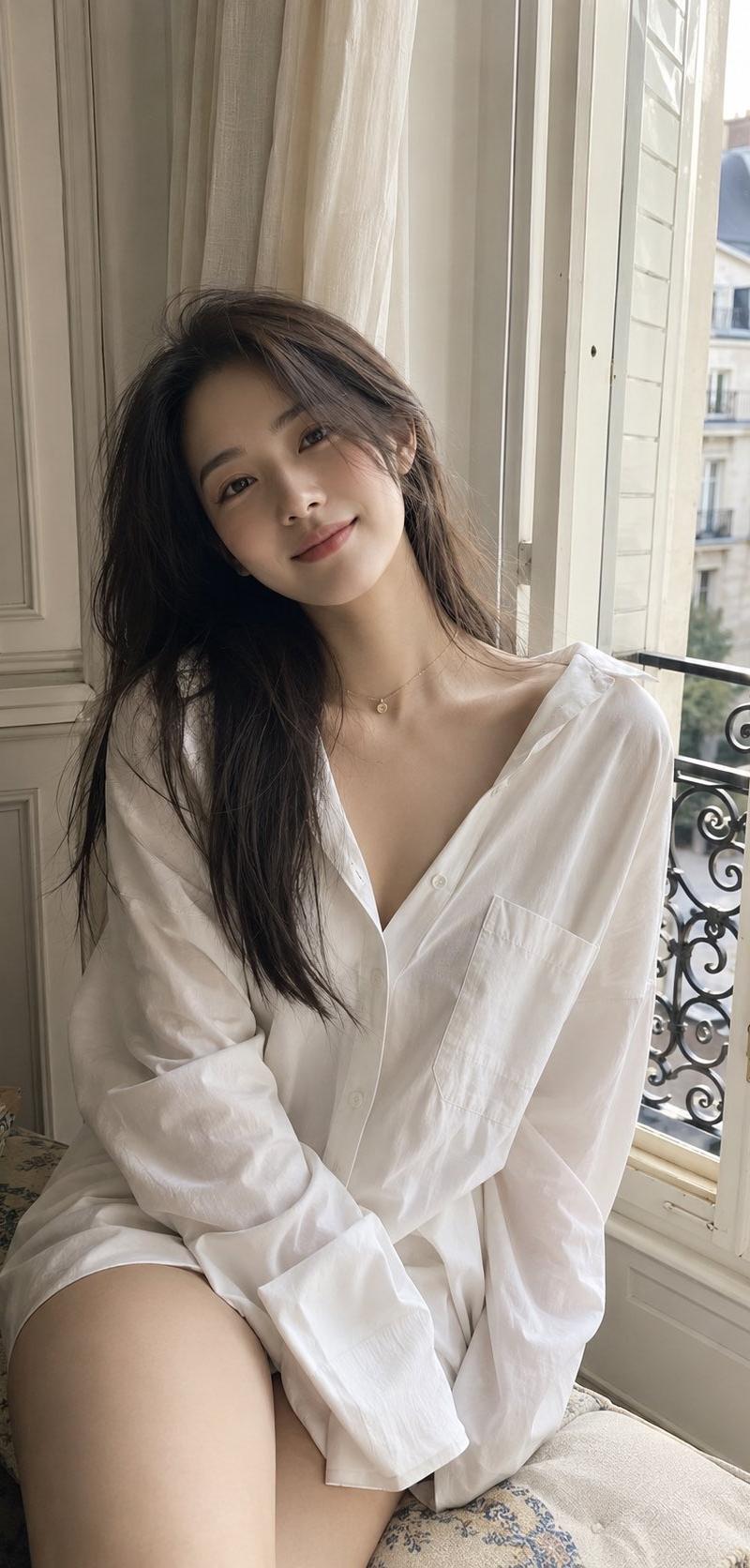
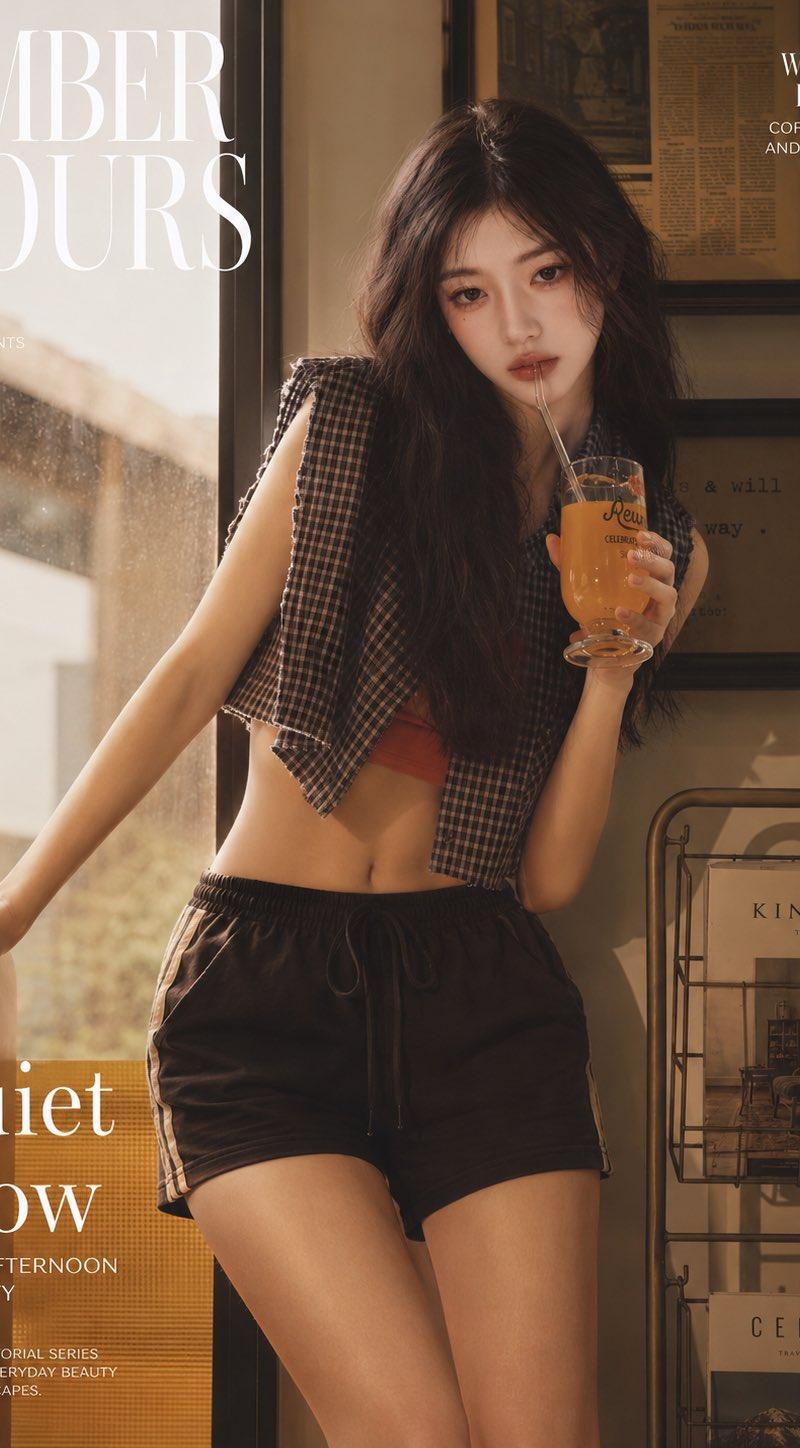
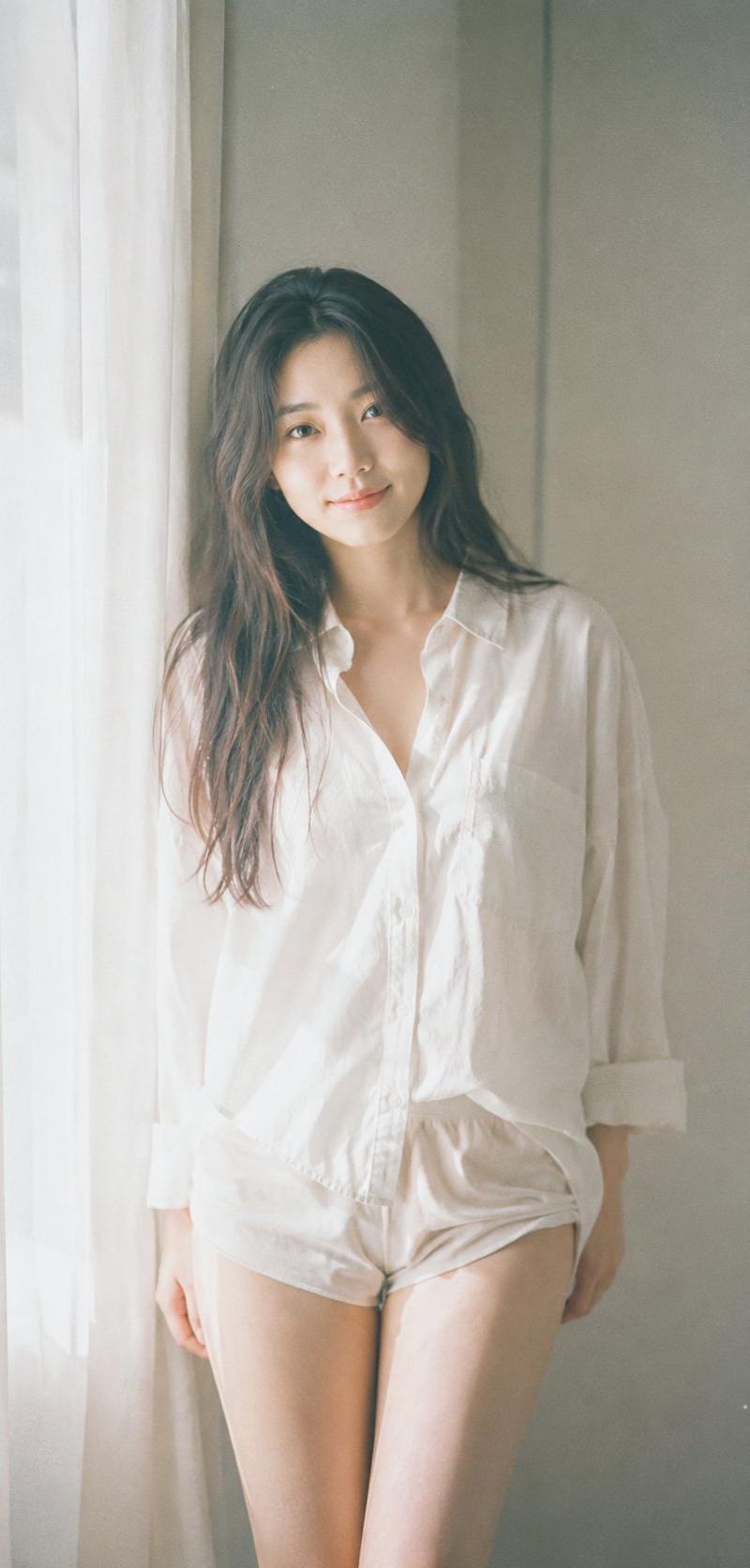
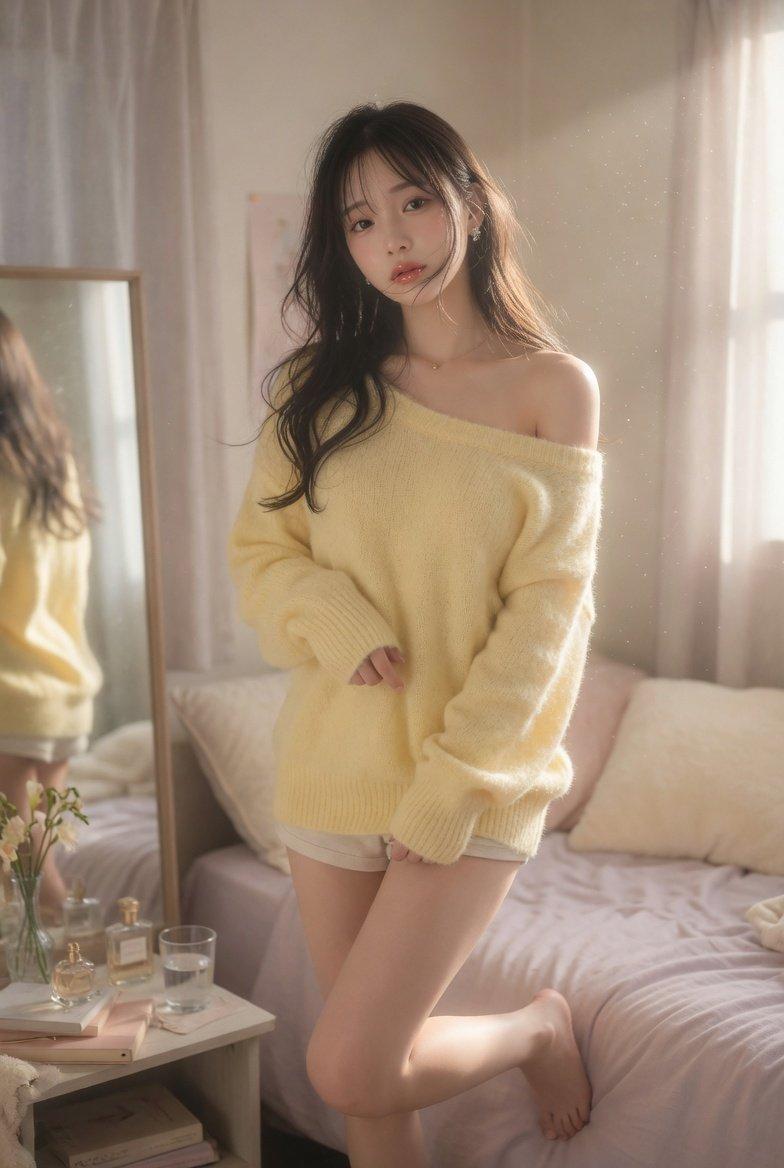
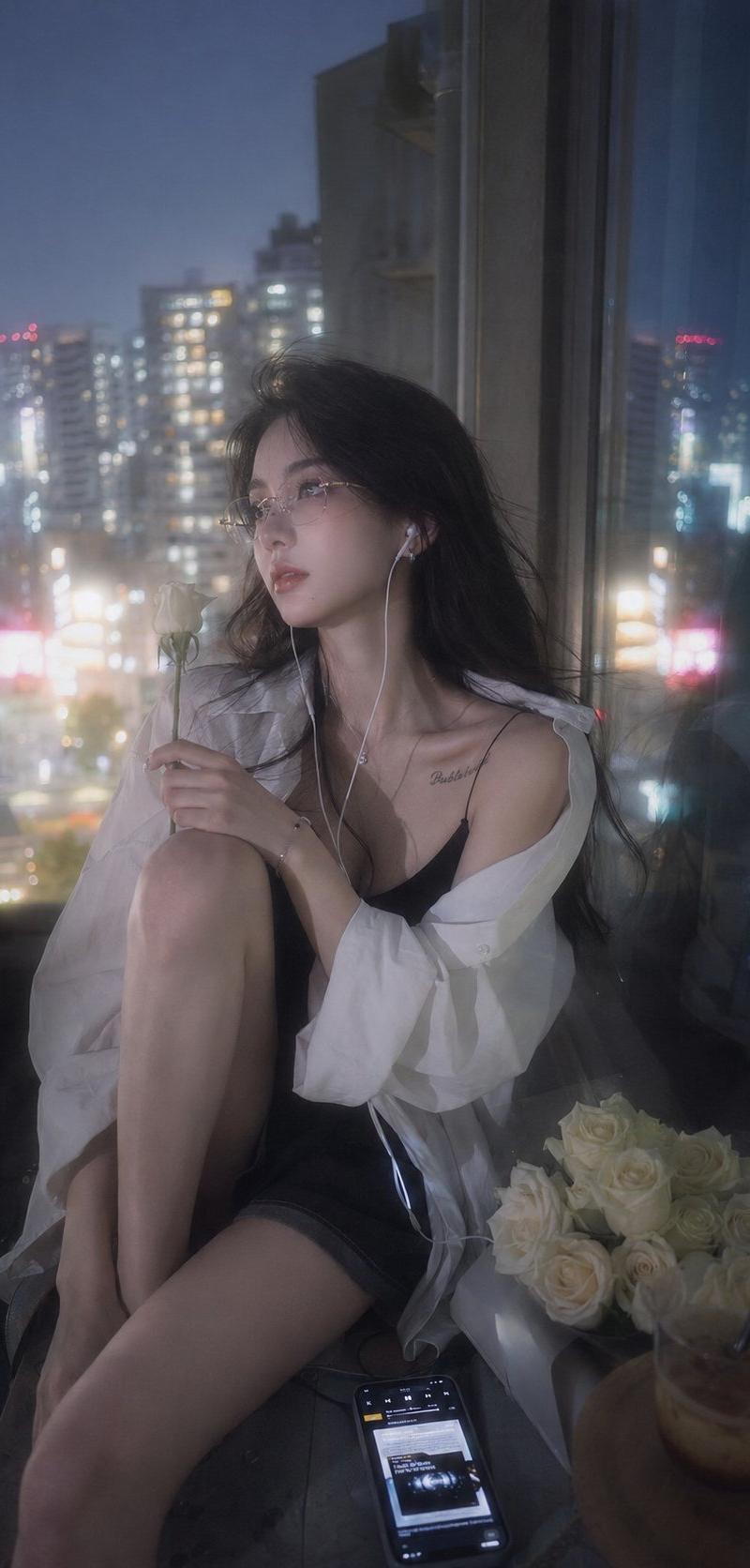
Primary request: Japanese negative film aesthetic, small balcony in summer, soft natural light, slight overexposure highlights, low contrast, faded colors, subtle grain. A fictional adult Korean female idol in her early 20s, refined and quietly magnetic, subtle sensuality through relaxed breathing and weight shift.
Scene/backdrop: narrow motel balcony with a pale curtain drifting through the door, distant low city roofs, plastic bag and room key on a small metal table.
Subject: leaning against the balcony rail with one hand behind her, torso angled toward open sky, hair moving over one eye.
Wardrobe/props: peach oversized cotton shirt loosely unbuttoned at the collar, white high-waisted shorts, cold glass bottle of mineral water lifted near her lips.
Composition/framing: tall vertical crop, slightly too close at the top, raw film snapshot feeling.
Lighting/mood: morning haze, intimate but non-explicit, quiet.
Constraints: fictional adult subject only; no real celebrity likeness; no visible brand marks, no text, no watermark.
Category
Charts & Infographics
Model
GPT Image 2
Creator
Hitch Stark
Source language
en
Views1.2K
Source ID
9791
Published
May 24, 2026
Studio

Guide

About "Use case: photorealistic-natural Asset type: portrait image, intended aspect rat"

What is this prompt for?

"Use case: photorealistic-natural Asset type: portrait image, intended aspect rat" AI image prompt for GPT Image 2 (Charts & Infographics). Use case: photoreal…

The full copyable prompt and example visuals above are ready for AI image generation or one-click recreate in Picva.

How to use this prompt

  1. Step 1

    Open the prompt detail

    Review the example visuals, category, and full prompt text for "Use case: photorealistic-natural Asset type: portrait image, intended aspect rat".

  2. Step 2

    Copy the prompt

    Copy the prompt body from this page, or load it directly in Studio.

  3. Step 3

    Pick a model (GPT Image 2)

    Prefer GPT Image 2. If you switch models, keep subject and composition and tweak style terms.

  4. Step 4

    Generate and export

    Recreate the look in Picva, or export into your workflow for editing and publishing.

FAQ

What is the "Use case: photorealistic-natural Asset type: portrait image, intended aspect rat" prompt?
It is an AI image-generation prompt for GPT Image 2 in the Charts & Infographics category. This page includes the full prompt text, example visuals, and a one-click recreate path in Picva.
How do I use this prompt to generate an image?
Copy the prompt from this page, or use Generate / Studio. Paste it into a compatible image model, or recreate the look in Picva with optional reference images.
Which model is this prompt for?
This page lists GPT Image 2. Most descriptive prompts also transfer to nearby image models such as GPT Image, Flux, or Midjourney with light style tweaks.
Can I use the result commercially?
You can usually copy the prompt for creation, but commercial use of the final image depends on the model terms, reference-image rights, and the generated content. Follow the source author and platform rules.