10

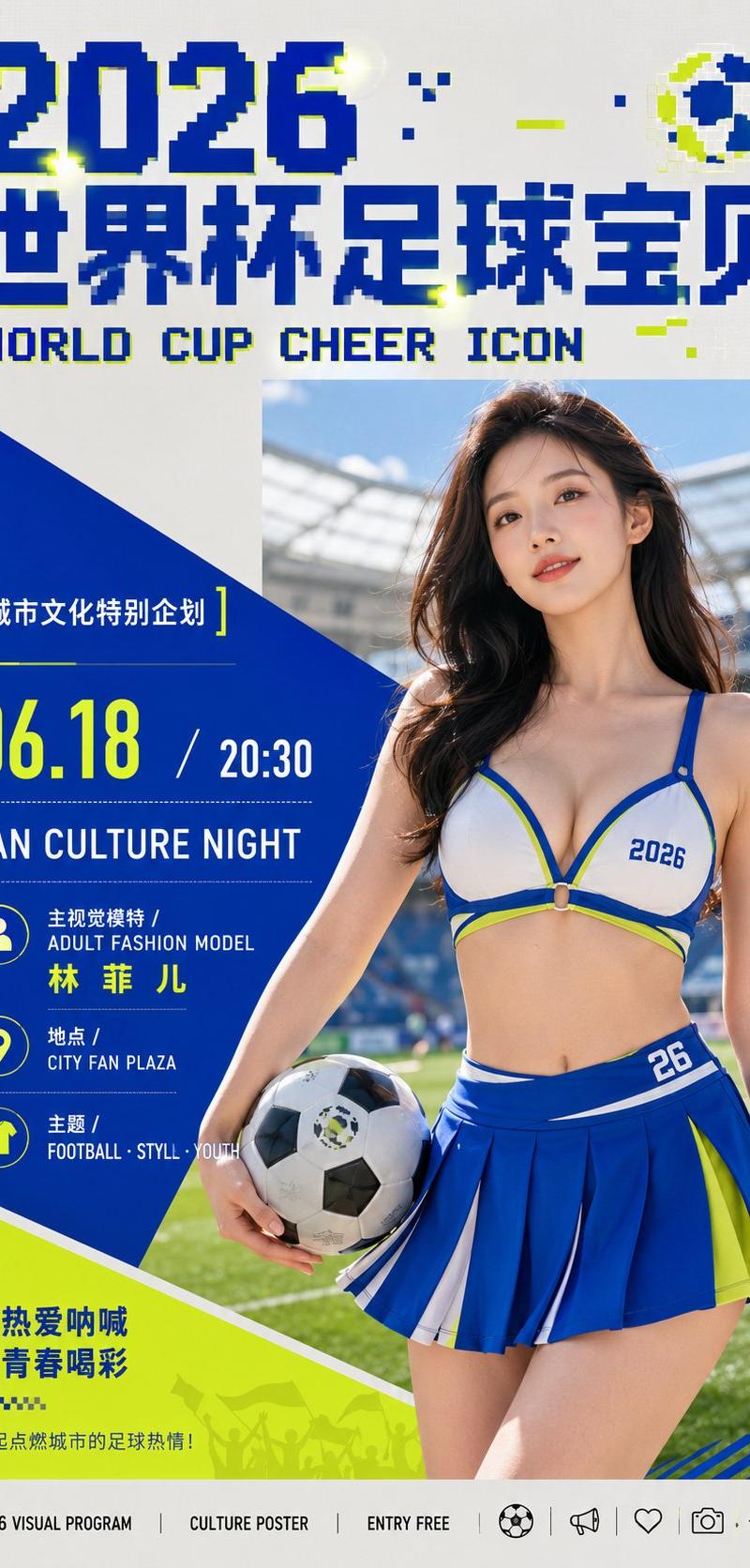
围绕具体主题内容生成一张信息型文化活动视觉:画面由一个强势的斜切几何色块建立阅读动线,色块从边缘切入并承托核心内容,与冷静的中性底场形成清晰分层...
Enlarge

Example images

围绕具体主题内容生成一张信息型文化活动视觉:画面由一个强势的斜切几何色块建立阅读动线,色块从边缘切入并承托核心内容,与冷静的中性底场形成清晰分层...

Prompt
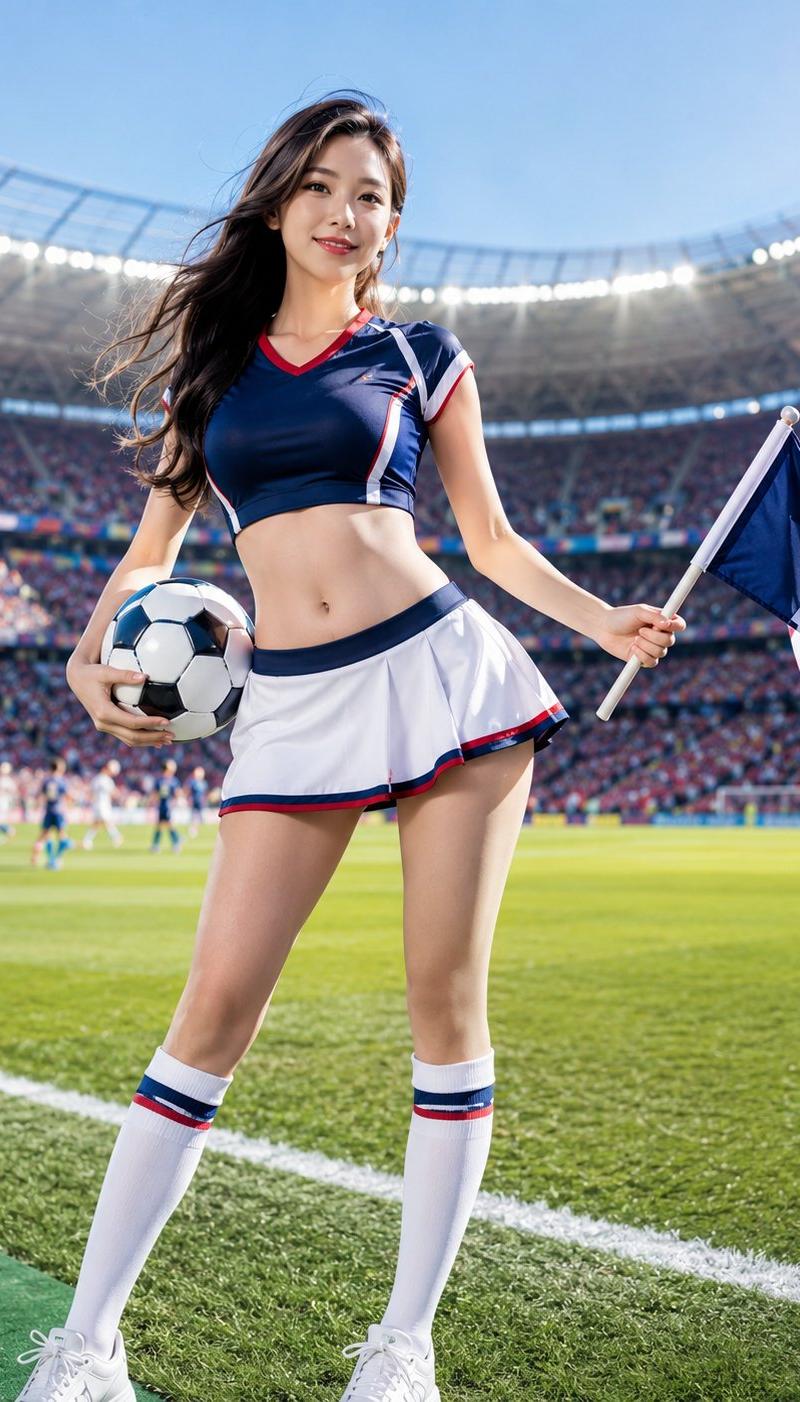
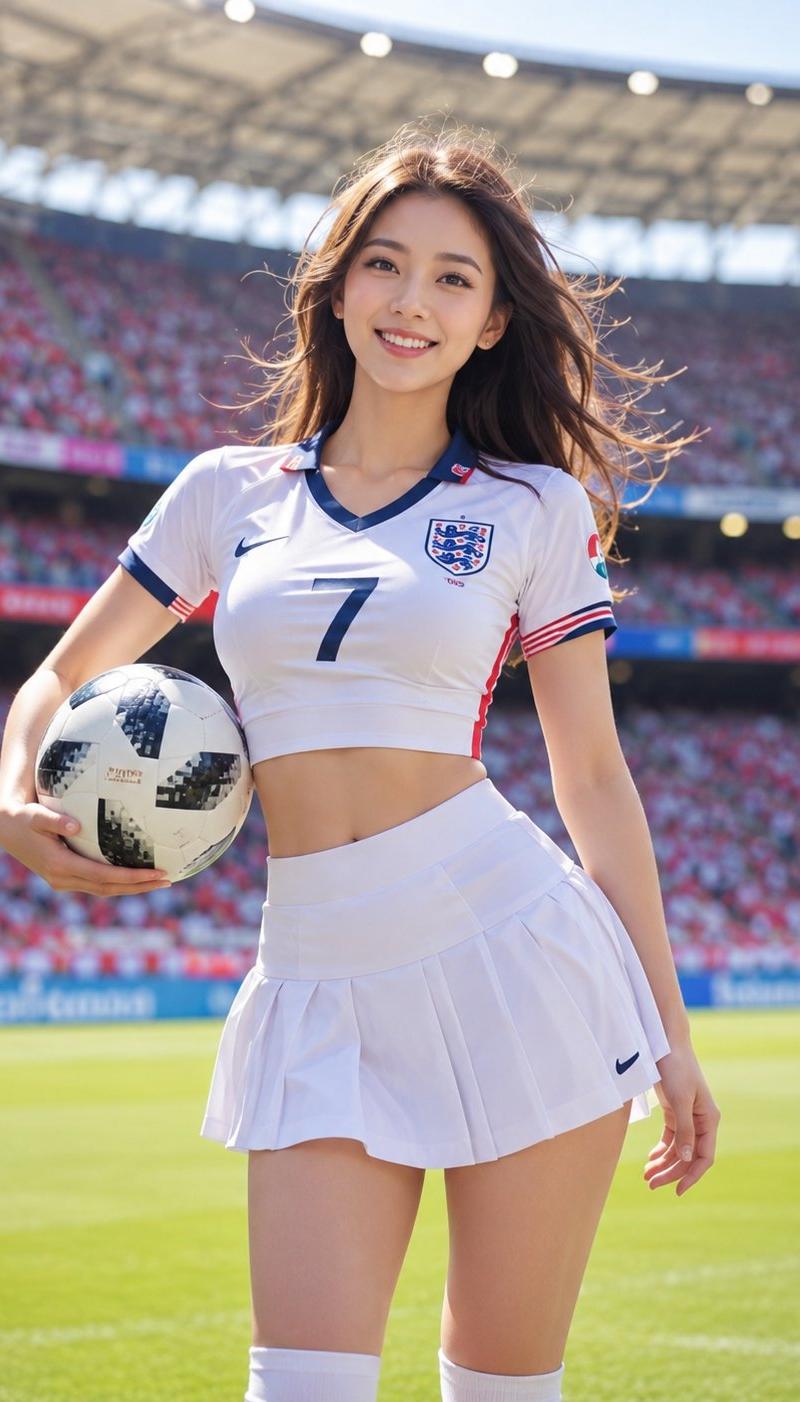
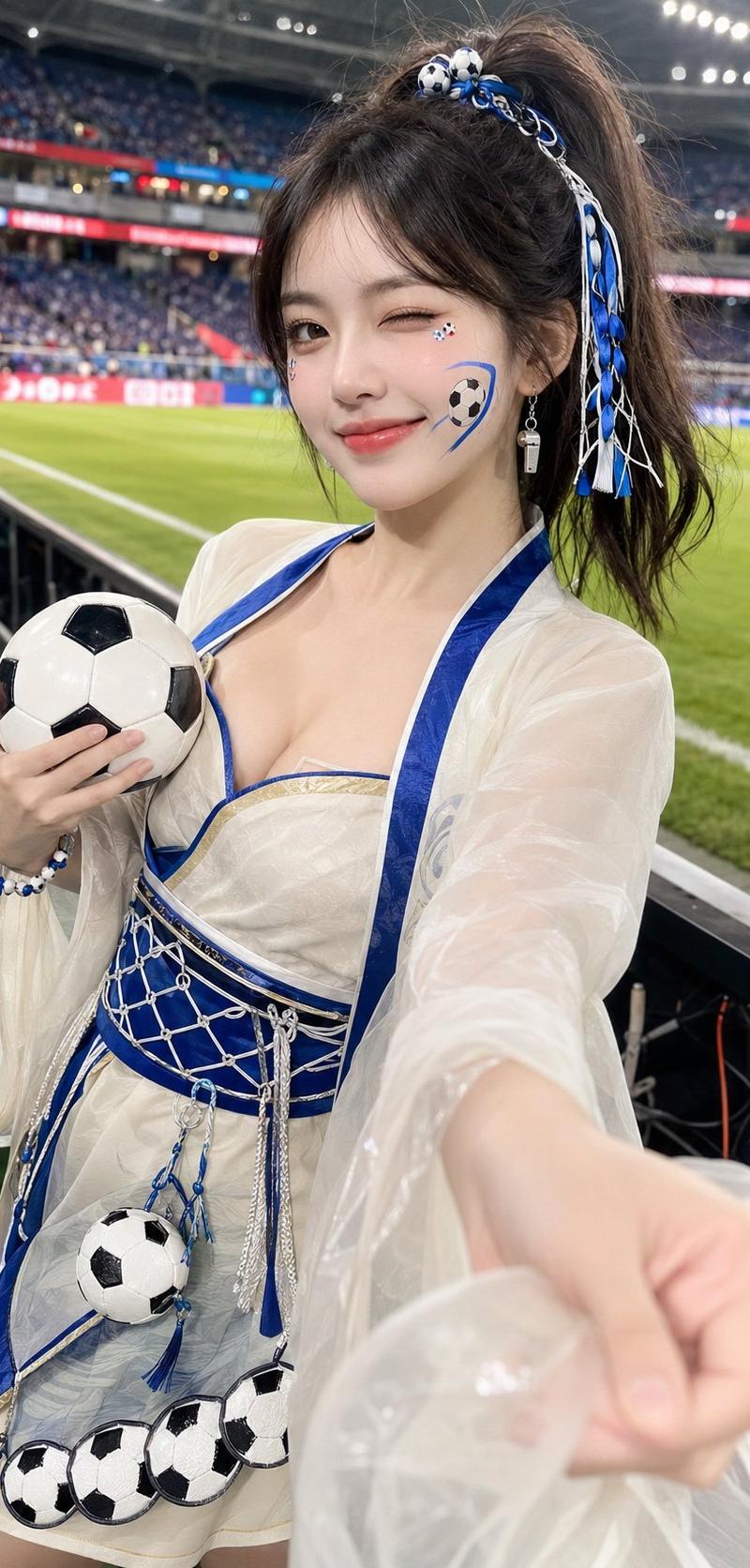
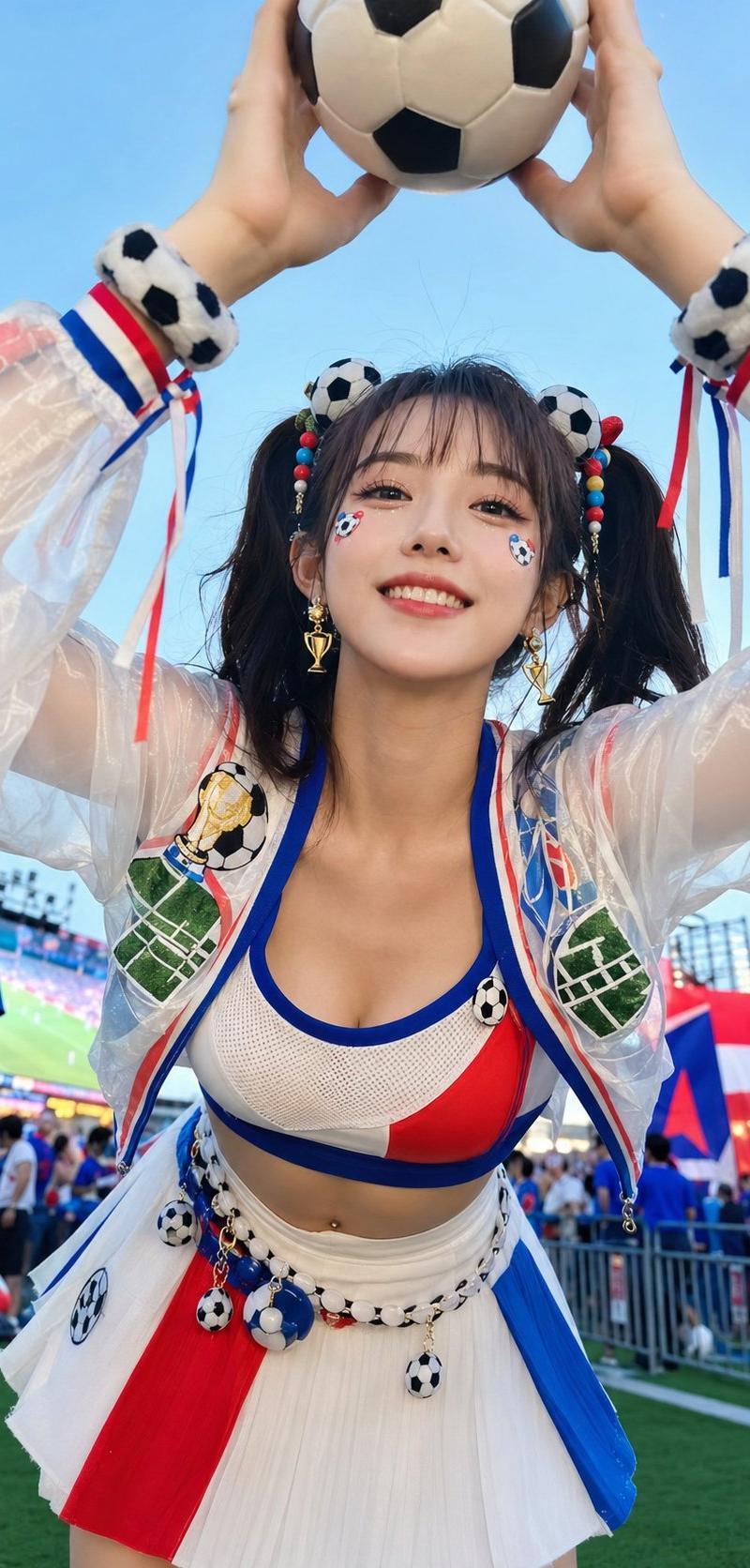
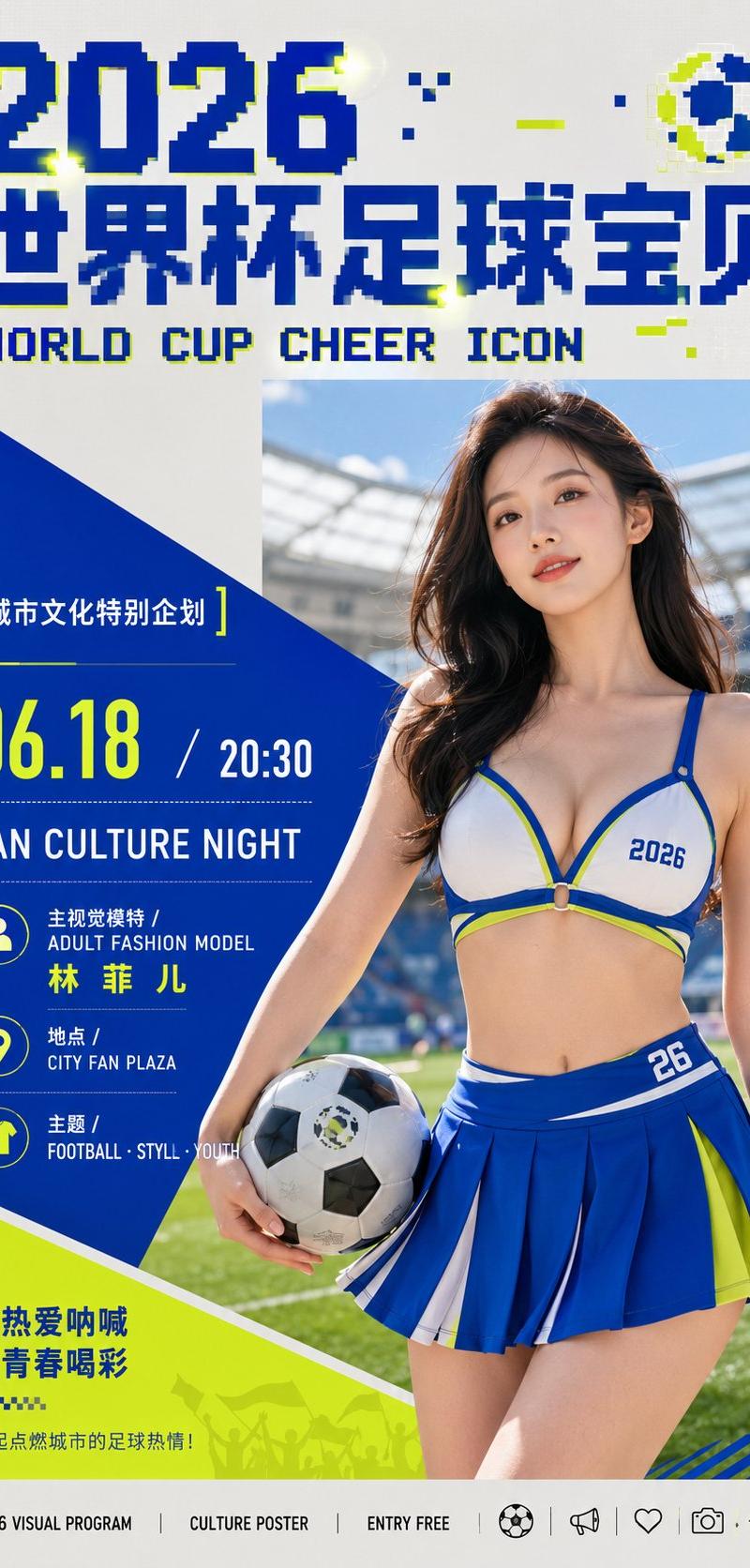
围绕具体主题内容生成一张信息型文化活动视觉:画面由一个强势的斜切几何色块建立阅读动线,色块从边缘切入并承托核心内容,与冷静的中性底场形成清晰分层;主体影像采用黑白或单色摄影质感,被放入硬边矩形窗口中,位置与几何斜面发生咬合,保留真实人物或主题对象的端正神态、自然光和适度颗粒。顶部使用超大像素化标题字,字形有台阶状断口、错位的小块和紧密字距,形成可识别的数字化碑刻感;局部嵌入少量主题派生的高明度强调点,让标题像被点亮。中部或侧边安排小标题,以细线方括号、留白和短行文本建立层级;正文、姓名、时间、地点等信息采用黑色或白色的干净无衬线排版,大小跳跃明显,重点数字放大,次要说明紧凑成块,底部可用小型标志列形成秩序收尾。色彩从主题自身的材质、情绪与传播场景中提取,保持大面积明亮清透的结构色、安静中性支撑色、清晰深浅色阶和极少量发光强调色的角色关系,整体明亮轻快、洁净通风,边界锐利,避免浑浊做旧。视觉气质要像经过严密编排的城市文化公告,信息密度高但不拥挤,几何斜面、矩形影像、像素标题和精确文本共同构成记忆点。 主题:穿着啦啦队短裙,上半身内衣的模特女生,充当2026年, 世界杯足球宝贝,人像彩色 比例9:16
Category
创意图片
Model
GPT Image 2
Creator
@xiaoxiaodong01
Source language
zh-CN
Views3
Source ID
2062918033228845340
Published
Jul 29, 2026
Studio

Guide

About "围绕具体主题内容生成一张信息型文化活动视觉:画面由一个强势的斜切几何色块建立阅读动线,色块从边缘切入并承托核心内容,与冷静的中性底场形成清晰分层..."

What is this prompt for?

"围绕具体主题内容生成一张信息型文化活动视觉:画面由一个强势的斜切几何色块建立阅读动线,色块从边缘切入并承托核心内容,与冷静的中性底场形成清晰分层..." AI image prompt for GPT Image 2 (创意图片). Saved from X post by @xiaoxiaodong01. GPT…

The full copyable prompt and example visuals above are ready for AI image generation or one-click recreate in Picva.

How to use this prompt

  1. Step 1

    Open the prompt detail

    Review the example visuals, category, and full prompt text for "围绕具体主题内容生成一张信息型文化活动视觉:画面由一个强势的斜切几何色块建立阅读动线,色块从边缘切入并承托核心内容,与冷静的中性底场形成清晰分层...".

  2. Step 2

    Copy the prompt

    Copy the prompt body from this page, or load it directly in Studio.

  3. Step 3

    Pick a model (GPT Image 2)

    Prefer GPT Image 2. If you switch models, keep subject and composition and tweak style terms.

  4. Step 4

    Generate and export

    Recreate the look in Picva, or export into your workflow for editing and publishing.

FAQ

What is the "围绕具体主题内容生成一张信息型文化活动视觉:画面由一个强势的斜切几何色块建立阅读动线,色块从边缘切入并承托核心内容,与冷静的中性底场形成清晰分层..." prompt?
It is an AI image-generation prompt for GPT Image 2 in the 创意图片 category. This page includes the full prompt text, example visuals, and a one-click recreate path in Picva.
How do I use this prompt to generate an image?
Copy the prompt from this page, or use Generate / Studio. Paste it into a compatible image model, or recreate the look in Picva with optional reference images.
Which model is this prompt for?
This page lists GPT Image 2. Most descriptive prompts also transfer to nearby image models such as GPT Image, Flux, or Midjourney with light style tweaks.
Can I use the result commercially?
You can usually copy the prompt for creation, but commercial use of the final image depends on the model terms, reference-image rights, and the generated content. Follow the source author and platform rules.