18

使用 ChatGPT 2 制作 { "style": "照片级真实,日本复古针孔照片,柔焦,手持闪光,CCD 纹理,细微噪点,低对比度,无动漫风...
Enlarge

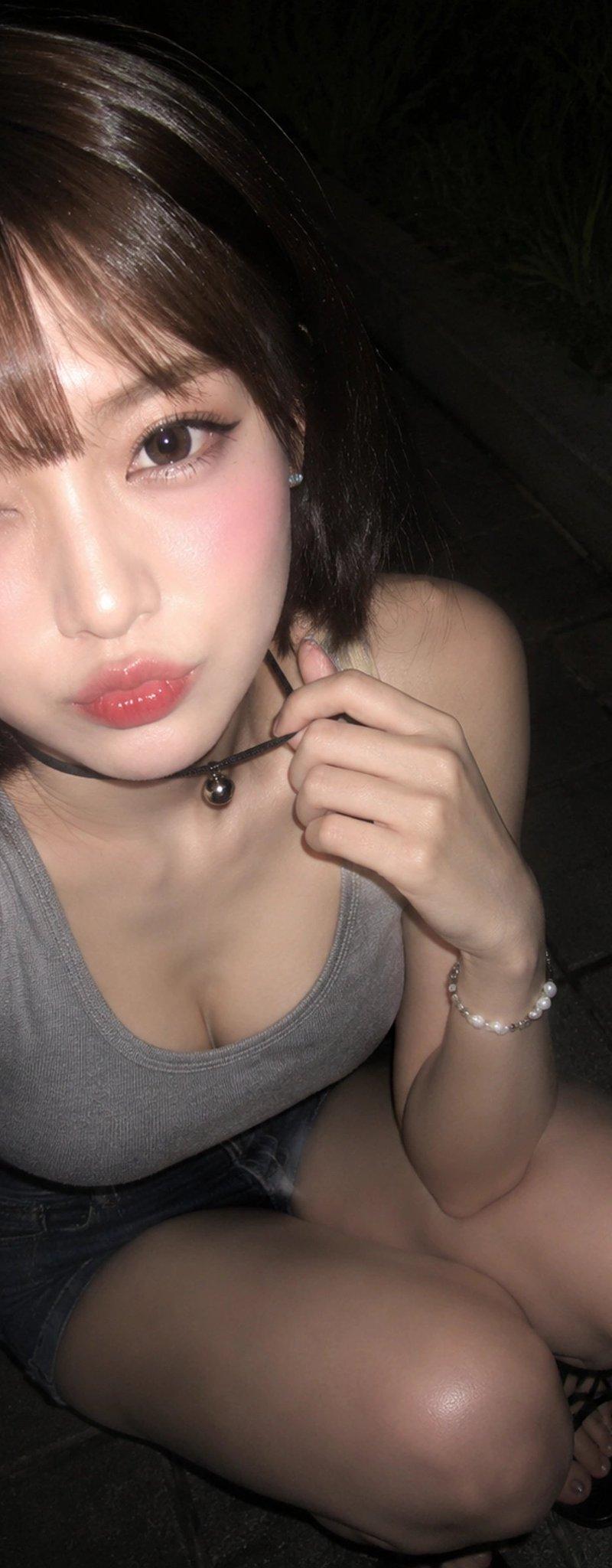
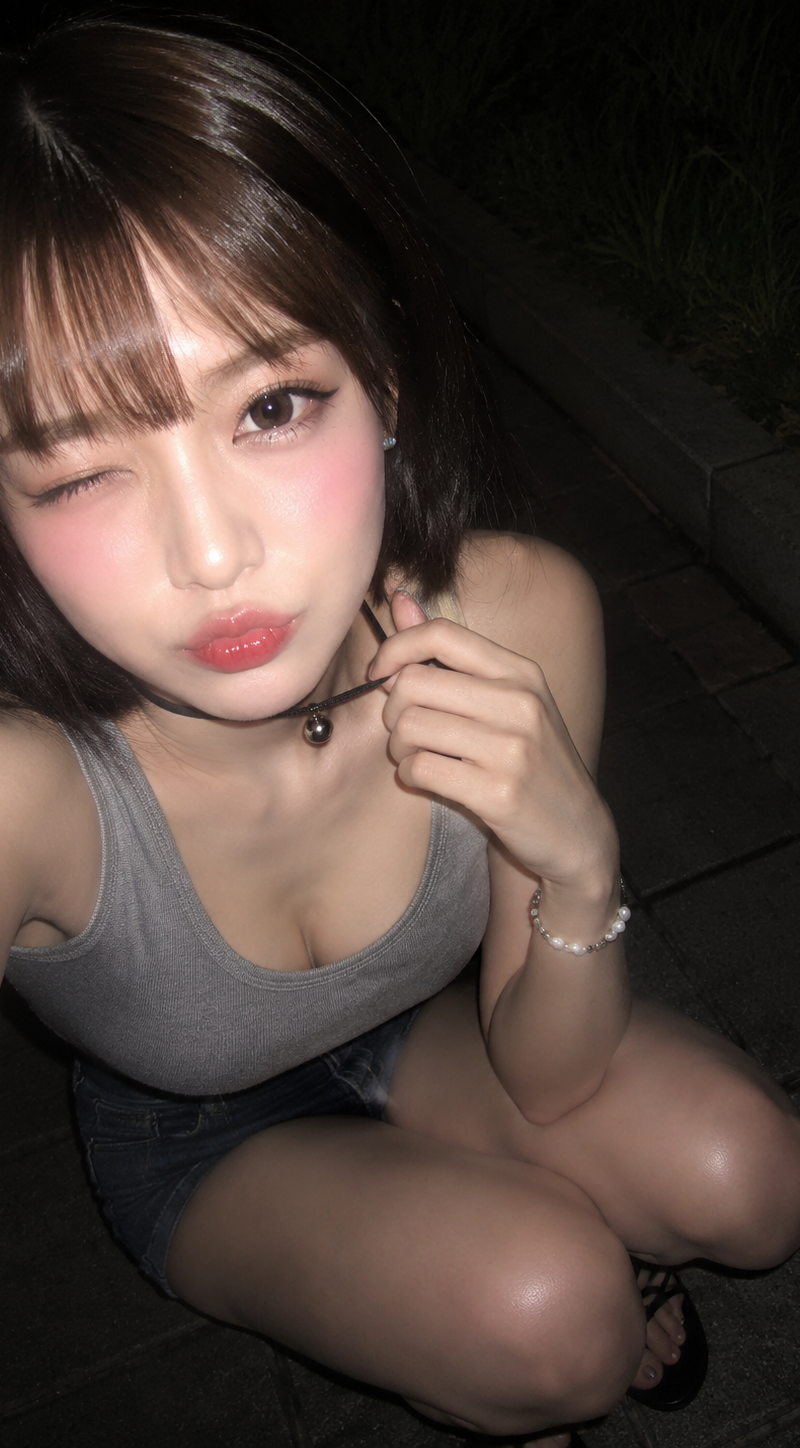
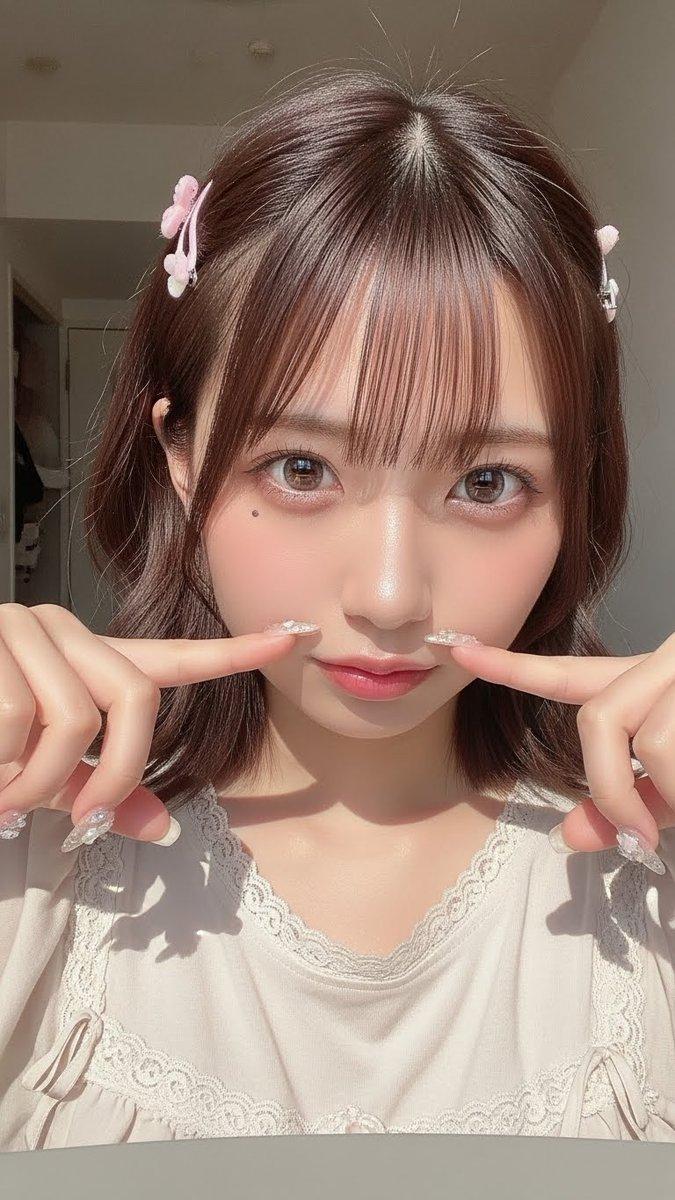
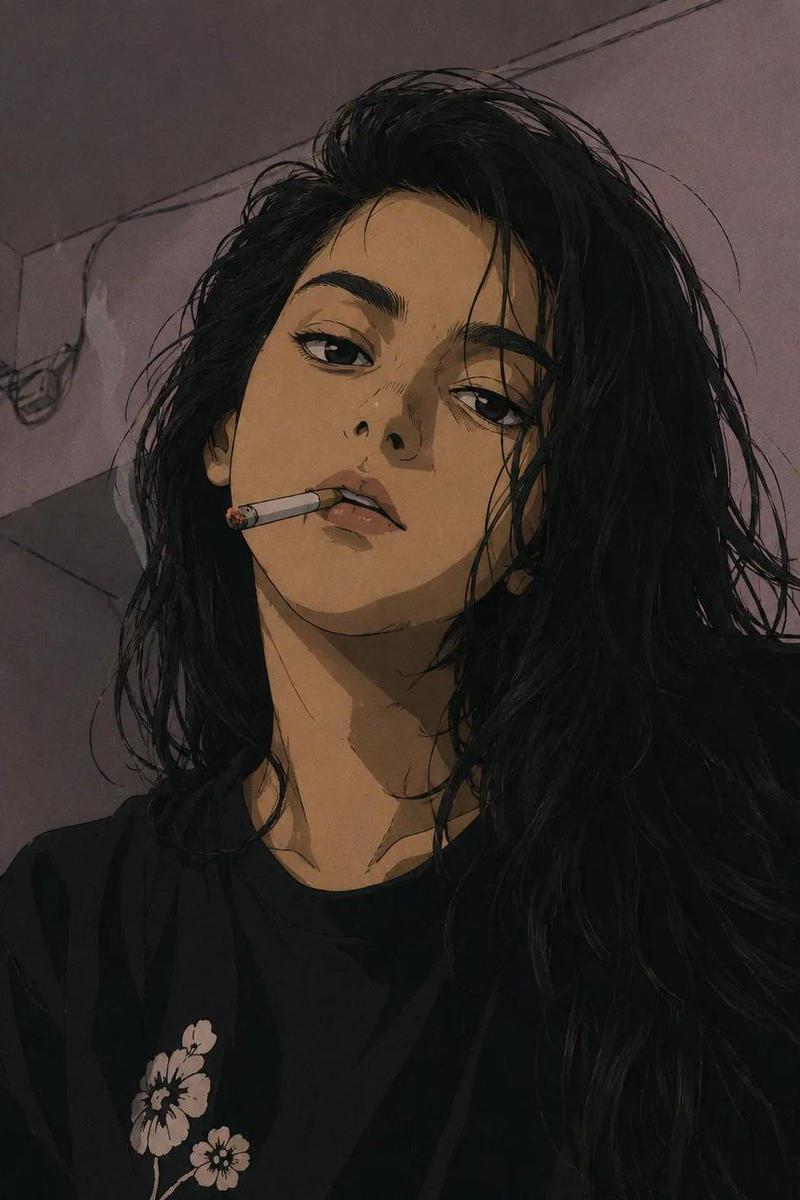
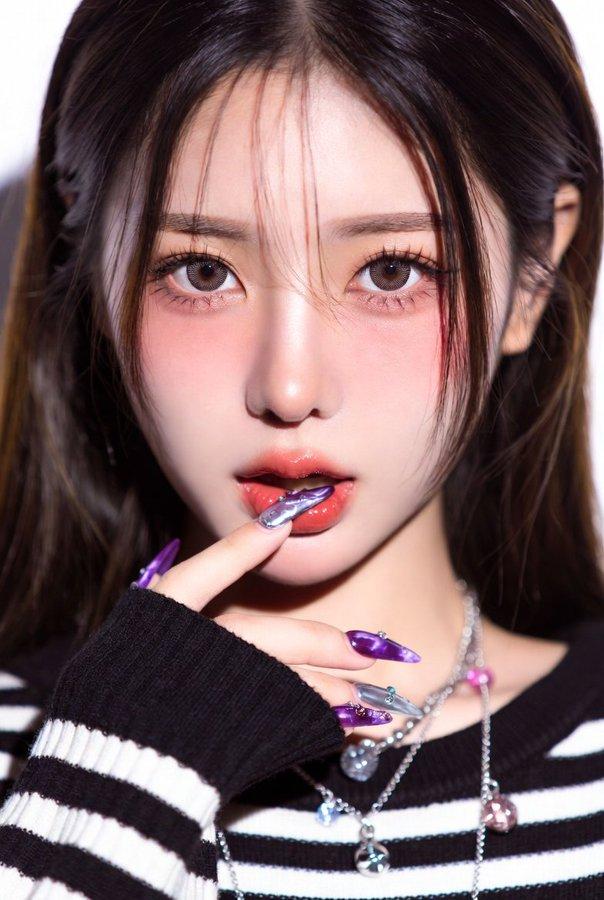
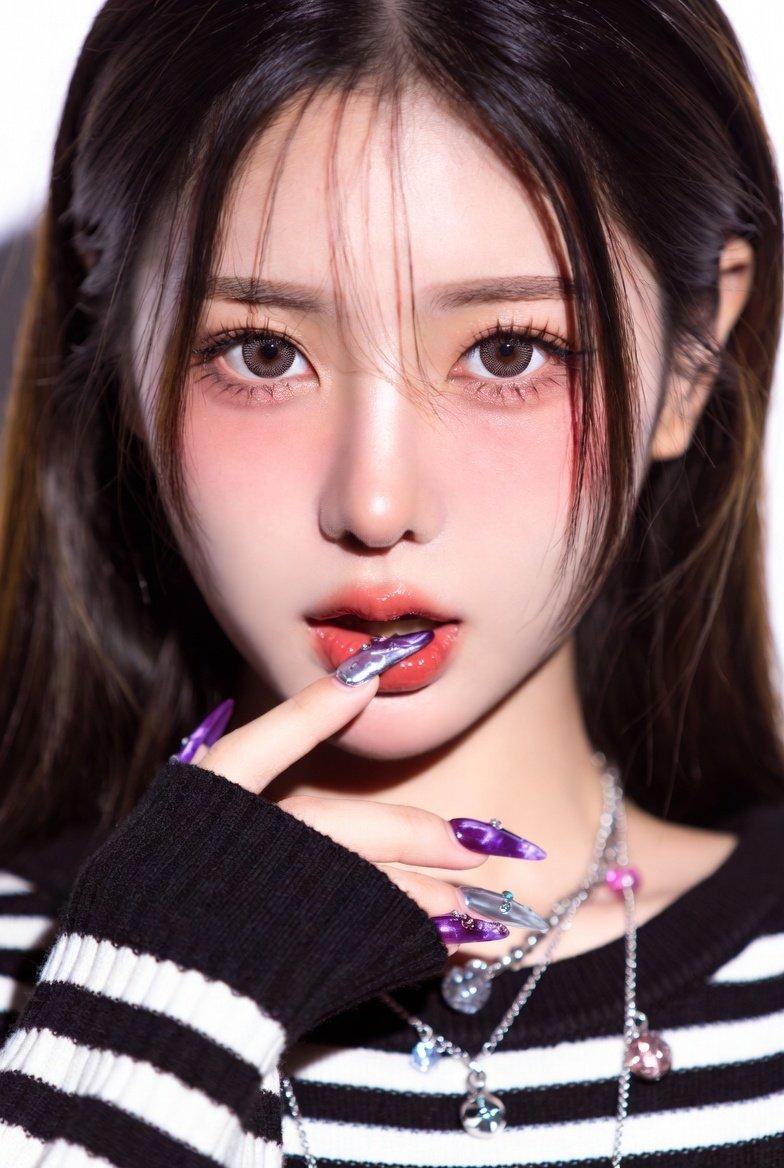
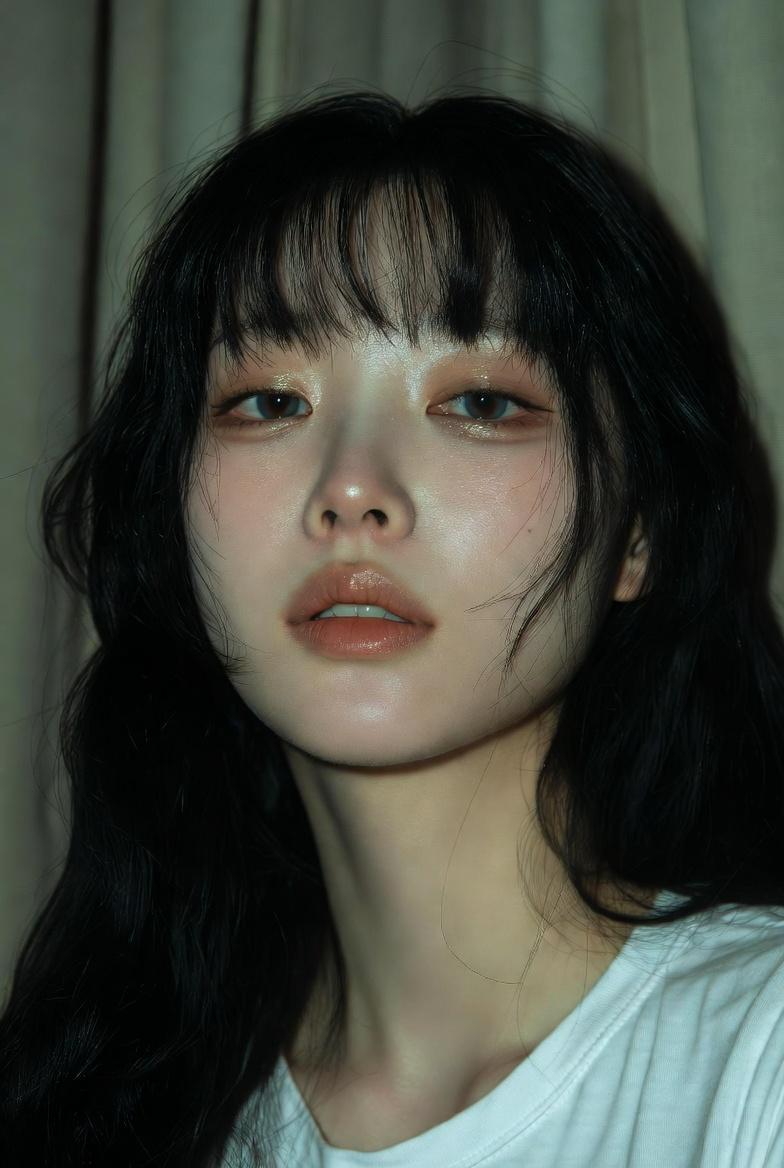
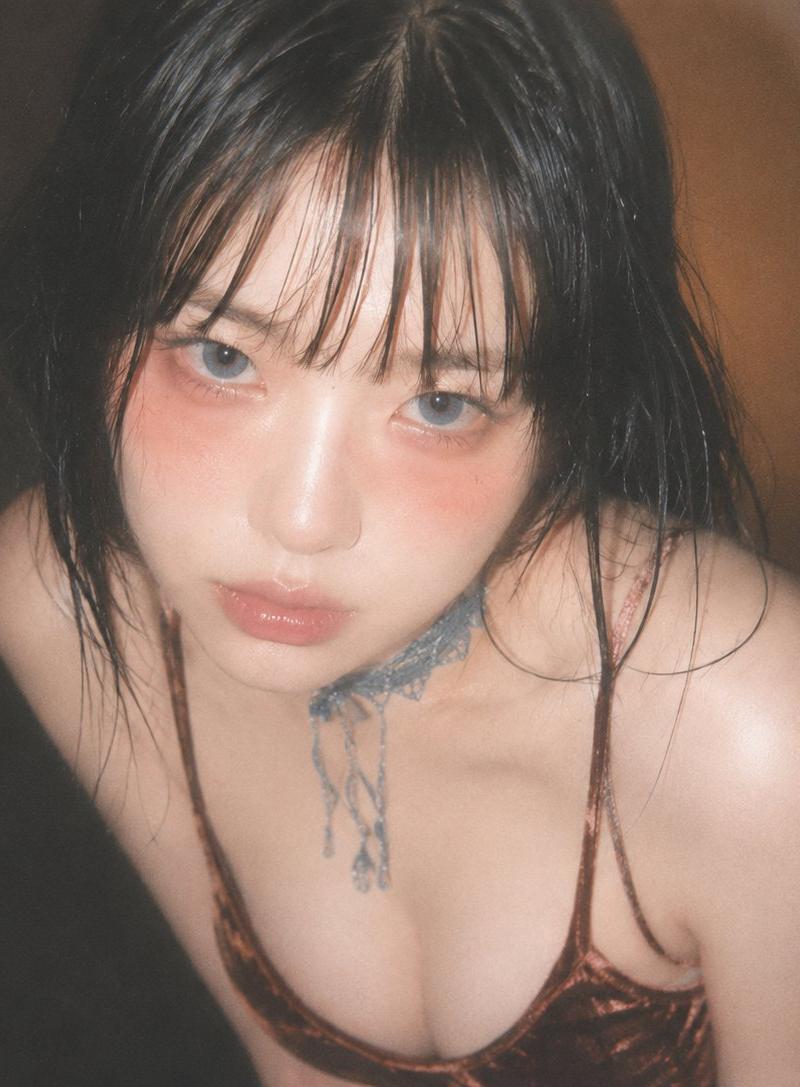
Example images

使用 ChatGPT 2 制作 { "style": "照片级真实,日本复古针孔照片,柔焦,手持闪光,CCD 纹理,细微噪点,低对比度,无动漫风...

Prompt
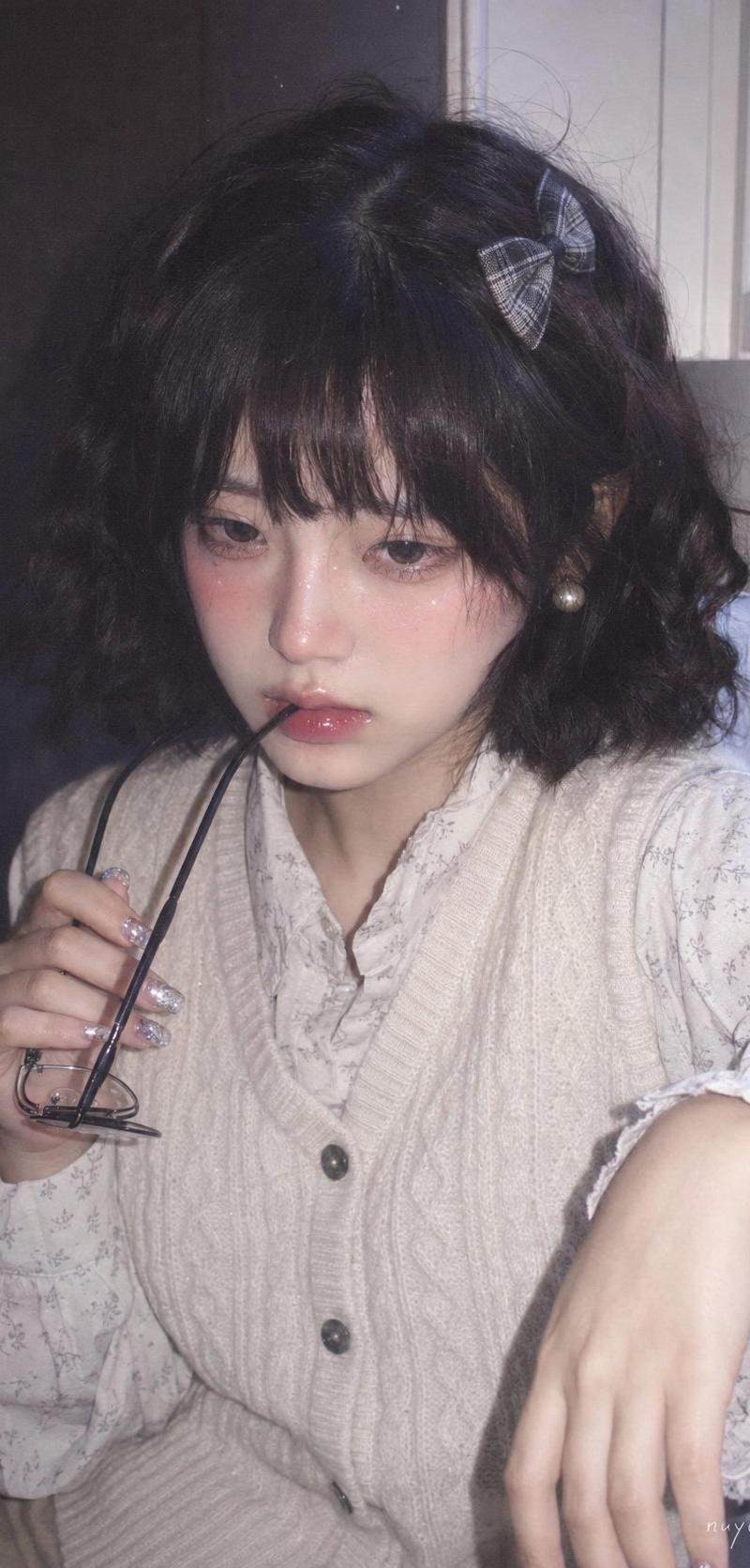
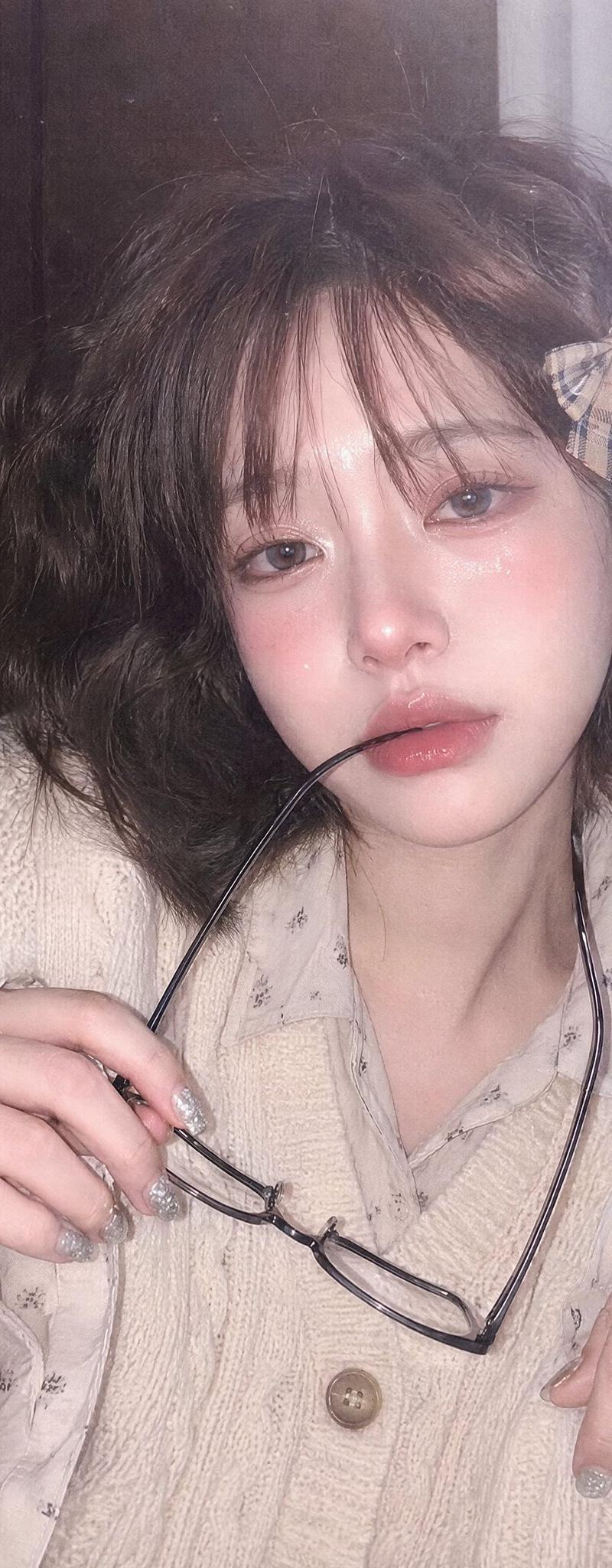
使用 ChatGPT 2 制作 { "style": "照片级真实,日本复古针孔照片,柔焦,手持闪光,CCD 纹理,细微噪点,低对比度,无动漫风格", "ratio": "9:16", "composition": "近景半身,略高正面角度,主体略偏右,面部为主导", "background": "右侧白色窗框,左侧深色墙壁", "subject": { "skin": "象牙白,粉色腮红,细碎闪光", "expression": "害羞,水润眼神,戴着黑框眼镜的闪亮分开双唇", "hair": "短波浪深棕色,蓬松刘海,格子蝴蝶结发夹", "accessories": "珍珠耳环,闪光指甲", "pose": "一只手抬起眼镜,另一只手在前景,略微前倾" }, "outfit": "米色粗针织背心搭配浅色印花衬衫", "lighting": "凉爽的窗光 + 正面闪光,柔和雾气,略微过曝", "details": "水润肌肤,闪亮双唇,闪光反射" }
Category
创意图片
Model
GPT Image 2
Creator
@doctorwasif
Source language
zh-CN
Views7
Source ID
2081245959485296804
Published
Jul 26, 2026
Studio

Guide

About "使用 ChatGPT 2 制作 { "style": "照片级真实,日本复古针孔照片,柔焦,手持闪光,CCD 纹理,细微噪点,低对比度,无动漫风..."

What is this prompt for?

"使用 ChatGPT 2 制作 { "style": "照片级真实,日本复古针孔照片,柔焦,手持闪光,CCD 纹理,细微噪点,低对比度,无动漫风..." AI image prompt for GPT Image 2 (创意图片). Saved from X post by @doctorwasif. 使用 Cha…

The full copyable prompt and example visuals above are ready for AI image generation or one-click recreate in Picva.

How to use this prompt

  1. Step 1

    Open the prompt detail

    Review the example visuals, category, and full prompt text for "使用 ChatGPT 2 制作 { "style": "照片级真实,日本复古针孔照片,柔焦,手持闪光,CCD 纹理,细微噪点,低对比度,无动漫风...".

  2. Step 2

    Copy the prompt

    Copy the prompt body from this page, or load it directly in Studio.

  3. Step 3

    Pick a model (GPT Image 2)

    Prefer GPT Image 2. If you switch models, keep subject and composition and tweak style terms.

  4. Step 4

    Generate and export

    Recreate the look in Picva, or export into your workflow for editing and publishing.

FAQ

What is the "使用 ChatGPT 2 制作 { "style": "照片级真实,日本复古针孔照片,柔焦,手持闪光,CCD 纹理,细微噪点,低对比度,无动漫风..." prompt?
It is an AI image-generation prompt for GPT Image 2 in the 创意图片 category. This page includes the full prompt text, example visuals, and a one-click recreate path in Picva.
How do I use this prompt to generate an image?
Copy the prompt from this page, or use Generate / Studio. Paste it into a compatible image model, or recreate the look in Picva with optional reference images.
Which model is this prompt for?
This page lists GPT Image 2. Most descriptive prompts also transfer to nearby image models such as GPT Image, Flux, or Midjourney with light style tweaks.
Can I use the result commercially?
You can usually copy the prompt for creation, but commercial use of the final image depends on the model terms, reference-image rights, and the generated content. Follow the source author and platform rules.