17

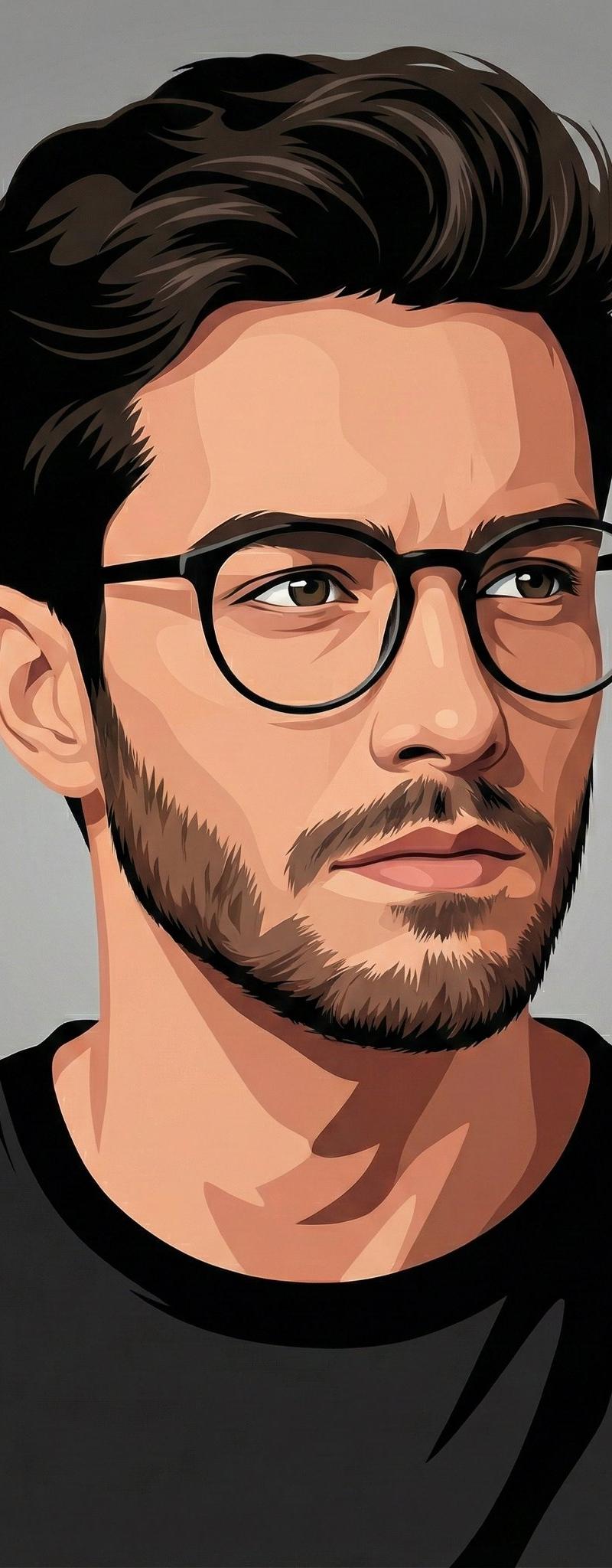
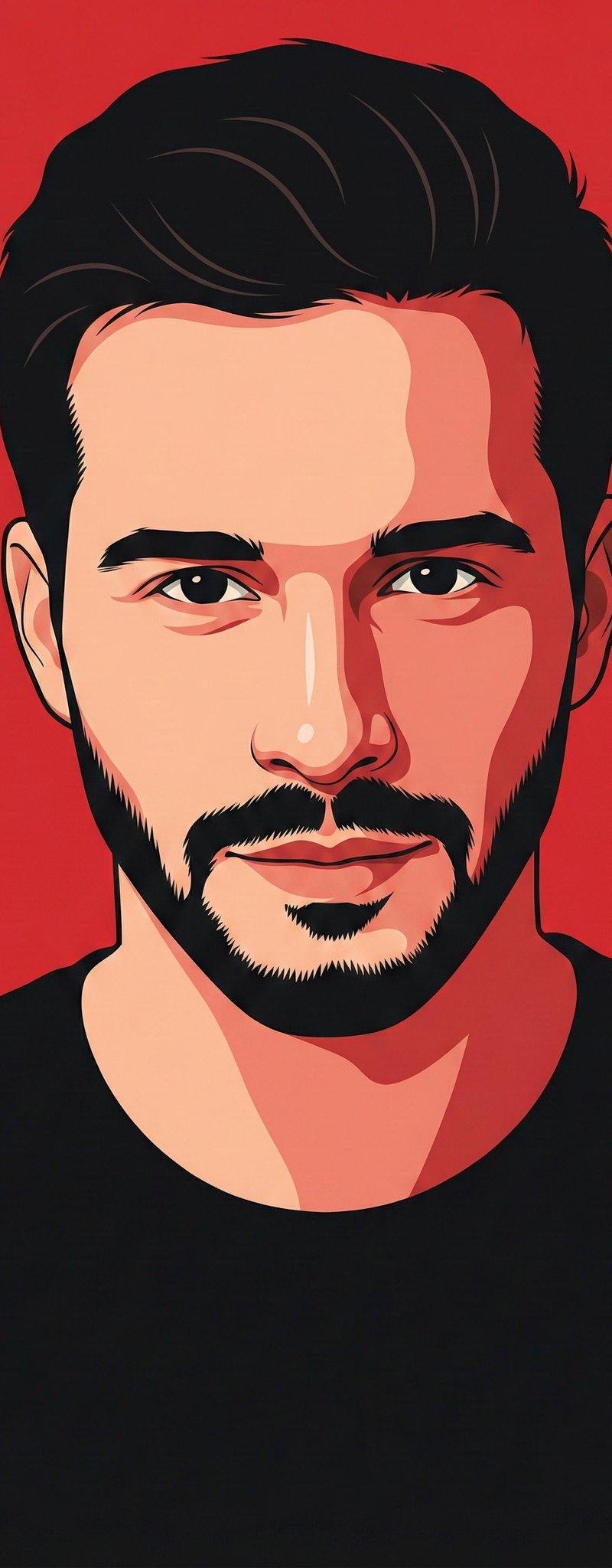
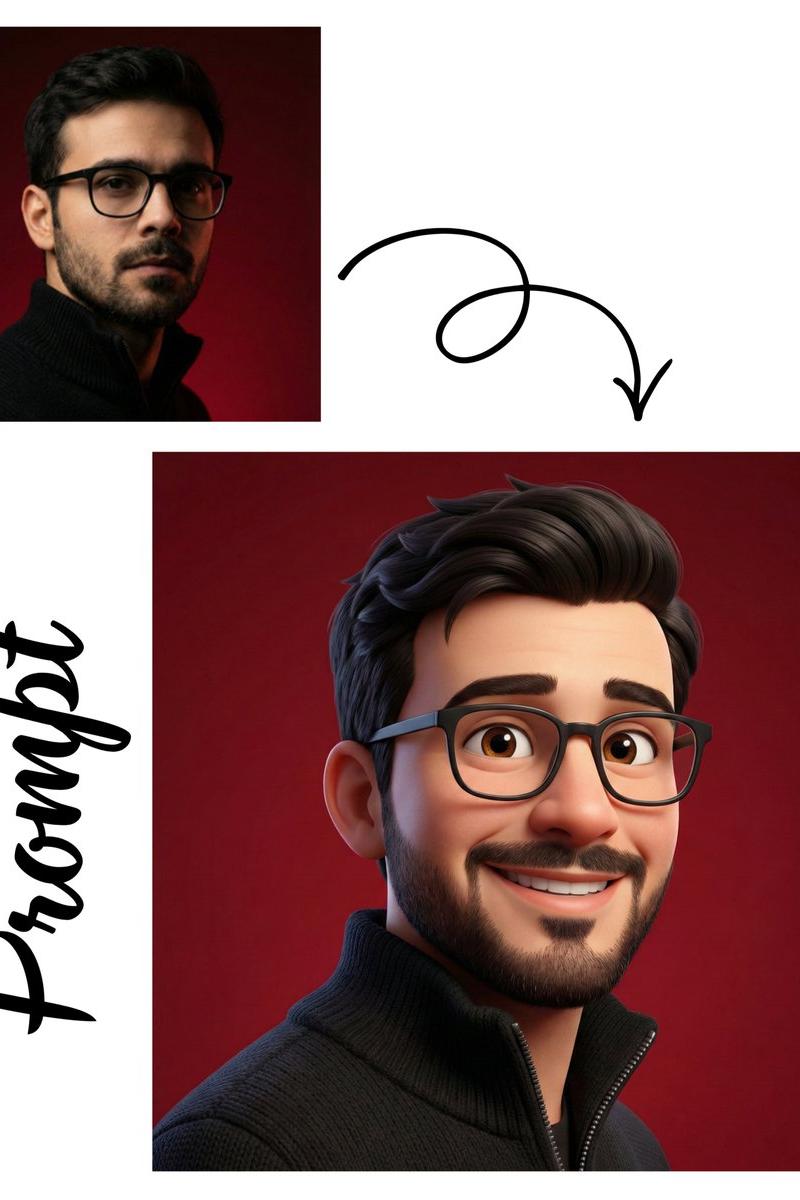
一个居中、正面的矢量肖像,描绘一个人物,采用现代平面插画风格。干净的几何形状、平滑的渐变、清晰的轮廓、最小化的面部细节、对称的构图、柔和的肤色、...
Enlarge

Example images

一个居中、正面的矢量肖像,描绘一个人物,采用现代平面插画风格。干净的几何形状、平滑的渐变、清晰的轮廓、最小化的面部细节、对称的构图、柔和的肤色、...

Prompt
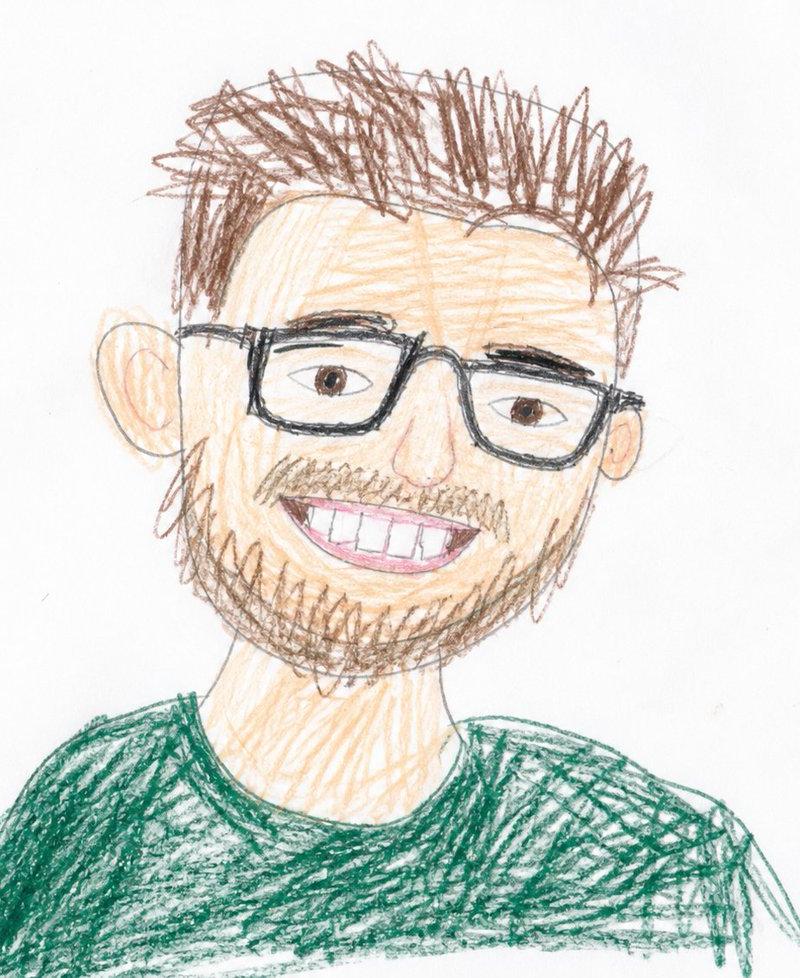
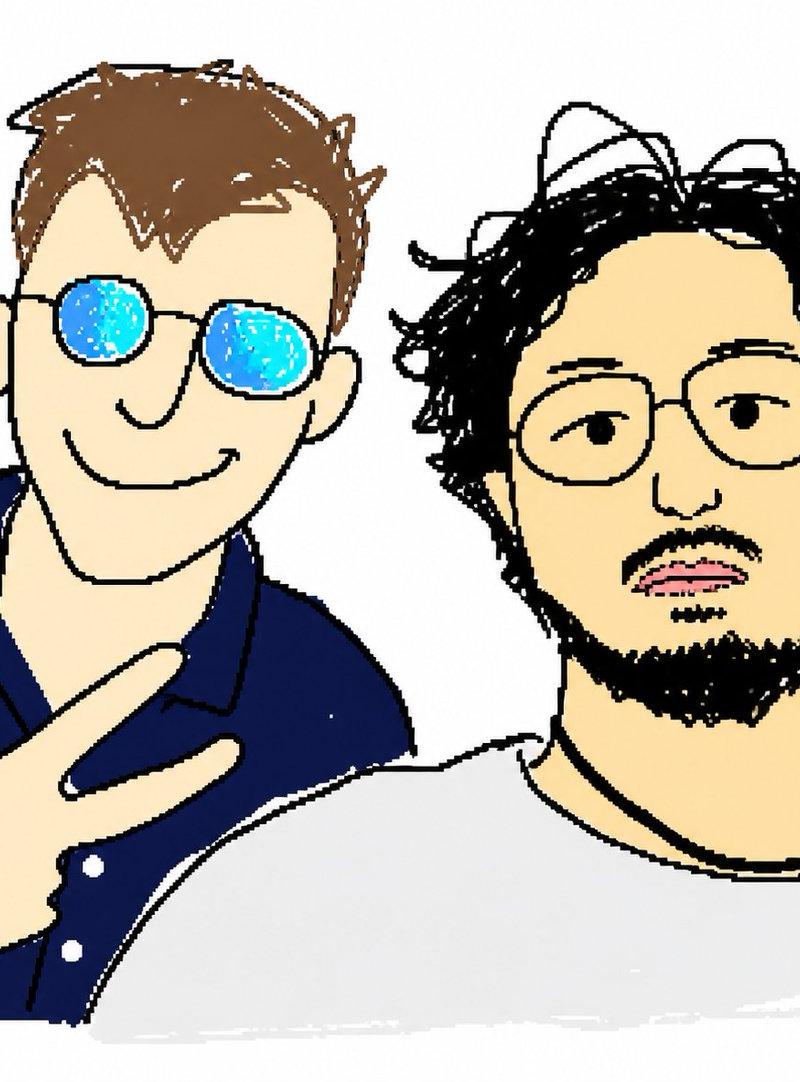
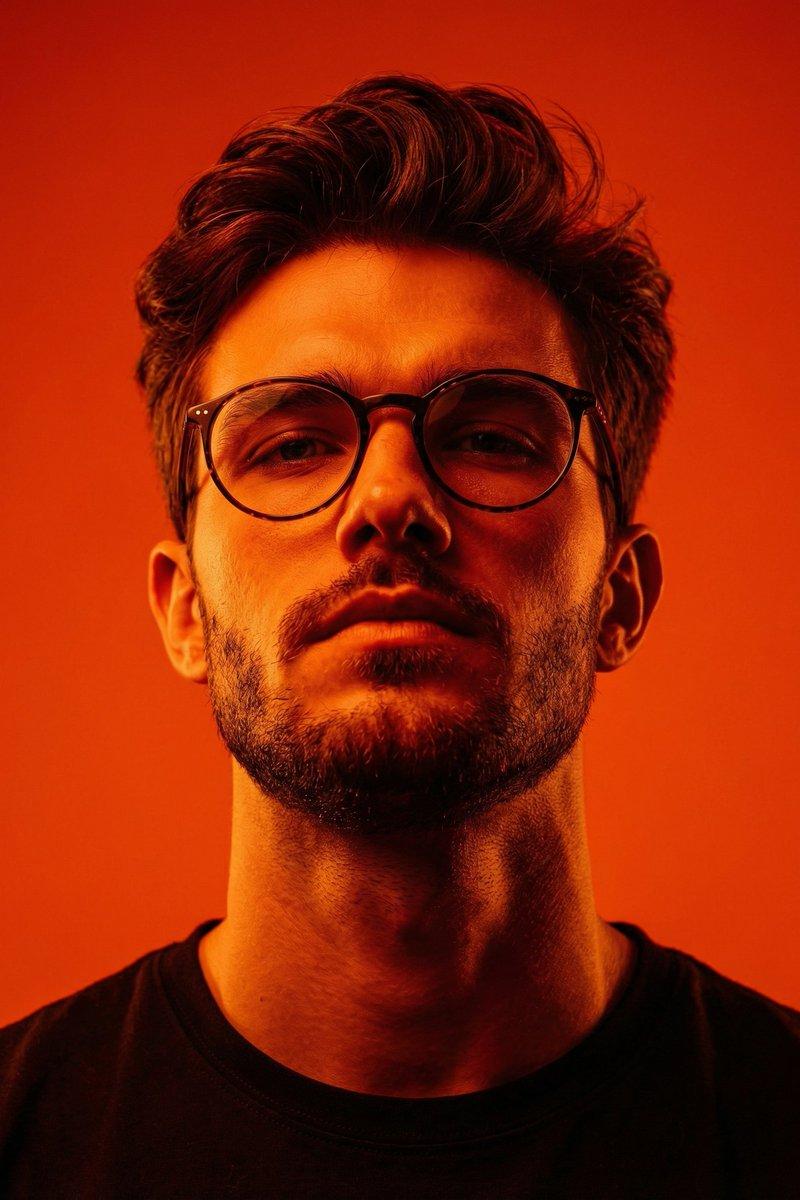
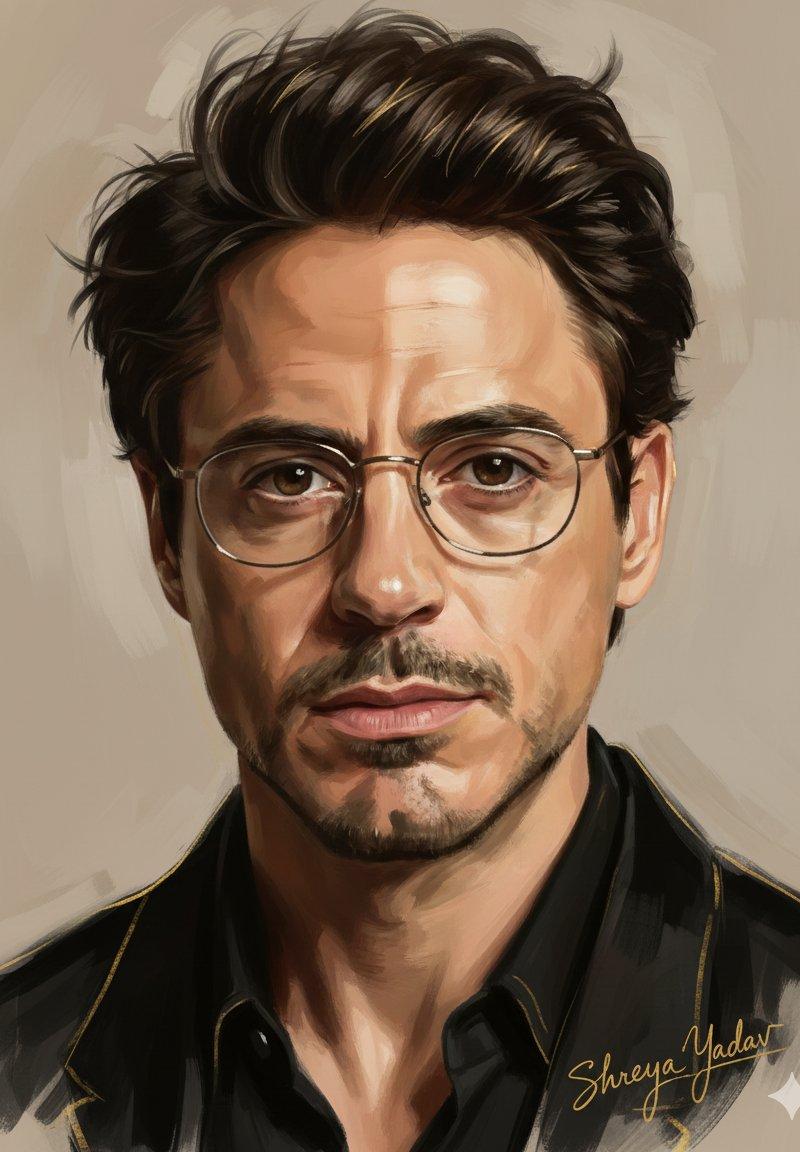
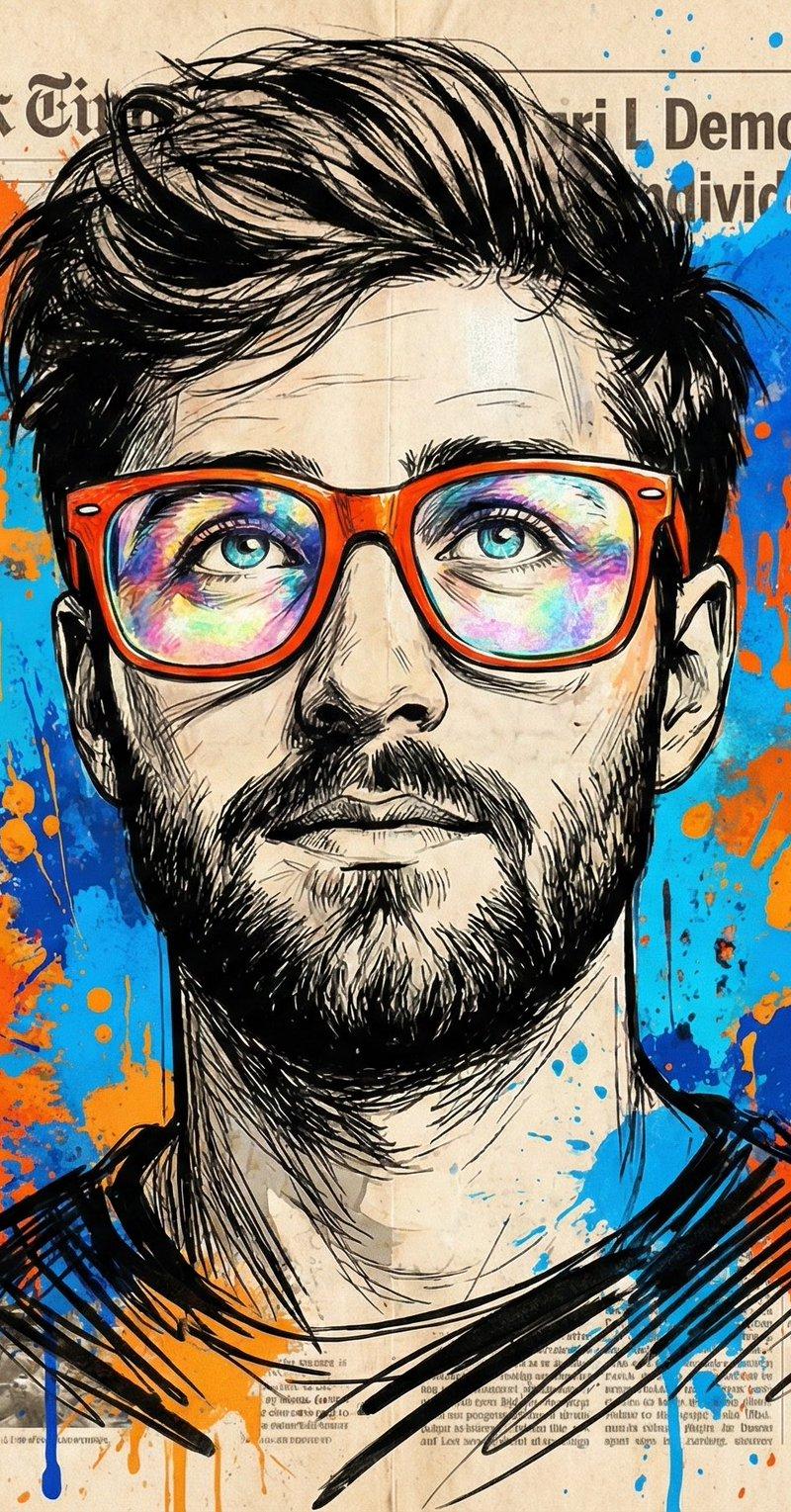
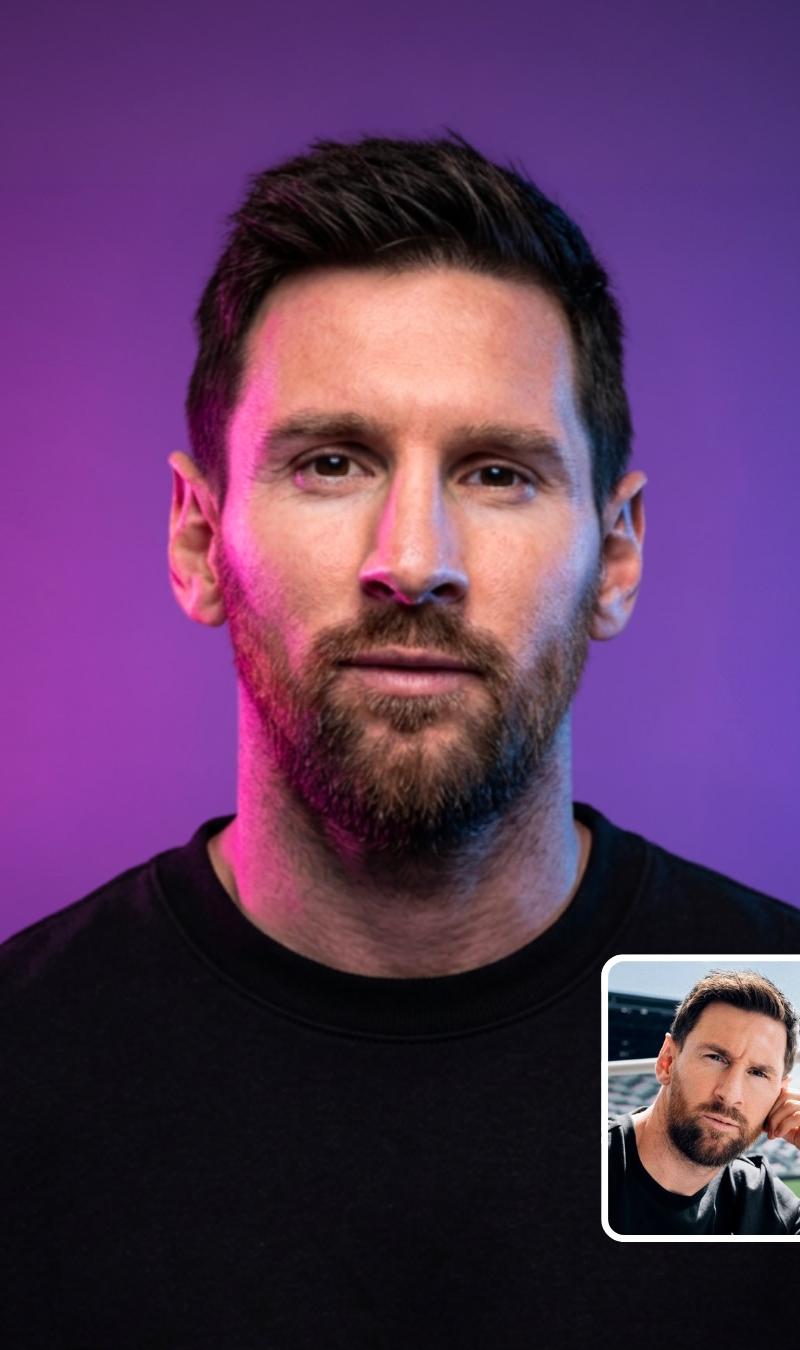
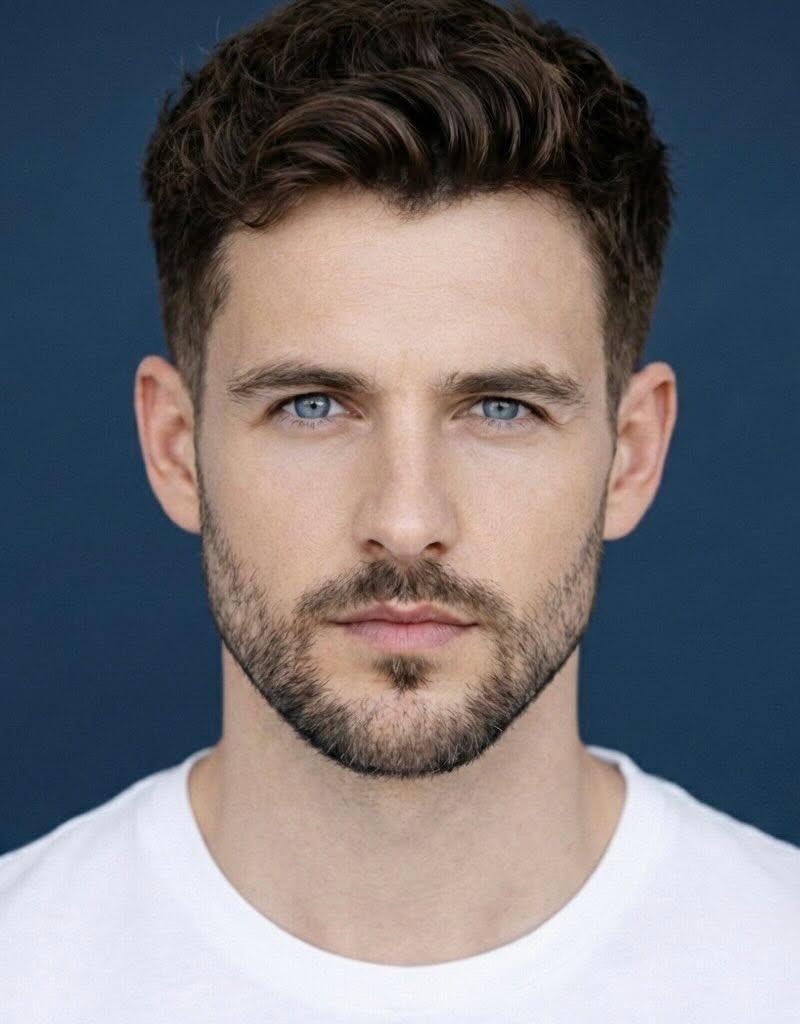
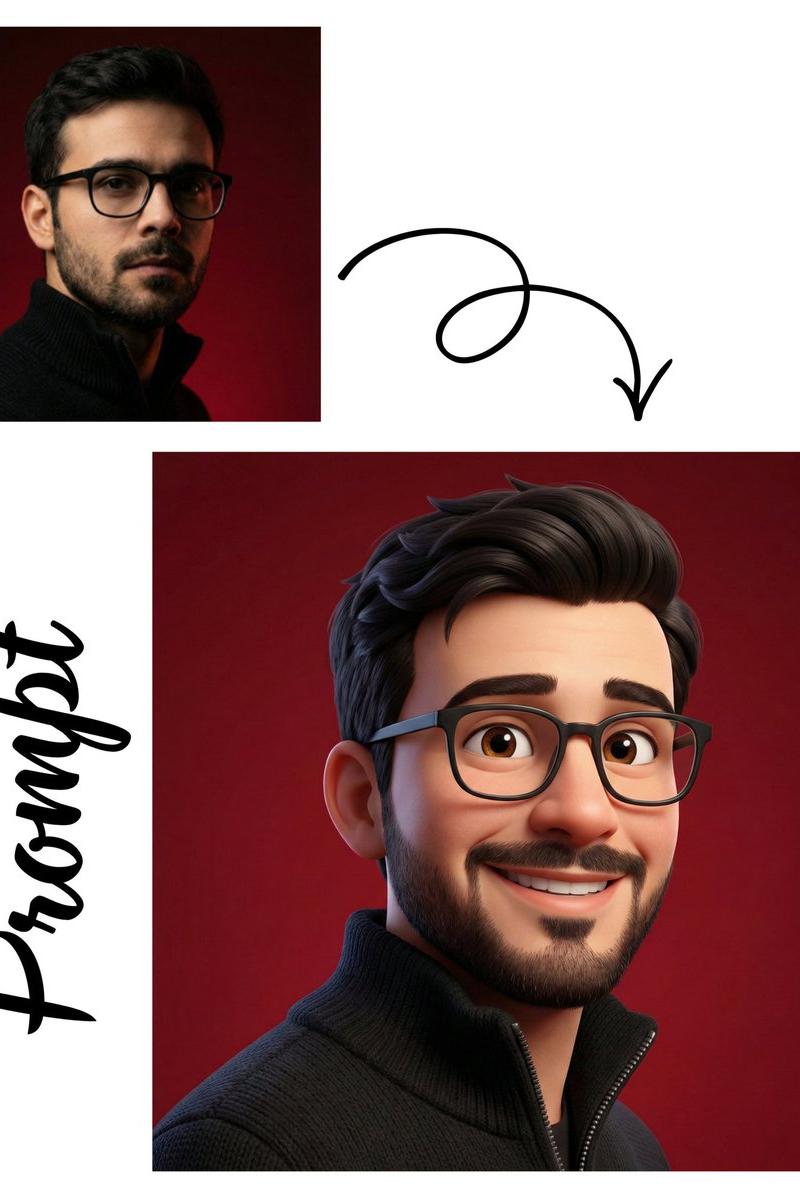
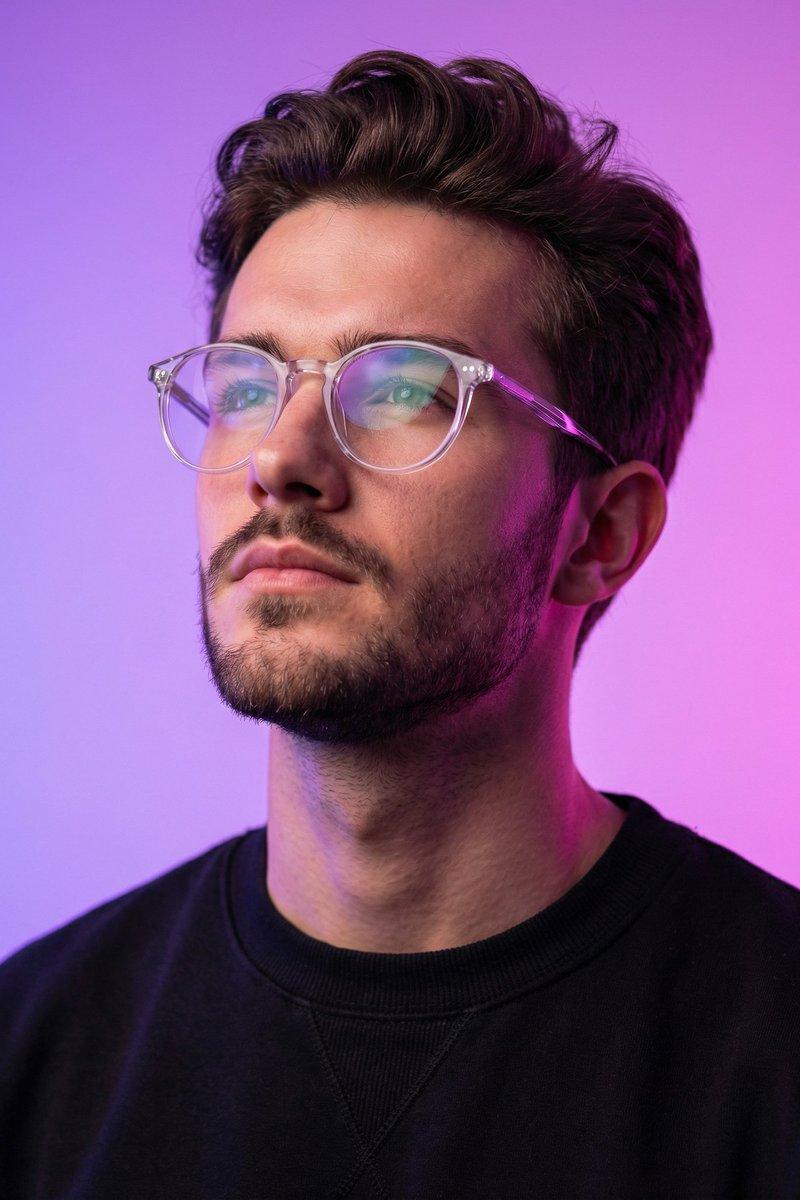
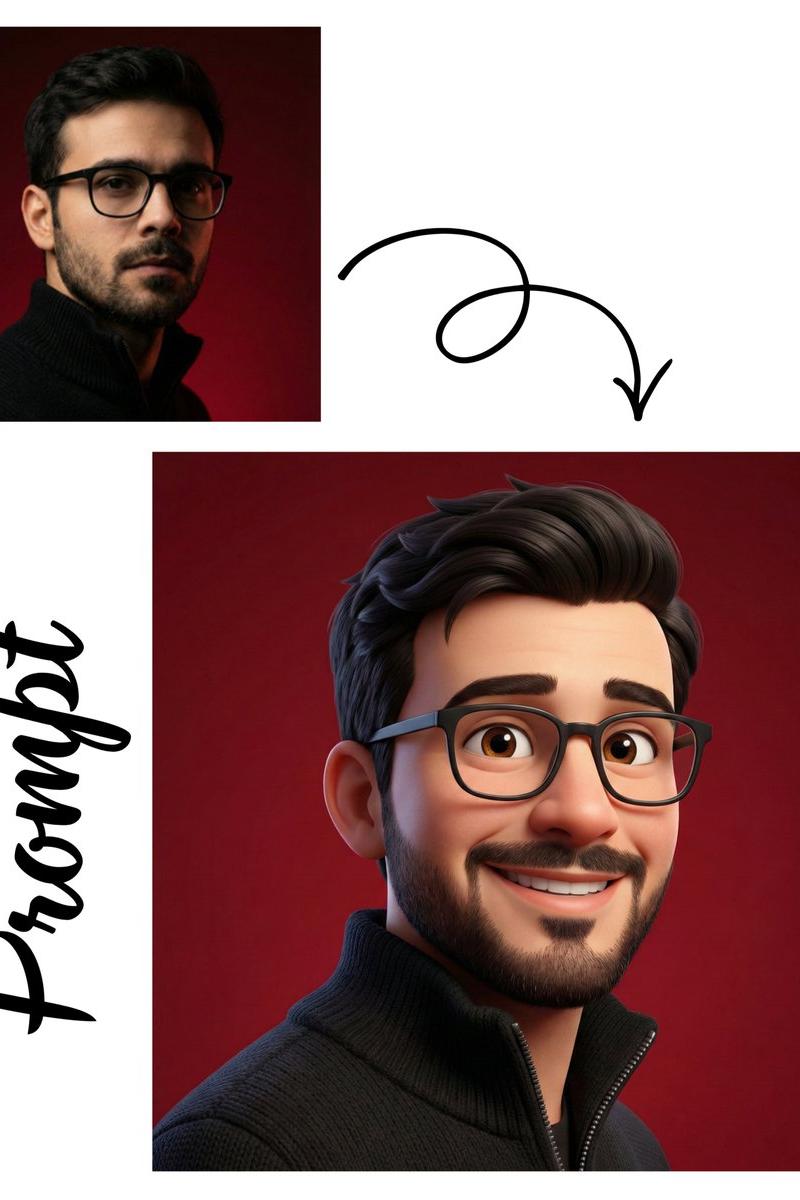
一个居中、正面的矢量肖像,描绘一个人物,采用现代平面插画风格。干净的几何形状、平滑的渐变、清晰的轮廓、最小化的面部细节、对称的构图、柔和的肤色、富有表现力的眼睛、微妙的阴影,以及简单的纯色背景。主体从胸部向上占据画面的主要部分。当代数字头像美学,Adobe Illustrator 风格、高对比度、专业头像图片、锐利的边缘、鲜艳的色彩、无纹理、无照片级真实感、无背景物体、1:1 纵横比、高分辨率。 针对类似示例的变体: 头像 1:年轻男子,浓密的后梳棕发、浓密胡须、圆形黑框眼镜、黑色圆领衫、橙色背景。 头像 2:年轻女子,齐耳黑色波波头、圆形金框眼镜、黑色高领衫和西装外套、蓝色背景。 头像 3:年轻男子,卷曲的黑发、短胡须和小胡子、圆形黑框眼镜、黑色衬衫、紫色背景。 头像 4:年轻女子,及肩波浪棕发、花卉水桶帽、白色上衣、精致的项链、灰色背景。
Category
创意图片
Model
GPT Image 2
Creator
@ChillaiKalan__
Source language
zh-CN
Views1
Source ID
2081975889429168151
Published
Aug 1, 2026
Studio

Guide

About "一个居中、正面的矢量肖像,描绘一个人物,采用现代平面插画风格。干净的几何形状、平滑的渐变、清晰的轮廓、最小化的面部细节、对称的构图、柔和的肤色、..."

What is this prompt for?

"一个居中、正面的矢量肖像,描绘一个人物,采用现代平面插画风格。干净的几何形状、平滑的渐变、清晰的轮廓、最小化的面部细节、对称的构图、柔和的肤色、..." AI image prompt for GPT Image 2 (创意图片). Saved from X post by @ChillaiKalan__. Gpt…

The full copyable prompt and example visuals above are ready for AI image generation or one-click recreate in Picva.

How to use this prompt

  1. Step 1

    Open the prompt detail

    Review the example visuals, category, and full prompt text for "一个居中、正面的矢量肖像,描绘一个人物,采用现代平面插画风格。干净的几何形状、平滑的渐变、清晰的轮廓、最小化的面部细节、对称的构图、柔和的肤色、...".

  2. Step 2

    Copy the prompt

    Copy the prompt body from this page, or load it directly in Studio.

  3. Step 3

    Pick a model (GPT Image 2)

    Prefer GPT Image 2. If you switch models, keep subject and composition and tweak style terms.

  4. Step 4

    Generate and export

    Recreate the look in Picva, or export into your workflow for editing and publishing.

FAQ

What is the "一个居中、正面的矢量肖像,描绘一个人物,采用现代平面插画风格。干净的几何形状、平滑的渐变、清晰的轮廓、最小化的面部细节、对称的构图、柔和的肤色、..." prompt?
It is an AI image-generation prompt for GPT Image 2 in the 创意图片 category. This page includes the full prompt text, example visuals, and a one-click recreate path in Picva.
How do I use this prompt to generate an image?
Copy the prompt from this page, or use Generate / Studio. Paste it into a compatible image model, or recreate the look in Picva with optional reference images.
Which model is this prompt for?
This page lists GPT Image 2. Most descriptive prompts also transfer to nearby image models such as GPT Image, Flux, or Midjourney with light style tweaks.
Can I use the result commercially?
You can usually copy the prompt for creation, but commercial use of the final image depends on the model terms, reference-image rights, and the generated content. Follow the source author and platform rules.