18

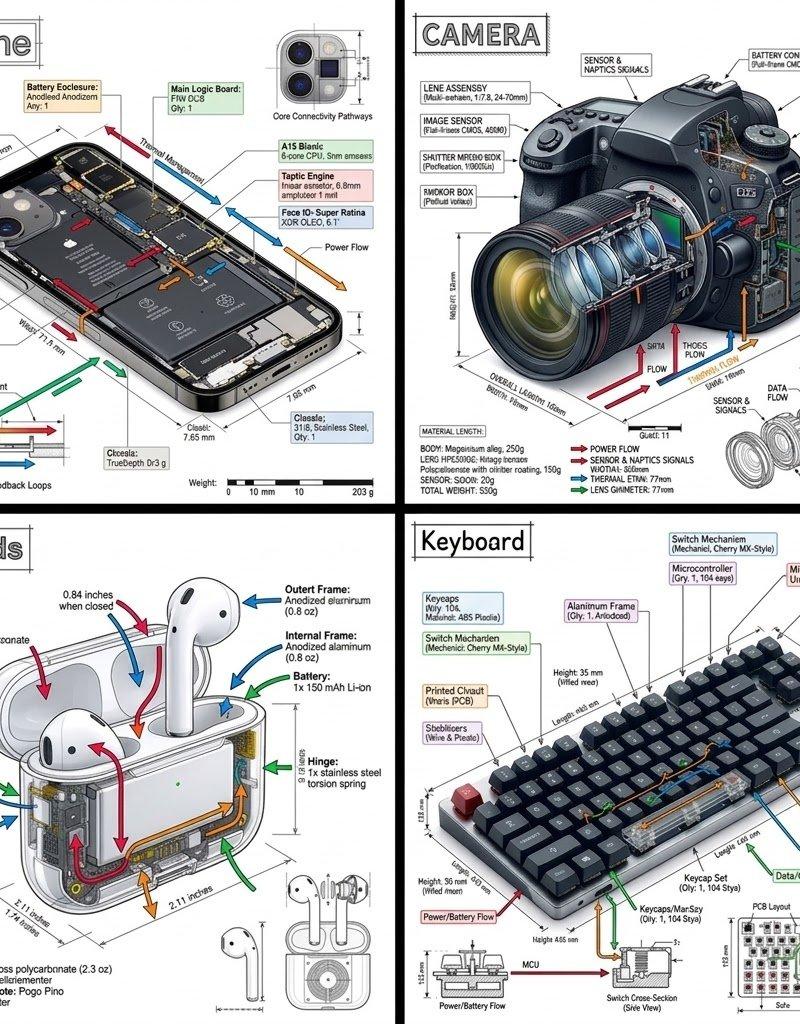
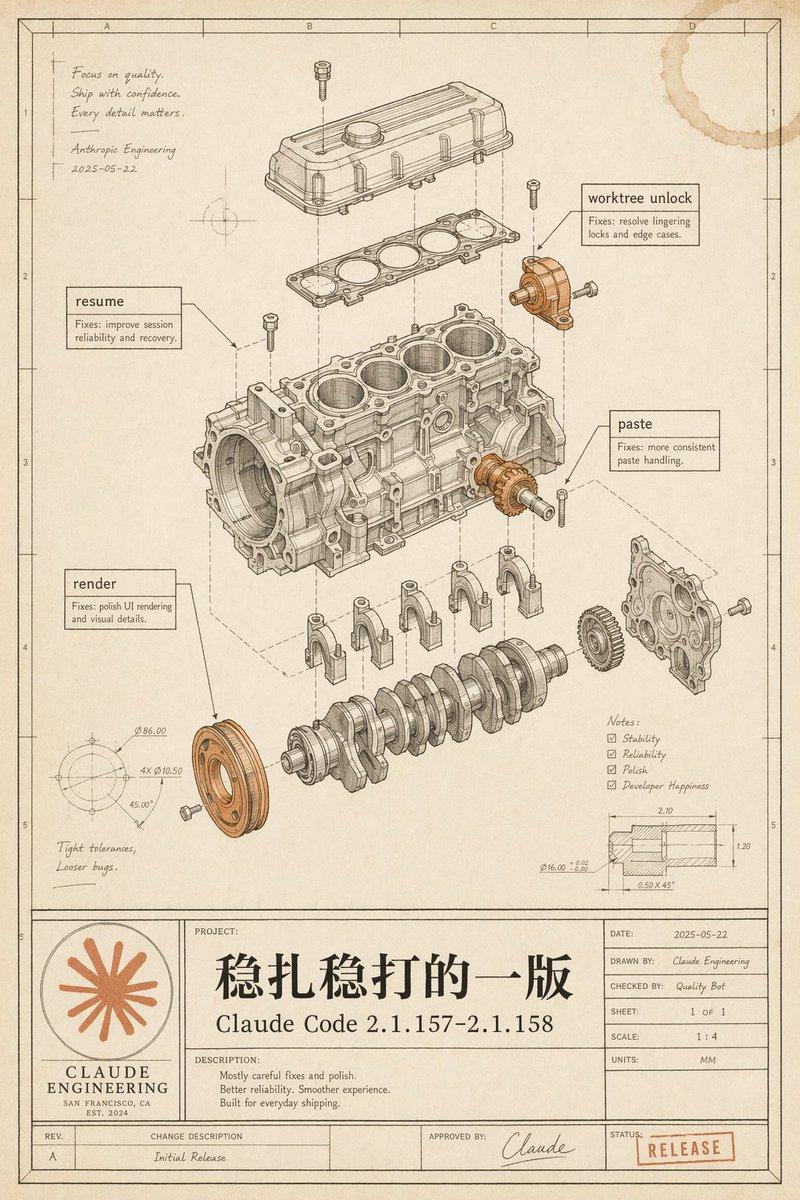
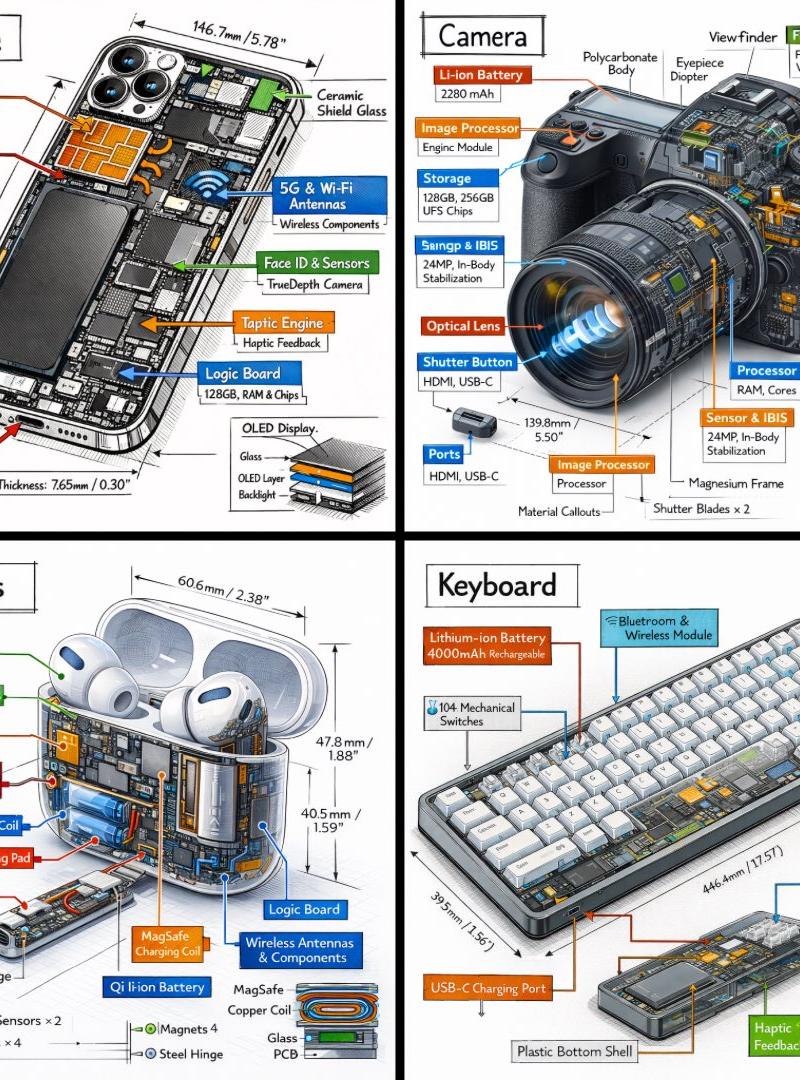
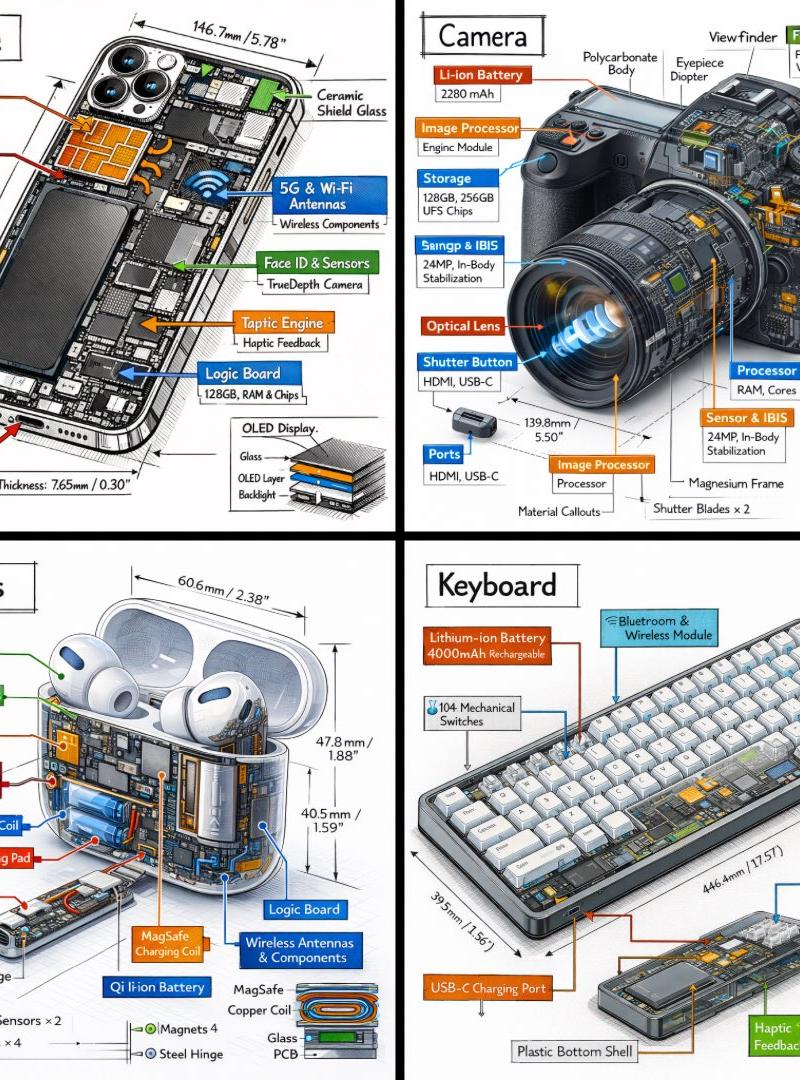
分享一波GPT-Image生成手绘工程科普信息图的提示词 提示词如下 创作一张竖版手绘工程科普信息图,主题为《[主题]的组成部分》。 背景是一张...
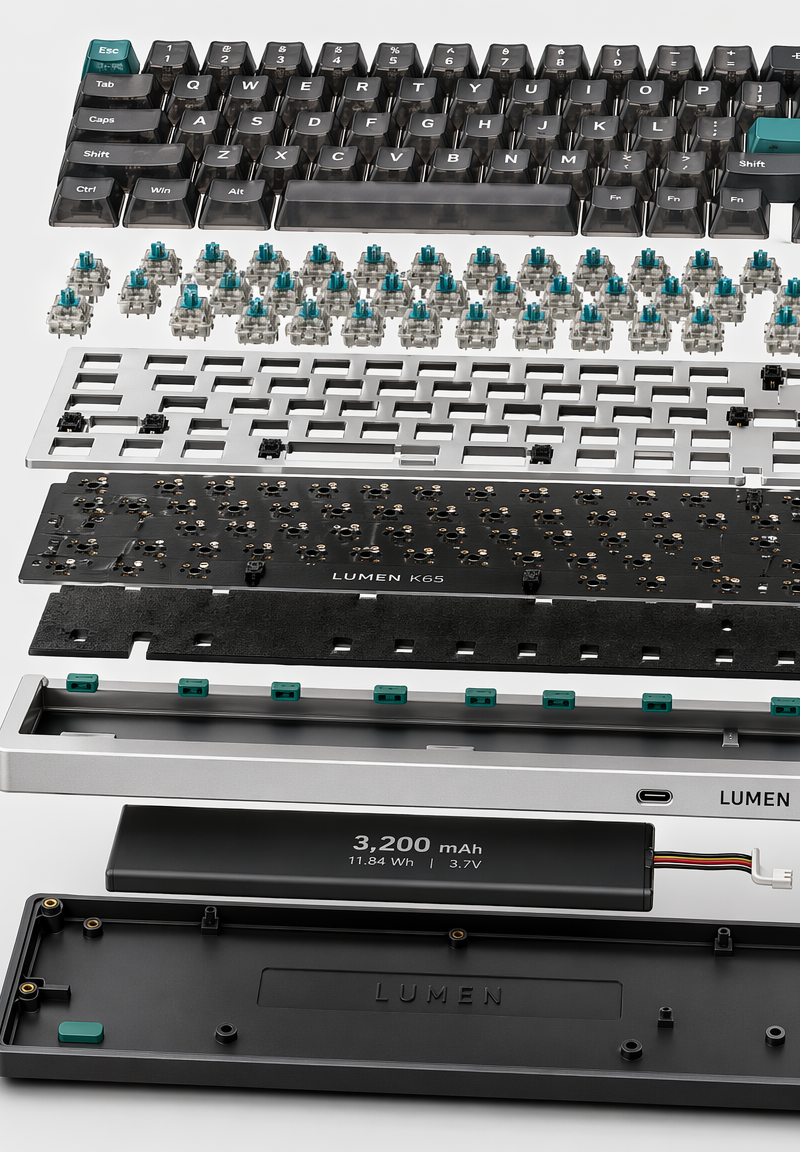
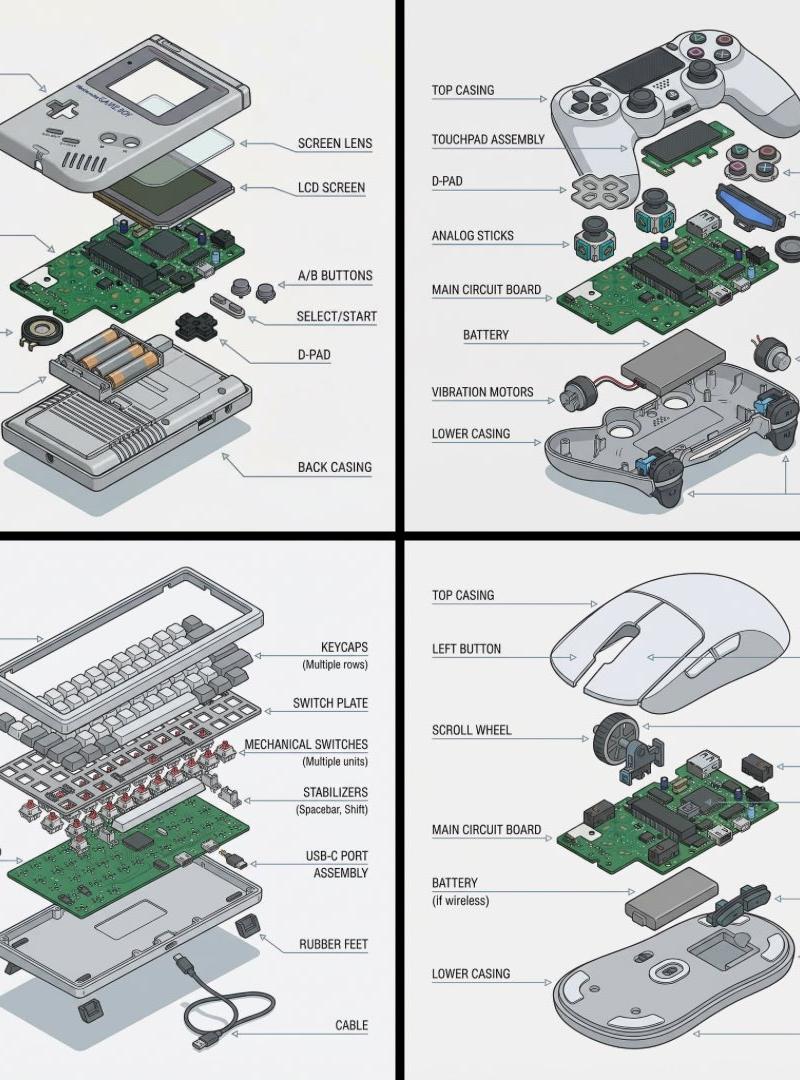
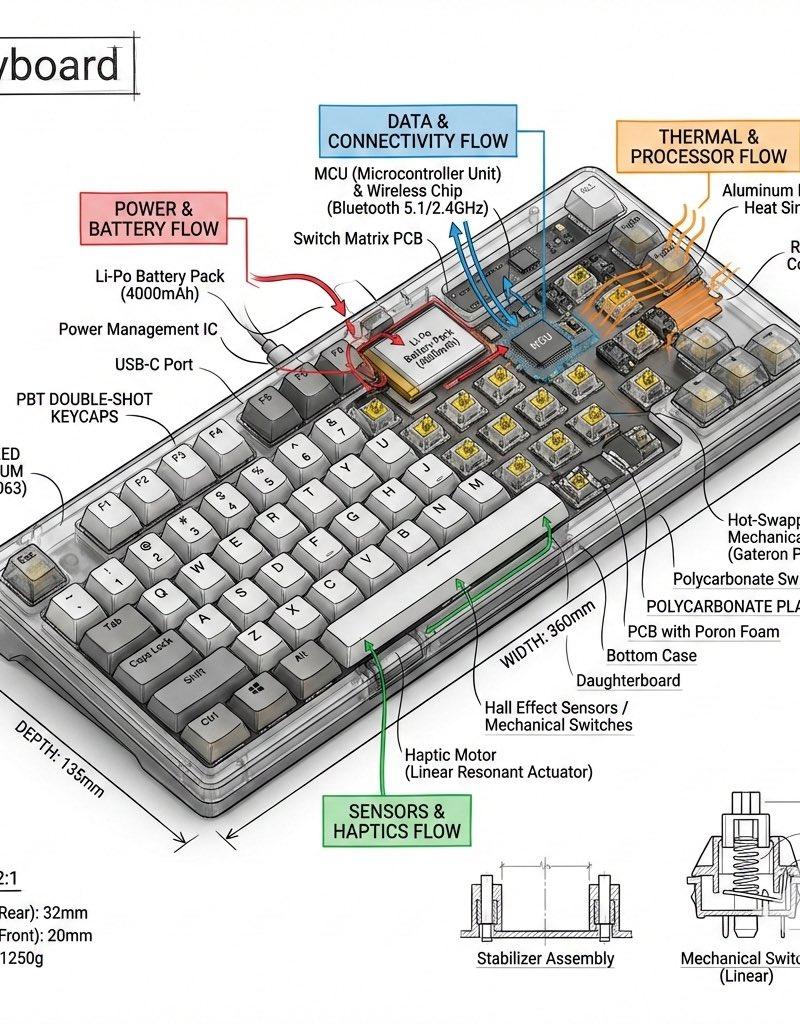
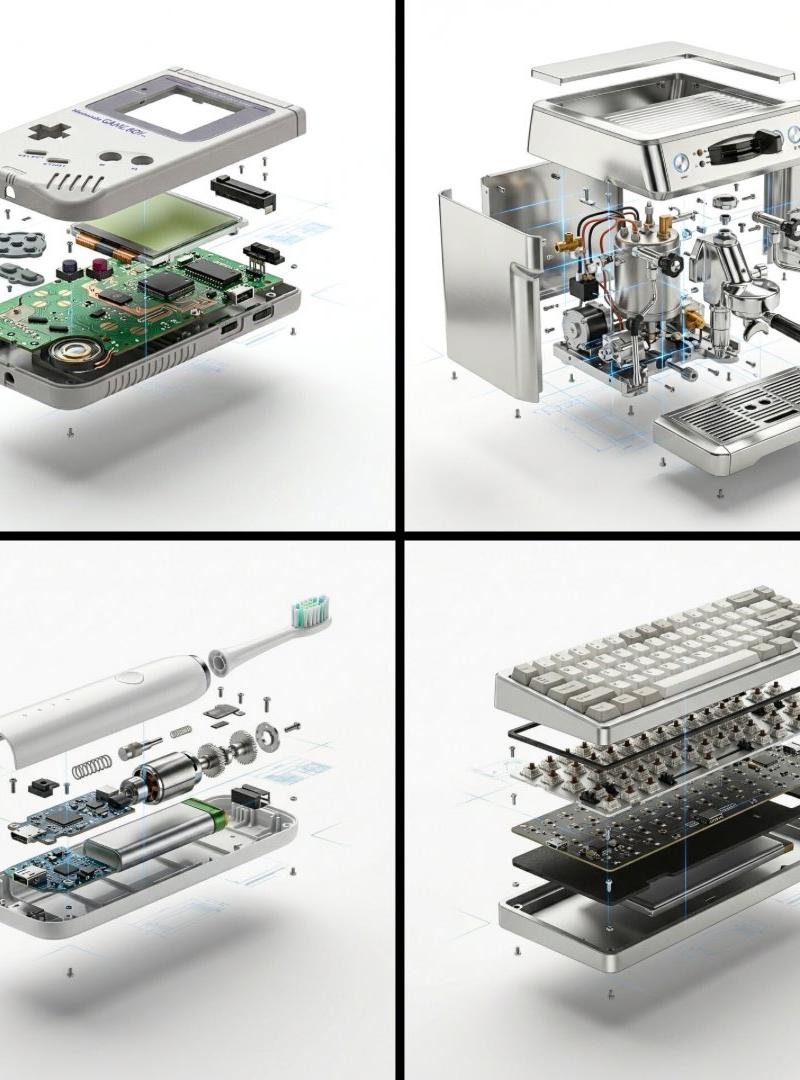
Enlarge

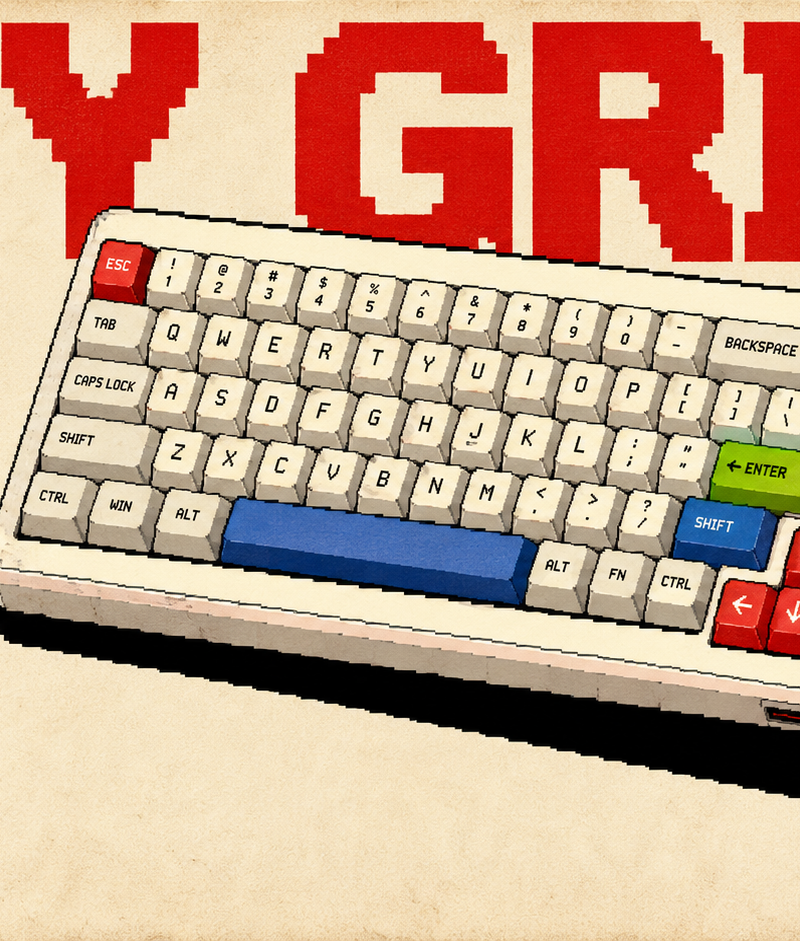
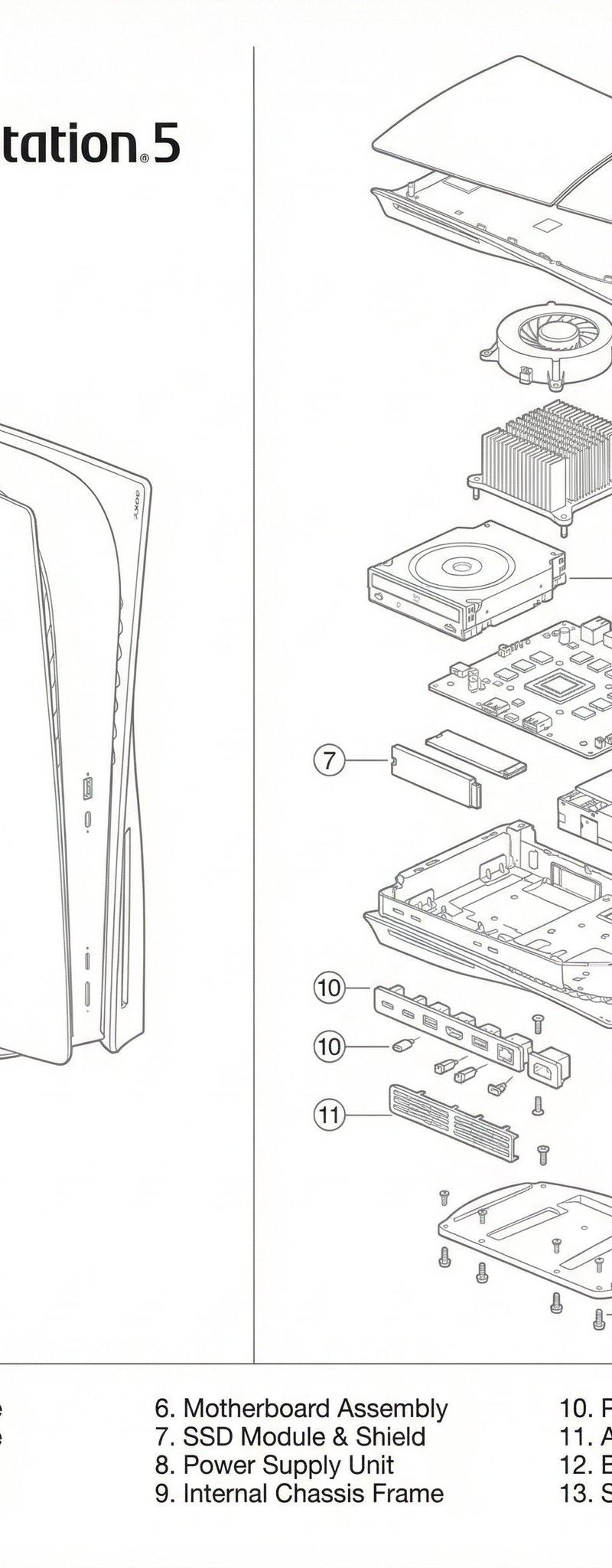
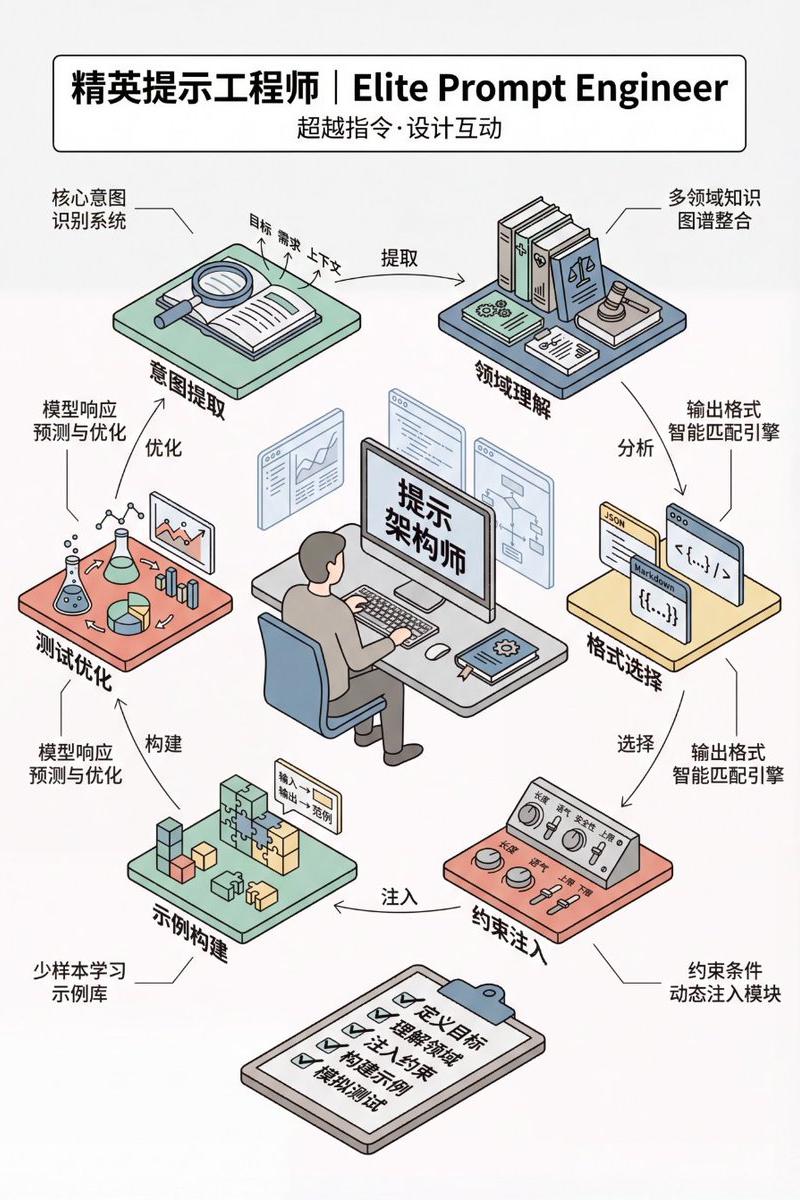
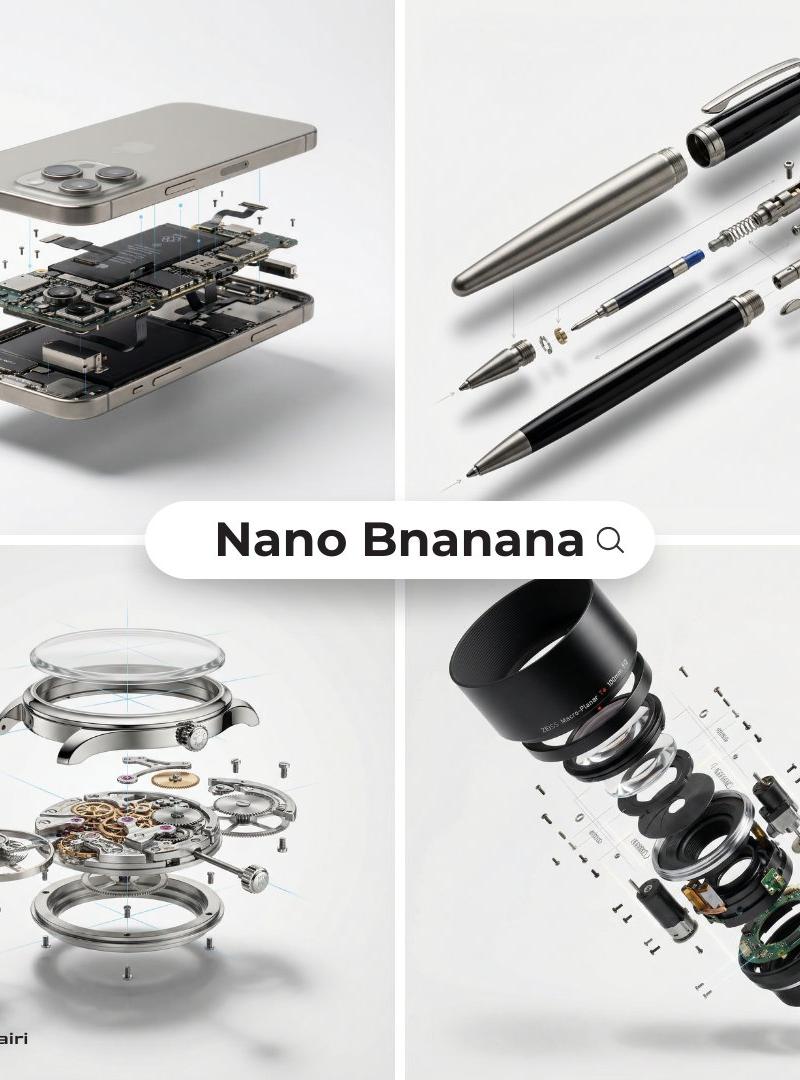
Example images

分享一波GPT-Image生成手绘工程科普信息图的提示词 提示词如下 创作一张竖版手绘工程科普信息图,主题为《[主题]的组成部分》。 背景是一张...

Prompt
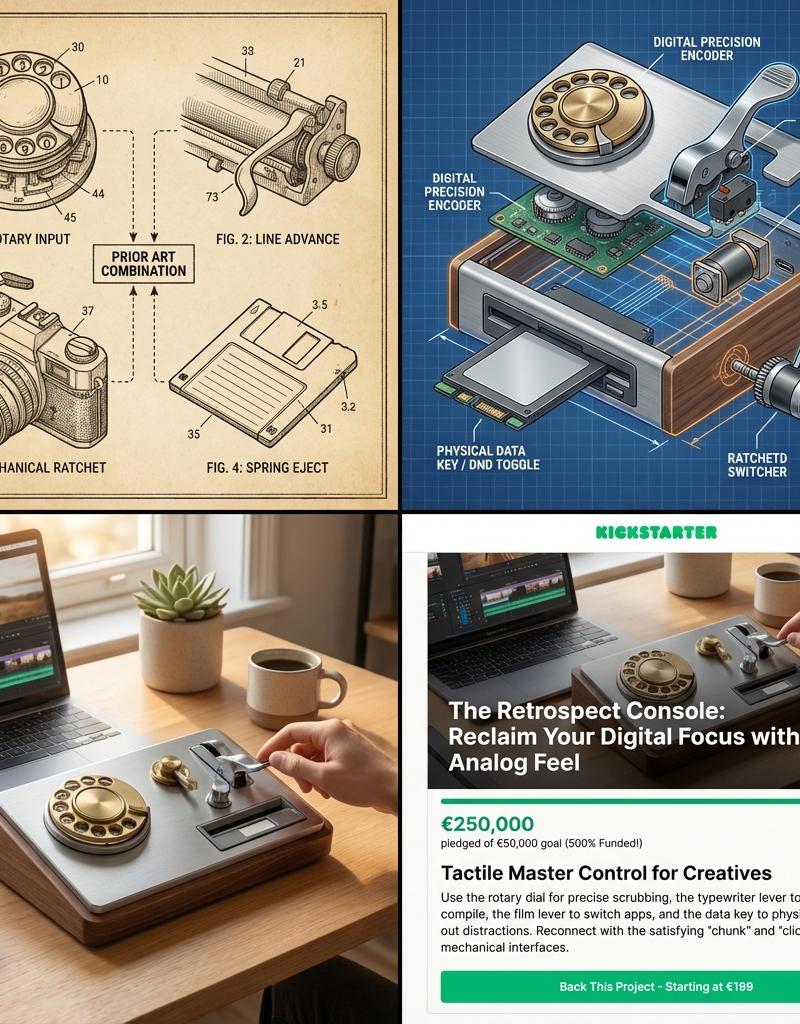
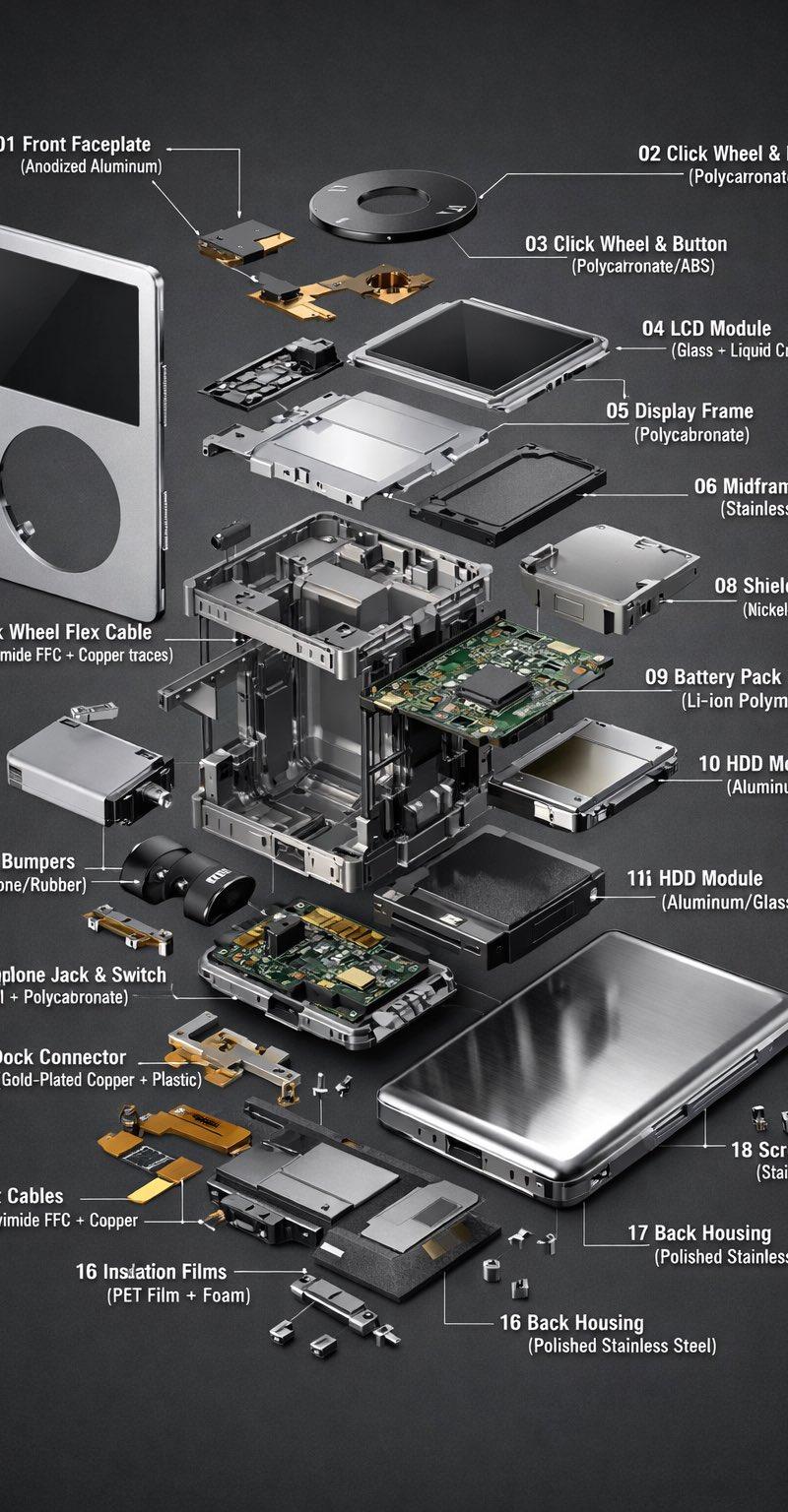
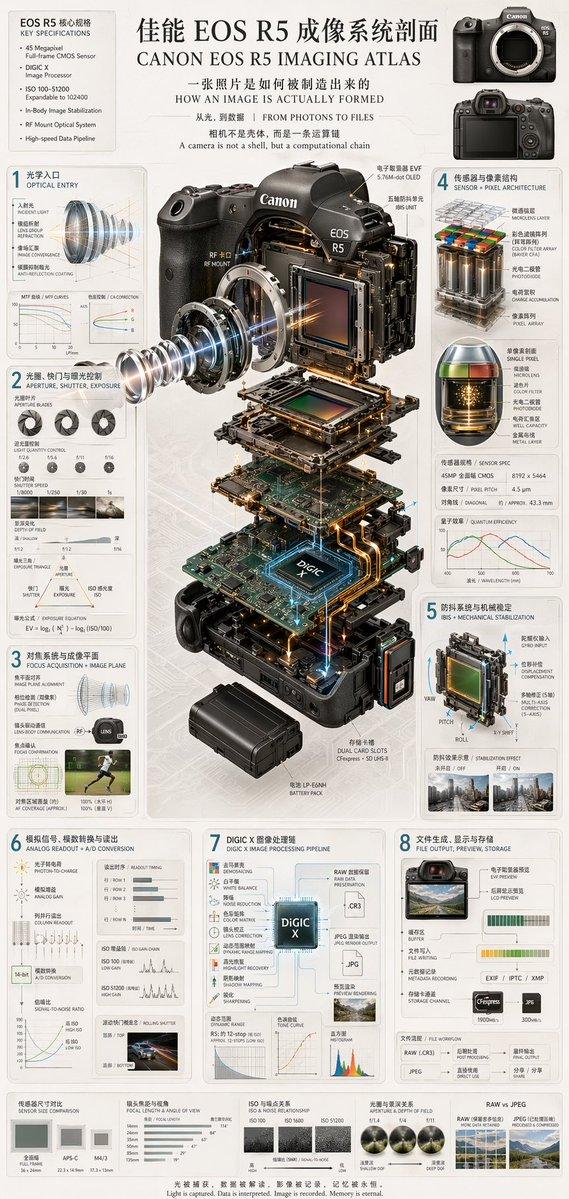
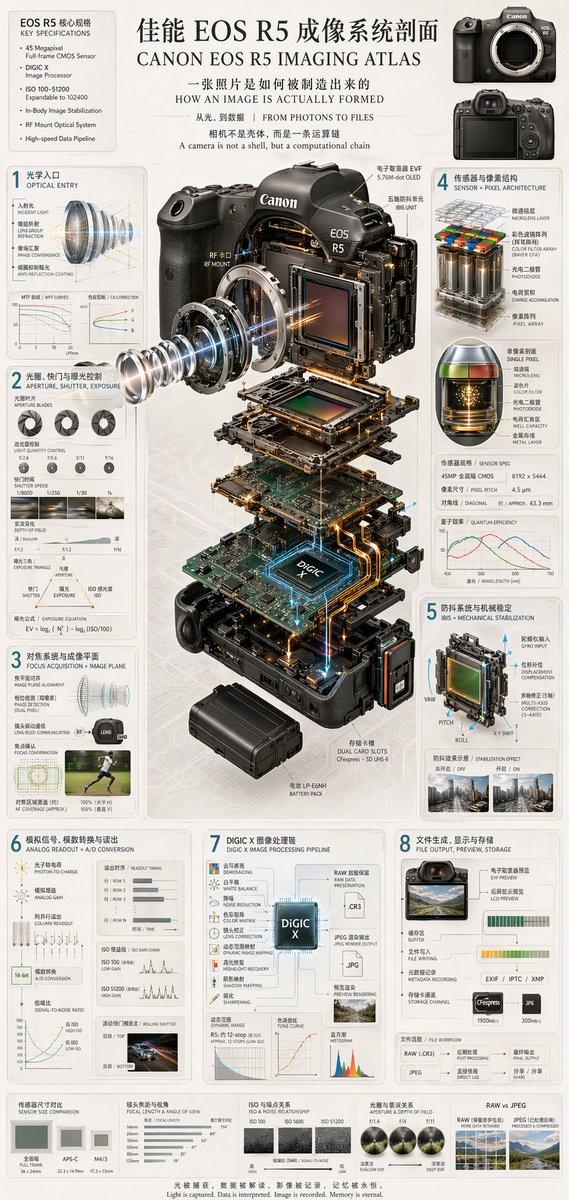
分享一波GPT-Image生成手绘工程科普信息图的提示词 提示词如下 创作一张竖版手绘工程科普信息图,主题为《[主题]的组成部分》。 背景是一张暖白色、轻微泛黄的横线笔记本纸,带浅蓝色水平横线, 纸张左侧有一条淡红色竖向页边线,保留细腻纸张纤维和轻微扫描质感。 页面顶部居中写大号蓝色圆珠笔手写标题“[中文标题]”,字体瘦长、 圆润、整洁,标题下方画一条蓝色手绘下划线。 画面中央放置一个尺寸较大的[设备名称],采用略微俯视的四分之三 透视角度,以局部打开、剖视或拆解形式展示内部结构。结构符合真实 工程逻辑,各部件层次分明且容易辨认。 主体采用精细石墨铅笔工程插画风格:黑灰色细线勾勒,密集排线与 交叉排线塑造体积,金属表面有真实的磨砂、反光和机械纹理。整体以 灰黑色为主,仅在铜线、线路、冷却液、电缆等部位加入少量克制的 黄色、红色、蓝色彩铅点缀。保留自然的手绘线条和轻微不完美感。 在主体四周布置[数量]个编号中文标签,标签全部使用同一种蓝色 圆珠笔手写体,并用纤细的蓝色直线箭头准确指向对应部件。标签不得 遮挡设备,不要让箭头相互交叉,左右布局均衡,留白自然。 标签内容: 1. [部件名称] 2. [部件名称] …… 页面底部用同一种蓝色手写体书写2至3行简短的原理说明: “[说明文字]” 整体效果像一名工程专业学生精心绘制的课堂笔记:技术准确、细节 丰富、写实而有手作感、版式整洁、信息清晰、自然扫描质感。
Category
创意图片
Model
GPT Image 2
Creator
@knowledgefxg
Source language
zh-CN
Views3
Source ID
2082459938757181949
Published
Jul 29, 2026
Studio

Guide

About "分享一波GPT-Image生成手绘工程科普信息图的提示词 提示词如下 创作一张竖版手绘工程科普信息图,主题为《[主题]的组成部分》。 背景是一张..."

What is this prompt for?

"分享一波GPT-Image生成手绘工程科普信息图的提示词 提示词如下 创作一张竖版手绘工程科普信息图,主题为《[主题]的组成部分》。 背景是一张..." AI image prompt for GPT Image 2 (创意图片). Saved from X post by @knowledgefxg. 分享一波G…

The full copyable prompt and example visuals above are ready for AI image generation or one-click recreate in Picva.

How to use this prompt

  1. Step 1

    Open the prompt detail

    Review the example visuals, category, and full prompt text for "分享一波GPT-Image生成手绘工程科普信息图的提示词 提示词如下 创作一张竖版手绘工程科普信息图,主题为《[主题]的组成部分》。 背景是一张...".

  2. Step 2

    Copy the prompt

    Copy the prompt body from this page, or load it directly in Studio.

  3. Step 3

    Pick a model (GPT Image 2)

    Prefer GPT Image 2. If you switch models, keep subject and composition and tweak style terms.

  4. Step 4

    Generate and export

    Recreate the look in Picva, or export into your workflow for editing and publishing.

FAQ

What is the "分享一波GPT-Image生成手绘工程科普信息图的提示词 提示词如下 创作一张竖版手绘工程科普信息图,主题为《[主题]的组成部分》。 背景是一张..." prompt?
It is an AI image-generation prompt for GPT Image 2 in the 创意图片 category. This page includes the full prompt text, example visuals, and a one-click recreate path in Picva.
How do I use this prompt to generate an image?
Copy the prompt from this page, or use Generate / Studio. Paste it into a compatible image model, or recreate the look in Picva with optional reference images.
Which model is this prompt for?
This page lists GPT Image 2. Most descriptive prompts also transfer to nearby image models such as GPT Image, Flux, or Midjourney with light style tweaks.
Can I use the result commercially?
You can usually copy the prompt for creation, but commercial use of the final image depends on the model terms, reference-image rights, and the generated content. Follow the source author and platform rules.