15

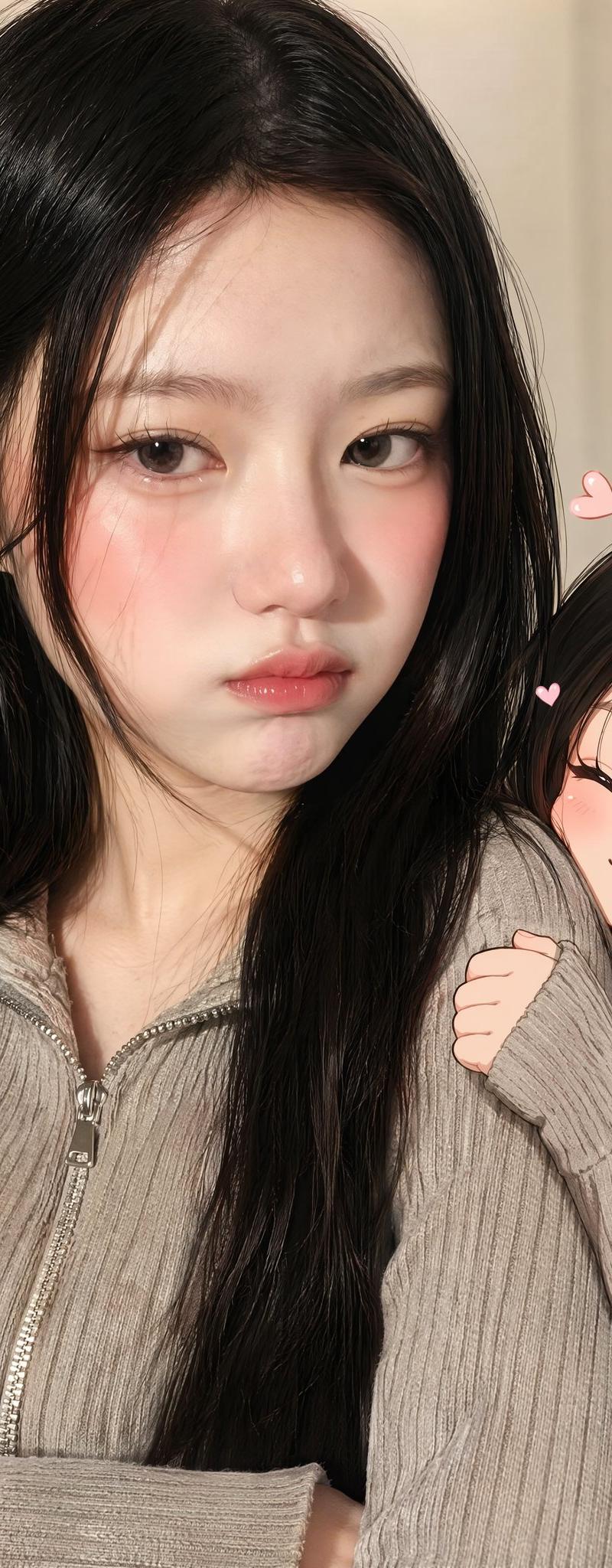
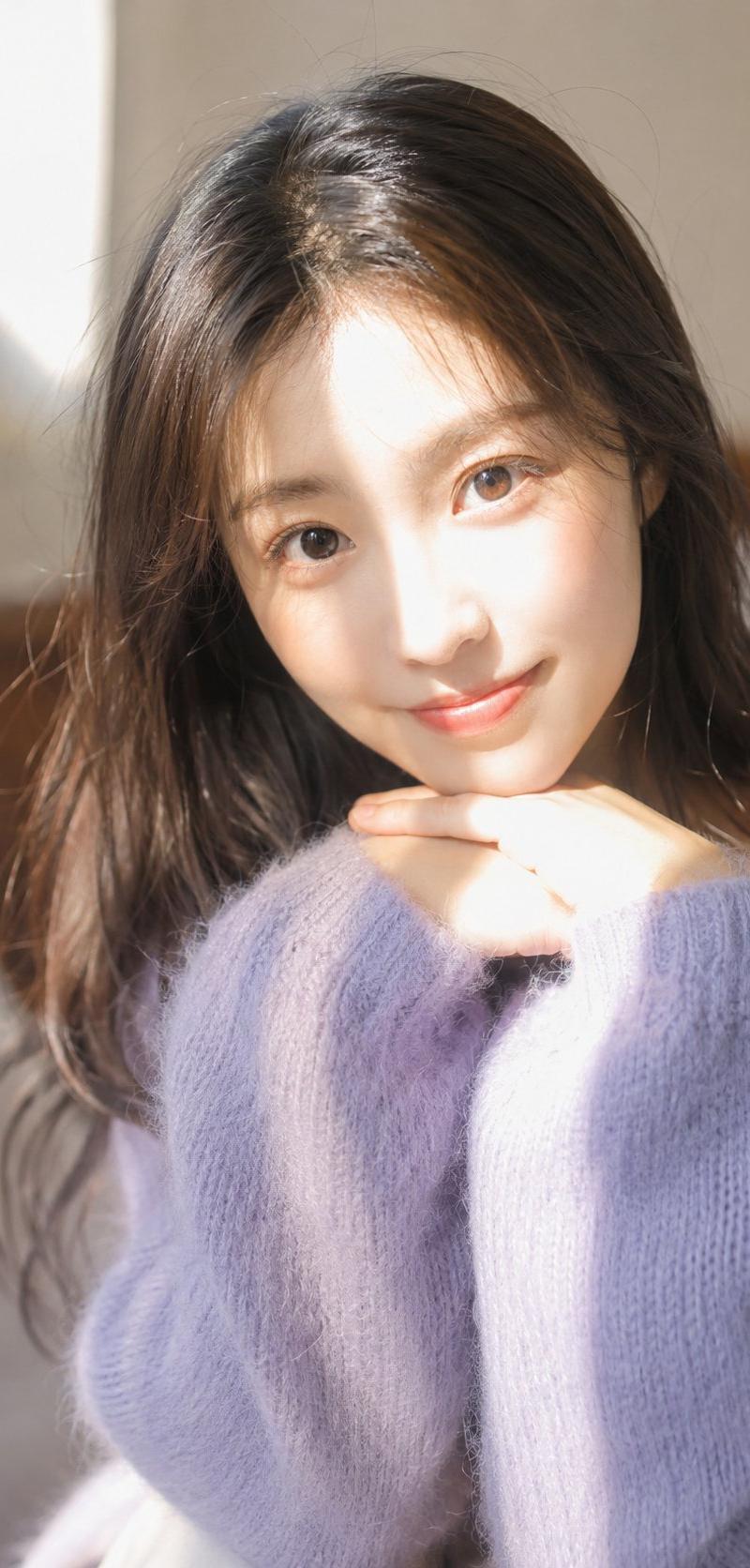
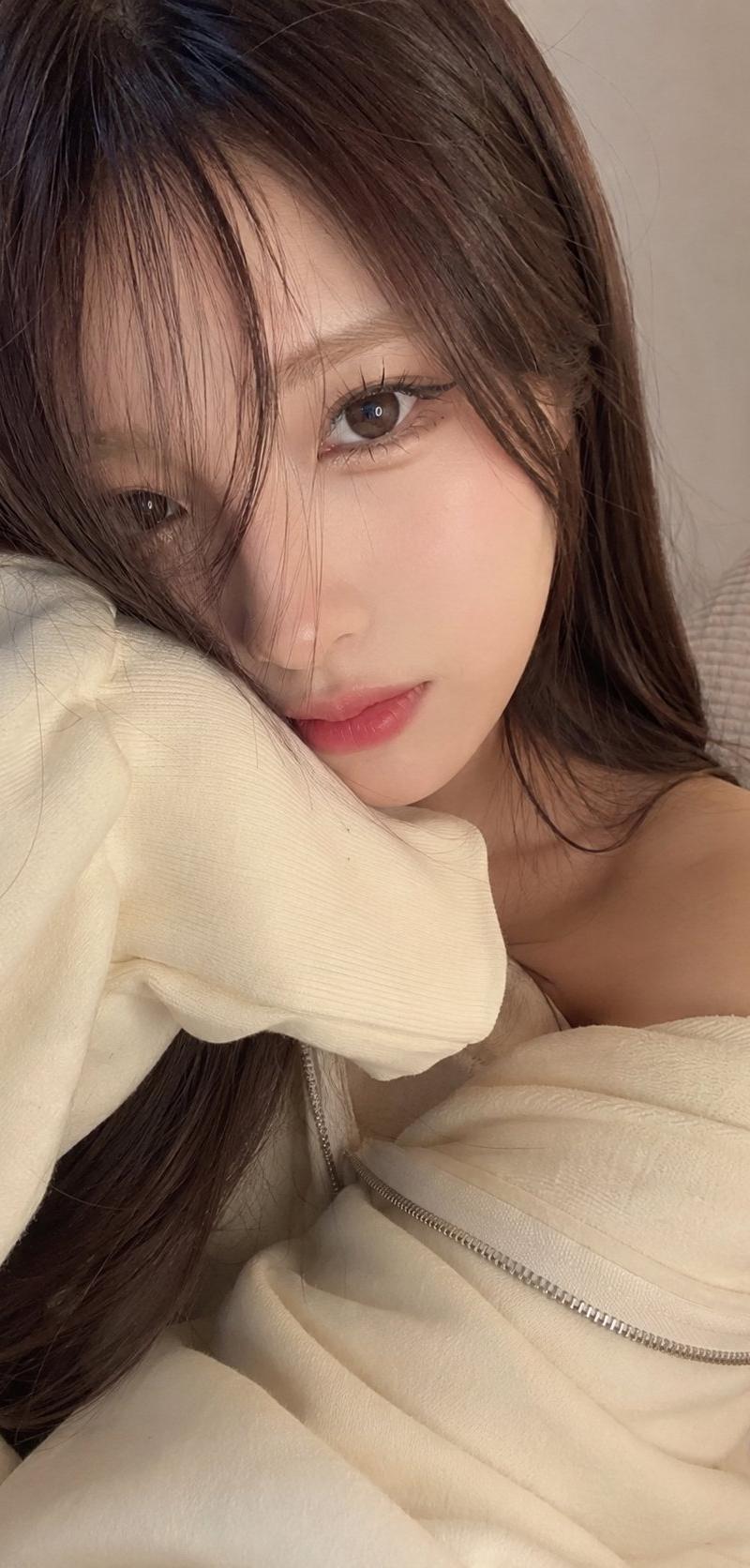
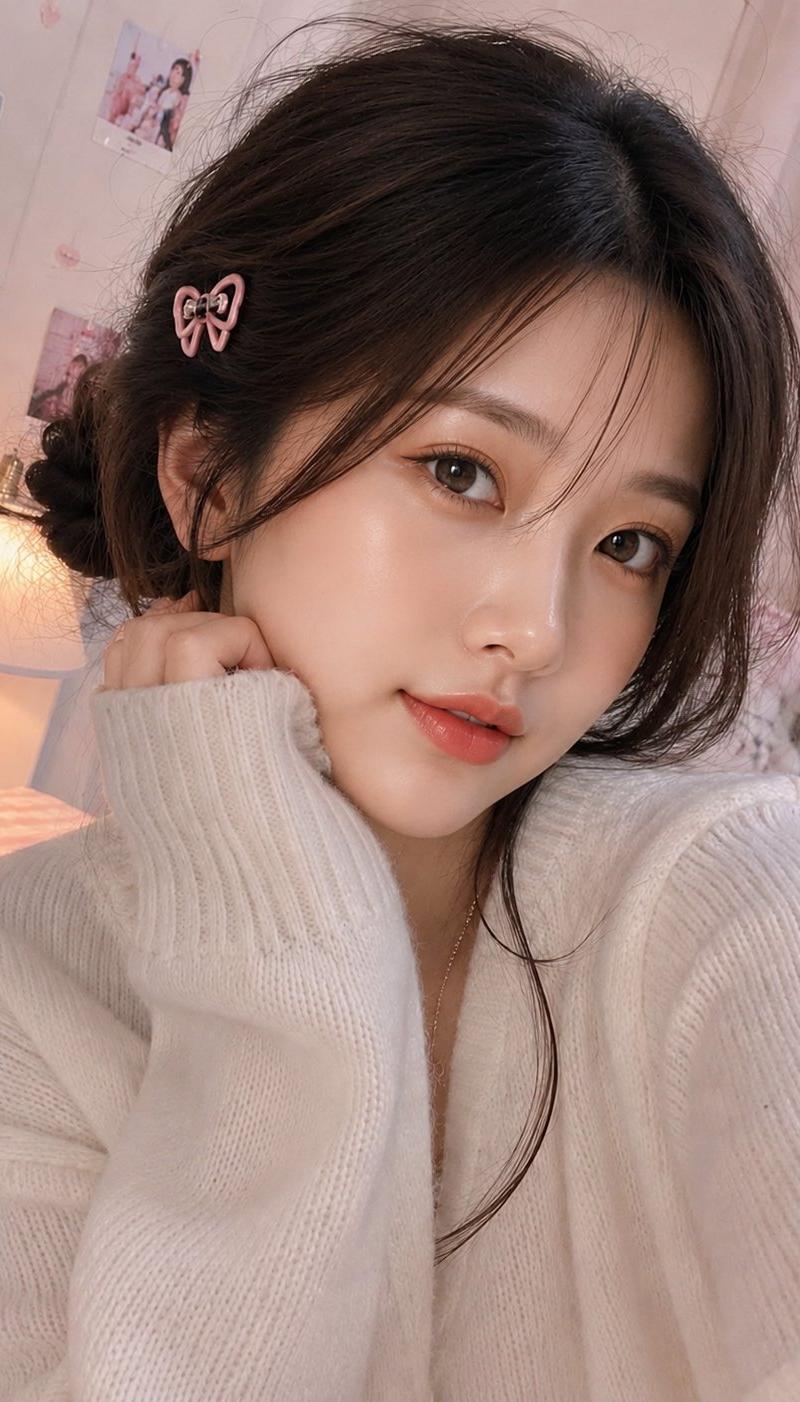
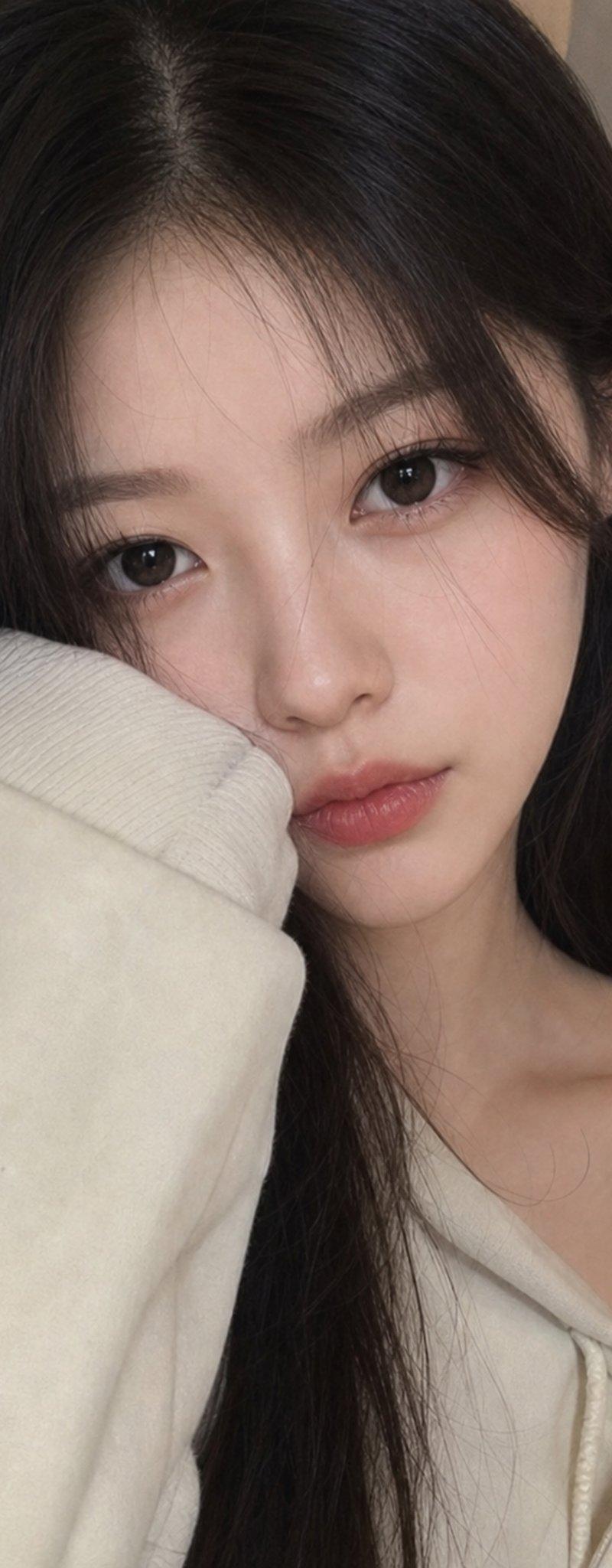
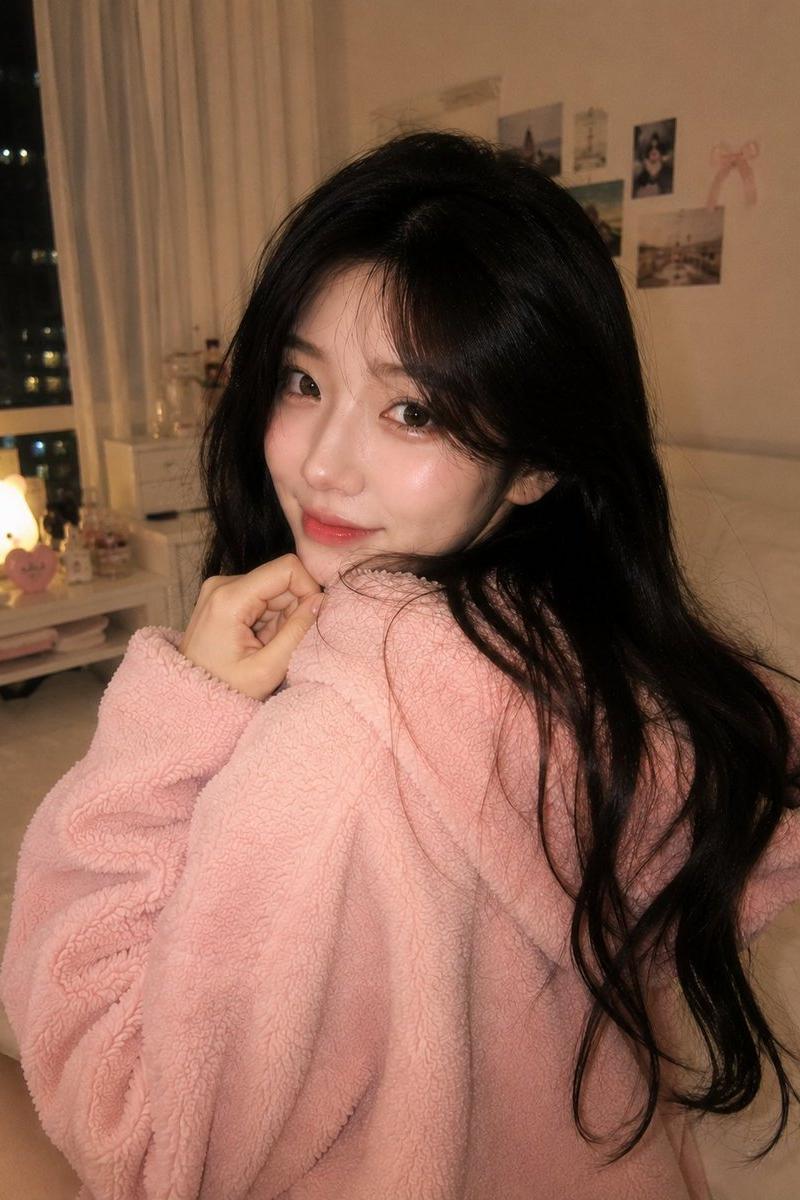
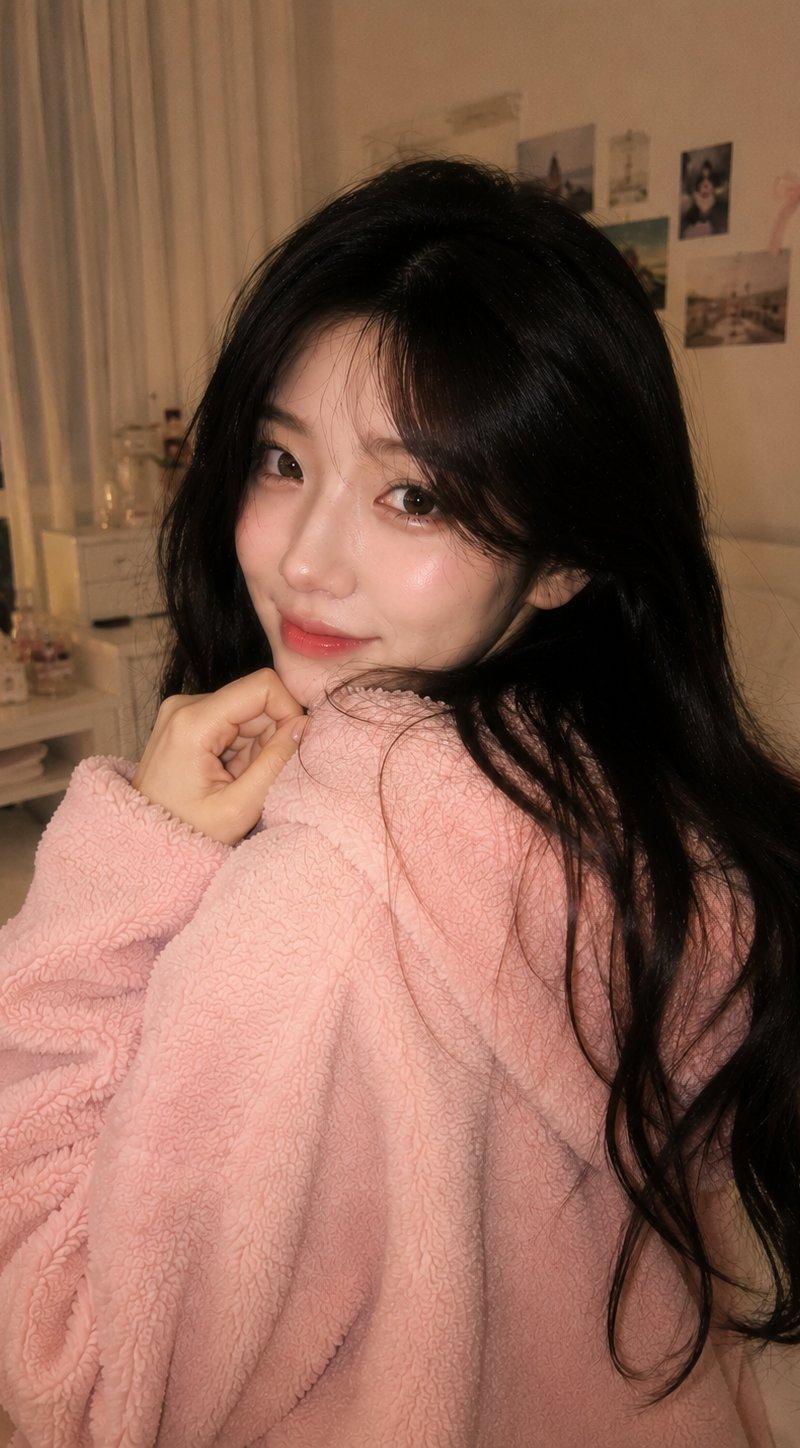
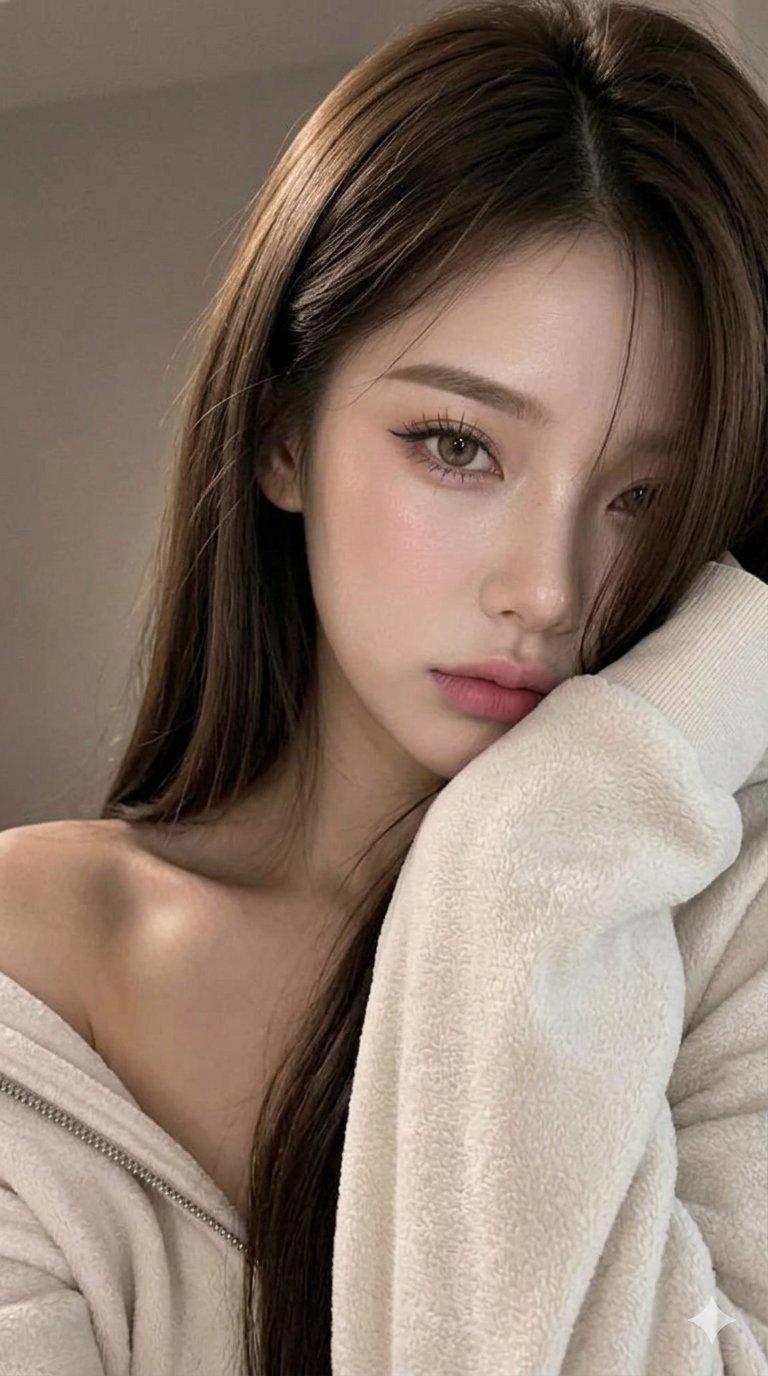
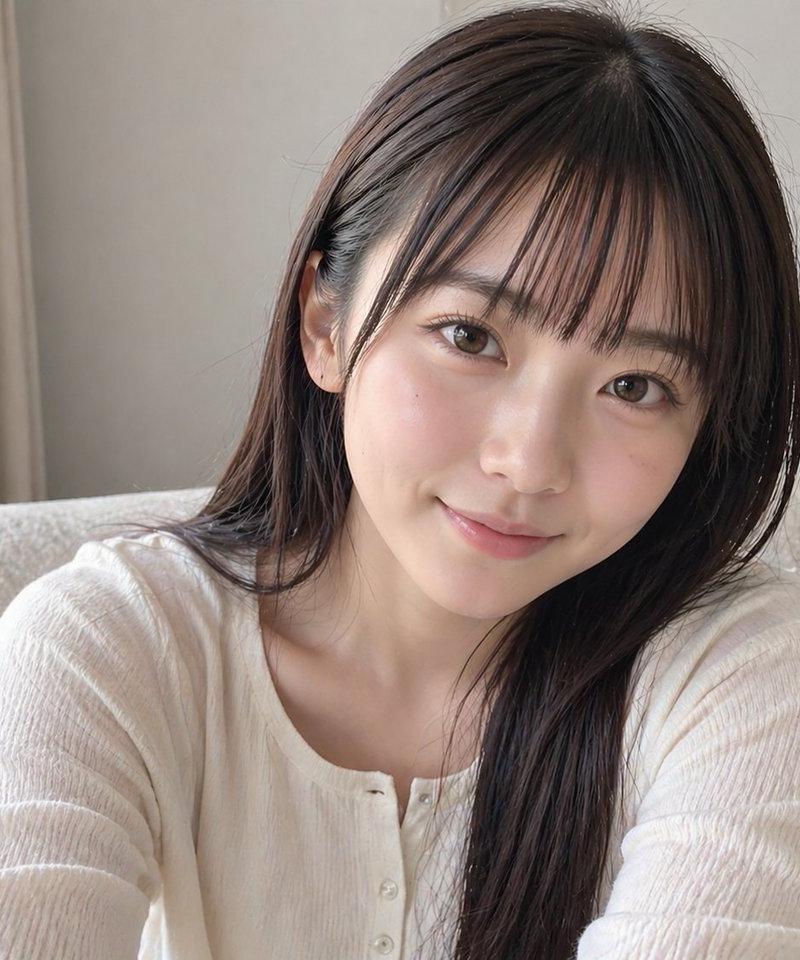
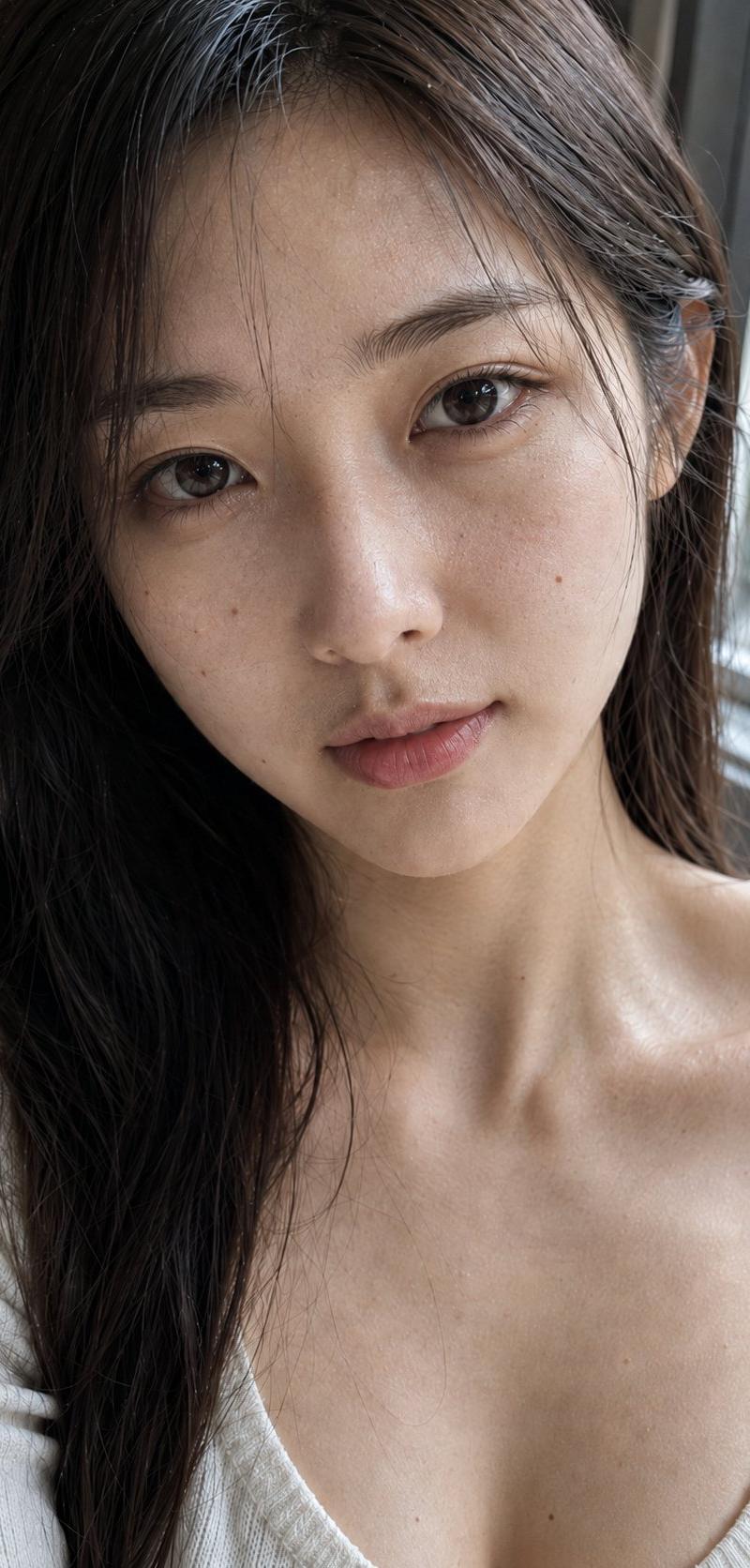
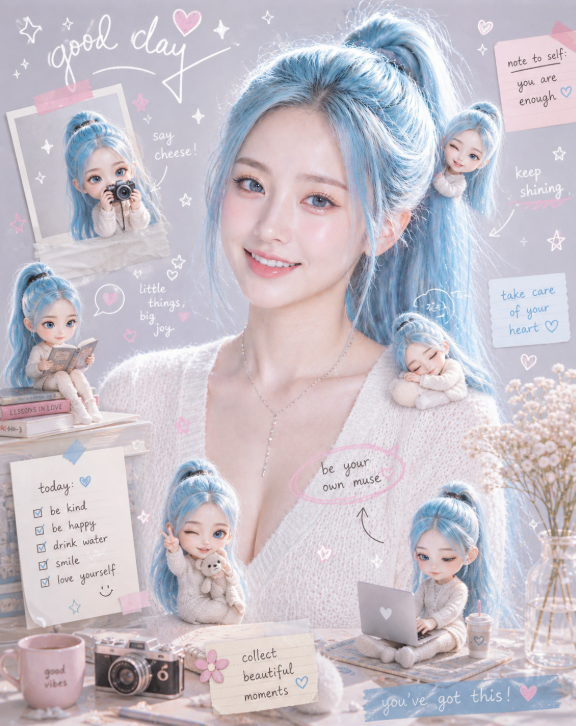
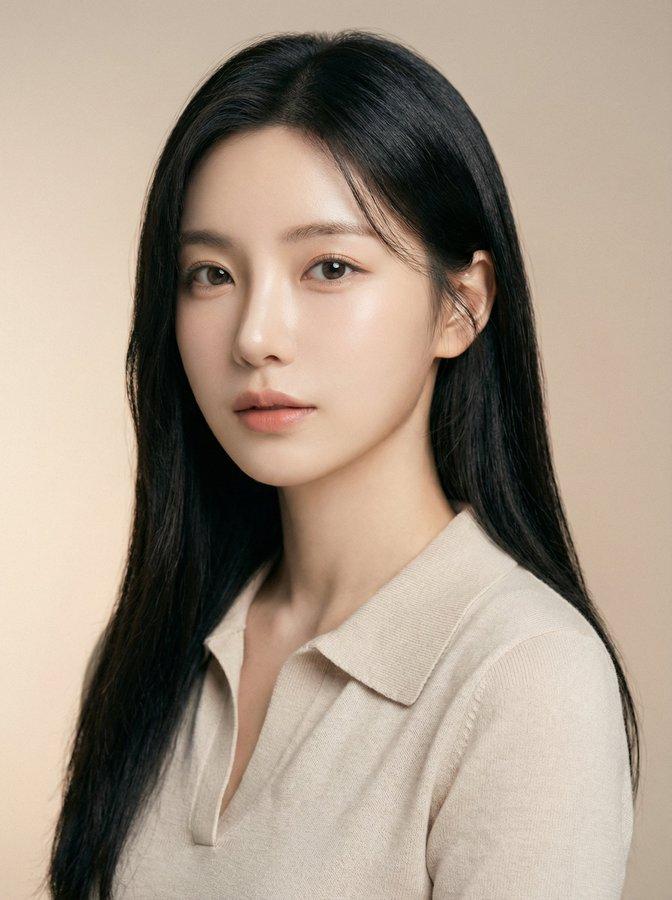
使用上传的照片作为确切的肖像参考,生成一幅高档的纵向肖像,将主体的照片级真实渲染与一个较小的、风格化的动漫版本(面部特征、发型、服装和整体氛围匹...
Enlarge

Example images

使用上传的照片作为确切的肖像参考,生成一幅高档的纵向肖像,将主体的照片级真实渲染与一个较小的、风格化的动漫版本(面部特征、发型、服装和整体氛围匹...

Prompt
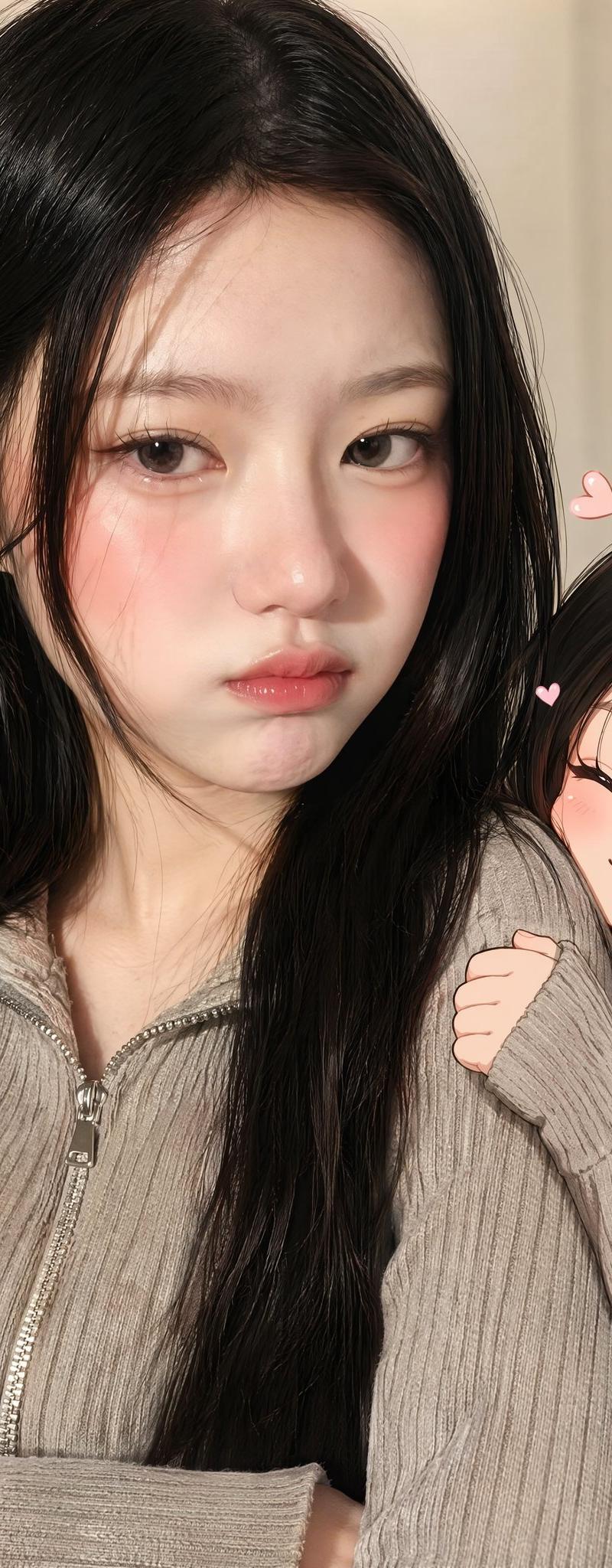
使用上传的照片作为确切的肖像参考,生成一幅高档的纵向肖像,将主体的照片级真实渲染与一个较小的、风格化的动漫版本(面部特征、发型、服装和整体氛围匹配同一人物)配对。动漫人物应表现出积极的亲昵行为(紧抓手臂、依偎靠近、比心手势、用明亮闪耀的眼睛抬头凝视),而现实生活中的人物则带着可爱、假装生气的表情,暗示隐藏在下面的喜爱之情。目标是强烈的能量对比:一个公开亲昵的动漫伴侣,对比一个现实人物戏谑地假装恼怒但明显被迷住。风格应唤起韩国网红内容的氛围——柔和的粉彩背景、讨喜的光线、照片级真实的主人物、精致的动漫伴侣艺术、强烈的相似度,以及整体的精炼品质。 避免:敌意、冷漠、过于严肃的语气、不安的氛围、弱相似度、3D 娃娃外观、解剖错误、多余的肢体或手指、视觉杂乱、文本或水印。
Category
创意图片
Model
GPT Image 2
Creator
@doctorwasif
Source language
zh-CN
Views4
Source ID
2082691571732951223
Published
Aug 1, 2026
Studio

Guide

About "使用上传的照片作为确切的肖像参考,生成一幅高档的纵向肖像,将主体的照片级真实渲染与一个较小的、风格化的动漫版本(面部特征、发型、服装和整体氛围匹..."

What is this prompt for?

"使用上传的照片作为确切的肖像参考,生成一幅高档的纵向肖像,将主体的照片级真实渲染与一个较小的、风格化的动漫版本(面部特征、发型、服装和整体氛围匹..." AI image prompt for GPT Image 2 (创意图片). Saved from X post by @doctorwasif. 使用 Cha…

The full copyable prompt and example visuals above are ready for AI image generation or one-click recreate in Picva.

How to use this prompt

  1. Step 1

    Open the prompt detail

    Review the example visuals, category, and full prompt text for "使用上传的照片作为确切的肖像参考,生成一幅高档的纵向肖像,将主体的照片级真实渲染与一个较小的、风格化的动漫版本(面部特征、发型、服装和整体氛围匹...".

  2. Step 2

    Copy the prompt

    Copy the prompt body from this page, or load it directly in Studio.

  3. Step 3

    Pick a model (GPT Image 2)

    Prefer GPT Image 2. If you switch models, keep subject and composition and tweak style terms.

  4. Step 4

    Generate and export

    Recreate the look in Picva, or export into your workflow for editing and publishing.

FAQ

What is the "使用上传的照片作为确切的肖像参考,生成一幅高档的纵向肖像,将主体的照片级真实渲染与一个较小的、风格化的动漫版本(面部特征、发型、服装和整体氛围匹..." prompt?
It is an AI image-generation prompt for GPT Image 2 in the 创意图片 category. This page includes the full prompt text, example visuals, and a one-click recreate path in Picva.
How do I use this prompt to generate an image?
Copy the prompt from this page, or use Generate / Studio. Paste it into a compatible image model, or recreate the look in Picva with optional reference images.
Which model is this prompt for?
This page lists GPT Image 2. Most descriptive prompts also transfer to nearby image models such as GPT Image, Flux, or Midjourney with light style tweaks.
Can I use the result commercially?
You can usually copy the prompt for creation, but commercial use of the final image depends on the model terms, reference-image rights, and the generated content. Follow the source author and platform rules.