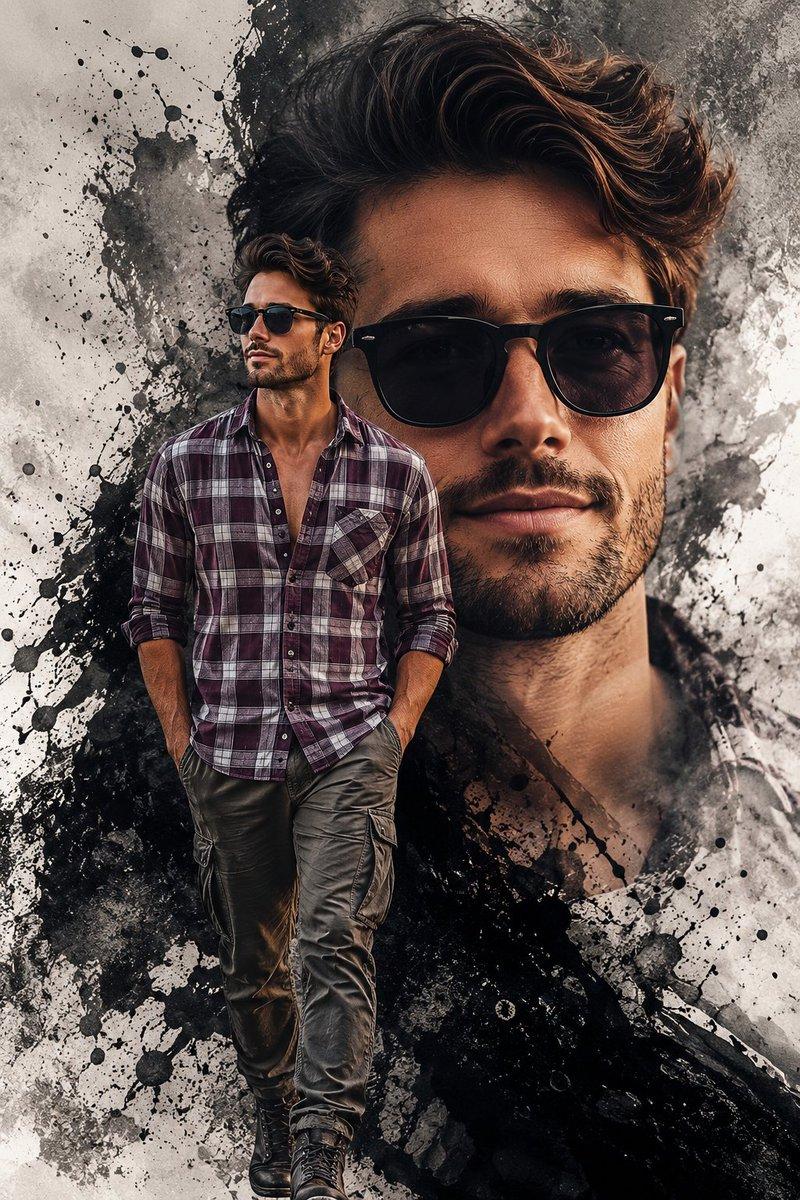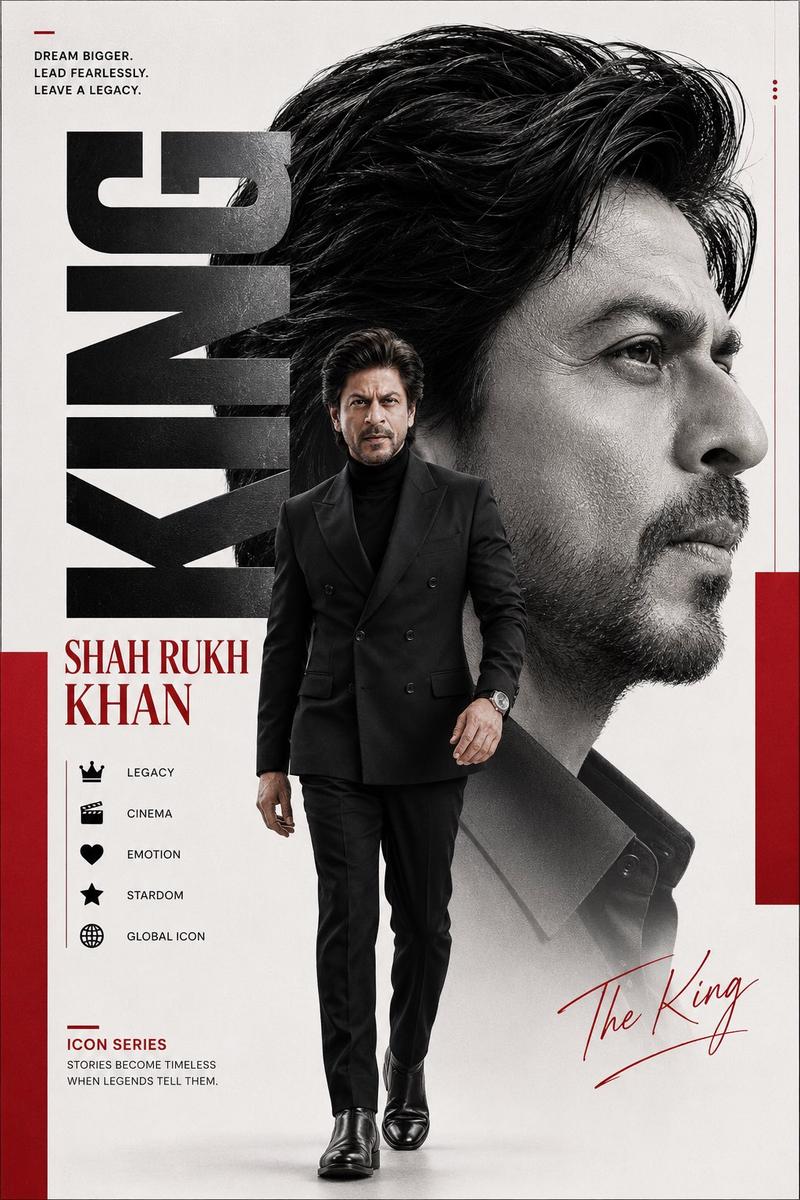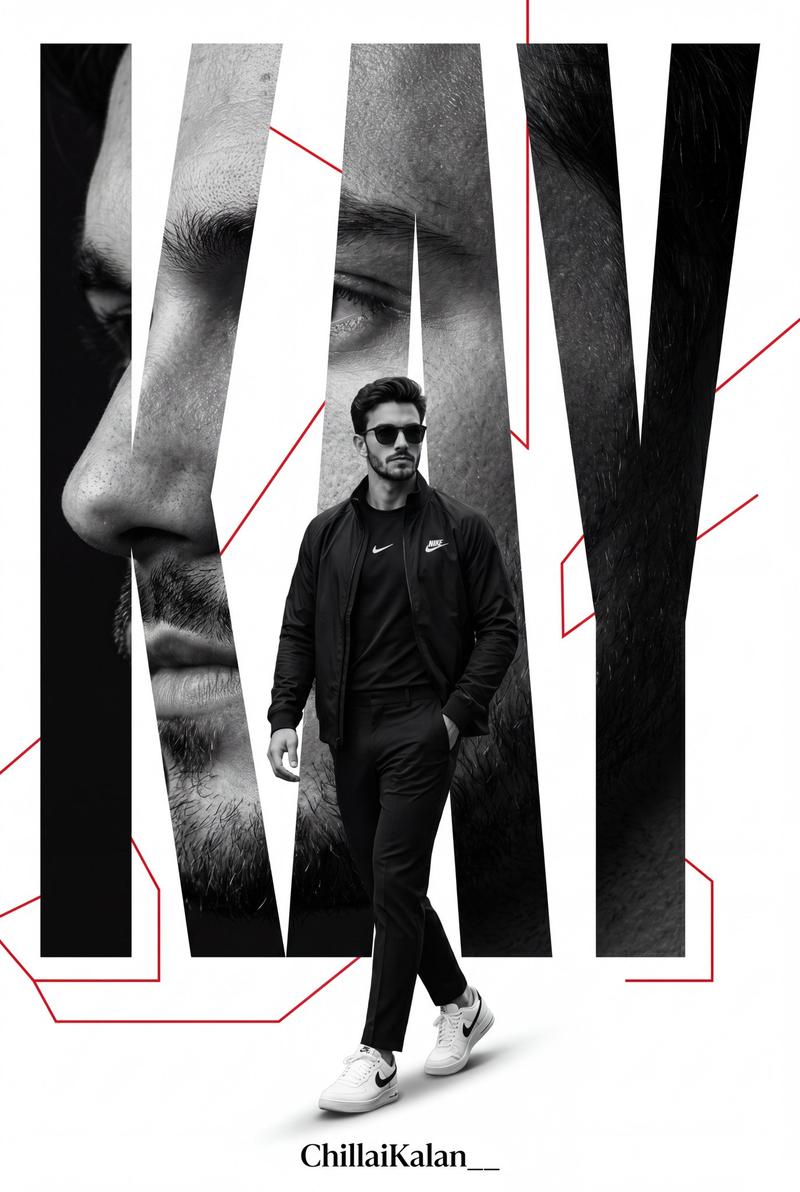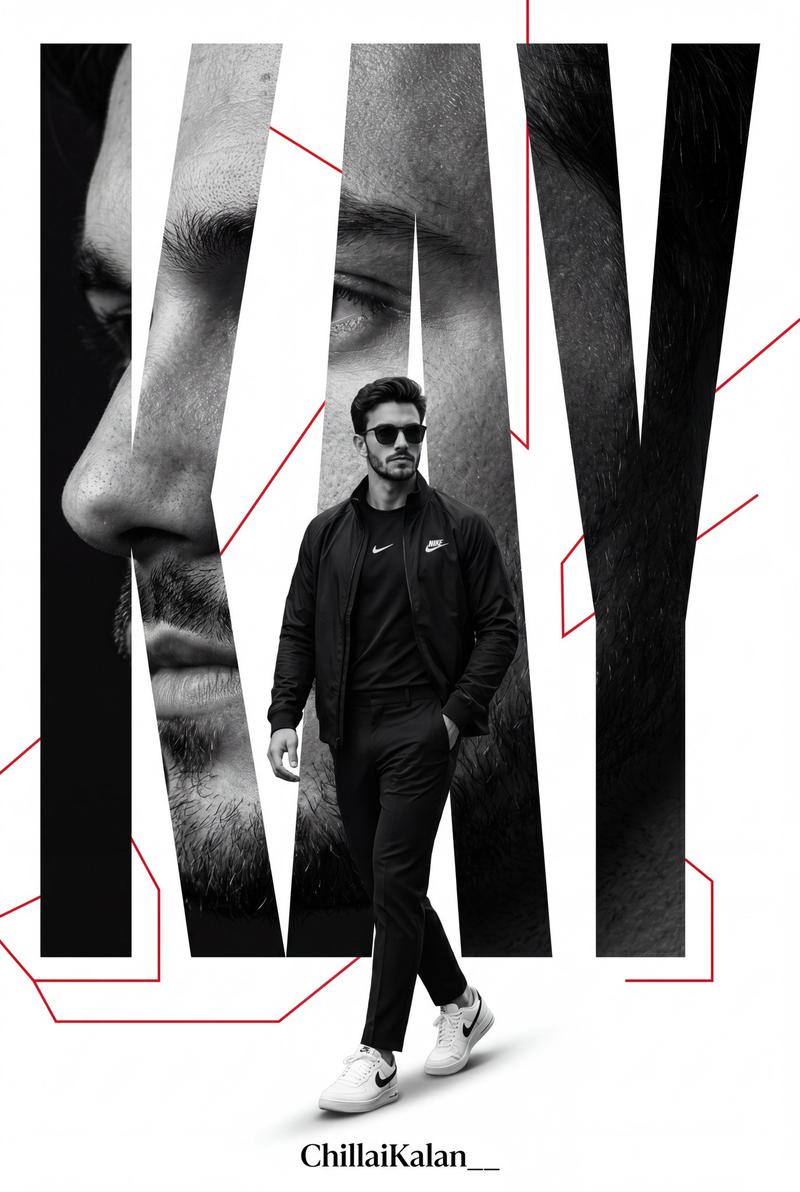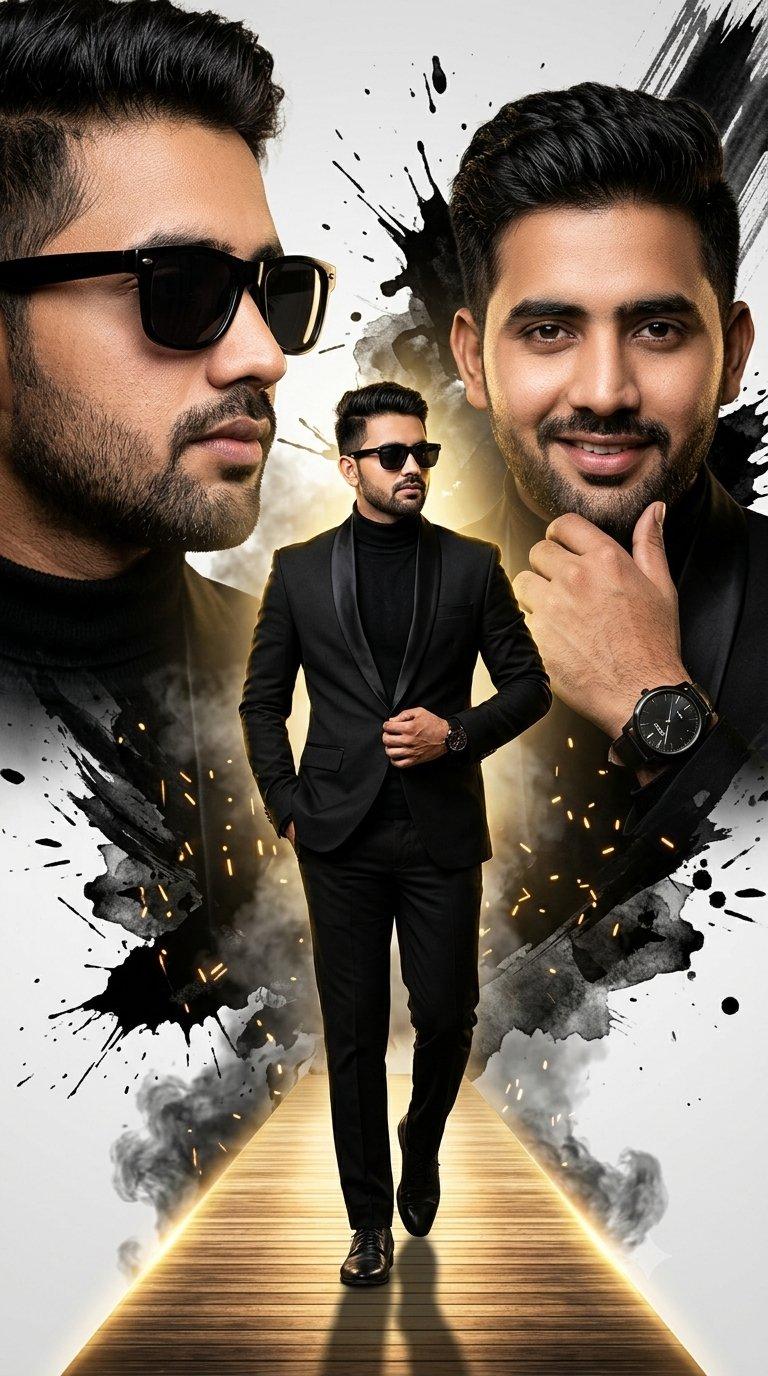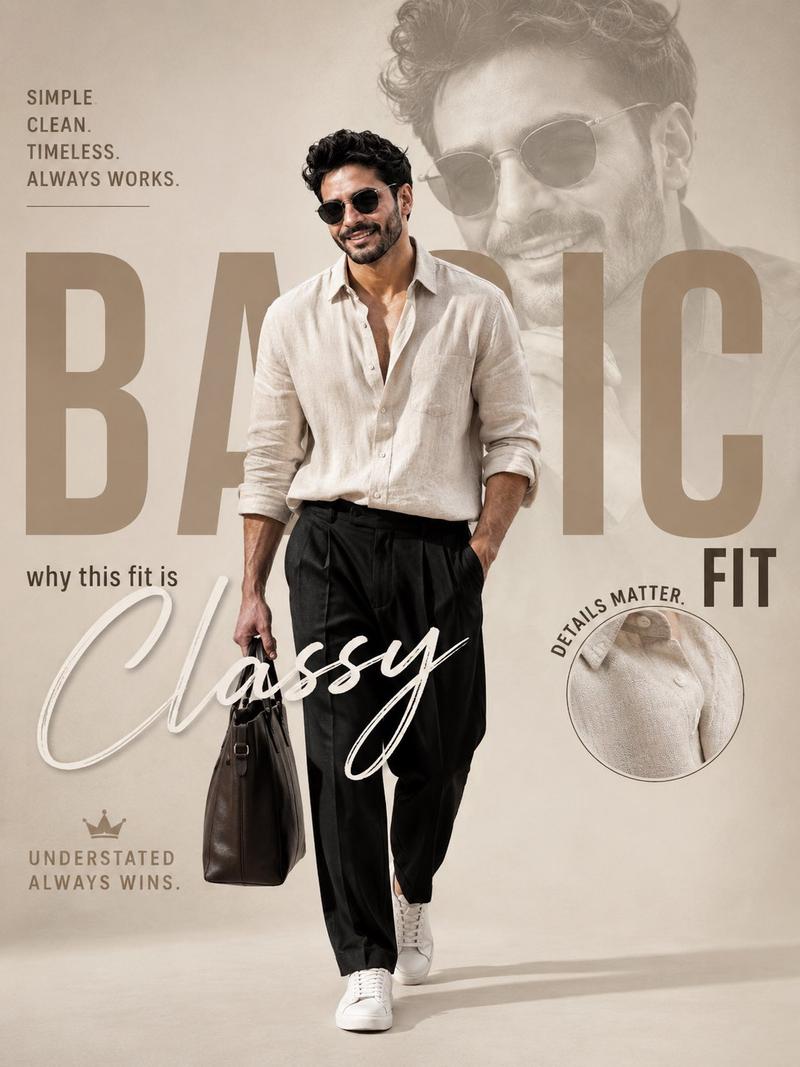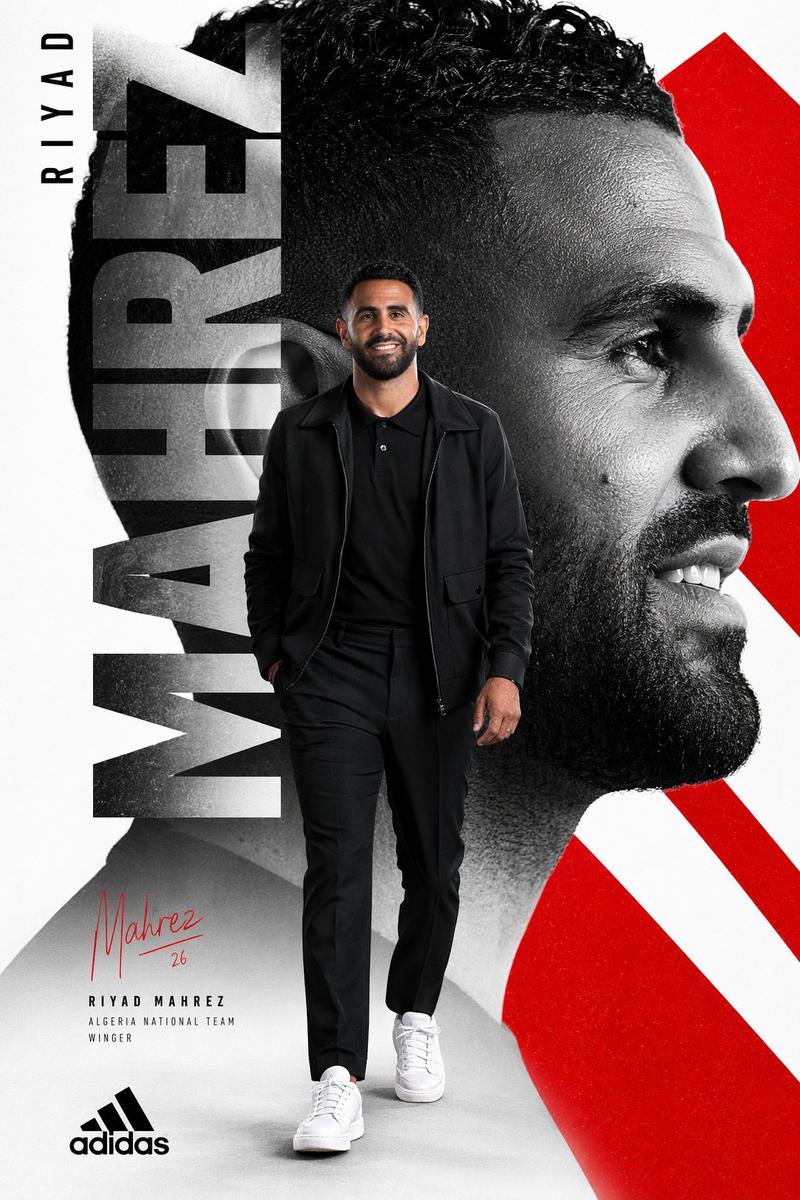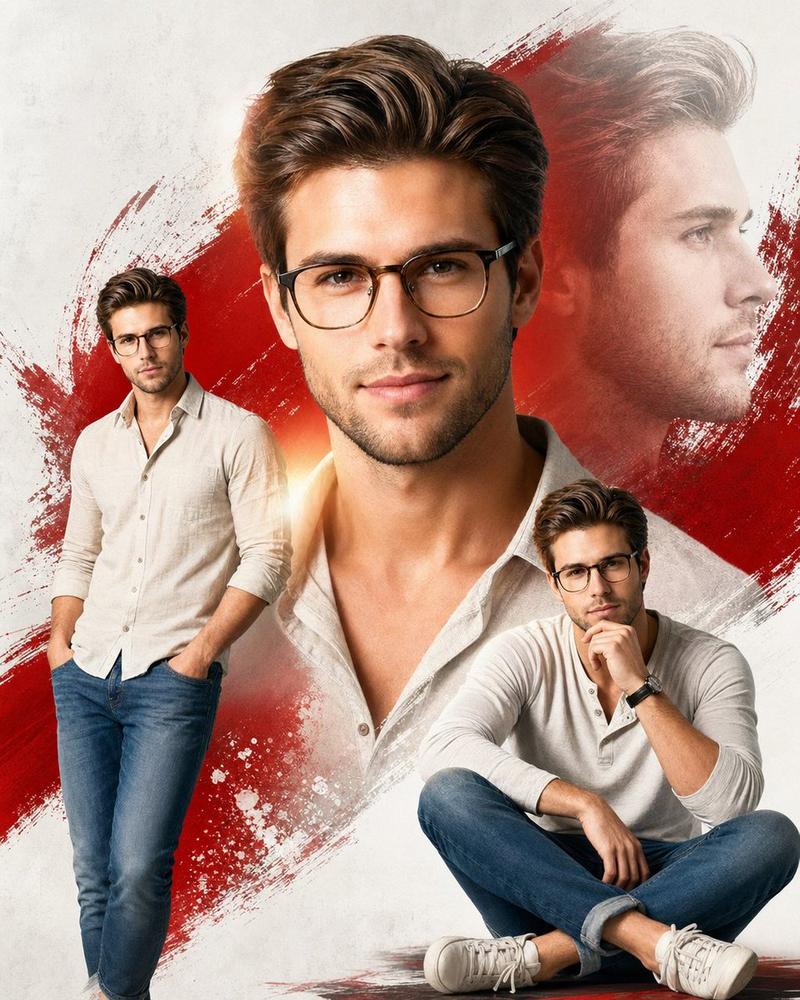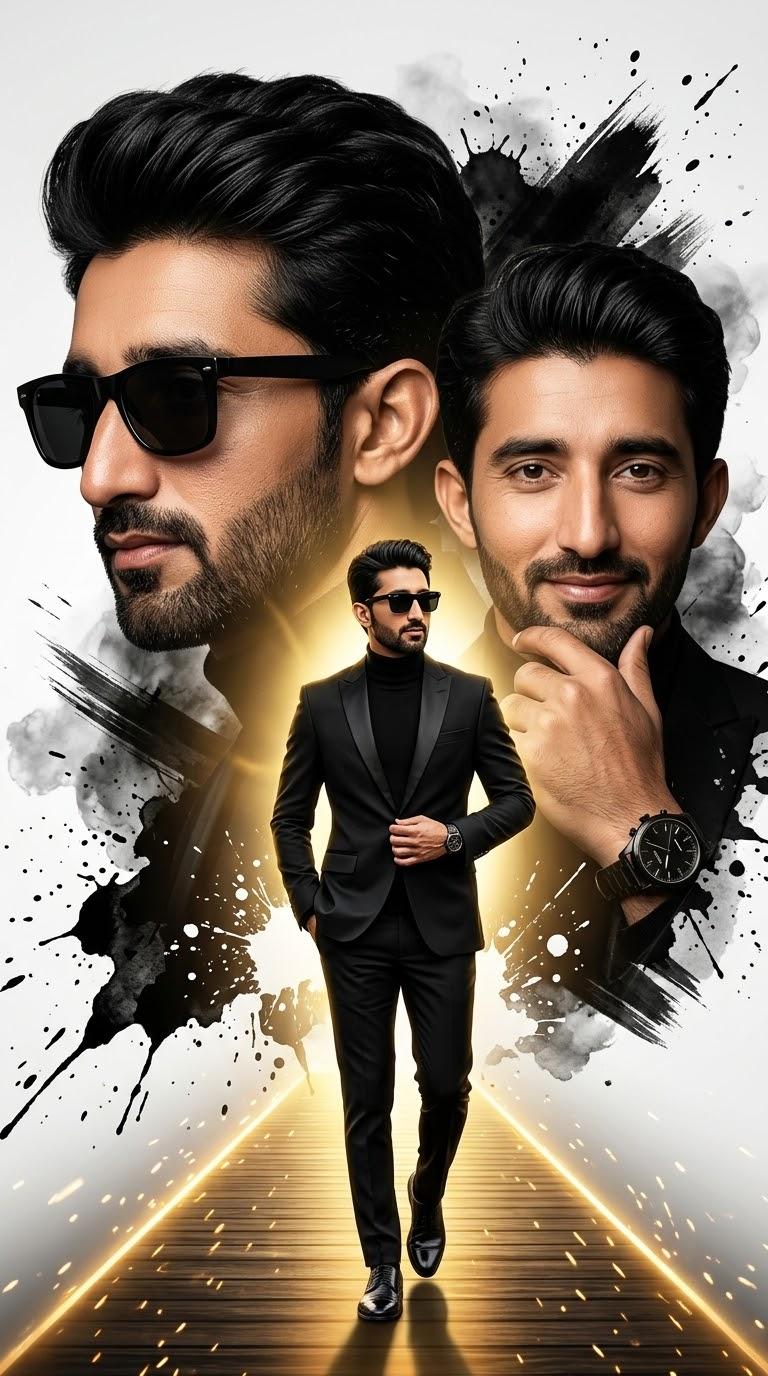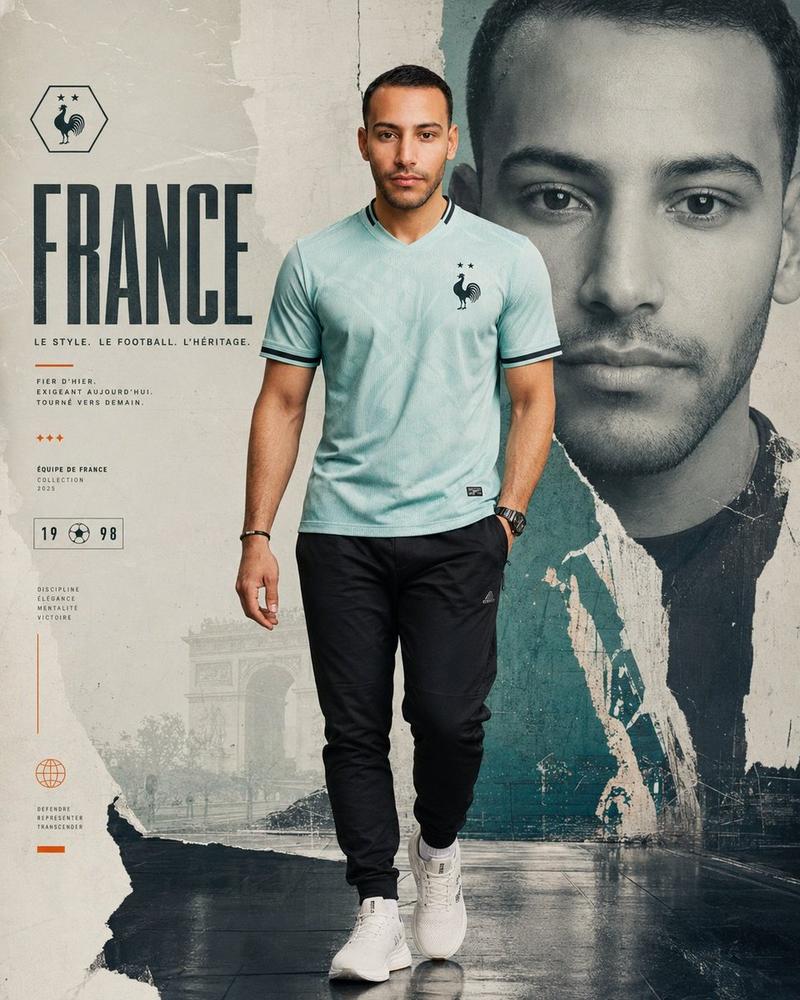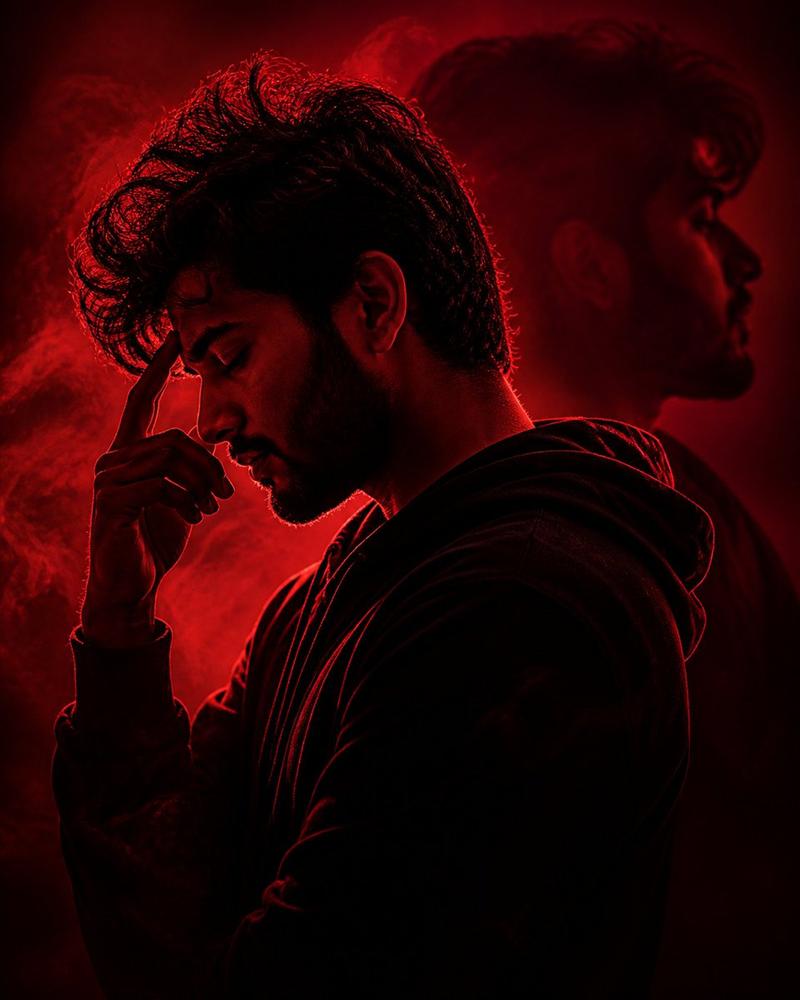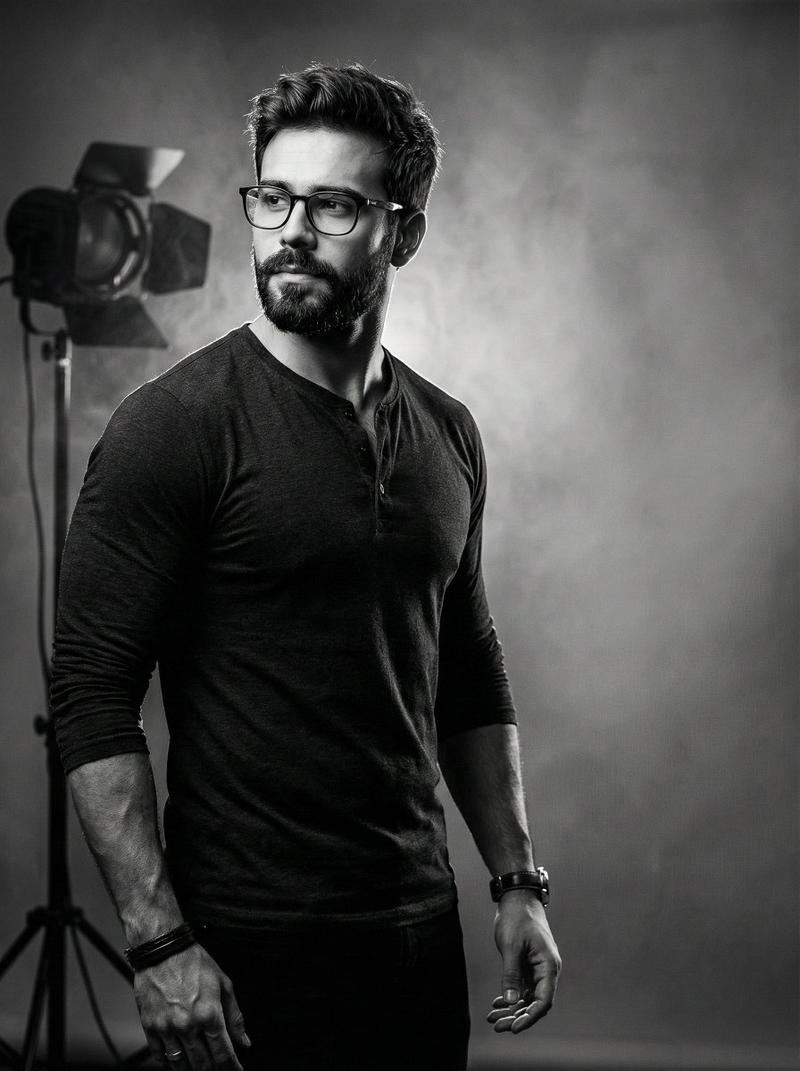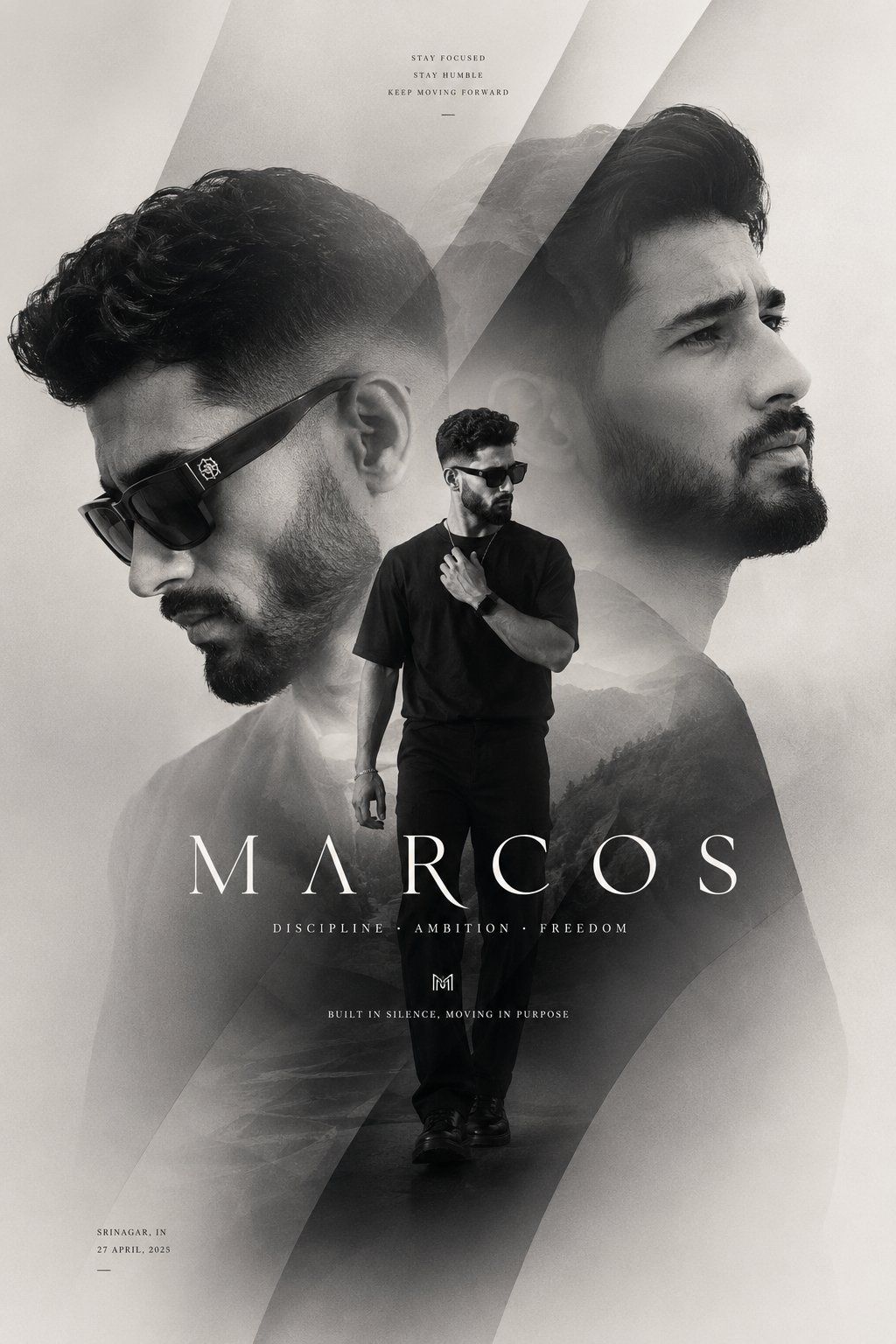
> Create a premium cinematic fashion poster in a monochrome black, charc...
Prompt
> Create a premium cinematic fashion poster in a monochrome black, charcoal, and warm ivory palette. Feature the same stylish young man in three layered portraits: a large left-facing side profile wearing bold black rectangular sunglasses, a large right-facing close-up portrait with a confident, focused expression, and a full-body figure walking forward in the center wearing an oversized black T-shirt, relaxed black trousers, dark shoes, sunglasses, and a subtle chain. Use sophisticated double exposure and collage composition, with soft mountain landscapes and mist blended into the portraits. Add large translucent geometric diagonal shapes and sweeping curved overlays to create depth and motion. Use dramatic soft studio lighting, high contrast, fine film grain, atmospheric haze, subtle shadows, clean luxury editorial styling, and a minimal premium streetwear campaign aesthetic. Vertical 2:3 poster layout, centered composition, elegant negative space, refined typography. Add small uppercase text at the top: “STAY FOCUSED / STAY HUMBLE / KEEP MOVING FORWARD.” Add a large spaced serif title across the lower middle: “MARCOS.” Beneath it, place: “DISCIPLINE · AMBITION · FREEDOM.” Add a small minimalist monogram logo and the tagline: “BUILT IN SILENCE, MOVING IN PURPOSE.” Include small location/date text in the lower-left corner. Ultra-detailed, photorealistic, polished luxury magazine cover, cinematic poster design, subtle texture, no bright colors. Optional negative prompt: > cartoon, illustration, colorful background, oversaturated colors, cluttered layout, distorted face, extra limbs, duplicated body parts, bad anatomy, blurry facial features, low-resolution, harsh lighting, cheap typography, messy text, excessive effects, unrealistic skin, warped sunglasses
- Category
- 创意图片
- Model
- GPT Image 2
- Creator
- @aatif_j
- Source ID
- 2083109909873529276
- Published
- Aug 1, 2026
Views3