17

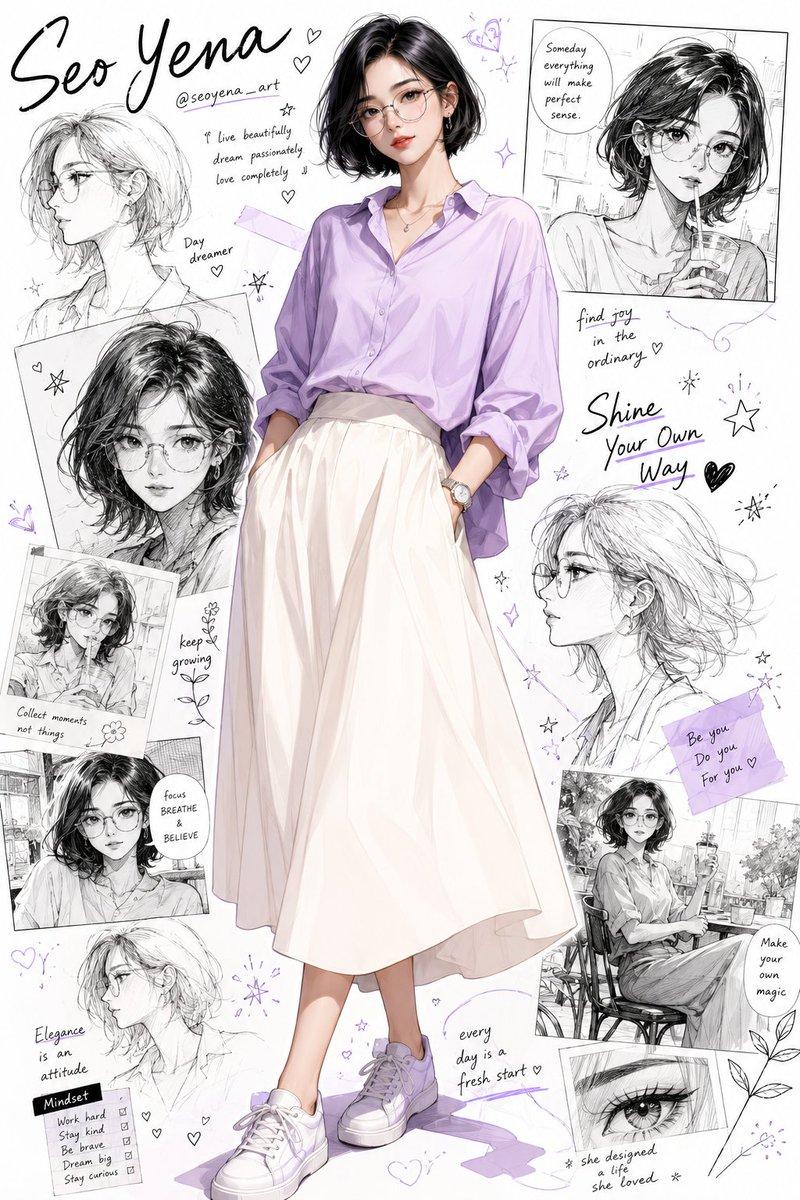
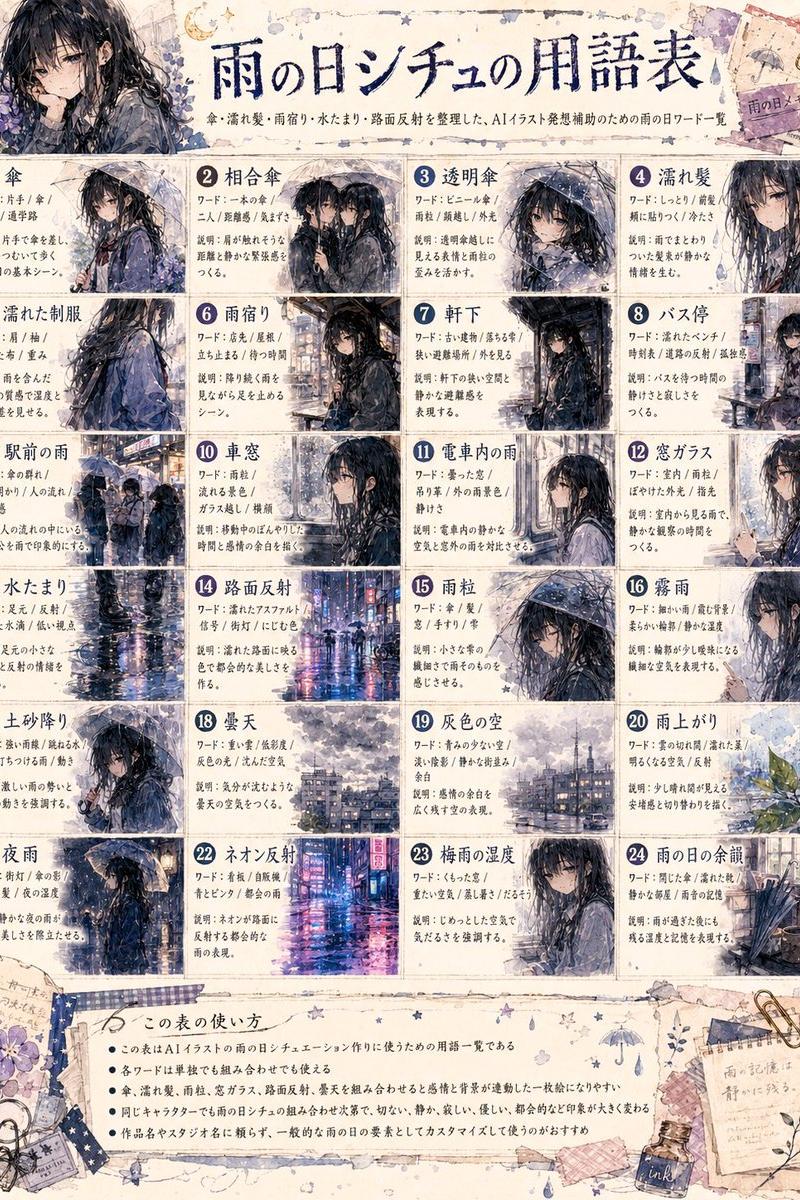
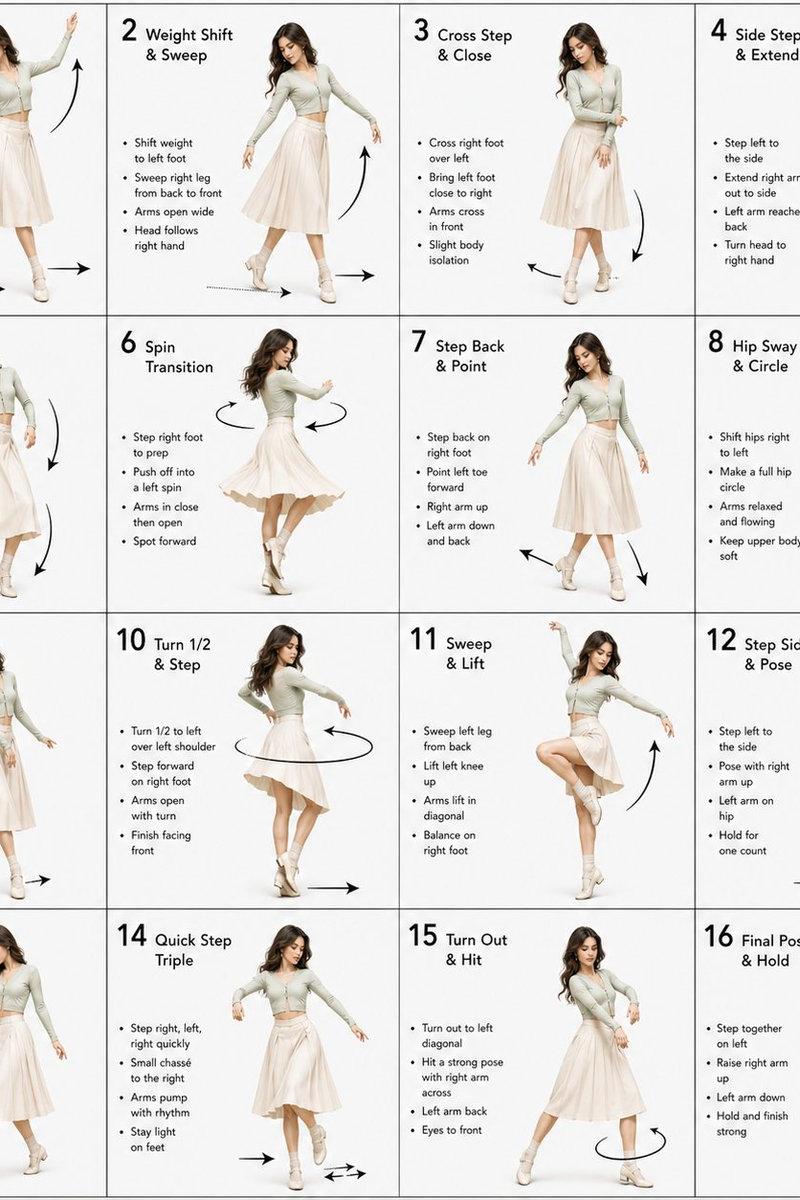
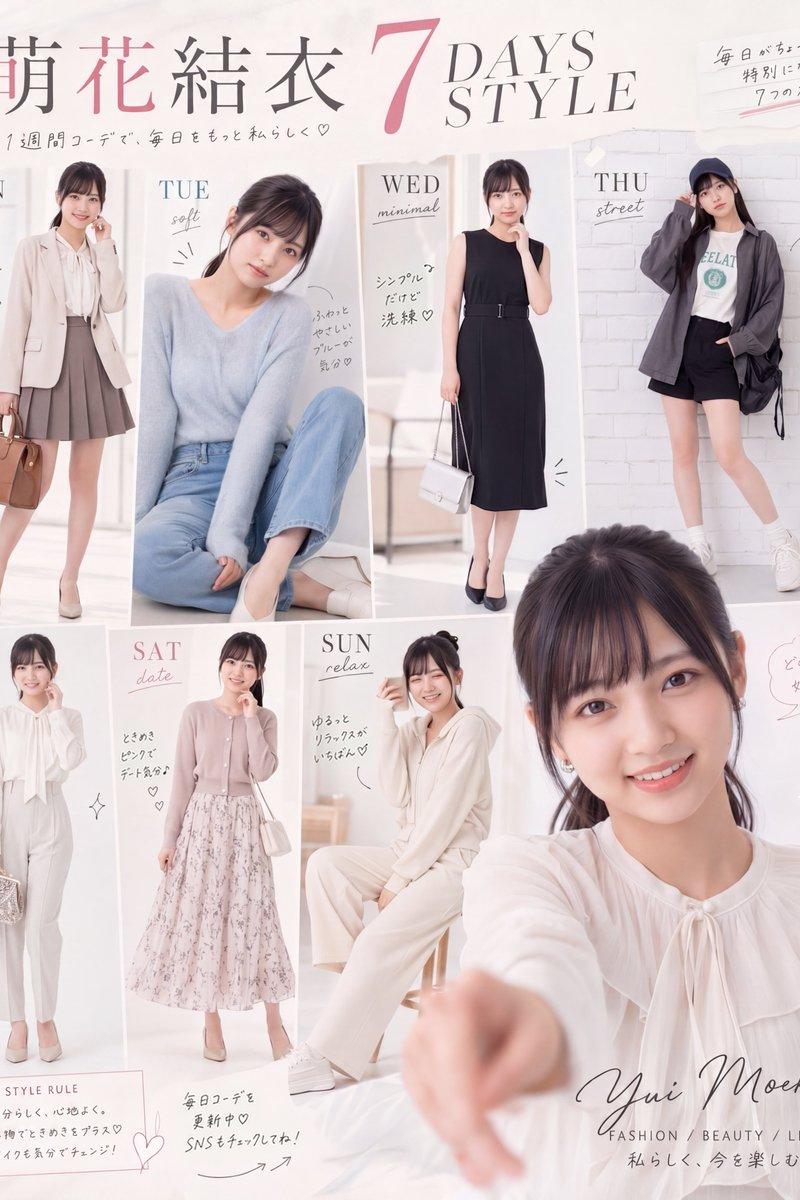
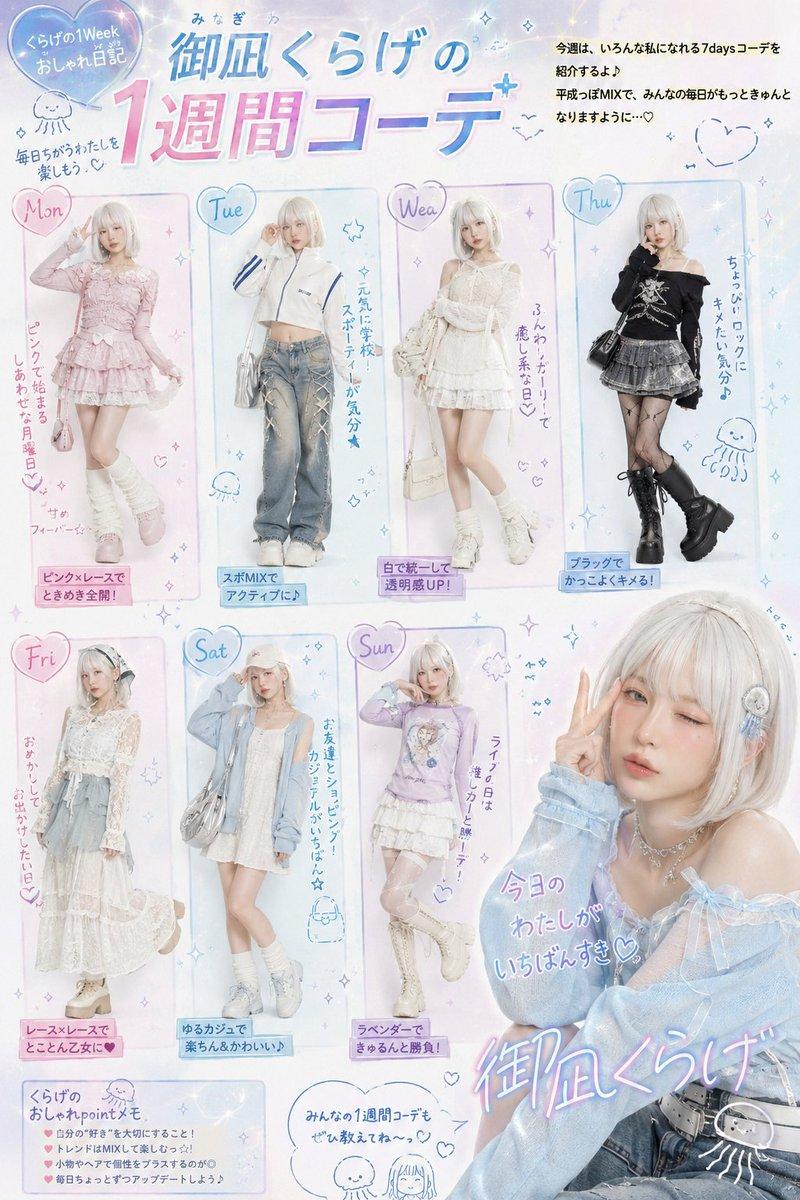
半写实风格的动漫灵感肖像,描绘一位时尚的年轻韩国女性,留着齐耳光滑黑短发,整齐地别在耳后,几缕柔软的发丝自然垂落在脸颊两侧。精致的圆框眼镜捕捉到...
Enlarge

Example images

半写实风格的动漫灵感肖像,描绘一位时尚的年轻韩国女性,留着齐耳光滑黑短发,整齐地别在耳后,几缕柔软的发丝自然垂落在脸颊两侧。精致的圆框眼镜捕捉到...

Prompt
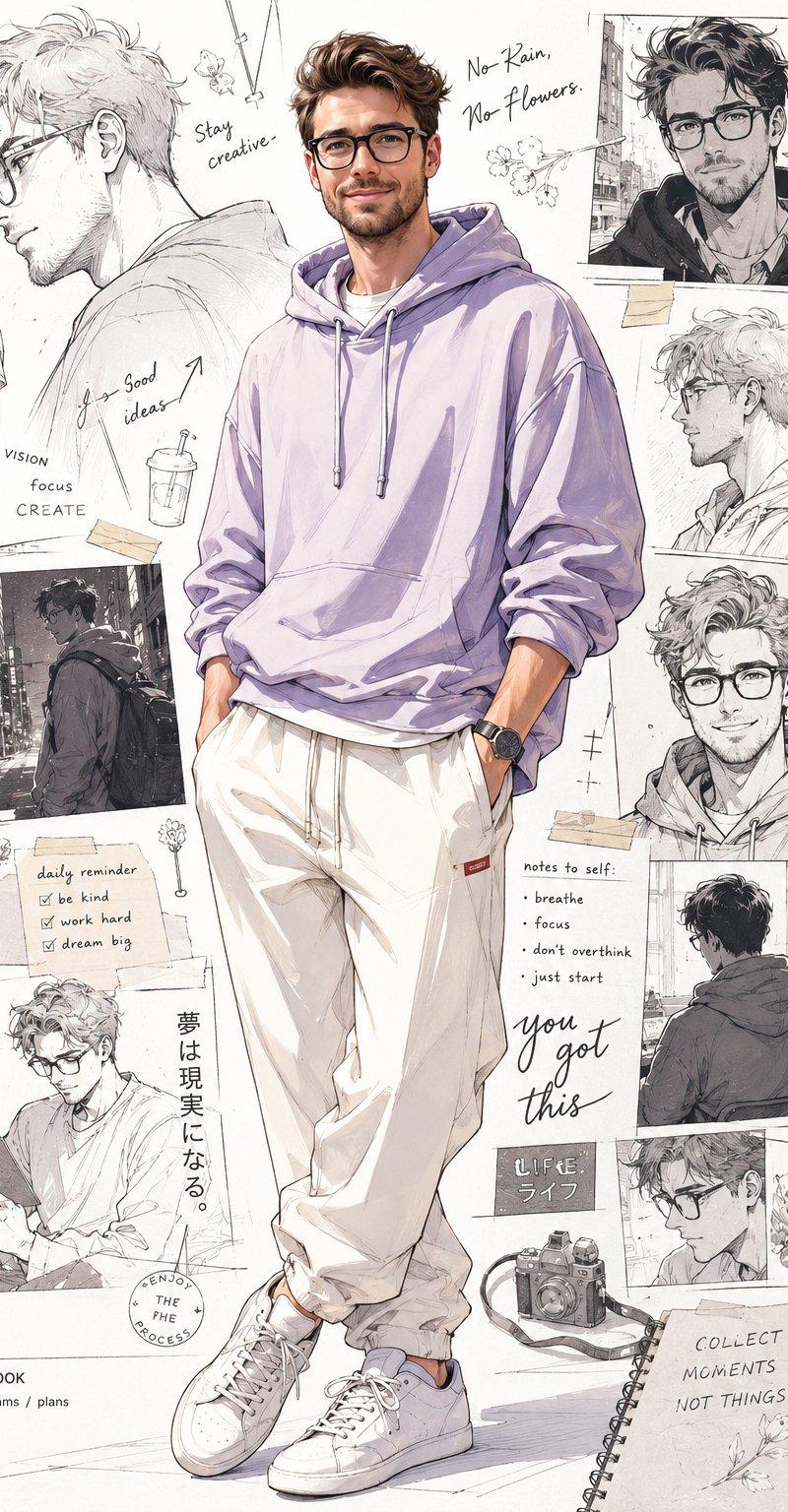
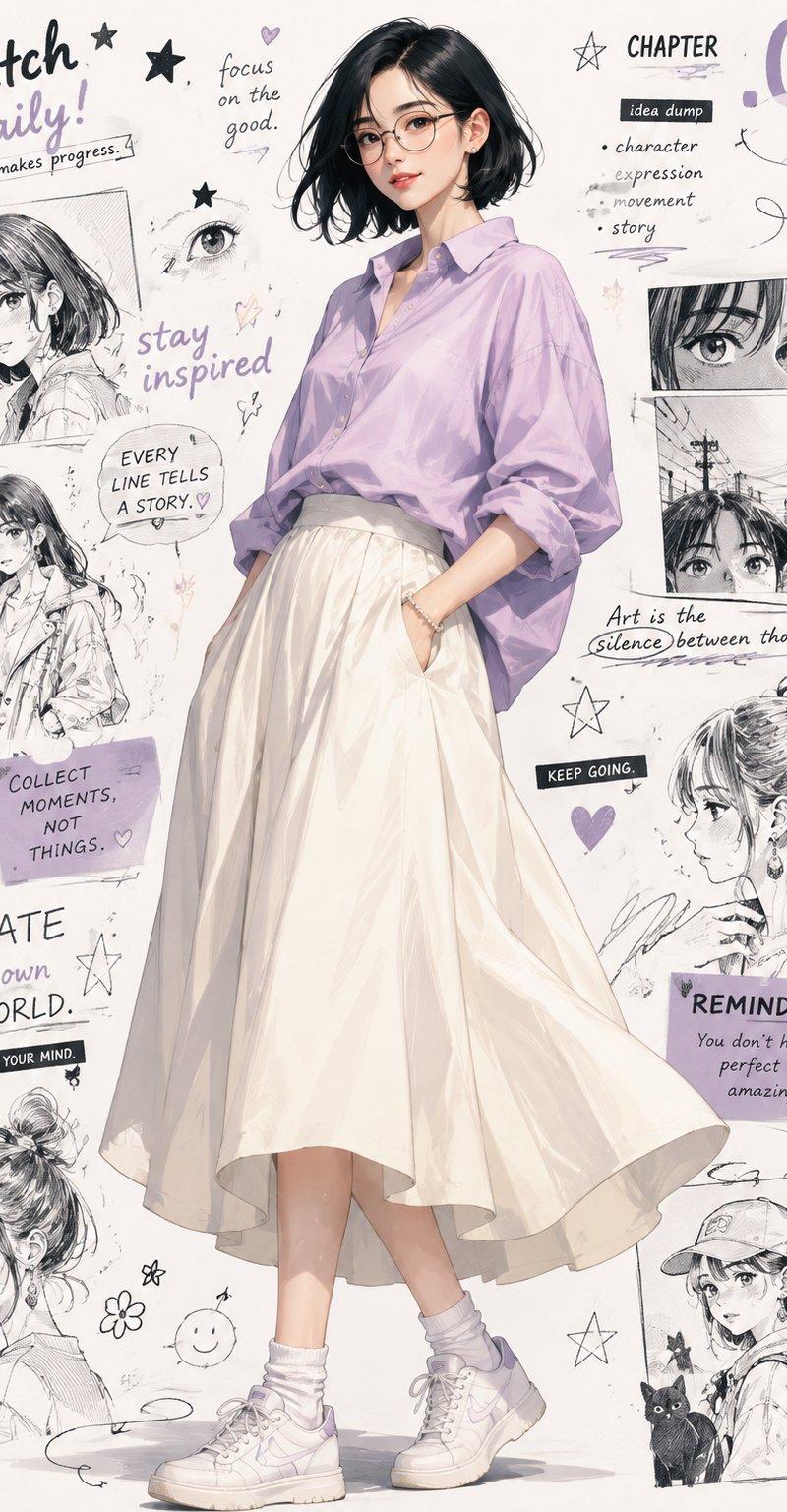
半写实风格的动漫灵感肖像,描绘一位时尚的年轻韩国女性,留着齐耳光滑黑短发,整齐地别在耳后,几缕柔软的发丝自然垂落在脸颊两侧。精致的圆框眼镜捕捉到一丝微妙的光芒,温柔自信的表情带着一丝了然的微笑,眼睛明亮而温暖。全身体像构图,她随意站立,姿势放松自然——一只手插在裙子口袋里,身体重心移到一侧臀部,营造出自然的非对称感。 她身穿一件超大号的浅紫色宽松衬衫,袖子卷起,柔软的面料在肘部和领口处形成轻柔的褶皱阴影,搭配一条飘逸的象牙白A字中裙,仿佛在迈步时微微摆动。一条细珠手链和小巧的耳钉为造型增添了低调的细节,而不喧宾夺主。 在她身后,是一个艺术拼贴背景,由手绘的黑白人物研究组成,松散而富有表现力的铅笔素描、漫画面板碎片、俏皮的涂鸦、星星、心形、漩涡以及手写笔记有机散布其中——墨水浓淡和铅笔压力各异,营造出真实的手工质感,而非统一的风格。有些素描边缘柔和晕染,为拼贴层次增添深度。 当代动漫时尚插图风格,融合墨水与铅笔纹理,干净自信的线条工作,皮肤和面料上采用柔和的赛璐珞阴影与渐变过渡,头发和肩部沿边缘的精致轮廓光,将她与繁忙的背景分离。明亮的白色背景,拼贴元素布置得视觉平衡,在人物周围留出呼吸空间。杂志封面美学,编辑式构图,高度细节,超锐利线条,鲜艳却优雅的色彩调色板,绘画般的收尾触感,8K 杰作品质。
Category
创意图片
Model
GPT Image 2
Creator
@kakarPathan_
Source language
zh-CN
Views3
Source ID
2084563962180329707
Published
Aug 4, 2026
Studio

Guide

About "半写实风格的动漫灵感肖像,描绘一位时尚的年轻韩国女性,留着齐耳光滑黑短发,整齐地别在耳后,几缕柔软的发丝自然垂落在脸颊两侧。精致的圆框眼镜捕捉到..."

What is this prompt for?

"半写实风格的动漫灵感肖像,描绘一位时尚的年轻韩国女性,留着齐耳光滑黑短发,整齐地别在耳后,几缕柔软的发丝自然垂落在脸颊两侧。精致的圆框眼镜捕捉到..." AI image prompt for GPT Image 2 (创意图片). Saved from X post by @kakarPathan_. GPT I…

The full copyable prompt and example visuals above are ready for AI image generation or one-click recreate in Picva.

How to use this prompt

  1. Step 1

    Open the prompt detail

    Review the example visuals, category, and full prompt text for "半写实风格的动漫灵感肖像,描绘一位时尚的年轻韩国女性,留着齐耳光滑黑短发,整齐地别在耳后,几缕柔软的发丝自然垂落在脸颊两侧。精致的圆框眼镜捕捉到...".

  2. Step 2

    Copy the prompt

    Copy the prompt body from this page, or load it directly in Studio.

  3. Step 3

    Pick a model (GPT Image 2)

    Prefer GPT Image 2. If you switch models, keep subject and composition and tweak style terms.

  4. Step 4

    Generate and export

    Recreate the look in Picva, or export into your workflow for editing and publishing.

FAQ

What is the "半写实风格的动漫灵感肖像,描绘一位时尚的年轻韩国女性,留着齐耳光滑黑短发,整齐地别在耳后,几缕柔软的发丝自然垂落在脸颊两侧。精致的圆框眼镜捕捉到..." prompt?
It is an AI image-generation prompt for GPT Image 2 in the 创意图片 category. This page includes the full prompt text, example visuals, and a one-click recreate path in Picva.
How do I use this prompt to generate an image?
Copy the prompt from this page, or use Generate / Studio. Paste it into a compatible image model, or recreate the look in Picva with optional reference images.
Which model is this prompt for?
This page lists GPT Image 2. Most descriptive prompts also transfer to nearby image models such as GPT Image, Flux, or Midjourney with light style tweaks.
Can I use the result commercially?
You can usually copy the prompt for creation, but commercial use of the final image depends on the model terms, reference-image rights, and the generated content. Follow the source author and platform rules.