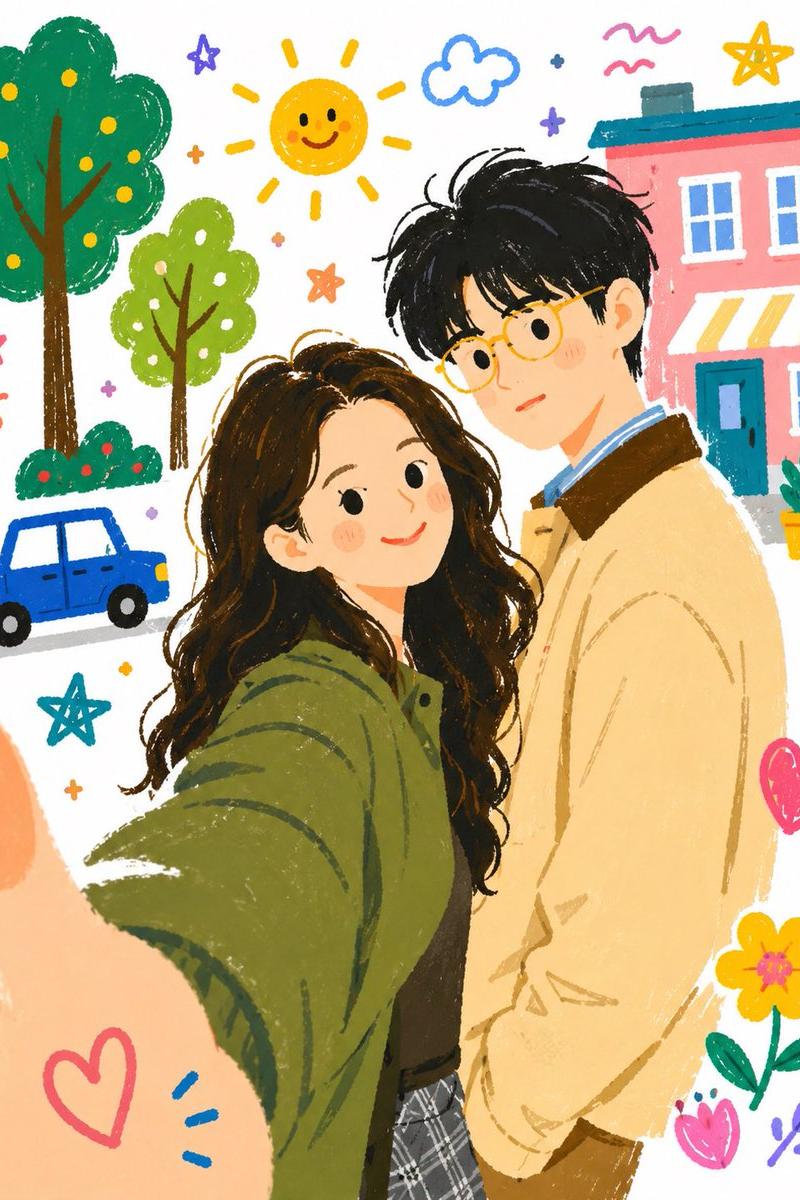
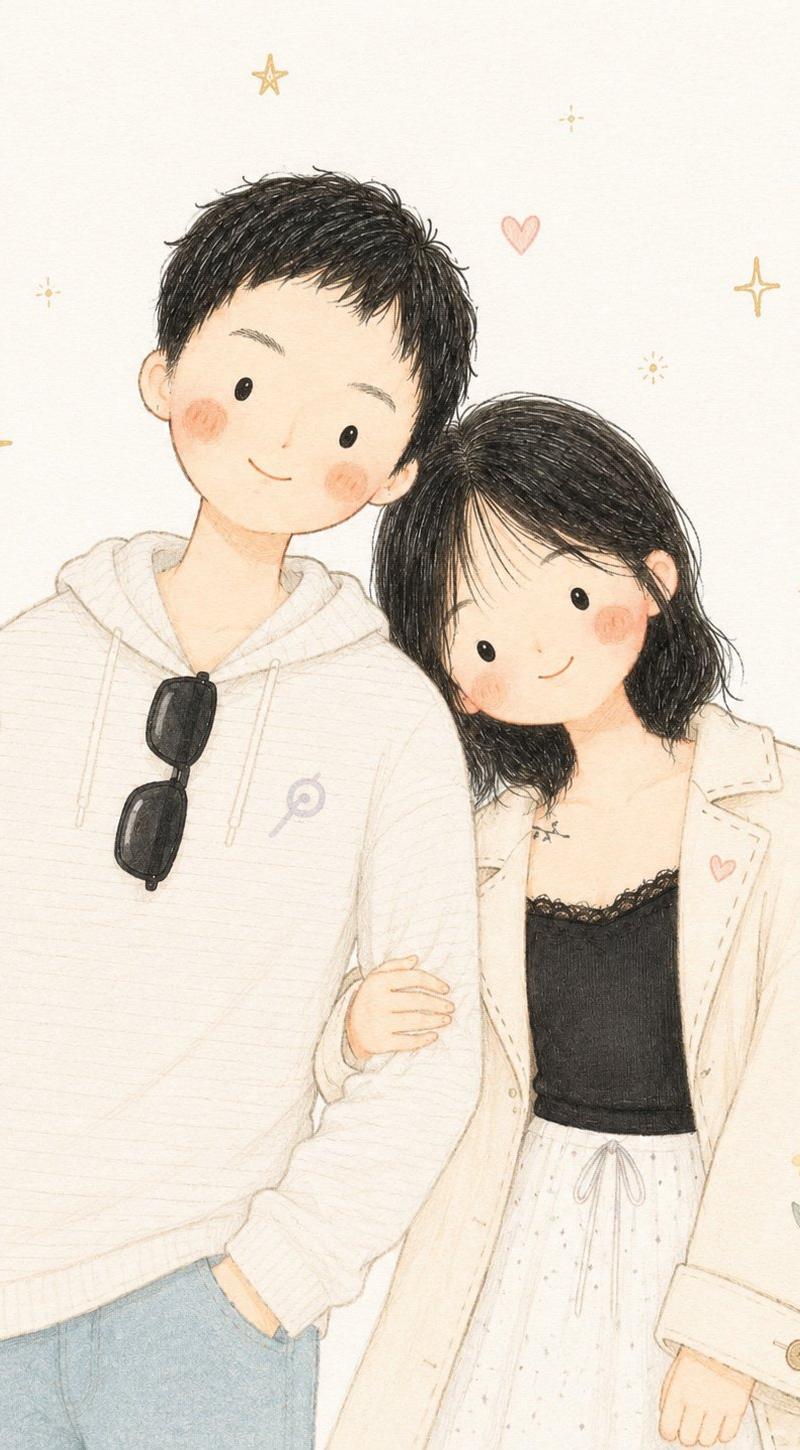
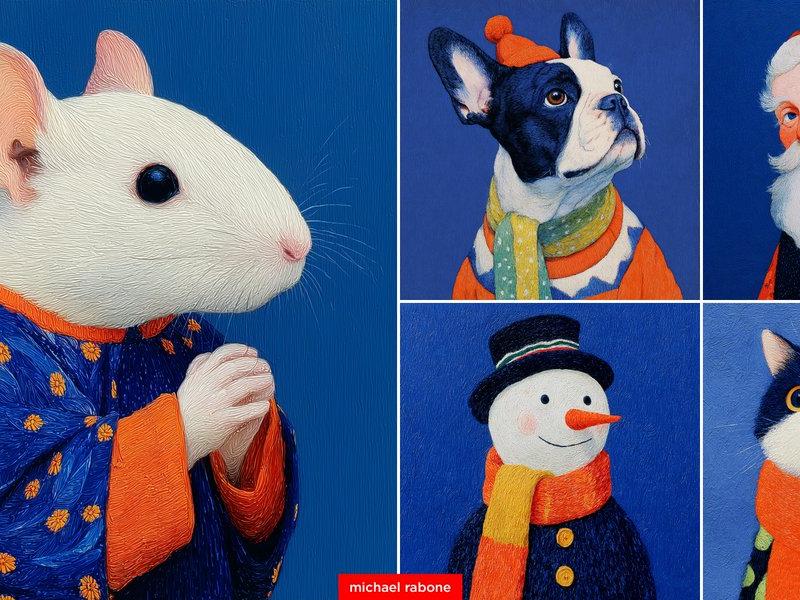
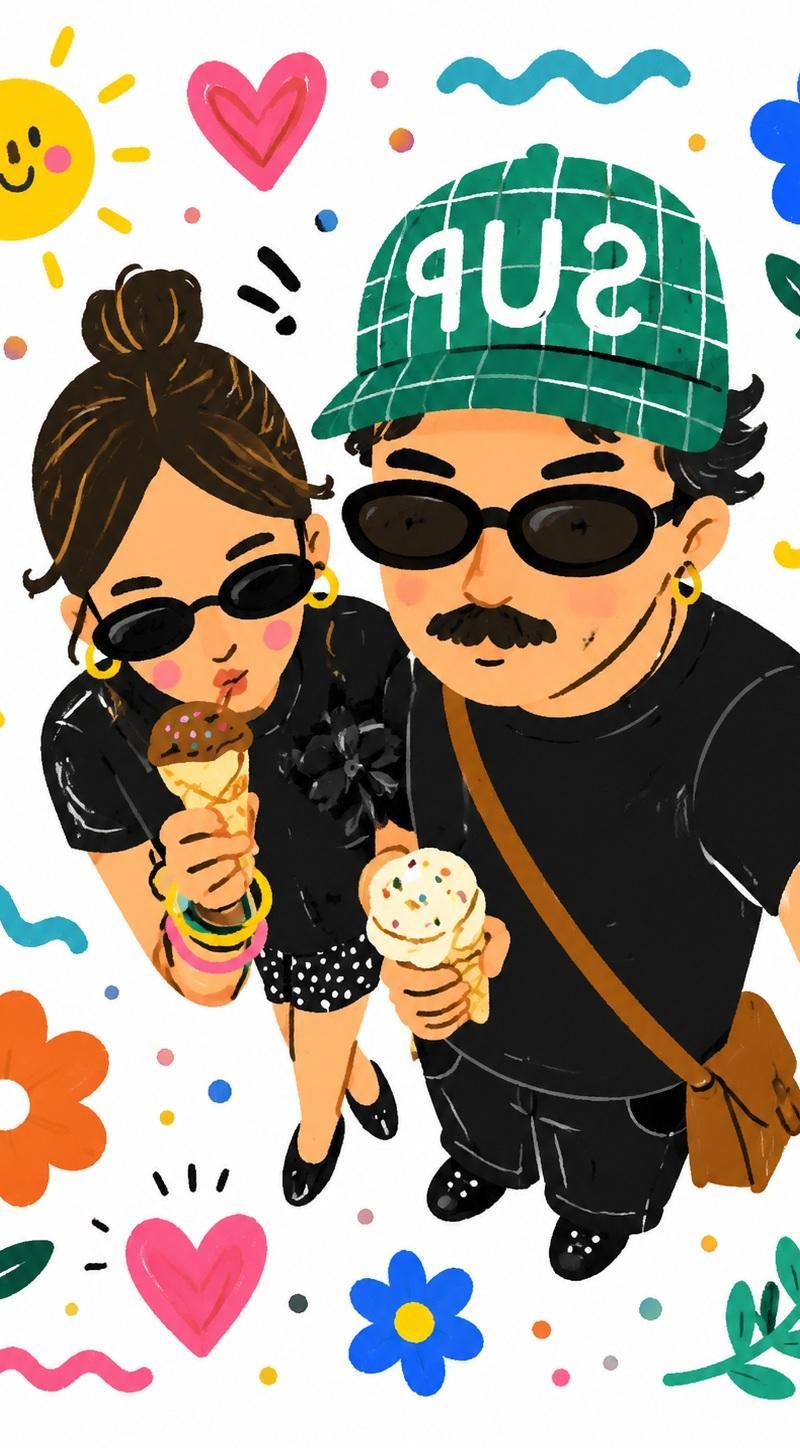
19

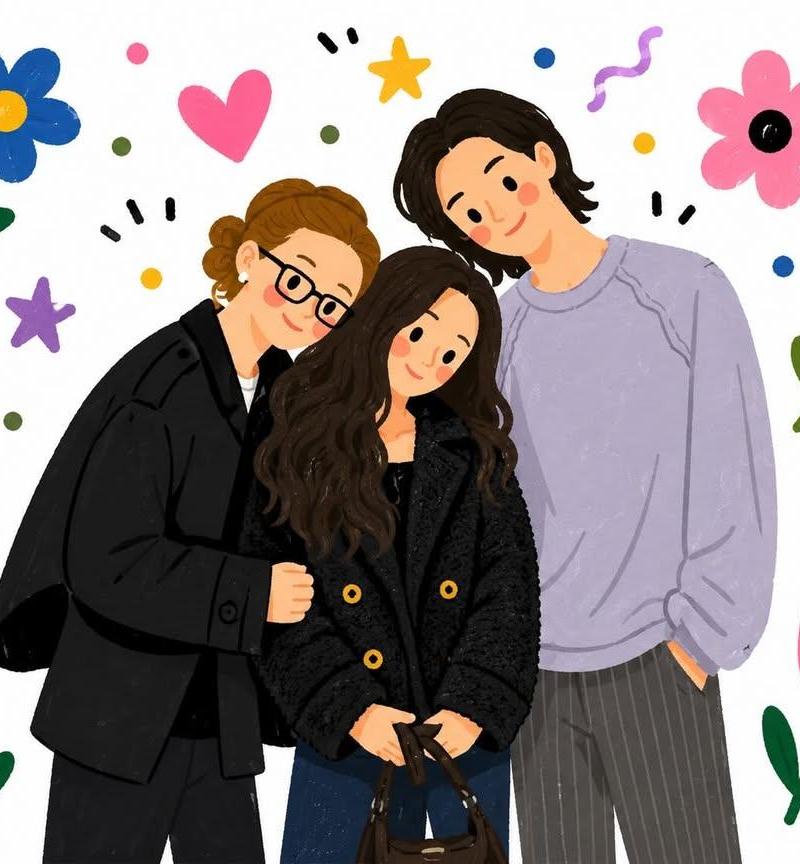
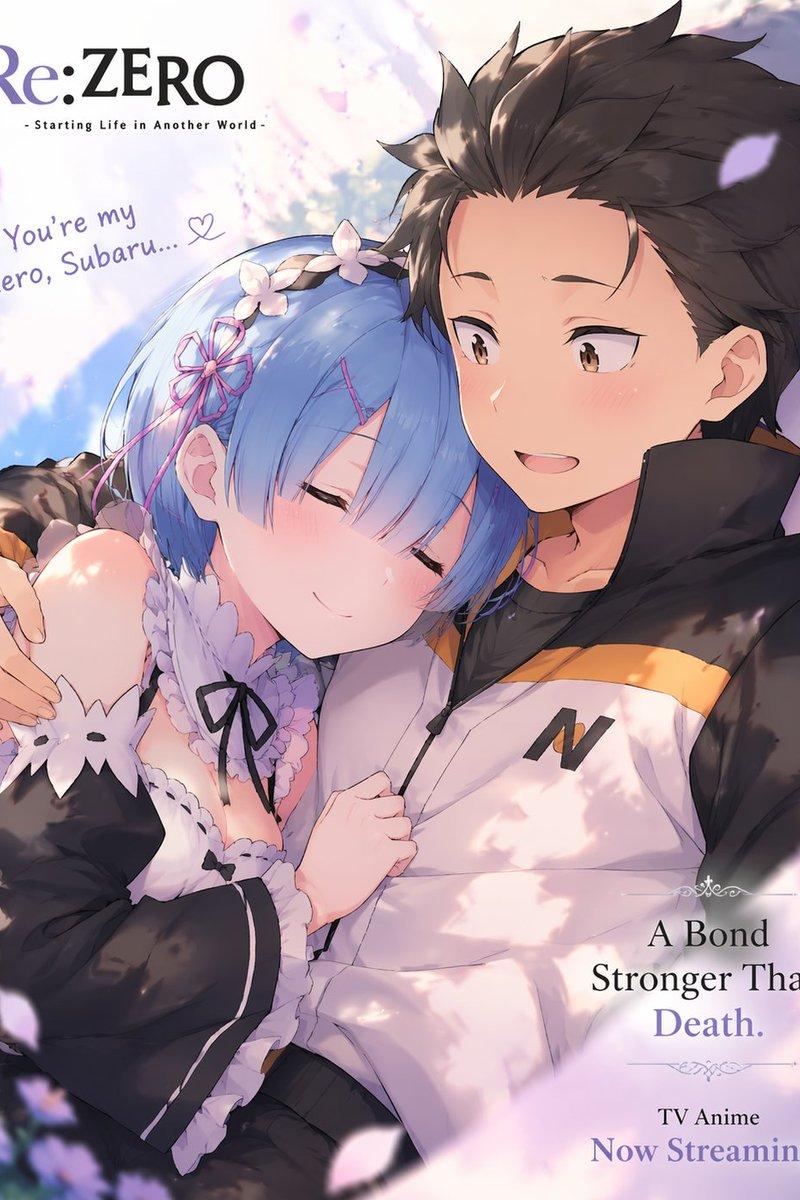
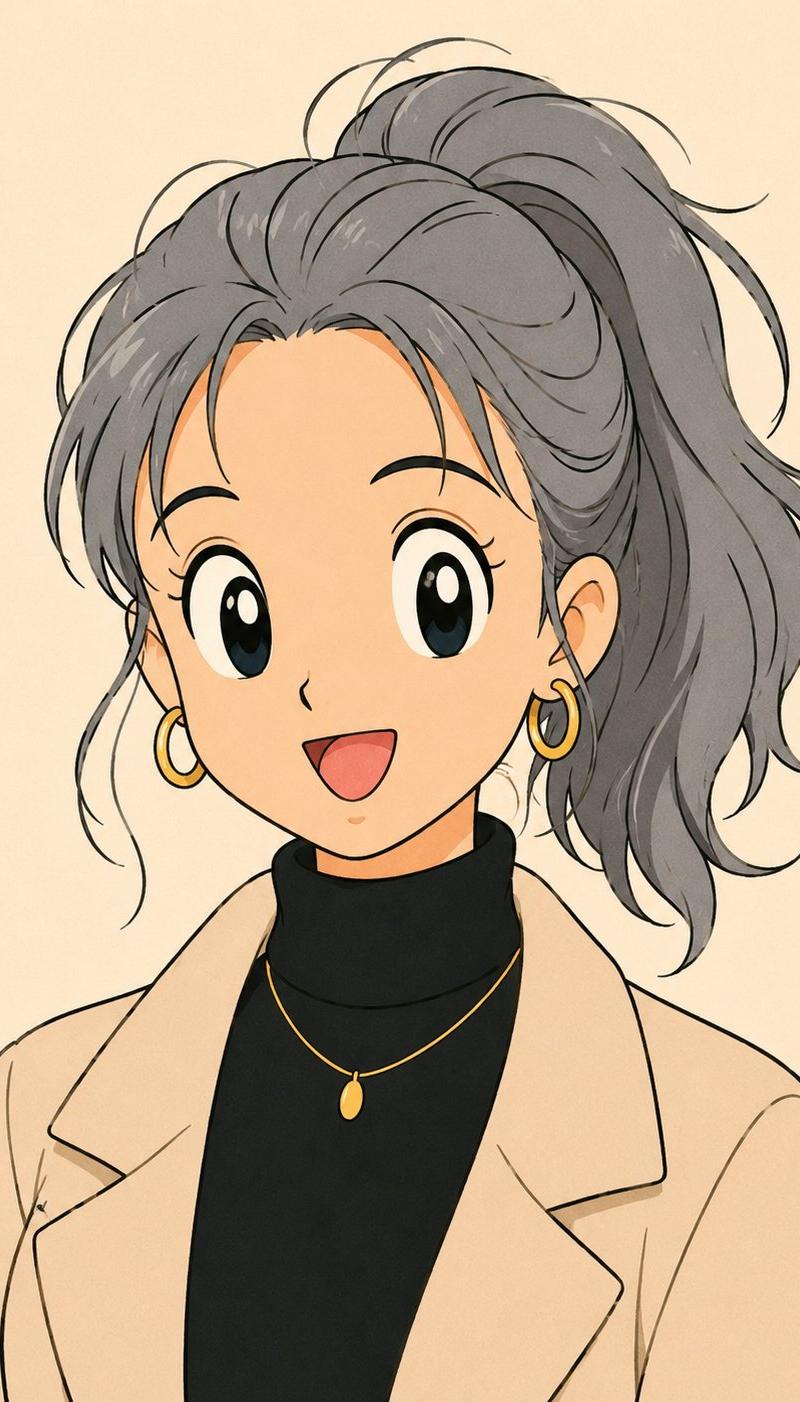
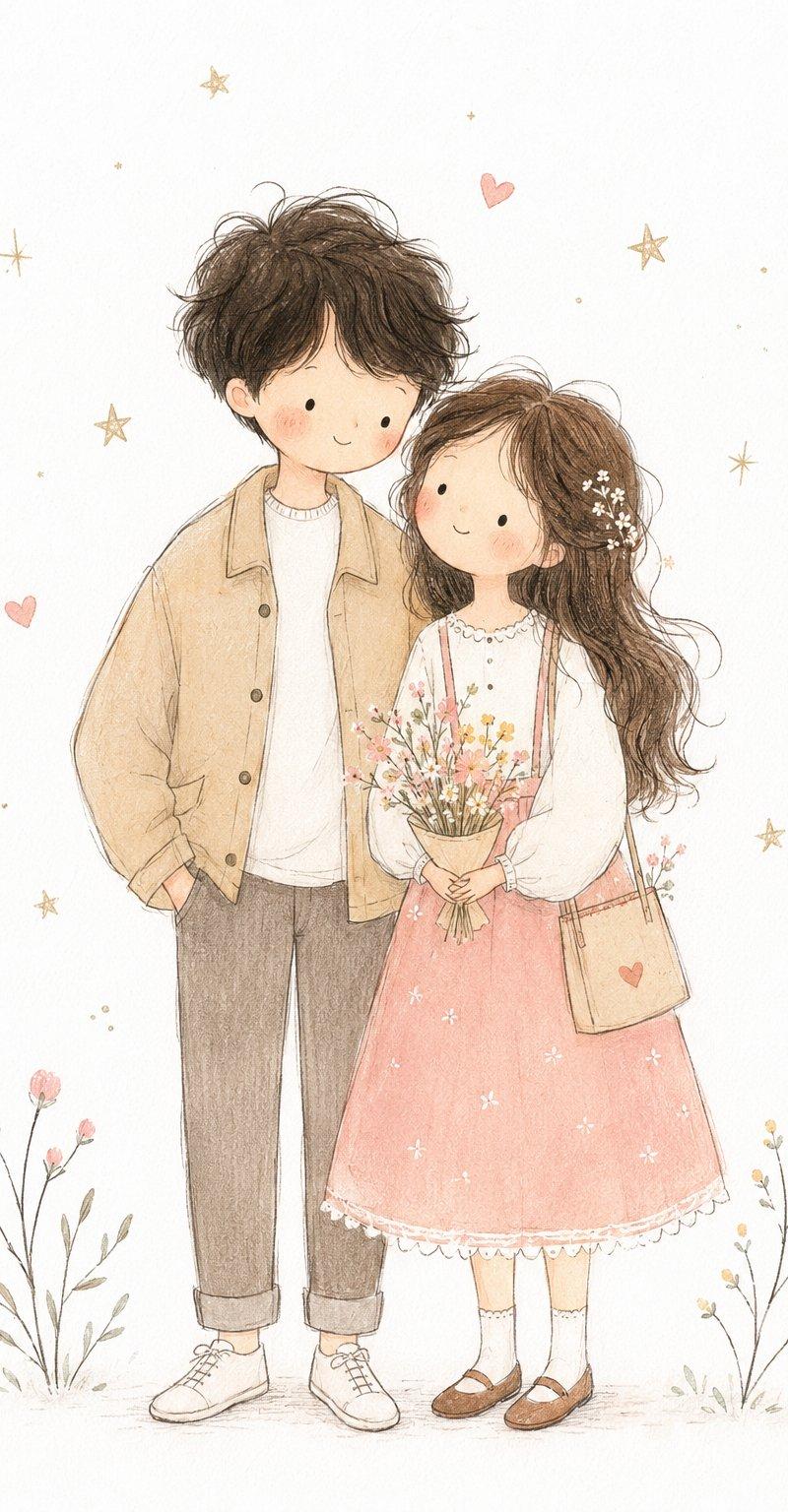
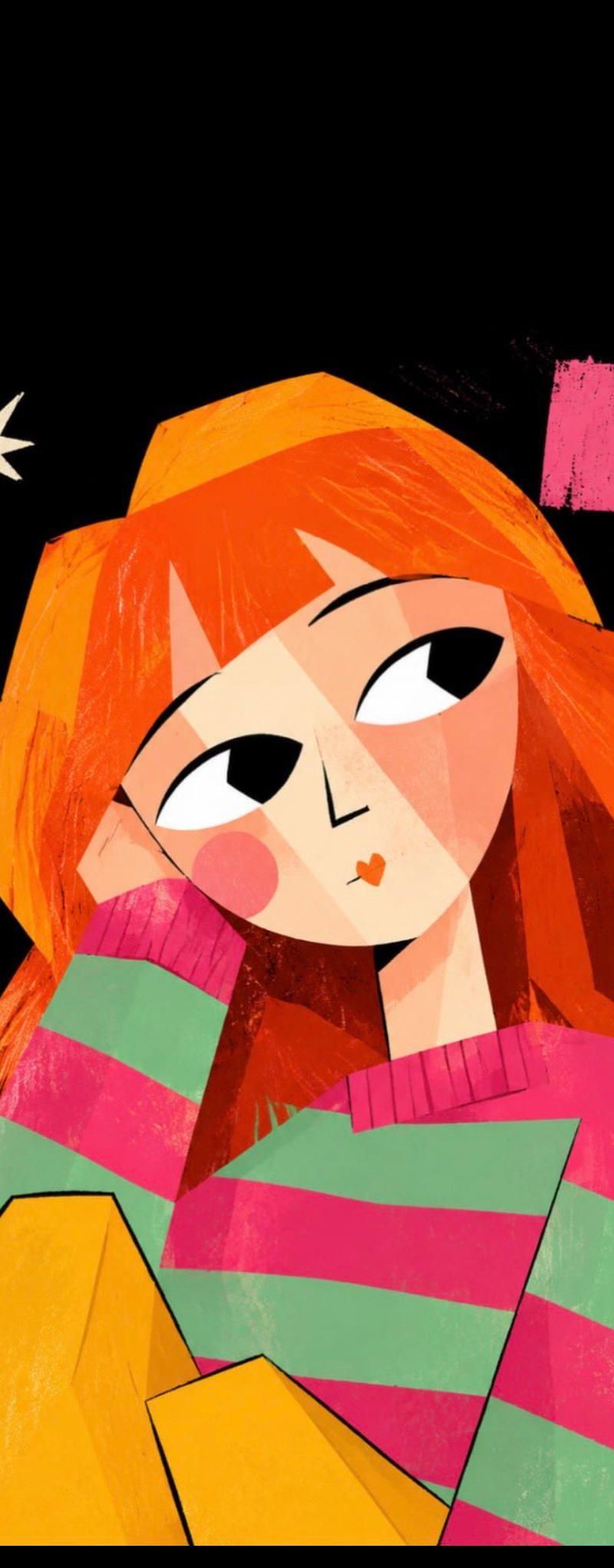
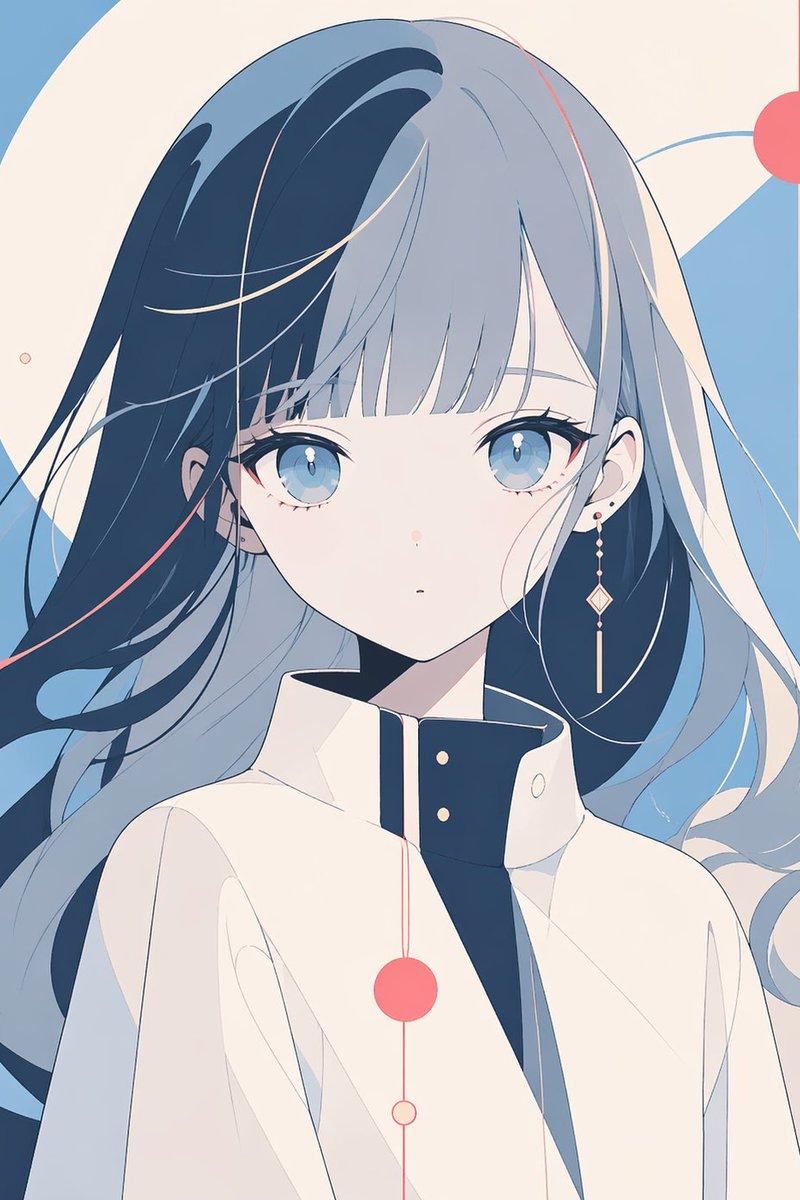
[CHARACTER] 的编辑式平面矢量肖像,采用紧凑的半身裁剪和四分之三视角,头部略微向下倾斜,佩戴 [EYEWEAR] 和 [ACCESSO...
Enlarge

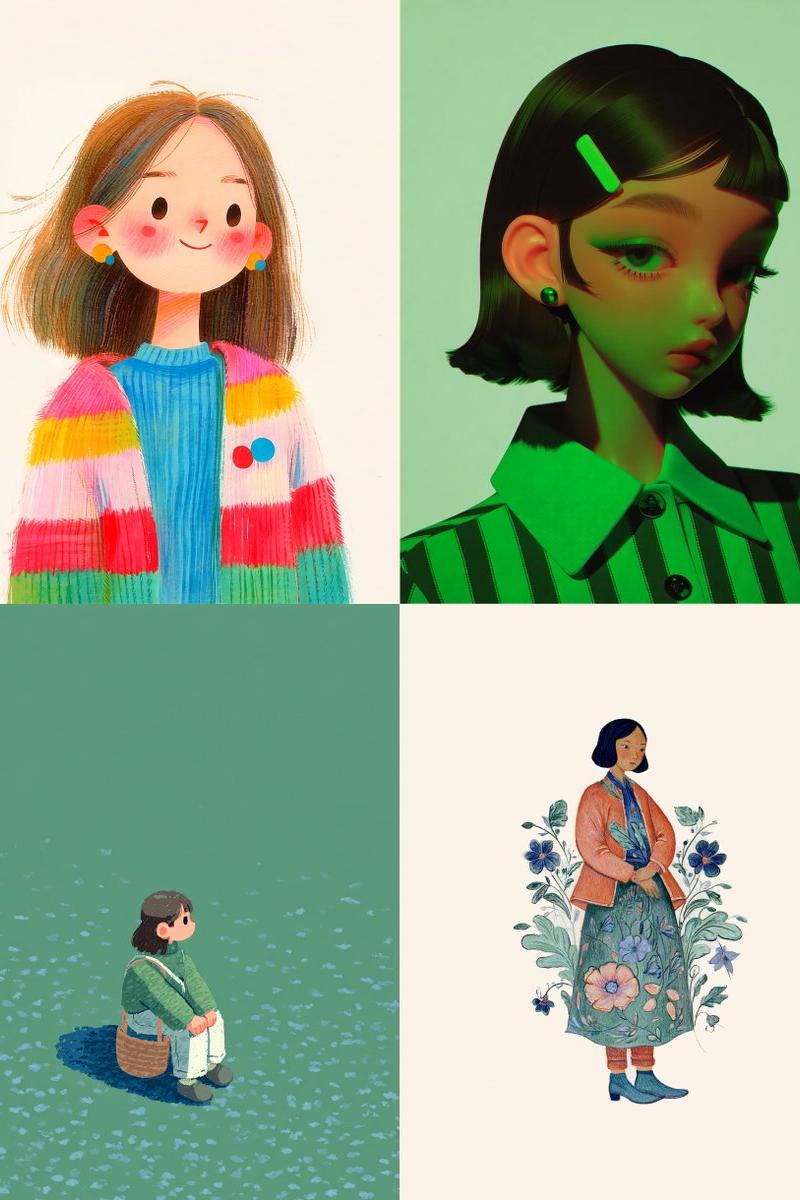
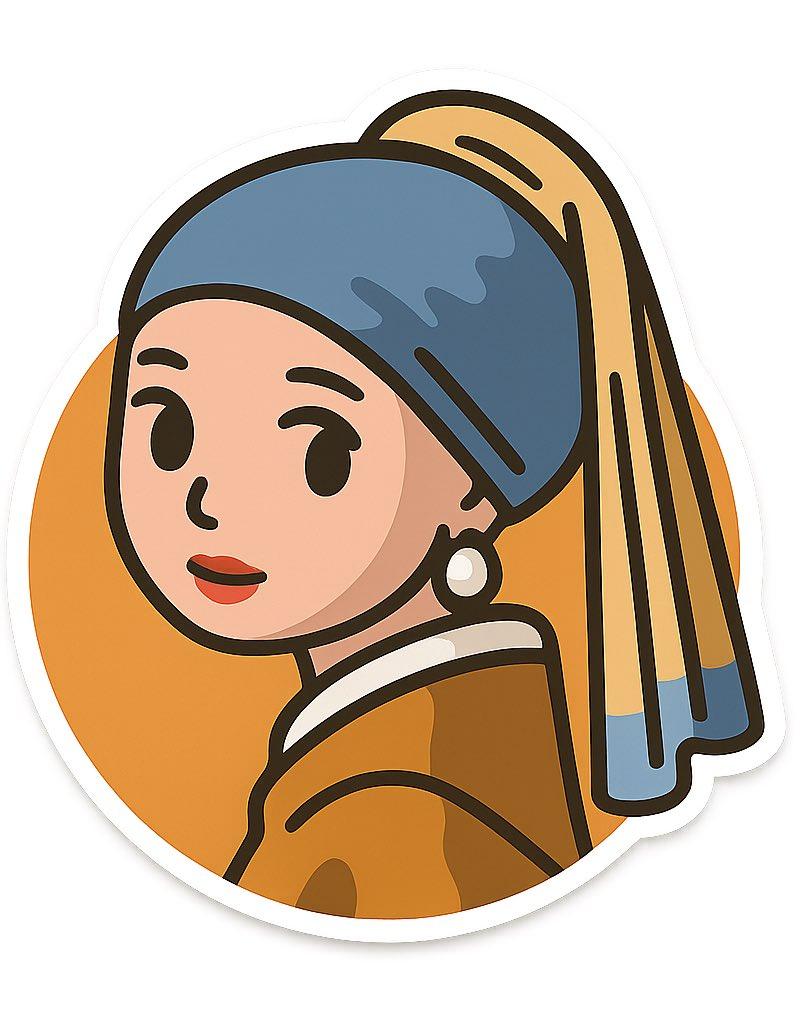
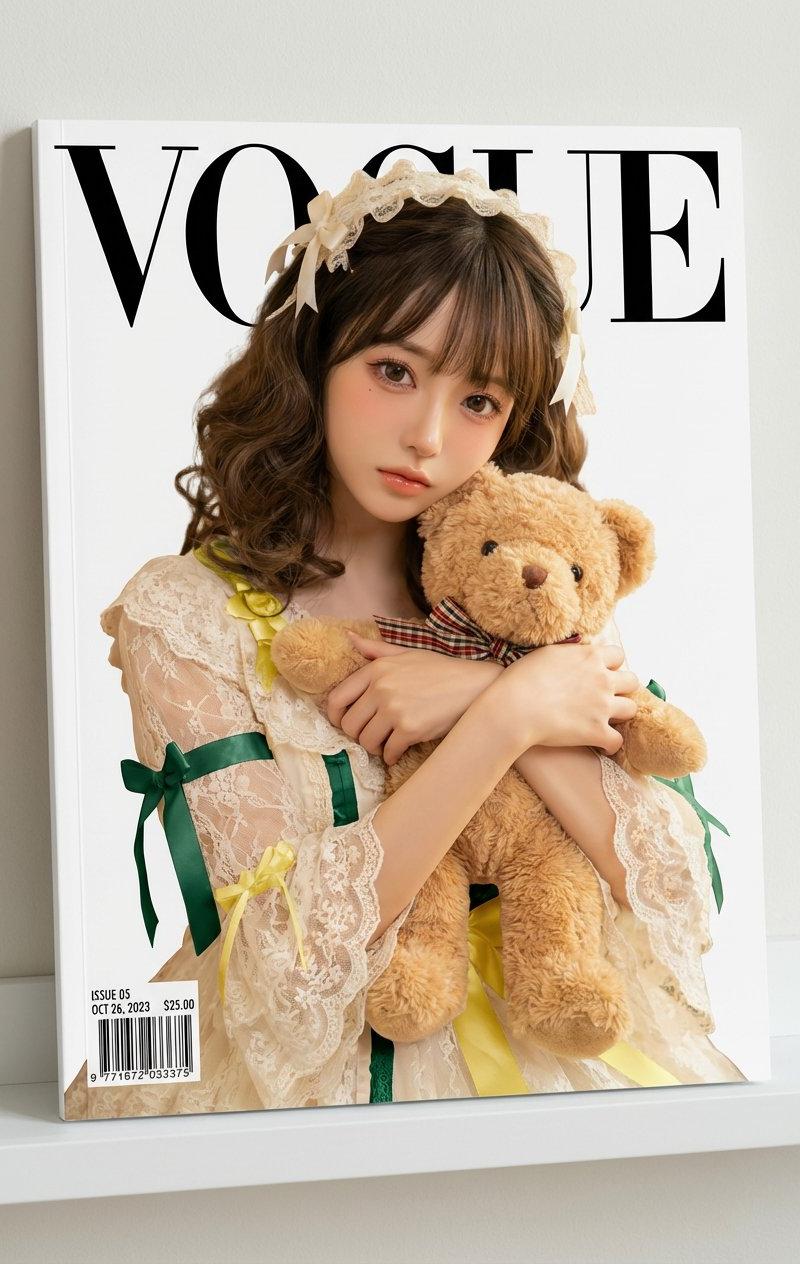
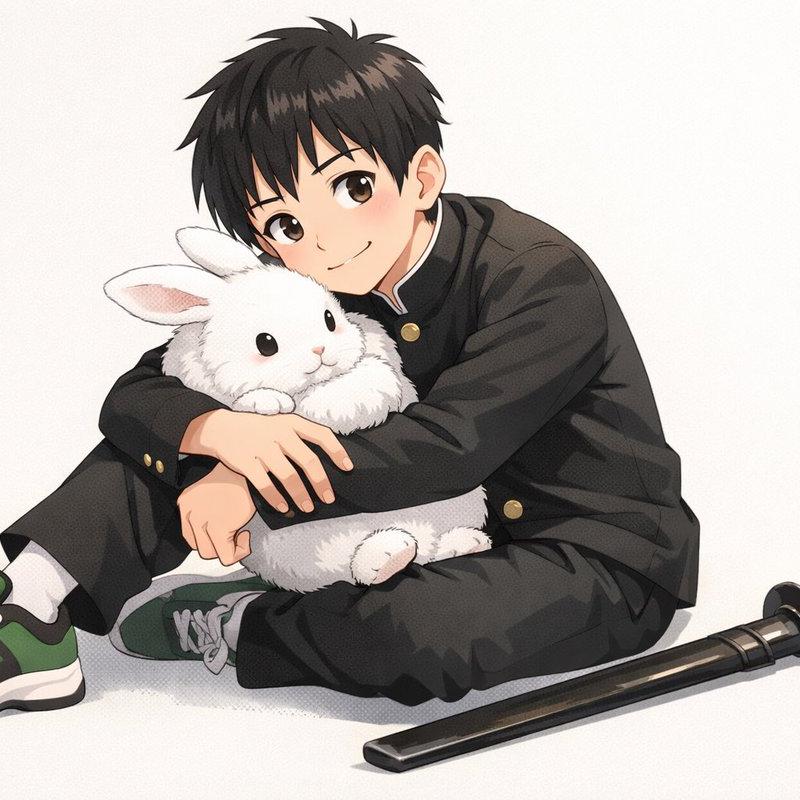
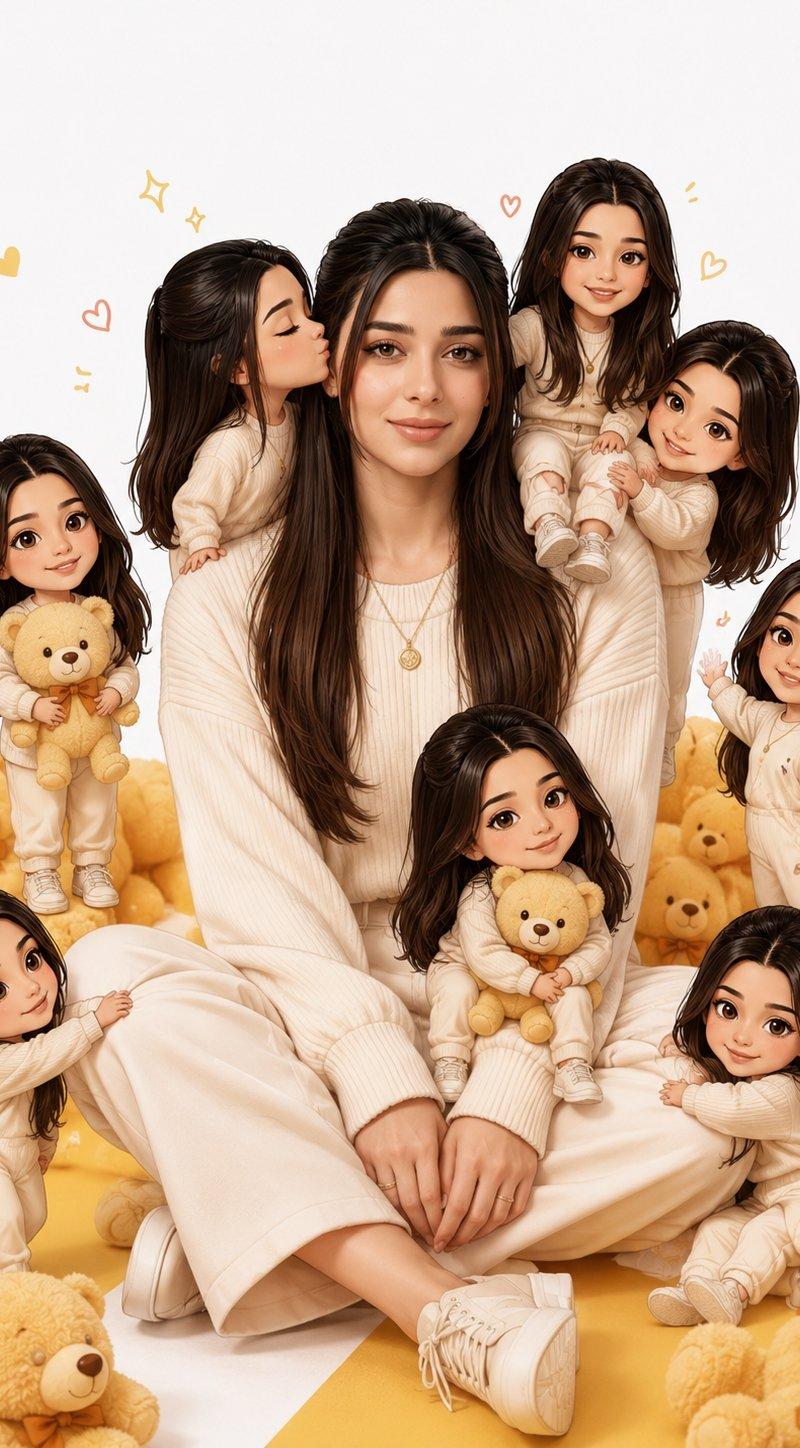
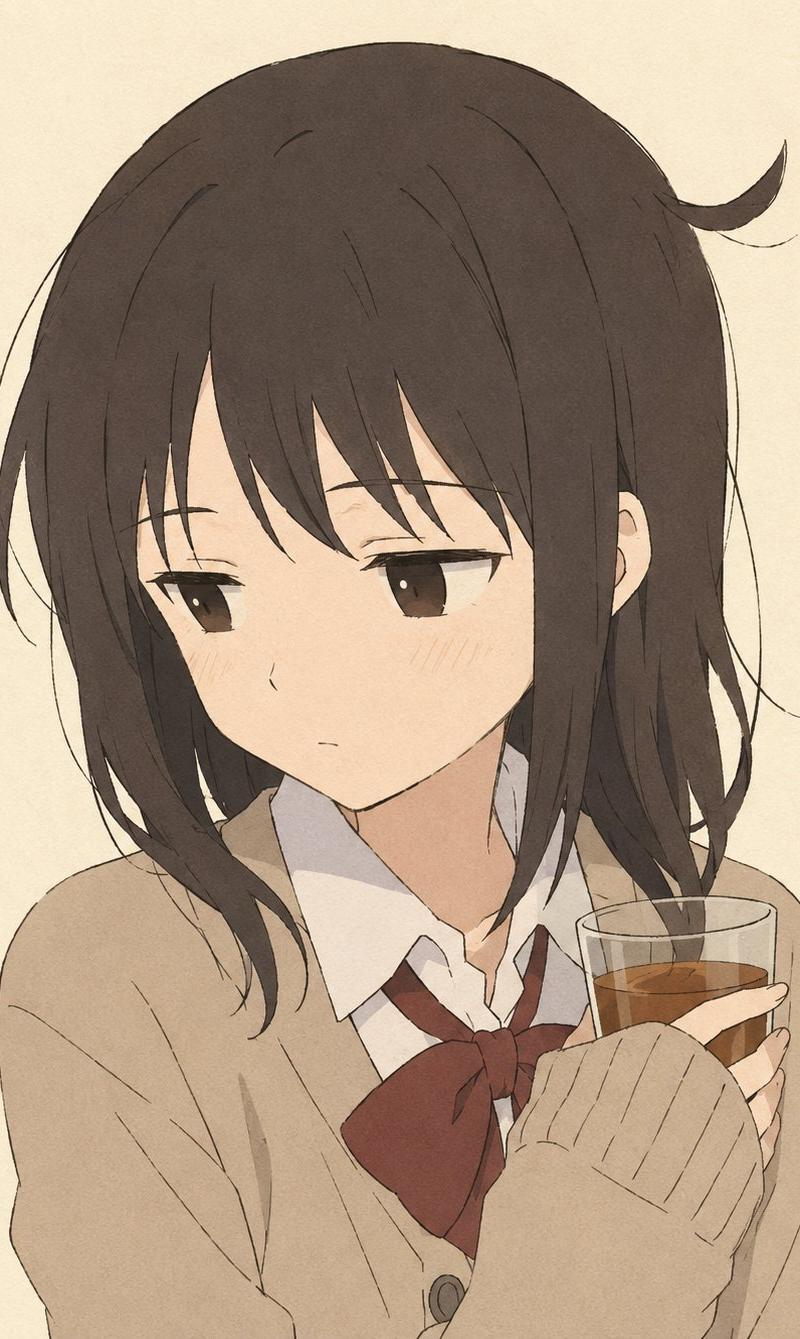
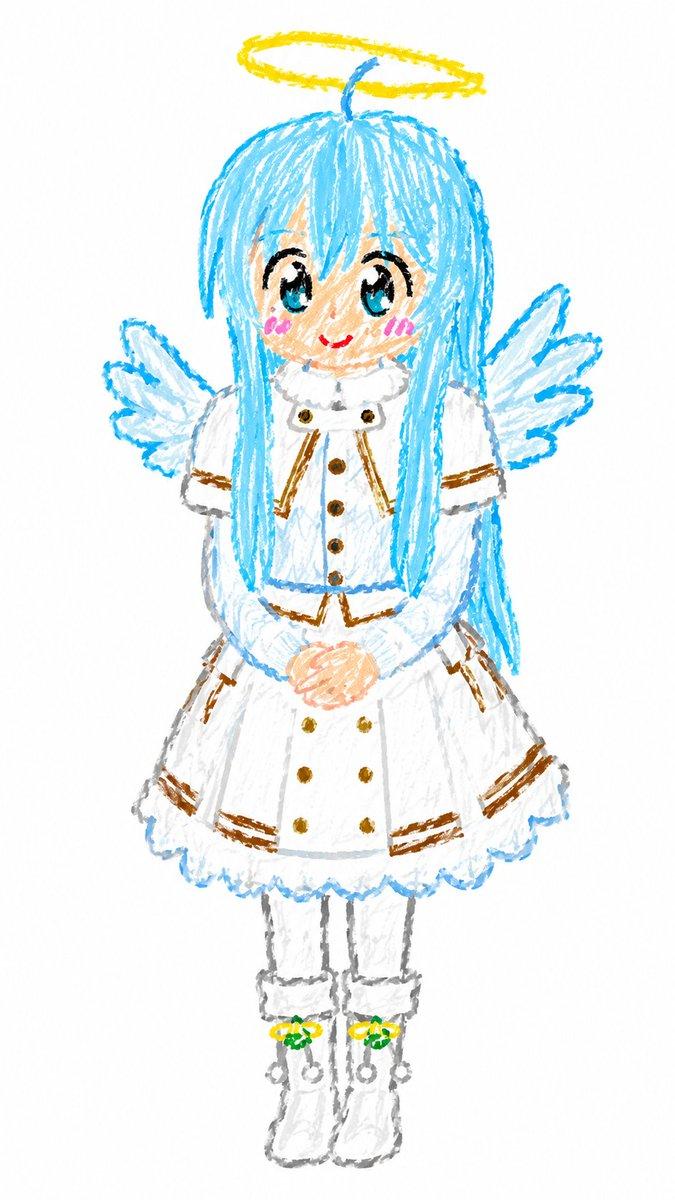
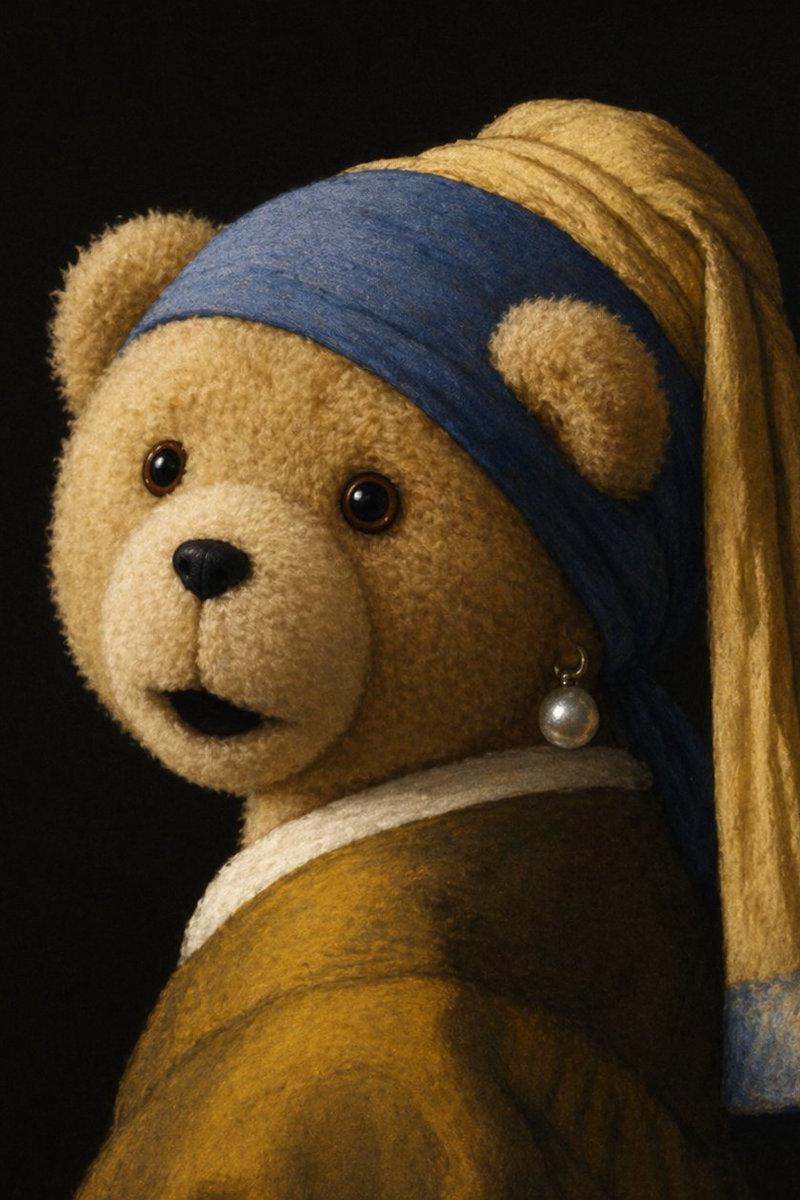
Example images

[CHARACTER] 的编辑式平面矢量肖像,采用紧凑的半身裁剪和四分之三视角,头部略微向下倾斜,佩戴 [EYEWEAR] 和 [ACCESSO...

Prompt
[CHARACTER] 的编辑式平面矢量肖像,采用紧凑的半身裁剪和四分之三视角,头部略微向下倾斜,佩戴 [EYEWEAR] 和 [ACCESSORY]。将头发造型设计为 [HAIRCUT],并让主体穿着 [CLOTHING],搭配高耸的雕塑式领口。将面部、头发、服装和配饰渲染为干净的互锁颜色形状,具有锐利的几何边缘、硬边阴影、最小线条工作,且无渐变效果。将艺术作品限制在 [COLORS] 内。将人物置于 [BACKGROUND] 背景前,使用一个简单的矩形阴影形状来框住头部,而不添加杂乱元素。保持表情平静而自信,轮廓大胆,构图简洁、前卫且图形化;垂直 4:5 纵横比。
Category
创意图片
Model
GPT Image 2
Creator
@Kashberg_0
Source language
zh-CN
Views0
Source ID
2085570109276561801
Published
Aug 8, 2026
Studio

Guide

About "[CHARACTER] 的编辑式平面矢量肖像,采用紧凑的半身裁剪和四分之三视角,头部略微向下倾斜,佩戴 [EYEWEAR] 和 [ACCESSO..."

What is this prompt for?

"[CHARACTER] 的编辑式平面矢量肖像,采用紧凑的半身裁剪和四分之三视角,头部略微向下倾斜,佩戴 [EYEWEAR] 和 [ACCESSO..." AI image prompt for GPT Image 2 (创意图片). Saved from X post by @Kashberg_0. Gpt 图像…

The full copyable prompt and example visuals above are ready for AI image generation or one-click recreate in Picva.

How to use this prompt

  1. Step 1

    Open the prompt detail

    Review the example visuals, category, and full prompt text for "[CHARACTER] 的编辑式平面矢量肖像,采用紧凑的半身裁剪和四分之三视角,头部略微向下倾斜,佩戴 [EYEWEAR] 和 [ACCESSO...".

  2. Step 2

    Copy the prompt

    Copy the prompt body from this page, or load it directly in Studio.

  3. Step 3

    Pick a model (GPT Image 2)

    Prefer GPT Image 2. If you switch models, keep subject and composition and tweak style terms.

  4. Step 4

    Generate and export

    Recreate the look in Picva, or export into your workflow for editing and publishing.

FAQ

What is the "[CHARACTER] 的编辑式平面矢量肖像,采用紧凑的半身裁剪和四分之三视角,头部略微向下倾斜,佩戴 [EYEWEAR] 和 [ACCESSO..." prompt?
It is an AI image-generation prompt for GPT Image 2 in the 创意图片 category. This page includes the full prompt text, example visuals, and a one-click recreate path in Picva.
How do I use this prompt to generate an image?
Copy the prompt from this page, or use Generate / Studio. Paste it into a compatible image model, or recreate the look in Picva with optional reference images.
Which model is this prompt for?
This page lists GPT Image 2. Most descriptive prompts also transfer to nearby image models such as GPT Image, Flux, or Midjourney with light style tweaks.
Can I use the result commercially?
You can usually copy the prompt for creation, but commercial use of the final image depends on the model terms, reference-image rights, and the generated content. Follow the source author and platform rules.