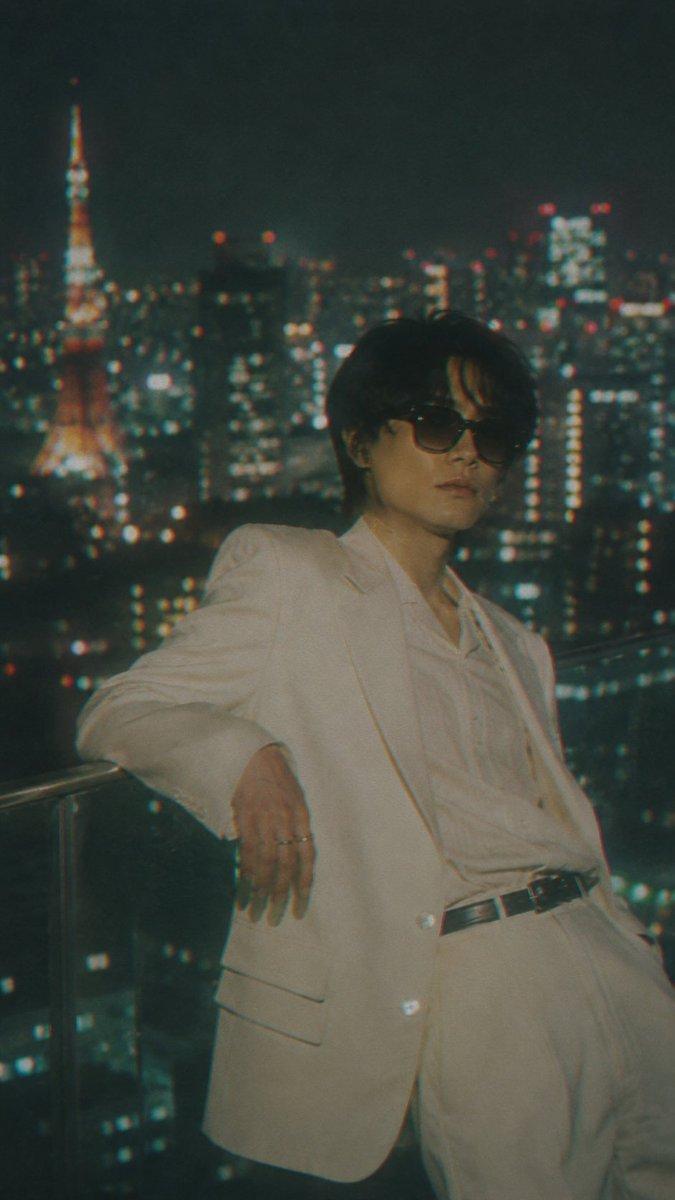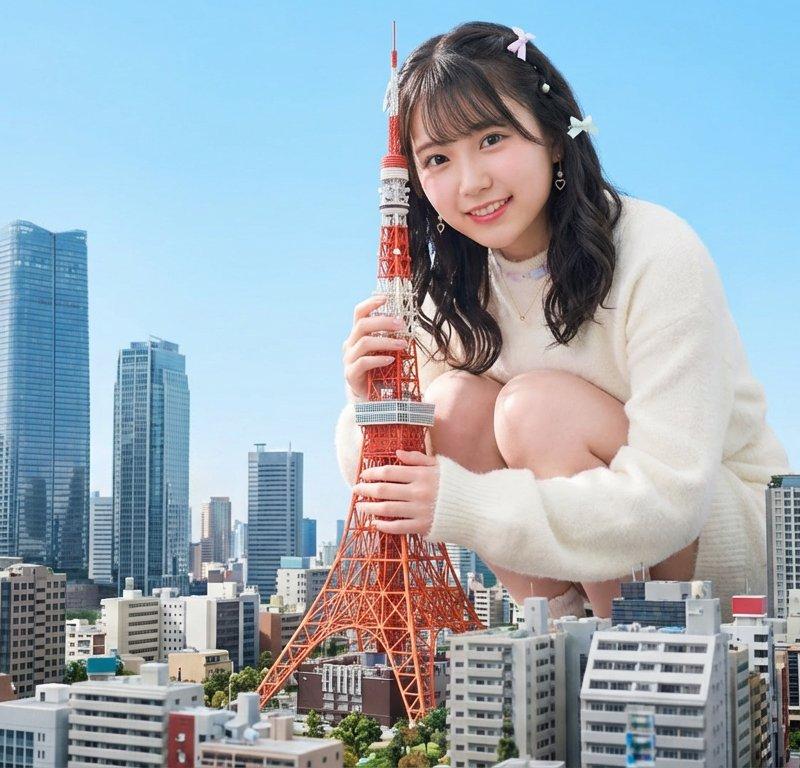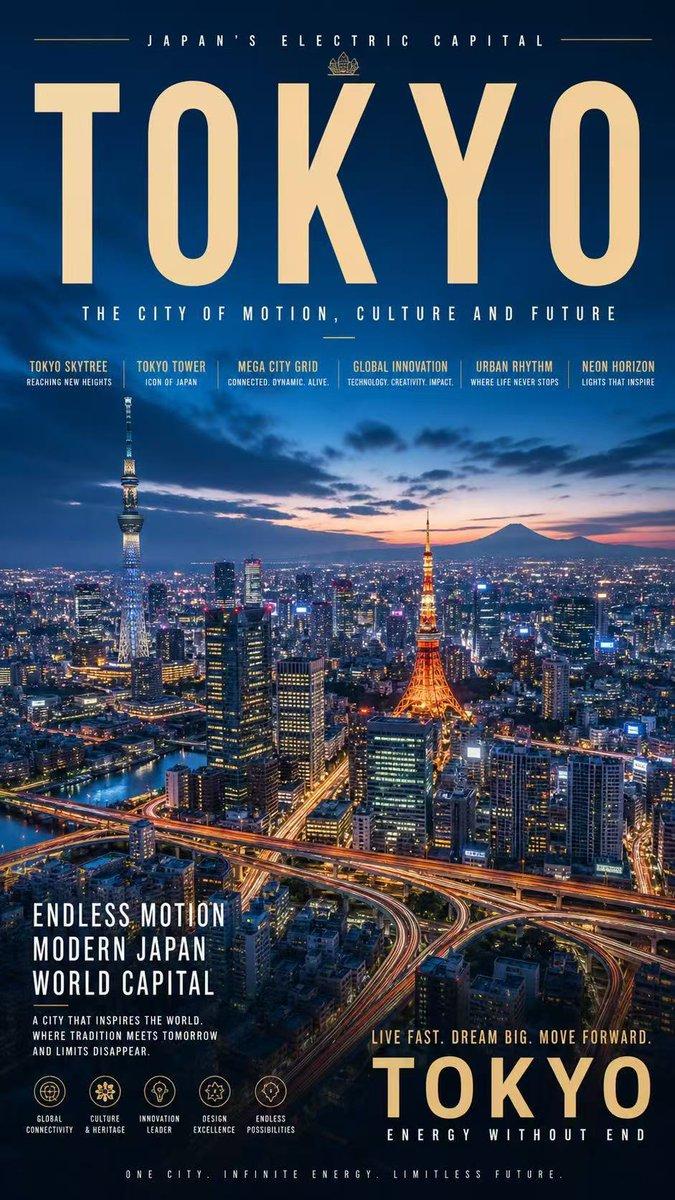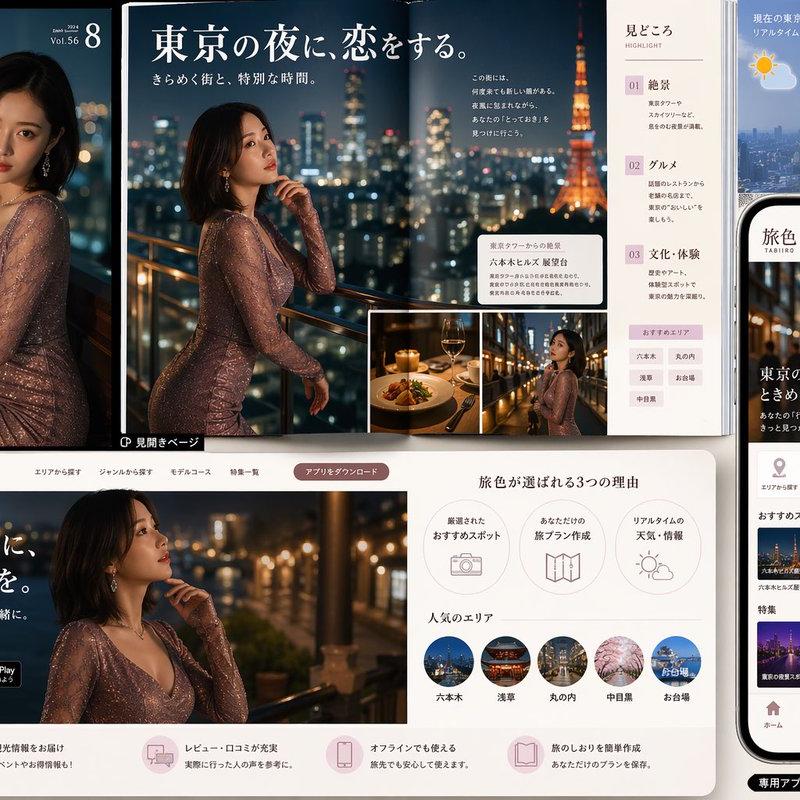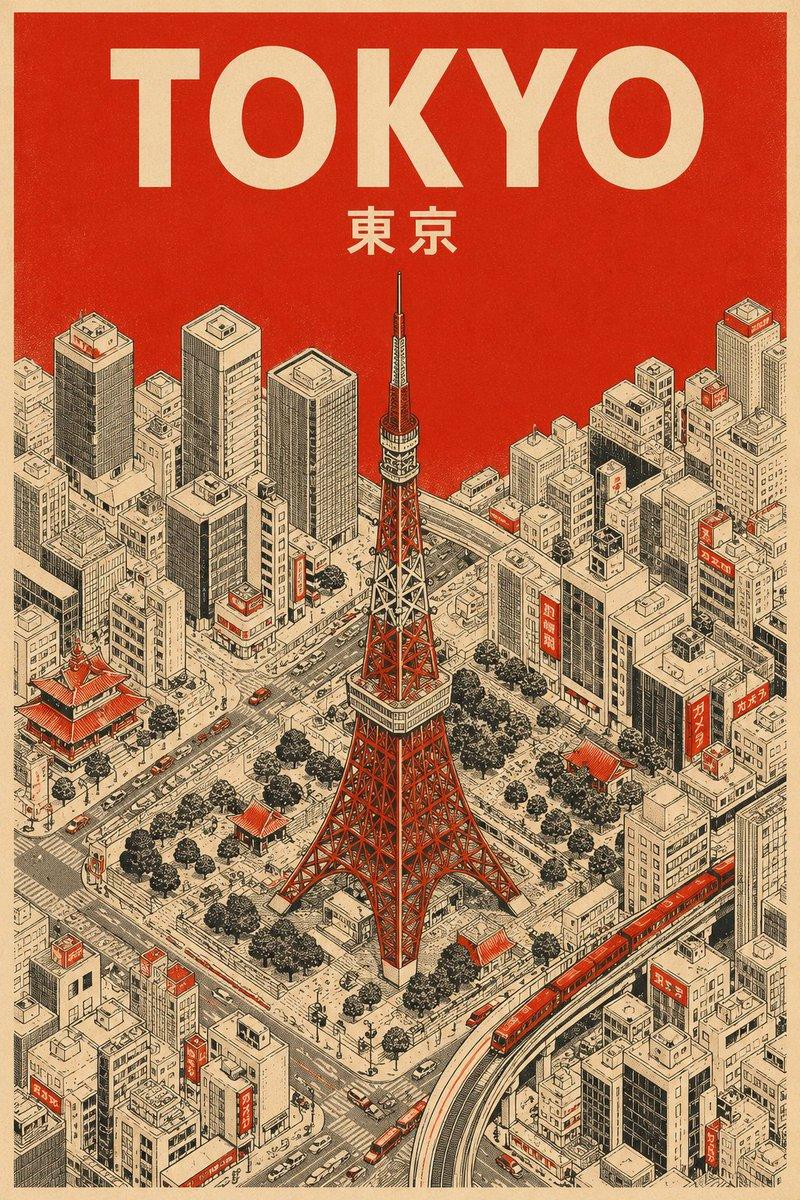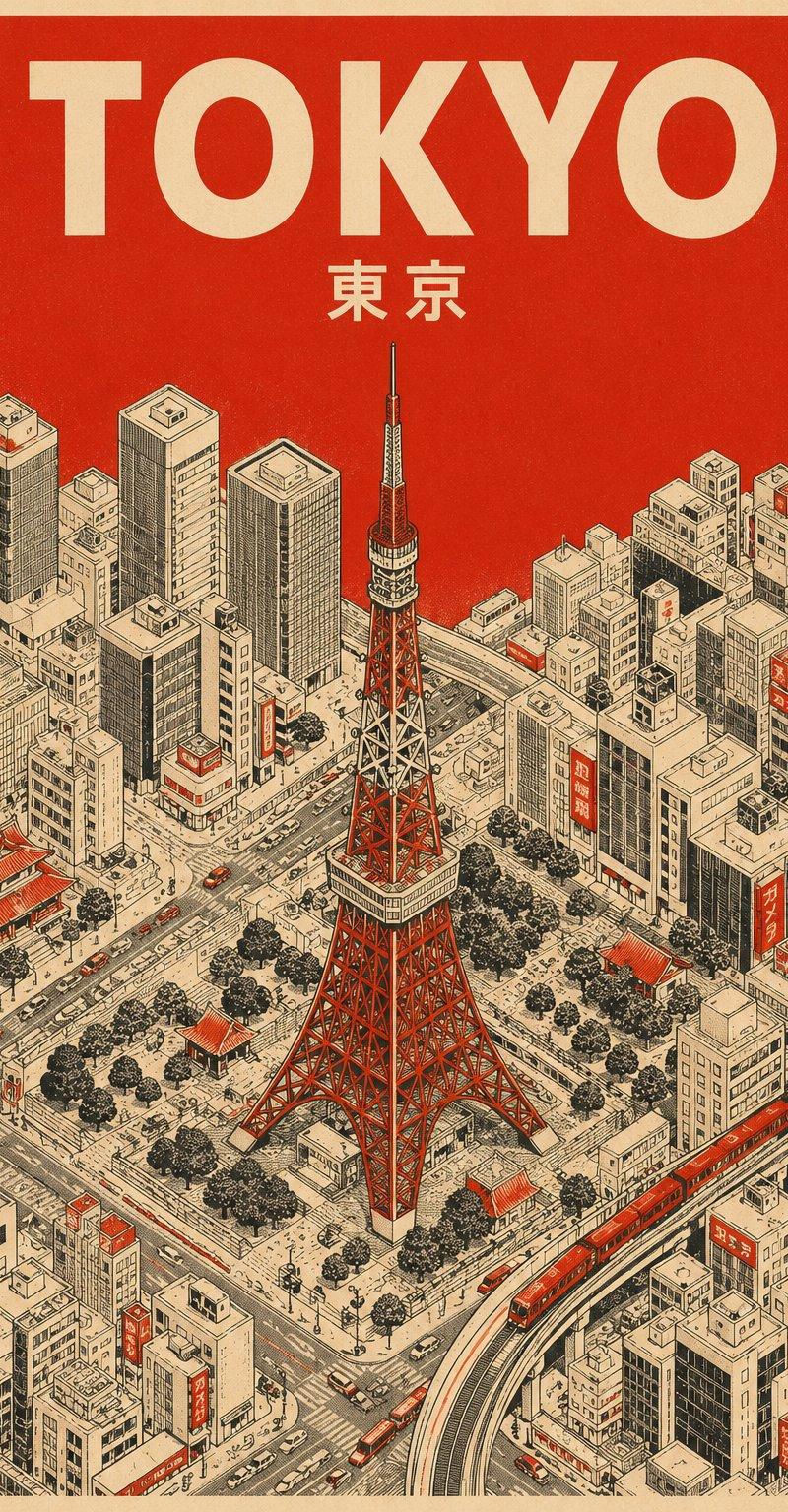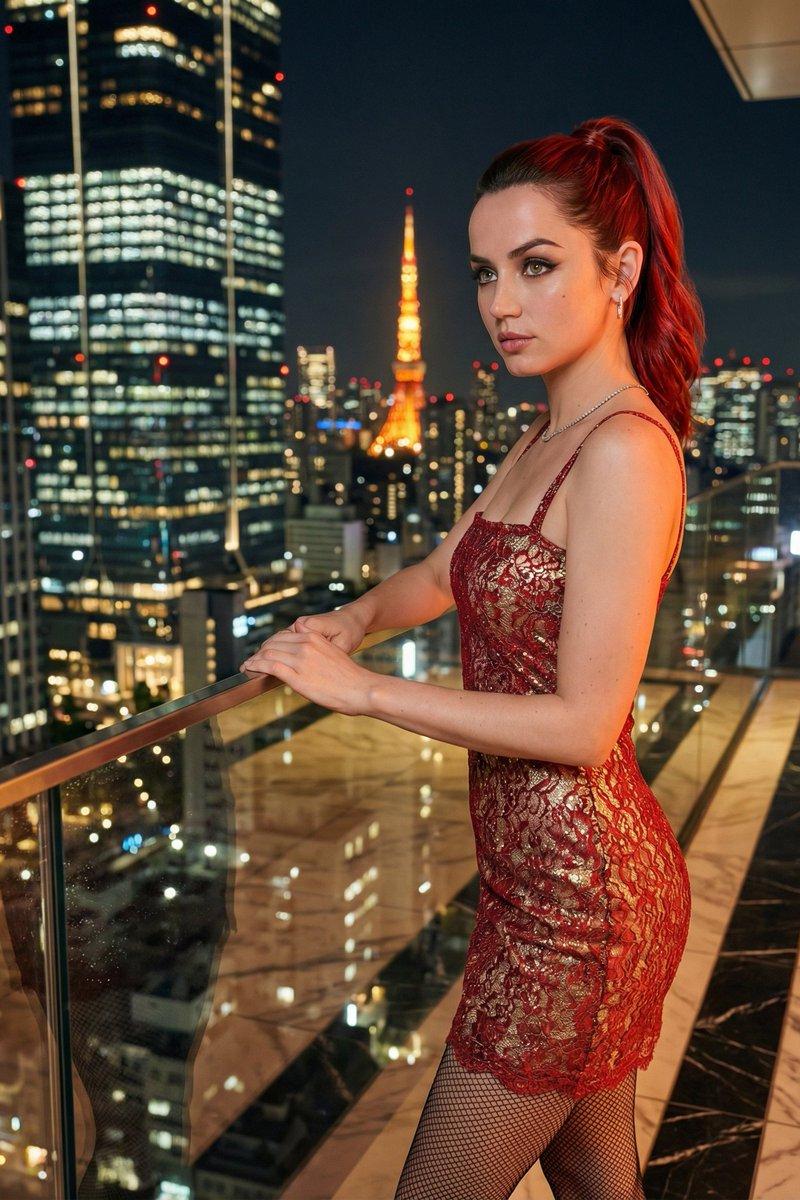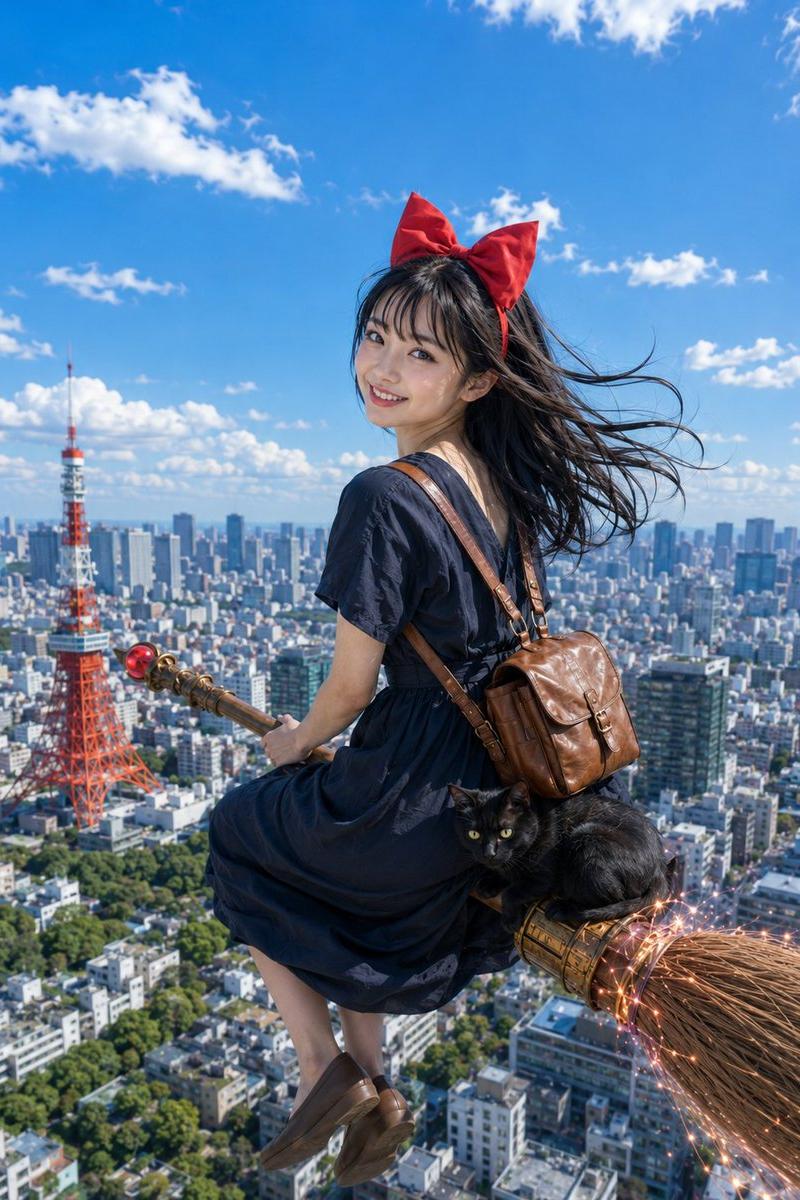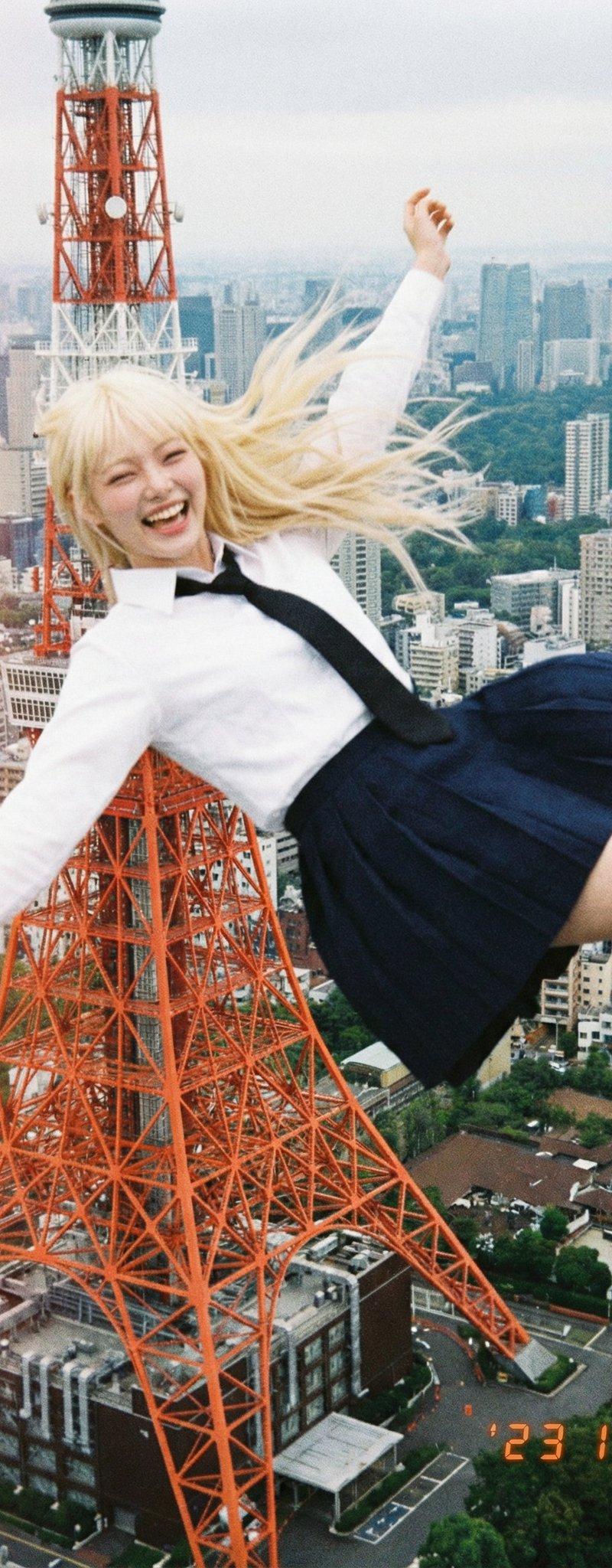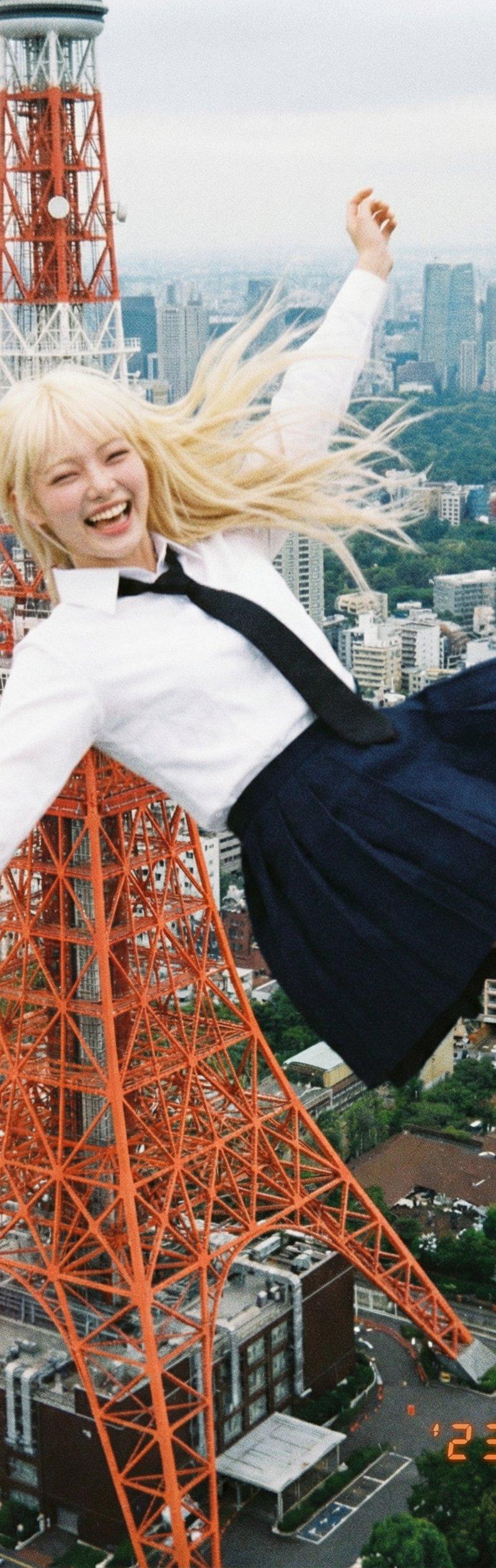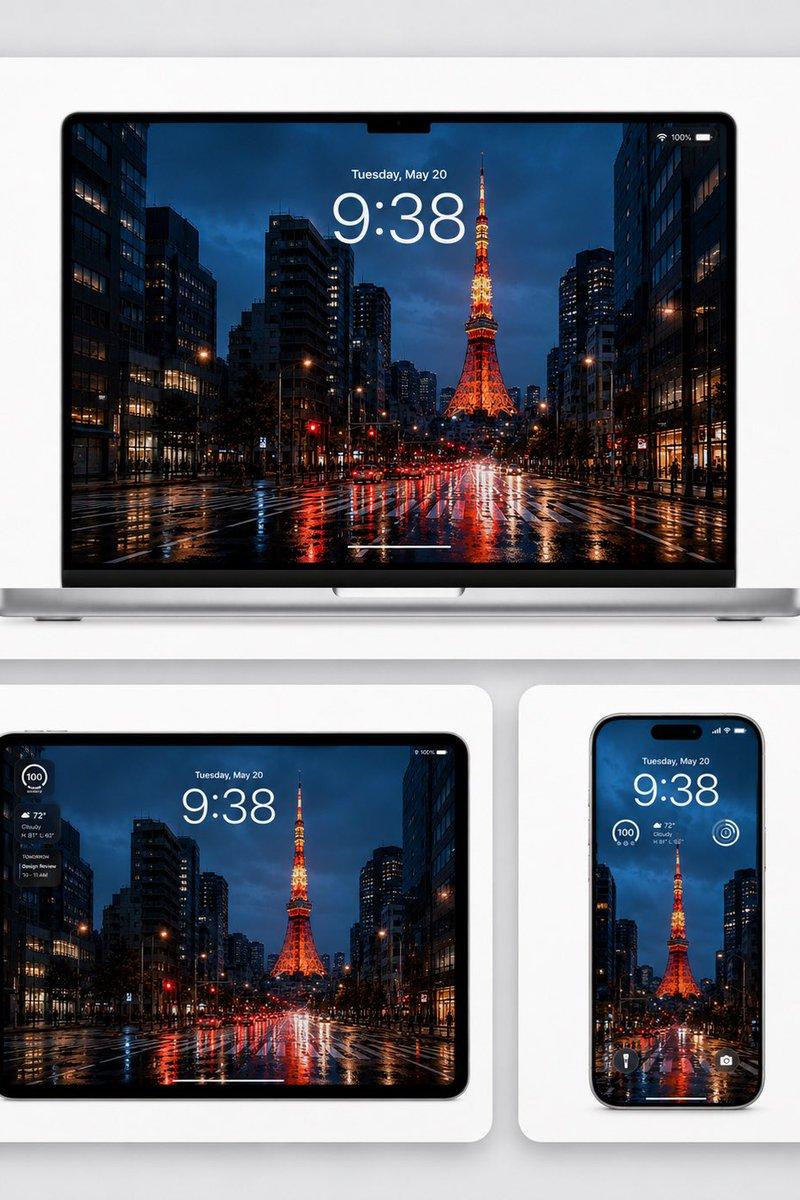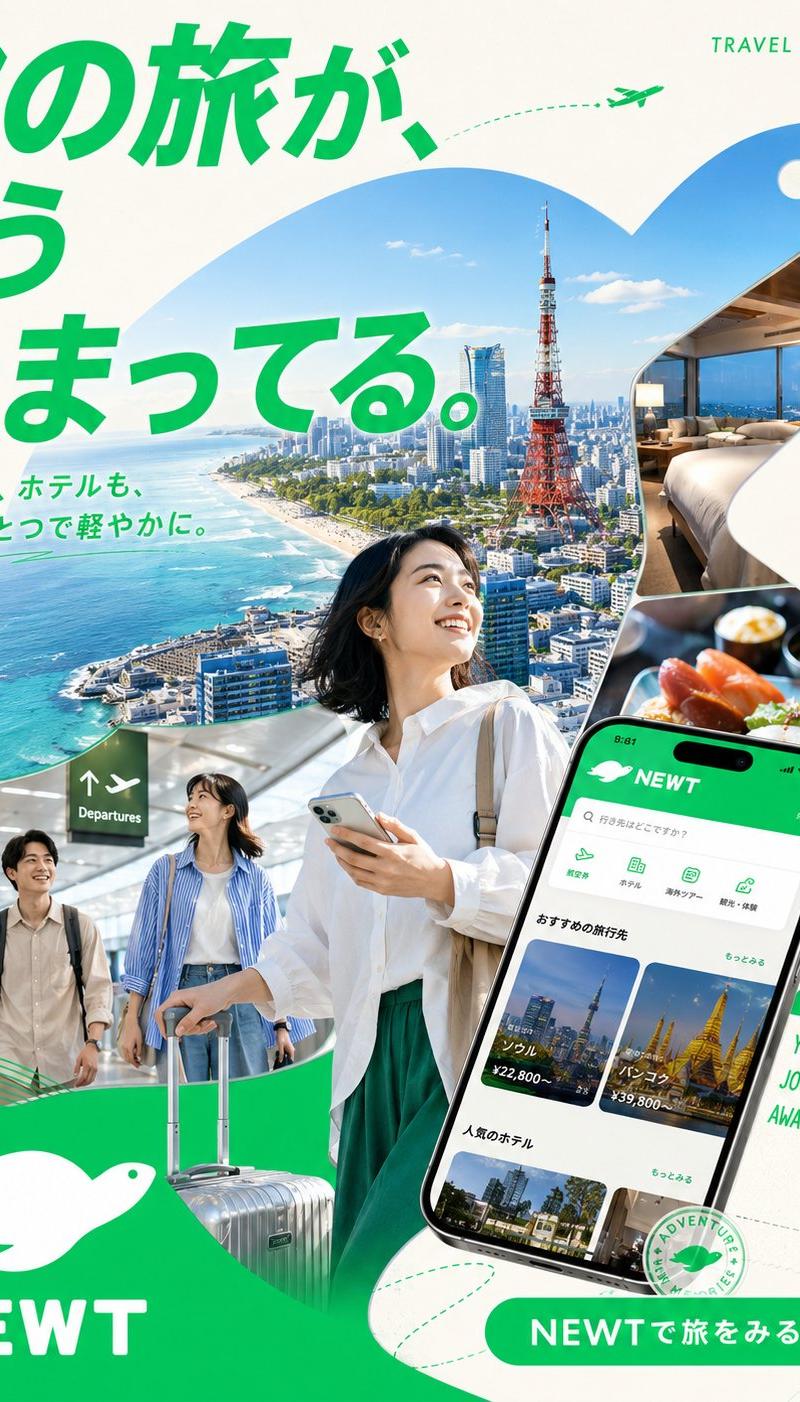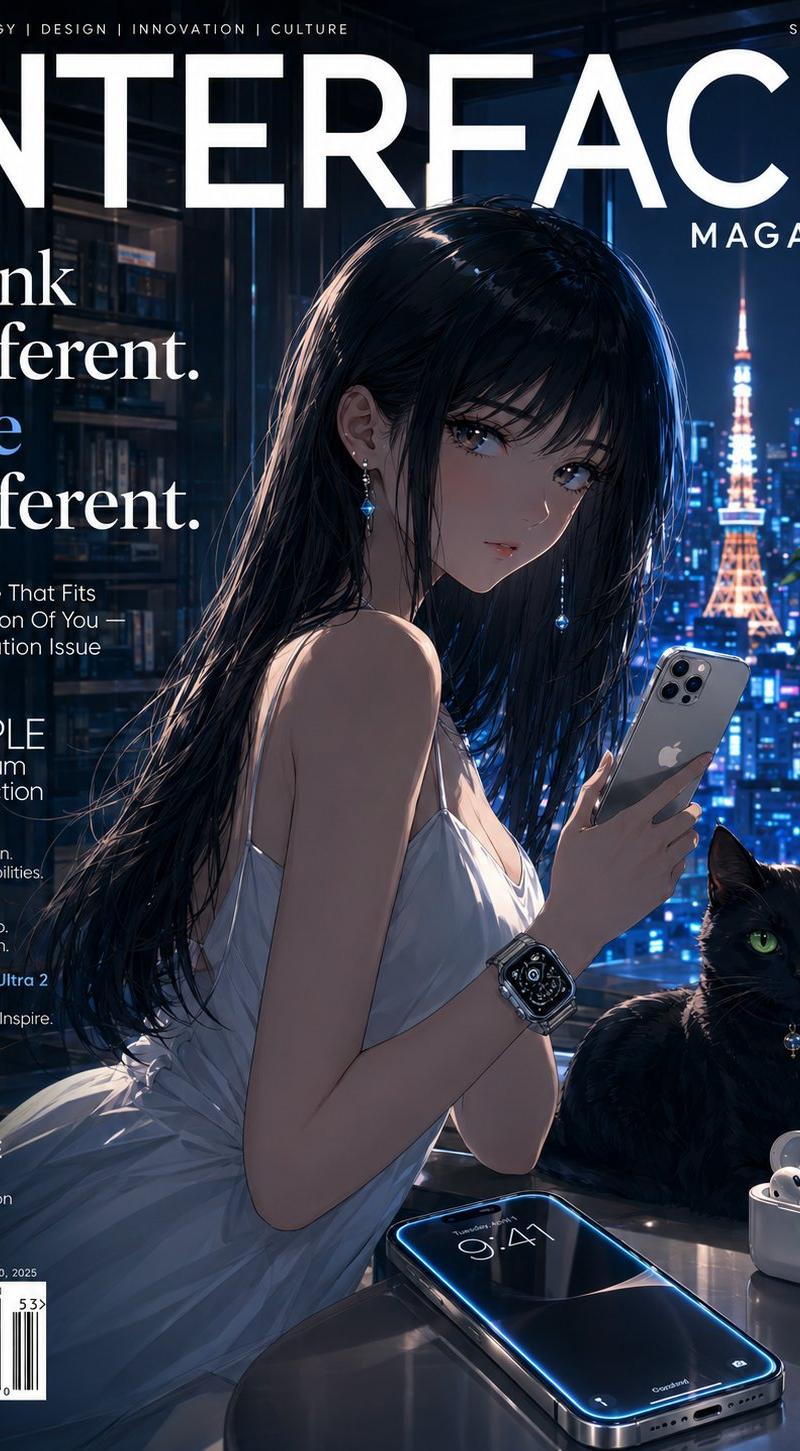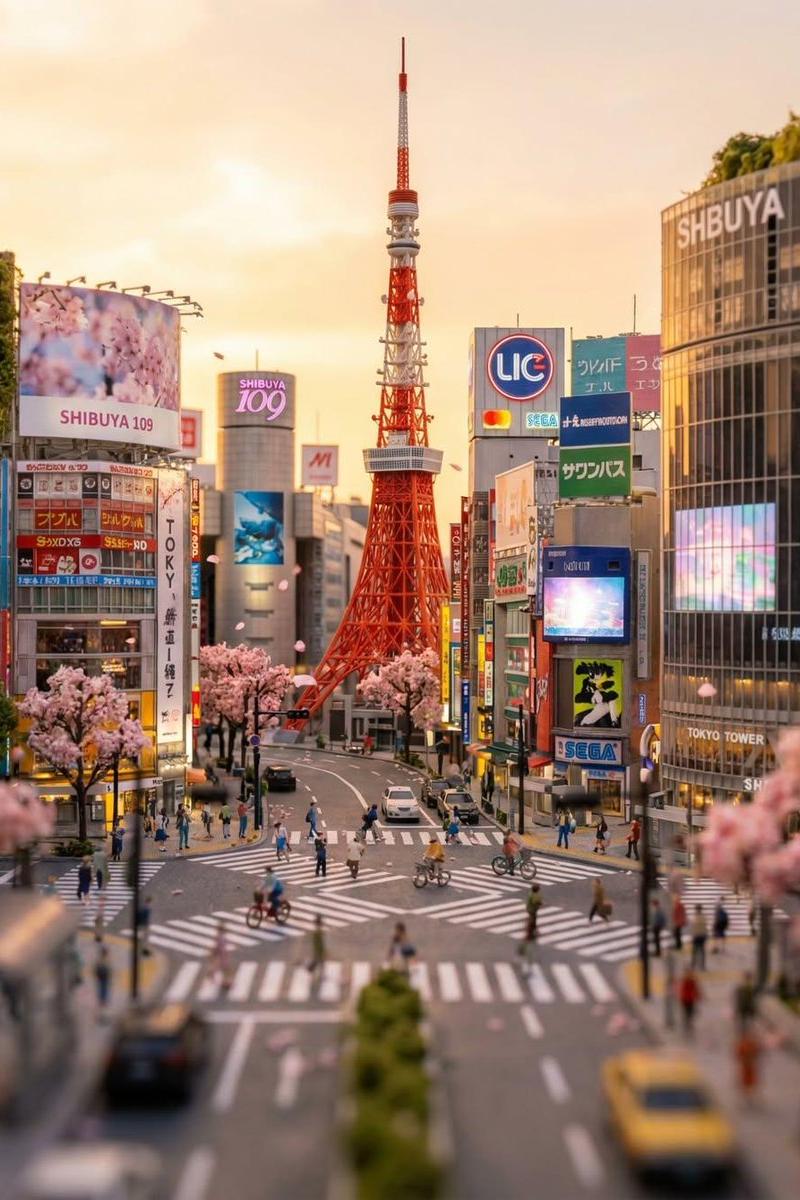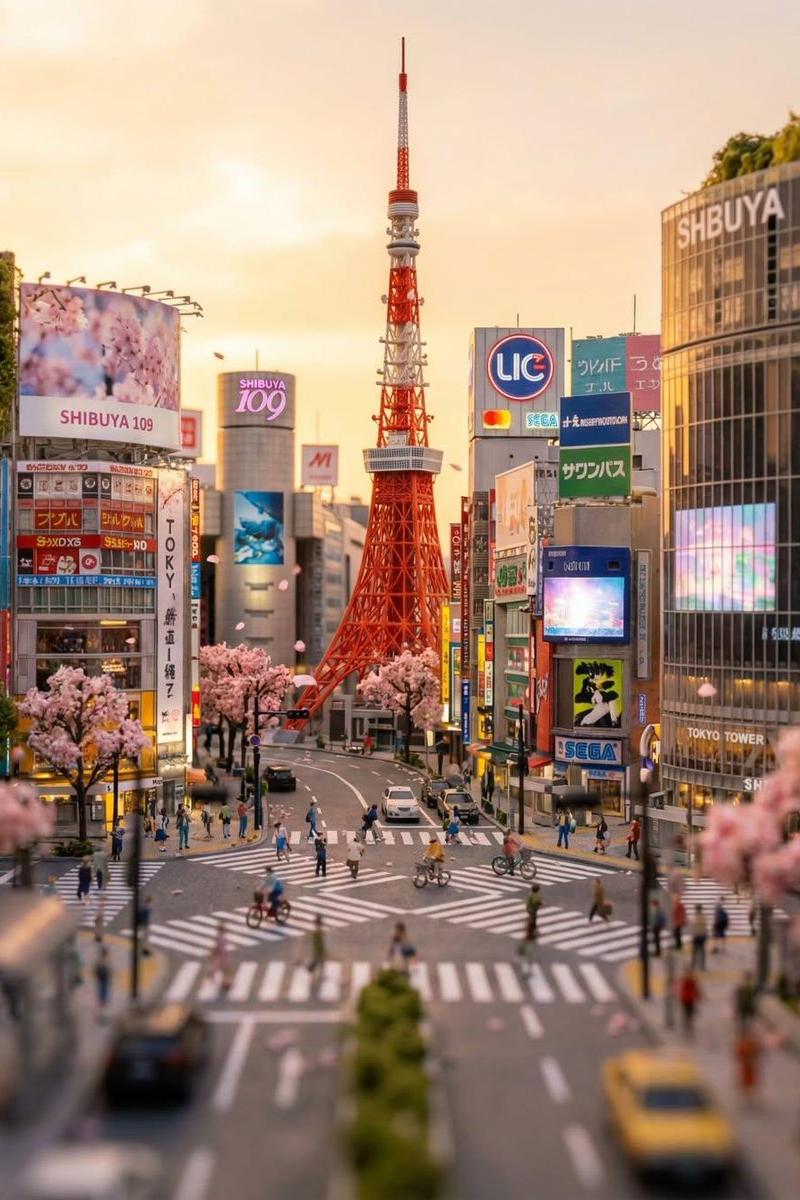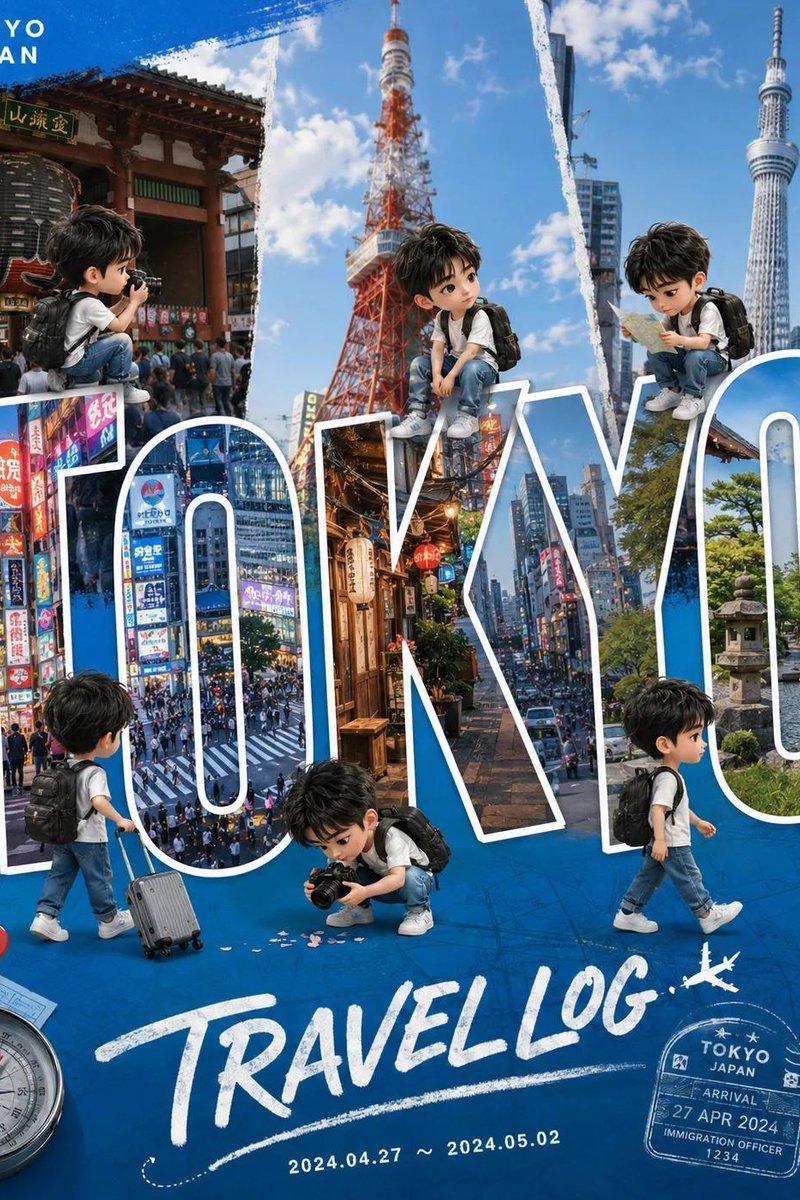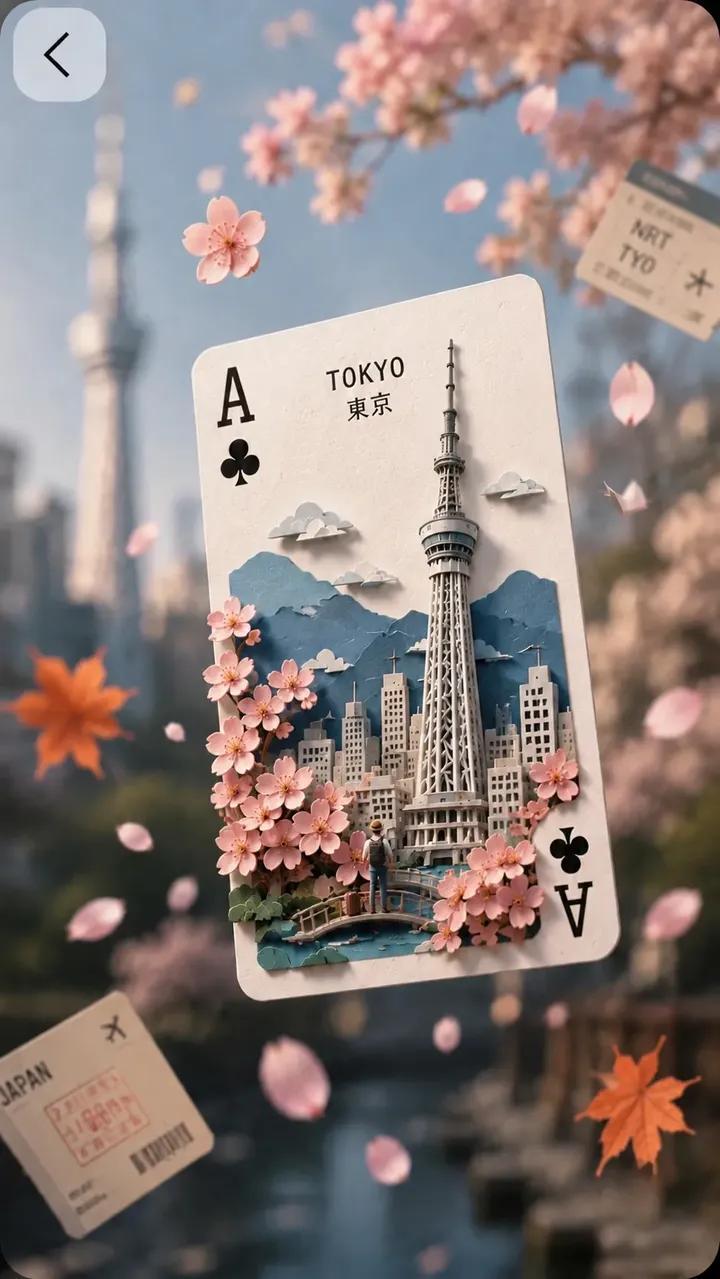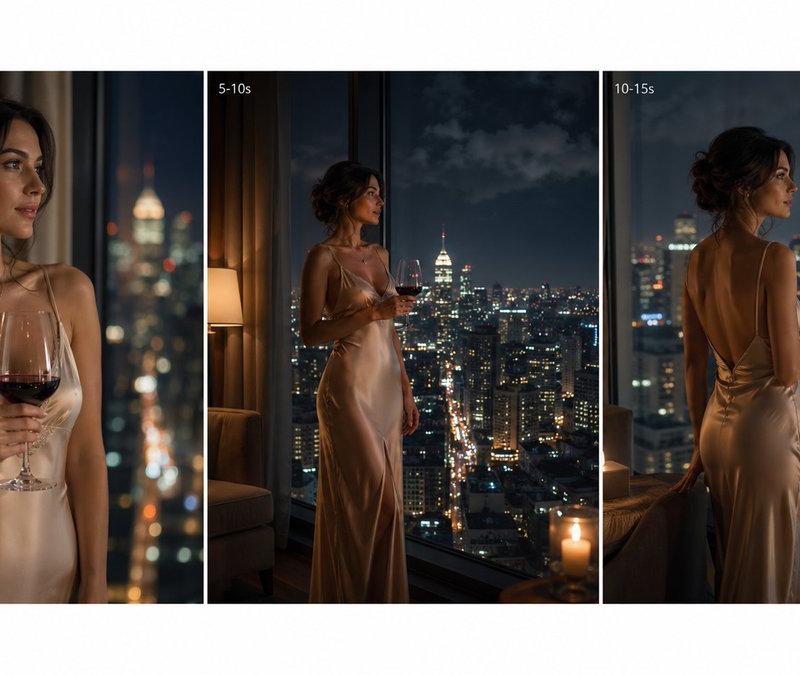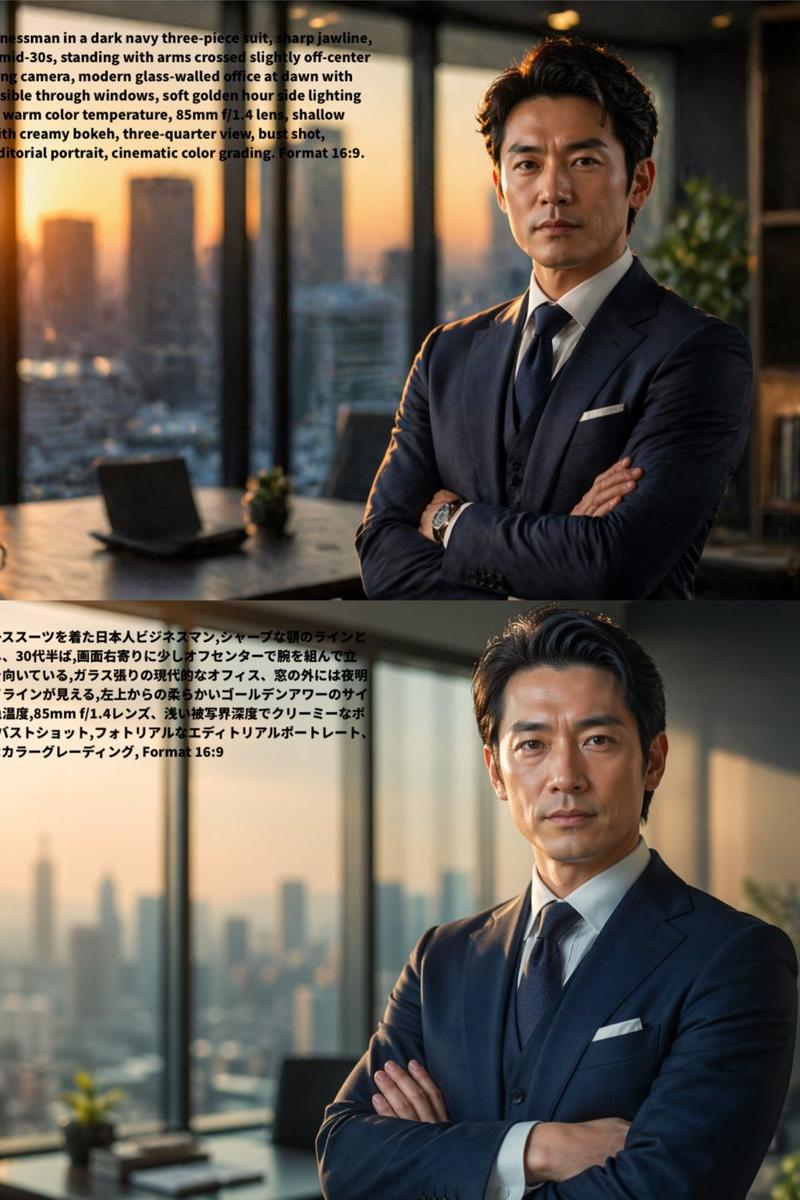
{ "identity": { "reference": "Use the uploaded face photo as the STRICT...
Prompt
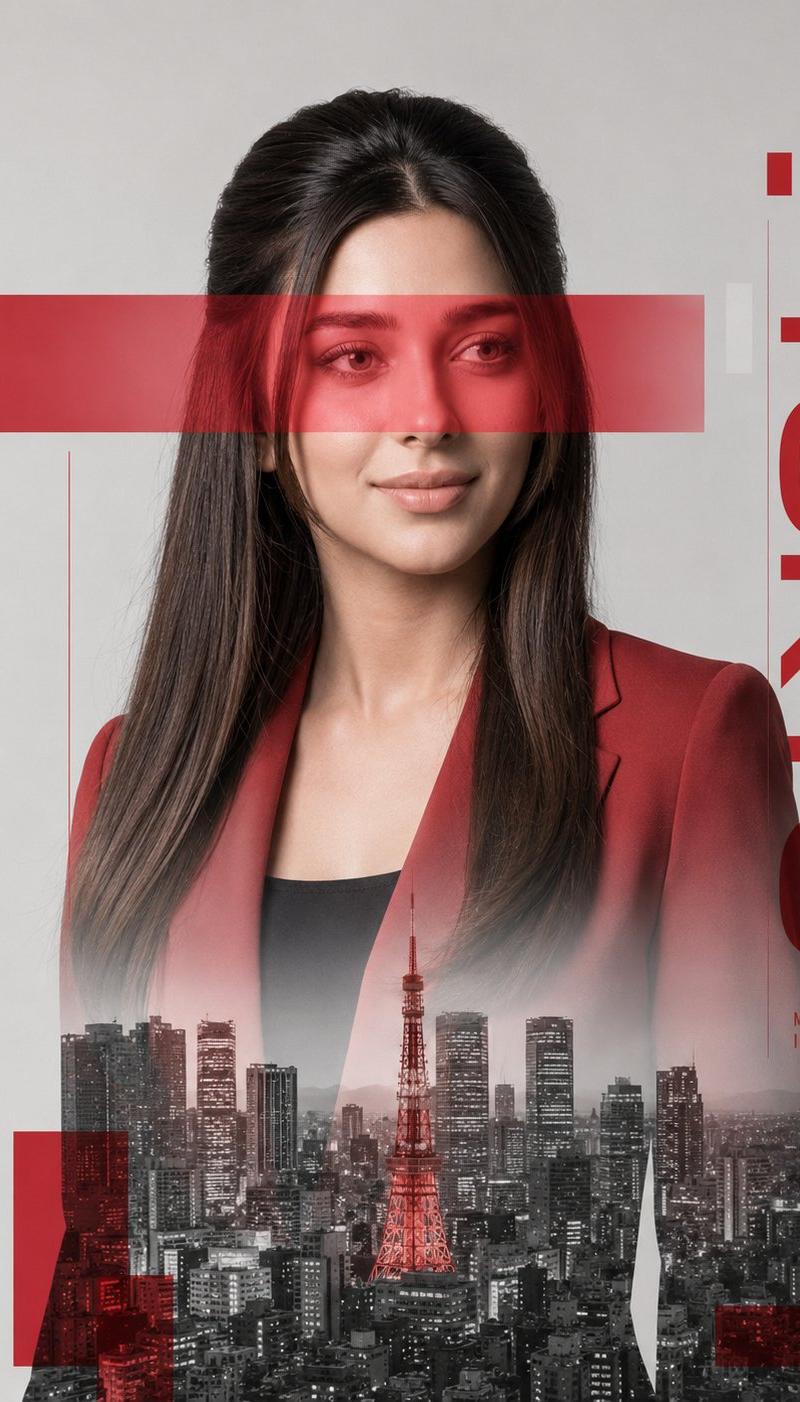
{ "identity": { "reference": "Use the uploaded face photo as the STRICT identity reference.", "priority": "ABSOLUTE", "preserve": [ "exact facial identity", "facial proportions", "eyes", "eyebrows", "nose", "lips", "jawline", "ears", "skin tone", "hairline", "hairstyle", "recognizable appearance" ], "gender": "Automatically adapt naturally for male or female." }, "image": { "title": "Metropolitan Identity", "aspect_ratio": "4:5", "style": [ "Ultra Photorealistic", "Luxury Editorial", "Swiss Graphic Design", "Double Exposure", "Fine Art Portrait", "Minimal Poster Design" ], "composition": { "shot": "Waist-up portrait.", "camera_angle": "Three-quarter profile.", "background": "Clean light gray studio backdrop.", "framing": "Centered minimalist editorial composition." }, "subject": { "expression": { "emotion": "Calm, elegant, confident.", "eyes": "Looking slightly downward into the distance.", "overall": "Professional luxury fashion model." }, "hair": { "style": "Natural premium editorial styling." }, "wardrobe": { "description": "Minimal tailored blazer matching the accent color." } }, "double_exposure": { "city": "<CITY NAME>", "placement": "Modern skyscrapers are visible only inside the silhouette of the subject's clothing and lower body. The face remains clean and fully recognizable.", "blend": "Soft realistic double exposure with architectural transparency." }, "graphic_design": { "style": "Modern Swiss typography layout.", "accent_color": "<ACCENT COLOR>", "elements": [ "large translucent horizontal rectangle crossing the eyes", "minimal geometric blocks", "clean vertical typography", "subtle transparent overlays" ], "text": "<CITY NAME>" } }, "lighting": { "style": "Soft studio beauty lighting.", "contrast": "Medium.", "quality": "Luxury editorial." }, "camera": { "body": "Phase One XF", "lens": "80mm", "aperture": "f/5.6" }, "color": { "base": "Monochrome black and white.", "accent": "<ACCENT COLOR ONLY>", "rule": "Only the graphic elements, eye bar, typography accents, jacket highlights and selected design overlays use the accent color." }, "quality": [ "Ultra Photorealistic", "Luxury Magazine Cover", "Fine Art", "HDR", "8K", "Extreme Detail" ], "important": [ "Maintain exact uploaded facial identity.", "The face must remain clean and unobstructed.", "The city exists only inside the body silhouette.", "Minimal Swiss poster aesthetic.", "Luxury fashion editorial.", "Photorealistic." ], "negative_prompt": [ "anime", "cartoon", "CGI", "painting", "3D render", "plastic skin", "covered face", "messy layout", "oversaturated", "low quality", "watermark", "logo" ] } }- Category
- 创意图片
- Model
- GPT Image 2
- Creator
- @AiwithLariab
- Source language
- en
- Source ID
- 2085578171211276682
- Published
- Aug 8, 2026
Views0