19

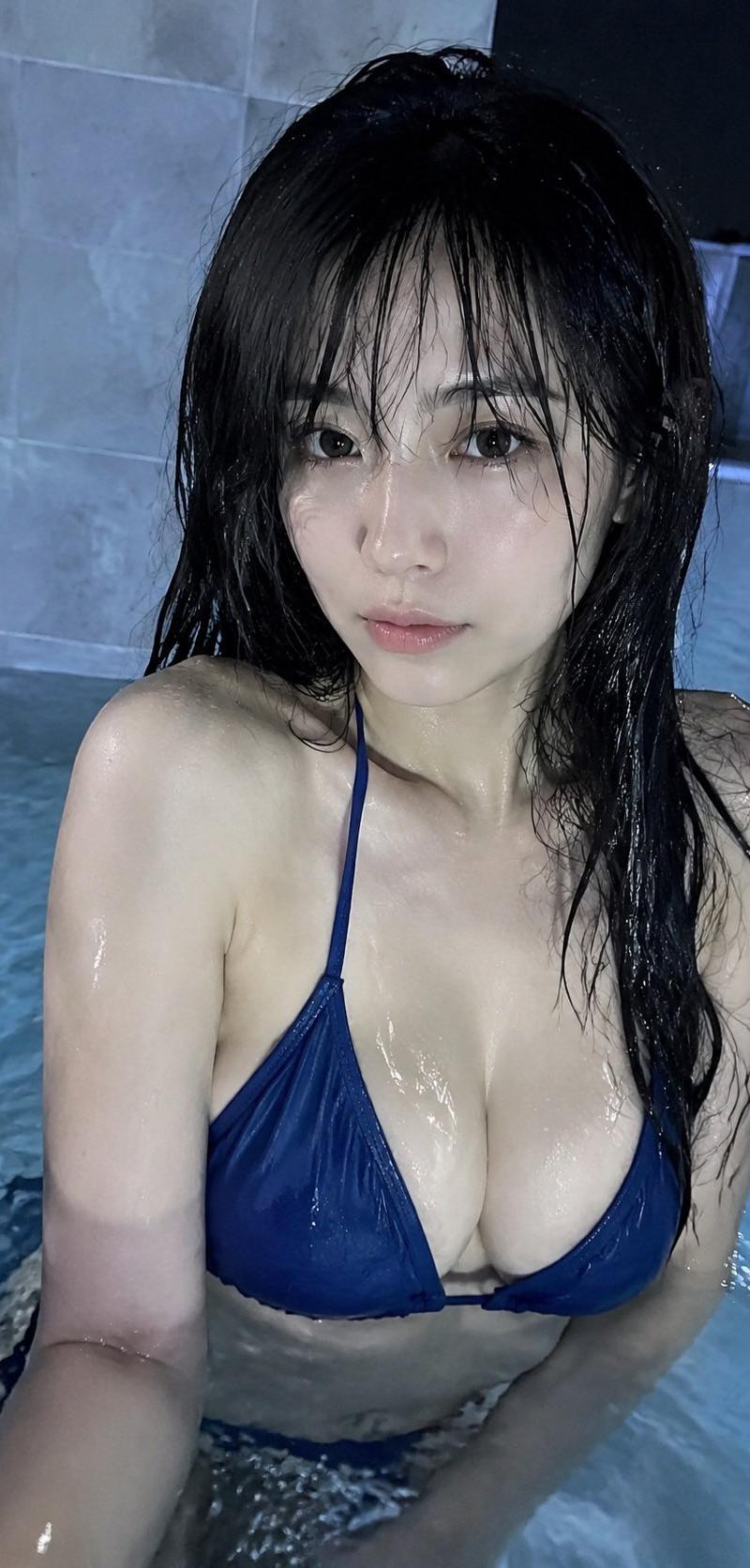
成年女性泳池写真,亚洲女性面孔,黑色长发自然披散,湿润发丝贴合脸颊和肩膀,轻薄空气刘海微微凌乱,发丝有水光反射感;妆容清淡自然,皮肤呈现真实湿润...
Enlarge

Example images

成年女性泳池写真,亚洲女性面孔,黑色长发自然披散,湿润发丝贴合脸颊和肩膀,轻薄空气刘海微微凌乱,发丝有水光反射感;妆容清淡自然,皮肤呈现真实湿润...

Prompt
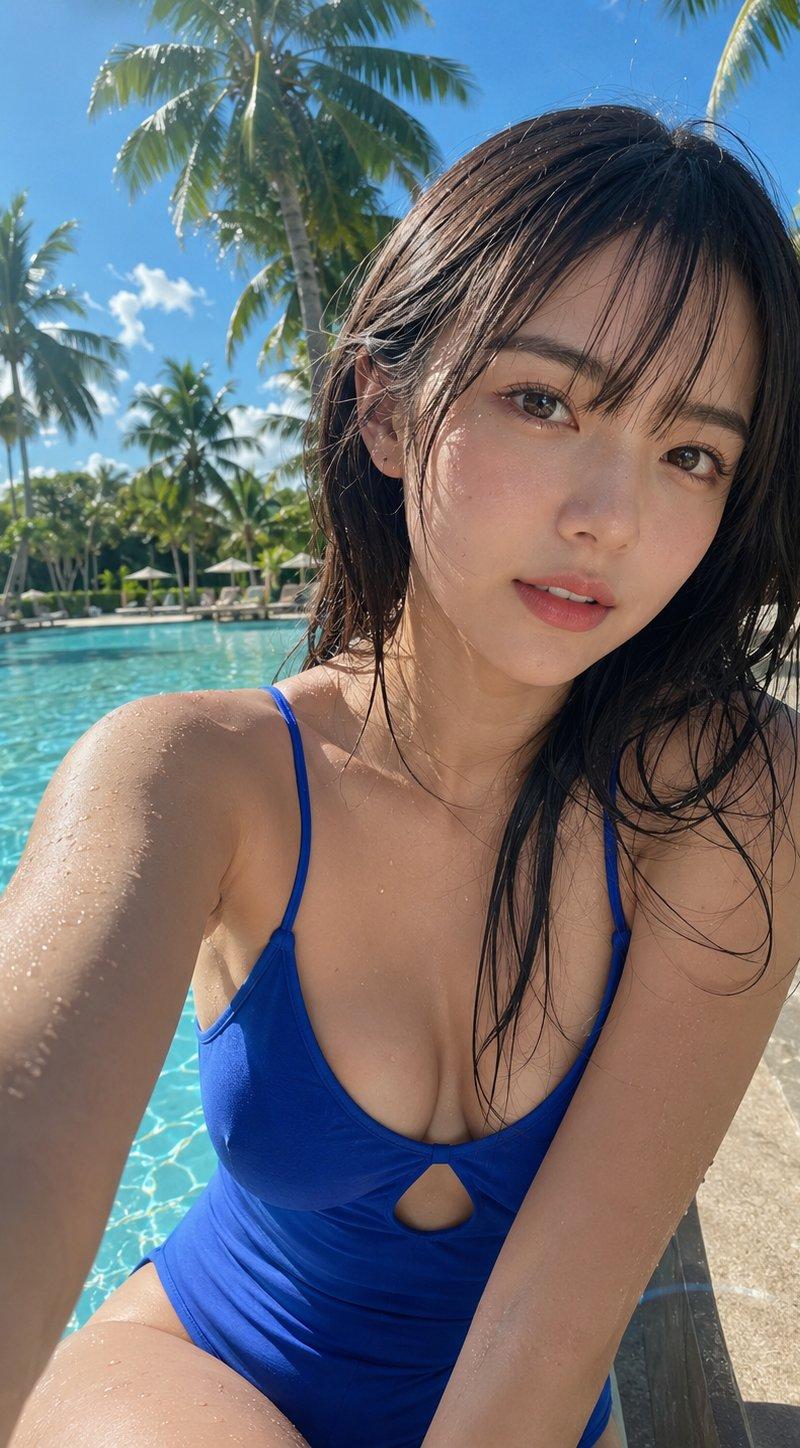
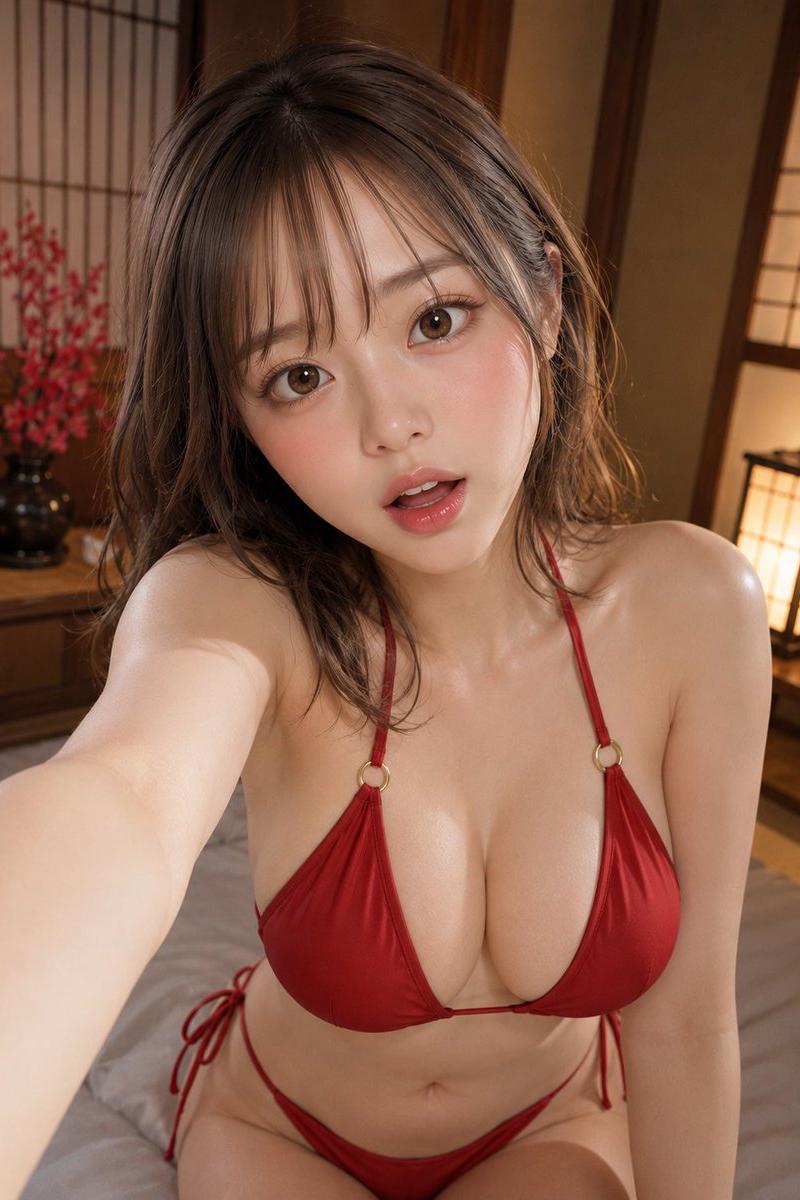
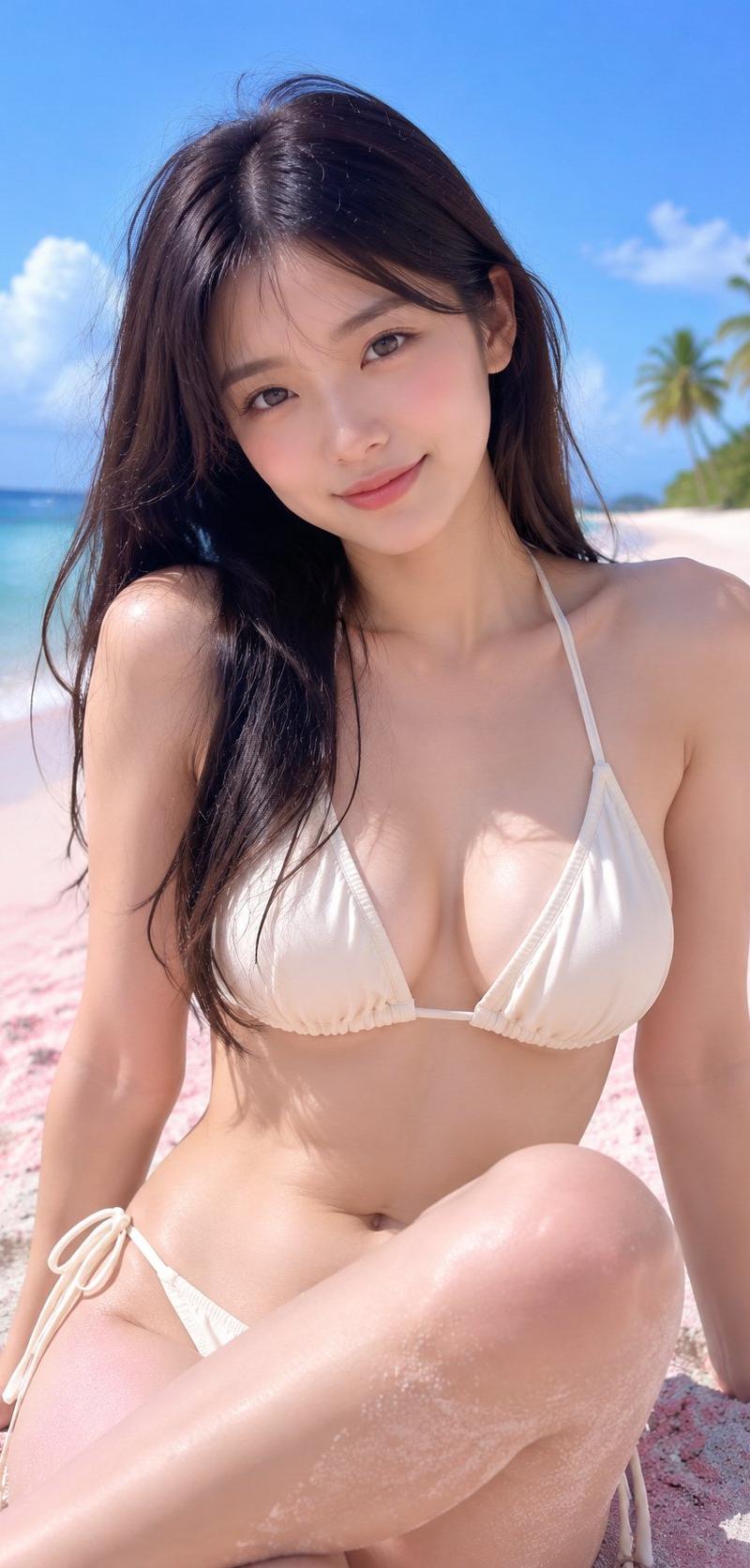
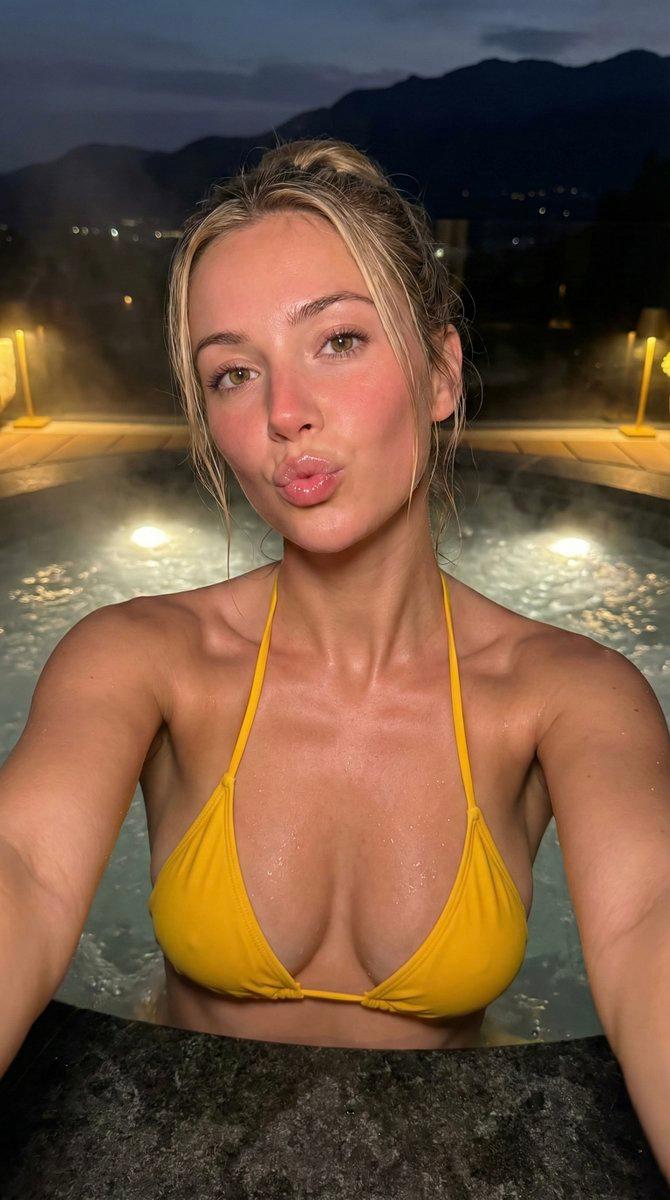
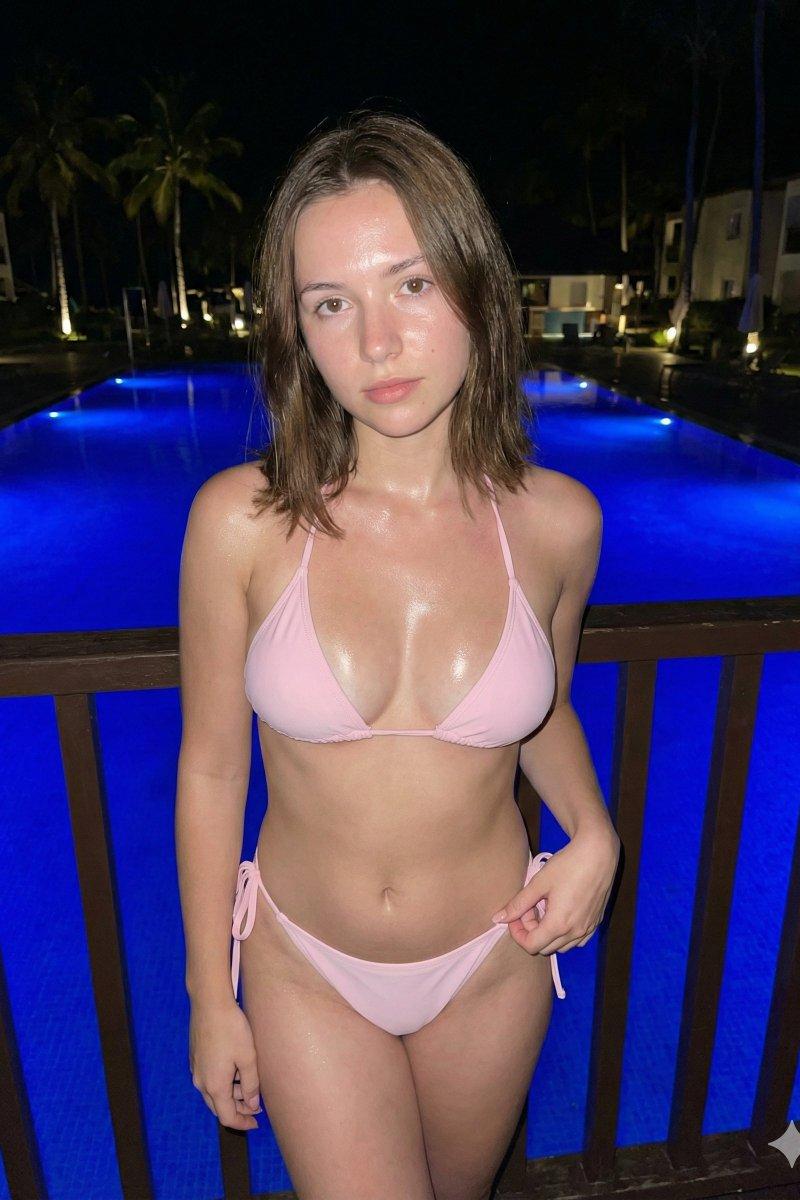
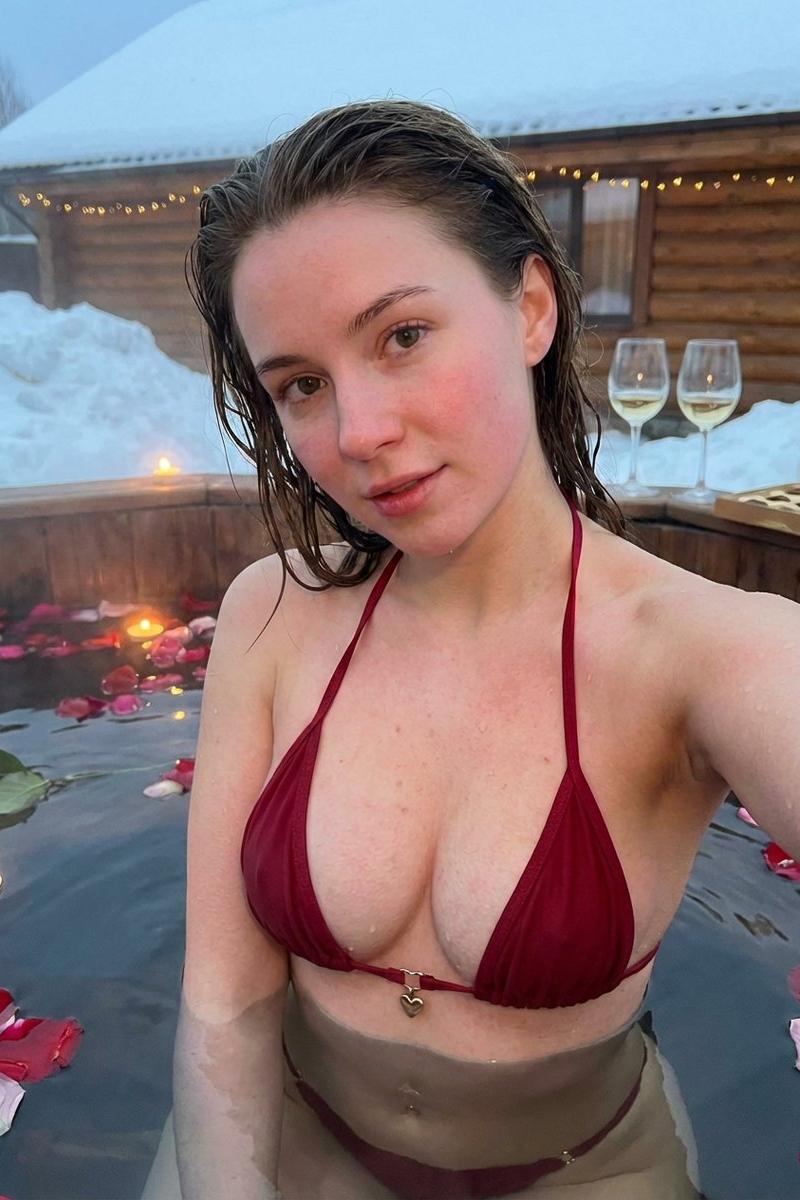
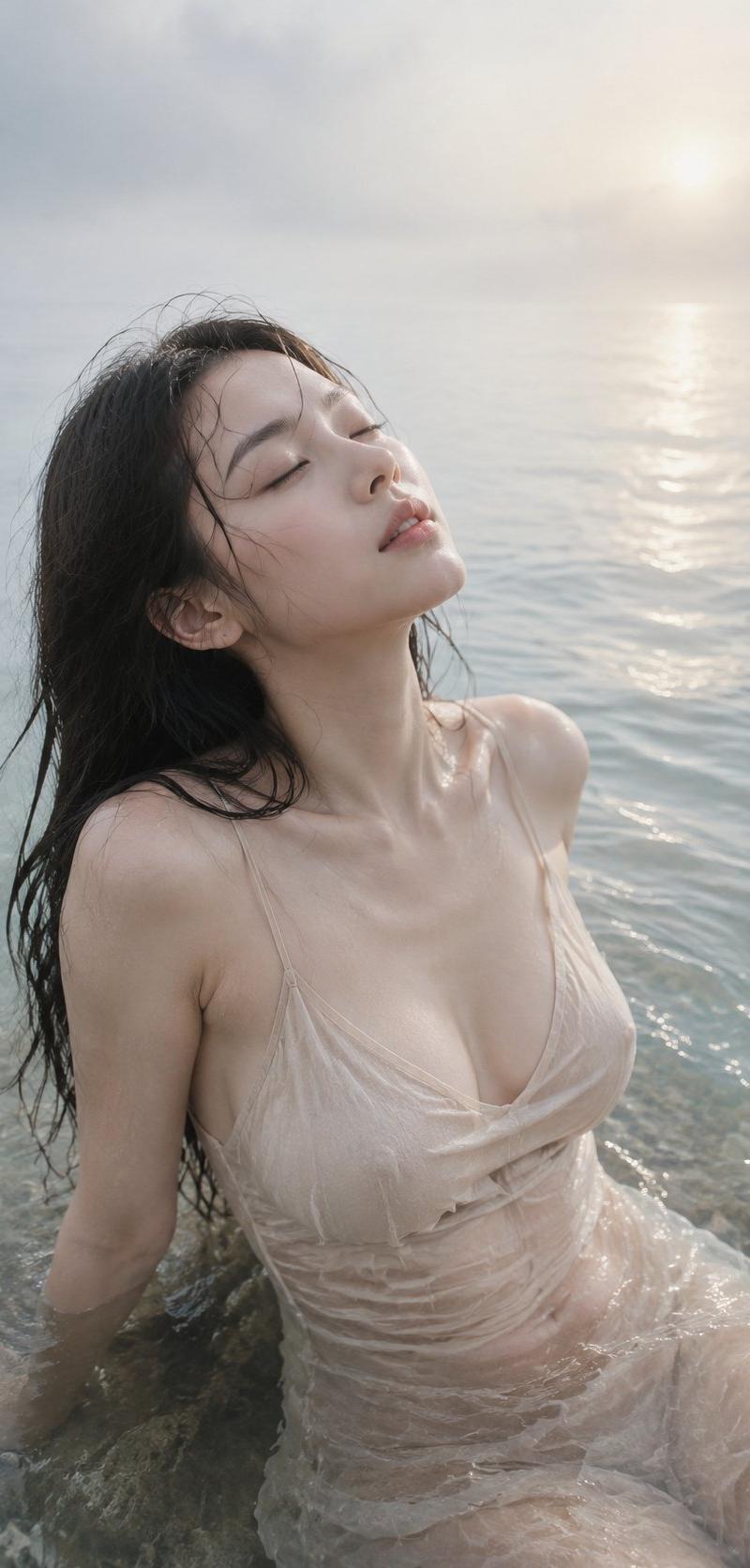
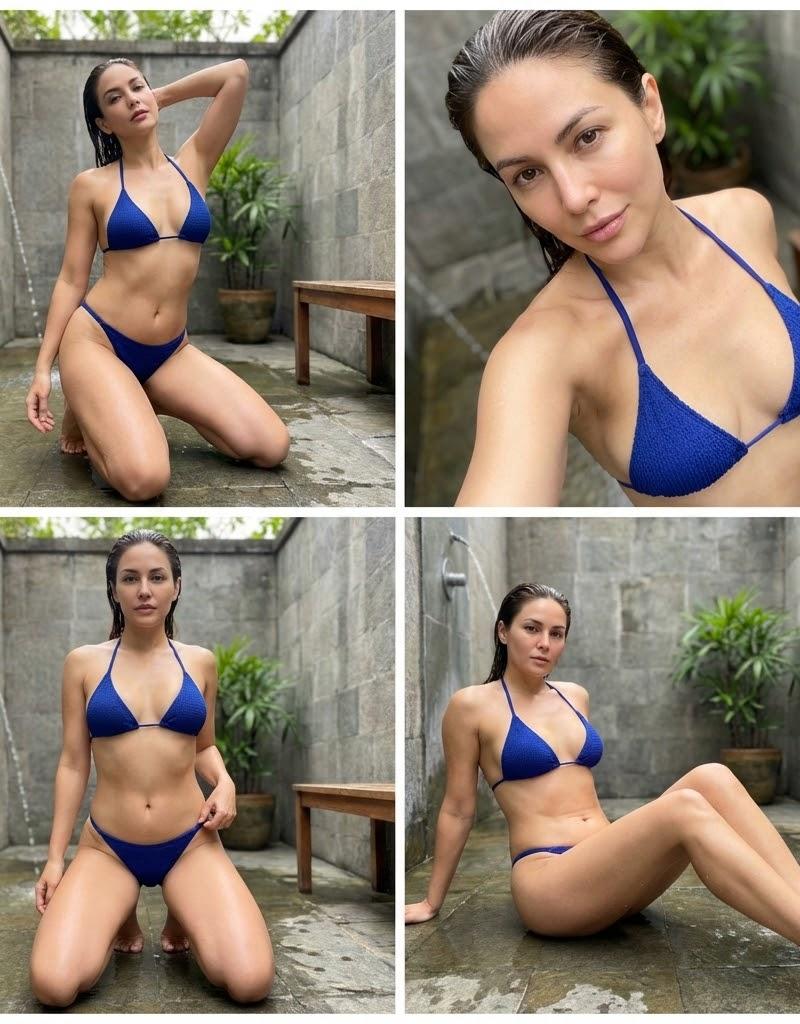
成年女性泳池写真,亚洲女性面孔,黑色长发自然披散,湿润发丝贴合脸颊和肩膀,轻薄空气刘海微微凌乱,发丝有水光反射感;妆容清淡自然,皮肤呈现真实湿润质感,脸部表情安静冷淡,眼神轻轻看向镜头,整体气质清冷慵懒。 人物位于室内泳池或浴池环境,身体浸泡在浅水中,穿深蓝色三角泳装,泳装布料湿润贴合身体,具有真实织物纹理和水滴细节;肩颈、锁骨和手臂被水光包围,皮肤表面有细小水珠和柔和反光。 拍摄采用近距离手机摄影视角,竖版构图,9:16比例,人物占据画面主体,上半身靠近镜头,略微俯拍角度,营造亲近的自拍写真感觉;身体姿态自然放松,一只手轻靠水面,另一侧身体微微转向镜头。 背景为简洁的浅色瓷砖泳池墙面,冷灰蓝色调,水面在底部形成柔和波纹反射,背景略微虚化,突出人物主体;环境干净,没有多余装饰,具有私人泳池写真氛围。 冷色调摄影风格,蓝绿色环境光,柔和闪光灯补光,脸部保持清晰明亮,湿发边缘带有高光,水面反射形成自然光斑,整体呈现夜晚室内泳池的清冷氛围。 高清真实摄影,4K细节,真实皮肤纹理,清晰湿润发丝,真实水滴效果,手机原相机质感,轻微颗粒感,低饱和电影调色,冷蓝色高级配色,氛围感写真,无水印,无文字,无多余人物,无畸形结构。
Category
创意图片
Model
GPT Image 2
Creator
@DDJCXX
Source language
zh-CN
Views0
Source ID
2085674131069214793
Published
Aug 8, 2026
Studio

Guide

About "成年女性泳池写真,亚洲女性面孔,黑色长发自然披散,湿润发丝贴合脸颊和肩膀,轻薄空气刘海微微凌乱,发丝有水光反射感;妆容清淡自然,皮肤呈现真实湿润..."

What is this prompt for?

"成年女性泳池写真,亚洲女性面孔,黑色长发自然披散,湿润发丝贴合脸颊和肩膀,轻薄空气刘海微微凌乱,发丝有水光反射感;妆容清淡自然,皮肤呈现真实湿润..." AI image prompt for GPT Image 2 (创意图片). Saved from X post by @DDJCXX. Prompt:成年女性…

The full copyable prompt and example visuals above are ready for AI image generation or one-click recreate in Picva.

How to use this prompt

  1. Step 1

    Open the prompt detail

    Review the example visuals, category, and full prompt text for "成年女性泳池写真,亚洲女性面孔,黑色长发自然披散,湿润发丝贴合脸颊和肩膀,轻薄空气刘海微微凌乱,发丝有水光反射感;妆容清淡自然,皮肤呈现真实湿润...".

  2. Step 2

    Copy the prompt

    Copy the prompt body from this page, or load it directly in Studio.

  3. Step 3

    Pick a model (GPT Image 2)

    Prefer GPT Image 2. If you switch models, keep subject and composition and tweak style terms.

  4. Step 4

    Generate and export

    Recreate the look in Picva, or export into your workflow for editing and publishing.

FAQ

What is the "成年女性泳池写真,亚洲女性面孔,黑色长发自然披散,湿润发丝贴合脸颊和肩膀,轻薄空气刘海微微凌乱,发丝有水光反射感;妆容清淡自然,皮肤呈现真实湿润..." prompt?
It is an AI image-generation prompt for GPT Image 2 in the 创意图片 category. This page includes the full prompt text, example visuals, and a one-click recreate path in Picva.
How do I use this prompt to generate an image?
Copy the prompt from this page, or use Generate / Studio. Paste it into a compatible image model, or recreate the look in Picva with optional reference images.
Which model is this prompt for?
This page lists GPT Image 2. Most descriptive prompts also transfer to nearby image models such as GPT Image, Flux, or Midjourney with light style tweaks.
Can I use the result commercially?
You can usually copy the prompt for creation, but commercial use of the final image depends on the model terms, reference-image rights, and the generated content. Follow the source author and platform rules.