18

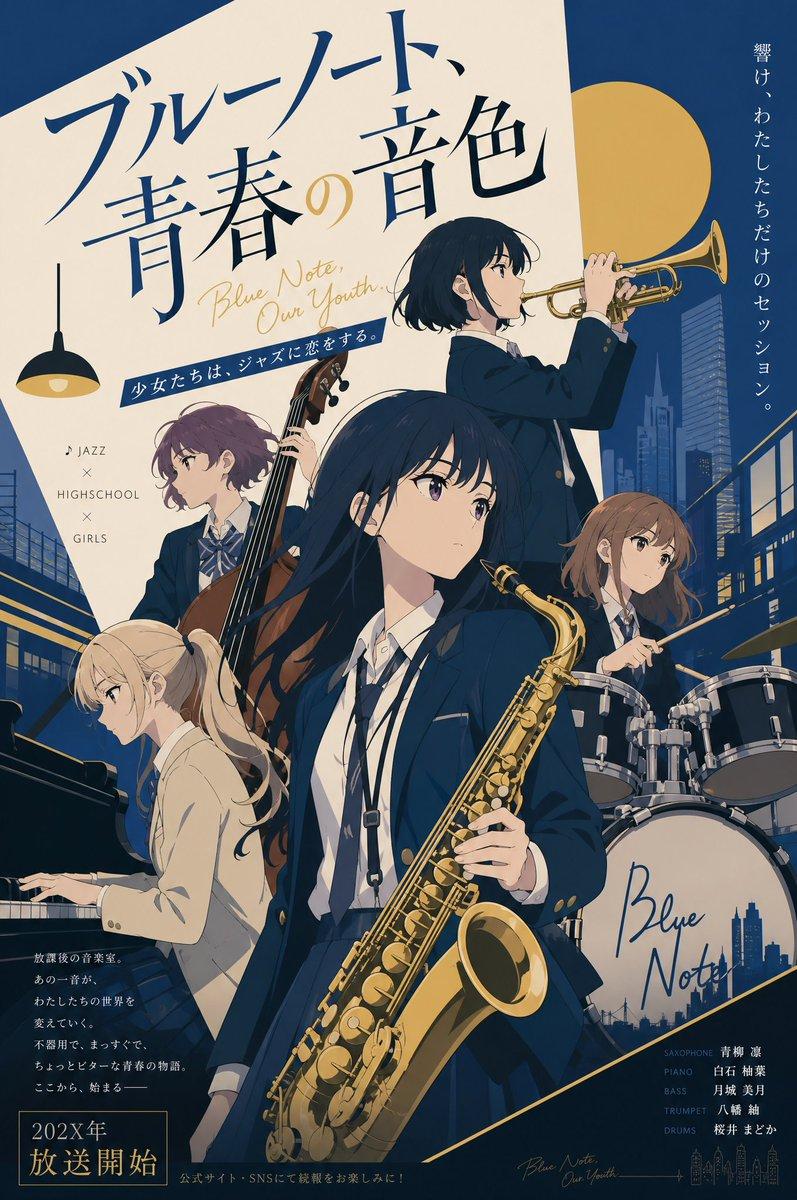
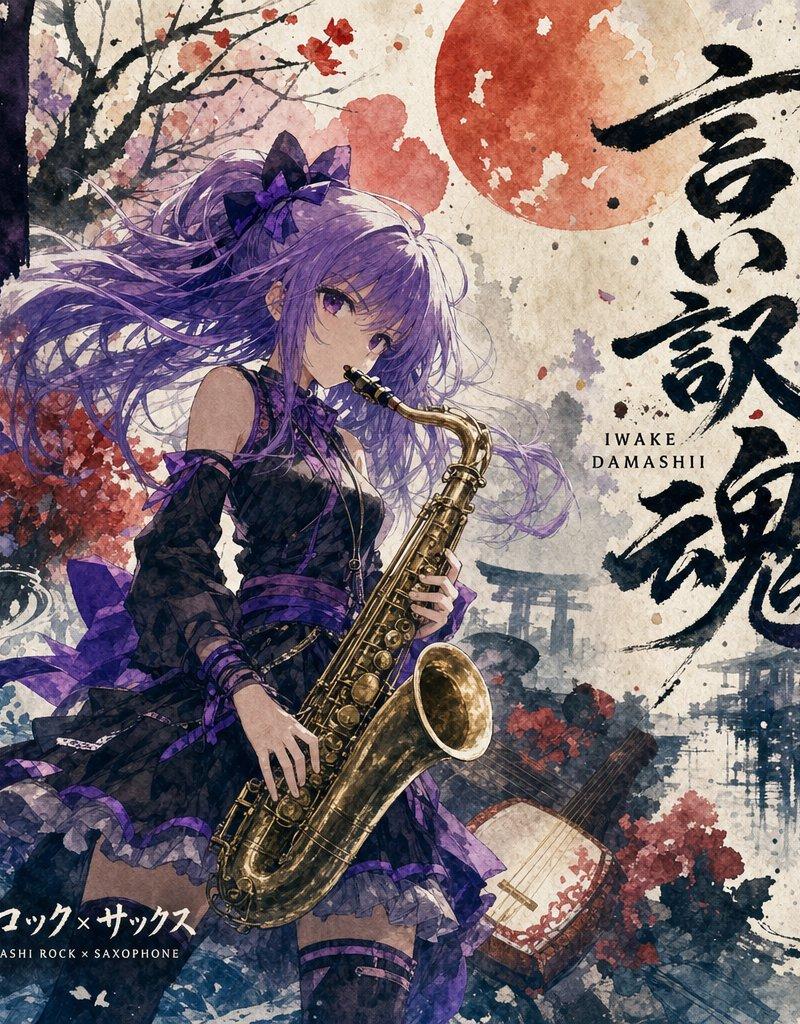
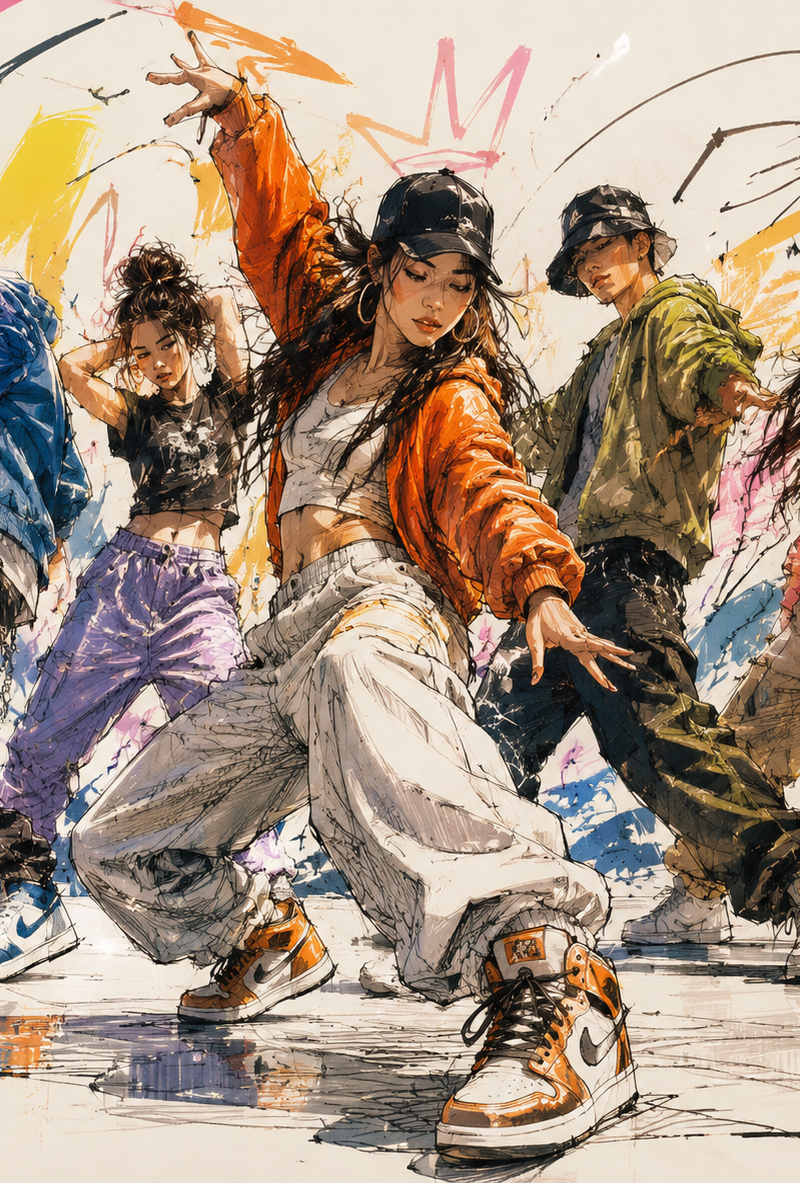
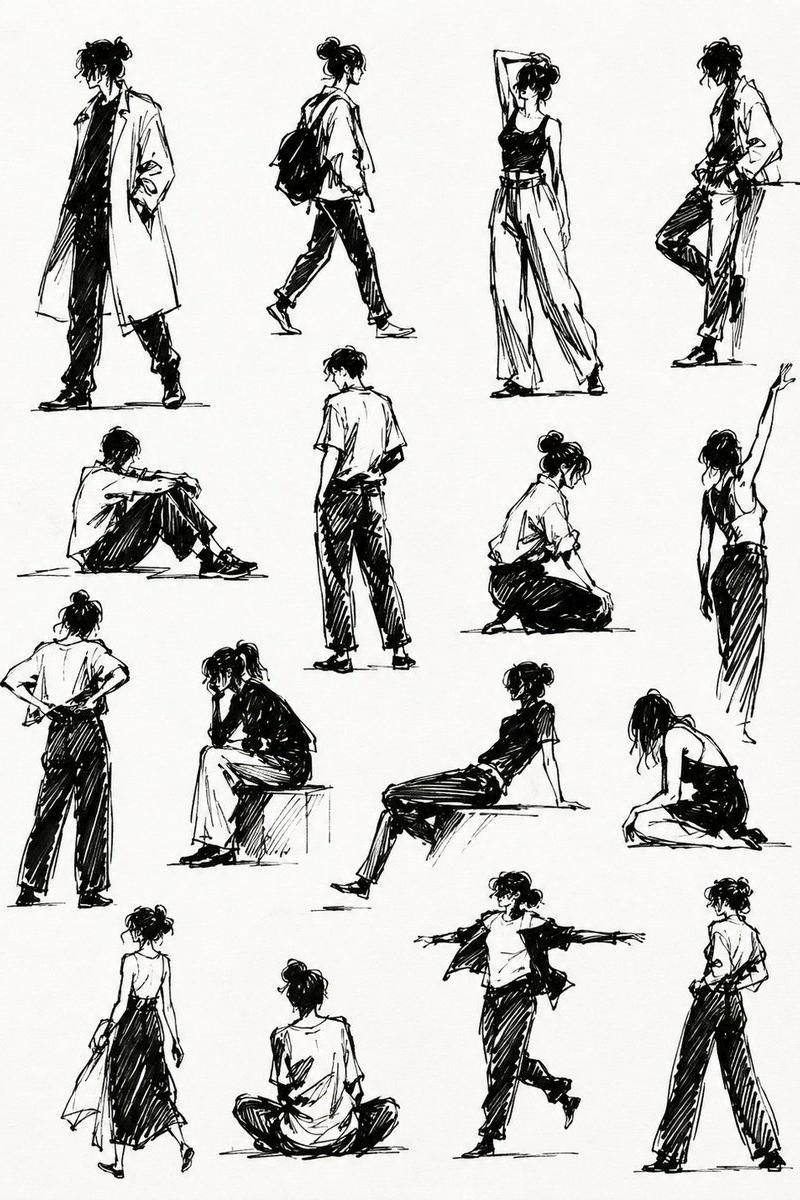
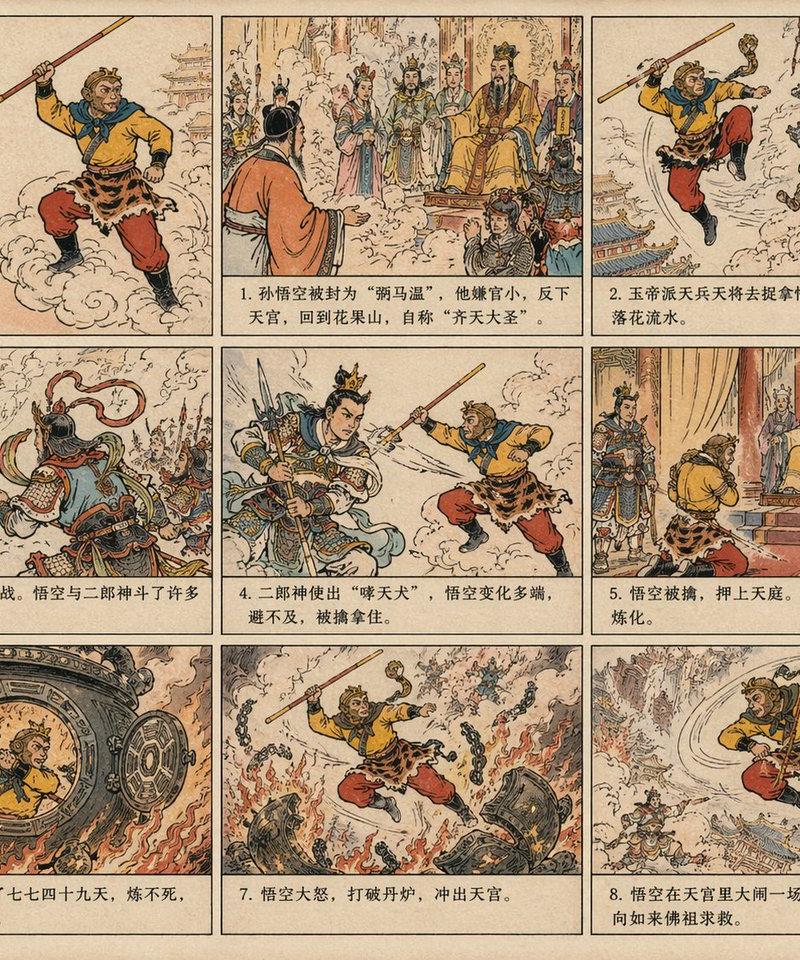
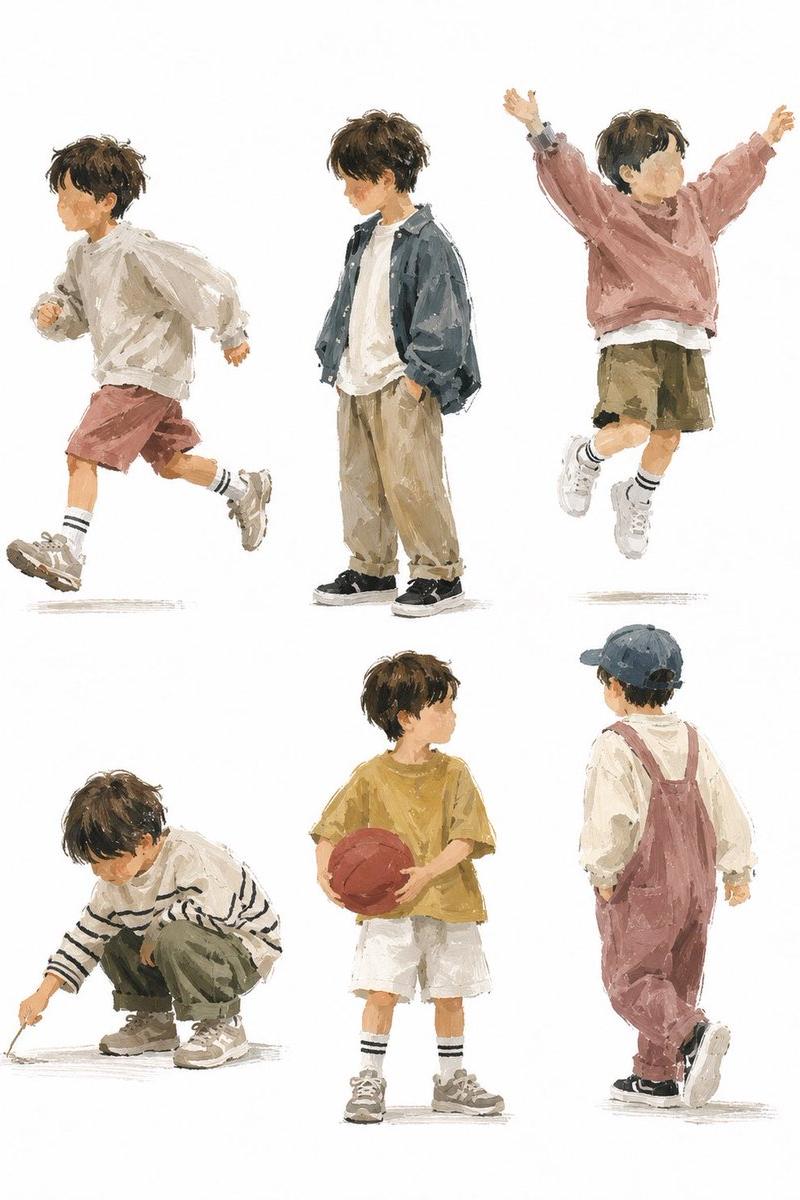
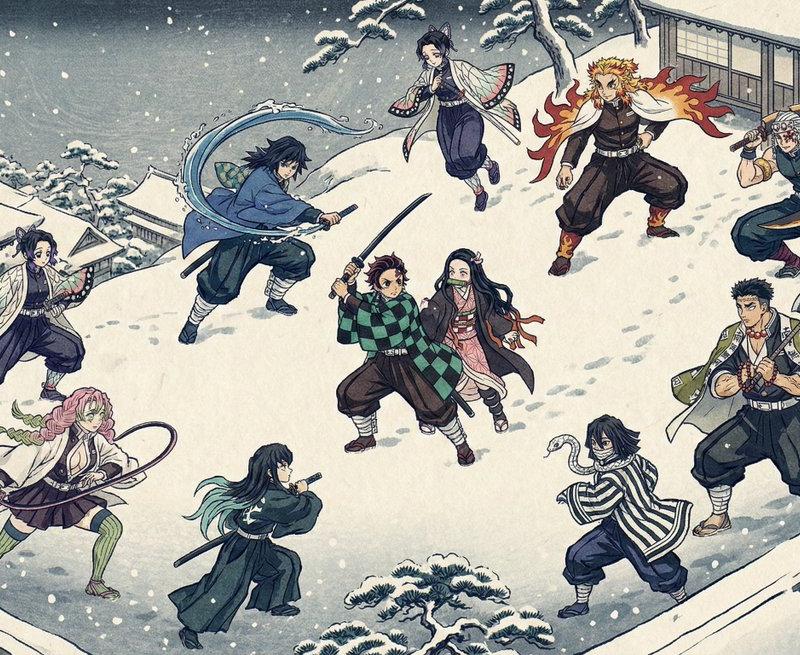
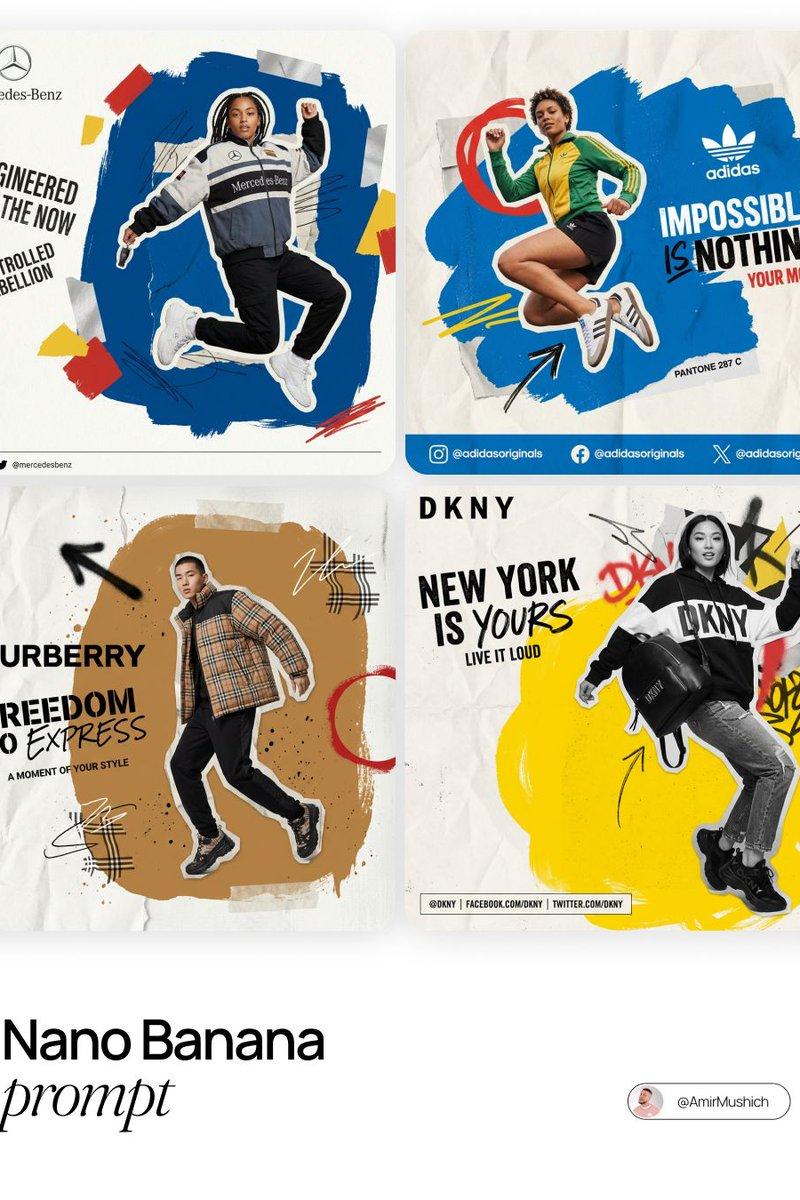
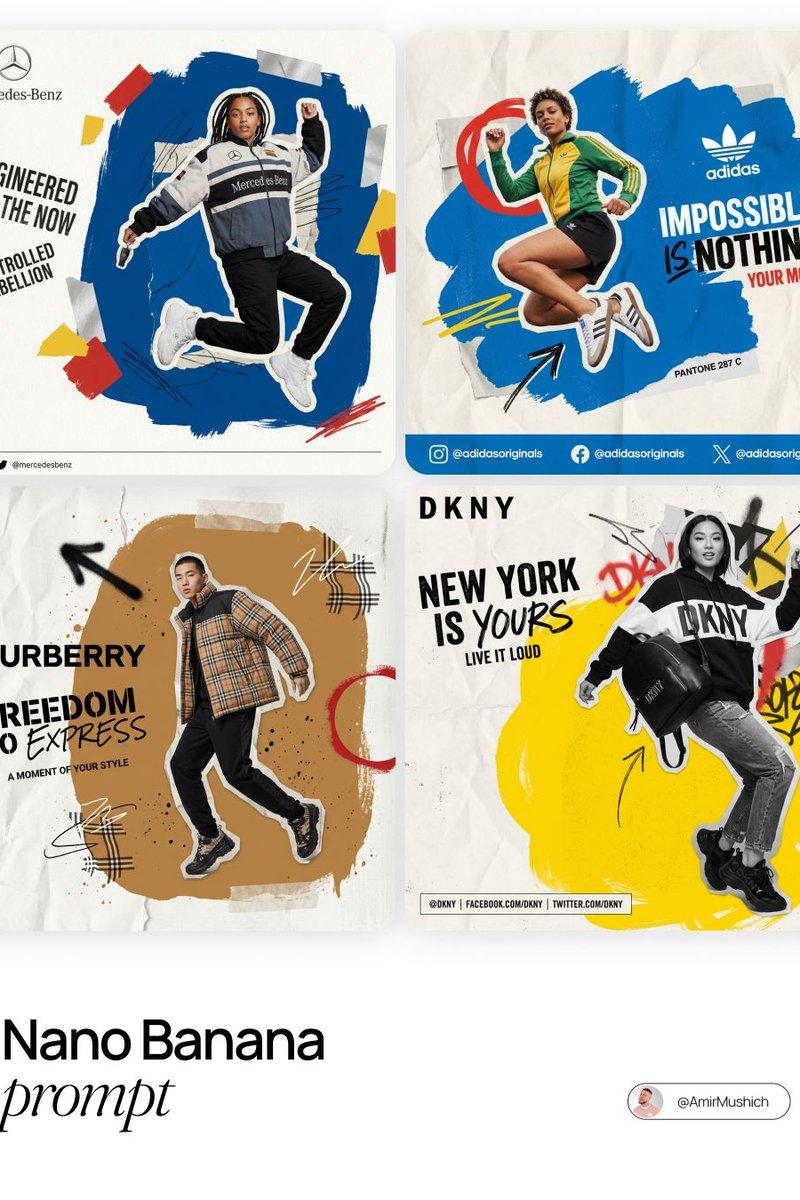
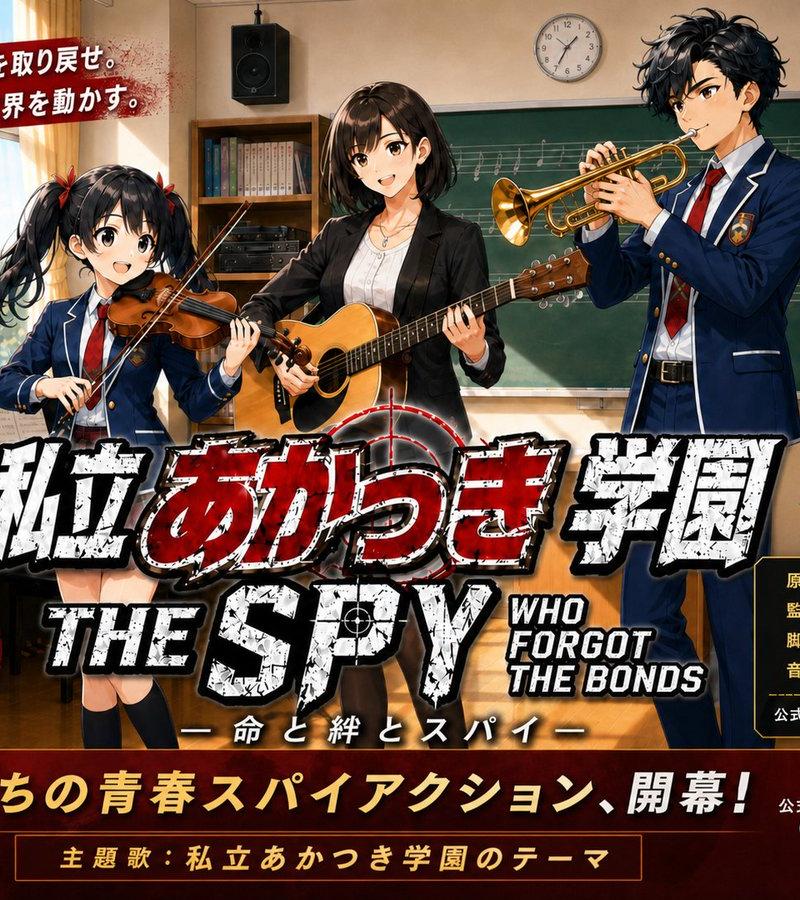
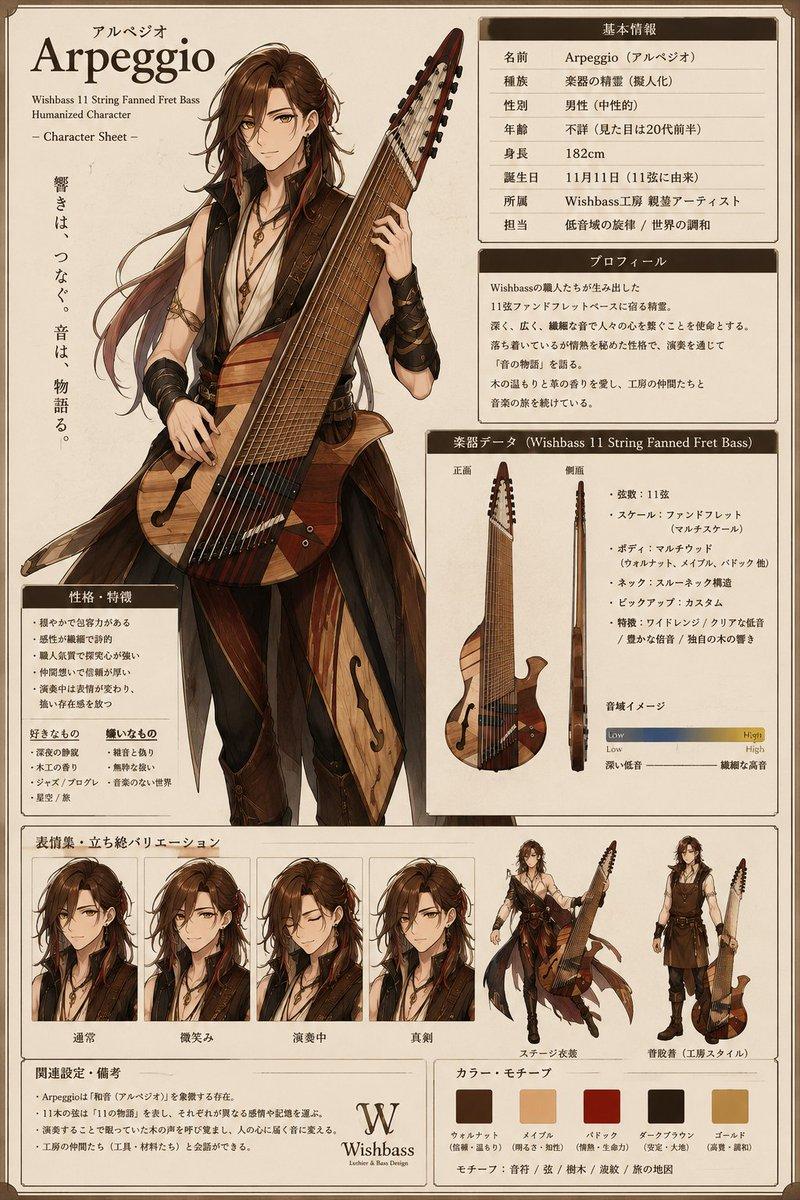
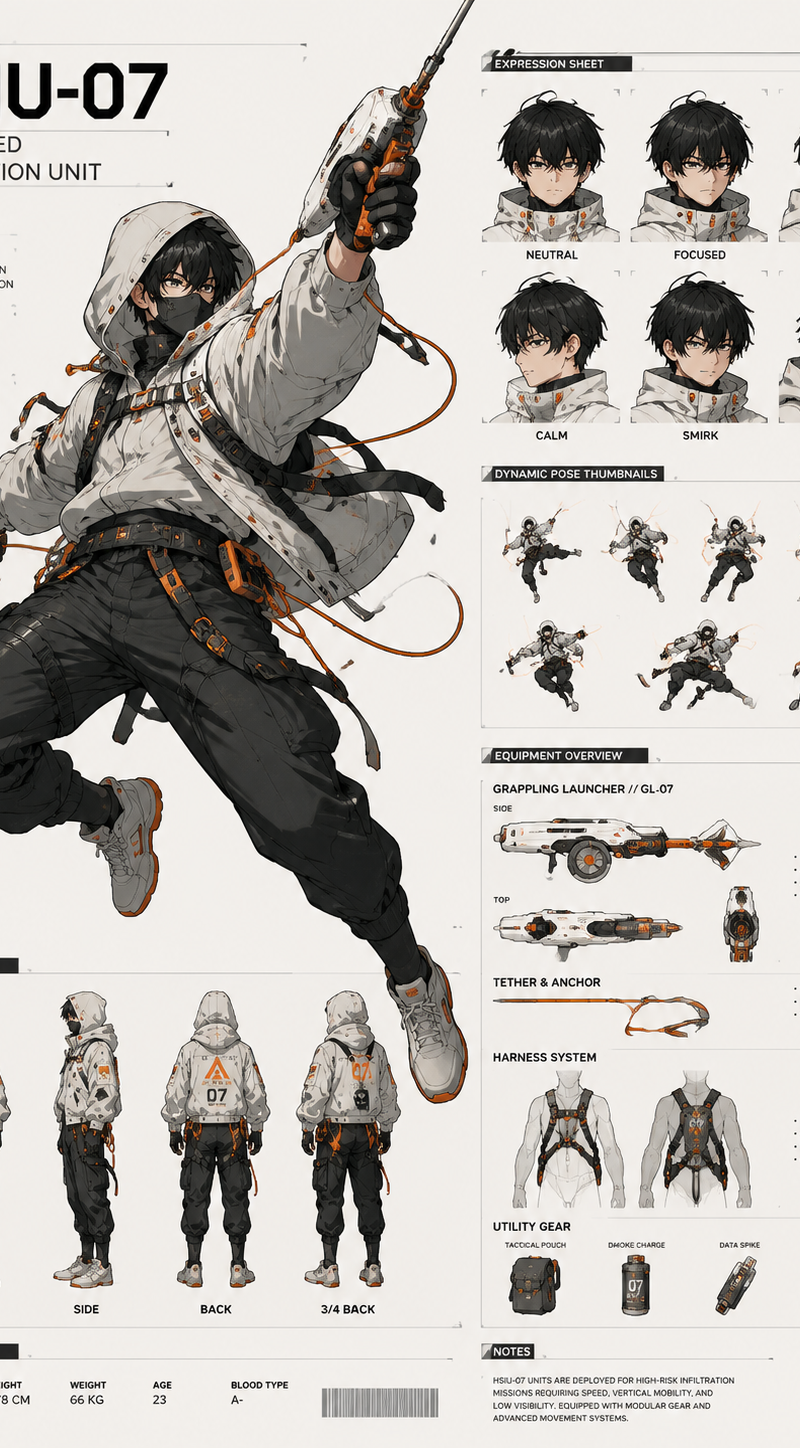
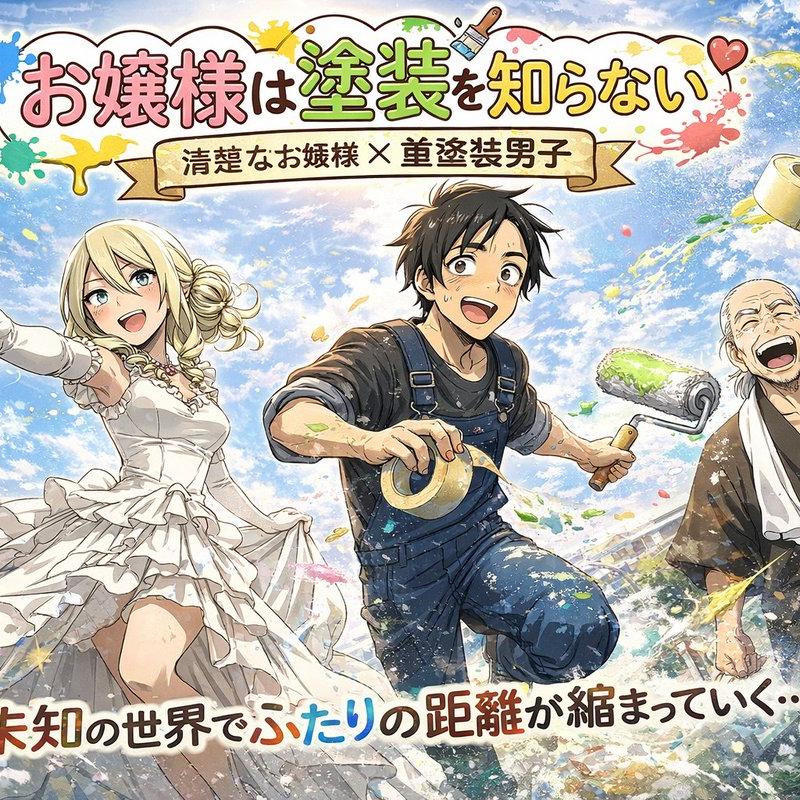
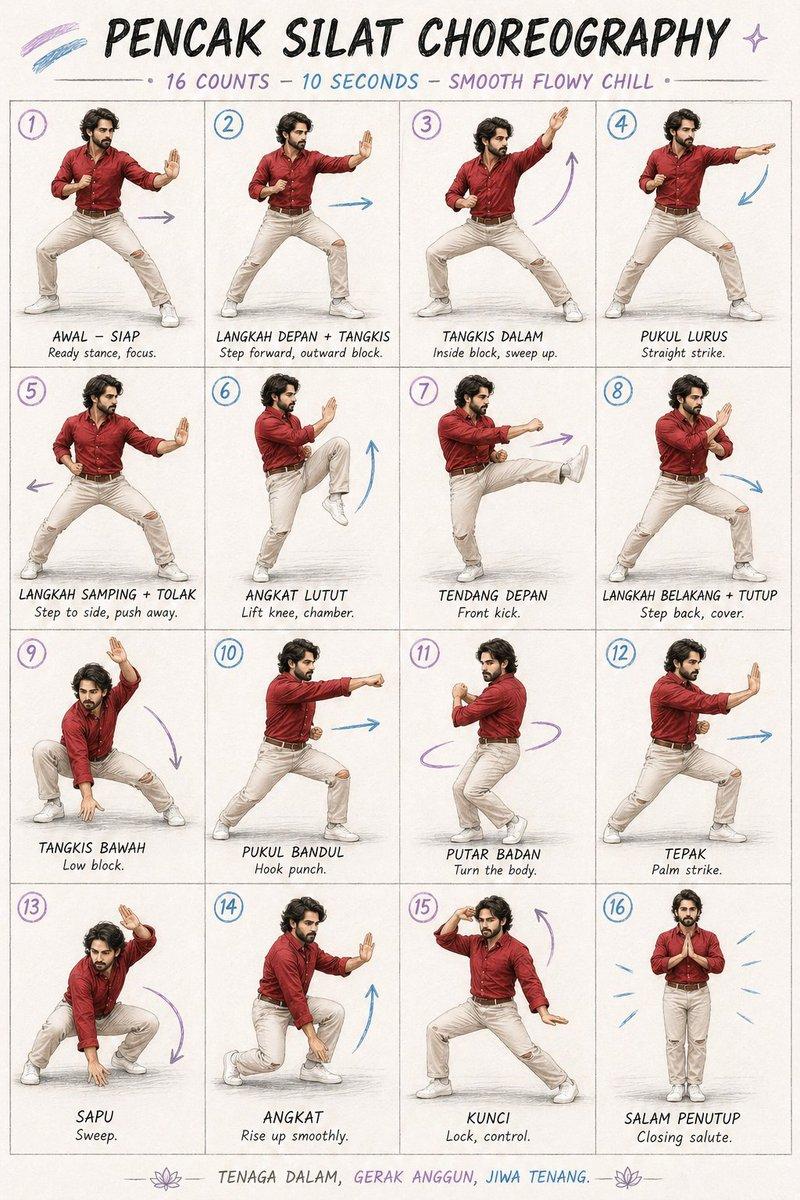
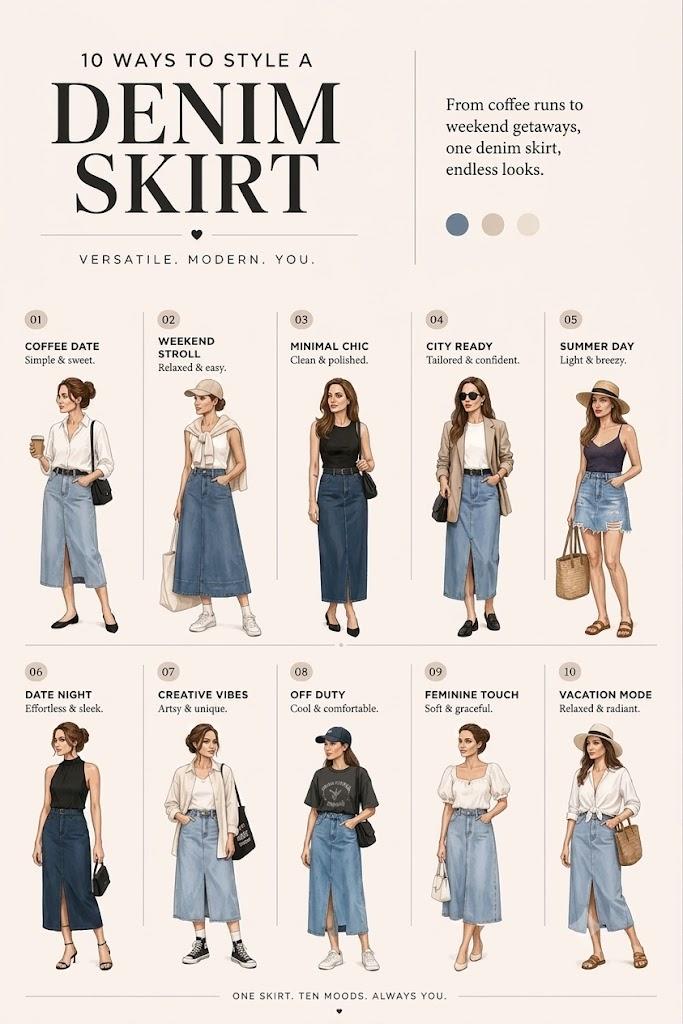
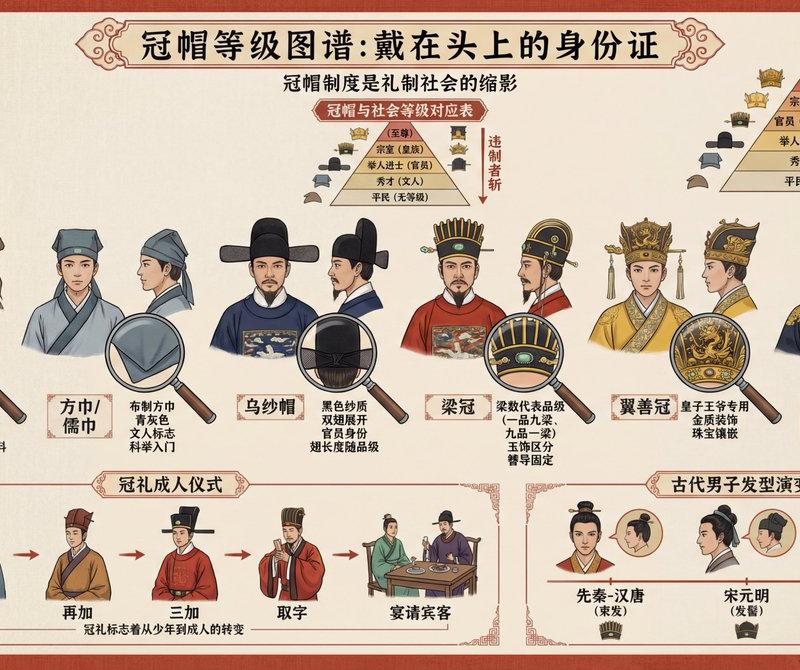
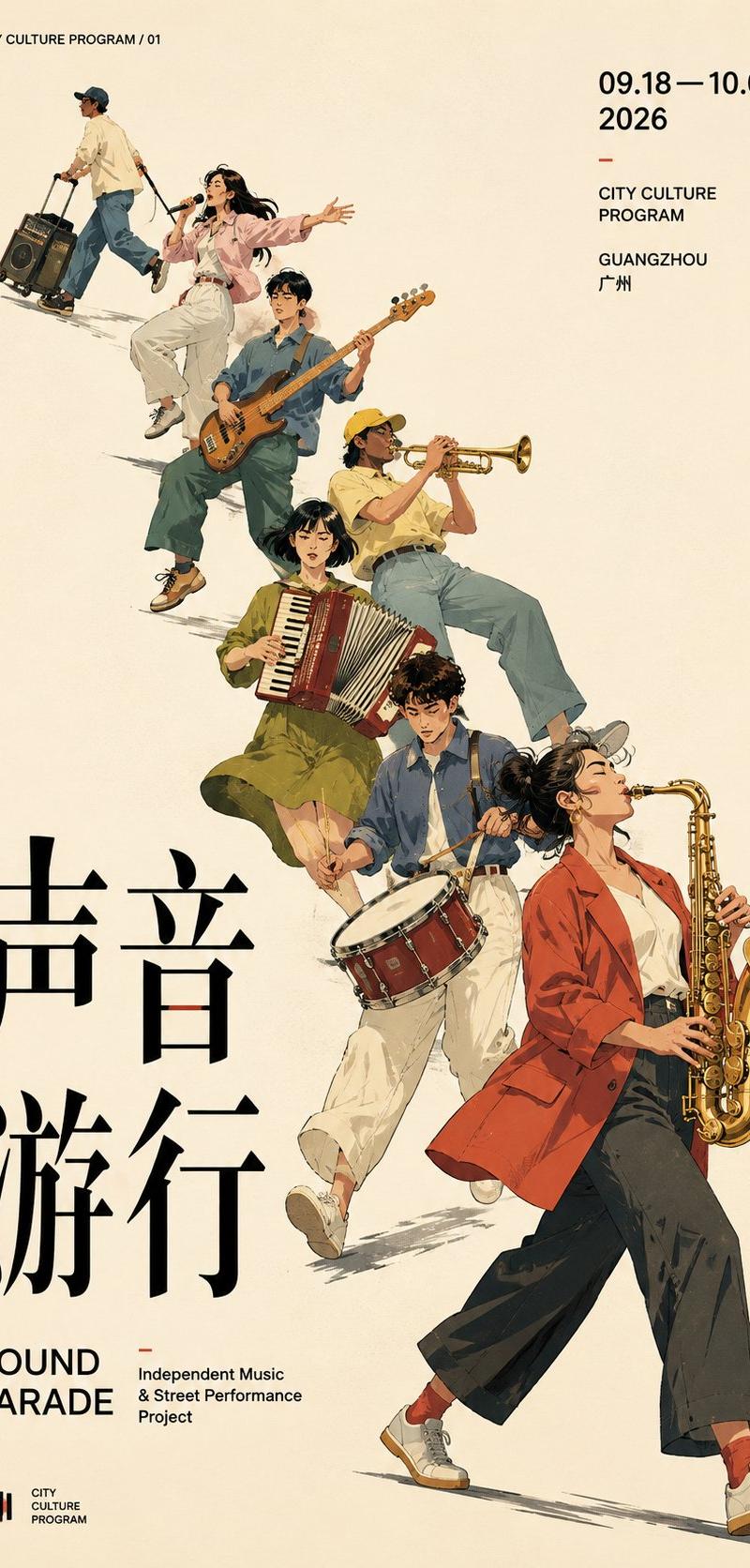
用 Image2 做海报想提升视觉效果,构图参考就是 AI 设计的焚诀! 这四个风格各异的海报,我都用了「斜向势能」构图 1. 群像运动:人物形...
Enlarge

Example images

用 Image2 做海报想提升视觉效果,构图参考就是 AI 设计的焚诀! 这四个风格各异的海报,我都用了「斜向势能」构图 1. 群像运动:人物形...

Prompt
用 Image2 做海报想提升视觉效果,构图参考就是 AI 设计的焚诀! 这四个风格各异的海报,我都用了「斜向势能」构图 1. 群像运动:人物形成对角主轴 2. 空间透视:建筑切面引导视线 3. 字体运动:Typography 沿斜轴推进 4. 单体对象:物体轮廓自然形成斜势 对角构图的重点,是让主体、文字和留白都围绕同一条视觉主轴组织。 很适合做海报、封面、活动视觉和品牌设计参考! Prompt below
Category
创意图片
Model
GPT Image 2
Creator
@MrLarus
Source language
zh-CN
Views0
Source ID
2085739060274803168
Published
Aug 8, 2026
Studio

Guide

About "用 Image2 做海报想提升视觉效果,构图参考就是 AI 设计的焚诀! 这四个风格各异的海报,我都用了「斜向势能」构图 1. 群像运动:人物形..."

What is this prompt for?

"用 Image2 做海报想提升视觉效果,构图参考就是 AI 设计的焚诀! 这四个风格各异的海报,我都用了「斜向势能」构图 1. 群像运动:人物形..." AI image prompt for GPT Image 2 (创意图片). Saved from X post by @MrLarus. 用 Image2 做…

The full copyable prompt and example visuals above are ready for AI image generation or one-click recreate in Picva.

How to use this prompt

  1. Step 1

    Open the prompt detail

    Review the example visuals, category, and full prompt text for "用 Image2 做海报想提升视觉效果,构图参考就是 AI 设计的焚诀! 这四个风格各异的海报,我都用了「斜向势能」构图 1. 群像运动:人物形...".

  2. Step 2

    Copy the prompt

    Copy the prompt body from this page, or load it directly in Studio.

  3. Step 3

    Pick a model (GPT Image 2)

    Prefer GPT Image 2. If you switch models, keep subject and composition and tweak style terms.

  4. Step 4

    Generate and export

    Recreate the look in Picva, or export into your workflow for editing and publishing.

FAQ

What is the "用 Image2 做海报想提升视觉效果,构图参考就是 AI 设计的焚诀! 这四个风格各异的海报,我都用了「斜向势能」构图 1. 群像运动:人物形..." prompt?
It is an AI image-generation prompt for GPT Image 2 in the 创意图片 category. This page includes the full prompt text, example visuals, and a one-click recreate path in Picva.
How do I use this prompt to generate an image?
Copy the prompt from this page, or use Generate / Studio. Paste it into a compatible image model, or recreate the look in Picva with optional reference images.
Which model is this prompt for?
This page lists GPT Image 2. Most descriptive prompts also transfer to nearby image models such as GPT Image, Flux, or Midjourney with light style tweaks.
Can I use the result commercially?
You can usually copy the prompt for creation, but commercial use of the final image depends on the model terms, reference-image rights, and the generated content. Follow the source author and platform rules.