20

使用附带的Face Reference作为人物身份的唯一来源。精确保留Face Reference中的面部身份、面部比例、眼睛形状、鼻子、嘴唇、...
Enlarge

使用附带的Face Reference作为人物身份的唯一来源。精确保留Face Reference中的面部身份、面部比例、眼睛形状、鼻子、嘴唇、...

Prompt
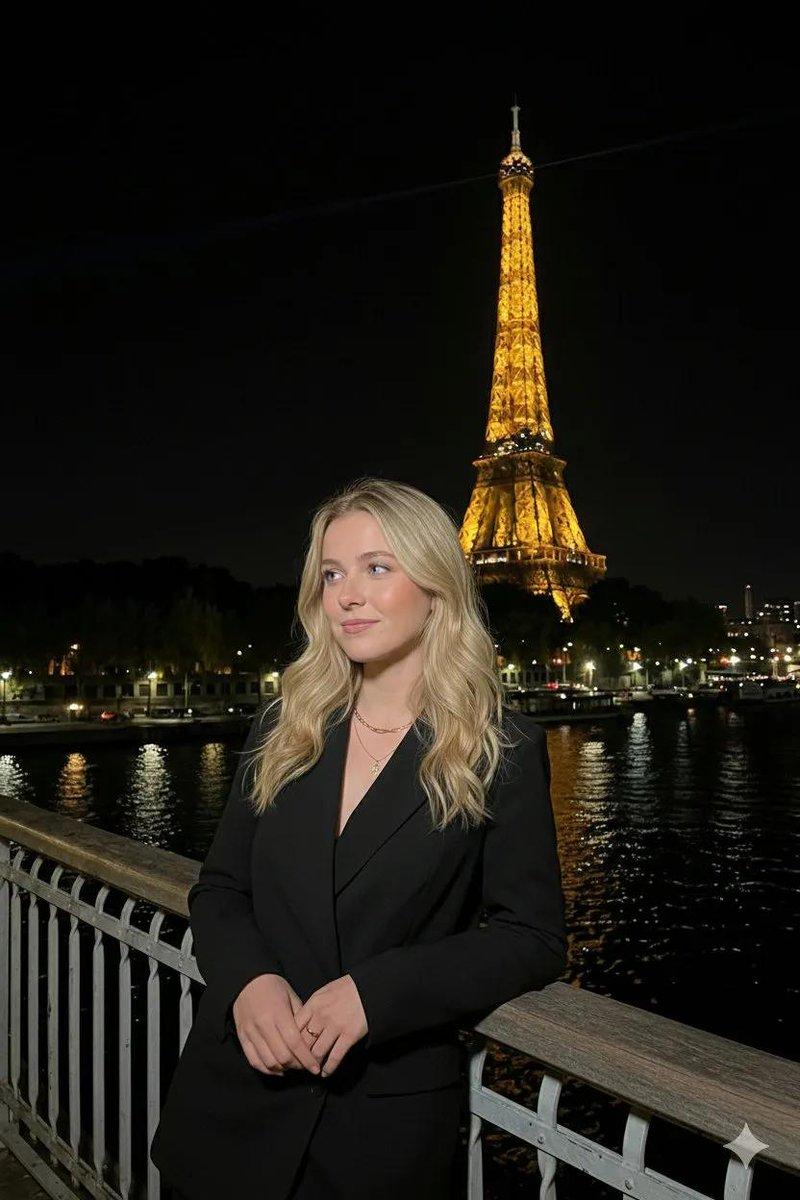
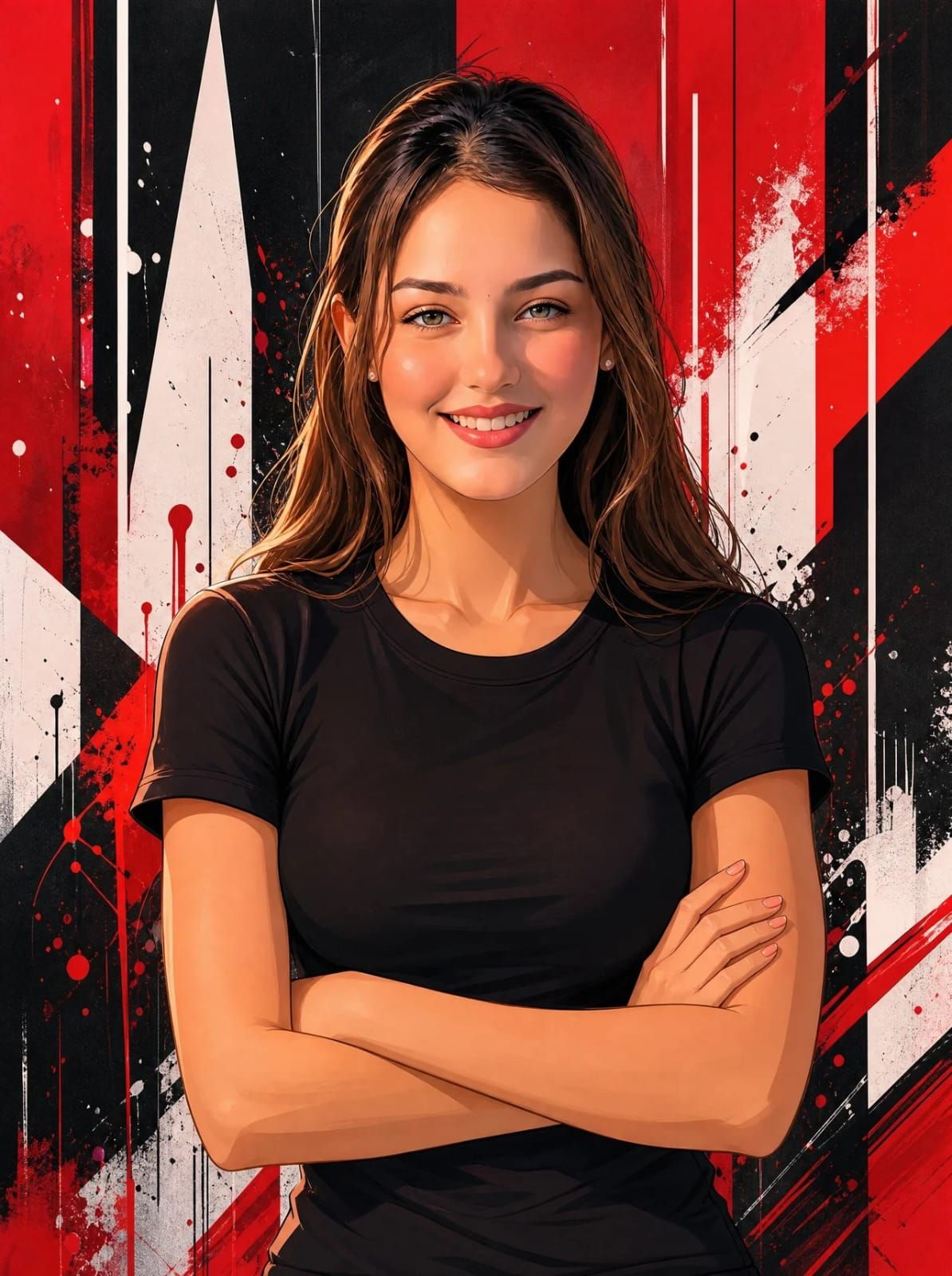
使用附带的Face Reference作为人物身份的唯一来源。精确保留Face Reference中的面部身份、面部比例、眼睛形状、鼻子、嘴唇、下巴线条、发型、发际线和自然表情。不要重新设计或美化面部。面部必须尽可能与Face Reference完全匹配。 精确重现参考艺术作品的构图,包括几乎相同的姿势、取景、身体角度、相机距离、手臂位置、肩膀位置、头部倾斜、注视方向、头发流动、服装贴合度、照明、阴影和整体视觉平衡。 主体穿着朴素合身的黑色T恤,手臂自然交叉,姿势放松,头部略微倾斜,直视观众,表情平静中性。 背景必须与参考风格完全匹配:大胆的红色、黑色和白色抽象几何涂鸦、锐利的垂直形状、颜料溅泼、墨水滴落、动态图形元素、高对比度。 艺术风格: 高级动漫插图、超清晰矢量绘画、光泽赛璐珞着色、清晰线条、电影级照明、鲜艳的红黑白配色方案、极其详细的发丝、平滑的皮肤渲染、戏剧性高光、高端数字插图。 构图: 垂直肖像(9:16)、腰部以上取景、相同透视、相同相机角度、相同比例、相同视觉风格。 优先顺序: 1. Face Reference身份(最高优先级) 2. 精确姿势和构图 3. 精确配色方案 4. 精确艺术风格 5. 精确背景设计 无文字、无徽标、无水印。
Category
创意图片
Model
GPT Image 2
Creator
@AizaAi12
Views1
Source ID
2086067023621259331
Published
Aug 8, 2026

Guide

About "使用附带的Face Reference作为人物身份的唯一来源。精确保留Face Reference中的面部身份、面部比例、眼睛形状、鼻子、嘴唇、..."

What is this prompt for?

"使用附带的Face Reference作为人物身份的唯一来源。精确保留Face Reference中的面部身份、面部比例、眼睛形状、鼻子、嘴唇、..." AI image prompt for GPT Image 2 (创意图片). Saved from X post by @AizaAi12. GPT IMAGE…

The full copyable prompt and example visuals above are ready for AI image generation or one-click recreate in Picva.

How to use this prompt

  1. Step 1

    Open the prompt detail

    Review the example visuals, category, and full prompt text for "使用附带的Face Reference作为人物身份的唯一来源。精确保留Face Reference中的面部身份、面部比例、眼睛形状、鼻子、嘴唇、...".

  2. Step 2

    Copy the prompt

    Copy the prompt body from this page, or load it directly in Studio.

  3. Step 3

    Pick a model (GPT Image 2)

    Prefer GPT Image 2. If you switch models, keep subject and composition and tweak style terms.

  4. Step 4

    Generate and export

    Recreate the look in Picva, or export into your workflow for editing and publishing.

FAQ

What is the "使用附带的Face Reference作为人物身份的唯一来源。精确保留Face Reference中的面部身份、面部比例、眼睛形状、鼻子、嘴唇、..." prompt?
It is an AI image-generation prompt for GPT Image 2 in the 创意图片 category. This page includes the full prompt text, example visuals, and a one-click recreate path in Picva.
How do I use this prompt to generate an image?
Copy the prompt from this page, or use Generate / Studio. Paste it into a compatible image model, or recreate the look in Picva with optional reference images.
Which model is this prompt for?
This page lists GPT Image 2. Most descriptive prompts also transfer to nearby image models such as GPT Image, Flux, or Midjourney with light style tweaks.
Can I use the result commercially?
You can usually copy the prompt for creation, but commercial use of the final image depends on the model terms, reference-image rights, and the generated content. Follow the source author and platform rules.