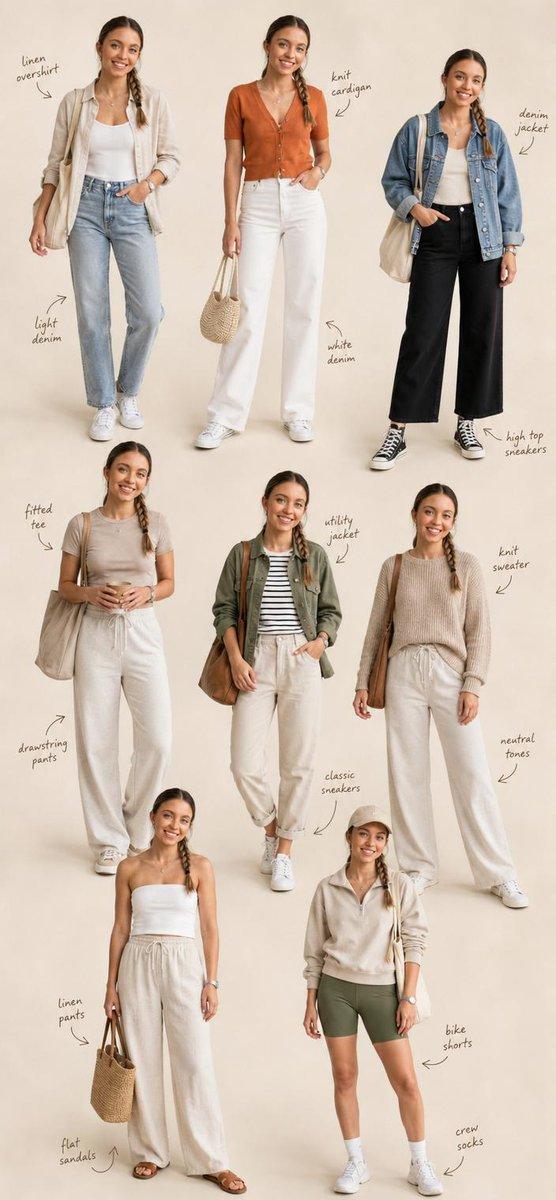
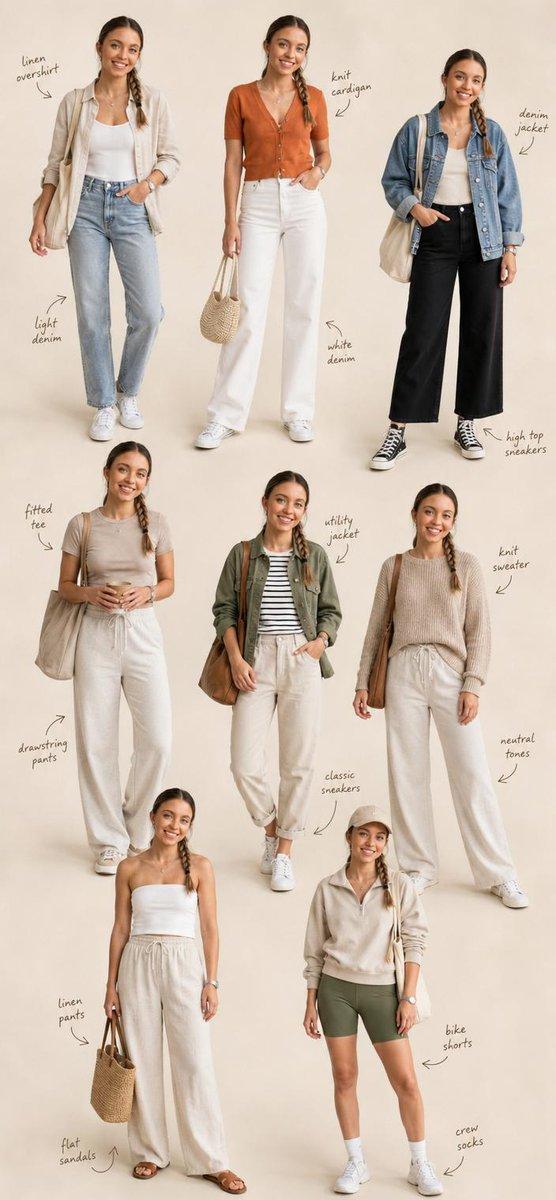
裸眼3D时装风格生图
Prompt
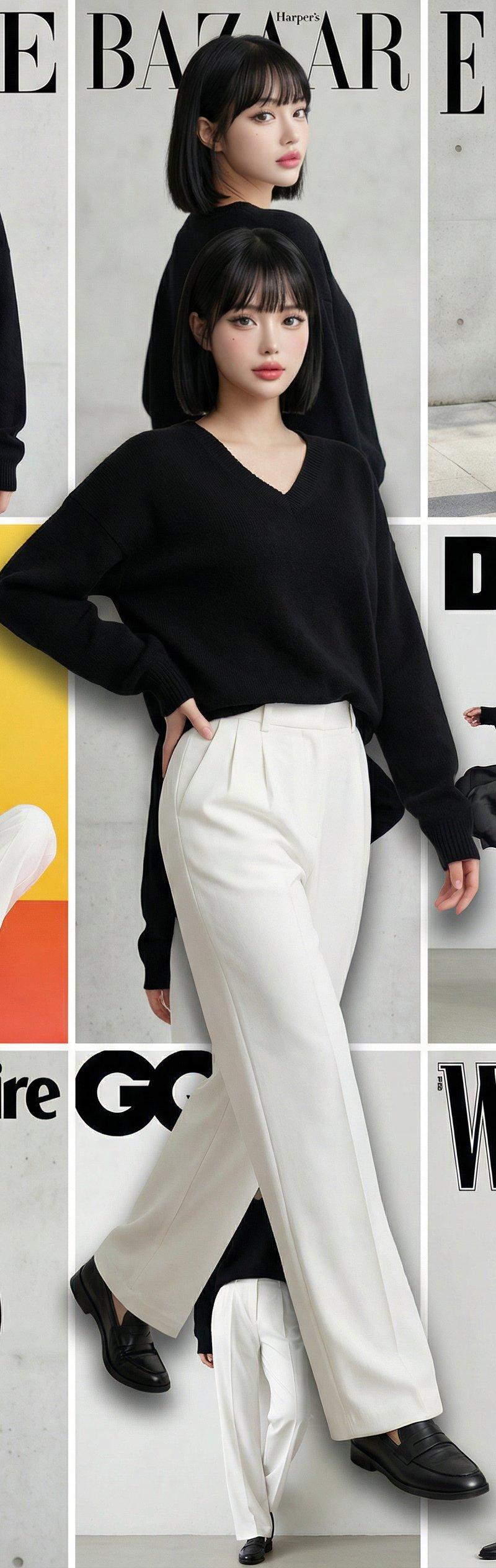
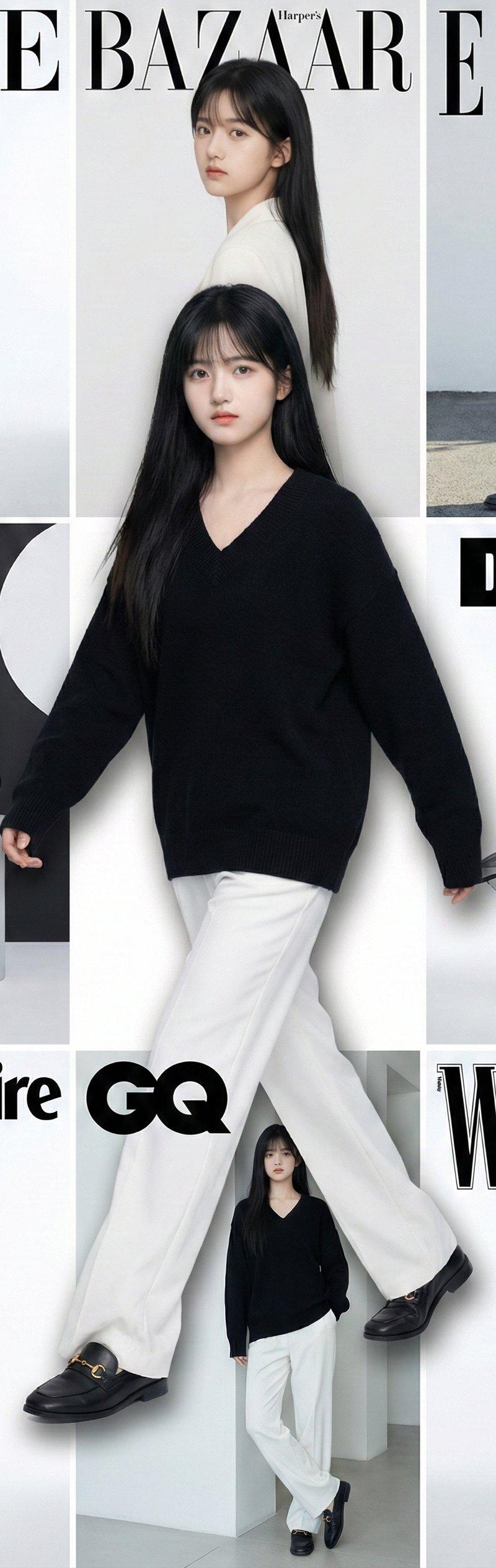
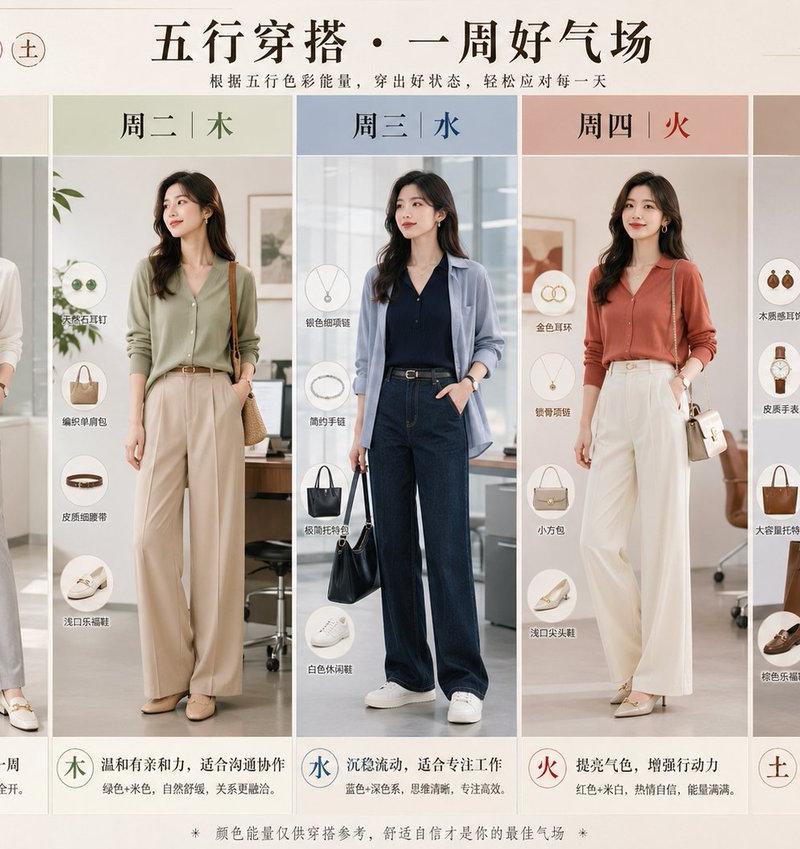
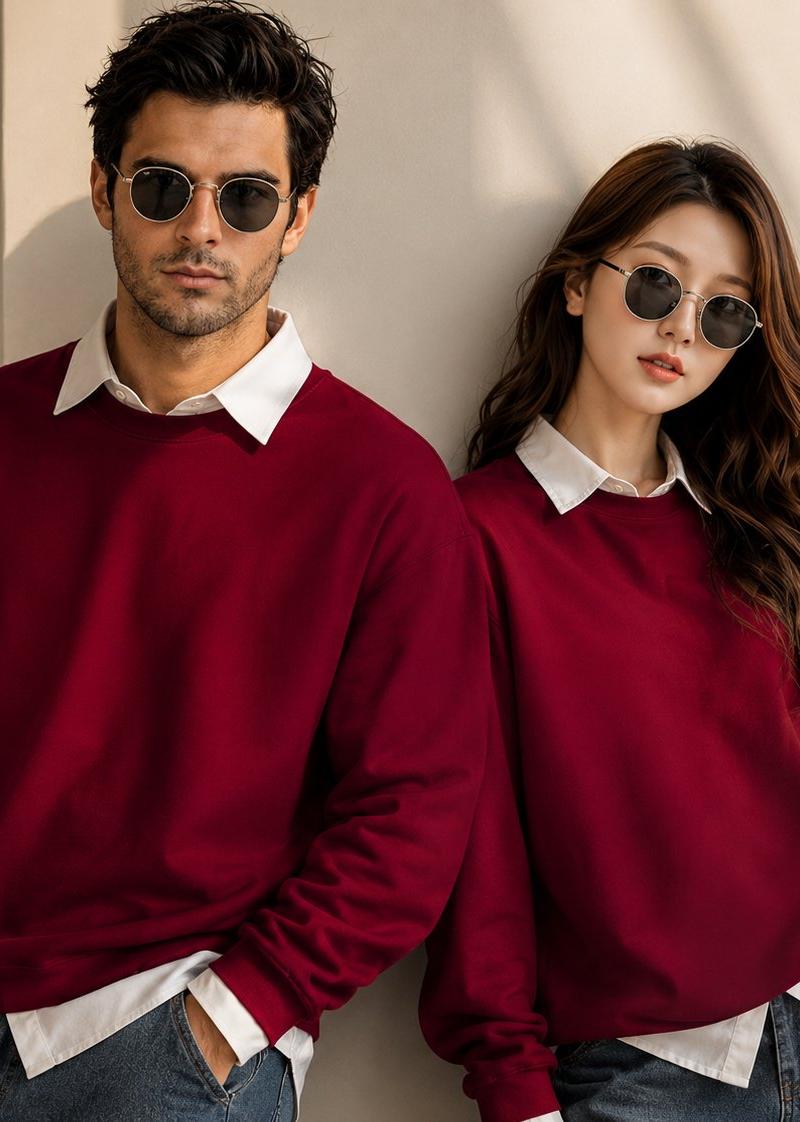
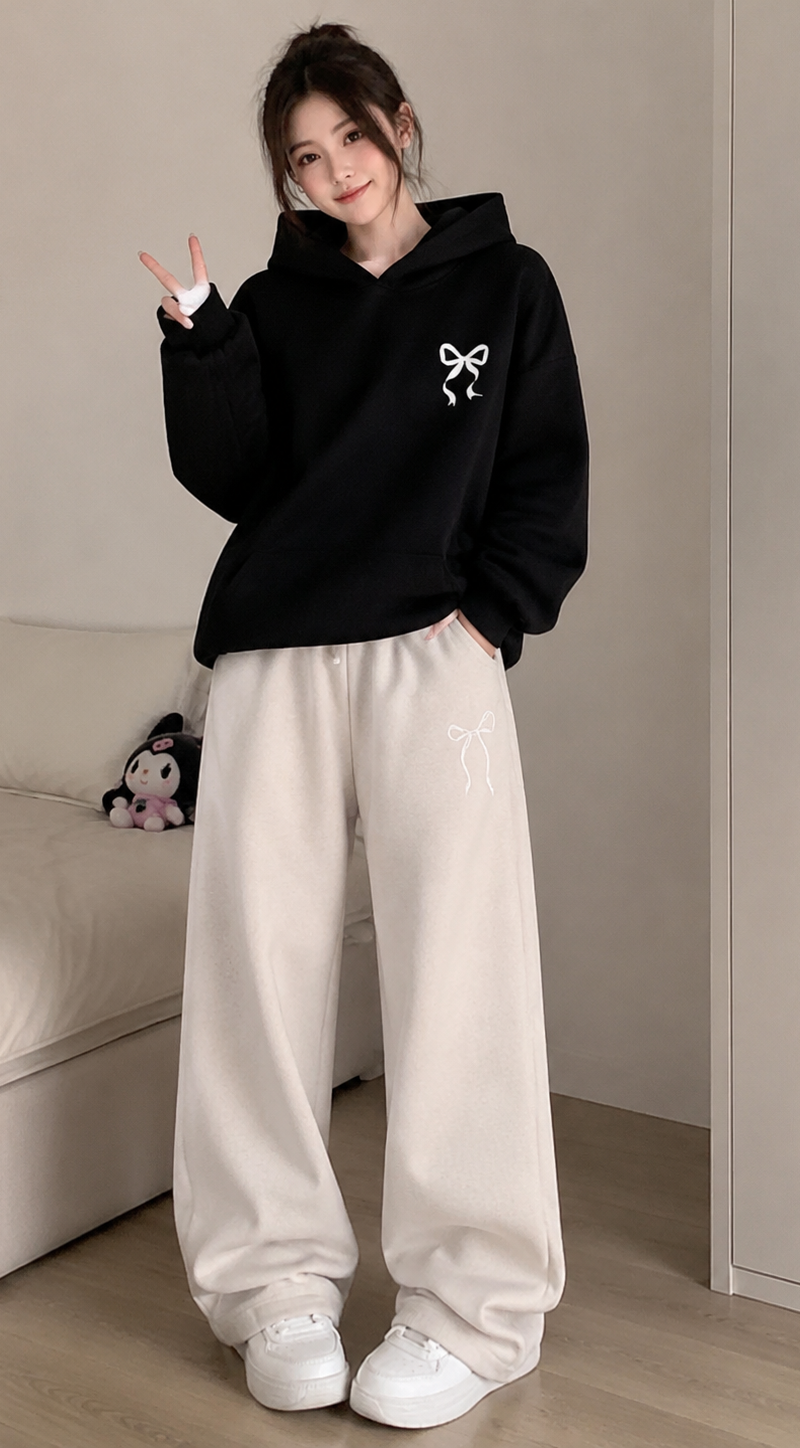
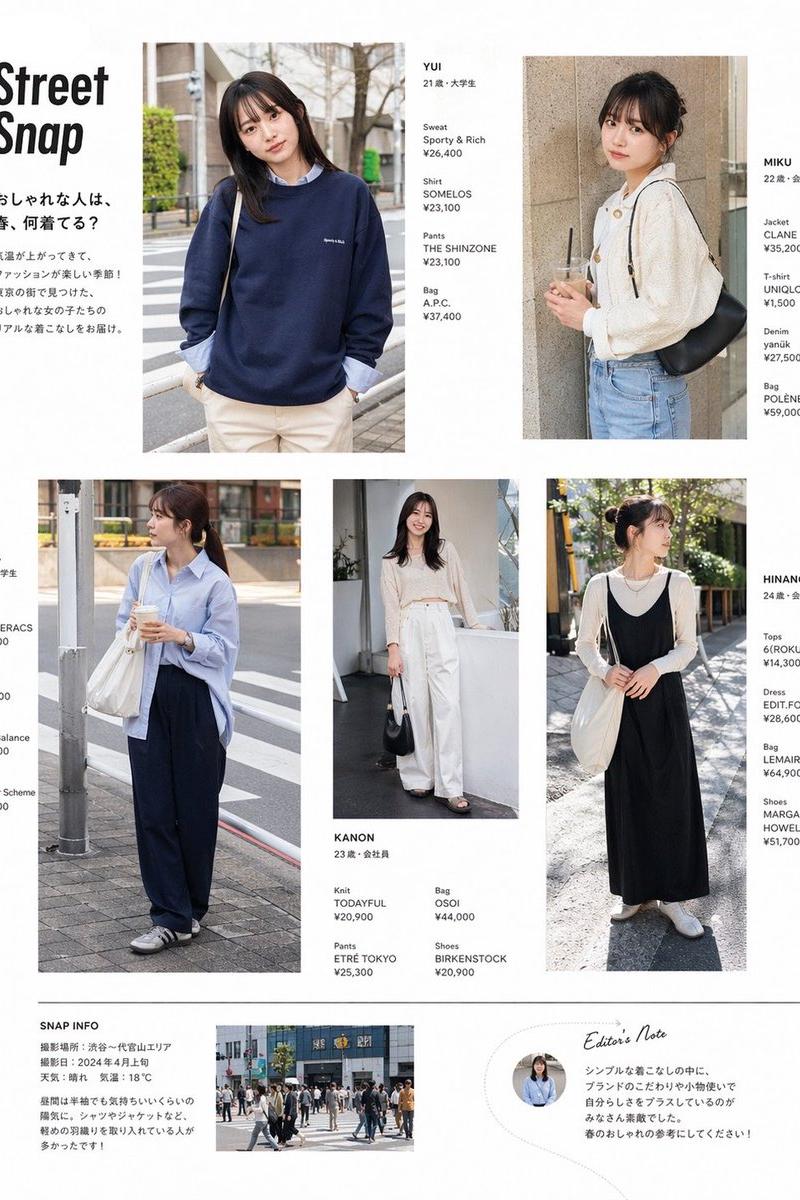
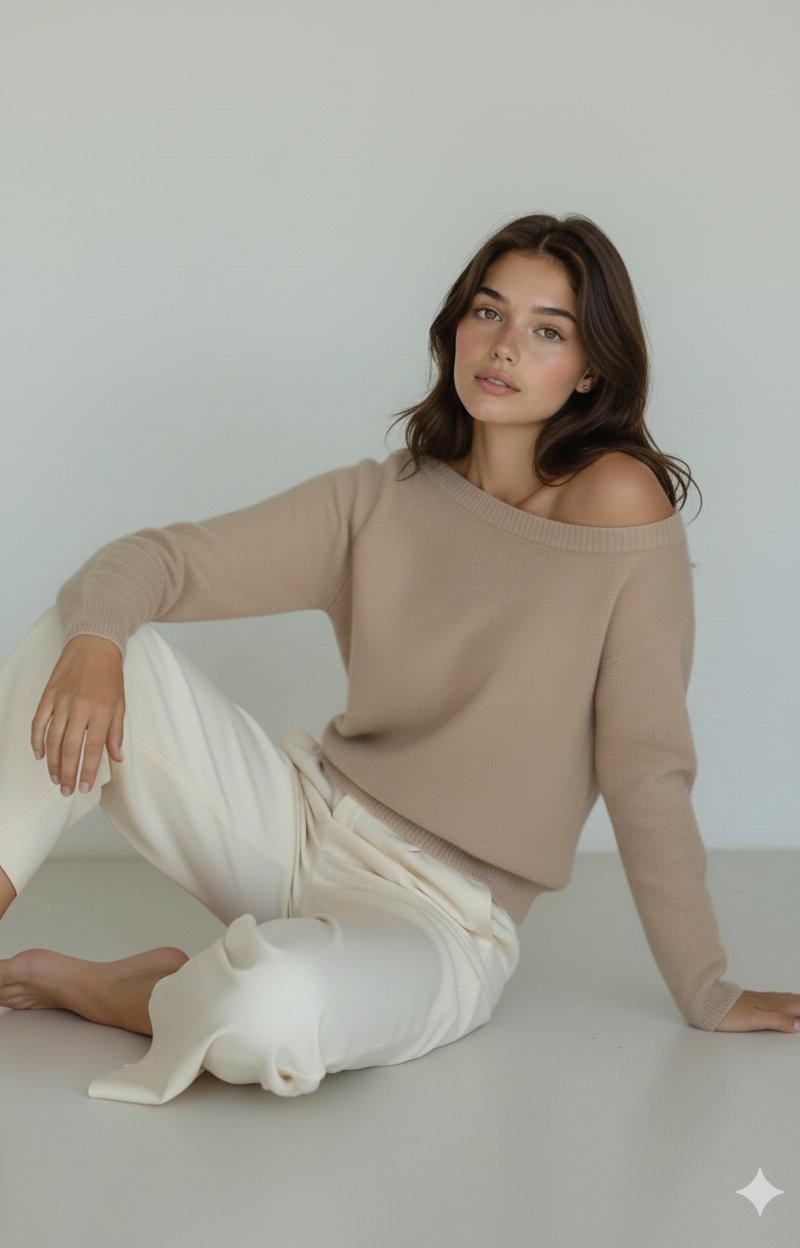
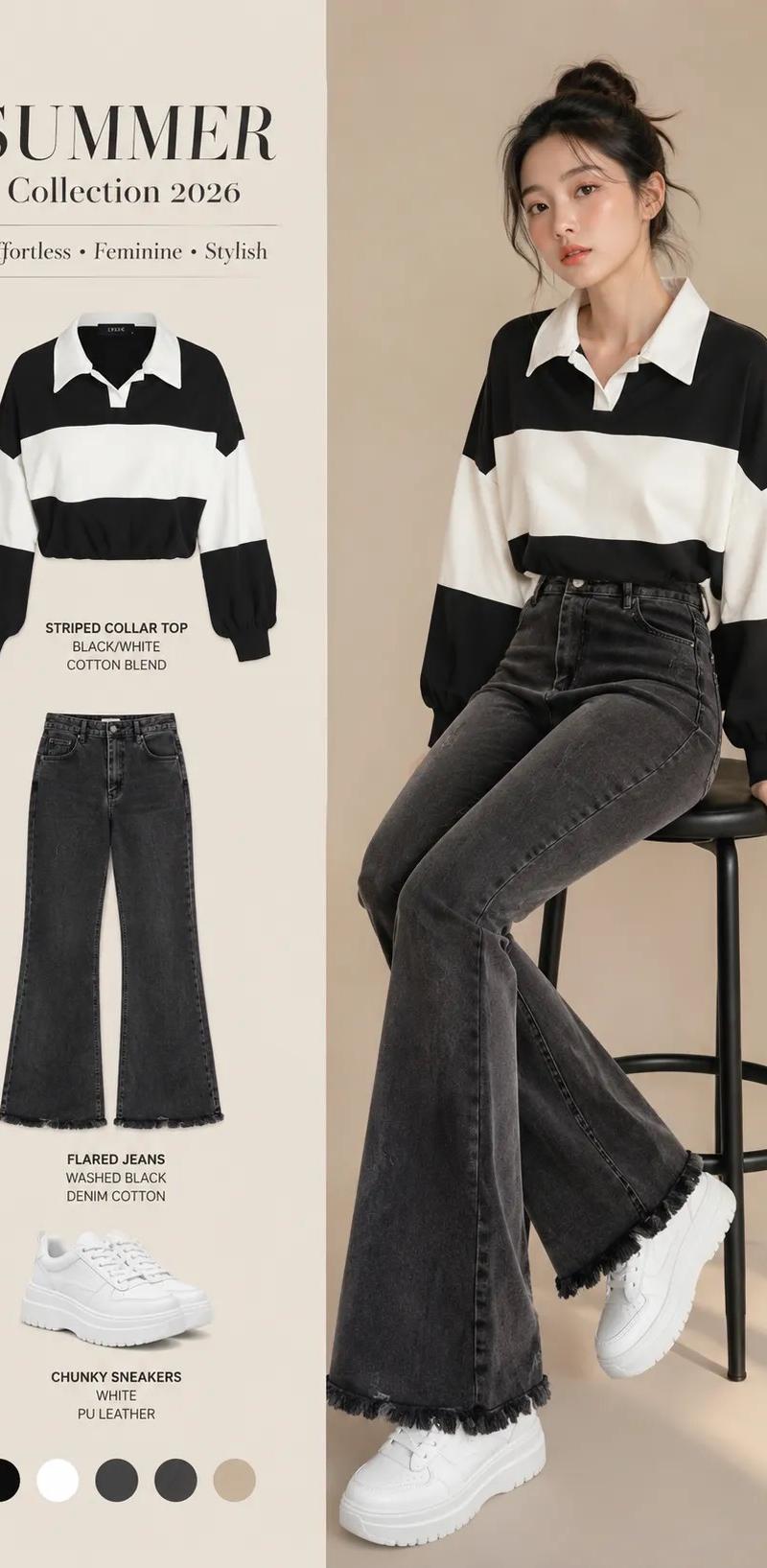
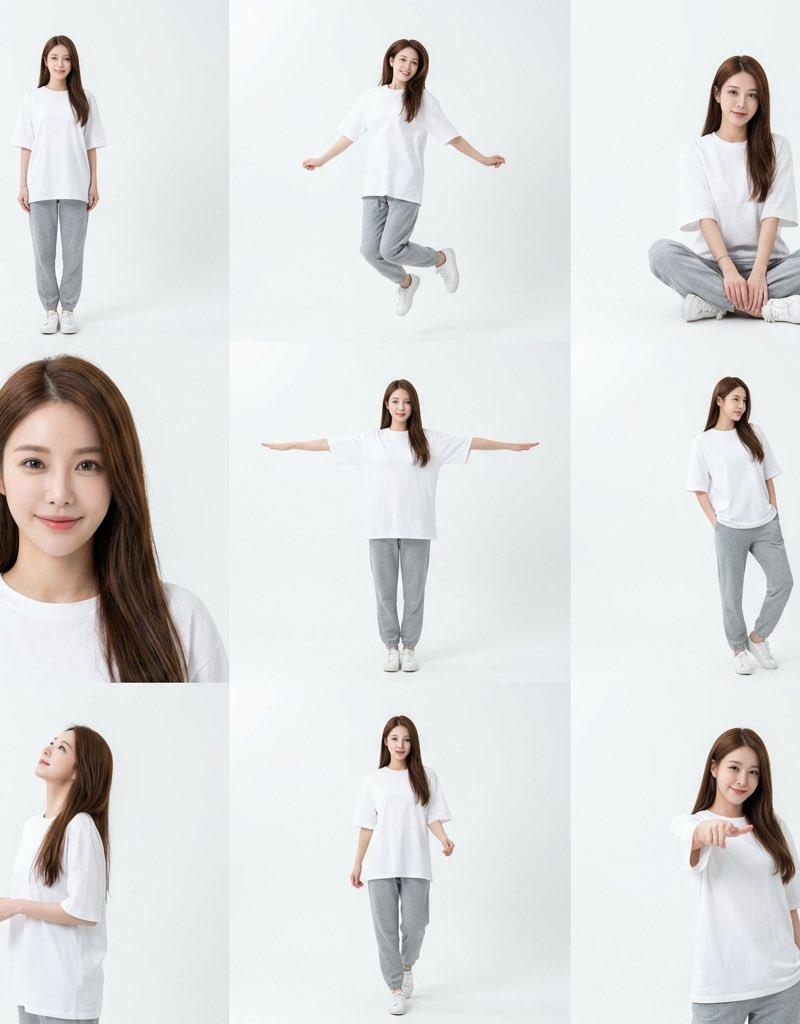
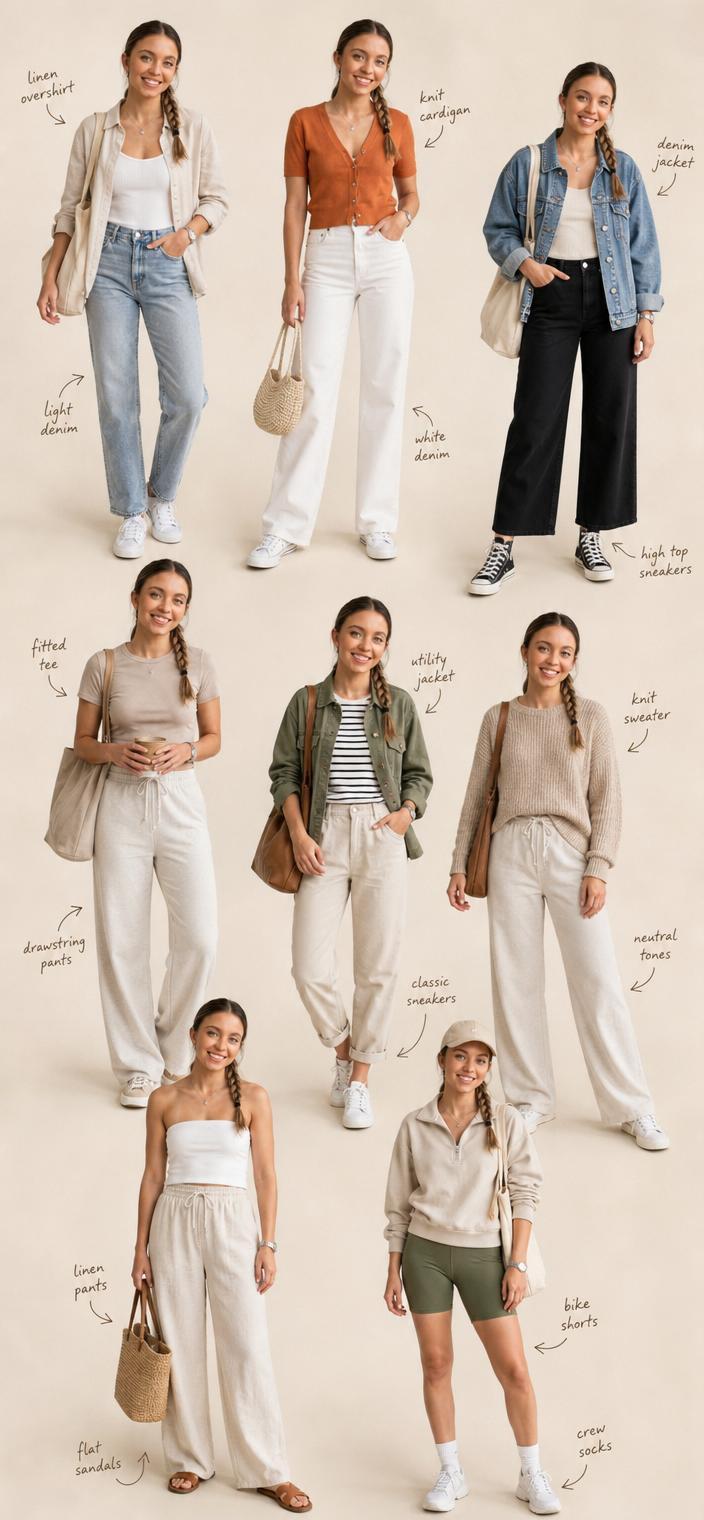
裸眼3D时装风格,生图应该是12层了,不是九宫格了,稍微做了修改
{
"title": "时尚杂志 9 宫格叠层写真",
"prompt": "cold-beauty early-20s Chinese/Korean fashion model, sharp jawline, high cheekbones, aloof and minimalist expression, very editorial face",
"outfit": "oversized black cashmere V-neck sweater (slightly loose fit), high-waisted wide-leg pure white tailored trousers, black leather loafers with subtle gold horsebit",
"layout_and_composition": "Surreal creative collage. Background is a CLEAR and SHARP 3x3 grid of 8 different lifestyle poses, separated by DISTINCT THICK WHITE LINES. FOREGROUND is dominated by a single, massive, hyper-realistic full-body shot of the same model in the absolute center. The central figure overlaps and breaks the white grid boundaries, appearing to be on a separate front layer.",
"central_figure_pose": "Dynamic full-body shot from head to toe. The model is walking forward. Her head touches the very top edge of the canvas, and her shoes touch the very bottom edge. She occupies the maximum vertical space, creating a \'pop-out\' 3D optical illusion.",
"background_grid_poses": "8 distinct variations in the background slots (sitting, standing, looking side, etc.). IMPORTANT: All faces in the background grid must be sharp, clear, and fully visible. No blur.",
"hair_and_accessories": "neat low bun with slightly messy front strands, small gold hoop earrings, thin gold chain necklace",
"environment": "Bright minimalist indoor studio with concrete walls and green plants. Both the background grid and the foreground figure are fully illuminated and sharp.",
"lighting": "Even, bright studio lighting to ensure clarity on all faces in the grid. Subtle rim light on the central figure to aid separation.",
"camera": "Deep depth of field (f/16) to keep BOTH the background grid figures and the foreground figure in sharp focus. No bokeh, no background blur.",
"mood": "Breaking boundaries, high-fashion editorial, surreal depth, quiet luxury, confident, clear and graphic",
"negative_prompt": "blurred background, depth of field, bokeh, out of focus faces, messy composition, missing grid lines, low resolution, deformed limbs, merging bodies, dark shadows",
"technical": {
"aspect_ratio": "9:16",
"notes": "Crucial: The background grid lines must be white and visible. The faces in the background grid must be high resolution and clearly visible, not blurry.",
"recommended_model": "Flux 1.1 / Midjourney V6 / Stable Diffusion XL"
},
"midjourney_command": "/imagine prompt: a sharp 3x3 fashion grid collage with distinct white grid lines, featuring a chinese model in black sweater and white trousers in various clear poses. OVERLAID by a massive hyper-realistic full-body 3D cut-out of the same model walking forward in the center. All faces sharp and in focus, deep depth of field, no blur, pop-out 3D effect, editorial photography, 8k --ar 9:16 --v 6.1 --stylize 250"
}- Category
- Photography & Realism
- Model
- Midjourney
- Creator
- 就是玩AI
- Source language
- zh-CN
- Source ID
- 3d-fashion-style-raw-image
Views0