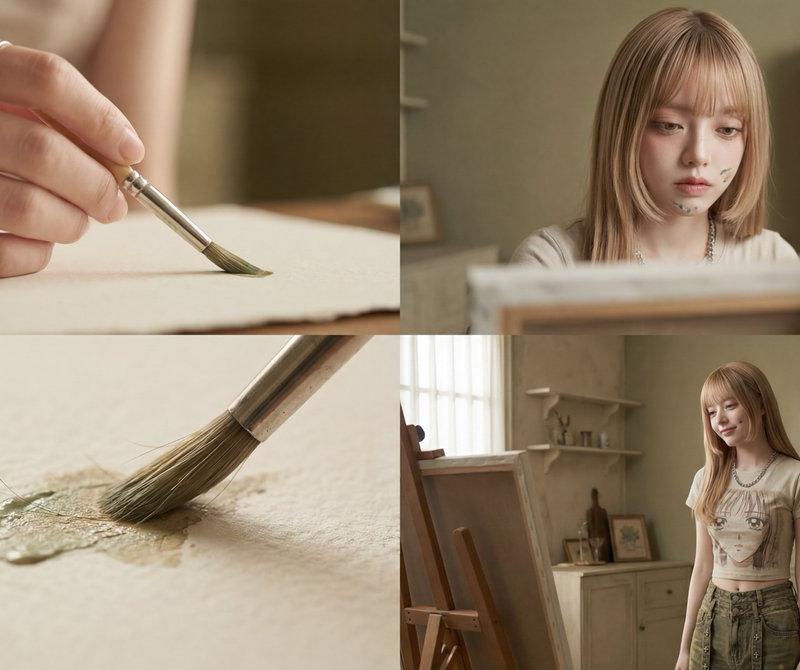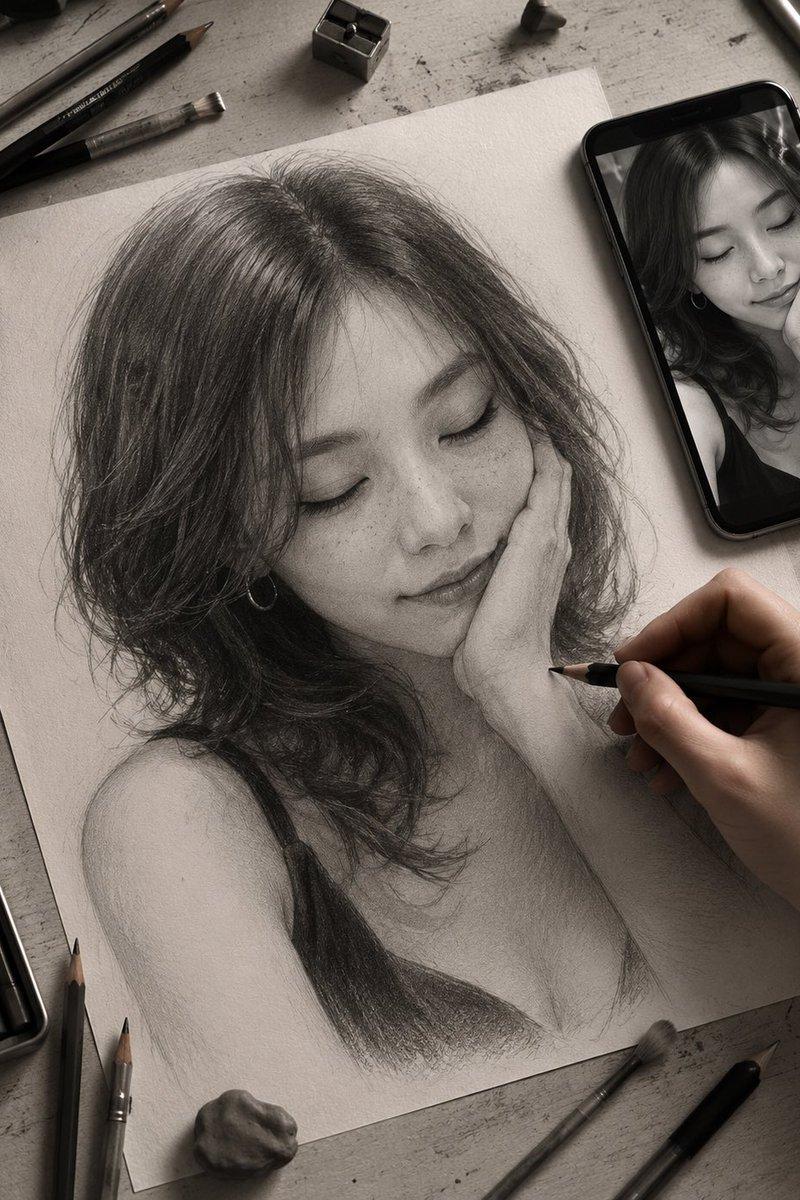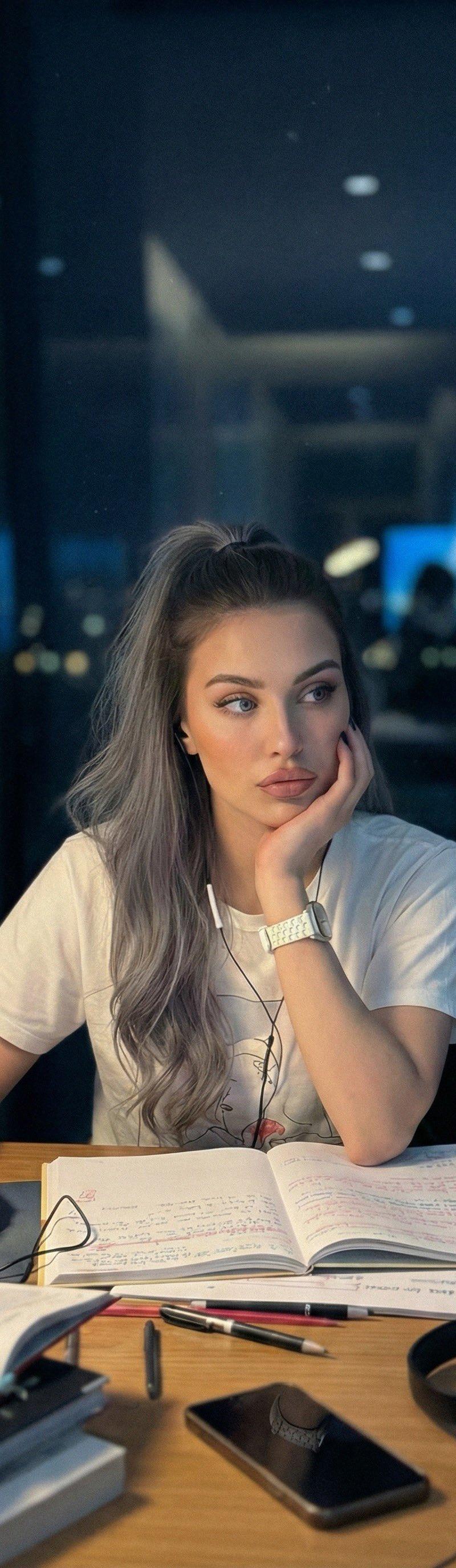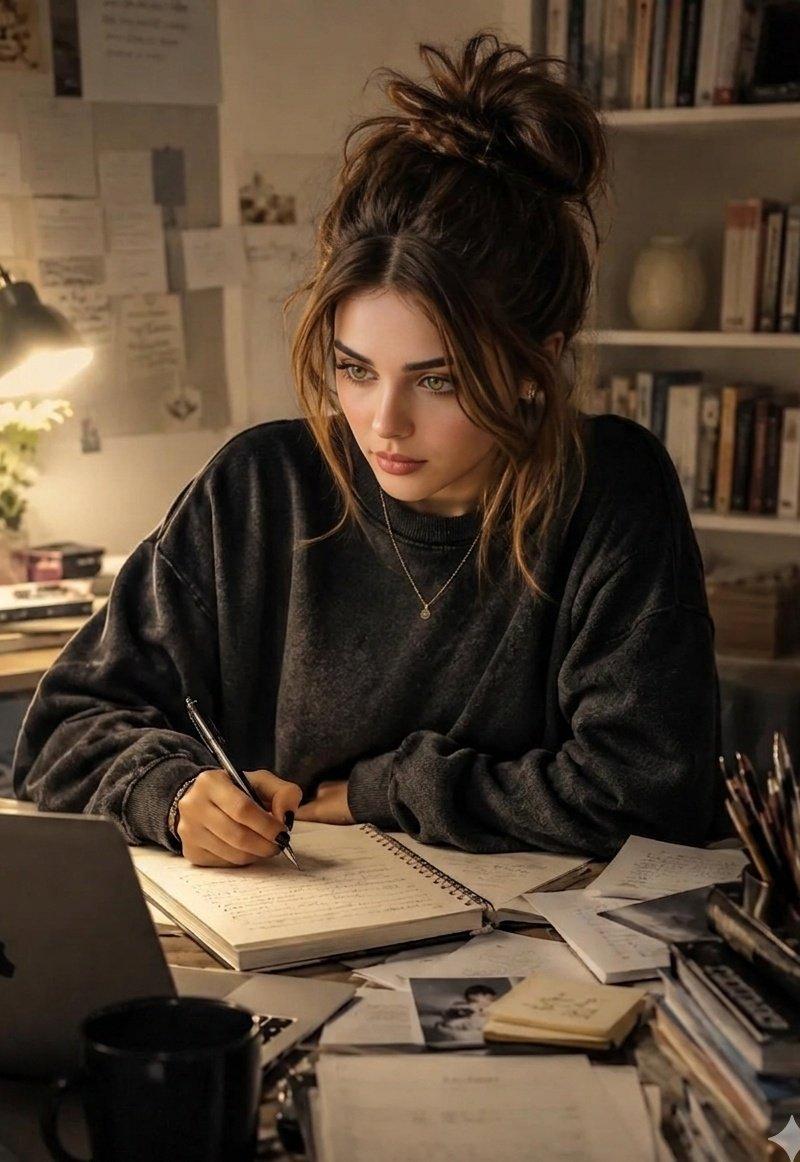
20

3D光学错觉笔记本艺术
Enlarge

Example images

3D光学错觉笔记本艺术

Prompt
3D Optical Illusion Notebook Art Using
Google Gemini ai Nano Banana 3 Pro.
Prompt ⤵️
{
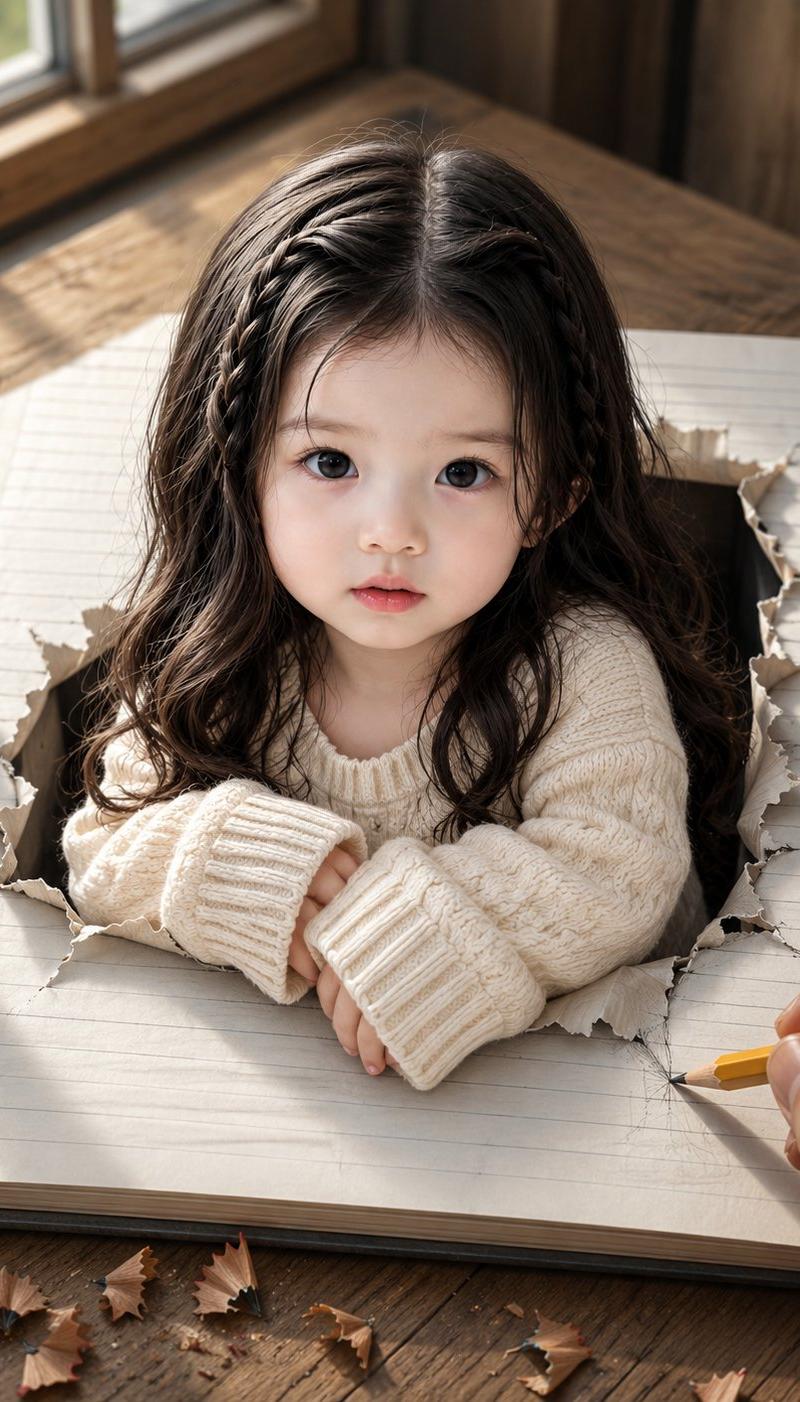
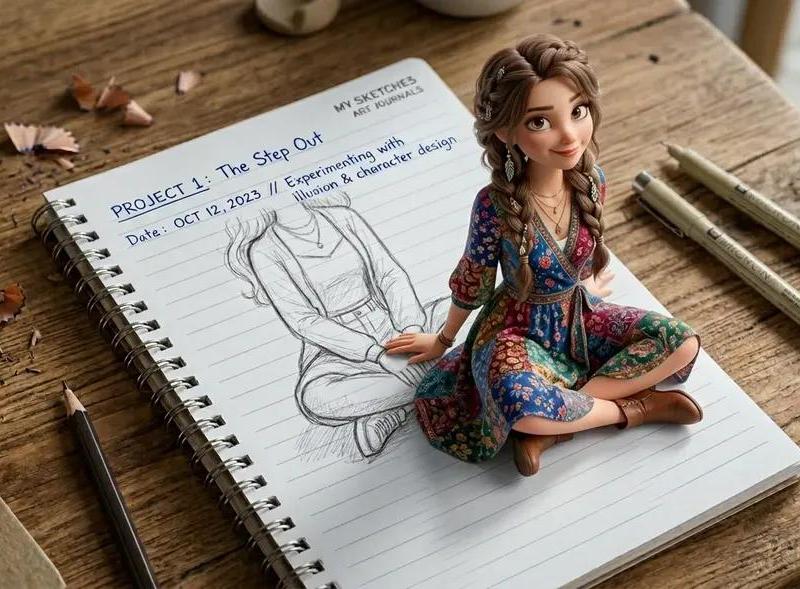
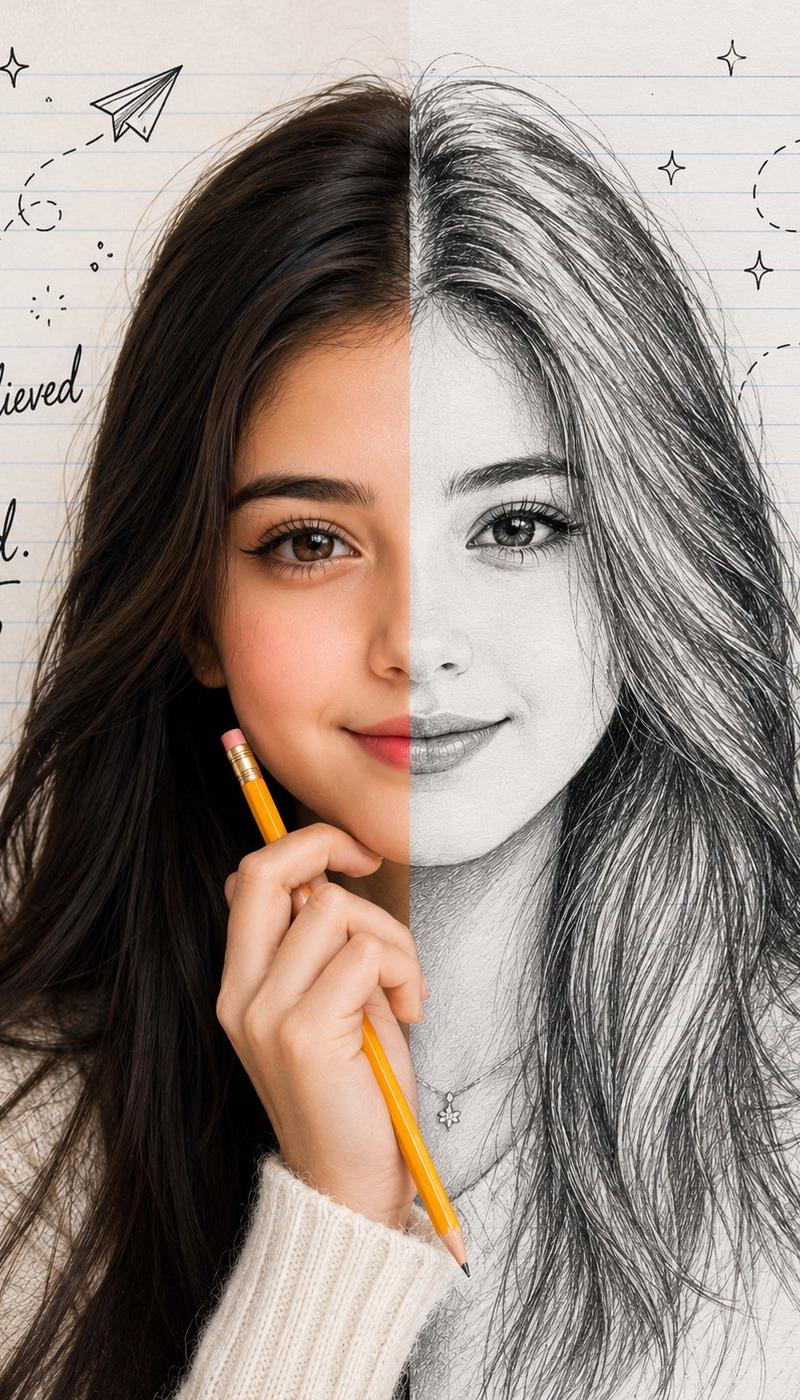
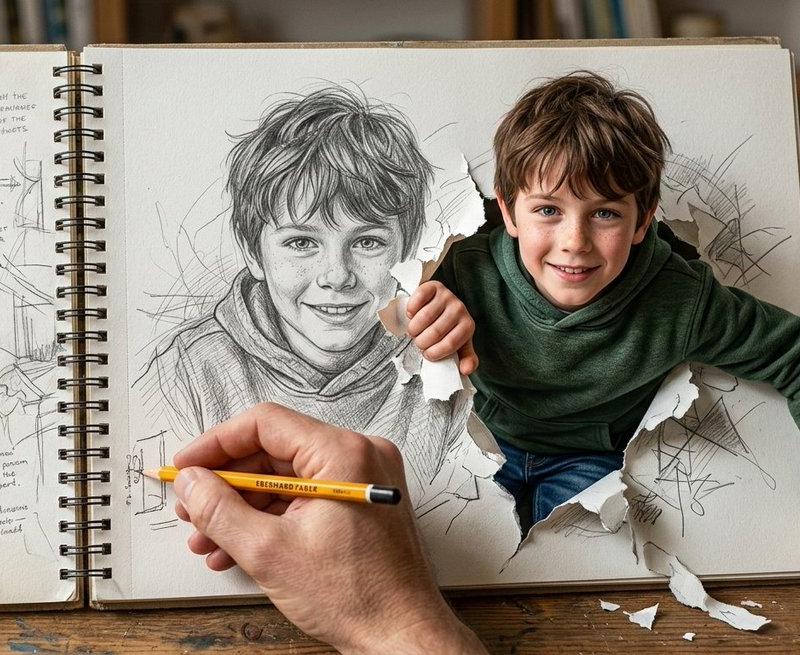
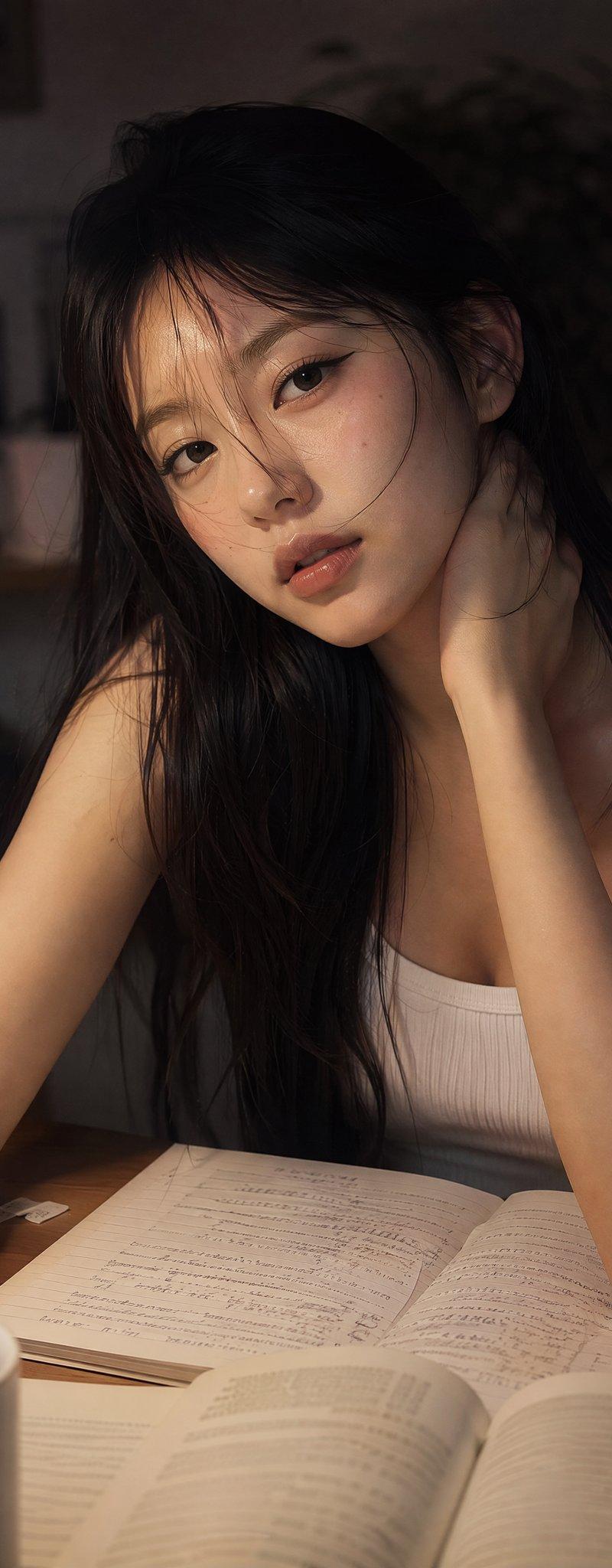
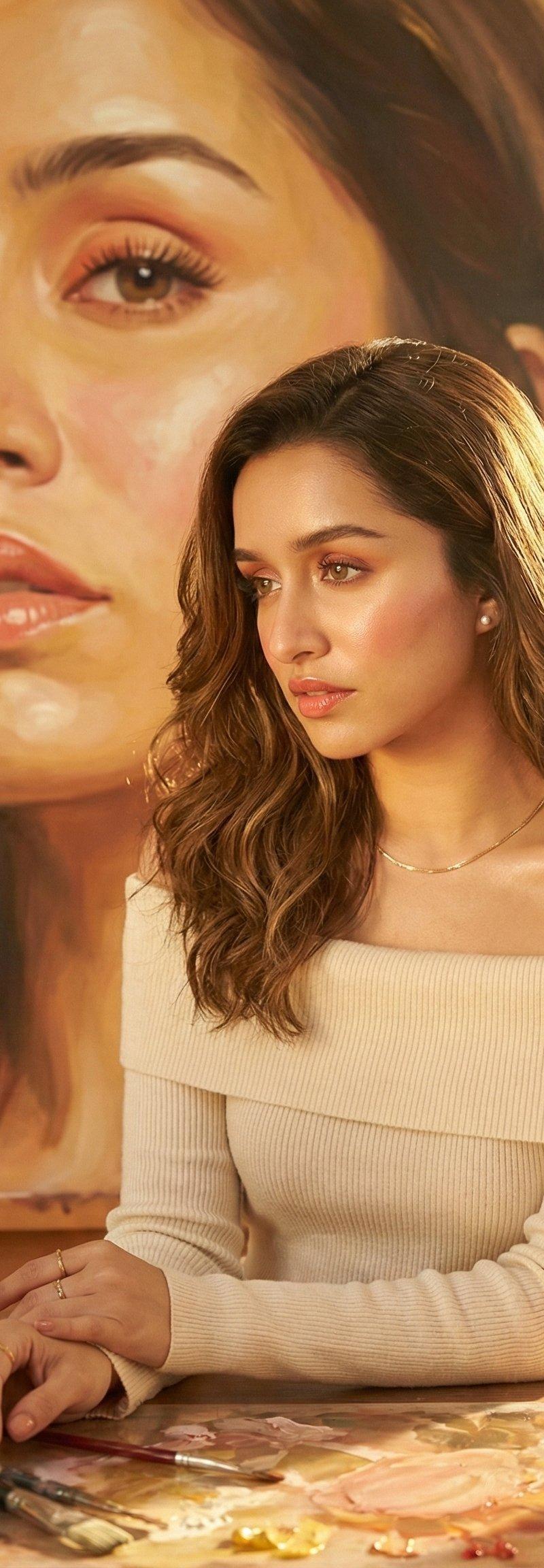
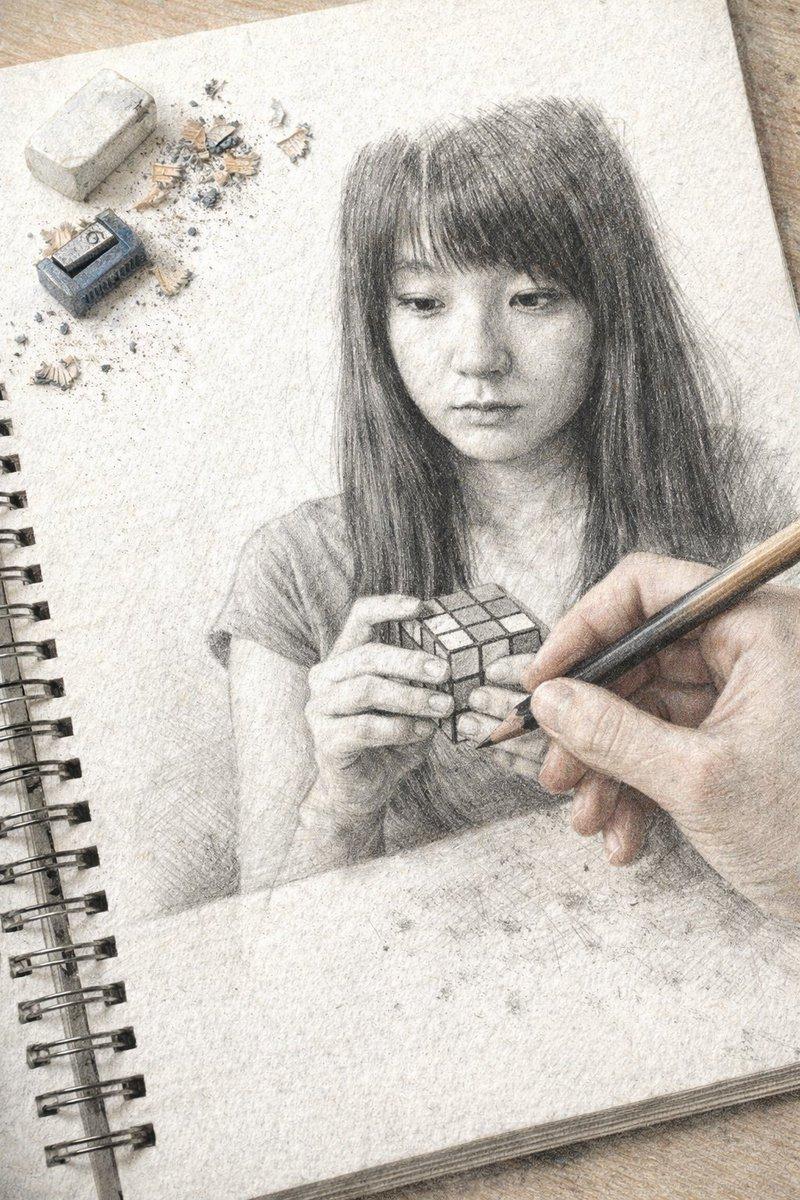
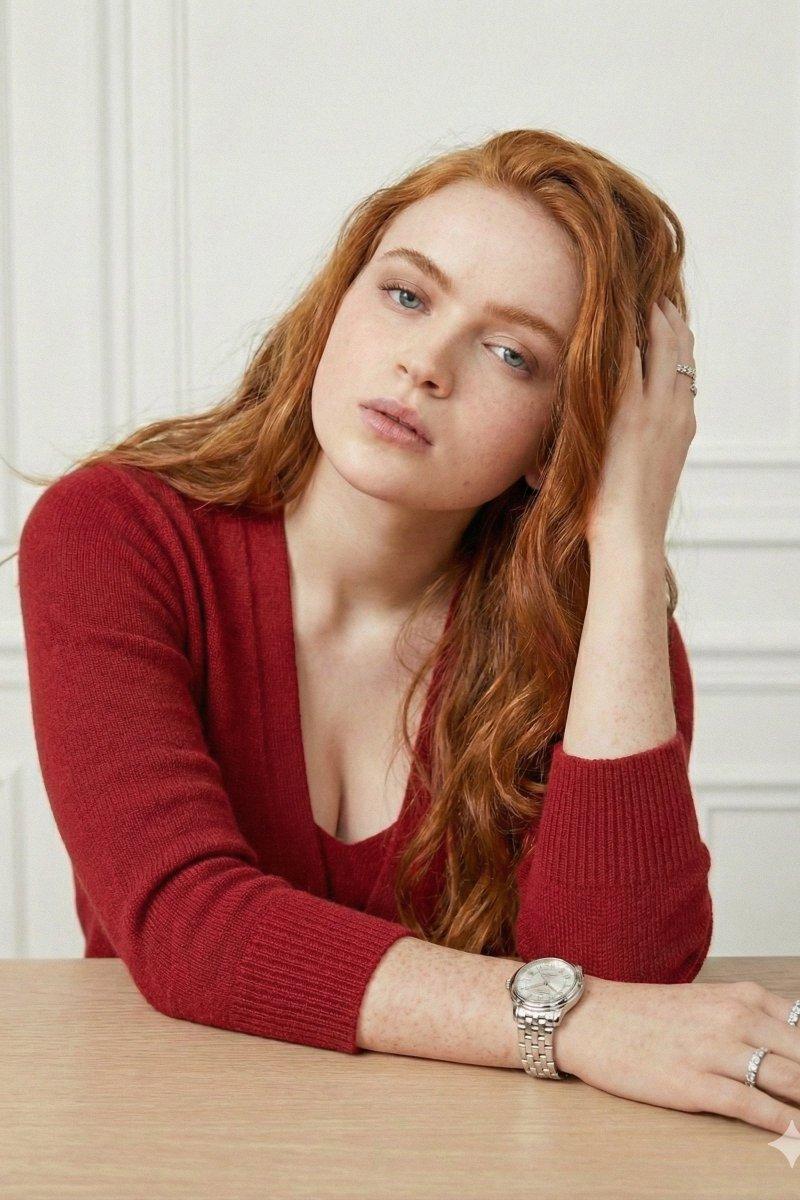
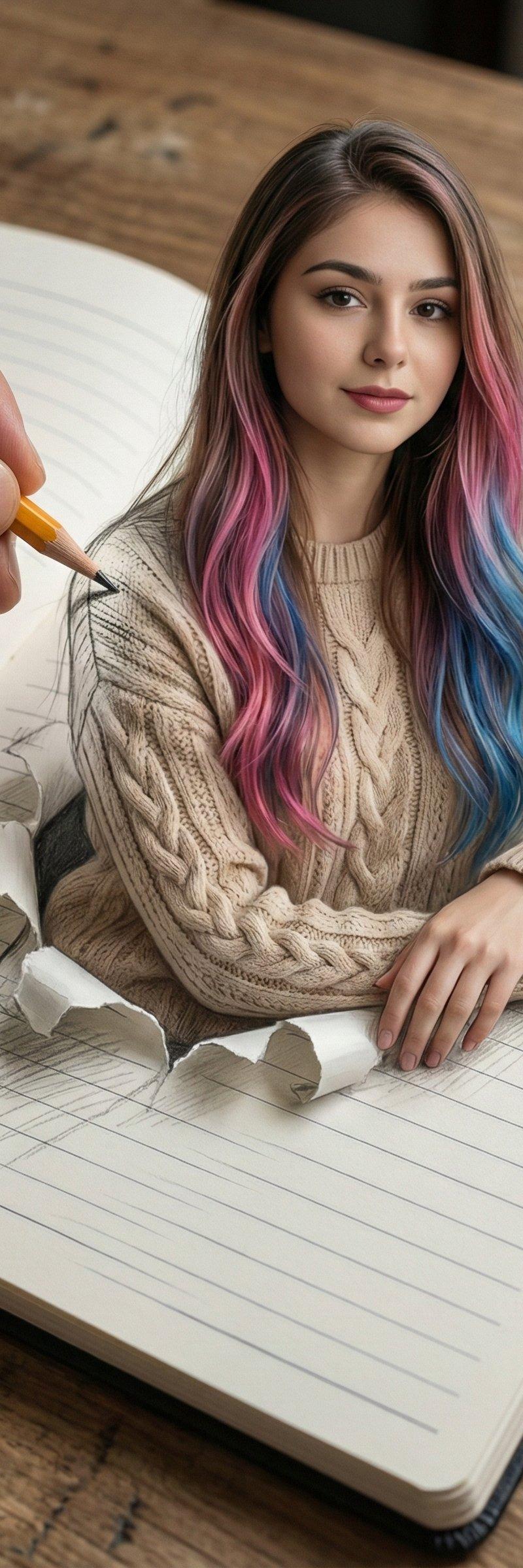
 "prompt": "A hyper-realistic 3D optical illusion artwork featuring a beautiful young Asian woman emerging from a lined notebook page. She has long wavy brown hair with vibrant pink and blue highlights and is wearing a cozy beige cable-knit sweater. She appears to be popping out of the paper with a torn paper effect around her waist, leaning her arms on the surface. A real human hand holding a yellow pencil is sketching her shoulder, blurring the line between 2D sketch and 3D reality. The notebook rests on a wooden table. High-angle shot, cinematic lighting, intricate details, 8k resolution, photorealistic skin texture.",
 "subject": {
 "demographics": "Young woman, Asian features",
 "hair": "Long brown hair with pink and blue distinct highlights",
 "clothing": "Beige cable-knit sweater",
 "pose": "Leaning forward, emerging from paper"
 },
 "environment": {
 "setting": "Wooden desk surface",
 "object": "Open lined notebook/sketchbook",
 "interaction": "A hand holding a yellow pencil drawing the subject"
 },
 "art_style": [
 "3D Anamorphic Art",
 "Optical Illusion",
 "Pencil vs Camera",
 "Hyper-realistic",
 "Surrealism",
 "Mixed Media"
 ],
 "technical_details": {
 "lighting": "Soft studio lighting on subject, natural lighting on desk",
 "view": "Top-down / High angle",
 "resolution": "8k, highly detailed"
 }
}
Category
Photography & Realism
Model
Nano Banana
Creator
Shreya Yadav
Source language
zh-CN
Views0
Source ID
3d-optical-illusion-notebook-art
Studio

Guide

About "3D光学错觉笔记本艺术"

What is this prompt for?

"3D光学错觉笔记本艺术" AI image prompt for Nano Banana (Photography & Realism). 3D Optical Illusion Notebook Art Using Google Gemini ai Nano Banana 3 Pro. Prompt ⤵️ { "…

The full copyable prompt and example visuals above are ready for AI image generation or one-click recreate in Picva.

How to use this prompt

  1. Step 1

    Open the prompt detail

    Review the example visuals, category, and full prompt text for "3D光学错觉笔记本艺术".

  2. Step 2

    Copy the prompt

    Copy the prompt body from this page, or load it directly in Studio.

  3. Step 3

    Pick a model (Nano Banana)

    Prefer Nano Banana. If you switch models, keep subject and composition and tweak style terms.

  4. Step 4

    Generate and export

    Recreate the look in Picva, or export into your workflow for editing and publishing.

FAQ

What is the "3D光学错觉笔记本艺术" prompt?
It is an AI image-generation prompt for Nano Banana in the Photography & Realism category. This page includes the full prompt text, example visuals, and a one-click recreate path in Picva.
How do I use this prompt to generate an image?
Copy the prompt from this page, or use Generate / Studio. Paste it into a compatible image model, or recreate the look in Picva with optional reference images.
Which model is this prompt for?
This page lists Nano Banana. Most descriptive prompts also transfer to nearby image models such as GPT Image, Flux, or Midjourney with light style tweaks.
Can I use the result commercially?
You can usually copy the prompt for creation, but commercial use of the final image depends on the model terms, reference-image rights, and the generated content. Follow the source author and platform rules.